
Export Audio
Extract audio from videos
How much does Export Audio cost?
Prices are current as of 7 Oct 2026.
1 subscription from $4.99
In the United States, Export Audio has 1 subscription priced $4.99.
| Subscription | Period | Price |
|---|---|---|
| Remove ADs | Annual | $4.99 |
4 one-time purchases from $1.99
In the United States, Export Audio has 4 one-time purchases priced $1.99 – 9.99.
| Product | Price |
|---|---|
| Small Coffee | $1.99 |
| Medium Coffee | $2.99 |
| Large Coffee | $4.99 |
| Barista Special | $9.99 |
Export Audio download price by country
| Country | Price |
|---|---|
| Japan | Free |
| United States | Free |
| United Kingdom | Free |
| Mexico | Free |
| Canada | Free |
| Germany | Free |
| Spain | Free |
| Australia | Free |
| Peru | Free |
| Chile | Free |
| Colombia | Free |
| Dominican Republic | Free |
| Russia | Free |
| Belgium | Free |
| Netherlands | Free |
| Vietnam | Free |
| Argentina | Free |
| Brazil | Free |
| Hong Kong | HK$8.00 |
| Indonesia | Free |
| Italy | Free |
| Malaysia | Free |
| Philippines | Free |
| Taiwan | Free |
| South Africa | Free |
| Austria | Free |
| Cyprus | Free |
| Cambodia | Free |
| Kuwait | Free |
| Namibia | Free |
| Nigeria | Free |
| Norway | Free |
| New Zealand | Free |
| Poland | Free |
| Sweden | Free |
| Singapore | Free |
| Ukraine | Free |
| United Arab Emirates | Free |
| Afghanistan | Free |
| Albania | Free |
| Angola | Free |
| Bosnia & Herzegovina | Free |
| Bulgaria | Free |
| Bhutan | Free |
| Switzerland | Free |
| China | CN¥8.00 |
| Czech Republic | Free |
| Denmark | Free |
| Egypt | Free |
| Fiji | Free |
| Ghana | Free |
| Guatemala | Free |
| Honduras | Free |
| Ireland | Free |
| Israel | Free |
| Jordan | Free |
| Lebanon | Free |
| Sri Lanka | Free |
| Myanmar | Free |
| Portugal | Free |
| El Salvador | Free |
| Thailand | Free |
| Turkey | Free |
| Uganda | Free |
| Zimbabwe | Free |
| Antigua And Barbuda | Free |
| Anguilla | Free |
| Armenia | Free |
| Azerbaijan | Free |
| Barbados | Free |
| Burkina Faso | Free |
| Bahrain | Free |
| Benin | Free |
| Bermuda | Free |
| Brunei Darussalam | Free |
| Bolivia | Free |
| Bahamas | Free |
| Botswana | Free |
| Belarus | Free |
| Belize | Free |
| Congo, Democratic Republic | Free |
| Congo | Free |
| Cote Divoire | Free |
| Cameroon | Free |
| Costa Rica | Free |
| Cape Verde | Free |
| Dominica | Free |
| Algeria | Free |
| Ecuador | Free |
| Estonia | Free |
| Finland | Free |
| Micronesia | Free |
| Gabon | Free |
| Grenada | Free |
| Georgia | Free |
| Gambia | Free |
| Greece | Free |
| Guinea-bissau | Free |
| Guyana | Free |
| Croatia | Free |
| Hungary | Free |
| India | Free |
| Iraq | Free |
| Iceland | Free |
| Jamaica | Free |
| Kenya | Free |
| Kyrgyzstan | Free |
| St. Kitts and Nevis | Free |
| South Korea | Free |
| Cayman Islands | Free |
| Kazakhstan | Free |
| Lao Peoples Democratic Republic | Free |
| St. Lucia | Free |
| Liberia | Free |
| Lithuania | Free |
| Luxembourg | Free |
| Latvia | Free |
| Libya | Free |
| Morocco | Free |
| Moldova | Free |
| Montenegro | Free |
| Madagascar | Free |
| Macedonia | Free |
| Mali | Free |
| Mongolia | Free |
| Macao | Free |
| Mauritania | Free |
| Montserrat | Free |
| Malta | Free |
| Mauritius | Free |
| Maldives | Free |
| Malawi | Free |
| Mozambique | Free |
| Niger | Free |
| Nicaragua | Free |
| Nepal | Free |
| Nauru | Free |
| Oman | Free |
| Panama | Free |
| Papua New Guinea | Free |
| Pakistan | Free |
| Palau | Free |
| Paraguay | Free |
| Qatar | Free |
| Romania | Free |
| Serbia | Free |
| Rwanda | Free |
| Saudi Arabia | Free |
| Solomon Islands | Free |
| Seychelles | Free |
| Slovenia | Free |
| Slovakia | Free |
| Sierra Leone | Free |
| Senegal | Free |
| Suriname | Free |
| Sao Tome & Principe | Free |
| Swaziland | Free |
| Turks and Caicos | Free |
| Chad | Free |
| Tajikistan | Free |
| Turkmenistan | Free |
| Tunisia | Free |
| Tonga | Free |
| Trinidad and Tobago | Free |
| Tanzania | Free |
| Uruguay | Free |
| Uzbekistan | Free |
| St. Vincent & The Grenadines | Free |
| Venezuela | Free |
| British Virgin Islands | Free |
| Vanuatu | Free |
| Kosovo | Free |
| Yemen | Free |
| Zambia | Free |
10+ alternatives to Export Audio
| Export Audio | 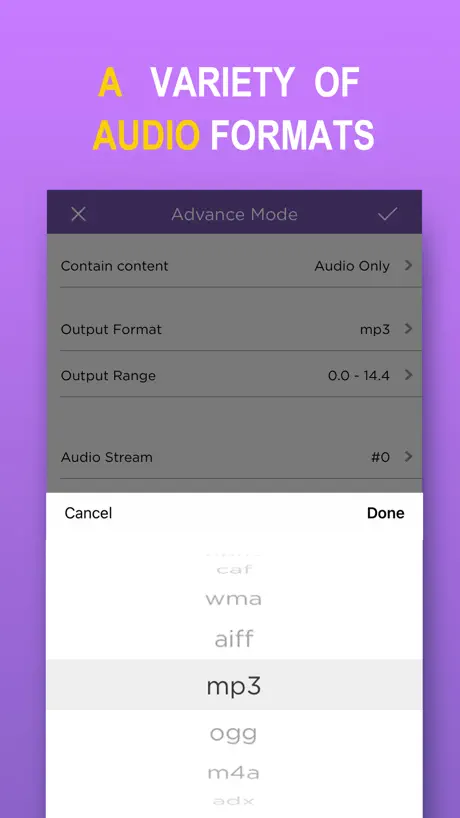  MP3 Converter -Audio Extractor MP3 Converter -Audio Extractor | 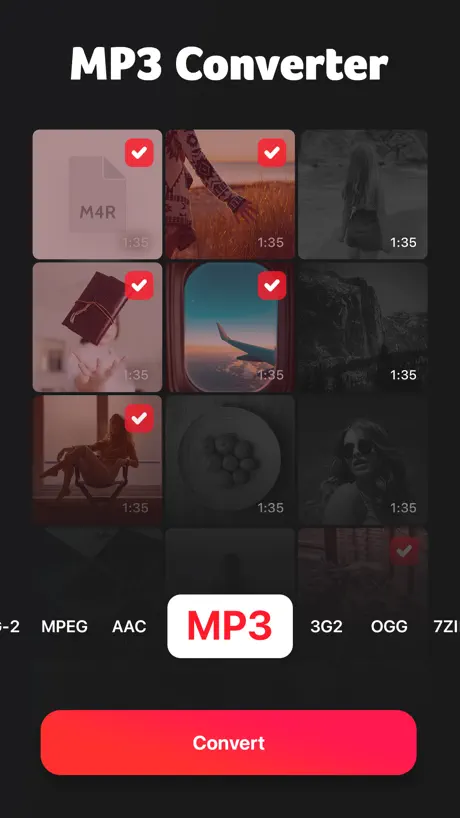  MP3 Converter: Video to Audio MP3 Converter: Video to Audio | 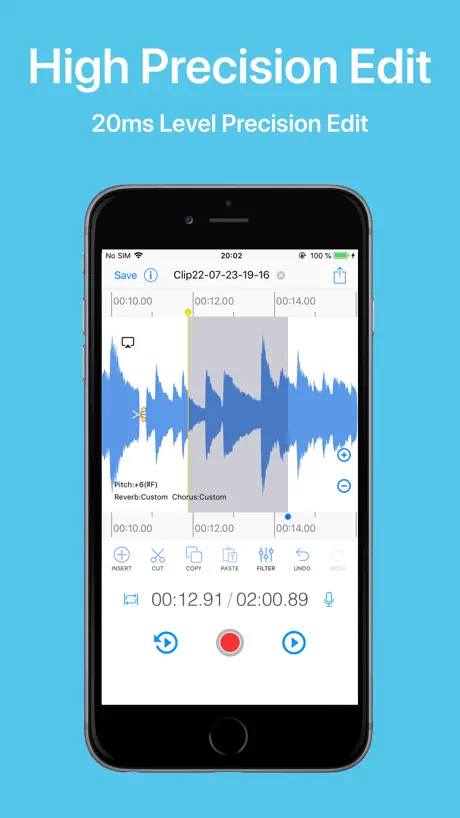  EZAudioCut - Audio Editor Lite EZAudioCut - Audio Editor Lite |   Flat: Sheet Music Maker & Tabs Flat: Sheet Music Maker & Tabs |   EasyMp3 Video to mp3 Converter EasyMp3 Video to mp3 Converter |   Audio Noise Reducer & Recorder Audio Noise Reducer & Recorder |   WavePad Music and Audio Editor WavePad Music and Audio Editor | 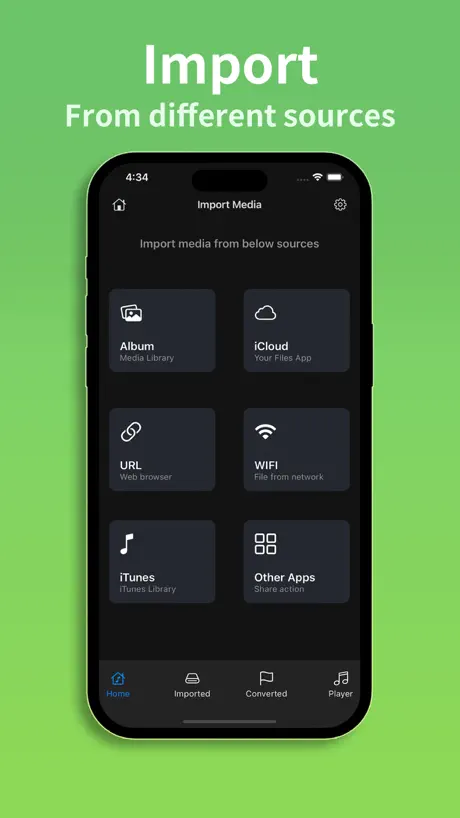  Any MP3 Converter -Extract MP3 Any MP3 Converter -Extract MP3 | 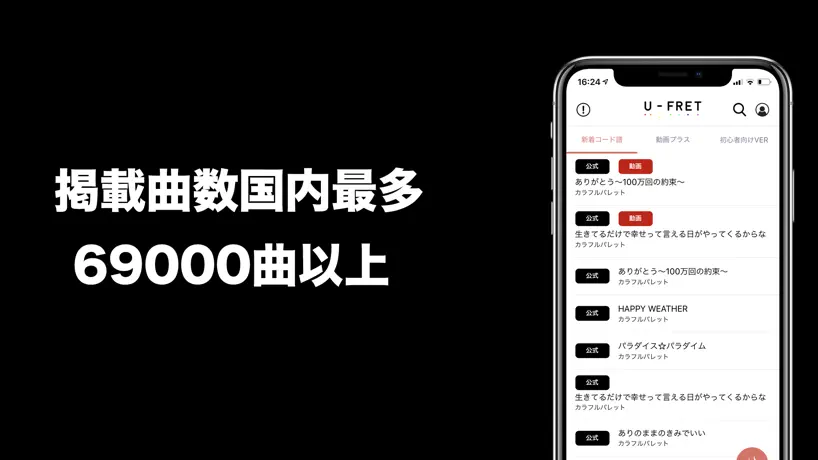  U-FRET-ギターコードの楽譜、ギター練習のギターアプリ U-FRET-ギターコードの楽譜、ギター練習のギターアプリ |   Vocal Extractor -Karaoke maker Vocal Extractor -Karaoke maker | |
|---|---|---|---|---|---|---|---|---|---|---|---|
| Rating / 5 | 4.7 | 4.8 | 4.5 | 4.8 | 4.5 | 4.7 | 4.6 | 4.6 | 4.6 | 2.1 | 4.3 |
| Reviews | 8K | 407K | 76K | 53K | 21K | 17K | 10K | 8.7K | 4K | 2.2K | 2.1K |
| Released | 2017 | 2017 | 2021 | 2017 | 2017 | 2018 | 2019 | 2010 | 2023 | 2019 | 2018 |
| Monthly price | — | $3.49 | — | — | $9.99 | — | $9.99 | $1.99 | $7.99 | $4.99 | — |
| Annual price | $4.99 | $6.49 | $9.99 | — | $39.99 | — | $39.99 | — | $29.99 | $49.99 | — |
| One-time price | $2.99 | $15.99 | — | $8.99 | $119.00 | $2.99 | $4.99 | $4.99 | $29.99 | — | $2.99 |
The going rate for each plan in United States, in its own currency, shaded from the cheapest price on the row to the dearest. Plans fewer than four in ten of the priced apps sell are left out.
Export Audio reviews
4.7 out of 5, based on 8,024 reviews.
What people like
- Works perfectly for extracting audio.
- Very easy and fast to use.
- Great tool for snatching video sound.
What they complain about
- Ads interrupt you constantly.
- No search or playlist features.
- Files are hard to find after saving.
Useful
Does what it says on the tin. I use this to get the audio track from videos, then export it to other apps.
再生リストを作ってください
普段聴く曲をプレイリストに入れて、聴けるようにしたい。
Awesome
I’ve had the app for several years now and it’s great. Never been an issue with it. Only thing I wish would be updated is the ability to organize my songs into actual playlists instead of manually having to select the songs I want to listen to. So devs if you need an update idea, definitely consider better playlist organization!
びっくり
レビューを見てダウンロードしたのですが、YouTubeを画面録画したものは音声を抽出できませんでした。やり方が間違っている可能性もありますが、思っていたのと違って驚きました。
改悪
上がったことによって起こったタイトルが添付できなくなった事。動画の音声が歪んで編集しても音声がアウト!
She is the best and
Can’t believe you are
不快
保存先にファイルが出なくなった マジ使えない最悪
Great app, a few suggestions
This is an excellent app, I’m only rating it 4 stars because I have some requests and one thing I have an issue with. 1: I enjoy the ability to play audio files as music, and I would like that feature to be leaned into more. For example, the ability to create playlists. In order to play several songs in a row without playing every audio file in the app, I have to manually combine the songs into one, limiting the amount I can have playing at once and making it a bit awkward to set up. 2: add a one-time payment to get rid of all ads, like others have suggested. Not much else to say about this one, it speaks for itself. 3: the ads are USUALLY unobtrusive. Unfortunately, an issue I only experienced on my older iPhone was the fact that, when extracting audio, a nearly fullscreen ad will pop up, putting a button at the top of the screen that you need to press to get rid of it. As the button to view the audio is usually at the bottom of the screen, this leads to accidentally clicking on the ad a lot of the time if you’re not used to it. If this is something that only happens on older phones, I don’t have as much of an issue with it, but if it’s some kind of random chance that could theoretically be applied to any version, I hope it’s removed. I would give this app 4 1/2 stars if I could, but I unfortunately can only rate it 4, so know this review is mostly just small things and a few recommendations to make the app better. I really enjoy this app and hope it continues to improve.
削除どこ?
機能としては良いがアップロードした動画はどこで削除できるのか知りたい
Sound is low
The app works great. It’s easy to isolate your sound, but when you make it a ringtone or a timer alert, it’s muted. It’s not as loud as the original audio. Makes it unusable as an alarm sound because you cannot hear it.
Great
Love it
音声抽出ができない
どのような動画や曲で抽出をしても音声だけになりません(T_T)使い方は合っているはずなのですが(T_T)アプリを再インストールしても変わりません。まだ音声抽出として使えていないのでとりあえず星一ですが、出来次第変更します
Great app! Add search feature pls
I love this app! Very easy to use. I’ve made a long list of audio clips and titled them. Too bad there is no SEARCH feature to find your clips faster.
使いにくい
動画を音声にしたはずなのに肝心のファイルが見当たらない
今まではとても満足して使えていました
今までは普通に使えていたのですが、何故か音にエコーがかかったようになってしまって直りません。
Cool app
Rly good if you wanna download and store music that’s not released on there
使い方
使い方分からないです…説明不足ではありませんか?
Very good app just needs one added feature
I would like to be able to select multiple files (extracted audio files) in order to upload them to a cloud drive all together. Having to upload files one at a time is a pain.
リピート機能
音を再生するときに、初期動作が一曲リピートなのを改善してほしい。
Great app
Perfect for keeping all of my favorite leaked albums and music.
イヤホン付けて音楽を聴くと変な声がするため、いち早く修正をお願いします。
いち早く修正をお願いして欲しいのですが、「最近お金使いすぎた」と変な声がイヤホンから聞こえます。キャッシュクリアや再インストールをしても同じ音が鳴ります。
Good app for free, but one problem
This is a good app and it has helped me a lot because I am a musician and I used it to get audio samples from videos. The only problem is that when I am choosing videos it doesn’t give me access to the different albums I created in my photo gallery. It only allows access to my “recent”, which makes it harder to find the videos I want to sample because they are not organized.
動画を読み込めなくなった
動画を読み込もうとしておすと、ホーム画面に戻っちゃうようになりました😭 それ以外は使い勝手がいいです!
Works great!
Very handy tool for snagging audio off of video clips, screenshot, screenshots, etc.
Not good
Not good
Pretty good
This app is amazing and I loved it since I installed it however recently it has said extract error and I’m not sure why :/
昨日の追加
検索機能、並び替えなどができるようになればより使いやすいです。 もしよければお願いします
Gracias
Muy buena aplicación
It doesn’t work
I keep getting error while trying to extract from video to audio
please add functionality for long videos
i will straight up pay you to have a function for extracting audio from videos that are 3+ hours long!!!
Doesn’t work anymore
It only saves in video format now, so audio is useless
Moving things
Works perfectly, only ask is that you allow free movement or changing of the positions of the audio files ^^
Wo bleiben die Dateien
Man kann zu den Ergebnissen nichts sagen, weil man die konvertierten Dateien nicht mehr wiederfindet. Ich wüsste gern, wok sie abgespeichert werden!
Works Great, BUT...
This is an excellent little app; I’ve needed something like this for awhile to be able to extract and process the sound track from my video clips, and this does the job beautifully. My only complaint, and it is a big one, is the ads. They are not terribly offensive or distracting; they don’t really interfere with the operation of the app, but I would like the option to pay a one-time fee for the app, which I would be happy to do! There is no good reason for this developer to not include this option. As soon as you include an IAP to upgrade to 100% ad-free, I will gladly pay, and will increase my rating to 5 stars.
Okay but
I can’t seem to find the video on my phone once I extract it. It doesn’t show up in music. I have an iPhone so is that the issue?
Truly Works 2024
I highly recommend this app MM4C
Where are the created audiofiles?
Pressing "open in app" and "share" does nothing, and support-page is not my language. How should i contact you, as you ask for?
I love it BUT...
This app does a great job stripping audio from videos. It can also save and play back the audio. BUT... It has no repeat function (to play a file over and over) or playlist function (to play one file after another). So I have to use ANOTHER APP to listen to the files because I like to listen to content over and over to REALLY learn it =( Oh well. I’m grateful for what it can do, but it could be improved.
Gud but it is not showing recent vedios in gallery
App is good but not showing recently added vedios
Recomendado
Fácil y rápido
Doesn’t work
Doesn’t convert. Just makes it look like it does but still has “img” at the front of the file name.
Pretty dang good!
This is pretty useful when iMovie or your editing app breaks down because of music or audio issues. I find it easy to transport to iMovie or Video Star
Export Audio price by country
An annual subscription costs $0.73 in Turkey and $6.75 in Denmark — 9× more for the same thing. Below is the going rate for each plan in every country that sells it — the middle price of what the app charges there, in the country's own currency with the dollar equivalent beneath it.
| Country | Annual | One-time |
|---|---|---|
| Afghanistan | $4.99 | $2.99 |
| Albania | $5.99 | $3.99 |
| Algeria | $4.99 | $2.99 |
| Angola | $4.99 | $2.99 |
| Anguilla | $4.99 | $2.99 |
| Antigua And Barbuda | $4.99 | $2.99 |
| Argentina | $4.99 | $2.99 |
| Armenia | $4.99 | $3.99 |
| Australia | A$7.99$5.55 | A$4.99$3.47 |
| Austria | €5.49$6.15 | €2.99$3.35 |
| Azerbaijan | $4.99 | $3.99 |
| Bahamas | $4.99 | $2.99 |
| Bahrain | $4.99 | $2.99 |
| Barbados | $4.99 | $3.99 |
| Belarus | $4.99 | $3.99 |
| Belgium | €5.49$6.15 | €2.99$3.35 |
| Belize | $4.99 | $2.99 |
| Benin | $4.99 | $3.99 |
| Bermuda | $4.99 | $2.99 |
| Bhutan | $4.99 | $2.99 |
| Bolivia | $4.99 | $2.99 |
| Bosnia & Herzegovina | €5.49$6.15 | €2.99$3.35 |
| Botswana | $4.99 | $2.99 |
| Brazil | R$20.90$4.16 | R$19.90$3.96 |
| British Virgin Islands | $4.99 | $2.99 |
| Brunei Darussalam | $4.99 | $2.99 |
| Bulgaria | €5.49$6.15 | €2.99$3.35 |
| Burkina Faso | $4.99 | $2.99 |
| Cambodia | $4.99 | $2.99 |
| Cameroon | $4.99 | $3.99 |
| Canada | CA$6.49$4.54 | CA$3.99$2.79 |
| Cape Verde | $4.99 | $2.99 |
| Cayman Islands | $4.99 | $2.99 |
| Chad | $4.99 | $2.99 |
| Chile | CLP 4,200$4.25 | CLP 2,990$3.02 |
| China | CN¥35.00$5.22 | CN¥22.00$3.28 |
| Colombia | COP 20,900$6.36 | COP 14,900$4.53 |
| Congo | $4.99 | $3.99 |
| Congo, Democratic Republic | $4.99 | $2.99 |
| Costa Rica | $4.99 | $2.99 |
| Cote Divoire | $4.99 | $3.99 |
| Croatia | €5.71$6.40 | €2.99$3.35 |
| Cyprus | €5.49$6.15 | €2.99$3.35 |
| Czech Republic | CZK 139.00$6.37 | CZK 79.00$3.62 |
| Denmark | DKK 45.00$6.75 | DKK 29.00$4.35 |
| Dominica | $4.99 | $2.99 |
| Dominican Republic | $4.99 | $2.99 |
| Ecuador | $4.99 | $2.99 |
| Egypt | EGP 82.99$1.58 | EGP 149.99$2.86 |
| El Salvador | $4.99 | $2.99 |
| Estonia | €5.49$6.15 | €2.99$3.35 |
| Fiji | $4.99 | $2.99 |
| Finland | €5.49$6.15 | €2.99$3.35 |
| Gabon | $4.99 | $2.99 |
| Gambia | $4.99 | $2.99 |
| Georgia | $4.99 | $3.99 |
| Germany | €5.49$6.15 | €2.99$3.35 |
| Ghana | $4.99 | $3.99 |
| Greece | €5.49$6.15 | €2.99$3.35 |
| Grenada | $4.99 | $2.99 |
| Guatemala | $4.99 | $2.99 |
| Guinea-bissau | $4.99 | $2.99 |
| Guyana | $4.99 | $2.99 |
| Honduras | $4.99 | $2.99 |
| Hong Kong | HK$38.00$4.84 | HK$22.00$2.80 |
| Hungary | HUF 1,890$5.77 | HUF 1,490$4.55 |
| Iceland | $6.19 | $3.99 |
| India | ₹419.00$4.35 | ₹299.00$3.10 |
| Indonesia | IDR 69,000$3.86 | IDR 59,000$3.30 |
| Iraq | $4.99 | $2.99 |
| Ireland | €5.49$6.15 | €2.99$3.35 |
| Israel | ₪17.90$5.87 | ₪9.90$3.25 |
| Italy | €5.49$6.15 | €2.99$3.35 |
| Jamaica | $4.99 | $2.99 |
| Japan | ¥500$3.16 | ¥500$3.16 |
| Jordan | $4.99 | $2.99 |
| Kazakhstan | KZT 1,950.00$4.27 | KZT 1,790.00$3.92 |
| Kenya | $4.99 | $3.99 |
| Kosovo | €5.49$6.15 | €2.99$3.35 |
| Kuwait | $4.99 | $2.99 |
| Kyrgyzstan | $4.99 | $2.99 |
| Lao Peoples Democratic Republic | $4.99 | $2.99 |
| Latvia | €5.49$6.15 | €2.99$3.35 |
| Lebanon | $4.99 | $2.99 |
| Liberia | $4.99 | $2.99 |
| Libya | $4.99 | $2.99 |
| Lithuania | €5.49$6.15 | €2.99$3.35 |
| Luxembourg | €5.49$6.15 | €2.99$3.35 |
| Macao | $4.99 | $2.99 |
| Macedonia | $4.99 | $2.99 |
| Madagascar | $4.99 | $2.99 |
| Malawi | $4.99 | $2.99 |
| Malaysia | MYR 21.90$5.35 | MYR 14.90$3.64 |
| Maldives | $4.99 | $2.99 |
| Mali | $4.99 | $2.99 |
| Malta | €5.49$6.15 | €2.99$3.35 |
| Mauritania | $4.99 | $2.99 |
| Mauritius | $4.99 | $3.99 |
| Mexico | MX$115.00$6.35 | MX$69.00$3.81 |
| Micronesia | $4.99 | $2.99 |
| Moldova | $4.99 | $3.99 |
| Mongolia | $4.99 | $2.99 |
| Montenegro | €5.49$6.15 | €2.99$3.35 |
| Montserrat | $4.99 | $2.99 |
| Morocco | $4.99 | $3.99 |
| Mozambique | $4.99 | $2.99 |
| Myanmar | $4.99 | $2.99 |
| Namibia | $4.99 | $2.99 |
| Nauru | $4.99 | $2.99 |
| Nepal | $4.99 | $3.99 |
| Netherlands | €5.49$6.15 | €2.99$3.35 |
| New Zealand | NZ$8.99$5.02 | NZ$4.99$2.79 |
| Nicaragua | $4.99 | $2.99 |
| Niger | $4.99 | $2.99 |
| Nigeria | NGN 1,800.00$1.35 | NGN 4,900.00$3.68 |
| Norway | NOK 59.00$6.15 | NOK 39.00$4.07 |
| Oman | $4.99 | $2.99 |
| Pakistan | PKR 790$2.85 | PKR 900$3.25 |
| Palau | $4.99 | $2.99 |
| Panama | $4.99 | $2.99 |
| Papua New Guinea | $4.99 | $2.99 |
| Paraguay | $4.99 | $2.99 |
| Peru | PEN 16.90$4.91 | PEN 12.90$3.75 |
| Philippines | ₱259.00$4.13 | ₱199.00$3.18 |
| Poland | PLN 23.99$6.14 | PLN 14.99$3.83 |
| Portugal | €5.49$6.15 | €2.99$3.35 |
| Qatar | QAR 17.99$4.94 | QAR 9.99$2.74 |
| Romania | RON 25.99$5.46 | RON 14.99$3.15 |
| Russia | RUB 399.00$4.68 | RUB 249.00$2.92 |
| Rwanda | $4.99 | $2.99 |
| Sao Tome & Principe | $4.99 | $2.99 |
| Saudi Arabia | SAR 20.99$5.60 | SAR 12.99$3.46 |
| Senegal | $4.99 | $3.99 |
| Serbia | €5.49$6.15 | €2.99$3.35 |
| Seychelles | $4.99 | $2.99 |
| Sierra Leone | $4.99 | $2.99 |
| Singapore | SGD 7.48$5.84 | SGD 3.98$3.11 |
| Slovakia | €5.49$6.15 | €2.99$3.35 |
| Slovenia | €5.49$6.15 | €2.99$3.35 |
| Solomon Islands | $4.99 | $2.99 |
| South Africa | ZAR 89.99$5.40 | ZAR 59.99$3.60 |
| South Korea | ₩6,500$4.84 | ₩4,400$3.28 |
| Spain | €5.49$6.15 | €2.99$3.35 |
| Sri Lanka | $4.99 | $2.99 |
| St. Kitts and Nevis | $4.99 | $2.99 |
| St. Lucia | $4.99 | $2.99 |
| St. Vincent & The Grenadines | $4.99 | $2.99 |
| Suriname | $4.99 | $2.99 |
| Swaziland | $4.99 | $2.99 |
| Sweden | SEK 59.00$5.88 | SEK 39.00$3.88 |
| Switzerland | CHF 5.50$6.62 | CHF 3.00$3.61 |
| Taiwan | NT$170.00$5.35 | NT$90.00$2.83 |
| Tajikistan | $4.99 | $2.99 |
| Tanzania | TZS 11,500.00$4.35 | TZS 9,900.00$3.75 |
| Thailand | THB 149.00$4.42 | THB 99.00$2.94 |
| Tonga | $4.99 | $2.99 |
| Trinidad and Tobago | $4.99 | $2.99 |
| Tunisia | $4.99 | $2.99 |
| Turkey | TRY 35.99$0.73 | TRY 149.99$3.05 |
| Turkmenistan | $4.99 | $2.99 |
| Turks and Caicos | $4.99 | $2.99 |
| Uganda | $4.99 | $3.99 |
| Ukraine | $4.99 | $3.99 |
| United Arab Emirates | AED 18.99$5.17 | AED 12.99$3.54 |
| United Kingdom | £4.99$6.60 | £2.99$3.96 |
| United States | $4.99 | $2.99 |
| Uruguay | $4.99 | $2.99 |
| Uzbekistan | $4.99 | $2.99 |
| Vanuatu | $4.99 | $2.99 |
| Venezuela | $4.99 | $2.99 |
| Vietnam | ₫119,000$4.58 | ₫99,000$3.81 |
| Yemen | $4.99 | $2.99 |
| Zambia | $4.99 | $3.99 |
| Zimbabwe | $4.99 | $3.99 |
Export Audio FAQ
- Is Export Audio free?
- Yes. The app and its basic features are free, in all 174 countries it sells in. Premium features are paid: they start from $4.99 (US), across 1 subscription and 4 one-time purchases.
- Does Export Audio have a free trial?
- No. None of its offers (US) come with a free trial.
- Where is Export Audio cheapest?
- An annual subscription costs TRY 35.99 (≈$0.73) in Turkey and DKK 45.00 (≈$6.75) in Denmark, its cheapest and dearest countries.
- What are the best alternatives to Export Audio?
- MP3 Converter -Audio Extractor (4.8 from 406,791 reviews, premium from $3.49), MP3 Converter: Video to Audio (4.5 from 76,360 reviews, premium from $1.99) and EZAudioCut - Audio Editor Lite (4.8 from 52,901 reviews, premium from $8.99).
Export Audio download
Last updated 1 month ago.
Export Audio sells in 174 countries. It was released 9 years and 2 months ago, on 24 Jul 2017. It holds a 4.7 rating from 8,024 reviews.
Supports 2 languages: English, Japanese.
How much does Export Audio make?
Third-party estimates for the last 30 days, worldwide — not the store's own figures, which Apple publishes for nobody.
Revenue by plan
- Annual 50%
- One-time 50%
Revenue by country
- Japan 91%
- United States 6%
- United Kingdom 1%
- Canada 0%