
EasyMp3 Video to mp3 Converter
Audio Extractor & Editor
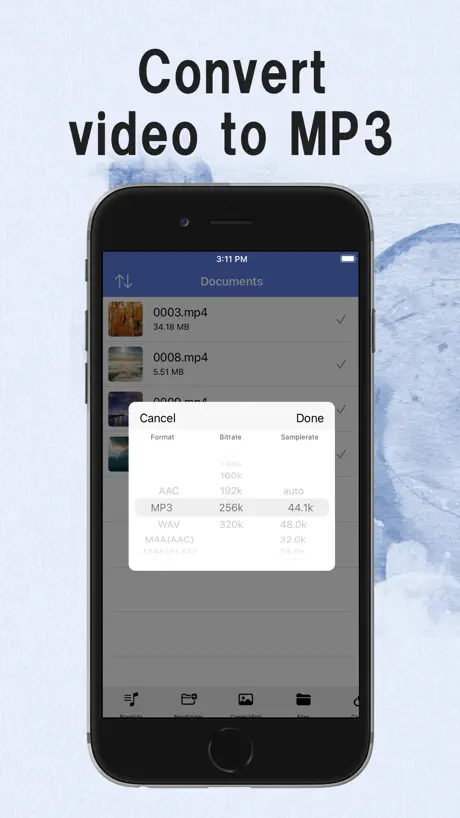
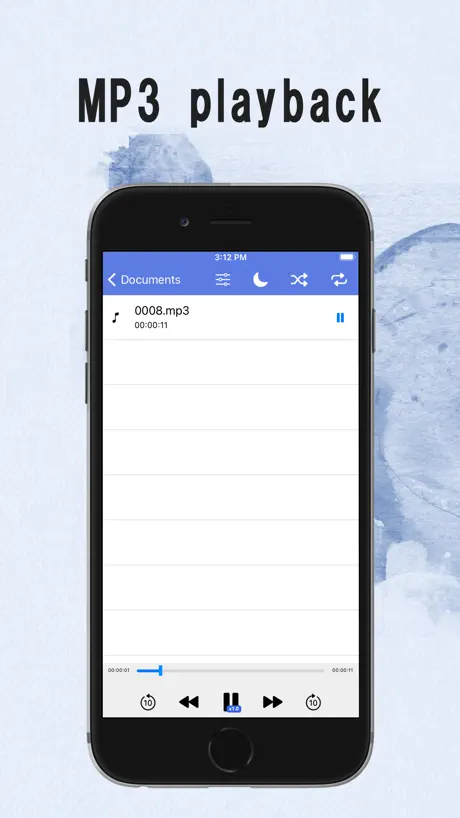
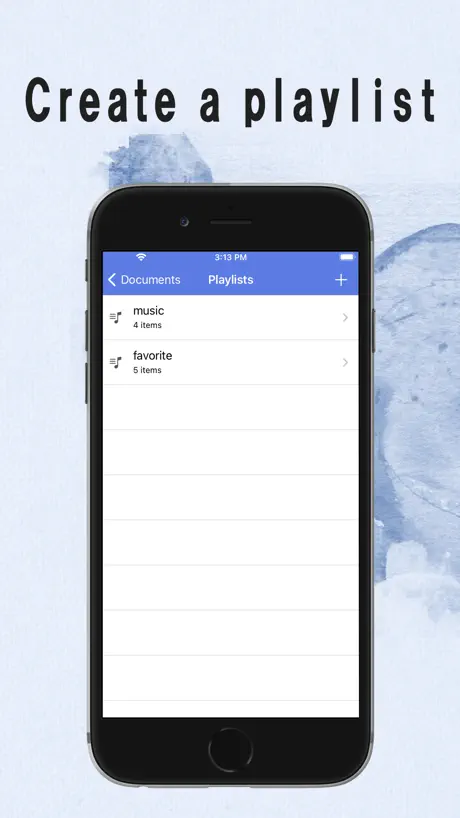
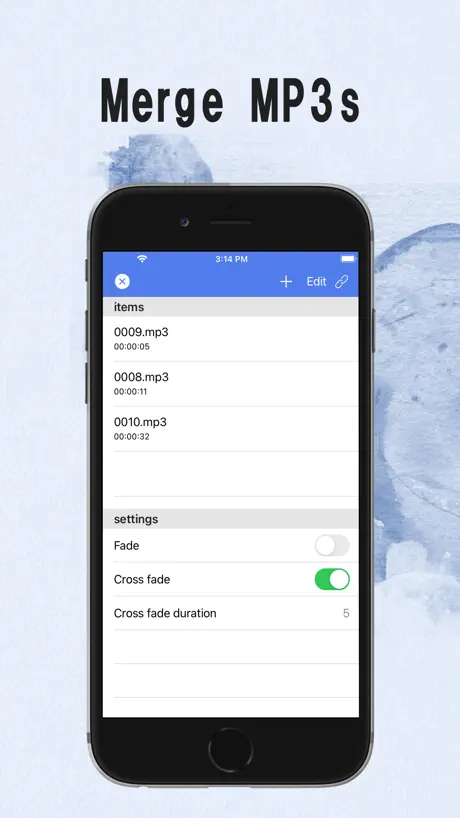
How much does EasyMp3 Video to mp3 Converter cost?
Prices are current as of 28 Sept 2026.
4 one-time purchases from $2.99
In the United States, EasyMp3 Video to mp3 Converter has 4 one-time purchases priced $2.99 – 3.99.
| Product | Price |
|---|---|
| Equalizer restriction release | $2.99 |
| Unlimited audio editing | $2.99 |
| Unlimited concat | $2.99 |
| Delete Ads + Batch conversion | $3.99 |
See what EasyMp3 Video to mp3 Converter costs in all 148 countries →
10+ alternatives to EasyMp3 Video to mp3 Converter
| EasyMp3 Video to mp3 Converter | 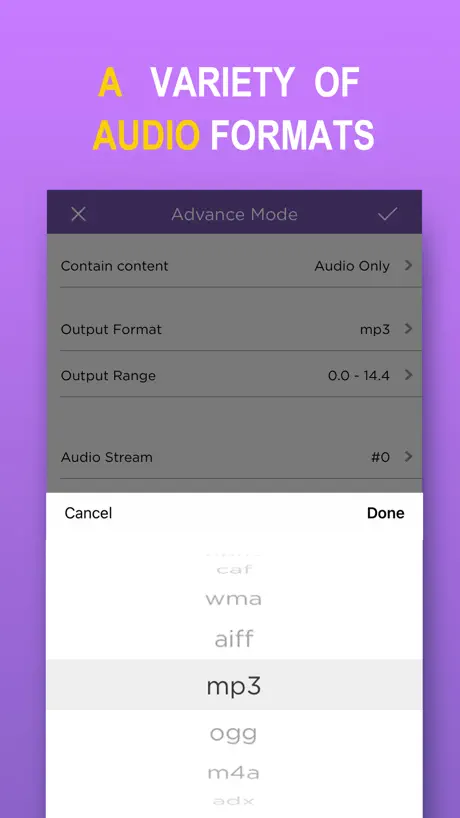  MP3 Converter -Audio Extractor MP3 Converter -Audio Extractor | 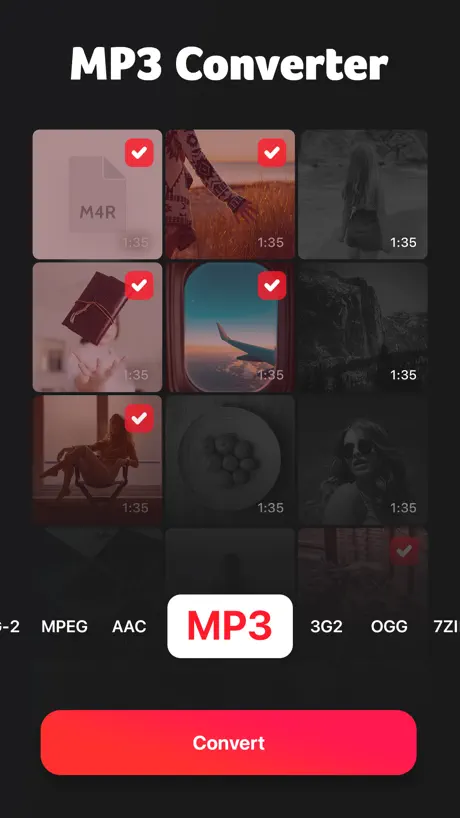  MP3 Converter: Video to Audio MP3 Converter: Video to Audio |   Hayaemon - Music Player Hayaemon - Music Player | 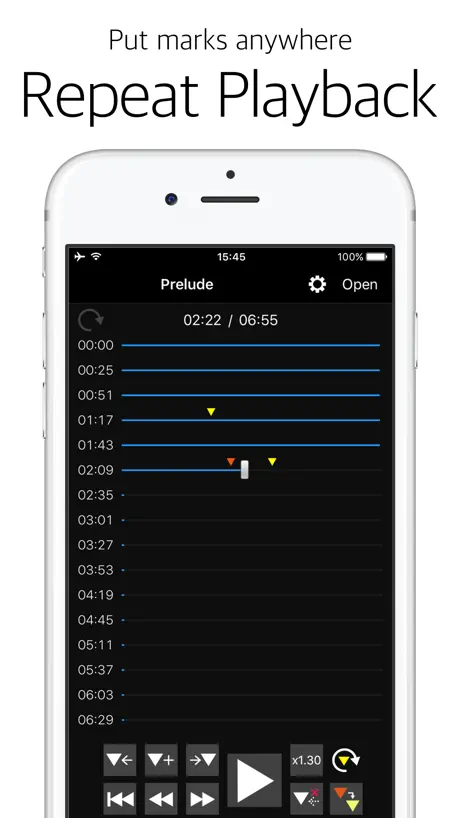  Audipo - Audio Speed Changer - Audipo - Audio Speed Changer - | 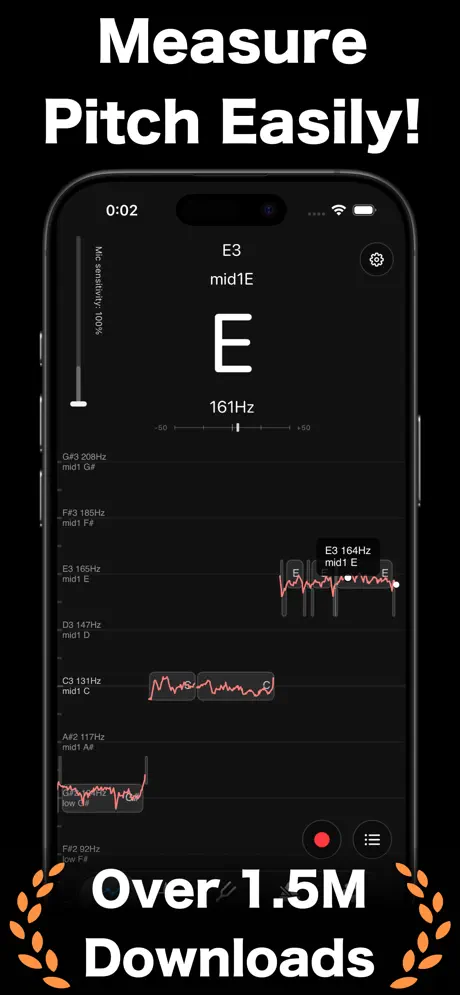  Pitch Checker: Chromatic Tuner Pitch Checker: Chromatic Tuner |   Export Audio Export Audio |   Video to MP3 Converter App Video to MP3 Converter App |   Video 2 MP3 Converter - FAST Video 2 MP3 Converter - FAST |   Any MP3 Converter -Extract MP3 Any MP3 Converter -Extract MP3 |   MP3 Converter : music editor MP3 Converter : music editor | |
|---|---|---|---|---|---|---|---|---|---|---|---|
| Rating / 5 | 4.7 | 4.8 | 4.5 | 4.7 | 4.7 | 4.5 | 4.7 | 4.6 | 4.6 | 4.6 | 4.3 |
| Reviews | 17K | 407K | 76K | 46K | 24K | 9.2K | 8K | 7.9K | 6K | 4K | 3.2K |
| Released | 2018 | 2017 | 2021 | 2013 | 2013 | 2019 | 2017 | 2016 | 2016 | 2023 | 2023 |
| Weekly price | — | — | $1.99 | — | — | — | — | $1.99 | $2.99 | $1.99 | $5.99 |
| Monthly price | — | $3.49 | — | $1.49 | $1.99 | $3.99 | — | $3.99 | $9.99 | $7.99 | $12.99 |
| Annual price | — | $6.49 | $9.99 | — | $5.49 | $39.99 | $4.99 | — | $19.99 | $29.99 | $29.99 |
| One-time price | $2.99 | $15.99 | — | $1.99 | $4.99 | — | $2.99 | $3.99 | $2.99 | $29.99 | $39.99 |
The going rate for each plan in United States, in its own currency, shaded from the cheapest price on the row to the dearest.
EasyMp3 Video to mp3 Converter reviews
4.7 out of 5, based on 17,295 reviews.
EasyMp3 Video to mp3 Converter price by country
A one-time purchase costs $2.74 in Qatar and $4.57 in Colombia — 1.7× more for the same thing. Below is the going rate for each plan in every country that sells it — the middle price of what the app charges there, in the country's own currency with the dollar equivalent beneath it.
| Country | One-time |
|---|---|
| Afghanistan | $2.99 |
| Albania | $3.99 |
| Algeria | $2.99 |
| Angola | $2.99 |
| Anguilla | $2.99 |
| Antigua And Barbuda | $2.99 |
| Argentina | $2.99 |
| Armenia | $3.99 |
| Australia | A$4.99$3.51 |
| Azerbaijan | $3.99 |
| Bahamas | $2.99 |
| Bahrain | $2.99 |
| Barbados | $3.99 |
| Belarus | $3.99 |
| Belize | $2.99 |
| Benin | $3.99 |
| Bermuda | $2.99 |
| Bhutan | $2.99 |
| Bolivia | $2.99 |
| Bosnia & Herzegovina | €2.99$3.41 |
| Botswana | $2.99 |
| Brazil | R$19.90$3.86 |
| British Virgin Islands | $2.99 |
| Brunei Darussalam | $2.99 |
| Burkina Faso | $2.99 |
| Cambodia | $2.99 |
| Cameroon | $3.99 |
| Canada | CA$3.99$2.87 |
| Cape Verde | $2.99 |
| Cayman Islands | $2.99 |
| Chad | $2.99 |
| Chile | CLP 2,990$3.10 |
| China | CN¥22.00$3.27 |
| Colombia | COP 14,900$4.57 |
| Congo | $3.99 |
| Congo, Democratic Republic | $2.99 |
| Costa Rica | $2.99 |
| Cote Divoire | $3.99 |
| Dominica | $2.99 |
| Dominican Republic | $2.99 |
| Ecuador | $2.99 |
| Egypt | EGP 149.99$2.98 |
| El Salvador | $2.99 |
| Fiji | $2.99 |
| Gabon | $2.99 |
| Gambia | $2.99 |
| Georgia | $3.99 |
| Ghana | $3.99 |
| Grenada | $2.99 |
| Guatemala | $2.99 |
| Guinea-bissau | $2.99 |
| Guyana | $2.99 |
| Honduras | $2.99 |
| Hong Kong | HK$22.00$2.81 |
| Iceland | $3.99 |
| India | ₹299.00$3.16 |
| Indonesia | IDR 59,000$3.30 |
| Iraq | $2.99 |
| Israel | ₪9.90$3.26 |
| Jamaica | $2.99 |
| Japan | ¥500$3.18 |
| Jordan | $2.99 |
| Kazakhstan | KZT 1,790.00$3.86 |
| Kenya | $3.99 |
| Kosovo | €2.99$3.41 |
| Kuwait | $2.99 |
| Kyrgyzstan | $2.99 |
| Lao Peoples Democratic Republic | $2.99 |
| Lebanon | $2.99 |
| Liberia | $2.99 |
| Libya | $2.99 |
| Macao | $2.99 |
| Macedonia | $2.99 |
| Madagascar | $2.99 |
| Malawi | $2.99 |
| Malaysia | MYR 14.90$3.65 |
| Maldives | $2.99 |
| Mali | $2.99 |
| Mauritania | $2.99 |
| Mauritius | $3.99 |
| Mexico | MX$69.00$3.90 |
| Micronesia | $2.99 |
| Moldova | $3.99 |
| Mongolia | $2.99 |
| Montenegro | €2.99$3.41 |
| Montserrat | $2.99 |
| Morocco | $3.99 |
| Mozambique | $2.99 |
| Myanmar | $2.99 |
| Namibia | $2.99 |
| Nauru | $2.99 |
| Nepal | $3.99 |
| New Zealand | NZ$4.99$2.82 |
| Nicaragua | $2.99 |
| Niger | $2.99 |
| Nigeria | NGN 4,900.00$3.69 |
| Norway | NOK 39.00$4.10 |
| Oman | $2.99 |
| Pakistan | PKR 900$3.24 |
| Palau | $2.99 |
| Panama | $2.99 |
| Papua New Guinea | $2.99 |
| Paraguay | $2.99 |
| Peru | PEN 12.90$3.79 |
| Philippines | ₱199.00$3.18 |
| Qatar | QAR 9.99$2.74 |
| Russia | RUB 249.00$2.95 |
| Rwanda | $2.99 |
| Sao Tome & Principe | $2.99 |
| Saudi Arabia | SAR 12.99$3.46 |
| Senegal | $3.99 |
| Serbia | €2.99$3.41 |
| Seychelles | $2.99 |
| Sierra Leone | $2.99 |
| Singapore | SGD 3.98$3.11 |
| Solomon Islands | $2.99 |
| South Africa | ZAR 59.99$3.68 |
| South Korea | ₩4,400$3.24 |
| Sri Lanka | $2.99 |
| St. Kitts and Nevis | $2.99 |
| St. Lucia | $2.99 |
| St. Vincent & The Grenadines | $2.99 |
| Suriname | $2.99 |
| Swaziland | $2.99 |
| Switzerland | CHF 3.00$3.62 |
| Taiwan | NT$90.00$2.83 |
| Tajikistan | $2.99 |
| Tanzania | TZS 9,900.00$3.73 |
| Thailand | THB 99.00$2.96 |
| Tonga | $2.99 |
| Trinidad and Tobago | $2.99 |
| Tunisia | $2.99 |
| Turkey | TRY 149.99$3.07 |
| Turkmenistan | $2.99 |
| Turks and Caicos | $2.99 |
| Uganda | $3.99 |
| Ukraine | $3.99 |
| United Arab Emirates | AED 12.99$3.54 |
| United Kingdom | £2.99$3.96 |
| United States | $2.99 |
| Uruguay | $2.99 |
| Uzbekistan | $2.99 |
| Vanuatu | $2.99 |
| Venezuela | $2.99 |
| Vietnam | ₫99,000$3.81 |
| Yemen | $2.99 |
| Zambia | $3.99 |
| Zimbabwe | $3.99 |
EasyMp3 Video to mp3 Converter FAQ
- Is EasyMp3 Video to mp3 Converter free?
- Yes. The app and its basic features are free, in all 148 countries it sells in. Premium features are paid: they start from $2.99 (US), across 4 one-time purchases.
- Does EasyMp3 Video to mp3 Converter have a free trial?
- No. None of its offers (US) come with a free trial.
- Where is EasyMp3 Video to mp3 Converter cheapest?
- A one-time purchase costs QAR 9.99 (≈$2.74) in Qatar and COP 14,900 (≈$4.57) in Colombia, its cheapest and dearest countries.
- What are the best alternatives to EasyMp3 Video to mp3 Converter?
- MP3 Converter -Audio Extractor (4.8 from 406,791 reviews, premium from $3.49), MP3 Converter: Video to Audio (4.5 from 76,360 reviews, premium from $1.99) and Hayaemon - Music Player (4.7 from 45,905 reviews, premium from $0.99).
EasyMp3 Video to mp3 Converter download
Last updated 1 month ago.
EasyMp3 Video to mp3 Converter sells in 148 countries. It was released 8 years ago, on 30 Sept 2018. It holds a 4.7 rating from 17,295 reviews.
Supports 23 languages: English, Arabic, Danish, Dutch, Finnish, French, German, Hindi, Hungarian, Indonesian, Italian, Japanese, Korean, Malay, Norwegian Bokmål, Portuguese, Russian, Chinese, Spanish, Swedish, Thai, Turkish, Vietnamese.
How much does EasyMp3 Video to mp3 Converter make?
Third-party estimates for the last 30 days, worldwide — not the store's own figures, which Apple publishes for nobody.
Revenue by plan
- One-time 100%
Revenue by country
- Japan 66%
- United States 22%
- China 2%
- South Korea 2%