Figma
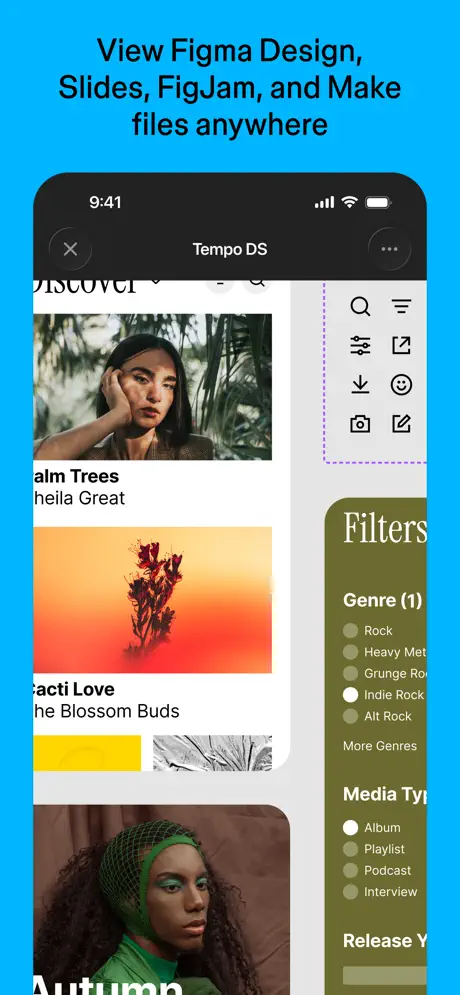
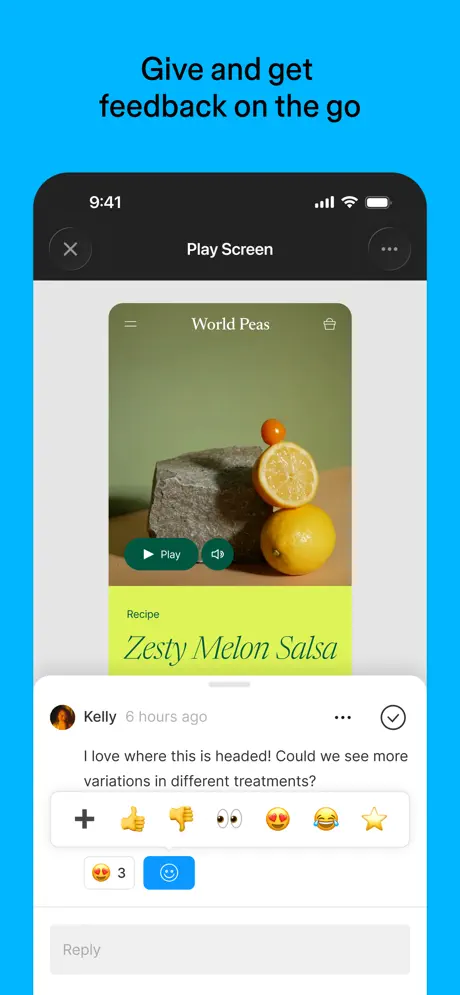
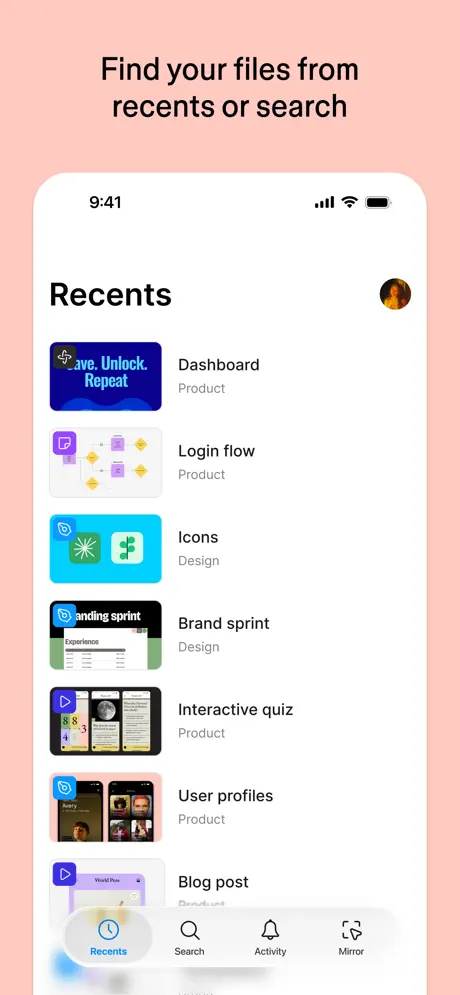
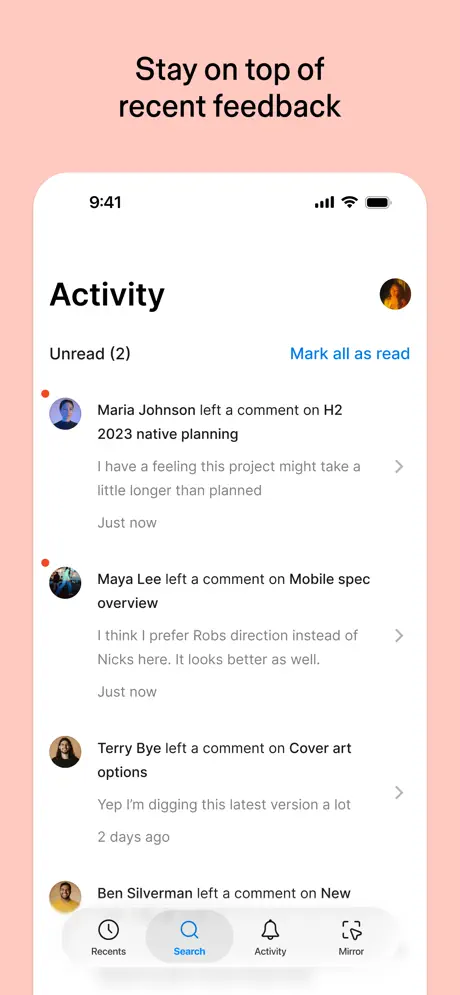
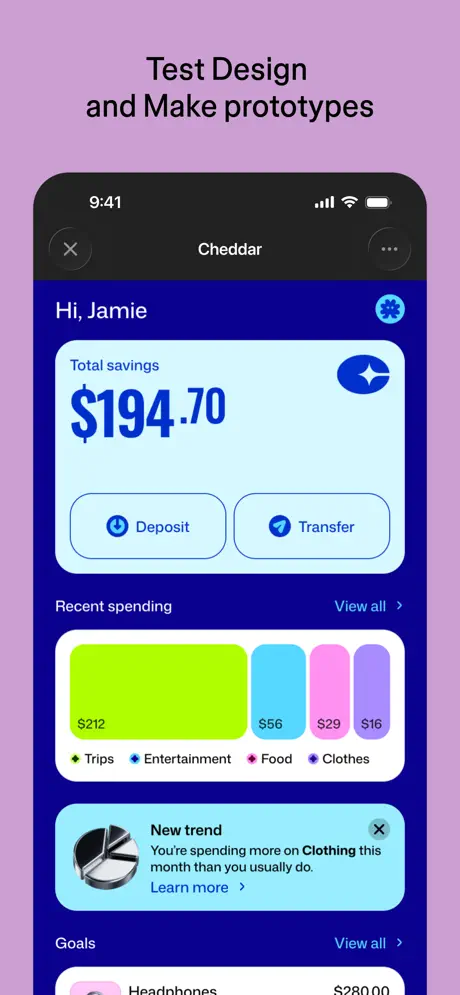
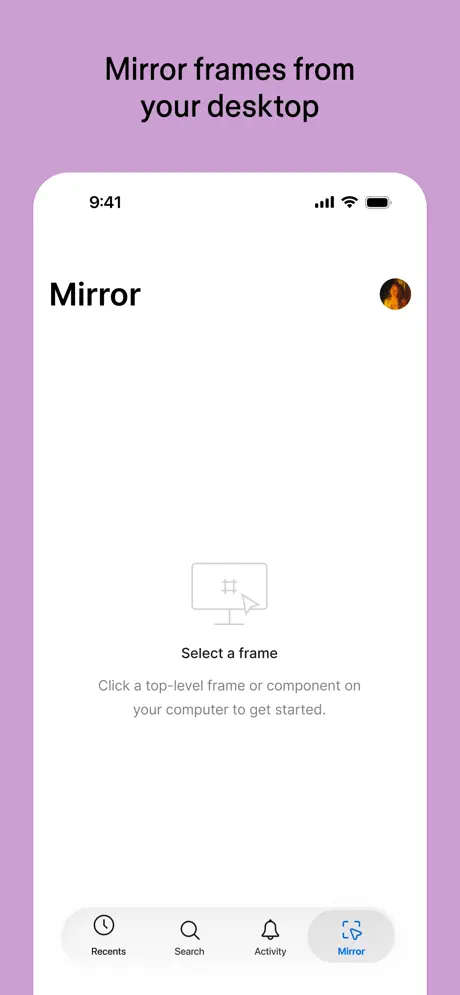
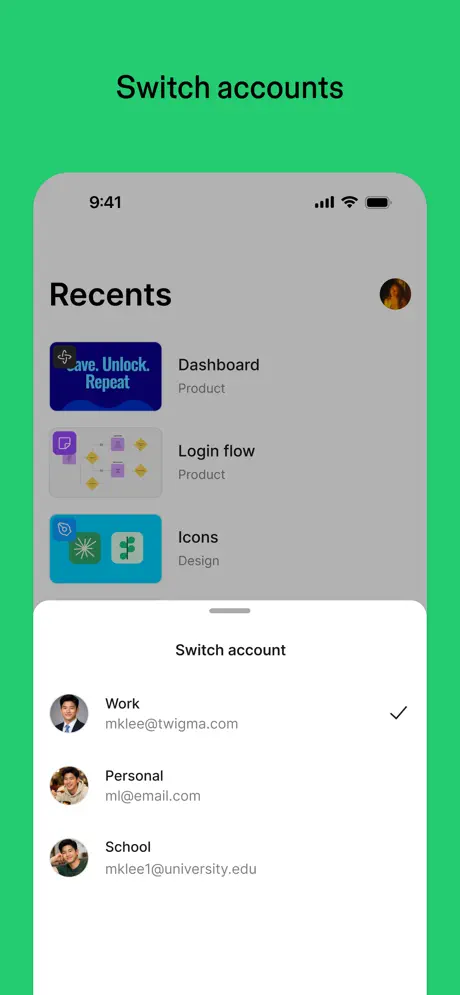
View Designs. Comment. Mirror.
How much does Figma cost?
Prices are current as of 10 Sept 2026.
Figma has no in-app products on record in the United States.
10+ alternatives to Figma
| Figma |  Adobe Illustrator: Graphic Art Adobe Illustrator: Graphic Art |   Linearity Curve Graphic Design Linearity Curve Graphic Design |   Behance – Creative Portfolios Behance – Creative Portfolios |   Adobe Firefly AI Video & Photo Adobe Firefly AI Video & Photo |   Cosmos: Search & Discover Cosmos: Search & Discover |  Affinity Designer 2 for iPad Affinity Designer 2 for iPad |   AI Video Generator - Vidmor AI Video Generator - Vidmor |   Wand - AI canvas Wand - AI canvas |   Mockup - UI/UX Design Mockup - UI/UX Design |   Lexy PDF Viewer-Maker,Builder Lexy PDF Viewer-Maker,Builder | |
|---|---|---|---|---|---|---|---|---|---|---|---|
| Rating / 5 | 4.6 | 4.5 | 4.6 | 4.7 | 4.6 | 4.8 | 4.7 | 4.4 | 4.7 | 4.4 | 4.4 |
| Reviews | 125K | 128K | 77K | 34K | 28K | 24K | 21K | 11K | 7.1K | 2.5K | 615 |
| Released | 2016 | 2020 | 2017 | 2011 | 2025 | 2022 | 2022 | 2024 | 2023 | 2020 | 2023 |
| Weekly price | — | — | $7.99 | — | — | — | — | $9.99 | — | $6.99 | $12.90 |
| Monthly price | — | $9.99 | $14.99 | — | $14.99 | $8.00 | — | — | $9.99 | $9.99 | — |
| Annual price | — | $79.99 | $74.99 | — | $149.99 | $72.00 | — | $39.99 | $48.00 | $29.99 | — |
The going rate for each plan in United States, in its own currency, shaded from the cheapest price on the row to the dearest. Plans fewer than four in ten of the priced apps sell are left out.
Figma reviews
4.6 out of 5, based on 124,624 reviews.
What people like
- Great for testing prototypes on actual devices
- Easy to use and lightweight on your iPad
- Perfect for checking design proportions and interactions
What they complain about
- You can only view designs, not edit them
- The app is very slow and lags often
- Missing support for the latest Apple Pencil features
- It feels useless if you want to work on mobile
Esteira de produtos
10
Что вы сделали с приложением!
Приложение неделю назад работало исправно, демонстрацию на телефоне можно было смотреть не переставая, сейчас же чтобы запустить на телефоне, надо помолиться, провести танцы с бубном, еще кучу всяких манипуляций и потом увидеть бесконечную загрузку своей демонстрации 🤬🤬🤬! Если оно так начинает работать, может вы что-то делаете не так!?
Что нужно добавить
Очень удобное приложение, но единственное что я бы предложила добавить, так это возможность скачать работы с телефонов
Бессмысленное приложение!
Собственно для чего тогда приложение для телефона интересно, если можно только смотреть свои работы, а делать ничего нельзя? Нет инструментов для работы. Думала с телефона могу что-то сделать, т.к. бывает где-то не дома могу поделать, а под рукой только телефон.. В общем, непонятно тогда для какой цели оно нужно. Очень жаль, что оно бесполезное.
Muito bom, mas poderia ser melhor
O aplicativo ainda é muito limitado para versão PadOS, espero que logo ajustem isso para que possa editar arquivos com meu teclado e mouse direto do meu IPad
Отлично👍👍👍👍
Очень хорошо,только очень дорого
Useless
Useless app. Don’t waste your time
Все ок
Больше функций надо с телефона
Não muito útil
Só da pra visualizar os arquivos no iPad não da pra editar então não serve pra muita coisa.
Только для просмотра?
Хм… Ожидалось, что можно будет хоть как-то работать с макетами. Тогда название считаю некорректным, это не фигма, в крайнем случае - фигма вьювер.
Удобно смотреть интерфейсы с разных устройств
В процессе работы над интерфейсами всегда тестирую свой дизайн на мобилке и планшете прям с самого начала работы. Очень круто, что можно не только увидеть все пропорции и дизайн в формате 1:1, но также и потыкать кнопки, проверить интерактив. Я прям ненарадуюсь, спасибо за такую фичу! Ну и дизайнить с таким подходом намного быстрее и леске, когда сразу видишь результат на устройстве.
Бессмысленное приложение
Неужели так сложно за столько лет добавить возможность редактировать проект с телефона??? Часто нужно поправить один элемент/поменять одно слово в макете, так облегчило бы работу, если бы это можно было сделать с телефона за пару минут. В чем сложность?
Maravilhoso
Muito fácil, prático e leve. Apenas gostaria que adicionassem um lazer para as outras pessoas conseguirem se orientar.
Serve apenas para visualiza
O aplicativo é apenas para apresentação, não é possível editar e nem fazer qualquer tipo de interação nos arquivos. Útil apenas para conversar de elevador
Сделайте версию для планшетов!
Пожалуйста
класс
хорошее приложение,я прям как настоящий дизайнер 😝 очень крутое приложение,всем советую
Фигня какая то.
Для чего это приложение?
Figma mobile
Очень сильно не хватает возможности открывать в режиме просмотра нужный мне фрейм. Как это делается из десктопной версии. Пожалуйста, добавьте эту фичу! 🙏🏼🙄 I really miss the ability to open the specific frame I need in preview mode, just like it’s possible in the desktop version. Please add this feature! 🙏🏼🙄
Не работает!
Пишет нужна новая версия системы, но у меня новая, и не работает. У меня итоговая версия приложения и все равно не работает. Что делать?
Алина- Alina
Приложение классное, но нету русского языка. The app is cool, but there's no Russian language
Пять балов!!
Очень классное приложение для моделирования разных задач !!
!!!
Даже не стоит его скачивать !!!
Precisamos urgente editar projetos no Figma
Necessitamos da versatilidade do iPad para criar projetos em qualquer lugar. Depender do computador para editar pequenas coisas é cansativo demais, no iPad já temos Photoshop com IA e Illustrattor totalmente funcional, agora falta o Figma. Já temos até Canva no IPad. Cuidado Figma pra não ficar pra trás igual vocês fizeram com o Adobe XD. O mundo não dá voltas, ele capota.
Сделайте мобильную версию приложения!
Хочется делать работы прямо на телефоне, это гораздо упростит создание разных работ. Хочешь сделать на компьютере, продолжай на телефоне. Продвигайте пожалуйста это!)
Это не полноценное приложение для дизайна
Если вы планировали работать через это приложение через ваш iPad или iPhone,то забудьте об этом, ведь вы не получите того опыта работы который есть на MAC или ПК на Windows
Good app, but..
5 star service, however I’m dreaming when they release the full support of editing and creating on iPad. That would be really amazing
Бесполезно
Многие годы сообщество дизайнеров со всего мира просит приложение от Figma, в котором на самом устройстве с iOS можно будет редактировать и заниматься дизайном. К сожалению авторы Figma как не слышали, так и не слышал. Печально
Ótimo porém lento
Funciona porém muito lento para fazer qlqr coisa
Not possible edit In Ipad
Não é possível editar no iPad. Ainda precisa melhorar muito para poder querer vender uma mensalidade no nível de cobrança que eles impõe. Merece somente duas estrelas. Somente e’ possível editar no PC. Atrasou meus trabalhos por conta disso.
Круто
❤️❤️❤️класс
Не удобная скачала на iOS 26.3 ,а в Apple Store стоит 26.5 версия
Вообще без полезная ,не смотреть не могу ,не что либо переделать .
Muito bom, mas ainda precisa desenvolver mais
Eu AMEI o app para o iPad, mas sinto falta de poder editar as artes. Só consigo visualizar e comentar :( Mas só o fato de ter um app desse pra concorrer com o Illustrator pra iPad já ajuda muito (apesar dos dois serem da Adobe hehe) <3
Needs more
When are you going to update the app so it offers the latest Apple Pencil features? One of the main reasons why people have the Figma and FigJam apps on an iPad is to be able to hand write and do brainstorming sessions using iPads. However, using the pencil with these apps isn’t great and is missing several of the latest features.
Народ не тупите!
Это приложение для демонстрации ваших прототипов и в первую очередь прототипов для мобильных приложений и мобильных версий сайтов. Так что с приложением все отлично!
Useless
No use in an app that just allows you to see the content. I can work in browser, sure, but why would I when there’s an app? If anything, you can see the changes to the project and stuff right in the browser too, why bother with an app at all then?
Lack of efficiency and loads of issues
Very bad app. Lots of issues and lagging. There is no credibility in order to use through the app. I don’t recommend it If you plan to use it in your marketing and design strategy.
Вы класс
Пишу сюда. Добавьте пожалуйста в десктопную версию Figma экспорт в tiff по слоям.
Ну и шляпа
Не могу редактировать
Трындец
Просто расстрел. Фигма рабочая только на пк. С планшета через браузер пытаться что-то сделать можно только скрестив пальцы, высунув язык и молясь Перуну. И, при том при этом, после долгих страданий и стараний сделать что-то не на пк, там даже экспортировать все свои потуги нельзя. Через приложение (приложение, Карл) сделать нельзя вообще ничего, кроме как оставить комментарий. Логичный вопрос: начертание оно вообще нужно? Вообще не поняла, почему фигма, популярная штука, казалось бы, не может норм сделать рабочую версию для чего-нибудь помимо компов. Разочарование
Низкий поклон
Почитал отзывы и стало стыдно за соотечественников идиотов. Приложение бесполезно для дилетантов, если вы не понимаете для чего оно нужно, вы явно заняты не тем в жизни, смените профессию. Разработчикам низкий поклон, спасибо за внимание!
Очень сложное предложение.
Скачала его для работы, а в итоге даже зарегестрироваться не могу!!! Сделайте его на русском, или вы принципиально ставите только на английском все ? Меня то на сайт переводят, то ещё что то. Просто ЖЕСТЬ одним словом. УПРОСТИТЕ ЕГО И СДЕЛАЙТЕ РУССКИМ. Мне срочно нужно сделать там работу
Não consigo fazer login
Não consigo fazer login com o Gmail, logo, não consigo ter acesso a nada.
Figma FAQ
- Is Figma free?
- Yes. The app is free, in all 175 countries it sells in, and it sells nothing inside it.
- Does Figma have a free trial?
- No. None of its offers (US) come with a free trial.
- What are the best alternatives to Figma?
- Adobe Illustrator: Graphic Art (4.5 from 127,888 reviews, premium from $9.99), Linearity Curve Graphic Design (4.6 from 76,856 reviews, premium from $7.99) and Behance – Creative Portfolios (4.7 from 33,819 reviews).
Figma download
Last updated 28 days ago.
Figma sells in 175 countries. It was released 10 years ago, on 28 Sept 2016. It holds a 4.6 rating from 124,624 reviews.
Supports 7 languages: English, French, German, Japanese, Korean, Portuguese, Spanish.
How much does Figma make?
Third-party estimates for the last 30 days, worldwide — not the store's own figures, which Apple publishes for nobody.