
NETGEAR Nighthawk - WiFi App
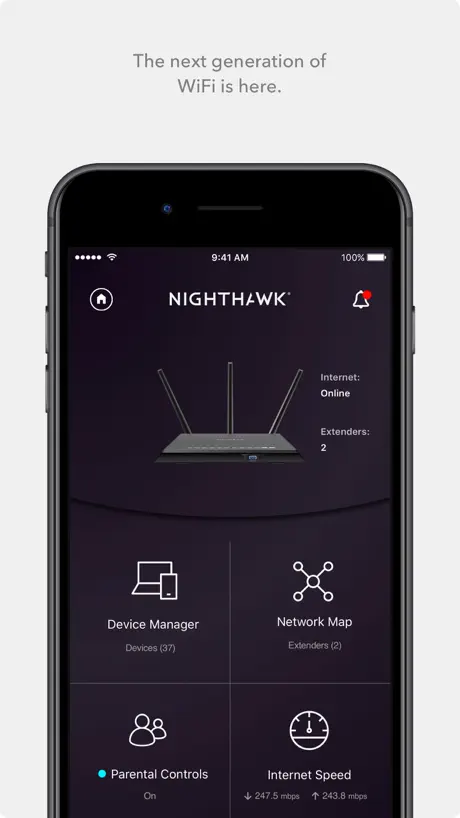
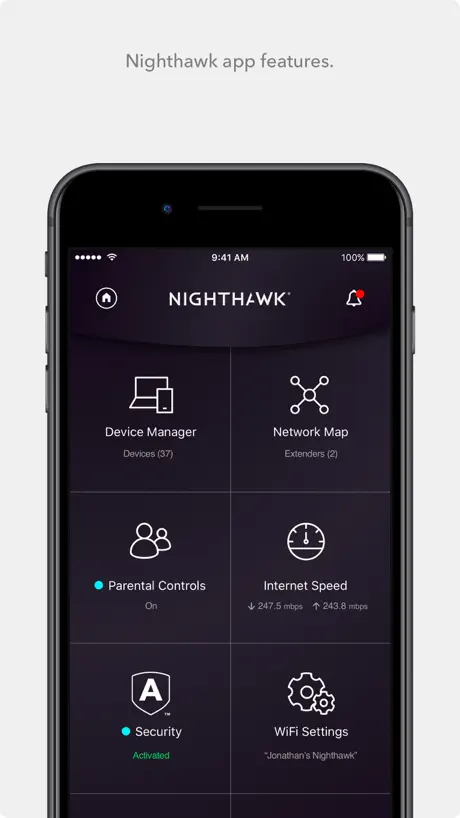
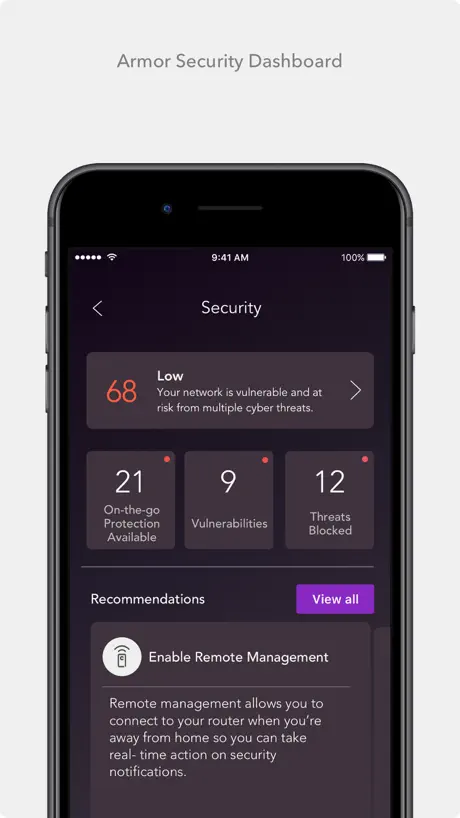
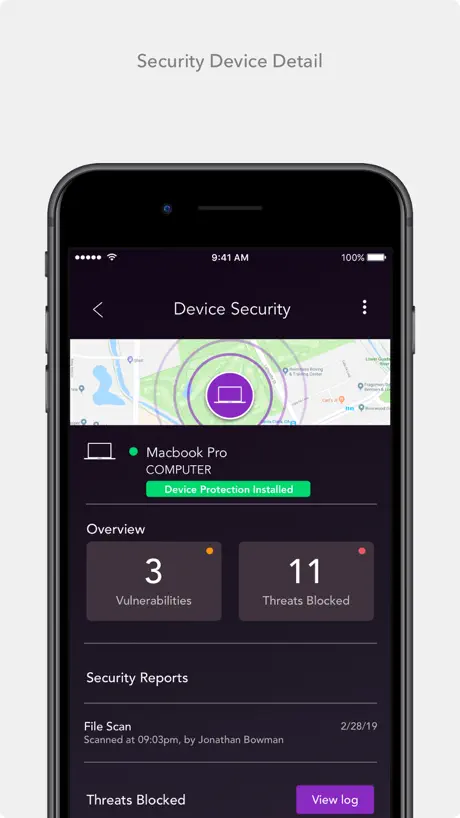
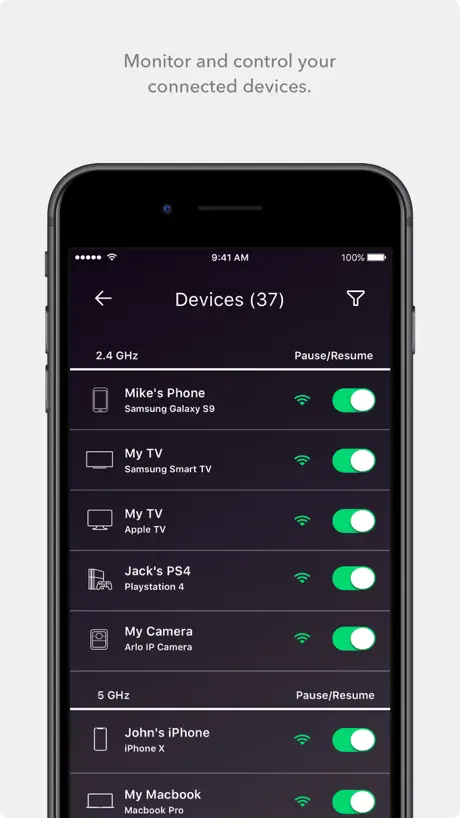
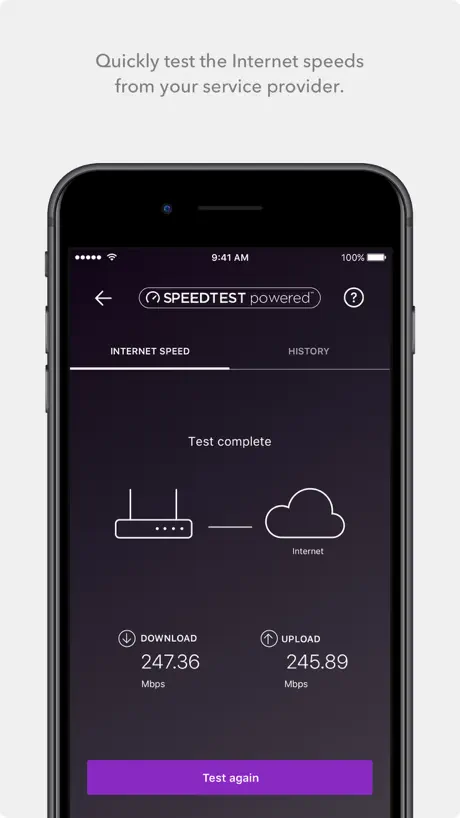
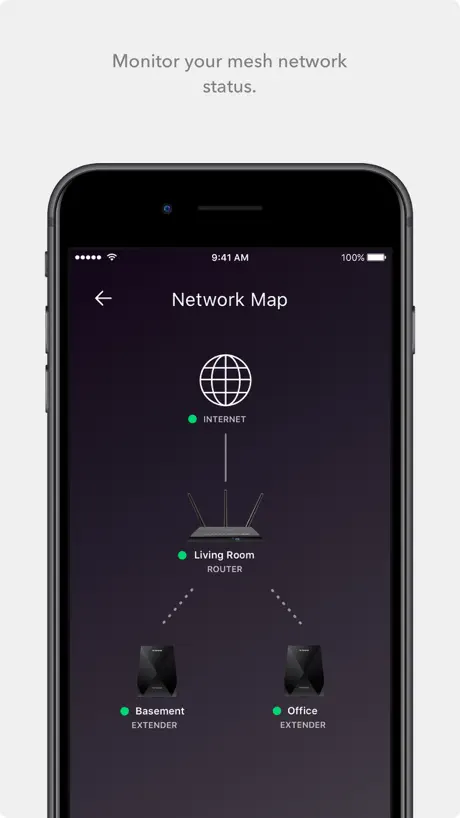
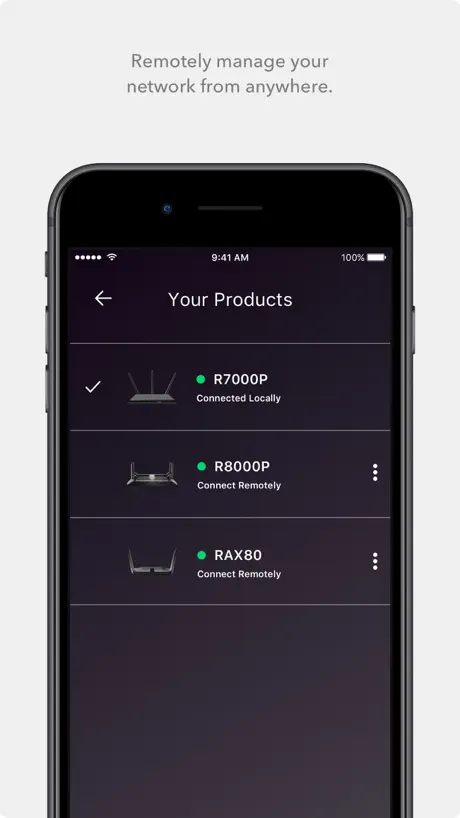
Easily access your features
How much does NETGEAR Nighthawk - WiFi App cost?
Prices are current as of 11 Sept 2026.
NETGEAR Nighthawk - WiFi App has no in-app products on record in the United States.
10+ alternatives to NETGEAR Nighthawk - WiFi App
| NETGEAR Nighthawk - WiFi App | 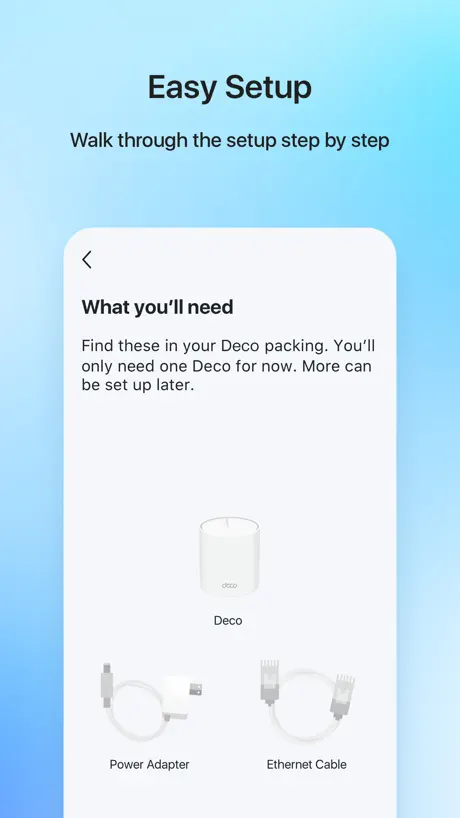  TP-Link Deco TP-Link Deco | 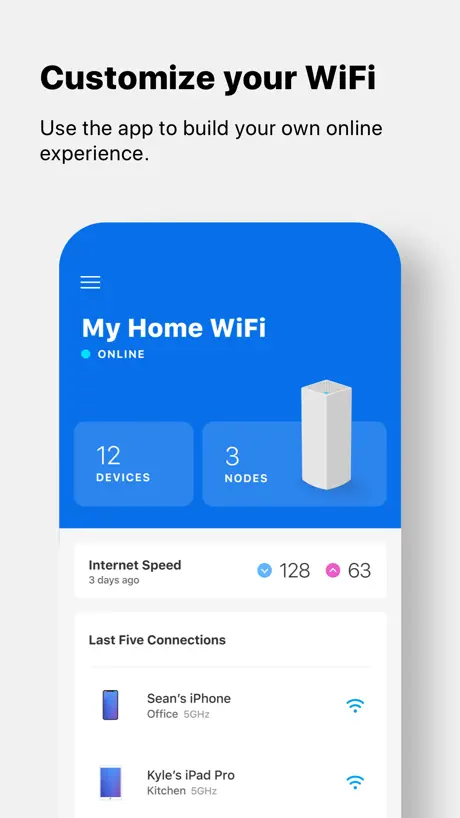  Linksys Linksys | 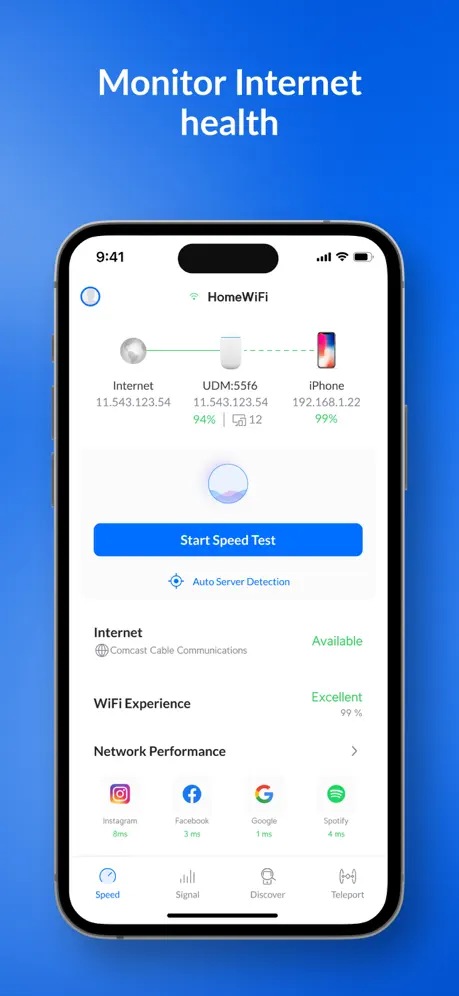  Ubiquiti WiFiman Ubiquiti WiFiman |   Network Analyzer: WiFi Scan Network Analyzer: WiFi Scan |   Speed Test | HighSpeedInternet Speed Test | HighSpeedInternet |   NETGEAR Armor NETGEAR Armor |   enbrighten enbrighten |   SURFboard Central SURFboard Central | 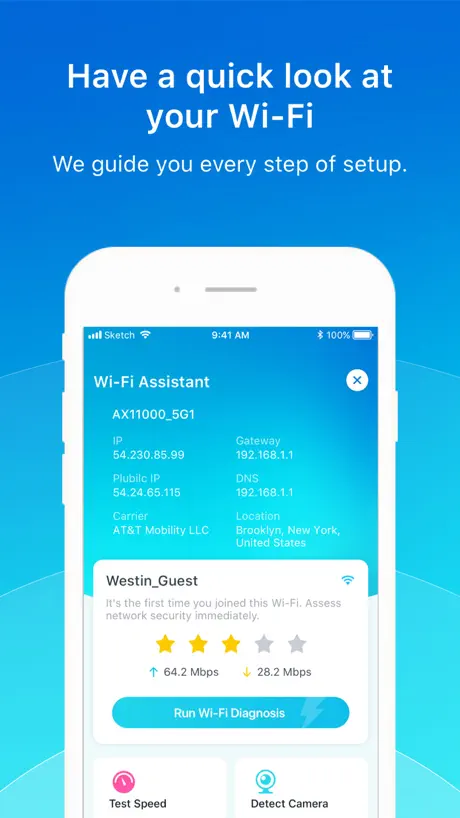  Wi-Fi Toolkit Wi-Fi Toolkit |   ADT Wifi Fix ADT Wifi Fix | |
|---|---|---|---|---|---|---|---|---|---|---|---|
| Rating / 5 | 4.7 | 4.8 | 4.6 | 4.8 | 4.6 | 4.7 | 4.7 | 4.5 | 1.7 | 3.8 | 3.5 |
| Reviews | 851K | 363K | 186K | 119K | 24K | 22K | 15K | 12K | 1.7K | 351 | 97 |
| Released | 2016 | 2017 | 2012 | 2018 | 2012 | 2021 | 2018 | 2020 | 2020 | 2021 | 2023 |
| Monthly price | — | $4.99 | — | — | — | — | — | — | — | — | — |
| Annual price | — | $129.99 | — | — | — | — | — | — | — | — | — |
The going rate for each plan in United States, in its own currency, shaded from the cheapest price on the row to the dearest.
NETGEAR Nighthawk - WiFi App reviews
4.7 out of 5, based on 851,369 reviews.
What people like
- Setup is quick and very easy
- Remote speed tests work well everywhere
- Clear view of connected devices online
What they complain about
- App is painfully slow and laggy
- Login issues and constant timeouts frustrate users
- Spammy notifications you cannot fully turn off
- Forces you to create a corporate account
Nice interface
Amazing easy to Setup customer friendly 100%
Timeout. Reboot your router.
I’ve rebooted. Changed password on laptop. Still timed out. Would love to add a new router, but I can’t get past this. No way to reach out from this screen in the app. Happy to look at other routers if I don’t get thru.
NETGEAR 11
System keeps dropping out while “Devices Management “ says all cameras are on line.Camera checks say off line & l don’t get Visual images. It rotates “signal failure” reply
Loading…
Loading… loading… loading…
Eh
Very useful but will take an eternity to load anything
HAWK🤩🤩🤩
LOVE IT🌈💛🌈
Great device but terrible app
I downloaded this app many years ago and the manage devices never worked. Decided to give it another chance hoping the many updates over the years would have fix it but NO.
À compléter
Pas autant de réglages que dans la console web
Unable to turn of my kids room WiFi using the app
Issue started 3 months after having the cax30 nighthawk modem router combo . The app worked fine but then all the sudden when I try to turn off a WiFi for a certain device it just gives me a timeout .. it’s been going on for Months now..
No control
Is the router too old to use? No login to admin available
Amazing quality and speed
Could not be happier with the results, setup took maybe 10 minutes and wow so far it has impressed
Horrible app
Doesn’t work
Would have been 5 ⭐️
The device and app itself are great, what’s not great is trying to purchase the armor plus, transaction has gone through and failed to show on the account with no email confirmation at all, alongside repeatedly having chat support drop out it’s not been an entirely smooth experience towards resolution.
This app is pure misery
The amount of time it takes to make an account and log in is unbearable and they give you no way to verify your email on the app so you have to use the website, Then, they don’t send you the freaking email 5 times and then you try again and it does send you the email it says “this verification is no longer valid please use the newest email we just sent you” But they don’t send you one, so you try to get another and then they limit you on how many times you freaking can, but the setup is easy so. 2 stars
Why the corporate account?
I just want an app I can connect directly to my Netgear router while on network. This app forces you to create a corporate account. Lame. I just add a bookmark to my home screen to open up my router’s configuration console.
Always Protected
NETGEAR Nighthawk is very reliable!
Bad Features
App wont let me disable smart parental control and is always failing to show devices connected.
It’s great but…
My ISP required a custom VLAN setting, which was not available within the app. Also I cannot seem to turn off notifications for Armor, which gets very spammy. I don’t want a notification every time I turn my laptop on that Armor has completed a scan and found no threats.
Ok
Sorry but the modem has gotten weaker and weaker overtime. Unable to maintain 20 devices. Streaming multiple devices (2) reduces from 4K to 720p. At one time this was a good product. The modem manager is good the computer or mobile phone.
App Sucks lately
It will not log in or connect to the router half the time. It has become a daily occurrence that it is saying it cannot connect to my router.
Clear concise directions for setup
Very easy and well designed app to setup a replacement router. Quick, clear, and easily customizable to allow devices to find the new router instead of its out of the box name.
Parental Control App Slow to Open and Start Sessions
I’ve mentioned this to Support many times, but the Parental Control app really needs improvement when it comes to performance. The app is very slow to open and start sessions, and sometimes it can take several minutes just to reload. For example, if I try to resume a blocked device, it can take more than 5 minutes before the session actually starts. The app often just keeps showing the spinning loading circle. I’m using a 2 Gbps fiber connection, so this does not appear to be an issue with my internet speed. I also notice the same problem when using LTE or when I’m away from home—the app can take around 5 minutes just to load. Compared with the ASUS Router app, resuming a session is much faster and more responsive. I hope the development team can look into the app’s performance, loading time, and session response time. This is especially important because parental controls need to respond quickly when we need to pause or resume a device.
Ios vs androïde
Dommage que certaines fonctionnalités n’existent pas sur ios comme la mesure de debit wifi par pièce.
Slow, non responsive
Takes minutes to do anything with the router if it doesn’t timeout. Limited functionality within the app
Difficult setup
You need a BS to get this up and running and either the processor is slow or it’s snooping around in the background. Took me 3.5 hrs to finally get it working and had to factory reset it before it finally did what it’s supposed to. BTW I have a BS in information technology and networking.
Upgraded to new NETGEAR
So easy! Thanks!
Does not work on IOS
8/27/2026 App refuses to setup on IPhone devices cannot get past the admin password screen regardless of what I do, was able to login flawlessly on my moms Android and have to use the app on her phone which is inconvenient.
Small enhancement:
Very good App, but sometimes in the connected device list, some appare as Unknowk. Why don’t you allow to create a user assignment of friendly names ( nicknames) for each device based on its MAC address? Thanks
Simple and useful but…
It is a simple app that lets you do most things from your phone without needing to log into the device web page. Low score as shows an icon that is pay for on subscription. Once the option to pay for this security enhancement is rejected the option should go. If it is a security risk then should be free or fix your routers so it’s not needed.
First impressions
First impressions on my netgear app. Modem seems good. The app left me confused as to my armor coverage. Had a 30 day free trial but signed up for a year on discount app still says only 30 day coverage and still asking to sign up.
Love it
Love my nighthawk!!! It’s fire like some good 420!
Unusable
It's so, painfully, slow, that you can't even you it! Compared to the Tapo App which is fast and functional, this App and its partner website, really sucks and brings you back to the 80ies! Is it possible that every-single link runs for a minute? Shameful.
Great features minor improvements can be made
Very happy with my MR60 Nighthawk and being able to restart, check speeds & acces everything remotely and much more when I’m not home. Only minor improvements I would like to see are: -Being able to get a overview of what devices are connected to what satellite. At the moment I can only view what satellites are “online”. -Opening up all features available on PC such as setting static channels for individual devices in the app. Only issue I have had with the product is: -Connecting a Tesla model S to update (Works on the model 3) -Setting up all Sonos speakers to be available att all times (some of them can sometimes disappear in the app) However these issues I can not clearly say are related to the router in question. Can happily recommend the product as well as use of the app for all the practical benefits that comes with it!
Meh
When I first bought the Dual Band Mesh Extender the set up and connection to my PC was easy. Took 30mins. I was delighted and very pleased. Now however, only a month later, the extender seems to have stopped working and the app is frustrating beyond compare. I’ve spent 3 days trying to get it to connect the extender to my PC, restarting , rebooting and even resetting the extender, the app, my wifi and my PC only for it to just not work no matter what I try. The app lets me log in one moment and then completely forgets my login and details the next, then won’t let me in. It says it can’t connect to my wifi, then it can, then it can’t again. It says the extender is up and running and working yet My PC has no wifi connection to it. It’s pissing me off and I have 100% cried 3 times over this so far
Annoying Ads & Updates
I don’t need an ad for a new router every time I open your app. I already liked your product enough to buy it once. Also, I want to know the improvements I’m getting when I update the firmware. Where is the FAQ or software documentation?
Reliability and Ease
This system gives me the ability to test my speed wherever I am at, see what’s connected and troubleshoot if any issues. Orbi and Nighthawk are my favorite mesh routers. This 3 piece was worth every dime and inexpensive
Awful for someone in IT
I can't believe how dumbed down the app is and lack of any features (NextDNS), insights, or logs. They make you get a cloud account but you can't backup the confit to the cloud account. I really can't believe we have evolved to this.The browser to the admin webpage is painfully slow.
Helt ok.
.
Smart Parental Controls
Smart Parental Controls is not on the app. Not on the home page and not in the settings. Also paperwork with the router stated includes 1 year NETGEAR Armor Subscription. No option to obtain the 1 year subscription.
Consistency
This app ok apart from the constant non working device manager section that nearly always doesn’t work, I have installed the app and reset my router and this section fails to work correctly, apart from the app works ok , but could use many improvements
Great App
By
Doesn’t work
I took the advice of the prompts and ended up creating an identical network that couldn’t be identified from the original. Then all of the devices on existing wi-fi in my home became incompatible. I put the EXS27 back in the box and fired it into the garbage can. I’m so done with technology making things better by making things worse. I promptly deleted the Nighthawk app and will be doing without ANY extender, screw it! Like all apps and network hardware; over-hyped and underdelivered.
Utmärkt nät säkerhetsverktyg
Bra översikt, saknar dock att den aldrig kan hitta vad Wi-Fi heter samt att den säger att services behöver Bitdefender fastän de redan har det. Fixar det ovan får de den 5 stjärnan
Frustrating App
I have been trying to log into my app for days & it keeps saying my password is wrong.The trouble started after we had a power outage.The router & the satellite both work,it’s only the app that doesn’t.I followed the instructions to change the password & also to access the admin p/w that I had put on it.The instructions that said to go online on my computer & the site it said to use ,comes up as a dangerous site & Google or Safari won’t let me access it..My son,who is abit of a tech head,also tried to fix the problem but couldn’t get past the login..Reset the router & also went online.
Customisation
I have two issues that should be looked into. 1. Is the setup. Bypass all the hassles and suggest that customers who use your devices just use their ISP login from their provider account rather waiting hours for the device to go around in circles to no avail. 2 All a customisable feature for setting time management on and off schedules including devices.
Great app
Works like a charm
Most frustrating app I've ever used
I never leave reviews, but this app was so frustrating to work with that I had to leave a review. I could not get past a pop-up that told me my logon had timed out. It was impossible to set up my device on the app, so I had to call their over-the-phone services to have someone help set it up that way. The gentleman that helped me set it up was very kind and patient. Thing is, I try to log in on the app after getting things "set up" and the same pop-up keeps showing up. I ended up returning the damn router and bought a TPLink. Way better experience. Shame because I've used Netgear most of my life.
PS
ganska strulig att installera, men när detta är gjort, verkar den fungera mkt bra
Too many notifications
The app works fine but I’m constantly getting notifications even after unsubscribing. What’s wrong with an app that just does what it is supposed to and leaves you alone. And needs a subscription. I thought I paid enough for the device and now have to subscribe!!!!
The app could use a polish
The cookie permission popup was written in German for some reason, the app requires you to make an account with Netgear, and the checks if you’re connected to the router every time you blink or breathe, which opens a popup that you have to wait through. Otherwise, the functionality is there. It’s a useful app but I have a mediocre first impression here.
NETGEAR Nighthawk - WiFi App FAQ
- Is NETGEAR Nighthawk - WiFi App free?
- Yes. The app is free, in all 173 countries it sells in, and it sells nothing inside it.
- Does NETGEAR Nighthawk - WiFi App have a free trial?
- No. None of its offers (US) come with a free trial.
- What are the best alternatives to NETGEAR Nighthawk - WiFi App?
- TP-Link Deco (4.8 from 362,932 reviews, premium from $2.99), Linksys (4.6 from 185,699 reviews) and Ubiquiti WiFiman (4.8 from 119,457 reviews).
NETGEAR Nighthawk - WiFi App download
Last updated 2 months ago.
NETGEAR Nighthawk - WiFi App sells in 173 countries. It was released 10 years ago, on 15 Sept 2016. It holds a 4.7 rating from 851,369 reviews.
Supports 9 languages: English, Arabic, French, German, Italian, Japanese, Korean, Chinese, Spanish.
How much does NETGEAR Nighthawk - WiFi App make?
Third-party estimates for the last 30 days, worldwide — not the store's own figures, which Apple publishes for nobody.