
Microsoft Authenticator
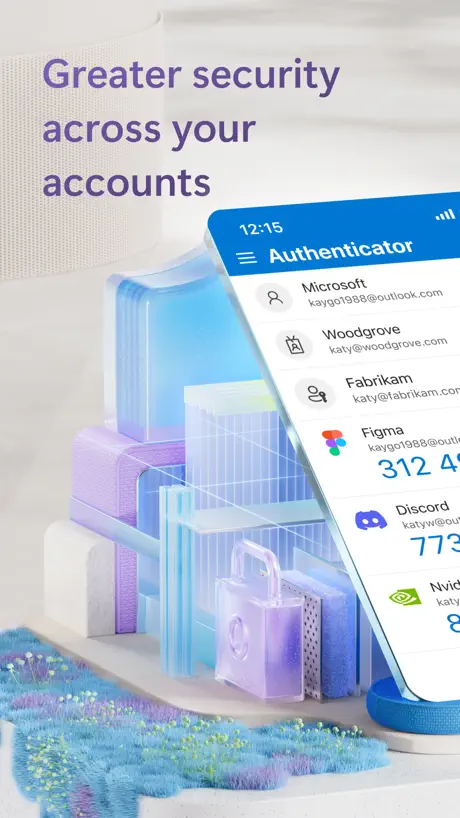
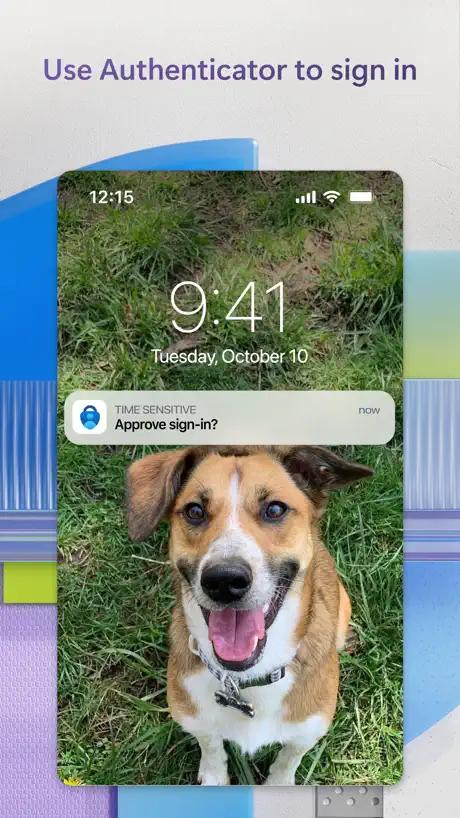
Protects your online identity
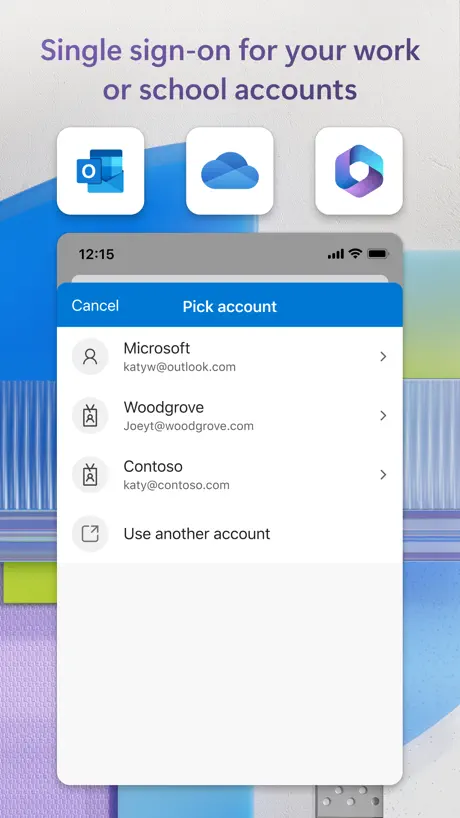
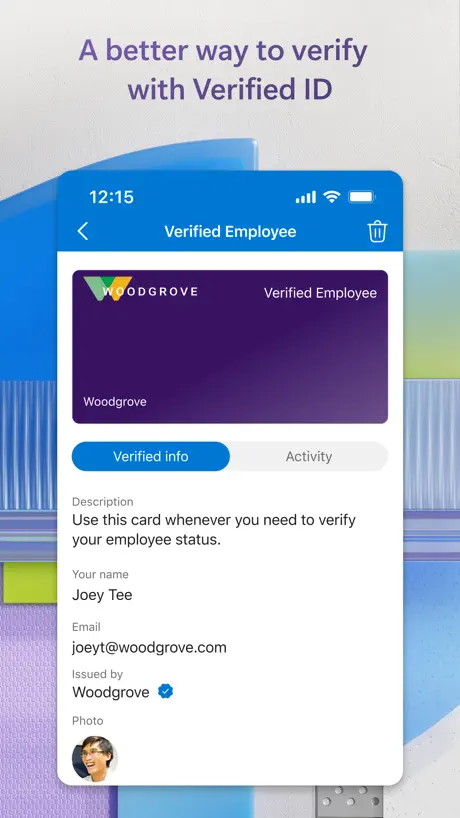
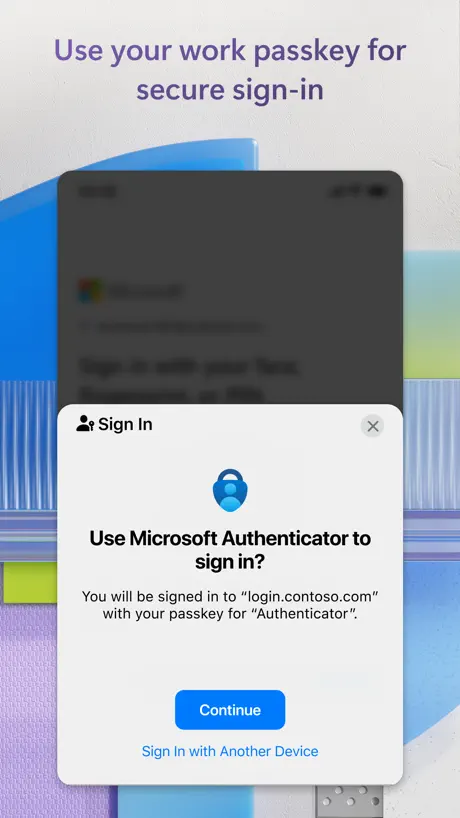
How much does Microsoft Authenticator cost?
Prices are current as of 10 Sept 2026.
Microsoft Authenticator has no in-app products on record in the United States.
10+ alternatives to Microsoft Authenticator
| Microsoft Authenticator |   LastPass Password Manager LastPass Password Manager |   ID.me Authenticator ID.me Authenticator |   2FA Authenticator (2FAS) 2FA Authenticator (2FAS) | 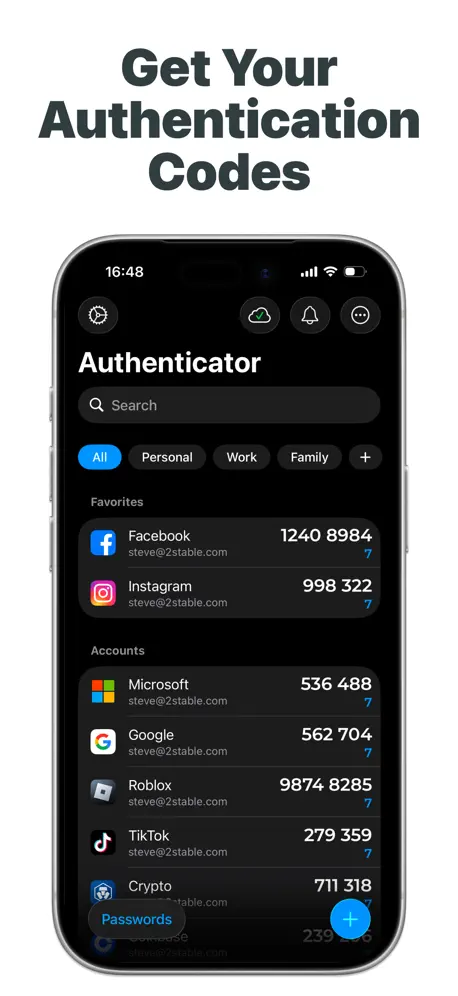  Authenticator App Authenticator App |   LastPass Authenticator LastPass Authenticator |   Authenticator App+ Authenticator App+ |   Authenticator ® App Authenticator ® App |   Authenticator App © Authenticator App © |   Authenticator App ‧ Authenticator App ‧ |   PingID PingID | |
|---|---|---|---|---|---|---|---|---|---|---|---|
| Rating / 5 | 4.7 | 4.4 | 4.3 | 4.7 | 4.6 | 4.7 | 4.7 | 4.5 | 3.6 | 2.5 | 2.3 |
| Reviews | 2M | 106K | 101K | 96K | 80K | 72K | 40K | 12K | 2.5K | 1.2K | 749 |
| Released | 2015 | 2009 | 2018 | 2017 | 2020 | 2016 | 2022 | 2024 | 2022 | 2024 | 2014 |
| Weekly price | — | — | — | — | $5.99 | — | — | $9.99 | $5.99 | — | — |
| Monthly price | — | — | — | — | — | — | $9.99 | $14.99 | $9.99 | — | — |
| Annual price | — | $35.99 | — | — | $49.99 | — | $39.99 | $49.99 | $39.99 | $49.99 | — |
| One-time price | — | — | — | — | $99.99 | — | — | $59.99 | $99.99 | $49.99 | — |
The going rate for each plan in United States, in its own currency, shaded from the cheapest price on the row to the dearest. Plans fewer than four in ten of the priced apps sell are left out.
Microsoft Authenticator reviews
4.7 out of 5, based on 1,976,262 reviews.
What people like
- It just works without issues
- No problems identified by users
What they complain about
- Losing your phone locks you out
- Too many steps to approve things
- You need the app to log in
Very good
No Problems identified by me. 5/5 stars
Boo
Genuinely created by the devil, the safest app out there for sure as you can never log in
Workflows
The workflow feels like a loop sometimes. Also interface is not user friendly
No Dark Mode
Still no dark mode
Aanmelden
Bij het aanmelden kreeg ik een code om aan te melden in Authenticator app, lastig als je al in die app bent, het alternatief zou duidelijker zichtbaar moeten zijn, of nog beter gelijk overschakelen naar het alternatief
Omnia dicta fortiora si dicta Latina
Hoc est programma/productum/ministerium egregium, sed odi cogitare et recensio bona ac diligens semper scribenda est… itaque, callidus, hanc sententiam communem Latino sermone potius scribo.
So difficult
Least user friendly app ever created. Be warned, if you get a new phone you need to keep that old phone until you login on your new phone or your life will be a living hell trying to login. Wish they would’ve told you that somewhere. How is it possible that I need to use the app to login to the app?! I’ve spent hours trying to login and still nothing. Absolutely useless.
Please work on better releasenotes as well
Decent app but please elaborate more about releases in the releasenotes. Just the same generic ‘we fixed things’ I’d like to know what or what’s new. Thank you
Not practical when changing phones
The codes won’t send to new phone if you broke or lost the initial phone with this app. You basically know your password but can’t sign in cos the code keeps sending to the old phone that’s no longer in use. They only allow to send to old phone which leaves you blocked off
Complex
Te veel stappen om iets goed te keuren.
always works
no complaints, it just works
Sign in to authenticator FROM authenticator
The ridiculous perpetual loop of trying to sign in to a MS product on my phone that uses Authenticator which links you through to Authenticator is very frustrating. Then there’s an insane process of opening some other email account to finally get through is silly.
Ease of use
It is so difficult to use any AP. Always asking for a password would be easier for me just sign in with facial recognition!
Simple functionality is lacking
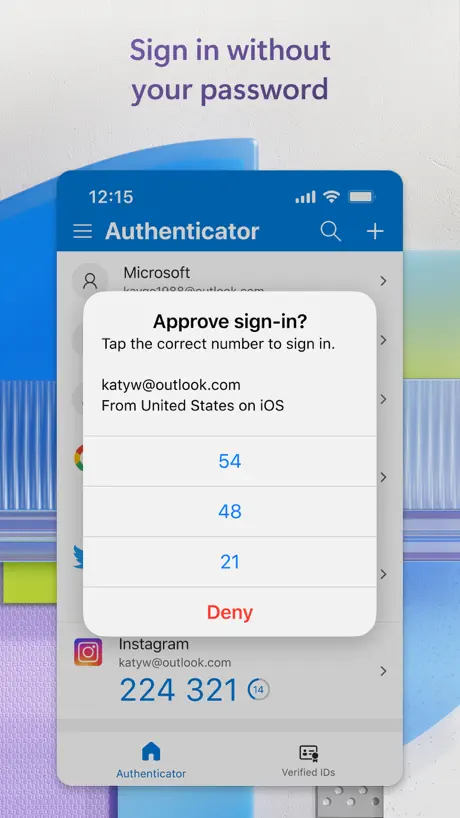
I cannot for the life of me use authenticator on my own phone to authenticate to Copilot or Outlook for example. Whenever I try, I am stuck on the screen that displays the 2-digit number which gets in the way of me filling in that exact number..
SCAM! Useless app PLUS they billed me $50 after telling me that it was free!
Useless app PLUS they billed me $50 after telling me that it was free! I can’t believe that a reputable company like Microsoft would run such a blatant scam. If you don’t check your Apple charges daily they will sneak it through.
Horrible
If I could rate it 0 stars I would. Genuinely useless and only made to piss people off.
Pointless data farming
Why do I need an app on my phone to login to my email on my computer. Pathetic excuse at “security” when microsoft is selling our data anyways.
Unable to signs in
The issue with is App is that if you do not have your old phone anymore and info has been deleted from the old phone . You may not be able to recover your info.
ZERO STARS
if i could give zero stars i would. this app is absolutely useless, a waste of time, and NEVER works. this is one of the worst apps i have ever used. USELESS
Asking a code on authentication when setting up work account on authentication app
This app design does not make sense. I want to setup the work account in authentication app but it asked me to type the code shown on authentication app. My personal learning is that this dog never stops chasing it’s tail. So much fun!
Who designed this?
To log in on this app it asks me to go on authenticator app to approve….. waste of time
Microsoft Authenticator FAQ
- Is Microsoft Authenticator free?
- Yes. The app is free, in all 175 countries it sells in, and it sells nothing inside it.
- Does Microsoft Authenticator have a free trial?
- No. None of its offers (US) come with a free trial.
- What are the best alternatives to Microsoft Authenticator?
- LastPass Password Manager (4.4 from 106,067 reviews, premium from $35.99), ID.me Authenticator (4.3 from 101,069 reviews) and 2FA Authenticator (2FAS) (4.7 from 95,671 reviews).
Microsoft Authenticator download
Last updated 27 days ago.
Microsoft Authenticator sells in 175 countries. It was released 11 years and 4 months ago, on 30 May 2015. It holds a 4.7 rating from 1,976,262 reviews.
Supports 41 languages: English, Arabic, Basque, Bulgarian, Catalan, Croatian, Czech, Danish, Dutch, Estonian, Finnish, French, Galician, German, Greek, Hebrew, Hindi, Hungarian, Indonesian, Italian, Japanese, Kazakh, Korean, Latvian, Lithuanian, Malay, Norwegian Bokmål, Polish, Portuguese, Romanian, Russian, Serbian, Chinese, Slovak, Slovenian, Spanish, Swedish, Thai, Turkish, Ukrainian, Vietnamese.
How much does Microsoft Authenticator make?
Third-party estimates for the last 30 days, worldwide — not the store's own figures, which Apple publishes for nobody.