
PingID
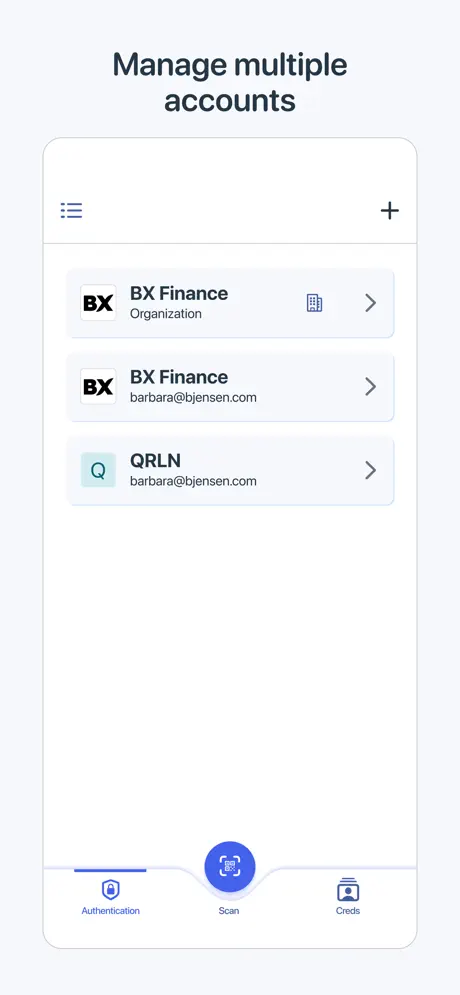
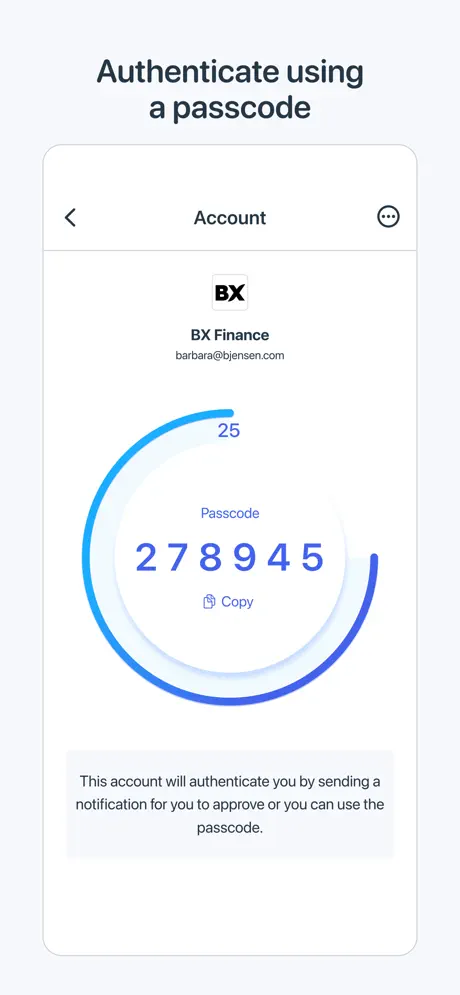
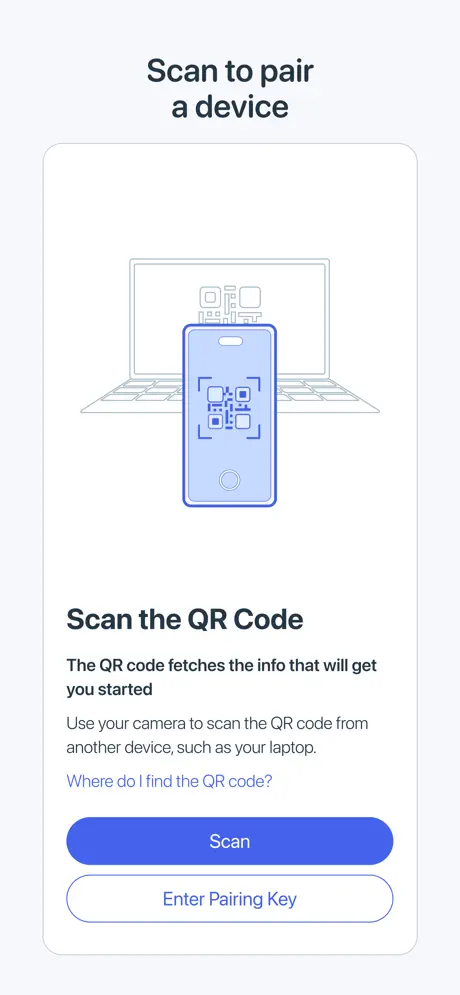
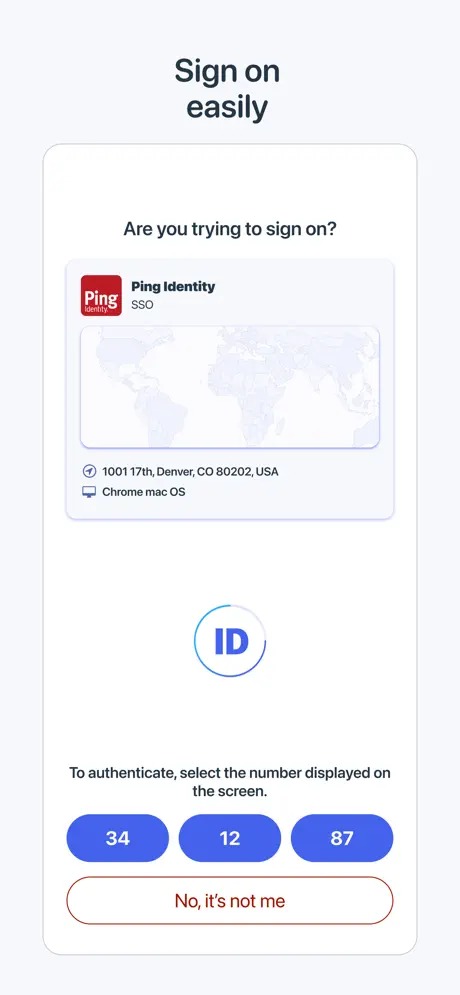
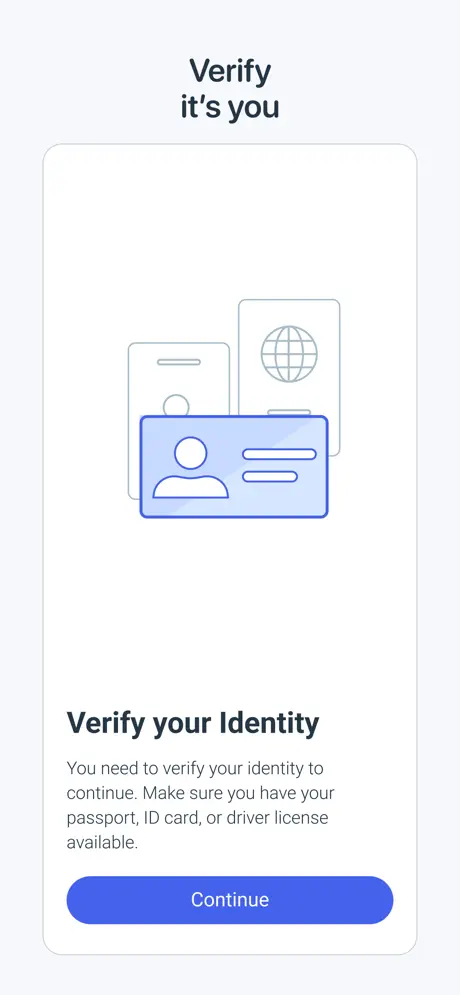
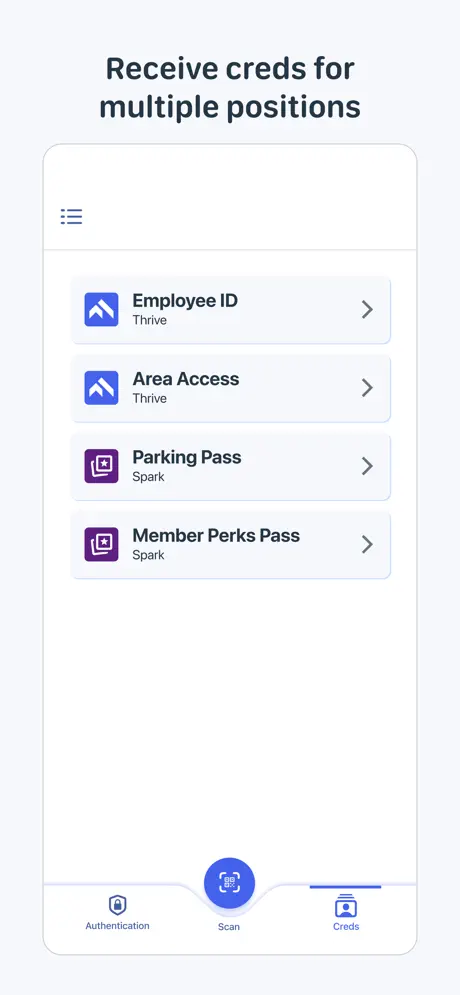
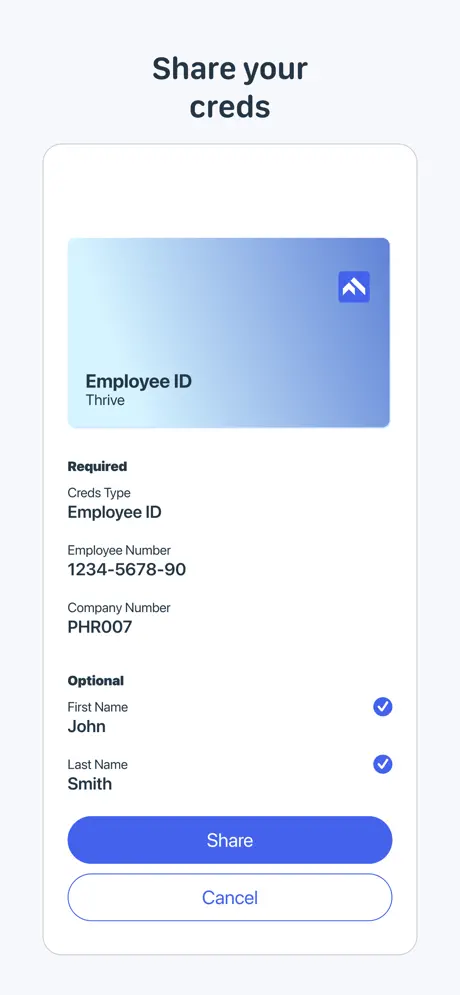
How much does PingID cost?
Prices are current as of 11 Sept 2026.
PingID has no in-app products on record in the United States.
10+ alternatives to PingID
| PingID |   Microsoft SharePoint Microsoft SharePoint |   EZ Receipts EZ Receipts |   ESS 41 - Reflexis One ESS 41 - Reflexis One | 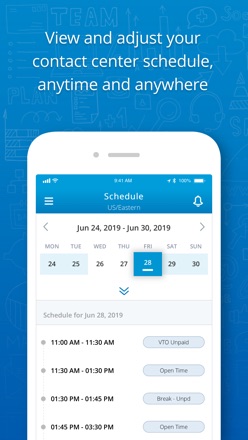  Employee Engagement Manager Employee Engagement Manager |   EquateAccess EquateAccess |   Zscaler Client Connector Zscaler Client Connector |   Wepa Print Wepa Print |   Workcloud Shift Workcloud Shift |   Beyond Identity Beyond Identity |  CrewBid2 CrewBid2 | |
|---|---|---|---|---|---|---|---|---|---|---|---|
| Rating / 5 | 2.3 | 4.6 | 4.6 | 1.4 | 3.2 | 1.4 | 2.6 | 1.6 | 2.1 | 3.4 | 3.0 |
| Reviews | 749 | 484K | 78K | 3.7K | 2.9K | 579 | 467 | 430 | 294 | 61 | 22 |
| Released | 2014 | 2016 | 2011 | 2019 | 2019 | 2021 | 2017 | 2019 | 2025 | 2020 | 2023 |
PingID reviews
2.3 out of 5, based on 749 reviews.
What people like
- Apple Watch integration works well
- Very easy to set up
- Simple and reliable daily use
What they complain about
- Setup is confusing and frustrating
- Notifications often fail to arrive
- No landscape mode on iPad
Easy and smooth
Just flawless and never faced any issues.
slow
takes forever to receive notification
No good
I accidentally deleted the app, now i cant login with any of my devices. Garage app! Need to do better!
Update added an extra click to view code
If there’s a single organization configured in the app, why not just open it automatically. Please get rid of any animations and focus on efficiency. I just need 6 digits. No need to complicate things. Maybe also consider an opt-in setting to auto copy the code to the clipboard. On Apple devices, you would just open the app then paste the code on a nearby Apple computer.
The organization page is visually unpractical
I already used several organizations, so this page was not new for me. But after the last update the letters are bigger, so it is hard to tell the difference between the organizations I need to work with. The difference is non-prod at the end on one of them and it used to be very readable. Now it just falls off on my iphone 12. And no, I don’t want a bigger one.
Works like a charm
Never faced any issues and so far so good.
More taps after update!
Following Apple’s trend of making users tap more places to achieve the same task. If there’s only one item in the list, automatically select it!!
App set-up
This is not intended to be a review, per se, but rather a note about the app set-up. I have scoured the app and your site looking for a way to send this directly. With that, here goes. I have an issue with the accept and reject buttons on the app screen being small height-wise and being in such close proximity to each other. I rely on Ping constantly during my workday and hitting an incorrect button can really put me behind. If you are looking for ways to improve the app, may I suggest changing the display of these?
Meh
Works when it works, fails when it doesn’t. Too much of the latter…
Works when it want to
It occasionally stops working on my watch so I have to delete and reinstall.
Works very well, fast and compatible
I used this to onboard myself at a new job and it worked very quickly, even though my default browser is Brave (a nice surprise) I got my ID right the first time and I was set up and verified within a couple of minutes. This is also a good app to use as a general purpose Authenticator. The negative reviews may be for issues that have been resolved at this point.
Terrible App
Only downloaded this app because of my work. I was told it was supposed to make work easier on my computer, but it does none of that!!
Missing the slider
Easy to use but I dislike the loss of the slider to approve access - it was super fast to use and the replacement with a statement you have to click is slower (and less aesthetically pleasing, which is more sad than actually problematic).
Updates
While trying to log in to time-sensitive websites, the app forces you to update very frequently. At that point, you must re-enter your login credentials, which have expired. not a major issue, but an avoidable nuisance.
Not working with Windows Mobile App (RDP)
After iOS update to 18.3 or higher it does not let’s you authenticate via PingID Ping verification triggers, logs in successfully and authenticates but when you switch back to Windows Mobile App it forgets the session, essentially putting you in a loop.
Critical button missing on Apple Watch Series 4 (FIXED)
UPDATE: The recent release fixed this issue. Thank you for taking care of that. I really appreciate it! I use PingID daily for work and switch between 2 Apple Watches. The “Yes it’s me” button is available on my Apple Watch Series 6 (11.6.1) but is completely missing from my Apple Watch Series 4 (10.6.2) which makes it unusable on that device. I can still go back to my phone and authenticate, but I would like the convenience of using my watch as intended. I hope this is fixed soon.
Worthless!
This app is the worst. Never works right, has you go through loops to access pages you need. My workplace needs to ditch this piece of junk company and app. Just causes constant headaches!
Pas de mode paysage
Satisfait de l’application qui fonctionne très bien mais pas de mode paysage alors que l’interface le supporterait sans soucis… dommage !
Please remove the logo animation delay when the app starts
App works great except when an auth request comes in, the app animation plays and eats up half the time I have to respond to the request, which is only a few seconds. It causes me to frequently miss my MFA window and have to retry and risk being locked out of my apps. Please remove the delay.
Dark Theme
Need dark theme. We developers hate light theme 😄
Five Stars
I use this App on a daily basis and it’s simple to use and reliable.
Missing iPad landscape mode
Why is there no landscape mode on iPad?
Compatible with IOS 15?
Can you guys please let me know
Needs landscape orientation please
Needs landscape orientation please
Works Great But
Keeps telling me to update everytime I open it, there is no update....
Works great!
Works great. Never any issues.
Watch App Doesn’t Work
Watch App Doesn’t Work
设备不符合政策 被禁用
是因为手机没有设置密码,一定要设置密码才能用pingid
Use for work but…
I use this for my job. I miss being able to click and refresh a new code. I also wish the app work better on my app because its faster to get to it on the watch then my phone. But the codes on the watch never work.
Manual Auth camera doesn’t work
Sometimes camera goes black when manual auth, have to exit app a few times till it works
Easy to use
Best Authenticator app I have used for work
Transfer to new phone
I can’t get it to transfer over to my new phone from my old phone.
Funktioniert wieder 😀
Hat leider Monate gedauert bis mein iPhone wieder akzeptiert wurde. Mein iPhone ist nicht !!! jailbroken !!!, kein „jailbreake“ !!! - > was soll diese Scheißmeldung !!!
Functions. Requires PhD
The app works overall. However setting it up requires a PhD in cybersecurity. The number of codes, amount of times one must be authenticated to add a device, and the amount of time given before a code expires is insane. I work on a help desk for a large enterprise organization, and I field dozens of ping id calls a day. It is not intuitive. At all. So yes it works and that’s about the most positive thing I can say about it.
Slow response
Need to manual match for at least half of the time, and manual match should be up front instead of in the settings. Paring with Apple Watch is an issue, sometimes it pops up on the watch, but mostly not. Occasionally need to authorise it twice.
Works well
As an IT consultant I’ve used many Authenticators across many clients, and Ping has been the easiest to use and I’ve never had an issue with it
O
O
Setting option not visible
I wanted to unpair my device,but setting option not to be seen
Previous update was much better
This new UI looks good but is not that functional sometimes I have to do two consecutive verification for the same request and some other minor errors are there. And it takes loading more often. Also please add option to verify through notification if possible instead of opening the app each time.
Quick and easy
It’s quick and easy to use - my only complaint would be the misleading warning message you get when you quit the app that “quitting the app will make your device less secure”. This is scaremongering just designed to make you keep the app running in the background so it works faster. It’s poor for a security company to mislead end users that something makes them less secure when that’s not the case
Good
Very good
It’s super sketchy
Super sketchy
Feature request
Hi ! Great app for pro environment. Please provide support for a code validity countdown (bar design like all 2 factor). A quick list of last auth notifications would also be nice and quicker to access than the iOS notifications. Thanks!
Notifications doesn’t work
Notifications are no longer working Please fix
Swipe is not working
I am not getting option to swipe, I have to enter 6 digit code for every authentication… I have Swipe Enabled in App setting still the issue persists… Please help…
2FA never been easy
You can authenticate using app notification or your watch. Works like a charm.
Worst security
Very difficult to use. Has ruined my life multiple times. Doesn’t even help make things secure whatsoever
Ping id not pair
Unable to pair ping I’d got error message: Device doesn’t meet policy. Device lock is disabled.
Please update for iPhone X
The app should take advantage of iPhone X features to improve usability. For example it could use Face ID instead of the slider, and the interface could be updated for the larger screen.
PingID FAQ
- Is PingID free?
- Yes. The app is free, in all 175 countries it sells in, and it sells nothing inside it.
- Does PingID have a free trial?
- No. None of its offers (US) come with a free trial.
- What are the best alternatives to PingID?
- Microsoft SharePoint (4.6 from 484,207 reviews), EZ Receipts (4.6 from 77,938 reviews) and ESS 41 - Reflexis One (1.4 from 3,652 reviews).
PingID download
Last updated 1 month ago.
PingID sells in 175 countries. It was released 12 years and 3 months ago, on 2 Jul 2014. It holds a 2.3 rating from 749 reviews.
Supports 16 languages: English, Czech, Dutch, French, German, Hungarian, Italian, Japanese, Korean, Polish, Portuguese, Russian, Chinese, Spanish, Thai, Turkish.
How much does PingID make?
Third-party estimates for the last 30 days, worldwide — not the store's own figures, which Apple publishes for nobody.