
Voice Recorder - Audio Record
HD Audio Recording & Playback
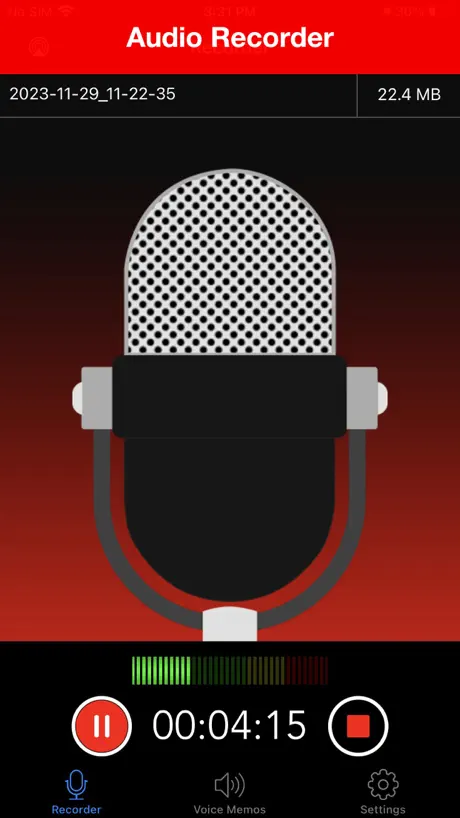
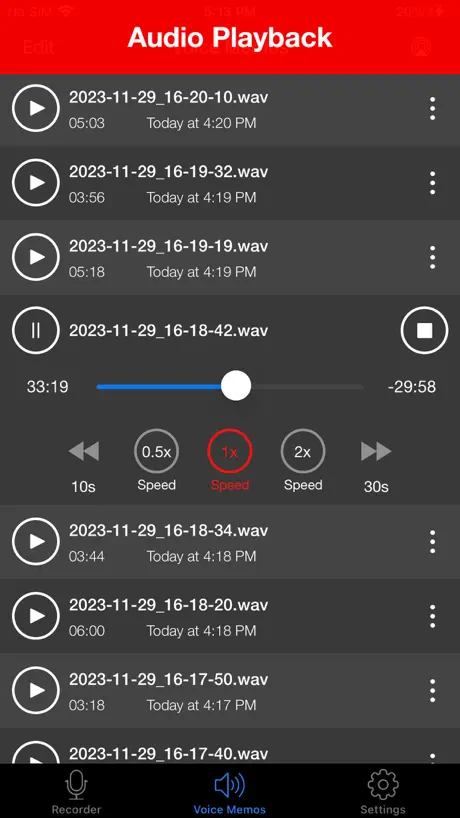
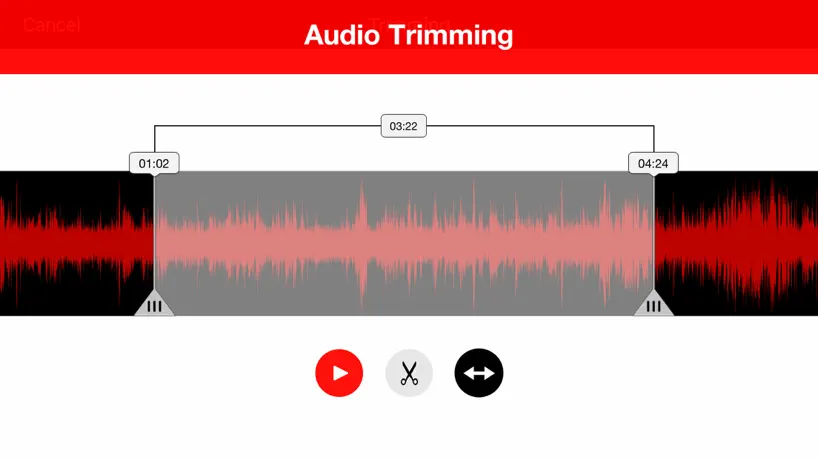
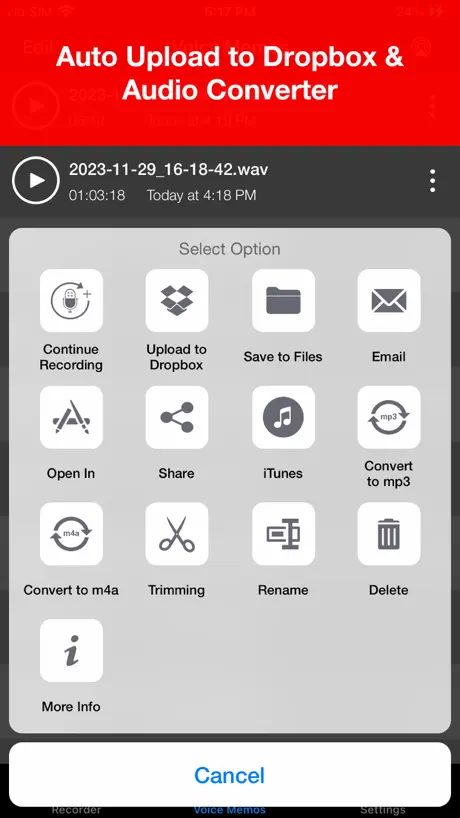
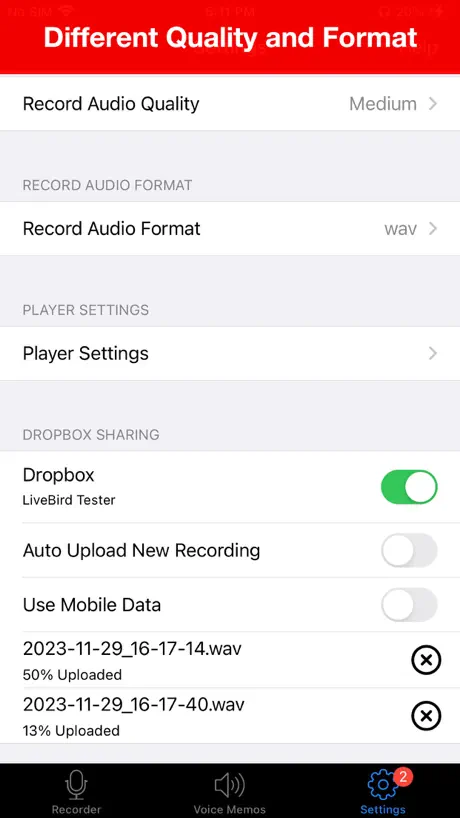
How much does Voice Recorder - Audio Record cost?
Prices are current as of 10 Sept 2026.
Voice Recorder - Audio Record has no in-app products on record in the United States.
Voice Recorder - Audio Record download price by country
| Country | Price |
|---|---|
| United States | $5.99 |
| United Kingdom | £5.99 |
| India | ₹599.00 |
| Australia | A$9.99 |
| Canada | CA$7.99 |
| Germany | €6.99 |
| South Africa | ZAR 119.99 |
| Malaysia | MYR 29.90 |
| Singapore | SGD 8.98 |
| Switzerland | CHF 5.00 |
| Indonesia | IDR 99,000 |
| Philippines | ₱399.00 |
| Austria | €6.99 |
| Hong Kong | HK$48.00 |
| United Arab Emirates | AED 22.99 |
| New Zealand | NZ$9.99 |
| Ireland | €6.99 |
| Mexico | MX$129.00 |
| Israel | ₪19.90 |
| Sweden | SEK 79.00 |
| Romania | RON 29.99 |
| Spain | €6.99 |
| France | €6.99 |
| Nigeria | NGN 9,900.00 |
| Netherlands | €6.99 |
| Pakistan | PKR 1,700 |
| Ghana | $6.99 |
| Egypt | EGP 299.99 |
| Kenya | $6.99 |
| Sri Lanka | $5.99 |
| Qatar | QAR 19.99 |
| China | CN¥38.00 |
| Italy | €6.99 |
| Norway | NOK 79.00 |
| Denmark | DKK 49.00 |
| Belgium | €6.99 |
| Greece | €6.99 |
| Chile | CLP 6,990 |
| Saudi Arabia | SAR 24.99 |
| Tanzania | TZS 17,900.00 |
| Thailand | THB 199.00 |
| Japan | ¥1,000 |
| Uganda | $6.99 |
| South Korea | ₩9,900 |
| Russia | RUB 499.00 |
| Poland | PLN 29.99 |
| Colombia | COP 29,900 |
| Malta | €6.99 |
| Brazil | R$39.90 |
| Czech Republic | CZK 149.00 |
| Latvia | €6.99 |
| Trinidad and Tobago | $5.99 |
| Finland | €6.99 |
| Luxembourg | €6.99 |
| Portugal | €6.99 |
| Vietnam | ₫199,000 |
| Cyprus | €6.99 |
| Lithuania | €6.99 |
| Dominican Republic | $5.99 |
| Argentina | $5.99 |
| Croatia | €6.99 |
| Estonia | €6.99 |
| Hungary | HUF 2,490 |
| Oman | $5.99 |
| Cambodia | $6.99 |
| Jamaica | $5.99 |
| Kuwait | $5.99 |
| Panama | $5.99 |
| Slovenia | €6.99 |
| Bulgaria | €6.99 |
| Costa Rica | $5.99 |
| Peru | PEN 24.90 |
| Turkey | TRY 299.99 |
| Guatemala | $5.99 |
| Ecuador | $5.99 |
| Iceland | $6.99 |
| Zambia | $6.99 |
| Bahrain | $6.99 |
| Slovakia | €6.99 |
| Namibia | $5.99 |
| Zimbabwe | $6.99 |
| Honduras | $5.99 |
| Bahamas | $6.99 |
| Ukraine | $6.99 |
| Mauritius | $6.99 |
| Serbia | €6.99 |
| Brunei Darussalam | $5.99 |
| Lebanon | $5.99 |
| Jordan | $5.99 |
| Mozambique | $5.99 |
| Taiwan | NT$190.00 |
| Azerbaijan | $6.99 |
| St. Kitts and Nevis | $5.99 |
| Cayman Islands | $5.99 |
| El Salvador | $5.99 |
| Turks and Caicos | $5.99 |
| Fiji | $5.99 |
| Mongolia | $5.99 |
| Maldives | $5.99 |
| Rwanda | $5.99 |
| Bermuda | $5.99 |
| St. Lucia | $5.99 |
| Nicaragua | $5.99 |
| Albania | $6.99 |
| Armenia | $6.99 |
| Barbados | $6.99 |
| Nepal | $6.99 |
| Uruguay | $5.99 |
| Kosovo | €6.99 |
| Lao Peoples Democratic Republic | $6.99 |
| Morocco | $5.99 |
| Moldova | $6.99 |
| Malawi | $5.99 |
| Seychelles | $5.99 |
| Senegal | $6.99 |
| Burkina Faso | $5.99 |
| Congo | $5.99 |
| Cote Divoire | $6.99 |
| Georgia | $6.99 |
| Guyana | $5.99 |
| Macedonia | $5.99 |
| Mali | $5.99 |
| Myanmar | $5.99 |
| Uzbekistan | $6.99 |
| Angola | $5.99 |
| Bosnia & Herzegovina | €6.99 |
| Bolivia | $5.99 |
| Botswana | $5.99 |
| Belarus | $6.99 |
| Congo, Democratic Republic | $5.99 |
| Grenada | $5.99 |
| Gambia | $5.99 |
| Iraq | $5.99 |
| Liberia | $5.99 |
| Montenegro | €5.99 |
| Madagascar | $5.99 |
| Macao | $5.99 |
| Palau | $5.99 |
| Paraguay | $5.99 |
| Swaziland | $5.99 |
| Afghanistan | $5.99 |
| Antigua And Barbuda | $5.99 |
| Anguilla | $5.99 |
| Benin | $6.99 |
| Bhutan | $5.99 |
| Belize | $5.99 |
| Cameroon | $6.99 |
| Cape Verde | $5.99 |
| Dominica | $5.99 |
| Algeria | $5.99 |
| Micronesia | $5.99 |
| Gabon | $5.99 |
| Guinea-bissau | $5.99 |
| Kyrgyzstan | $6.99 |
| Kazakhstan | KZT 3,490.00 |
| Libya | $5.99 |
| Mauritania | $5.99 |
| Montserrat | $5.99 |
| Niger | $5.99 |
| Nauru | $5.99 |
| Papua New Guinea | $5.99 |
| Solomon Islands | $5.99 |
| Sierra Leone | $5.99 |
| Suriname | $6.99 |
| Sao Tome & Principe | $5.99 |
| Chad | $5.99 |
| Tajikistan | $6.99 |
| Turkmenistan | $5.99 |
| Tunisia | $5.99 |
| Tonga | $5.99 |
| St. Vincent & The Grenadines | $5.99 |
| Venezuela | $5.99 |
| British Virgin Islands | $5.99 |
| Vanuatu | $5.99 |
| Yemen | $5.99 |
10+ alternatives to Voice Recorder - Audio Record
| Voice Recorder - Audio Record | 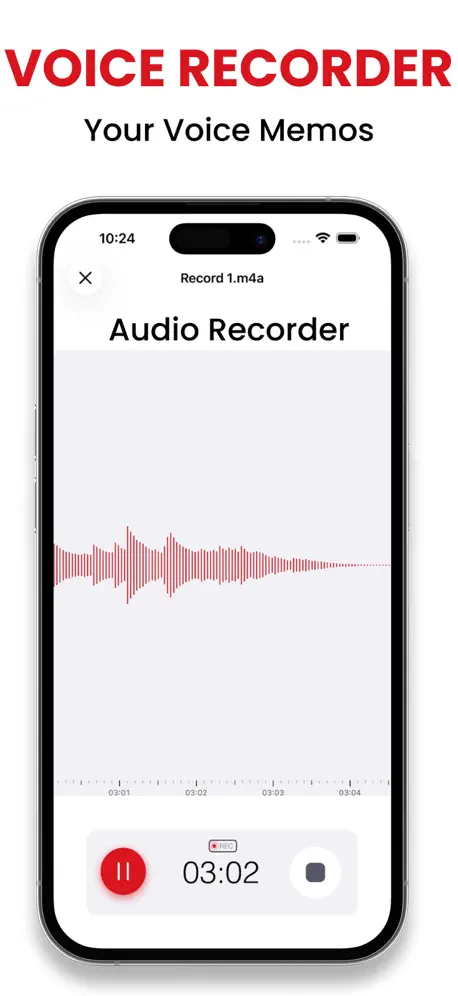  Recorder Plus: Voice Recorder Recorder Plus: Voice Recorder | 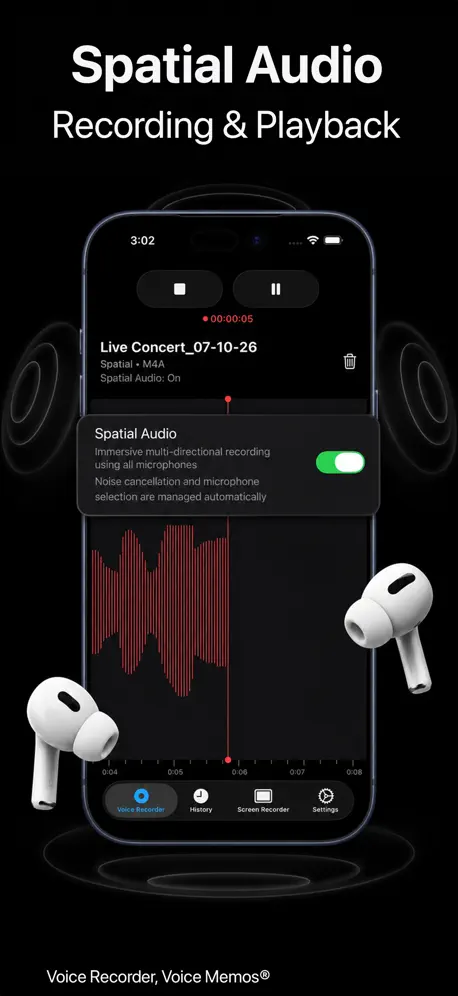  Voice Recorder, Voice Memos ® Voice Recorder, Voice Memos ® | 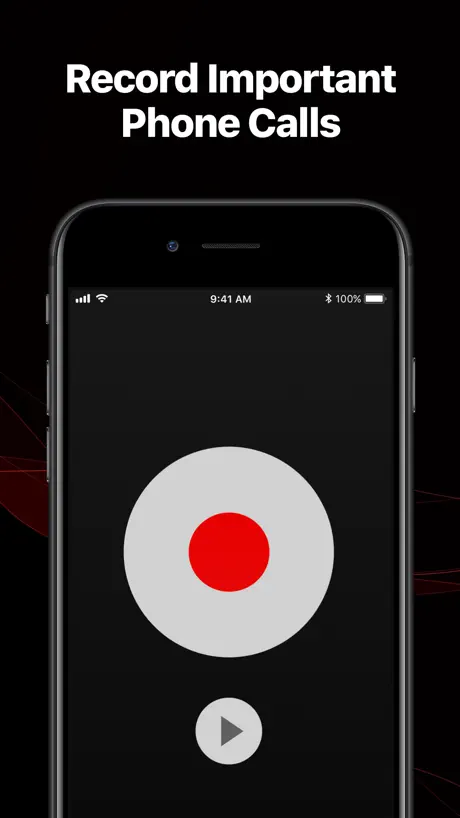  TapeACall Pro: Call Recorder TapeACall Pro: Call Recorder | 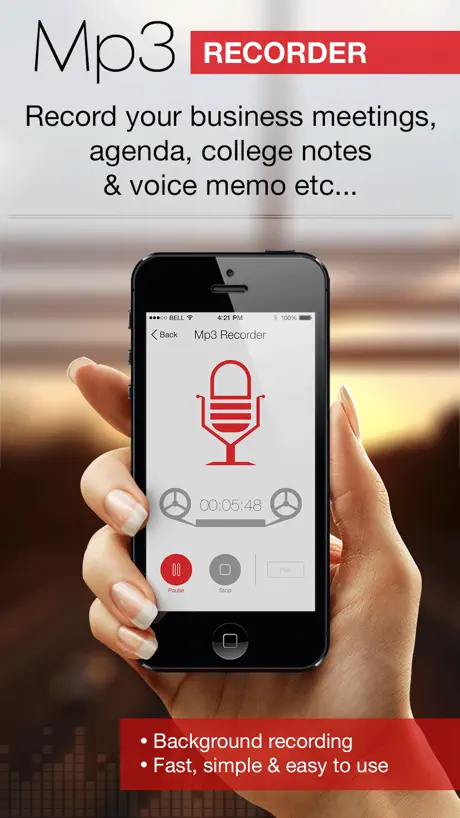  Mp3 Recorder : Voice Recorder Mp3 Recorder : Voice Recorder | 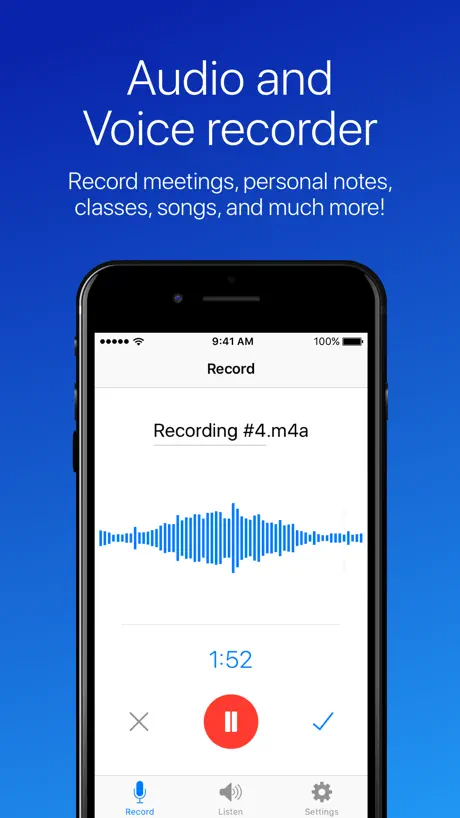  Easy Voice Recorder Easy Voice Recorder | 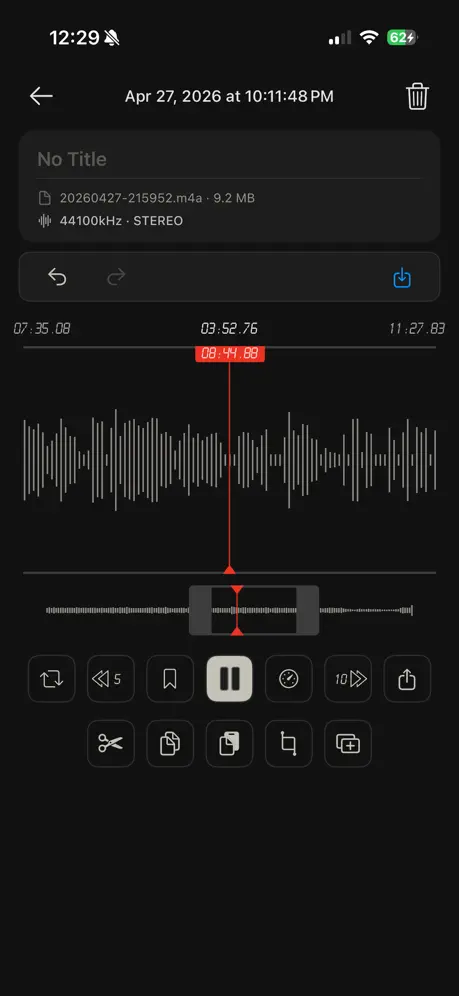  Awesome Voice Recorder Awesome Voice Recorder | 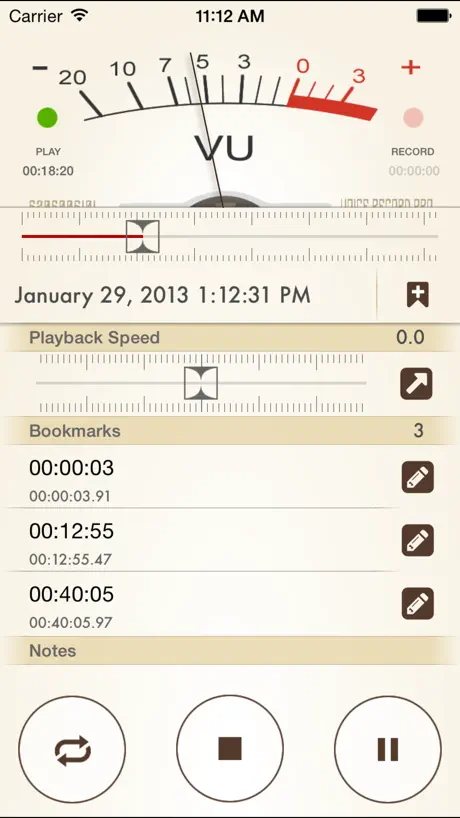  Voice Record Pro 7 Voice Record Pro 7 | 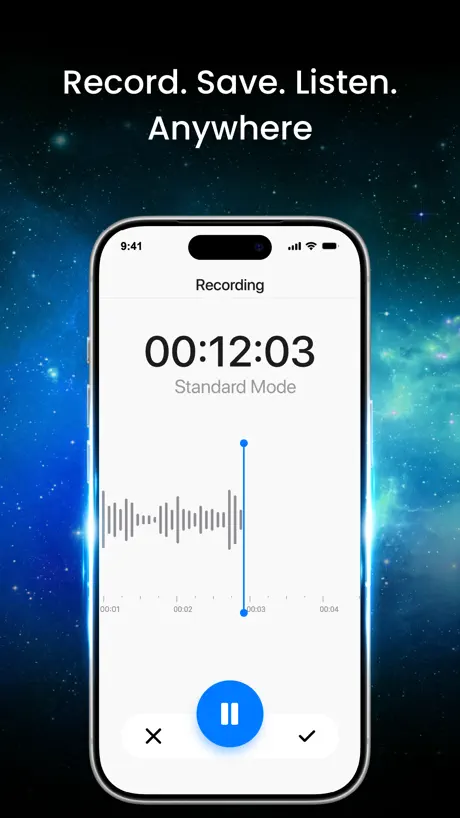  Voice Recorder: Sound Recorder Voice Recorder: Sound Recorder |   Smart Recorder and transcriber Smart Recorder and transcriber |   Voicerec: Voice Notes & Memos Voicerec: Voice Notes & Memos | |
|---|---|---|---|---|---|---|---|---|---|---|---|
| Rating / 5 | 4.7 | 4.4 | 4.3 | 4.4 | 4.4 | 4.7 | 4.6 | 4.7 | 4.5 | 3.6 | 4.2 |
| Reviews | 55K | 44K | 37K | 24K | 22K | 19K | 13K | 2.6K | 1.4K | 857 | 96 |
| Released | 2014 | 2014 | 2013 | 2013 | 2014 | 2017 | 2014 | 2014 | 2024 | 2013 | 2024 |
| Weekly price | — | $4.99 | — | $7.99 | $4.99 | — | — | — | $9.99 | — | — |
| Annual price | — | $34.99 | $39.99 | $59.99 | $34.99 | — | $24.99 | — | $49.99 | — | — |
| One-time price | — | $1.99 | — | $14.99 | $0.99 | $0.99 | $0.99 | $8.99 | — | — | — |
The going rate for each plan in United States, in its own currency, shaded from the cheapest price on the row to the dearest. Plans fewer than four in ten of the priced apps sell are left out.
Voice Recorder - Audio Record reviews
4.7 out of 5, based on 55,202 reviews.
What people like
- Simple and easy for older users
- Records clear voice audio well
- Does only what you need it to do
What they complain about
- Ads interrupt you constantly
- Exporting files is a huge pain
- Email sharing just does not work
- Screen turns off while recording music
Great App for Recordings
I love it! Voices are clear from the recording. Easy to use.
Does NOT support an external mic.
I have a 6th generation iPad and a Ligthning to USB adapter. iPad OS sees the accessory but this app doesn’t.
Great And AVAILABLE… Hoid gold at any price.
test are, impressive…. 1later, keep it available.. GREAT SOUND!
Conversion
Recorded okay! Then converted it to mp3, played for less than three minutes!
more than a little unreliable
This recorder tends to cut out for inexplicable reasons.
Mr
Excellent
Useless
All they want to know is what I think about the app when I really can’t do anything with it. Save your effort.
mostly works
I record songs I do live to share with friends. It does that quite well. It no longer will send the iPad recording on email but open and send in airdrop.
Missing key capabilities
For six dollars, I would expect some basic capabilities such as being able to rearrange audio files. I also spent nearly an hour trying to transfer or share the audio files to iTunes, which I never did figure out. I’m disappointed in the limitations of this app for the amount of money that it costs.
Good but…
I’ve made many recordings with this app over the years. The clarity and ability to share sound files is great, but locating files is a difficult task.
Record your snippets!
I use the app to record snippets of music inside my head. They’re little originals that visit my brain.
Purchase Pro yet still wants me to pay for other programs.
Very disappointed I purchased the Pro upgrade to be able to use features which were shown as included but now the program wants me to purchase more products to be able to use those features. Seems deceptive to me
Great voice
The best audio Recorder
WAV files will not parse for transcription in AI apps
When attached/uploaded to PERPLEXITY.AI or GEMINI at Google, WAV files will *not* parse for transcription. WAV provides best quality output. Very disappointed. Requires a 2nd step to convert to MP3. This is a drag on my workflow. Entire reason I spent the money on this pro app was to consistently get a dependable WAV for download. How do I get a refund for $6? (And then another $13 [on sale?] for a secondary app for access to 1-click share or saving to alternate Files app folders [to transcribe to text or PDF]? Probably not going to stay with this clunky approach.)
Waze Ad?
Why a Waze ad right when I am trying to record something important? And I couldn’t get it to go away. Then it was recording and I couldn’t tell what was going on because of the stupid ad🤬
Just what you need and nothing mire
I love that there are still apps like this, that do only what you need them to do and not a lot of other fancy stuff that eats up memory and causes crashes
No Phone Record
Room Recorder does not interact with phone.
Excellent results on iPhone 11
Cool
Like bait & switch
I found a free version, didn’t know there was a paid version, and got that and made a very important recording. Then I found it was useless unless I got the paid version. I am offended—a waste of my time offering us a free version.
Basic
Wish I didn’t have to pay so much for such a basic app, but it’s decent quality.
My Assistant!
Voice memo helps me create and helps me memorize… Helps me remember fragile ideas and helps me practice wisdom. I’m trying to learn by heart. I’m so appreciative of this app.
Cannot send on email
I used this App having paid for Pro. It will not let me send recording via email as to large and recipient has not got DropBox so cannot open when sent via DropBox. Surely there must be an easier way to send !!! As such I would not recommend unless it is made easier to send. Thank you.
Good One
It’s easy to use & provides nice options .. !!
Disappointed
I lost all my voice notes the day I downloaded pro. They’re all gone . Plus unable to get the transcript for long voice memos.
Please add option for mode
Could you please add option for selecting mono or stereo mode for recording? Thanks!
Good app
It’s great.
Shared Recordings Don’t Work
I went and shared my recording to family members, but the family members can not play the recording I shared with them. We’ve tried everything from updating to purchasing another app that states it plays everything. Wish I could get my money back.
एडिटिंग
इसमें सस्टीरिओ साउंड या किसी और साउंड में कन्वर्ट करने का ऑप्शन नहीं है
Search function???
How can I search for a recording???
Don’t buy this!
Don’t buy this recorder! There are better versions out there - in fact, after I bought this one from the reviews, the found out that this company make a better, modern voice recording app. That said, be very, very, careful of what you record as the company do not appear to have any data policies - you’ll never know who your data is being shared with!!
Need app for Apple Watch
Love the phone app, would be great if you offered it on Apple Watches too.
Terrible
They’re terrible . Billing without showing on Apple subscriptions tab.
Nice app
If some sound effects added then it could be much better. Naresh Thakur
Not great for music
Recording on IPhone 15 Pro. Difficult to make a “clean” recording. Doesn’t filter excess noise.
It okay
Kinda fun!!!!!
Absolutely love this app!!
Used it for years! I record song/guitar ideas, creative conversations, meetings and cool sounds from my trips to other countries! Really a fantastic app! I even bought the paid pro version which is totally worth it. I do wish I had the option to connect to Google Drive instead of Dropbox (Im sure more people use Google Drive) but overall I love this app!
Stops recording after 5 minutes
I tried using this to record an important conversation and it stopped recording 5 minutes in
Basic editing features needed
Product is good. We can add basic editing features like noise reduction to add value and improve the product
Can’t bulk export
The app functions well. However, if like me you have several hundred recordings of various meetings and lectures, you can’t bulk export either in the app or in iTunes on the computer. This is a massive oversight and a big pain do manually export files by having to select every single one individually. They should all be available on iTunes by default without having to manually add them.
Not worth
Nothing gets recorded. Don’t waste your money
Memories Recorded…
Nice to have a recording of an old friend that passed away four years ago. His old dog enjoyed listening to him.
Don’t buy this
It’s impossible to export your recording without using Dropbox. It’s a waste of money and keeps asking you to add other apps in order to get any functionality.
Ok
Average nothing great.
Send
I do find it difficult to send it as an attachment to an email
Dr Nick Pavlakis
Review about my cancer
Little helper
This VoiceRecorder has been helpful as I can turn it on and talk little reminders to myself at any time very simple to operate and I appreciate that being older.
Had to get ‘Pro’ version for usability & they alleg that is a “1-time payment” (what’s the trick?)
I will update this review after I experience “Pro” version.
Really I’m getting wired very discussing can’t able to convert from wav to MP3 when above 2 gb
Always getting close when tried to convert wav to mp3 file when above 2 Good Night
Nice recording app
I like this app a lot and so does my wife. Very easy to use. The only reason I gave it a four-star is because the app does not have a setting to keep the screen ON all the time during a recording session. While recording music, etc., it is nice to have the screen ON always. EDIT: After using it for a month or so, I'm reducing the rating for this app. It is really a nuisance that the screen goes off while recording and there is no setting or an option to keep the screen ON.
High volume
How can I volume my recording songs
Voice Recorder - Audio Record FAQ
- Is Voice Recorder - Audio Record free?
- No. Voice Recorder - Audio Record costs $5.99 (US) to download.
- Does Voice Recorder - Audio Record have a free trial?
- No. None of its offers (US) come with a free trial.
- What are the best alternatives to Voice Recorder - Audio Record?
- Recorder Plus: Voice Recorder (4.4 from 44,394 reviews, premium from $1.99), Voice Recorder, Voice Memos ® (4.3 from 36,706 reviews, premium from $9.99) and TapeACall Pro: Call Recorder (4.4 from 24,319 reviews, premium from $5.99).
Voice Recorder - Audio Record download
Last updated 5 months ago.
Voice Recorder - Audio Record sells in 175 countries. It was released 11 years and 10 months ago, on 20 Nov 2014. It holds a 4.7 rating from 55,202 reviews.
Supports 10 languages: English, French, German, Italian, Japanese, Korean, Portuguese, Russian, Chinese, Spanish.
How much does Voice Recorder - Audio Record make?
Third-party estimates for the last 30 days, worldwide — not the store's own figures, which Apple publishes for nobody.