
Coastal Community Bank Mobile
How much does Coastal Community Bank Mobile cost?
Prices are current as of 19 Nov 2026.
Coastal Community Bank Mobile has no in-app products on record in the United States.
10+ alternatives to Coastal Community Bank Mobile
| Coastal Community Bank Mobile |   EXCEED by Money Network |   Greenwood - Mobile Banking | 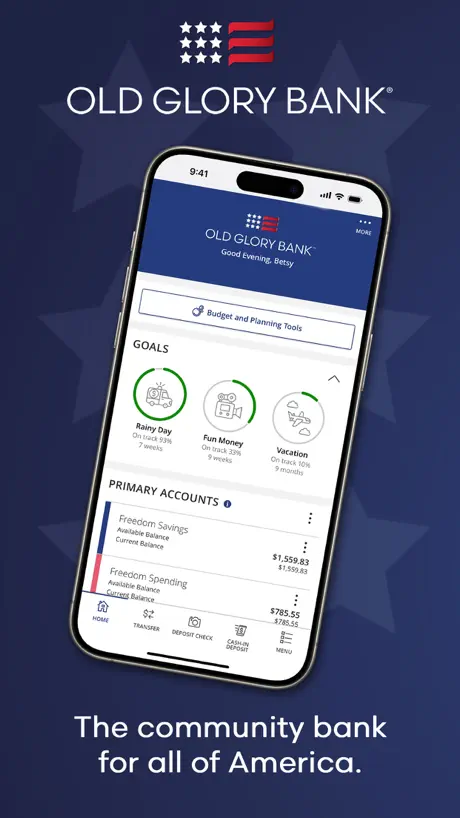  Old Glory Bank |   Sutton Bank Mobile | 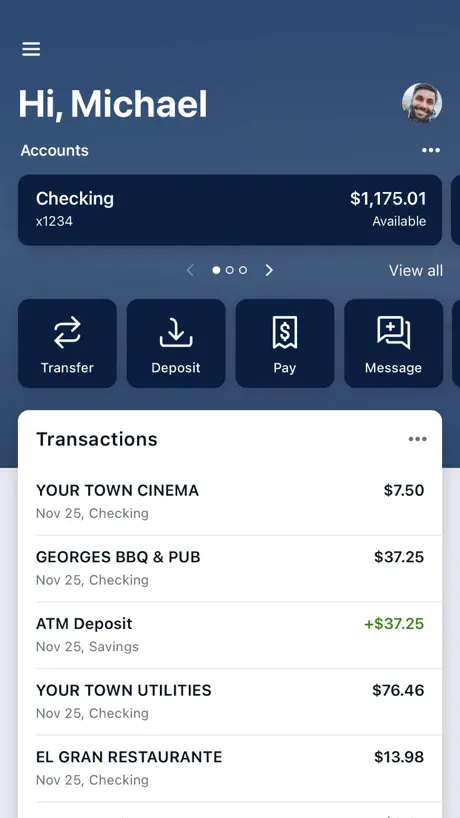  Evolve Digital Banking |   Pathward Mobile Banking | 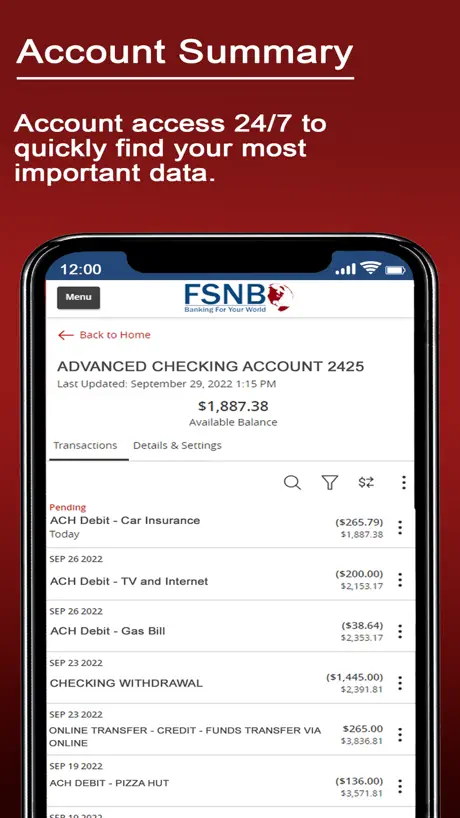  FSNB Mobile Banking |   CFSB Online Banking |   The Bancorp Mobile |   Stride-Mobile Banking | |
|---|---|---|---|---|---|---|---|---|---|---|---|
| Rating / 5 | 4.2 | 4.6 | 4.8 | 4.8 | 4.5 | 4.8 | 4.3 | 3.7 | 3.9 | 4.1 | 3.0 |
| Reviews | 298 | 23K | 7.5K | 2.3K | 499 | 333 | 208 | 187 | 32 | 16 | 3 |
| Released | 2014 | 2019 | 2022 | 2023 | 2018 | 2023 | 2014 | 2011 | 2016 | 2013 | 2013 |
Coastal Community Bank Mobile reviews
4.2 out of 5, based on 298 reviews.
What people like
- Great for handling daily banking tasks at home.
- Bank staff are helpful with personal needs.
- Fingerprint login saves time on your phone.
What they complain about
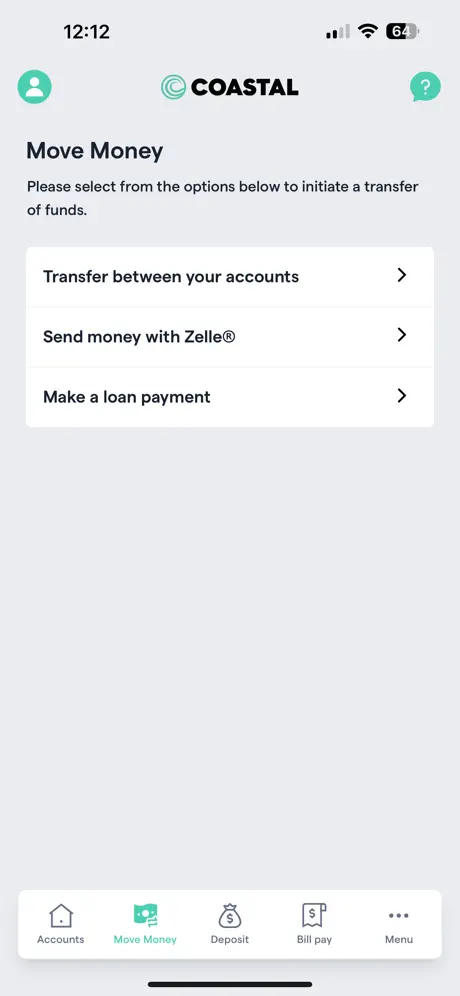
- Transfers often fail when you need them most.
- App freezes or loads forever after updates.
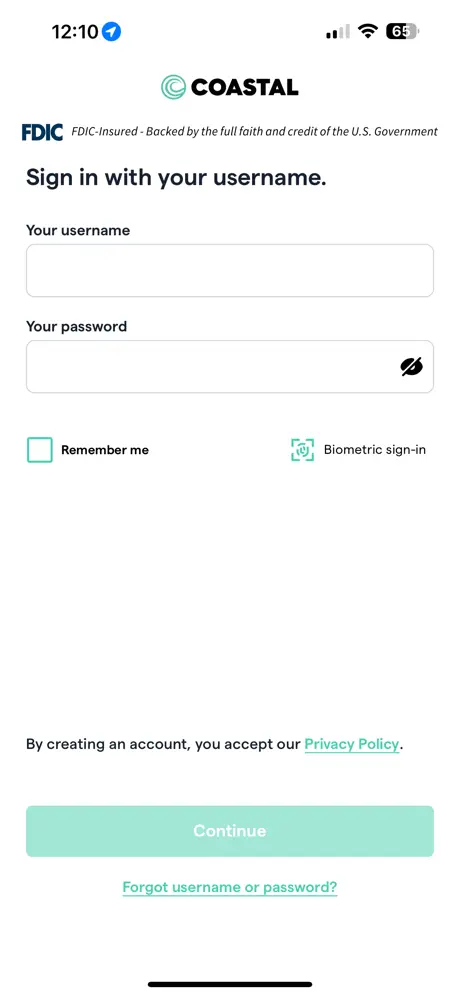
- Login process is too long and confusing.
- Finding transactions feels like searching for a needle.
Easy
Easy to use with everything I need.
Terrible
Worst bank/banking app I have ever used
Functional and great
Love that I can login using thumb print recognition. This is a very convenient time saver. I find this is one of my more used apps on a daily basis. I’m waiting for a new app version that will support new face recognition for log in on iPhone X. Only criticism I have is once logged in, to enter the transfer menu you have to re-enter a password. When you are on the go with a life full of a million passwords this is not user friendly.
Not user friendly
The latest update is frustrating at minimum. Initially it displays a portion of the user ID but if using a password autofill from Bitwarden it deletes the user ID when entering the password. I’ve noticed syncing delays and as such fluctuating accounts balances. It’s not intuitive from a user perspective, from layout to screen navigation, it’s cumbersome at best, adds many unnecessary steps and not typical of CCB updates. This version definitely needs rethinking.
Not working
App used to work fine, but it seems most of the time it opens it doesn't let me do anything and I have to try again later. Please fix, I use this app all the time
Convenient to use
Love using to mobile app.
Crummy Upgrade
The previous version was much better and easier to use. This one’s biometric login doesn’t work, and they lost all my payees and payment records!
Too many damned clicks for any customer to understand
The new bill pay requires way too many clicks. I have one account and need to select it on a second screen. I want to make a one time payment I need to click on that, too, rather than having sane defaults that I can adjust.
Apps not working on My iphone
I am not sure what happen but apps used to work before but starting yesterday everytime i open the apps the screen freezes and i cant type anything on it.i already uninstalled it and installed it back but its still not working please help!
Banking remotely
It’s great to be able to accomplish so many daily banking tasks without getting in the car and spending resources .
Really bad tech
Super old tech obviously built by someone else. kyc login challenging, remote deposit capture does not work on all checks. So basic.
A step backwards from the last version
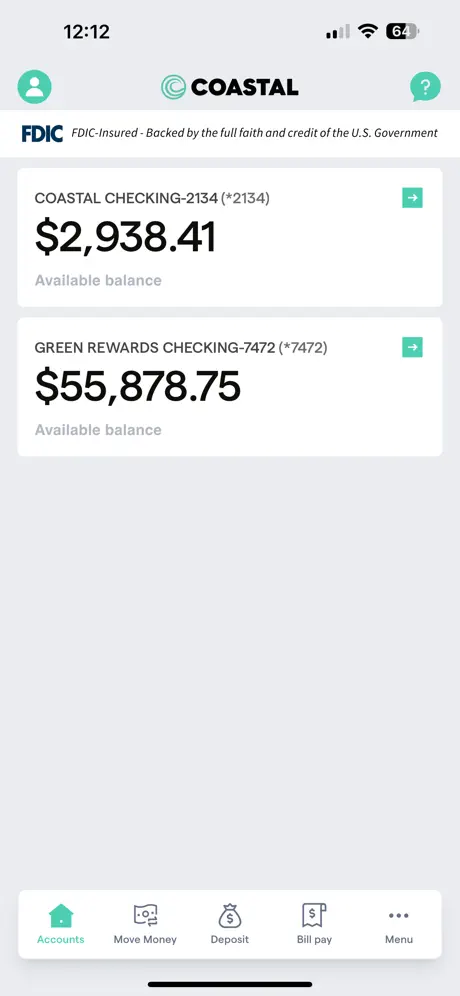
This December 2025 version of the app is a step backwards from the last version. The previous version allowed you to see the balances of all accounts when you first logged in but this one makes you go through three different steps just to see the balance of a different account.
mobile
nothing agisnt the app but do your research. Mobile banking is riskier then doing it on your computer. Phones have little to no virus protection but make your choice. btw Coastal is a great bank
Excellent
Thanks team CCBM
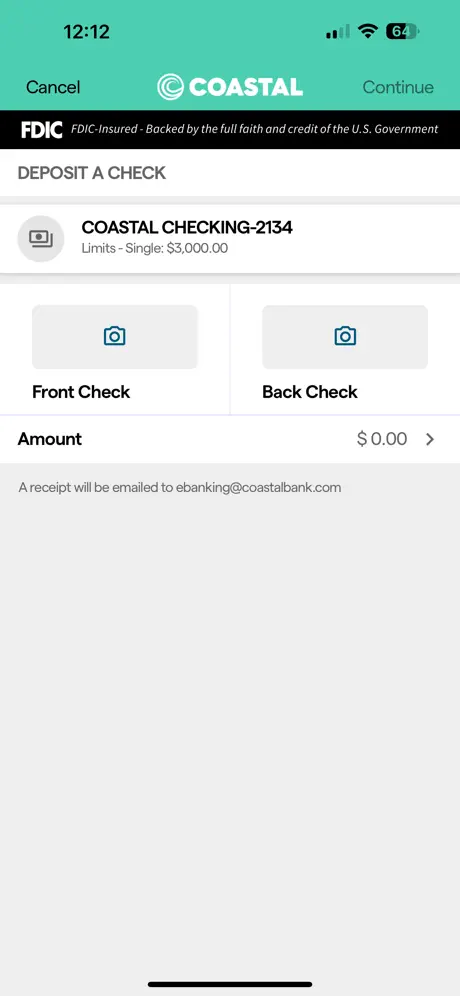
Hard to deposit a check
I complied with all the requirements when depositing my check, but still failed. App keeps saying error to read account number from the check. No success after several tries.
Won’t rotate screen for my IPad
Very frustrating “update”.
Jon Larson
This is about the personal working not the web page. I bin a customer/ client for fifteen plus yrs, As I needed help big or small they have always stepped up to assist any way they could. I give them five stars. Towjon
App issues
I do not like the app
Asinine Functionality
Mobile deposit are extremely difficult. All of the exact verbiage has to be in there versus just checking the box for mobile deposit. You can’t label any type of transaction. The commercial banking isn’t labeled at all. So if you and trying to track down a specific transaction good luck. The sorting and filtering is also terrible. Trying to get a list of just deposits only over the last couple months or trying to find a specific deposit. It’s like finally a needle in a haystack.
Poorest functioning bank app I have ever used
From a visual and user experience perspective, the app legit looks 10+ years out of date. Banking app features are the most bare bones I have ever seen - cannot label transactions, most deposit slips or check images do not load when selected, bank statements only go back 6 months and hard to find on mobile app, setting up Zelle or bill pay was painful, most of the times when an app update is done, you lose any Face ID login previously set up. Counting down the days that a new bank opens in town so I can leave this bank - solely because of how bad their online banking and mobile app experience is. It's 2025 and 99.99% of other banks offer light years better tech and user experience than this one.
Needs to work
It’s a good basic app does all the basic functions nothing special but it’s a 50/50 when I want to transfer money I put all of my paychecks in my savings and only take money out when needed like if I’ve had no food for the day etc so lots of times when I’m trynna transfer money it won’t let me saying it’s currently unable to meaning I could hours from home without any way to get food or gas which is also my fault I should take that into consideration but it’s the app that needs to be fixed to that as well
Worst banking app
So glitchy and i always have to deposit in person anyway…
Worst bank app I’ve ever had
Makes me very frustrated because you cannot do things on the app that you need to do like set a bill pay transfer money. It’s a very frustrating app. I’ll just have to go into the bank to get my stuff done. Kind of a pain in the butt.
Bad changes
The app used to be great a month or two ago but with the update and layout change it has made it even more complicated to use. The app does not remember me and makes me constantly re verify along with the removal of the transaction search option just to names the worst of many new issues.
Online banking
Very hard to navigate, often find myself struggling to find what I need or irritated with what I cannot set up online or off the app like most online banking, love the in person banking experience with coastal hoping the online and app will soon be as great as great as the online experience.
Glitchy
The mobile app is very glitchy, “forgets” that I have already signed up for Face ID, gives me the spinning wheel of death and often just seems like it isn’t reliable and available when I need it. I live on Whidbey and there is no longer a Coastal here, so I rely on this app. It has me thinking about switching banks
Constant Waiting
This app only uses face ID function about half the time and asks for UN and PW rest of the time. Does not remember PW, so logging in is usually a 6 step process. Once the app is open, it frequently shows loading page indefinitely and requires closing and reopening. When I get through the loading page, frequently I can’t click on individual accounts due to THOSE pages loading indefinitely, as well. It can take up to 15 minutes to check my daily transactions or make a transfer with most of that time spent logging in multiple times and waiting for app to load. I’m on iPhone 13 ProMax with newest software. Sometimes it does operate efficiently which is nice but most of the time I hate knowing I need to use this app to manage banking.
Coastal Community Bank Mobile FAQ
- Is Coastal Community Bank Mobile free?
- Yes. The app is free, in all 1 country it sells in, and it sells nothing inside it.
- Does Coastal Community Bank Mobile have a free trial?
- No. None of its offers (US) come with a free trial.
- What are the best alternatives to Coastal Community Bank Mobile?
- EXCEED by Money Network (4.6 from 23,251 reviews), Greenwood - Mobile Banking (4.8 from 7,472 reviews) and Old Glory Bank (4.8 from 2,308 reviews).
Coastal Community Bank Mobile download
Last updated 2 months ago.
Coastal Community Bank Mobile sells in 1 country. It was released 12 years and 6 months ago, on 5 May 2014. It holds a 4.2 rating from 298 reviews.
Supports 1 language: English.
How much does Coastal Community Bank Mobile make?
Third-party estimates for the last 30 days, worldwide — not the store's own figures, which Apple publishes for nobody.