
FltPlan Go
How much does FltPlan Go cost?
Prices are current as of 12 Nov 2026.
FltPlan Go has no in-app products on record in the United States.
10+ alternatives to FltPlan Go
| FltPlan Go | 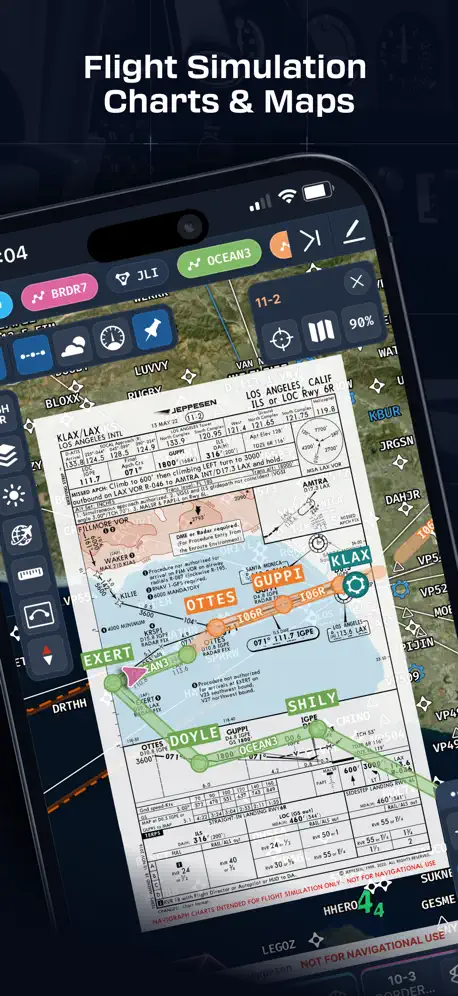  Navigraph Charts | 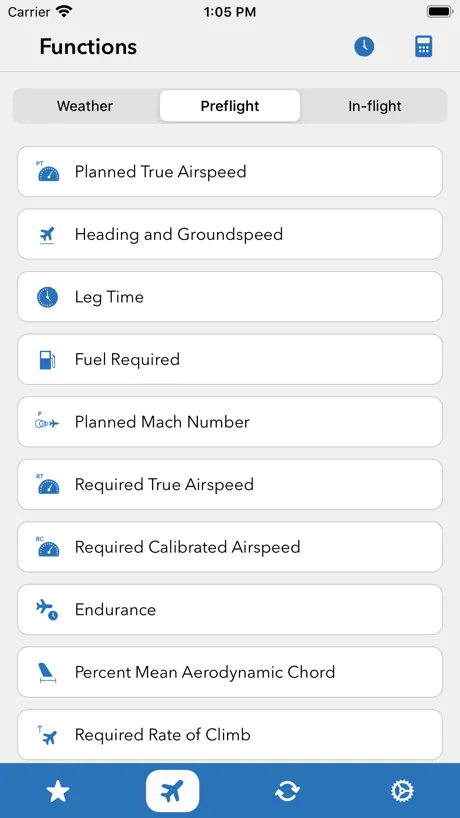  Sporty's E6B Flight Computer | 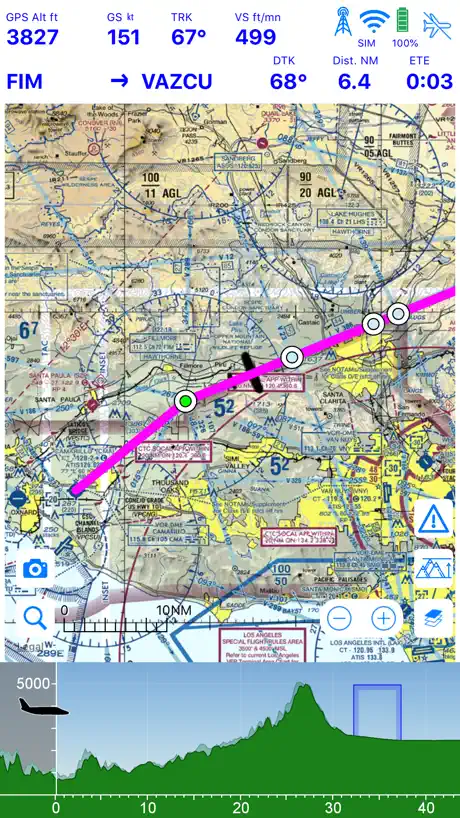  Airmate | 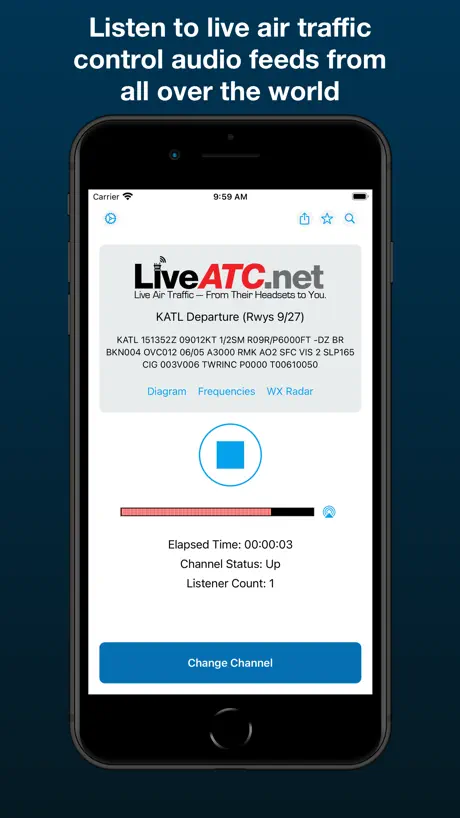  LiveATC Air Radio |   FlyQ+ EFB |   iFly EFB |  Jeppesen FliteDeck Pro |   WingX® |   AvareX |   FlightBridge | |
|---|---|---|---|---|---|---|---|---|---|---|---|
| Rating / 5 | 4.1 | 4.9 | 4.9 | 4.6 | 3.4 | 4.1 | 4.7 | 3.2 | 3.4 | 4.6 | 4.2 |
| Reviews | 227 | 10K | 6.5K | 4.9K | 1.8K | 941 | 379 | 378 | 212 | 103 | 27 |
| Released | 2013 | 2015 | 2010 | 2016 | 2009 | 2014 | 2013 | 2012 | 2010 | 2024 | 2024 |
| Annual price | — | — | — | $24.99 | — | — | — | — | — | $49.99 | — |
| One-time price | — | — | — | $8.99 | — | $89.99 | $94.99 | — | $0.99 | — | — |
The going rate for each plan in United States, in its own currency, shaded from the cheapest price on the row to the dearest. Plans fewer than four in ten of the priced apps sell are left out.
FltPlan Go reviews
4.1 out of 5, based on 227 reviews.
What people like
- Totally free with no hidden fees
- Connects well to cheap ADS-B gear
- Customer support is actually very helpful
What they complain about
- App crashes constantly when you open it
- In-flight traffic tracking stops working randomly
- TFR data is often days late
Grateful this app exists
I can’t speak to a lot of the more advanced features yet, but very thankful to be able to utilize the basic features for free - all the charts, geo referencing, diagrams, etc. all in one easy place. I do wish the annotation feature was a lot better (for example, you can draw on charts but you cannot erase each stroke, the entire screen must be cleared at once), however, I still appreciate the app and find it very useful.
THX FOR UPDATE FOR NOTHING BUT MORE BAD
After this new update, this app keeps crashing now, even I've tried to reinstall this app. Very good update, thanks for this 👍
Solid alternative
As a ForeFlight user, I keep this app as a backup to my backup. Also, because ForeFlight does not support android, it’s pretty much the only choice with out another payware app. It’s clunky compared to FF, but it’s free. I do wish there was support for Jep chart but as a backup to an iOS device running FF, it’s pretty amazing it’s free. Geo location and moving map alone is worth the hassle, importing the charts is a nice peace of mind. My only request, be nice if the markup worked better. It’s a little too involved if you are actually flying and fumbling with the interface to make actual readable note. Others have compared it to FF, there no comparison, it is different and you’ll have to force yourself to use it to get comfortable flying with it. Thankfully it connects right up to xplane simulator so getting familiar can be done safe on the ground.
Switching from ForeFlight
ForeFlight costs $250 and I don’t fly enough to justify the cost. So I have been trying to switch to FltPlan Go for a couple of years. But compared to ForeFlight, FltPlan Go is extremely cumbersome, and provides very little “current” instruction on how to use the app. ForeFlight is a little expensive, but it is so simple to use. No comparison.
Worse on iOS than Android.
The UI is slightly different between the two for who knows what reason. The iOS one has many crash to desktop bugs that are easy to repeat. The quality of shortcuts on Android do not exist on iOS. Really wish they would dedicate some time to fixing bugs. Not very safe to try and change to an alternative and have the app just crash instead.
Same Features but free
This app is literally amazing! I was looking for a app like Foreflight and Navigraph but free. This app has all the same features but it is 100% free no subscription nothing! I use this app everytime I play Microsoft flight simulator, I love it!
Latest update broke the app
I’ve got an iPad mini 6 and app worked fine before the update. Post update, the app crashes seconds after opening, even after multiple restarts and a redownload.
Good for Civil Air Patrol (CAP)
I am not a current pilot. I do flight planning as the “Mission Observer”. I use FltPlan Go to tell the Pilot where to go. I absolutely love that this software has ‘Way Point’ support and also has the CAP grid layer.
Crashes. Missing important features…
For starters, it shows strange values for legs on routes. If I long-press on an airport to pull up a context menu it crashes! Just what I want while en route in my twin. I’m sorry but this is a very over-rated app, but then I guess you get what you pay for.
Was good
This app was good until today. Keeps crashing and will not let me download maps or procedures. Looking to switch to a different app
All you need
Up the Icy Strait,all the way to Alaska, iced up, IFR @ 11000 ft msl, in a Grand Caravan. Just one of numerous flights planned with this great app over the years. It’s all I need.
Don’t bother with this one.
App crashes as soon as you attempt to open it (I should have taken the previous reviews more seriously). Horrible app.
Love the app .. what happened?
Ive been using FltPlanGo for years. I love the app, it does everything I need. I love the connection to FltPlan.com to download the plan. I just updated fltplan go on my iPad Mini 6th generation, iOS 17.4.1. And now, the app crashes within 2-3 seconds of launch.
The highlighter is malfunctioned
After updating, the highlight I made on the approach plate will always shift if I leave and come back.
Features keep being removed from the app.
It seems every release gets worse not better. State outlines don’t seem to work now. I really liked having the sua overlay. Unfortunately it was removed from the app and is only available from the webpage. Would like to see it the same features on the webpage integrated back into the app.
Sample Routes Issues
Hands down, this is probably the best app Private and Commercial pilots can use for flights in the US or Canada. The only problem I’ve encountered is the inability to delete or turn off the annoying sample routes that randomly show up in the today’s routes tab. Some guidance about this issue would be appreciated, but other than that great job; I wish they had FPL for international flights!
Not for MSFS
I guess from Microsoft flight simulator it doesn’t work
Plotter?
I love this app, but when flight planning, I always have to use something else to get the precise direction. Is there a way to integrate a plotter into this app?
Doesn’t work with X-Plane 11 Anymore
Don’t know if the app update broke it, or if x plane updates broke it, but it no longer connects to the simulator. It used to work just fine.
Breadcrumbs keep failing to upload
Hello there, just running into some issues where I’m unable to upload locally saved breadcrumbs to FltPlan go. Keeps saying the same message in red bubble, failed to upload.
The best EFB
The freaking best. And the best costumer support I’ve ever seen on ANY app, whether free or not. It’s really impressive this is free, it’s so good. The extra features you pay for on the other apps are not even worth it. If you want something good and free, here it is. Works great with my Stratux ADS-B. Why pay $900 for a Stratus + $100/yr for ForeFlight when you can get a $300 Stratux and a FREE EFB for the same exact thing????? QUALITY. Take this review with great value since I never write reviews, even if it’s good. This has to mean it’s fantastic. And hey, if you don’t like it, you don’t lose anything.
Doesn’t work
Every time I use this to track a flight I am on it stops tracking after 10 minutes or so
Good backup
It is a good EFB, it just deserve some kind of graphic and integration update, that never happened during years. It can be used as a backup of a more "feature-rich" app or as a good starting app for beginners, but I'm pretty sure that if a pilot put the effort to learn it, it will be satisfied for most of the common operations and procedures. There are still some bugs, like, in my case, the binder/document section: some publications, for example the chart supplement, are not "updated" but they are added to the binder, leaving the old one there...without the chance to remove them manually; only with a total delete of the app all the old documents are deleted. Please fix this cause it makes a mess in the document organization.
Crashes during flight with ADSB
Application crashes in flight with no warning. I am a junior pilot just got my PPL. I noticed on my first solo cross country how important in-flight traffic is for pilots, especially VFR. I was trying out both this efb and another. I like this one better, when it works!!! So after the latest update I get connection errors. On my phone and tablet (android). I decided to buy an IPad and tried it there, no connection errors their, but the application crashes suddenly in flight when using adsb in. To me this is unacceptable and a safety big red flag. I am a senior software programmer myself, with almost 25 years experience in programming, and I can tell you there is no excuse for a program crashing, it may give a warning or e en hard error and log the problem, but crashing/closing abruptly is just bad programming/error handling. In a game or financial app, it is at the most annoying, but in a navigation and traffic EFB, it can create dangerous situations to say the least. As I cannot currently trust this application I stopped using it and started using another EFB, but I did not remove it yet. I am hoping efforts will be made to fix current issues, but more importantly a code review is done to make sure the app, even when unexpected issues arise, it never crashes again. At that point I would for sure give it another go. Until them, for now, I can only recommend if it works, you can do flight planning with it, but make sure you have a backup in flight, different app, because in several flights in the middle of some traffic I was in the dark, flying as a solo student Pilot, making sure not to panic while attempting to restart the app and reconnect stratus back. I give 2 stars instead of 1 because I am still rooting for this app and want to switch back to it in the future, but in it’s current state, the in flight portion with adsb is just not reliable. The rest of the app, especially the flight planning works great, when the app works.
Unable State Outlines on iPad Pro
It is a great app, no doubt. Just want to point out that on my newly purchased iPad Pro (IOS and App is up-to-date), the State Outlines do not show, even with “State Outlines” turn On. User Reply: State outlines were downloaded. I did however, download all data again and then they did show. Thanks for the reply. Raising the rating back to 5 stars.
Unable to update procedures
For some reason as of Oct 7, 2021 the FltPlan Go for IPad will no longer update IAP procedures. A state procedure seems to download OK, but then doesn’t show green afterwards. I’m using IOS 14.6 with plenty of storage remaining.
Great app but minor glitches
Love the app, has anyone else had problems with the draw feature not saving? Wondering if there is a solution. Otherwise no complaints.
Howgozit remains blank
Howgozit doesn’t work. Area that should display leg/fuel info remains blank. Touch settings button returns following message: “Loading error. Please redownload nav log.” Tap it again and receive same fail message. Worked on previous versions, but no more.
Nice app
Free wow. I really enjoy not having to pay for a app that functions. Thank you
does not work with ADS-B , stratux on version 5.0.5
it works before update, but not working anymore with version 5.0.5
Basically free foreflight
I really like this app! From what I’ve seen of foreflight, it’s just like this. I can download sectionals, make routes, have accurate gps, connect to an ads-b in unit, and look at weather and other flight planning stuff. The only problem I have with it is the fact that the units can’t be changed from nautical. Also it’s pretty annoying that I can’t stop the random sample routes from popping up on every startup.
What???
The calculator in the tools windows doesn’t work with decimals!!! If you try to use number with decimals it uses the number rounded at the firt unit. You have to fix it right now!
Free, as good as Foreflight. Hard to beat
Used for a few years now. It’s everything you need as flightbag, and it’s free. Don’t understand why so many use the very expensive Foreflight.
Bad
Big issues with the latest release!
Great but inaccurate TFR data
It is an excellent app, however, do not trust the TFR data. It is always a few days late, and during fire season you could get in serious trouble. Back this app up with the FAA tfr website.
Logbook is severely lacking
I realize that I am probably an unusual case, but I am looking for a replacement for foreflight and I use it mostly for the logbook. From what I have found, the logbook in this app is not worth the space that it takes.
Best free aviation app
Geo references approach plates and charts are all you really need, and they work very well on fltplan go.
Can’t sign in
No matter what I do the app says my sign in is wrong. I’ve deleted the app twice, had support look at it and no luck. Can’t use
Quality of Life suggestion
Best thing to add to the app would be a “copy route” button (at the end of the route) to allow us to easily add the route to Jepp view or ForeFlight. It would probably be the favorite addition to the app to date.
Crashes repeatedly
It’s free, but it crashes, which is scary. Besides, there is very little control over the interface, e.g. plane icons cover and crowd sectionals, random routes pop up randomly, etc.
Extensive and Free
I downloaded this as I was looking for a free application to test my Stratux ADS-B Receiver, and start to get traffic information. I’m a student pilot so I’m trying to keep my costs low. This app worked great! I could easily see the traffic around me and the audio traffic alerts were functional as well. The sectional map seems a little difficult to look at with zoom, but I’m just in a complicated airspace Thanks for providing this app for free!
Downloading issues
Have issues with downloading additional map layers, procedures, charts etc. App just collapse all the time!!!really annoying
Pre-Canned Routes
I must say that I love the program but could really do without the pre-canned daily routes that must be cleared before I plan my route for the day. It is just unnecessary.
Almost there but a few snags remain
This app has a lot of great features but there's a few things I'd like to see changed. Like others have already mentioned, I sure wish preparing nav logs could be accomplished within the app rather than requiring the need to go to the FltPlan website. Also, you can't zoom in too far on the Canadian sectionals. The map will disappear and all you'll see is a blank grid. This doesn't happen with US sectionals. Lastly, the app seems to pick up some random route when the app is opened rather than one of my saved routes. Why is that?
FltPlan Go FAQ
- Is FltPlan Go free?
- Yes. The app is free, in all 27 countries it sells in, and it sells nothing inside it.
- Does FltPlan Go have a free trial?
- No. None of its offers (US) come with a free trial.
- What are the best alternatives to FltPlan Go?
- Navigraph Charts (4.9 from 10,102 reviews), Sporty's E6B Flight Computer (4.9 from 6,479 reviews) and Airmate (4.6 from 4,940 reviews, premium from $1.99).
FltPlan Go download
Last updated 11 months ago.
FltPlan Go sells in 27 countries. It was released 13 years and 1 month ago, on 28 Sept 2013. It holds a 4.1 rating from 227 reviews.
Supports 2 languages: English, Spanish.
How much does FltPlan Go make?
Third-party estimates for the last 30 days, worldwide — not the store's own figures, which Apple publishes for nobody.