Bryant SmartHome
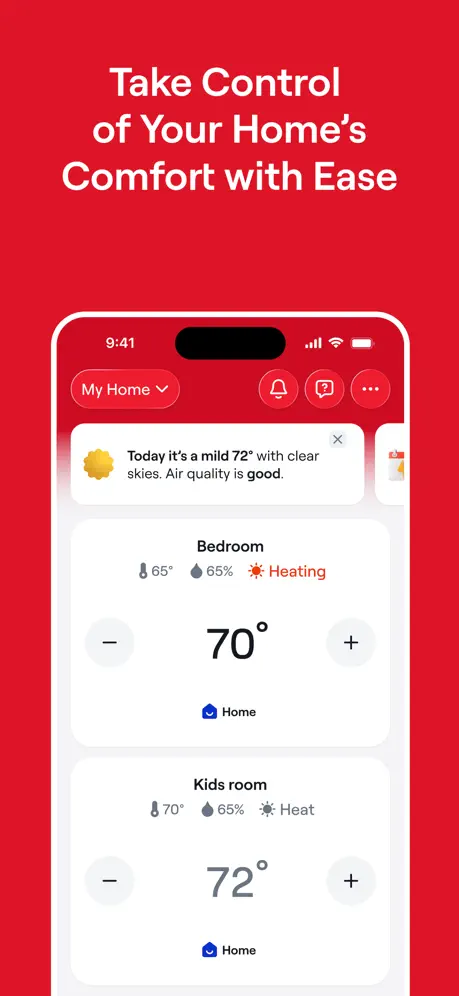
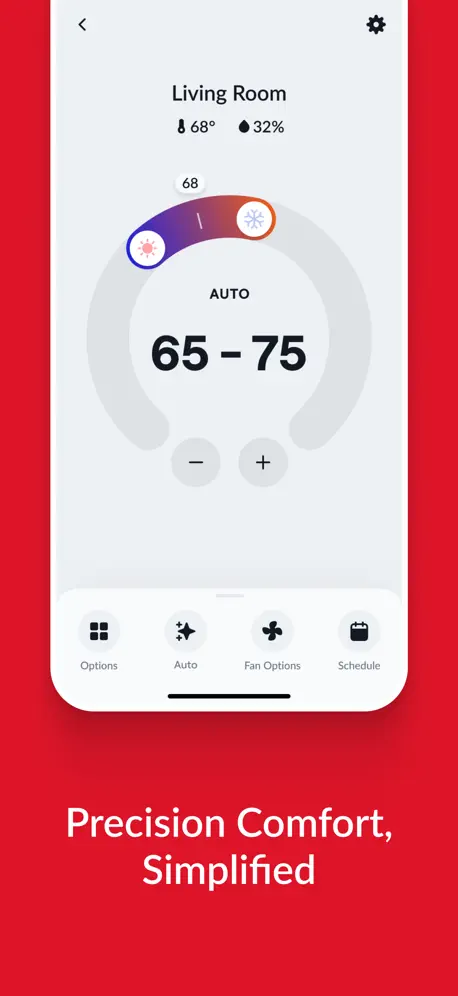
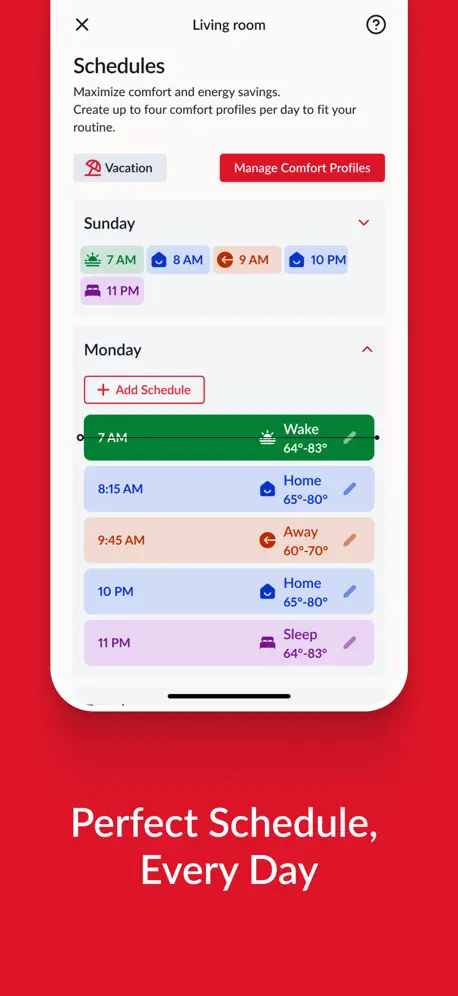
How much does Bryant SmartHome cost?
Prices are current as of 14 Nov 2026.
Bryant SmartHome has no in-app products on record in the United States.
10+ alternatives to Bryant SmartHome
| Bryant SmartHome |   Pentair Pool |   Comfort by Mitsubishi Electric | 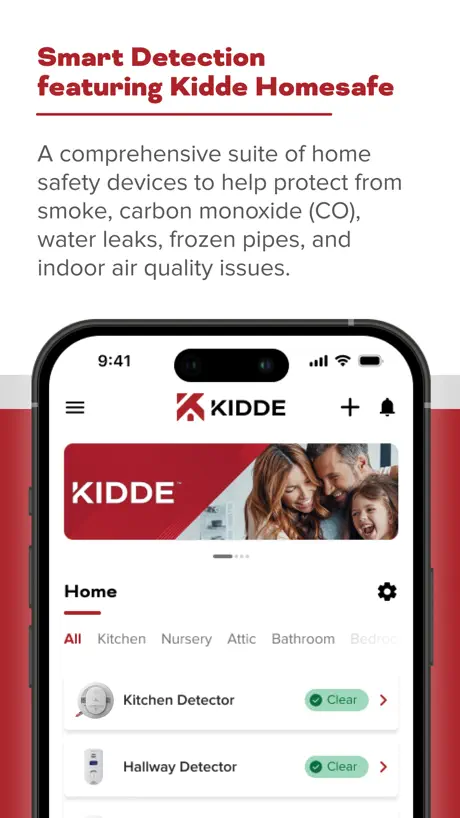  Kidde |   Lutron App | 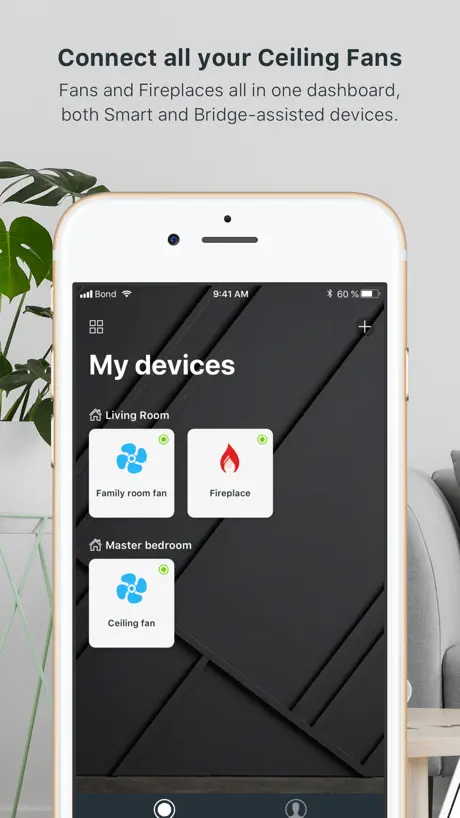  Bond Home | 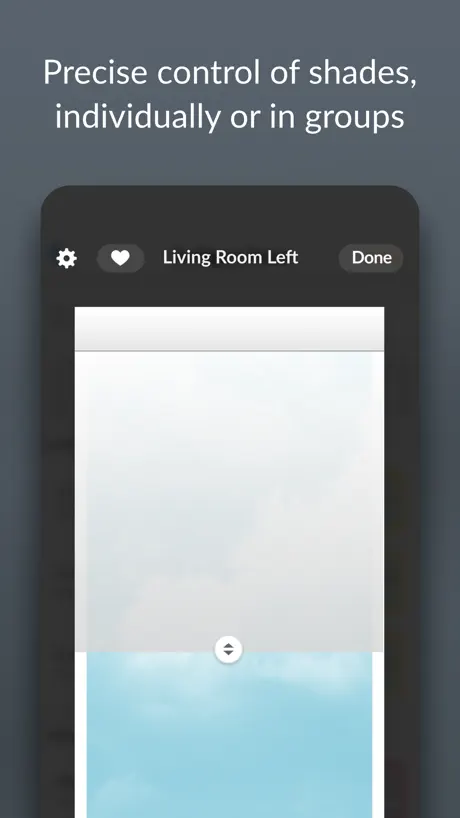  PowerView |   Carrier SmartHome |   Flo by Moen™ |   Sub-Zero Group Owner’s App |   Control4 | |
|---|---|---|---|---|---|---|---|---|---|---|---|
| Rating / 5 | 3.5 | 4.6 | 4.2 | 4.7 | 4.8 | 4.8 | 4.3 | 3.5 | 4.0 | 4.4 | 3.5 |
| Reviews | 868 | 26K | 8.8K | 8.4K | 7.8K | 4.5K | 3.6K | 2.8K | 2.1K | 844 | 118 |
| Released | 2025 | 2019 | 2015 | 2015 | 2014 | 2019 | 2015 | 2024 | 2016 | 2017 | 2025 |
| Monthly price | — | — | — | $1.99 | — | — | — | — | — | — | — |
| Annual price | — | — | — | $19.99 | — | — | — | — | — | — | — |
The going rate for each plan in United States, in its own currency, shaded from the cheapest price on the row to the dearest.
Bryant SmartHome reviews
3.5 out of 5, based on 868 reviews.
What people like
- Technical support actually helps resolve issues
- Recent update made the interface more intuitive
- Easy to reconnect thermostat after a reset
What they complain about
- App is very slow to load data
- Thermostat frequently goes offline unexpectedly
- App status often does not match the wall controller
- Too many useless notification emails for simple changes
Bryant Support Service
Great technical support in helping and correcting issues I was having with my smart thermostat
Never worked
This thermostat is horrible doesn’t work
Data and charts
Been using the app for the last 6 months since having the system installed. Coming from the Google Nest system, it’s been a downgrade in UI as well as data. Would love to see more data and charts showing run time and other granular info.
Not Reliable
It's a great app when it works. However, it's frustrating when it's not working and I'm not home. That's the purpose of the app, to be able to adjust heat/Ac when I'm not home. Right now, it's not working!
Not very intuitive
The App doesn’t flow well in my opinion. Setting a time schedule takes several windows. Good luck adjusting fan speed. The weather portion of the thermostat display is correct 50% of the time. Shows rain often on a bright sunny day.
1.2.25 Version works great
After disconnecting the thermostat and resetting it I was able to reconnect the thermostat with the internet and with the Smart Home app. Everything is back on line and working as it should.
Garbage
1.2.42. The app is a complete joke. From not being in sync with the wall controller, very limited scheduling to the 30+ repetitive emails you get when u make a single change to the 20”a UI. A complete joke of an app for a top of the line system. Scrap the app and start over with new developers. 1.2.40 just terrible. If ur using the carrier or Bryant version it stinks. Dozens of emails for a single change with no information except “a change was made”. Well no duh. What change? Wall controller not in sync with app, UI is terrible and overall poor quality and no testing. 1.2.39 another awful release. Not testing whatsoever. Any changes at the wall controller result in 35 notifications in a 4 hour period. Clearly the QA department is out to lunch. Latest version is just a continuation of the awful garbage @carrier puts out. How is it possible there is no testing. If everyone complains about the same thing you may want to believe them. App and controller not in sync. Notifications are a joke they say something changed. No duh, what changed? Email notifications are even worse. There is a critical issue so you need to go to app to look for something. What triggered the email? Your “schedule is a joke”. You limit to 4 “comfort profiles”. Now to what u call a UI. What a joke. Copy your competitors. They are far superior to yours. You can’t even get your screen layouts to not overlap. What a joke of an app. 1.2.33. Latest “version”. Won’t even load or have to wait 1 minute for any data to appear. What trash. Have tried to delete and reinstall app same thing. 1.2.32. Trash. App still is not in sync with wall controller. You may think this is a joke but u need to do much better. Fix ur bugs. 1.2.29 Yet another joke of a release. Wall controller shows fan off and gas off. Card shows heating but idle. How in any way possible does this garbage get thru QC. I can explain. There is not a shred of quality control @Bryant. Garbage release. @Bryant get ur act together and put some quality into your work. 1.2.28. Not sure what bugs you are fixing but the crack team @carrier / Bryant has yet to fix the most basic of bugs. What is my system doing? Wall controller shows 55% gas heat. Card shows idle and status and usage shows no gas heat but fan on Who is asleep at the wheel. Fix ur trash @carrier / Bryant 1.2.27. Come on. This app does not provide the most basic of functions. What is my system doing? This release still has not fixed wall controller and app not being in sync. Just pathetic that this junk is being put out. 1.2.26 same trash as before. Most basic of functions don’t work. ?what is my system doing? Nope wall controller and app not in sync If your “listening” fix the most basic. WRONG STATUS Changes from app not /infrequently reflected on wall controller “Smart” what a joke. Not worth it. Toss the app and start over with folks that know what they are doing. Carrier or Bryant app. Same exact issues just different colors. EMBARRASSMENT. 1.2.25 yet another trash release. wall controller shows fan on with 40% gas heating. (Visually confirmed and correct. ) Status and Usage in app shows fan on but gas off. Card shows heating but idle. How in all that is good is this possible.? Clearly not an ounce of QC. But they did add the ability to not show the weather. Stop with the lipstick on the pig and fix the pig. Just HORRIBLE TRASH. @Carrier you should be ashamed to release this junk
Server connectivity issues
When the app updates the server disconnects. I finally figured out how to fix it. I googled how to cut the power other than the breaker box. There are two tabs at the top of the thermostat panel that will remove the whole thermostat panel and that cuts the power. After I put the panel back on the thermostat restarts, and yay! the server connects and I have remote access again. Just thought this might help others who have trouble after the updates.
Terrible
First of all, all I get is a red screen most of the time when I open the app 9/10 times. I have to keep opening and closing. Ridiculous. Secondly the app on all platforms should mirror the screen on your wall OR give you more. This app gives you less, gives you the minimum it seems. Terrible app. Clearly not being payed attention to by Bryant. Come on Bryant, your customers deserve more.
Thermostat goes off line too often
Why is your thermostat going off line so often. My WiFi is fine. Nothing else goes off line, but your thermostat. Already happened 2 times this week. Have to reboot it to have it online again. Please fix.
App Working Fine
After disconnecting the thermostat and resetting it I was able to reconnect the thermostat with the internet and with the Smart Home app. Everything is back on line and working as it should.
Doesn’t stay connected
I wish they would come up with another way to manage their thermostats. This one never stays connected and it’s a pain in the neck to reconnect. I never have these issues with my Ecobee thermostats.
Multiple app installations?
Can my wife and I both install the app on our respective phones and use it to control our single thermostat? If so, should we both be using the same Bryant login credentials? All unclear.
Works, but unstable and loses contact with therms. Not reliable enough for remote access
The old app was far better. This new one gives good control when it connects. But the cloud server they use will drop connections from the thermostats. One can reset, but they continue to lose connection. It is not stable enough to rely on if you require remote access.
Latest version has issues
The had been good, butt the latest update as of May 2026, it's super slow at pulling up my one home thermostat that it used to pull up without any delay. Please fix whatever was screwed up with the latest update!
Thermostat controls
Well done on the update, much more intuitive to use the app!
It doesn’t show the room temp
They updated the app and it lost a piece of key functionality. It doesn’t show the room temp if the unit is turned off. The old version showed this information. The new version doesn’t show this info.
Price Setting
The app needs to allow for tiered pricing, otherwise home owners will find this feature useless.
Broken
Used to work but now the app cannot connect to the thermostat. Frustrating. Update: I was able to connect after using the breaker box to disconnect power to the Bryant system for a few minutes. Worked when I turned the power back on. Perhaps some advice to do that could be added to the UI?
Bryant Smart Home App
Too cumbersome. Loaded with useless info. Would like to see it more simple like NEST ….!
Limited
this app works for some basic functionality. But it’s very limited in terms of the data it displays compared to what is actually available from the equipment. What’s more is that Bryant has decided to go the closed ecosystem route and not make this data available to common home automation platforms. Since I purchased the equipment, I should really own the data.
Network
Connected to internet but server doesn’t connect.
Frustrated
I’m frustrated because initially the app worked great. We’ve had the new thermostat for about two years, but in the last year or so when I change the temperature in the app, it reverts back to the old settings… It defeats the purpose of a smart app if it does not work. I’ve recently noticed it will also do the same thing if I manually change it on the thermostat.. It’s very frustrating to think I’ve set it to one thing and it actually hasn’t. Please fix this bug.
Savannah User
Total failure of this app on my new iphone17 pro. After setting up with the new thermostat, the app opens but a red panel fills the screen. No info. I deleted and set up again. Same result. Serious bug and utter failure. Works fine on my iPad. Ecobee is a far better app in every way.
Forever Offline
Just as the title states. The point of a smart home system and app is for convenience. However, it always seems like our system is offline, per the app. Super inconvenient.
Does this even work
Takes all kinds of tries to switch from cooling to heating every morning. Logout, login, change setting, change temperature…who knows. Awful. Worst app on my phone.
Latency
So tired of opening this app and having to wait over 45 seconds or a minute before it actually shows what your thermostat temperature really is!!! And respond to your input
Awful
Doesn’t integrate with 1Password or allow cut and paste. In this era where security is everything the app on iPhone is a failure.
Constant re-authentication, near unusable app
After the most recent update, you need to constantly re-authenticate every single time you open the app. Please fix this, the app was fine previously, and authenticating once every 2-3 months is reasonable. But this bug makes it nearly unusable with the constant authenticating every time one goes to change the temp. Besides that, app was great.
Bryant SmartHome FAQ
- Is Bryant SmartHome free?
- Yes. The app is free, in all 2 countries it sells in, and it sells nothing inside it.
- Does Bryant SmartHome have a free trial?
- No. None of its offers (US) come with a free trial.
- What are the best alternatives to Bryant SmartHome?
- Pentair Pool (4.6 from 25,791 reviews), Comfort by Mitsubishi Electric (4.2 from 8,811 reviews) and Kidde (4.7 from 8,422 reviews, premium from $1.99).
Bryant SmartHome download
Last updated 17 days ago.
Bryant SmartHome sells in 2 countries. It was released 1 year and 10 months ago, on 20 Jan 2025. It holds a 3.5 rating from 868 reviews.
Supports 1 language: English.
How much does Bryant SmartHome make?
Third-party estimates for the last 30 days, worldwide — not the store's own figures, which Apple publishes for nobody.