
ScreenLogic Connect

How much does ScreenLogic Connect cost?
Prices are current as of 12 Nov 2026.
ScreenLogic Connect has no in-app products on record in the United States.
10+ alternatives to ScreenLogic Connect
| ScreenLogic Connect |   Rachio |   Trane® Home | 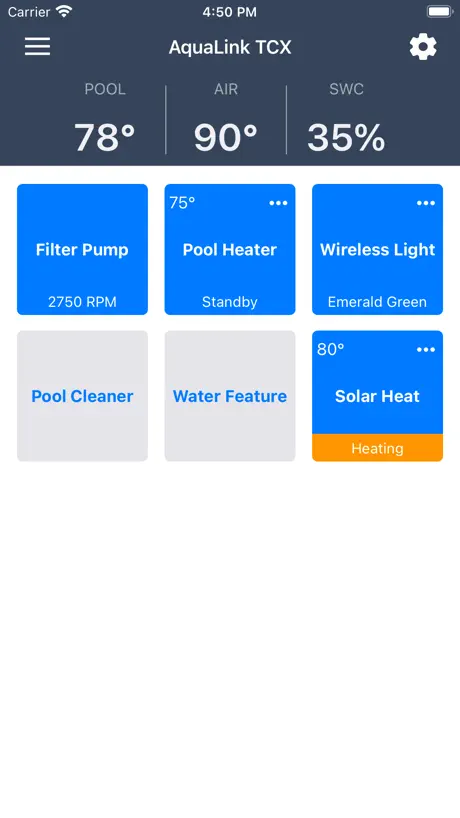  iAquaLink | 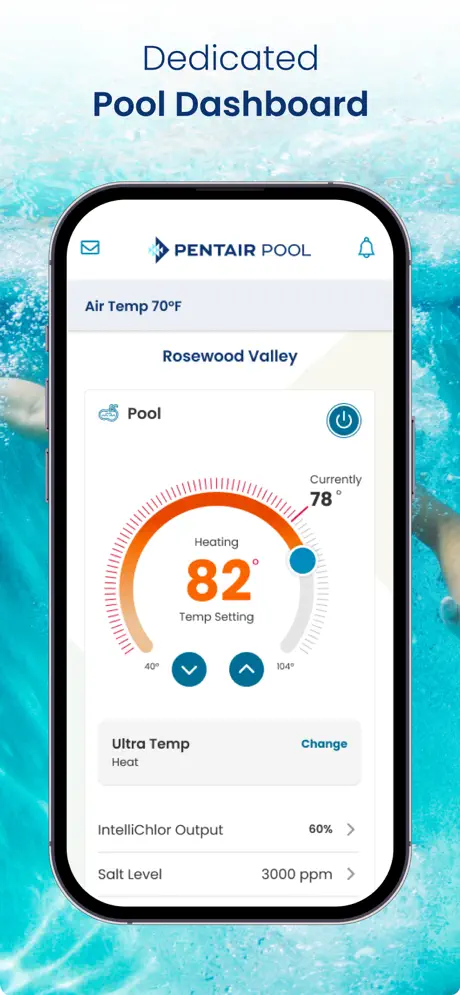  Pentair Pool |   Savant |   OmniLogic |   Lutron App |   PowerView |   Control4 for OS 3 |   Control4 | |
|---|---|---|---|---|---|---|---|---|---|---|---|
| Rating / 5 | 2.1 | 4.9 | 4.8 | 4.7 | 4.6 | 4.5 | 4.7 | 4.8 | 4.3 | 3.1 | 3.5 |
| Reviews | 374 | 164K | 159K | 109K | 26K | 12K | 9.7K | 7.8K | 3.6K | 1.1K | 118 |
| Released | 2013 | 2014 | 2011 | 2011 | 2019 | 2016 | 2014 | 2014 | 2015 | 2019 | 2025 |
| One-time price | — | $29.99 | — | — | — | — | — | — | — | — | — |
The going rate for each plan in United States, in its own currency, shaded from the cheapest price on the row to the dearest.
ScreenLogic Connect reviews
2.1 out of 5, based on 374 reviews.
What people like
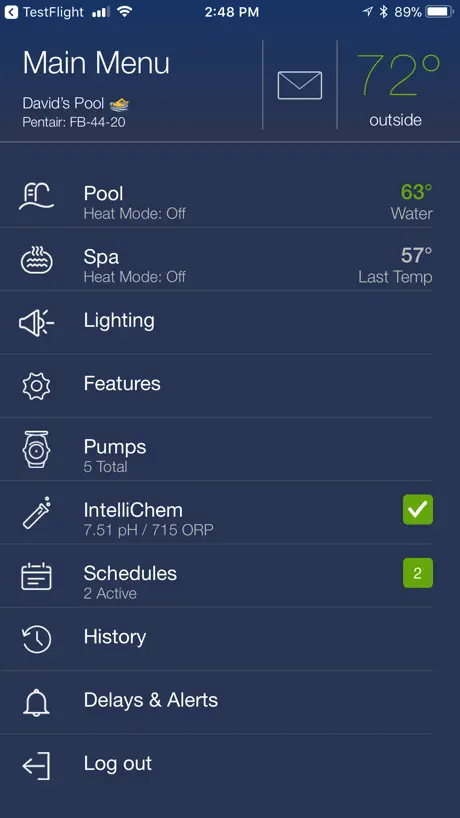
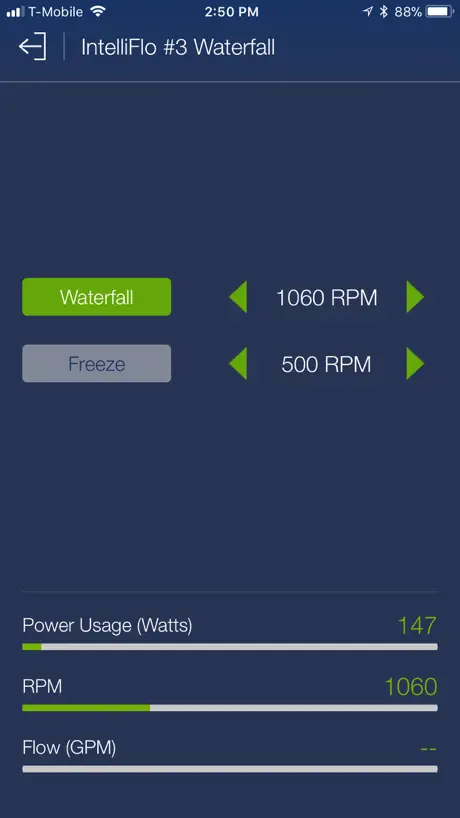
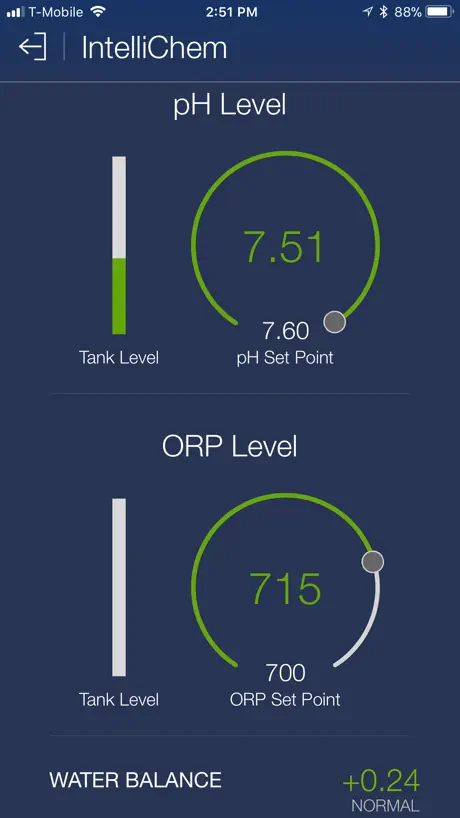
- Great remote control for pool equipment
- Useful history log of usage data
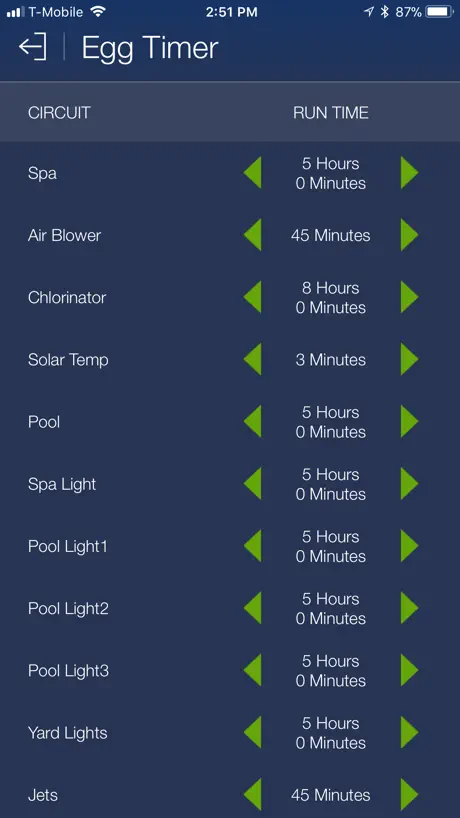
- Easy interface for managing yard lights
What they complain about
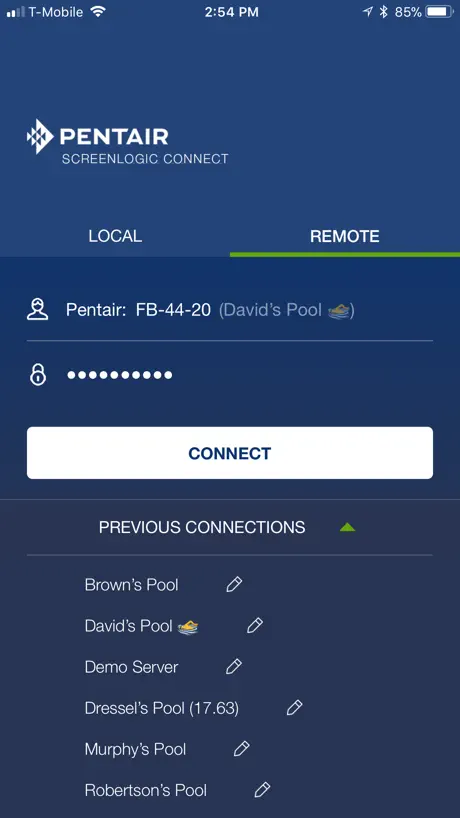
- Local connection often fails with waiting for WiFi
- App freezes or becomes totally unresponsive
- Temperature display keeps resetting to wrong value
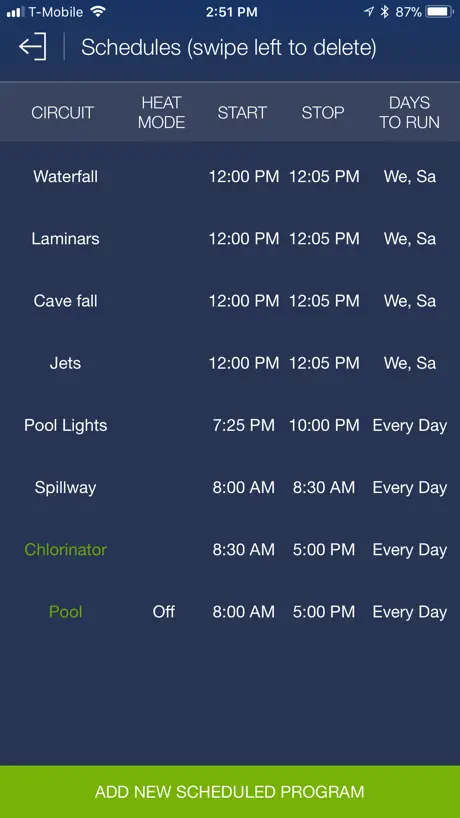
- Scheduling features are buggy and unreliable
Best option
Pentair is the only company that keeps a history of usage.
Awful AP
This AP is stuck in 1995. They need to pay a high school kid to modernize it. It won’t do notifications so when the power goes out it doesn’t notify you that communication is lost. There’s no log to see what time was communication lost, for how long if it popped back on, where is the communication losing its connection. This app - It’s bad, like really bad. Seriously. Pay for some focus groups of owners and ask them how bad it is.
Not working after iPhone upgrade.
Upgrade upgraded to 26.6.1 and now this isn’t working.
Stopped Working
The app sometimes doesn’t connect. Even if you redownload it, it won’t connect.
Buggy Scheduler
App is pretty good most of the time but the Scheduler is awful. It’s very buggy and trying to use iOS controls for setting time and adding new events causes it to mistakenly edit different events. When you attempt to add a new event, it does not correctly add the new one you selected, often duplicating a named one already in the Schedule rather than the new one you selected to add. Then, to make matters worse, your planned new timers for the new event modify the existing named one that you didn’t want to change. This needs a fix and they need to add the ability to reorder the scheduled items in the list.
Works good
Had almost 0 trouble - had to reinstall once cause it wouldn’t connect but that’s all 👍🏼
Will not connect to the internet. D
Past 3 months a says it is waiting to connect to the internet. Deleted and reinstalled the app. Still will not reconnect. A bug fix over a year ago, no recent updates. What’s up with that. Terrible
Couldn’t live without App
I manage a pool remotely and absolutely appreciate being able to do that via the app. I couldn’t do it without it. It has been a bit glitchy over the last 5 years (but we’re on a rural Australian bush property so internet sometimes the culprit). It would be good if I could rename the inputs myself on the app. Setting schedules for lights and filter system plus being able to monitor the “history” is what makes this app so essential to me.
Limited Access
What works well: scheduling cycles and starting system remotely. What does not work well: You can’t see what time the system thinks it is (or adjust it), it doesn’t allow multiple users, it doesn’t allow dismissing alerts (like pool temp sensor), doesn’t alert if system is “air locked” and needs to be primed.
Message to developer
After the new update, the local network does not work. It gives the message “Waiting for WiFi”. Only it connects through remote connection.
Help
I can’t get my iPhone to connect with the system yet my wife who has the same iPhone connects just fine Help please.
Horrible app
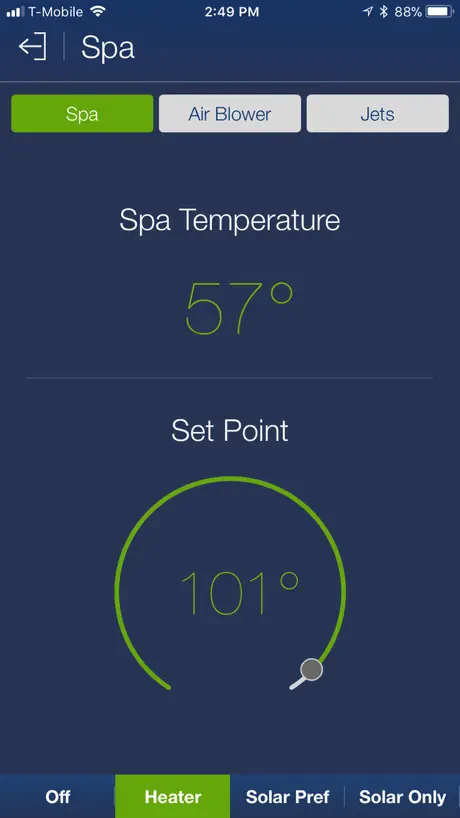
Connect issues and complicated systems. Just have a button for spa, heater and bubbles. Instead you turn heater on bit thats not all you have to click Spa at the top and that sometimes doesn’t work. Same with pool heater, then you have to back to prior screen to see if the little flame Icon is there which half the time isn’t. Try and turn bubbles off it’s the same thing. Connecting is a pain. Instead if a simple system they make you go through unnecessary steps. It’s almost as if the developers want to show how clever they are instead of just making it easy. Hit the lights to change colors and you have to wait 30 seconds . Honestly easier to get out of the pool walk over to the heater and filter and switch everything on manually.
Reset
Kudos to the user that gave instructions on the rest, I’ve had the system 3 years & it just went dark recently . Glad I saw this Intel before I tried something silly trying to reboot 3 hits w .5 sec intervals got my screen back…my pump wasn’t working either, I’m hoping this was the reason, had to restart but it appears to be functioning
WiFi Connectivity Sub-Par
The connectivity issues of the app and system in general are frustrating. Hardware and software systems need major retooling to be customer friendly and simple to troubleshoot.
New version 7.6, lost « LOCAL » connection…
Message to the developer, provide an update asap to allow back the LOCAL connection (it says: Waiting for WiFi). The work arround is to connect REMOTE. It impacts both iPhone and iPad version. The rest remained the same. Did not say any enhencement outside the local connection lost.
Nice Design Easy to Use
An easy to use interface with good design for controlling your pool remotely. Make sure you update your adapter to 738. It’s been stable and working well for me. This app is actually much nicer than their newer intellicenter app.
App stopped connecting to network
App stopped working when I had to get a new Comcast modem/router. Now it is stuck on searching for controller. I’ve tried everything from reboots to a network switch to slow down my speed. I’ve reset it, unpowered. The system is brand new and I can’t remote or control my equipment.
Excellent app until now?
I currently have this app, and have used it for several years now and it’s been consistently reliable. So, hopefully they fix whatever the issues are currently??? ….
Pool pump controller
It used to connect automatically when I turned on the app on my phone. Now it is a sever step process to connect. I have to search my history in the app to find the pump then put in a password. Annoying.
The temperature bug needs to be addressed
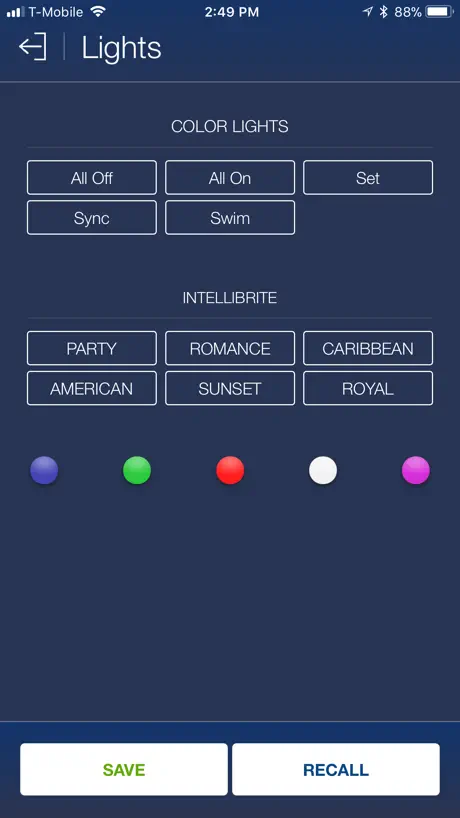
It keeps changing the temperature to 40 Celsius without me doing anything. This has been reported by several people for over a year! Plus it really needs push notifications for alerts and itellibrite lights should be programable to our own colour specifications.
All is good with 7.4 and above.
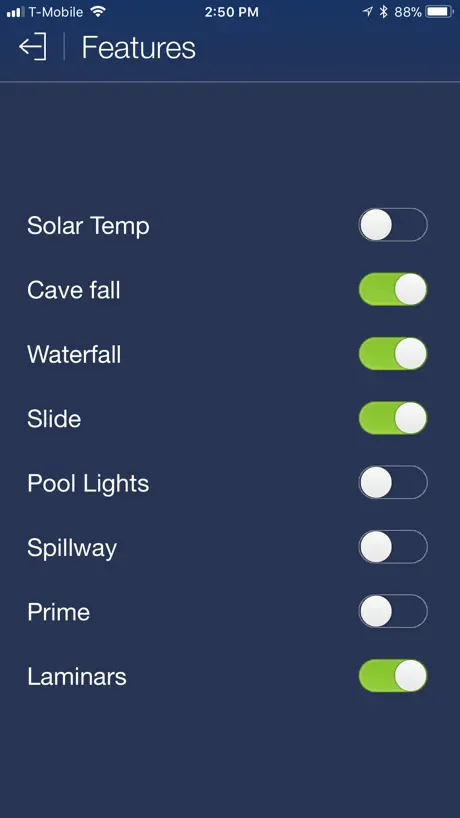
Provides an easy way to control your equipment and any yard lighting that is connected to you Easytouch. Reliable and the temperature display issue when in Celsius is fixed in this version!
Terrible
Have suffered using this terrible app for years while they have another great app they won’t support older intelliflow for no reason.
When it works, it’s OK
But more often than not, it’ll connect to show blank data. you reboot things eventually maybe it starts working again. It’s one of the flakiest things I’ve ever used.
Temperature
App works great except for the temp, it keeps resetting back to 40.
Temperature doesn’t work
This app is great for controlling everything on my Pool. However the temperature doesn’t work but everything else does work. This used to be okay until I upgraded my iPhone software to the latest iOS. I believe you need to update the app so the temperature starts working
Un-necessarily Confusing
This app is terrible. It’s not intuitive and you’re not sure if it’s actually communicating with the pool. I tried to use the lights function, there’s a delay or it doesn’t connect at all. Same with the on/off for the heater. I thought I turned off the heater. App said “off” - I checked outside, pool is still running. I miss the handheld remote with five options. Do better Pentair!
App is frequently freezes
Usually when I start the app it is frozen so doesn’t work at all. I have to force close it and re-open it, then it works. But when I go back to the app next time it is frozen again. This happens on my iPad, but not on my iPhone.
Doesn’t work on Apple Watch
Works perfect on PC, iPad, iPhone.... but will not connect over Apple Watch... please fix
Love it!
This give me perfect control over my swimming pool. It works great! I can change pool temperature setting, start the deck jets, change my pump speed in a second from my iPhone/iPad.
Terrible System
Pentair automation is horrible. It works 30% of the time. App and automation are a solid D at best. How can they be this bad in 2026?
Spotty performance
This could be a super app with better instructions (or instructions, period!) I reloaded the app after not being able to set pool, sweep, yard lights. Each one kept picking up the time from the previous setting above. Another “bug” it seems. Tried to call customer service but was on hold for 45 minutes. COMPLETELY UNACCEPTABLE FOR A MAJOR SUPPLIER TO HAVE SUCH APPALLING WAIT TIMES FOR TECHNICAL SUPPORT. Still no resolution. Nothing reported no AI information available.
App unresponsive
App is totally unresponsive! I’ve followed all the steps to restore. Nothing. It died.
Waiting for WiFi
It’s been working fine but now all of a sudden the local connection just says “waiting for WiFi” and won’t connect. I tried reinstalling the app and that didn’t work. The remote sign on still works for some reason though PLEASE HELP!
Never worked!
Absolutely the most frustrating thing. Never worked ....ever. No one can help
Frustrating
The app is great when it works. Lately it is showing “waiting for WIFI” I have tried everything to get it to work. It is frustrating and after reading other reviews this seems to a problem many have with this app.
Clunky App
This is a clunky app that doesn't work a lot of the time.
Bug
Presently i have a bug with the salt display . 4 of my 5 tubs i managed are at 2650 but was at 3200 this morning !! I look and all at the last version
ScreenLogic Connect FAQ
- Is ScreenLogic Connect free?
- Yes. The app is free, in all 175 countries it sells in, and it sells nothing inside it.
- Does ScreenLogic Connect have a free trial?
- No. None of its offers (US) come with a free trial.
- What are the best alternatives to ScreenLogic Connect?
- Rachio (4.9 from 164,164 reviews, premium from $29.99), Trane® Home (4.8 from 158,521 reviews) and iAquaLink (4.7 from 108,571 reviews).
ScreenLogic Connect download
Last updated 2 years ago.
ScreenLogic Connect sells in 175 countries. It was released 13 years and 5 months ago, on 21 Jun 2013. It holds a 2.1 rating from 374 reviews.
Supports 2 languages: English, Spanish.
How much does ScreenLogic Connect make?
Third-party estimates for the last 30 days, worldwide — not the store's own figures, which Apple publishes for nobody.