
Desmos Graphing Calculator
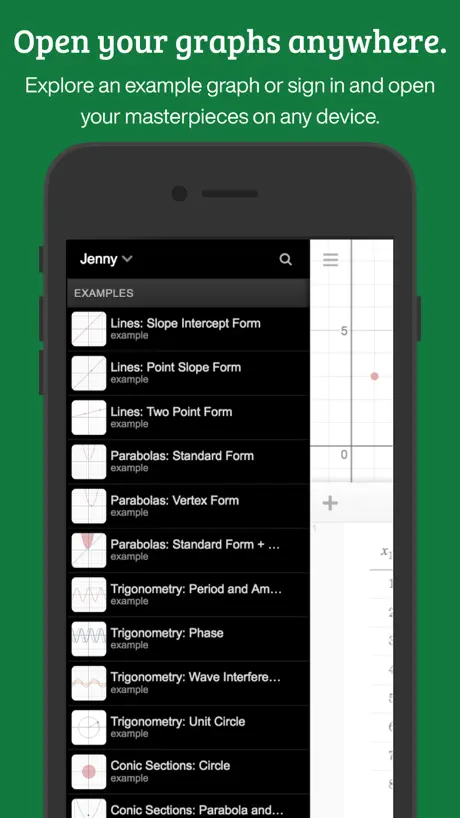
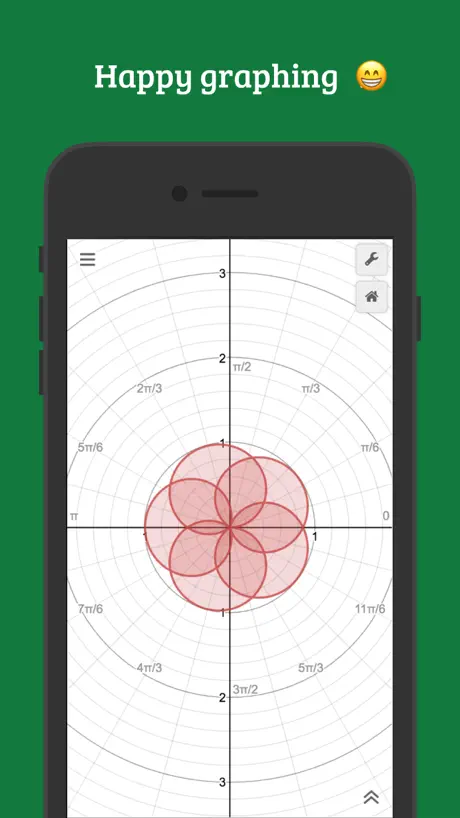
How much does Desmos Graphing Calculator cost?
Prices are current as of 9 Sept 2026.
Desmos Graphing Calculator has no in-app products on record in the United States.
10+ alternatives to Desmos Graphing Calculator
| Desmos Graphing Calculator |   Turbo AI - Learn Faster Turbo AI - Learn Faster | 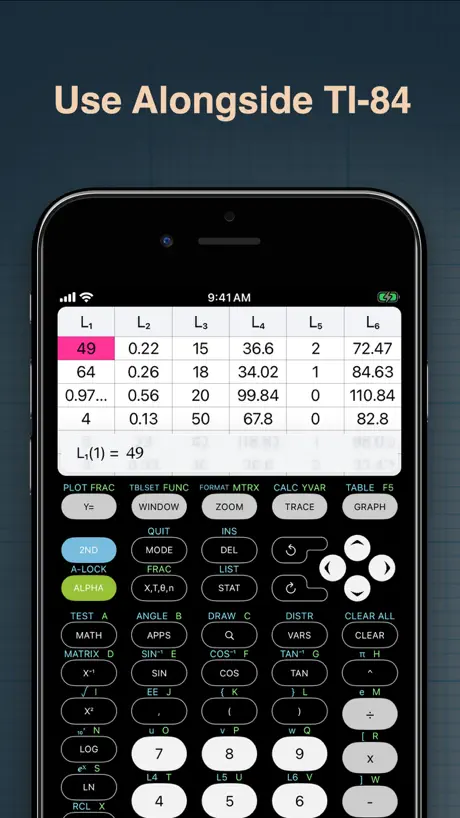  Calculate84 Calculate84 | 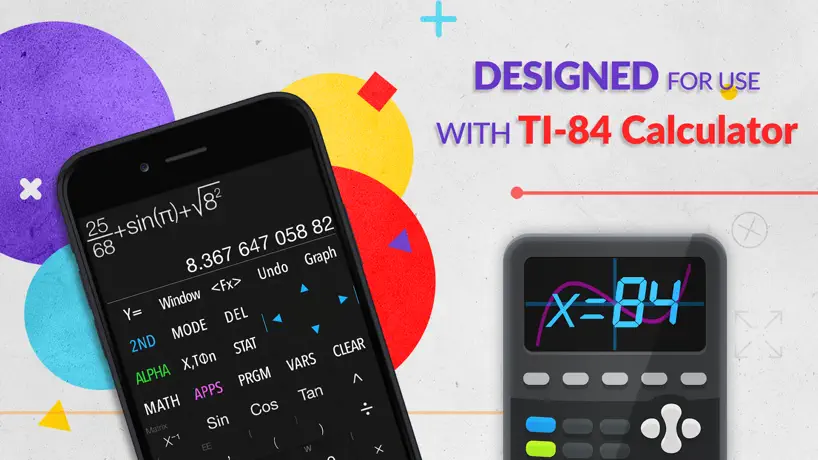  Graphing Calculator X84 Graphing Calculator X84 | 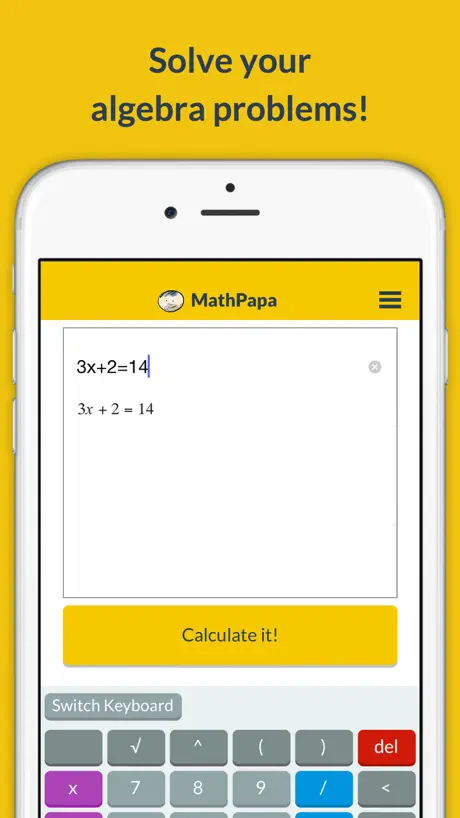  MathPapa - Algebra Calculator MathPapa - Algebra Calculator |   Gleam: Social Intelligence Gleam: Social Intelligence | 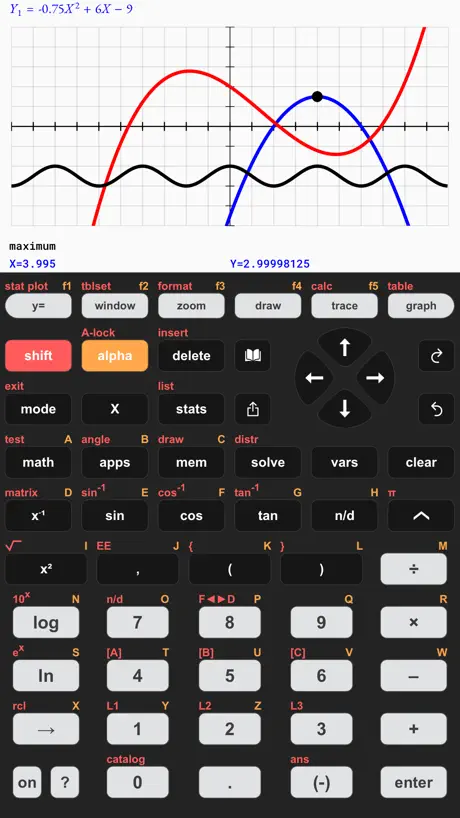  Taculator 84 Graphing Calc Taculator 84 Graphing Calc |   GeoGebra Graphing Calculator GeoGebra Graphing Calculator |  Bluebook Exams Bluebook Exams |   Homework Help - AI Math Solver Homework Help - AI Math Solver |   Identifier: Plant IQ AI Identifier: Plant IQ AI | |
|---|---|---|---|---|---|---|---|---|---|---|---|
| Rating / 5 | 4.4 | 4.7 | 4.8 | 4.5 | 4.7 | 4.7 | 4.4 | 4.1 | 1.8 | 4.5 | 4.6 |
| Reviews | 4.4K | 79K | 55K | 54K | 20K | 19K | 12K | 7.3K | 1.5K | 164 | 54 |
| Released | 2013 | 2024 | 2019 | 2018 | 2015 | 2025 | 2019 | 2016 | 2022 | 2024 | 2025 |
| Monthly price | — | $14.99 | $2.99 | — | $9.99 | $12.99 | $3.99 | — | — | — | — |
| Annual price | — | $69.99 | $6.99 | — | — | $69.99 | $14.99 | — | — | — | — |
| One-time price | — | — | $9.99 | $5.99 | $49.99 | — | $7.99 | — | — | — | — |
The going rate for each plan in United States, in its own currency, shaded from the cheapest price on the row to the dearest. Plans fewer than four in ten of the priced apps sell are left out.
Desmos Graphing Calculator reviews
4.4 out of 5, based on 4,355 reviews.
What people like
- Graphs appear instantly without waiting for menus
- Makes learning algebra much easier and fun
- Super intuitive to pinch and zoom the grid
- Users love it more than traditional calculators
What they complain about
- App crashes constantly when zooming or resizing
- Loses your work if you switch apps briefly
- You cannot copy or paste equations from elsewhere
- Missing dark mode strains eyes at night
👍
极好的
All the functions I saved are missing!
Why does the function I saved disappear?
Making Math Visual and Intuitive
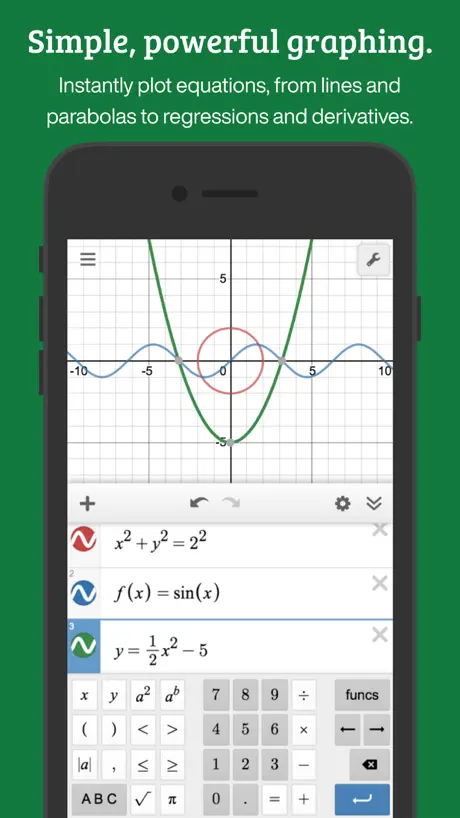
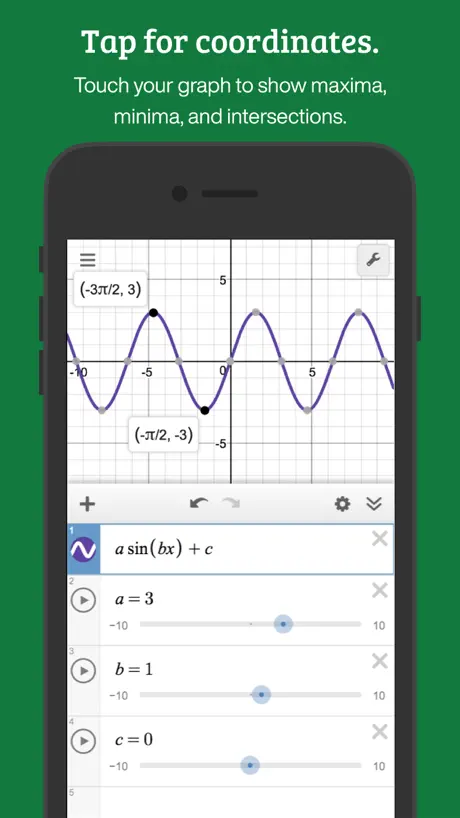
The core strength of the Desmos app is its speed and fluidity. On a traditional hardware calculator, plotting an equation requires navigating tedious menus and waiting for lines to render pixel-by-pixel. In Desmos, you type an expression, and it appears instantly on a highly responsive, pinch-to-zoom grid.
No paste, impossible to import an expression
No paste, impossible to import an expression. Impossible to insert large expressions from any other source. Looks promising, but impossible to use without import of expressions from other apps. It would be nice to have “paste” and “copy” button to import and export expressions like Wolfram Alpha (in latex/coding (x*y^2*sin(x))/brief(x2(y3+x2)sin(x)) formats
QOL Lacking
I greatly dislike how: - You have to change the text size and screen shade every time you open the app - Every couple of minutes you have the app tabbed in the background, all your data including text size and shading settings are wiped - There is no mode to completely remove the graph. When you want to use it as your default calculator, you have to wast 1/5 of your screen on a graph. Also, the buttons are not sized for this. Conclusion: Desmos is a great graphing calculator, but sucks at being a general purpose calculator due to a few QOL concerns.
Greatest website and app
Thank you
Keyboard
Keyboard is too small
Almost amazing BUT
PLEASE IM BEGGING, JUST PLEASE ADD HORIZONTAL SCROLLING BECAUSE RIGHT NOW I have to MANUALLY click right next to the X that DELETES THE ENTIRE EQUATION SO please just add horizontal scrolling
Not creating an account.
Requires account to save graphs. Information is a form of payment. No thank you.
Great app… BUT
Dark mode would be helpful. It’s very hard to use during midnight studying sessions. A dark app icon would also be nice to match iOS 18’s icons styles.
really good app
如题所示
Lacks commands
No space bar. Ridiculous
Great app, would like access to others
Taking off 1 star for attention. I love this app and use it often. I really would love to have app versions of your other products however - Four Function Tool, Matrix Tool, Geometry Calculator, and 3D Graphing Calculator. Using them on my laptop is less user friendly, in my experience.
I CANNOT SAVE GRAPHS
THE APP IS BROKEN! JUST FIX THE BUGS RIGHT NOW!
Hate the new update
Long time user, love the typical interface. But in this new update, the functions list is much worse! I have to scroll every time I want a particular function, like a log! It was perfect before, just different tabs to click on and should see everything!! Please change it back!
Helped our family
We got to calculate how many tickets it takes for something, we earn tickets by doing tasks.
Ms coulter said this app isn’t always right
My heart lies with with ms coulter and she said this isn’t right most of the time that’s why me and the homies hate demos
Dark mode
hours of working day and night, it is straining my eyes. dark mode, please.
Really annoying to use but gets the job done.
So when I use the app and to type in my scatter plot, it always clicks the wrong one or goes and deleted the one I didn’t indent on deleting! It’s Soo annoying!!! But it gets the job done if all you need to do is look for your Cubic regression.
Promblem
Most of the app is good especially for someone that likes math like me but there is this one thing that is super annoying and it’s how every time I try to use Actions they always say’ “There was an error updating your lab settings” which means I lose the clicker feature which means I can’t automate stuff
τ = 2π in this app
You used tau?
The best thing
As a noob in class this app dosnt help me but when im in class i can cheat cause there’s bug in the app so thank to the dev ✅
Dark mode
I really love this app and use it due to its ability to change the numbers in between the expression, however to would love to have a dark mode for this app in a future update to improve night comfort as well as battery life. Any announcement of a dark mode in the future would be greatly appreciated by any of the developers.
Bit under expectations!
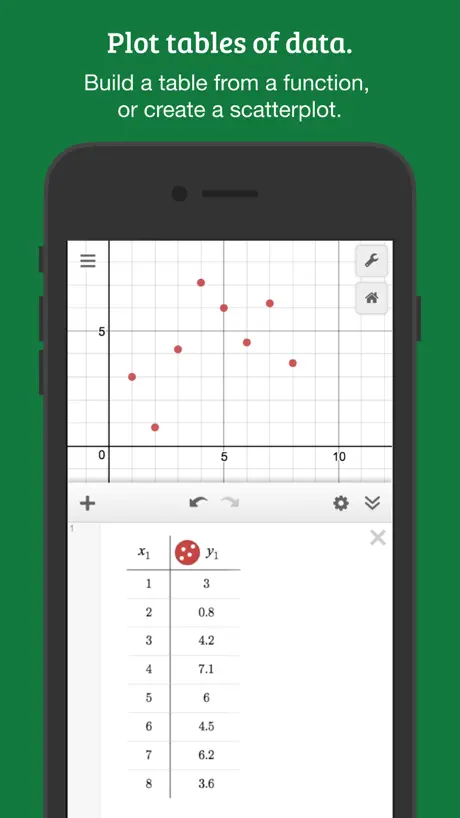
Unable to interpolate points on graph..
It’s pretty good
The only bad thing is if you hold it selects random things 3.5⭐️
taujskaeha
can you make it 3-D next time?
hmmmm
as a student this app is very unhelpful, it doesn’t really make sense and it’s hard to use 😃😃
Please add scroll wheel for lines
Some function lines and list lines are too long to fit on screen, so I can’t access the part that is offscreen
Saddened
I must say this is an amazing app. It is versatile, and covers everything I need graphically. However, it is almost unusable as it crashes whenever I try to resize a graph, or zoom in or out. If this could be fixed, this app would be the best graphing app I've ever used.
Great but often loses data
I use Desmos often on desktop and while it’s one of the better graphics calculators out there on iOS I often lose my work - if I change context and change back to Desmos after a few minutes, more often than not, everything is wiped as the operating system closes the app in the background. This is always unexpected, especially since I’m logged in Would be great if the state is saved, even just to some untitled file so I can recover my work when the app closes
Holy Cow!
This is a W app fr fr
CJE
Boring app
Really good
It’s really good, but you need to make the buttons bigger because they are impossible to press, there’s to much space in between each button. But other than that it’s really good and you can do so much on it
Sharing graphs
Is it possible to share my graph on mobile? I can’t find a way to do it anywhere on my iPhone.
Amazing
Best app ever in the earth helps in algebra a lot like actually a lot
Worst app ever
Why do we ave to download it for school and waste our storage for it🙄🙄🤦🏽♀️
its better than social media
honestly i regulary fund myself bored and instead of going on tiktok i go onto desmos instead its so fun and intuitive and the only reason i dont give it 5 stars is because it doesnt have the geometry function of the website yes i know its supposed to just be the graphing calculator but pleaseee its the best part of the website pleeaseeeee ill donate my firstborn ill do anything pleeeeaaassseee 🥺
iPhone X Support?
The app is horrible to use on the X without the support. Please update.
THROW ALL YOUR TI 84s AWAY THIS IS AN ALTERNATIVE I LOVE THIS APP
All of you guys, people that listen to me want to throw their ti 84s away, people that dont listen to me, JUST THROW AWAY YOUR TI 84s THEIR SO DUMB!, all of the people in the world, download this app immediately, i beg you, dont buy anymore texas instruments ti 84s, there are way too many of them, and their driving me crazy
Not working
Ever since the latest update the app does not graph anything properly
Regular calculator
In the test version of this app there’s an option to have a regular calculator which I think would be a great addition to this app, but other than that this app is amazing and I like how easy it is to navigate.
Good
Could do with a apple watch version tho
Ts is so sigma and free no ads l
⬆️
Dissapointed
I failed my math exam from this
Good, but please fix
I found a bug. If you type in an equation with x and tap the sound button, the app crashes. Please fix!
Graph is wrong
Logx graph to the base less than 1 has been wrong work on it
Desmos Graphing Calculator FAQ
- Is Desmos Graphing Calculator free?
- Yes. The app is free, in all 175 countries it sells in, and it sells nothing inside it.
- Does Desmos Graphing Calculator have a free trial?
- No. None of its offers (US) come with a free trial.
- What are the best alternatives to Desmos Graphing Calculator?
- Turbo AI - Learn Faster (4.7 from 78,557 reviews, premium from $7.49), Calculate84 (4.8 from 55,396 reviews, premium from $2.99) and Graphing Calculator X84 (4.5 from 53,750 reviews, premium from $5.99).
Desmos Graphing Calculator download
Last updated 1 month ago.
Desmos Graphing Calculator sells in 175 countries. It was released 13 years and 3 months ago, on 17 Jun 2013. It holds a 4.4 rating from 4,355 reviews.
Supports 17 languages: English, Dutch, French, German, Indonesian, Italian, Japanese, Korean, Polish, Portuguese, Russian, Chinese, Spanish, Swedish, Thai, Turkish, Vietnamese.
How much does Desmos Graphing Calculator make?
Third-party estimates for the last 30 days, worldwide — not the store's own figures, which Apple publishes for nobody.