GeoGebra Graphing Calculator
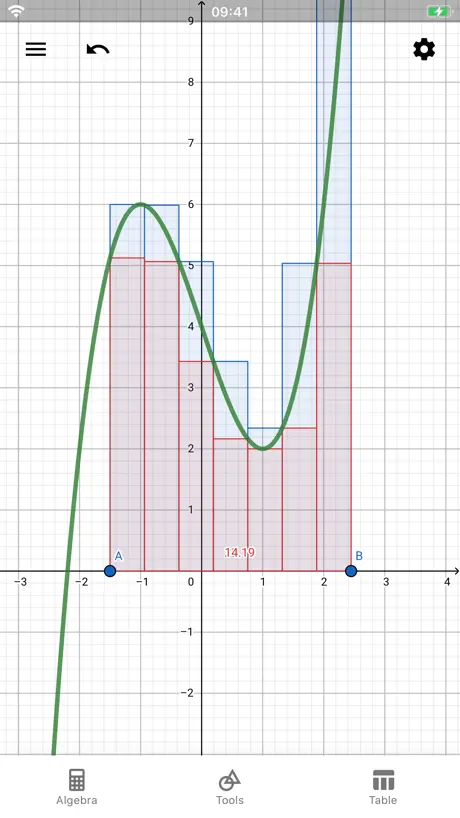
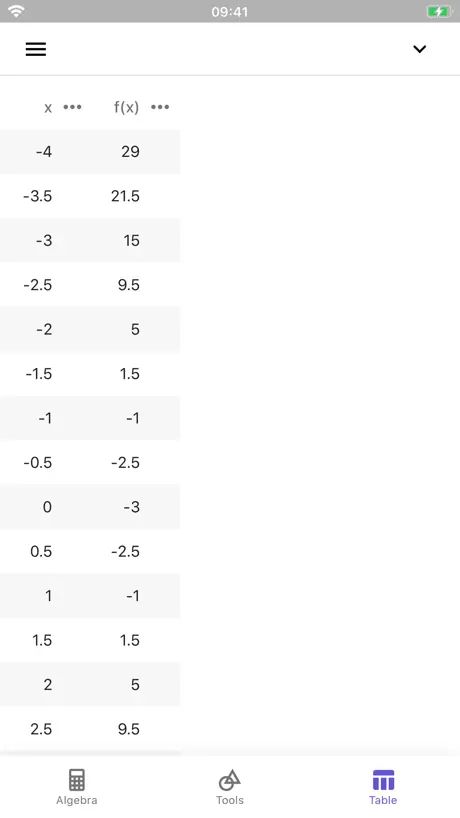
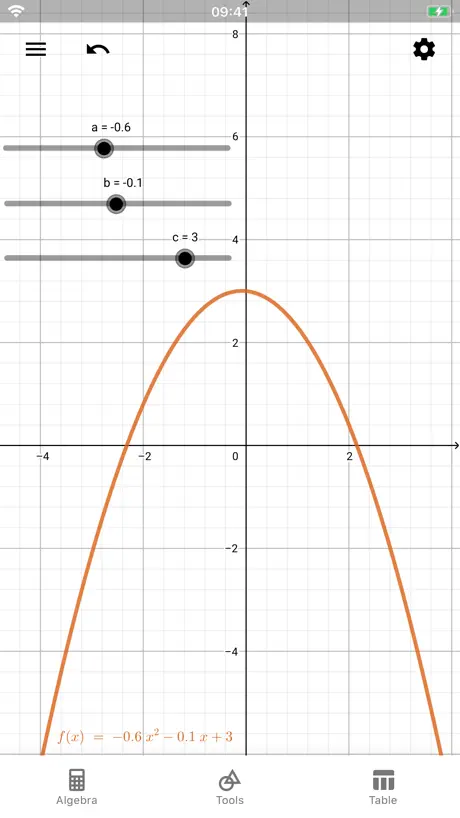
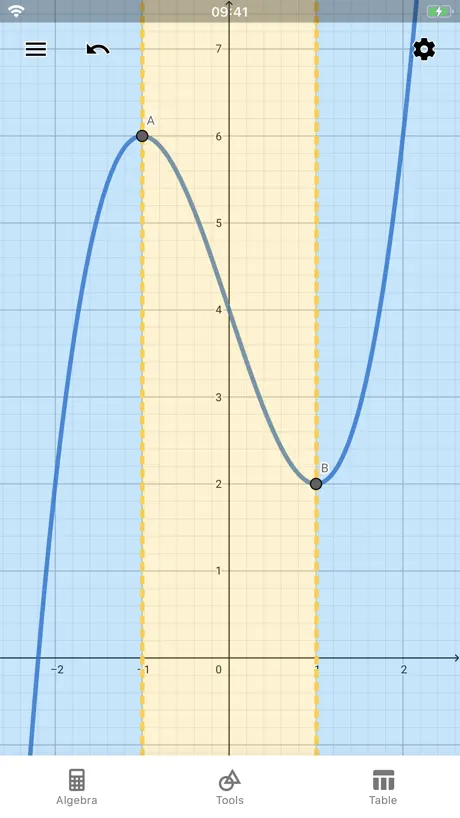
How much does GeoGebra Graphing Calculator cost?
Prices are current as of 6 Nov 2026.
GeoGebra Graphing Calculator has no in-app products on record in the United States.
10+ alternatives to GeoGebra Graphing Calculator
| GeoGebra Graphing Calculator |   Scientific Calculator Plus 991 |   Symbolab - AI Math Solver App |   Periodic Table: Chemistry 2026 | 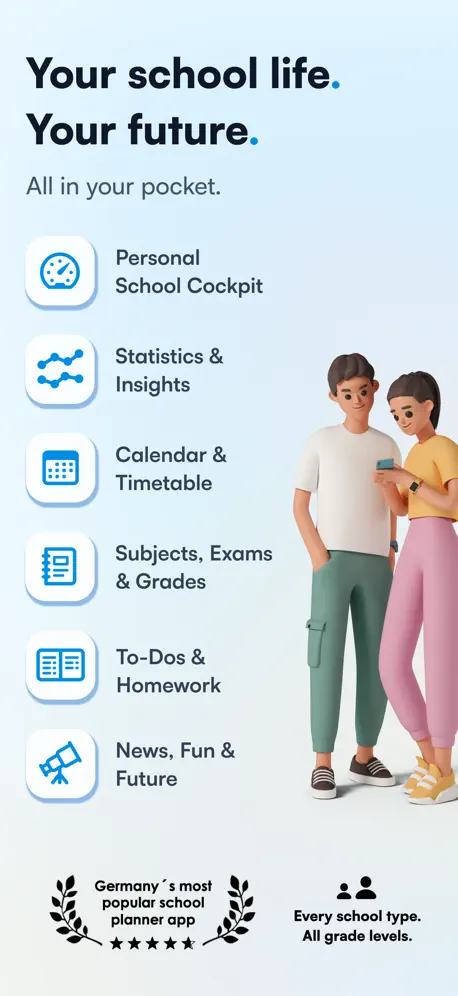  Notenapp - digital school tool | 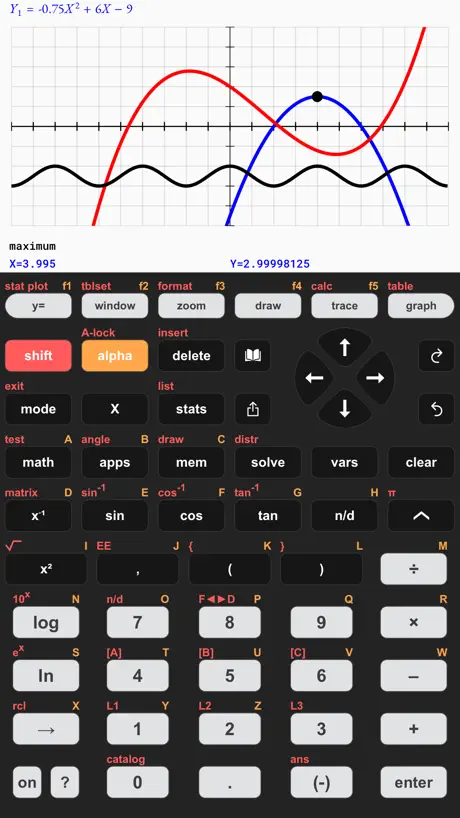  Taculator 84 Graphing Calc | 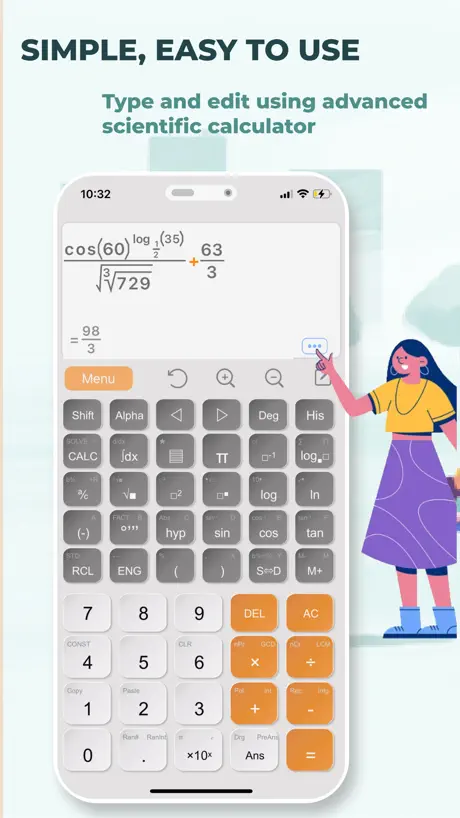  Scientific Calculator fx-991 |   Desmos Graphing Calculator |   Symbolab Graphing Calculator |   Desmos Scientific Calculator |   WolframAlpha | |
|---|---|---|---|---|---|---|---|---|---|---|---|
| Rating / 5 | 4.1 | 4.7 | 4.6 | 4.8 | 4.7 | 4.4 | 4.7 | 4.4 | 4.5 | 4.5 | 3.3 |
| Reviews | 7.4K | 209K | 65K | 39K | 13K | 12K | 7.6K | 4.4K | 783 | 700 | 549 |
| Released | 2016 | 2019 | 2014 | 2019 | 2014 | 2019 | 2023 | 2013 | 2018 | 2018 | 2012 |
| Monthly price | — | $1.99 | $7.99 | $0.99 | $3.99 | $3.99 | $1.99 | — | — | — | $9.99 |
| 6-month price | — | — | $24.99 | $3.99 | — | — | $2.49 | — | — | — | — |
| Annual price | — | $3.99 | $34.99 | $6.99 | $19.90 | $14.99 | $7.99 | — | — | — | $59.99 |
| One-time price | — | $5.99 | $7.99 | $24.99 | — | $7.99 | $0.99 | — | — | — | — |
The going rate for each plan in United States, in its own currency, shaded from the cheapest price on the row to the dearest. Plans fewer than four in ten of the priced apps sell are left out.
GeoGebra Graphing Calculator reviews
4.1 out of 5, based on 7,364 reviews.
What people like
- Great for visualizing advanced math concepts.
- Free and powerful graphing tool.
- Helps students understand difficult topics easily.
What they complain about
- Crashes constantly with complex equations.
- You cannot save your own work.
- Graphs disappear when you leave the app.
- Interface is confusing and hard to use.
Solve, Graph, and Understand Math in One App
I’ve been using the GeoGebra Graphing Calculator, and it’s honestly one of the most useful math tools I’ve come across. The app makes it easy to graph equations and visually understand concepts that can be confusing on paper. What really stands out is its ability to handle advanced topics like derivatives and integrals. Instead of just giving answers, it helps you see how everything connects, which is a game changer for learning and problem-solving. The interface is user-friendly, and whether you’re a student, teacher, or just brushing up on math skills, it’s very accessible. It saves time, improves accuracy, and makes math feel a lot less overwhelming. Overall, I highly recommend this app to anyone looking for a reliable and powerful graphing calculator.
It bricked my phone
Do not use the exam mode it wouldn’t let me exit it and it shut off my power button!
夯爆了,很适合高中生,还免费
十分好
评论
这个东西真的很难搞,没有函数表示向量的长度没有函数表示角度也没有定长线段总是要搞个简单的东西都很难搞
自動保存されない
アプリ内でログインし、関数を作った後数時間程放置して再度アプリに戻ると関数が消えていました。労力がすべて無駄になりました。この不具合を早く修正していただきたいです。
The best ever!!!
It’s the first time that I’m using this app and it’s so good I’m a high school student and I’m doing algebra and geometry at the same time this app helps to do my graphs way better and different type of tools that is has makes it way easier the variety it’s so good.
I hate it
every few minutes It will hold down the delete key by itself and delete everything you did, combined with the fact that you cannot save your projects, WHY DO PEOPLE EVEN USE THIS STUPID APP?
为什么发容易死机呢?
为什么我把他说到他不是可以到很大吗?我很大之后他就死机了。希望能改进一下
Bad UI bad approximations
The UI is not self explanatory and the instructions are not specific enough. I needed to get my AI to tell me how to put in a curve. When I finally figured out how to put in the curve the app missed almost all of my designated points. Also when I tried adding more the extrapolation from the app made no sense. I had curves making sharp turns when I was trying to flatten/decay it. This app is a good idea and has potential but that is not being met in its current state.
输入bug
今天使用这款软件输入函数时调不出键盘,只有一条线,其它app没有这个现象,试过删除重下和重启,都没任何用,最后推测产品出bug了
Great calculator
I love geogebra!
Great tool just not possible to open saved work on iPad
update 2023-03-21: crashes immediately on M2 iPad when stage manager is active This is a great resource tool to create interactive graphs. Faster than using python in JupyterLabs with widgets. You can share your work on your iPad as a ggb file. You cannot open the work that you save. The Website provides absolutely no help. Support answered a previous review with this same comment by saying that you have to contact them directly. This lack and the fact that you have no help published anywhere about it are a disgrace. Five stars for execution and form. Minus four stars for no ability to open saved work or access personal GeoGebra space on iPad.
增加功能
我在解题过程中经常用这个软件,可以说非常好用,但是我在解题过程中常常遇到一熄屏再打开就没有刚刚画的图了,导致我在做题时总是需要再次输入各种数据和解析式,很麻烦,希望增加历史记录功能,谢谢
Fehlende Funktionen nicht soo toll
"GeoGebra Grafikrechner ist zweifellos eine leistungsstarke Mathematik-App mit einer Fülle von Funktionen, die Mathematikinteressierte begeistern werden. Die Möglichkeit, Funktionen grafisch darzustellen und interaktive Diagramme zu erstellen, ist beeindruckend. Allerdings muss ich bemängeln, dass die Benutzeroberfläche nicht besonders benutzerfreundlich ist und es eine steile Lernkurve geben kann, um alle Funktionen effektiv zu nutzen. Ein weiterer Kritikpunkt ist, dass es schwierig sein kann, die Winkel genau anzugeben, was die Genauigkeit beeinträchtigen kann. Trotz dieser Herausforderungen bleibt GeoGebra eine wertvolle Ressource für Mathematikbegeisterte, die bereit sind, sich mit der komplexen Bedienung auseinanderzusetzen."
Pretty good, needs an adaptive icon for iOS 26
Please consider giving this app an adaptive app icon suitable for automatic dark mode icons
Potential updates
I have some ideas for this: 1. Antiderivative function Ideally, this function would take a function as input, and output it’s antiderivative. (With a slider C) 2. Less crashing This app crashes easily. A simple way to do so is to simply make a slider, n, with minimum a, maximum, n (n>a), and step (n-a)/1024, and setting n = a by moving the slider, it crashes. That’s the most common, but there are many, many more ways the app can crash. Hopefully both of these are getting taken care of, but otherwise, it’s a good app. :)
app crash right after opening
I am use iPad Pro m1 13” with newest iOS 16.3. What’s happening?
简易!
好用!简单明了,很容易上手!
Bin nicht zufrieden
App hängt sich ständig auf
1
为什么不等式显示不出来
Keyboard is not appearing
For search menu it is not opening keyboard to write
The saving problem
There is a problem when you accedently leave the app your progress will be lost so be careful
还行,望增加一个角度系统
其他的我觉得还行,要是能把角度功能加进去就好了
App ist grauenhaft
App stürzt dauerhaft ab und die Graphen löschen sich von selbst. Nicht zu empfehlen!
ラグい
機能は素晴らしいが、本数を重ねるごとにグラフが表示されなくなってしまうのが残念。
5 Stars
Amazing app
Less function
I can’t accept that you remove so many great function. Why ,why why. After update, the app is less convenient than the webpage.
有严重设计缺陷
为什么总是有点标签会挡住线段
Bug in the app
When ever i try to type "ln(x)+ ln..." the app forces to shut down itself after i type down second "ln". FIX YOUR APP!!
分数到底怎么打啊根本发不出来
……
Te amo Geogebra
*inserte imagen del perrito que dice te amo*
FRUSTRATING APP!!!!!!😫😫😫😫😫😫😫😫😫😫😫😫😫😫💢💢💢💢
I’ve been trying to use this app to solve my equations at school whenever I need to do unfinished work, or tests, but it has too many unfamiliar stuff and I can’t even do any functions!!!! I DON’T WANNA USE IT ANYMORE!!!!! I’M DELETING IT!!!!!😡😡😡😡😡😫😫😫😫😫😫😫😫😫🤬🤬🤬🤬🤬
Apple Pencil Utility
Good use for plotting quick graphs for visualization on homework assignments. However, I wish I could use my Apple in a pencil the iPad app rather than having to type out the equations. Hope they are able to add that functionality sooner rather than later. Preferably within the next year, prior to me completing the courses that will require one to do some graphing.
Digga
Bei mir ist die App irgendwie kaputt sie hatte andere Strukturen als nachdem öffne
App Crash Stage Manager
The app does not work on my iPad Air when using Stage Manager. It instantaneously crashes. Please fix.
I use this app for school but it’s legitimately the best calculator I’ve ever used
I can only really compare its functionality to something like a Texas Instruments calculator without the BASIC programming language, it’s easier to use too.
Inadequate features
Multiple features were taken away in the new-update , making it extremely inconvenient to use. Please bring back all the geometry tools.
Lags with big equations
The app is a good time waster. I know it’s a graphing app, but it’s fun to put random equations in. But with big equations, the app lags. Please fix that
Neat but without save I have to delete
I love GeoGebra on my computers and was excited at the thought of being able to create interactive graphs on the IPad. It would really be great to be able the many projects I have already created, but alas there is no login option on IPad. I was willing to forgive that despite it being requested for over 3 years. However not being able to load and save at all is unforgivable. I can ‘open’ and choose from a handful of nice graphs, but no way for me to save my own. I’m not pouring hard work and sweat into a project without being able to save it, and there are plenty of easier to use graphing calculators for simple one-offs.
アプリが落ちる
cos(aΠ)みたいなパラメータとかyとか組み合わせて作ろうとしたら落ちる全然重くないはずなのに
Mr. Jorgens!
This app is an amazing and free IOS resource for graphing problems. I think my 8th grade math teacher created this. Mr. Jorgens is this your app? Best of luck! Connor Page
No Conic section tool
There is no tool to add a conic section anymore
Love it
Love the app. But I wish they bring back the functions they took away. I also wish it can be used on SAT since I gotten so use to the app that I don’t remember to do the functions on my ti calculator.
Crashes
Every single equation i put makes the app crash when zooming the graph, please fix.
Hilfreich, mehr aber auch nicht
Die App ist hilfreich -keine Frage . Jedoch hapert es an der Umsetzung. Die App ist nicht schön oder intuitiv. Das Weiteren hapert es an der Benutzerfreundlichkeit. Beispiel: wenn ich eine Funktion ein getippt habe, könnte man diese ja auch direkt anzeigen. So muss man jetzt, vor allem wenn man sich wo anders in dem Koordinatensystem (oder stark reingezoomt) befindet, auf die Suche machen und sich dort hin bewegen, wo man die Funktion hat / vermutet. Zudem stürzt die App bei mir häufig ab oder die Tastatur ist für einige Sekunden nicht zu benutzen. Das ist besonders ärgerlich, wenn man gerade mühsam alle Funktionen eingetippt hat und jetzt mit dem Arbeiten beginnen möchte. Das passiert trotz neuester Software und neuem Modell (iPad Air 4 2020)
Very helpful
This app saved my math grade! Thanks!
Bring back geometry functions
I absolutely hate the new update. The main reason I use this graphing calculator is that I can manipulate the various functions in different ways. That is the reason I use this instead of others. I will not delete this review until the functions are brought back.
GeoGebra is very helpful!
My teacher recommended GeoGebra, and I tried it out. The graphing is flawless, but the ease of use is terrible, there are too many steps to get a simple thing done, and the same goes for the PC version. I am a technology nerd, and GeoGebra is a fun thing to do in your spare time! I would definitely recommend GeoGebra to others.
Inconvenient and Unstable
Despite the fact that the things you can do with this app is pretty extensive, it’s not very convenient when it comes to special calculations, as you need to scroll through a long list of commands. Also, it crashes every time when I enter certain equations, and it is laggy here and there. I hope the devs can release an update soon to fix these issues.
What happened?
This app used to have a “solve” button to solve equations containing a variable. However, now it’s gone. I used this with my class and losing this functionality has really messed things up.
GeoGebra Graphing Calculator FAQ
- Is GeoGebra Graphing Calculator free?
- Yes. The app is free, in all 175 countries it sells in, and it sells nothing inside it.
- Does GeoGebra Graphing Calculator have a free trial?
- No. None of its offers (US) come with a free trial.
- What are the best alternatives to GeoGebra Graphing Calculator?
- Scientific Calculator Plus 991 (4.7 from 209,225 reviews, premium from $1.99), Symbolab - AI Math Solver App (4.6 from 64,859 reviews, premium from $2.49) and Periodic Table: Chemistry 2026 (4.8 from 39,381 reviews, premium from $0.99).
GeoGebra Graphing Calculator download
Last updated 1 month ago.
GeoGebra Graphing Calculator sells in 175 countries. It was released 9 years and 11 months ago, on 28 Nov 2016. It holds a 4.1 rating from 7,364 reviews.
Supports 78 languages: English, Afrikaans, Albanian, Amharic, Arabic, Armenian, Azerbaijani, Bambara, Basque, Bangla, Bosnian, Breton, Bulgarian, Burmese, Khmer, Catalan, Croatian, Czech, Danish, Dutch, Esperanto, Estonian, Faroese, Finnish, French, Galician, Georgian, German, Greek, Hebrew, Hindi, Hungarian, Icelandic, Indonesian, Irish, Italian, Japanese, Kannada, Kazakh, Korean, Latvian, Lithuanian, Macedonian, Malay, Malayalam, Marathi, Mongolian, Nepali, Norwegian Bokmål, Norwegian Nynorsk, Persian, Polish, Portuguese, Romanian, Russian, Sanskrit, Serbian, Chinese, Sinhala, Slovak, Slovenian, Spanish, Swedish, ty, Tajik, Tamil, Telugu, Thai, bo, Turkish, Uyghur, Ukrainian, Urdu, Uzbek, Vietnamese, Welsh, Xhosa, Yiddish.
How much does GeoGebra Graphing Calculator make?
Third-party estimates for the last 30 days, worldwide — not the store's own figures, which Apple publishes for nobody.