Desmos Scientific Calculator
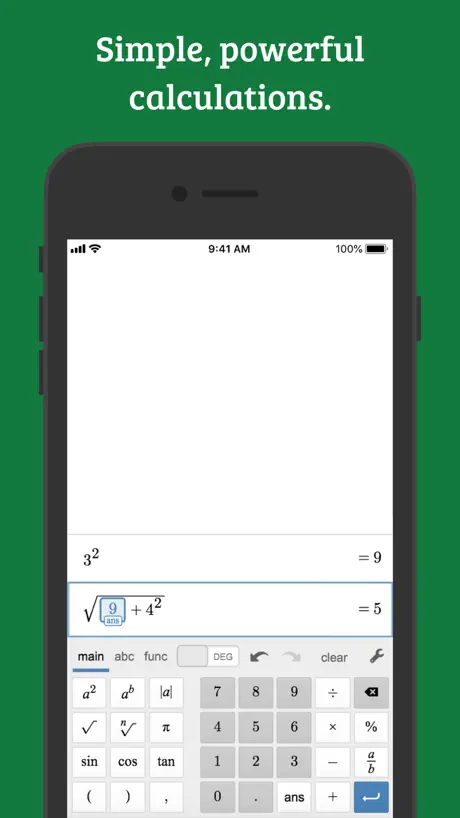
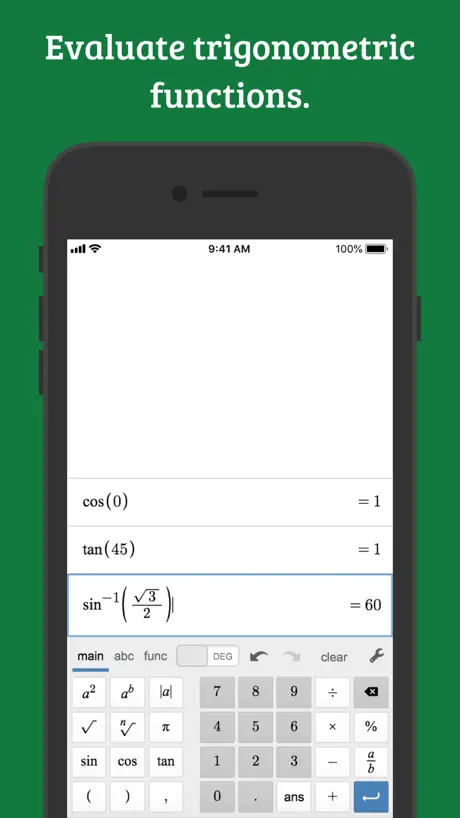
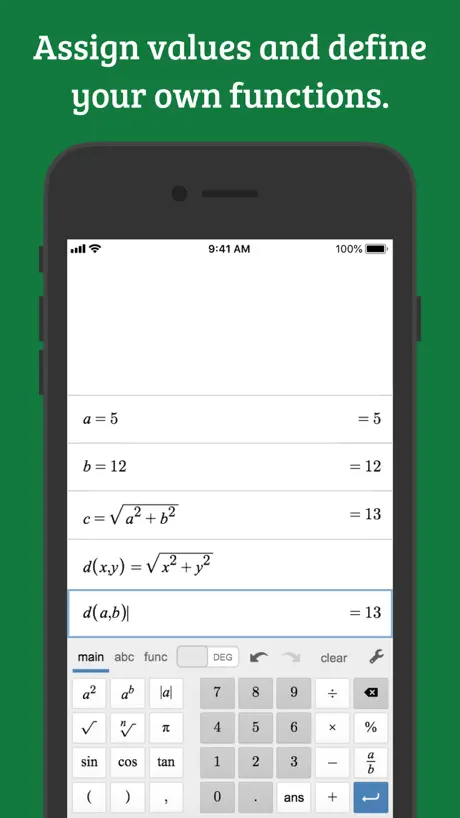
How much does Desmos Scientific Calculator cost?
Prices are current as of 5 Nov 2026.
Desmos Scientific Calculator has no in-app products on record in the United States.
10+ alternatives to Desmos Scientific Calculator
| Desmos Scientific Calculator |   Scientific Calculator Plus 991 |   Calculate84 |   Graphing Calculator X84 |   BigFuture School |   Knowt: AI Flashcards & Notes |  Bluebook Exams |   Common App | 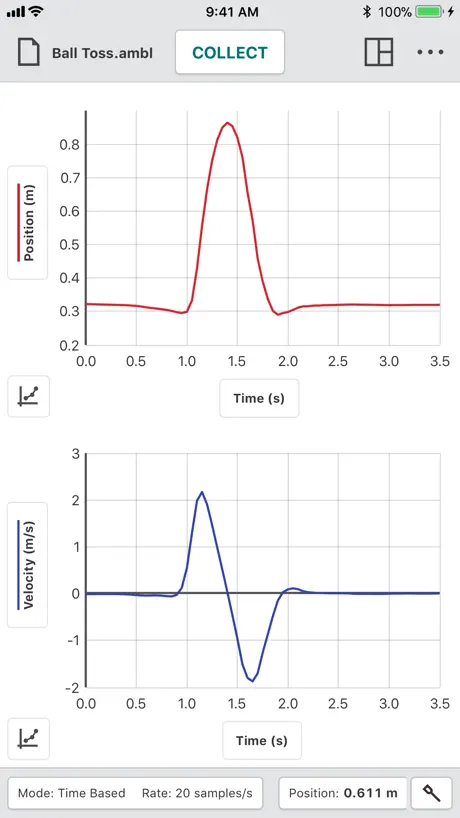  Vernier Graphical Analysis |   Gradescope | 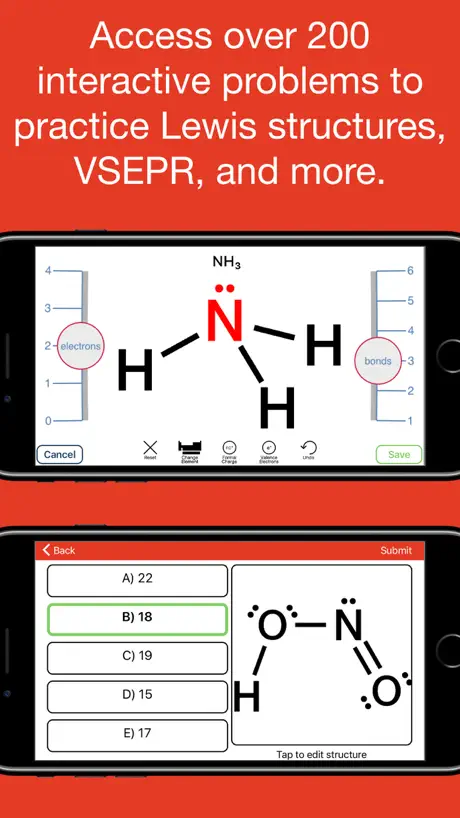  Aktiv Learning | |
|---|---|---|---|---|---|---|---|---|---|---|---|
| Rating / 5 | 4.5 | 4.7 | 4.8 | 4.5 | 4.6 | 4.6 | 1.8 | 3.1 | 2.4 | 1.5 | 3.2 |
| Reviews | 700 | 209K | 56K | 54K | 20K | 18K | 1.6K | 1.1K | 729 | 296 | 199 |
| Released | 2018 | 2019 | 2019 | 2018 | 2023 | 2023 | 2022 | 2020 | 2018 | 2022 | 2016 |
| Monthly price | — | $1.99 | $2.99 | — | — | $19.99 | — | — | — | — | — |
| Annual price | — | $3.99 | $6.99 | — | — | $119.99 | — | — | — | — | — |
| One-time price | — | $5.99 | $9.99 | $5.99 | — | — | — | — | — | — | $29.99 |
The going rate for each plan in United States, in its own currency, shaded from the cheapest price on the row to the dearest. Plans fewer than four in ten of the priced apps sell are left out.
Desmos Scientific Calculator reviews
4.5 out of 5, based on 700 reviews.
What people like
- Totally free with zero annoying ads
- Clean interface makes math less stressful
- Handles fractions and variables really well
What they complain about
- App forgets your settings every time
- You can't reuse previous answers easily
- Buttons are way too small to tap
Best calculator app
Been using this app for years and I love it. It's always been my default calculator app that I instinctively open and I have no complaints.
Is not precise for scientific
It cannot calculate simple statement (10^100)+1-(10^100) it should equal to 1 not 0. Please fix.
AMAZING! But 1 problem I want to address...
This Calculator Is probably the best one I have but one problem is the [ans]block which is super annoying to use, instead use the "=" sign and to use it, type after it.
Small “working area” gets blocked by answer.
My main gripe with this is that the answer blocks any sort of complex problem, and it shows up automatically the second it detects a solution. Also, you can’t turn it sideways in the current version to give it more space. Either move the answer to a line below the problem or let us turn the screen sideways in order to expand it and see more of our work.
No Quartile Settings
One thing that would definitely improve this app is being able to find Quartiles in a data list. I needed this for my college algebra homework but this calculator says it does support the quartile function.
Remaining true for people in need
No advertisements, no purchases, no popups, fraction functionality, everything that you would need from a functional calculator without the bloat of other apps The only thing that’s truly lacking from this is a step by step process and explanations
It can’t do variable exponents
There are so many functions it doesn’t have this included
Memory feature request
Two things would make this app great: 1) memory of past calculations after closing the app and reopening it, and 2) being able to copy the results of a previous calculation down to edit them. Instead, I need to write the equation in full every time I want to build on it.
annoying to use now
used to use this as my default calculator but since switched as an update a while back added the ability to zoom in, which sounds good, but every time i open the app it is too zoomed in and i have to zoom it out every single time. It is annoying to have to zoom out my calculator every time i slide it out from the side, especially when this was previously not a problem. Please at least add an option to lock the zoom.
Buttons are too small
UI is directly taken from browser and not adapted for phones.
High-Efficiency Tool for Academic and Professional Success
The Desmos Scientific Calculator, is a sophisticated and reliable application that streamlines complex mathematical tasks. It offers an intuitive interface that effectively handles everything from basic arithmetic to advanced trigonometric functions without the distraction of advertisements. For those balancing professional commitments with education, it serves as a powerful, high-quality resource for maintaining accuracy in any fast-paced environment.
Make your numbers bigger
My fingers are way too fat to enter in all of my calculations correctly because the numbers and controls are WAY too tiny. Please fix this so I can pass my college math class. Thanks.
Great Features, poor UI
Wish they UI was more user friendly. Also I wish the app would remember my settings. I try to keep the font in large and color scheme as dark, but every time I open the app it defaults to light theme small font. Other than that nice features for a scientific calculator.
Terrible
There's no way to use the answer from the previous calculation in the new calculation. The history screen is obnoxiously large and cannot be reduced or minimized. This calculator was not intuitive and made it difficult to complete equations that required multiple steps. I deleted this app and decided to look for a better scientific calculator app.
Fix the crashes
it randomly crashes and i lose my equations.
Clean, fast and Stress free Math Calculator
Desmos Scientific Calculator has been a game-changer for my stats and calculus classes. The interface is clean, intuitive, and way faster than my old handheld. I love how it handles fractions, trig functions, and even complex expressions without lag. Graphing isn’t available, but for quick homework checks and exams where graphing isn’t allowed, it’s perfect. The history view saves so much time when fixing mistakes. Best free scientific calculator I’ve used — no ads, no clutter. Makes math feel less stressful and way more accessible.
No support for scientific notation ?
I don’t see how anyone would want to use this scientific calculator with no support for scientific notation? What am I missing?
I just want the E button
I know it’s not a lot to ask, I just have to type *10^-6 a lot and I’d like to just go E-6, it adds up
There isn’t a matrix calculator.
My class is currently learning matrices and we are using the matrix calculator that desmos has. I go to download this app and see if it calculates matrices also, and turns out it does not.
Buggy
Doesn’t save your preferences after closing and reopens completely zoomed in after minimizing.
This is an amazing calculator app.
I love how amazing Desmos’s scientific calculator is. It is good for education and even for everyday math. I love how it can do many things many other calculators cannot do, like fractions, variables when given a value, and more. I even like Desmos’s scientific calculator more than its graphing calculator. This app could even be better if it solved with variables even when not given the variable a value (like 5(x+2)=5x+10), but still it is amazing.
L
你的妈妈很大
Decent
My only problem is that this calculator doesn't support some trigonometric functions, those being secant,cotangent, and cosecant
Control center integration
I want this to replace the iPhone calculator app in my control center please. !
Best calculator ever
I have used many physical and electronic calculators and this is by far the best one
Space
The space for the equations is too large and the buttons could take more space.
Hit or miss
This is a great app which I've been using for almost 3 years now. One thing that I HATE about this app is that the buttons are so small, you may think that you pressed something but no .. the buttons are so small that it didn’t sense it. Although it doesn’t seem like a big deal, it can be really, really annoying especially when you’re working on long calculations. Other than, it’s okay.
This is a calculator
It calculates
Great, except…
The functionality is wonderful, but I miss two things I learned to expect back in the days I used my TI-89 Titanium: seeing past calculations after closing the app and reopening it, and being able to pull the results of a previous calculation down & build on them. Instead, I need to write the equation in full every time I want to see it or build on it.
Pretty good
This is the best calculator I have found for iOS yet. I have two relatively minor complaints, though. First it would be nice if the loading screen was eliminated. Certainly we don’t need to wait to load a calculator, do we? Secondly the options should be persistent. I like the larger button size and don’t want to have to adjust it each time.
Best Calculator for Phone
Im currently in my junior year of mechanical engineering school and i have used this calculator since my early days for all my homework. It works perfectly for anything you could need to do. The complex numbers update is perfect timing as im taking a circuits/motors class and i couldnt be happier with it.
Almost perfect
If this calculator had an easy, one button press, way to add *10^ it would be perfect. Whether it writes it as EE or *10^ I don’t care, but that is such a frequent thing to do in many sciences it baffles me that there is no quick way to do it here.
reliable but needs design tweaks
For the iPad, please make the keyboard larger so functions are all visible. with the larger display you have the opportunity to display more so users can input faster.
An excellent app to do scientific calculations
This is really an excellent app I tried several other apps on app store. But I found this is an app what I really need. This is easy to use. Scientific calculations can be done very easily.
Great App, Missing a great feature.
You guys should definitely look into a way to have a “Save Equation” feature or something like the “Saved Graphs” section you have in the Desmos Graphing app. That would be amazing, even if it was an option for people only if they’re signed in I would download this app just for that (if i hadn’t aalready).
Missing functions
This is an alright app, but is less of a calculator than it’s bigger brother app, Desmos Graphing. For example, I can use log and ln, but there doesn’t appear to be an option to use log base 3 for example
X=10/10
Desmos is the recommended calculator in my Full Sail University College Math course. It’s extremely convenient the way you can view all of your previous calculations and can see exactly where you messed up if you typed the wrong thing.
Very good, but could have some improvements
This app is very good so far. However, here are my suggestions. “Expression open, “needs to be announced by voiceover whenever clicking into an active expression. Braille mode should not have to be toggled on and off in settings when using a braille display. of course, I am using an iPhone 8 plus. I have not downloaded the graphing calculator app yet, but I will do so when I can. I see this being helpful for my future students, and a replacement (if not an add-on) to the Orion TI 38 talking graphing calculator, and the Orion TI 34 talking scientific calculator.
Nice Calculator
Good Calculator in line with other desmos apps. However, I was disappointed to find that it didn’t have the option to give the result as a fraction (when possible). It can’t compete with hardware calculators on the market for this reason.
Desmos Scientific Calculator FAQ
- Is Desmos Scientific Calculator free?
- Yes. The app is free, in all 175 countries it sells in, and it sells nothing inside it.
- Does Desmos Scientific Calculator have a free trial?
- No. None of its offers (US) come with a free trial.
- What are the best alternatives to Desmos Scientific Calculator?
- Scientific Calculator Plus 991 (4.7 from 209,225 reviews, premium from $1.99), Calculate84 (4.8 from 56,495 reviews, premium from $2.99) and Graphing Calculator X84 (4.5 from 53,848 reviews, premium from $5.99).
Desmos Scientific Calculator download
Last updated 29 days ago.
Desmos Scientific Calculator sells in 175 countries. It was released 8 years ago, on 25 Oct 2018. It holds a 4.5 rating from 700 reviews.
Supports 17 languages: English, Dutch, French, German, Indonesian, Italian, Japanese, Korean, Polish, Portuguese, Russian, Chinese, Spanish, Swedish, Thai, Turkish, Vietnamese.
How much does Desmos Scientific Calculator make?
Third-party estimates for the last 30 days, worldwide — not the store's own figures, which Apple publishes for nobody.