
Travel to Europe
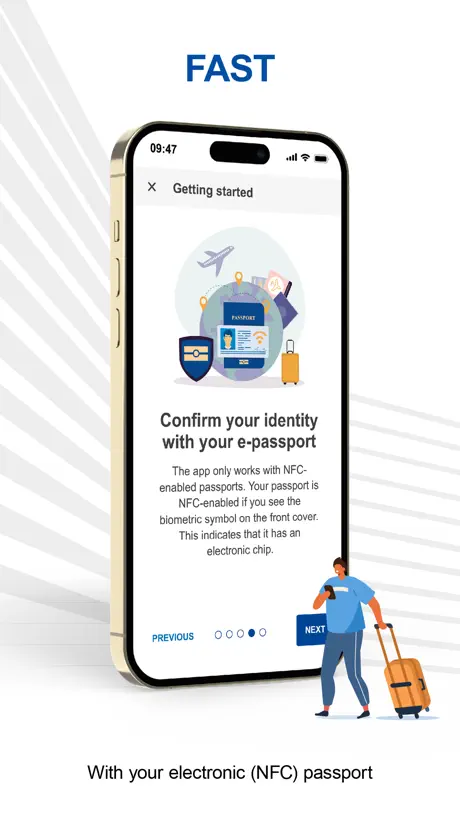
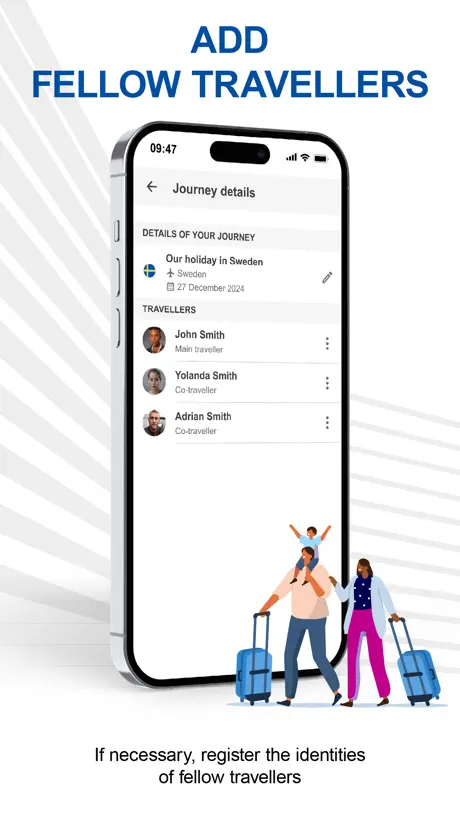
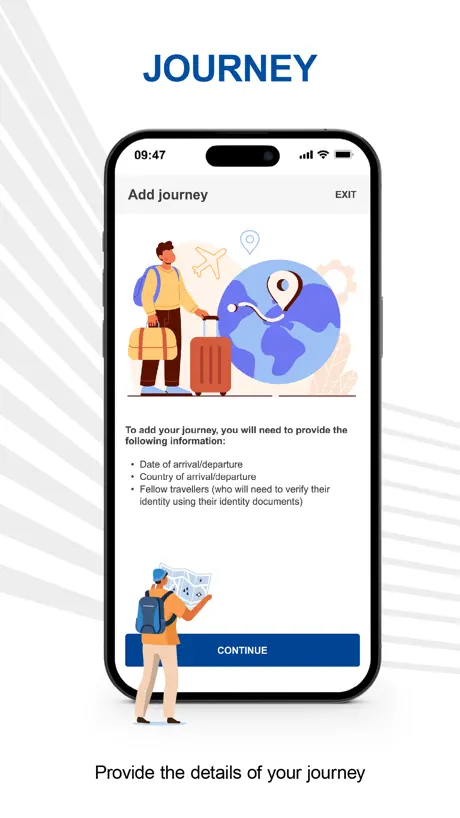
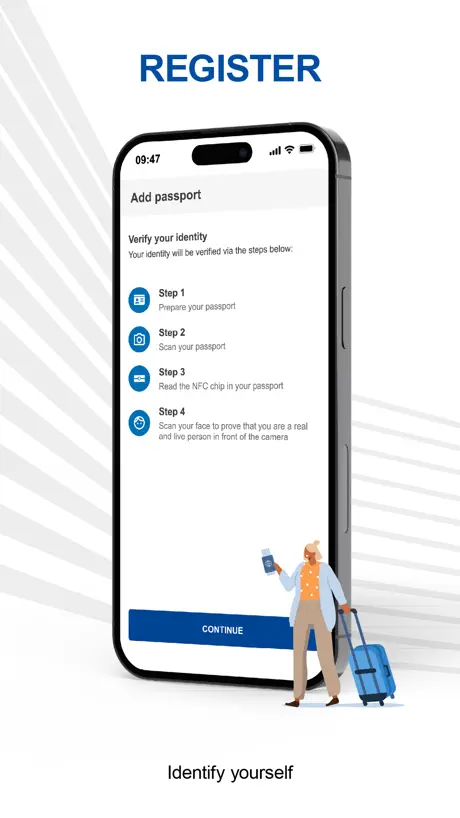
How much does Travel to Europe cost?
Prices are current as of 12 Sept 2026.
Travel to Europe has no in-app products on record in the United States.
10+ alternatives to Travel to Europe
| Travel to Europe |   Heathrow Express Heathrow Express | 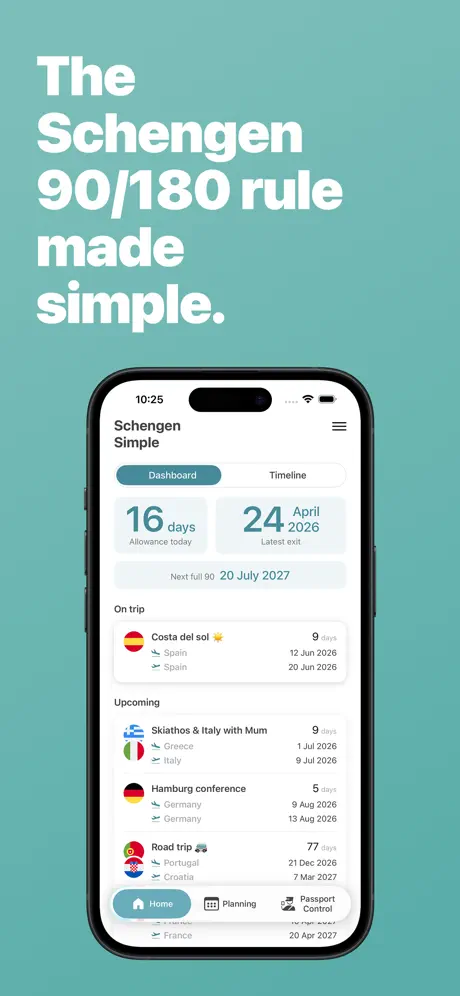  Schengen Simple Schengen Simple |   The Cruise Globe The Cruise Globe |   Hotel Hoppa Hotel Hoppa |   Withlocals: Private Tours Withlocals: Private Tours |   ATM Fee Saver: Travel Smarter ATM Fee Saver: Travel Smarter |   180 Days: Schengen Calculator 180 Days: Schengen Calculator |   Brittany Ferries Brittany Ferries |   jump taxi jump taxi | |
|---|---|---|---|---|---|---|---|---|---|---|
| Rating / 5 | 4.2 | 4.8 | 4.8 | 4.8 | 4.3 | 4.7 | 4.5 | 4.8 | 1.5 | 3.9 |
| Reviews | 2.6K | 23K | 3K | 2.9K | 1.6K | 1.4K | 1.4K | 1.1K | 89 | 71 |
| Released | 2024 | 2011 | 2022 | 2025 | 2018 | 2013 | 2023 | 2023 | 2024 | 2024 |
| Annual price | — | — | $9.99 | — | — | — | $19.99 | — | — | — |
The going rate for each plan in United States, in its own currency, shaded from the cheapest price on the row to the dearest. Plans fewer than four in ten of the priced apps sell are left out.
Travel to Europe reviews
4.2 out of 5, based on 2,552 reviews.
What people like
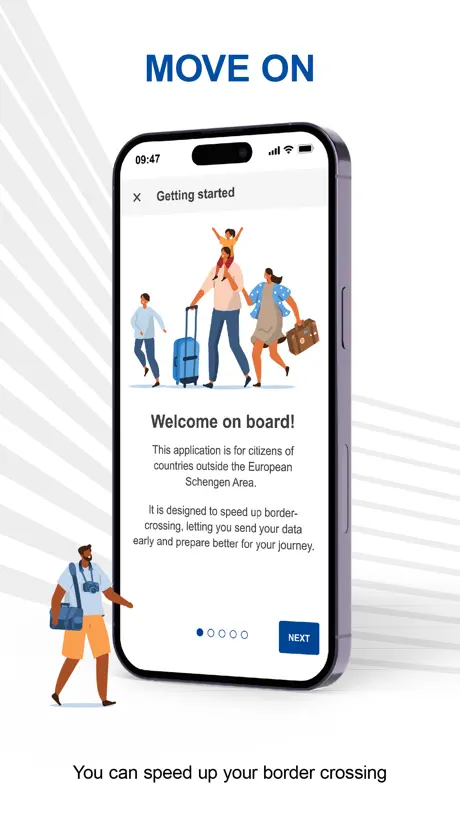
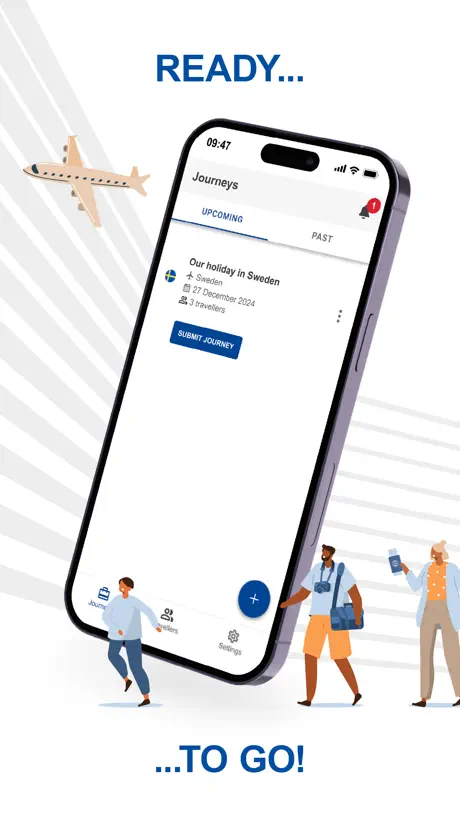
- Speeds up entry at Swedish airports
- Simple and quick to fill out
- Easy to use interface
What they complain about
- Only works for Sweden and Portugal
- Useless when leaving the Schengen area
- Border guards often ignore the app
- Selfie scan fails repeatedly for many
So convenient
Easy to use app love it!
Pointless
Nobody asked for it at the boarder (Portugal). Instructions on what to do with it on arrival are none existent. No exit options. Why bother
Kippy322
Good and simple
No option on a choice
The app asked for a point of departure so I entered the airport code, name, city. None of them worked and there was no hint or other information to make a better choice.
Reporting a bug
I’m unable to enter a number when I get to the question how many days will you be here. The app won’t let me open that text box. Likewise when I try to report an issue within the app it does not let me enter my email and therefore does not let me submit this issue.
To Sweden - great. From Sweden - failed
Easy to use for the outward trip to Sweden (and we sailed through immigration at the airport) but it failed for the return journey. You have to specify a departure port/crossing but it didn’t recognise any ports, whether airports, sea ports or land crossings. It’s as though someone forgot to populate the database. So we can’t use the app to leave the Schengen area.
Abysmal
Worked on the way in to Sweden, but useless on the way out. Also only two countries signed up? Not like there’s been two years notice of EES or anything. App developer copy paste your response below please…
EES USE
Easy to use. Certainly easier than the UK equivalent. Just be aware it is not an “ESTA equivalent” or visa waiver entrance application. It just fast tracks the border assessment process - at least in Sweden it seems to save time.
More than one traveller does not work
The app allows you to add more than one traveller to a trip, in reality this does not work at the security checkpoint because the app is only on one phone any other additional people in that trip need to be with you at the time. In practice this does not work because as you go through security, you are split up to different checkpoints. To get it to work now each person in your party needs the app on their phone having created a single party trip for themselves.
Correction
I said you can’t edit trip . You can . But when you put in a PIN it tells you a) you can only use a number twice but then refuses to accept it- you can only use a number once but it won’t let you start again. Had to close app, and restart all over again
Excellent in Faro
The app work very well in Portugal. Once at the head of the queue the whole process at the terminal took a couple of minutes. Make sure you are in the right queue. Most Brits it seemed hadn’t used it so they had to type everything in there and then. So The non EU queue took 40 minutes but probably the “EU and others” line would have been faster and valid with a UK passport.
Not helpful
Västerås was not listed as an airport to enter country
Mr Chambers
Easy use of app but the entry point was a shambles as family was separated and could not use all 4 of QR codes, meaning we had a second queue system which defeated the object.
Sadly not clear
I followed the stepson the app to add my holiday journey to Portugal -sadly no entry point came up on the app to allow me to add my passport details or scan them and there was nothing in FAQ to enlighten me on why there was no opportunity given when using the app to do this. Waste of my time
Lots of issues but eventually worked
How to scan for my passport chip many times. Had to take a selfie at least 6 times. Not very reliable
Great
Great editor navigate
Waste of time
Like everything EU, a complete waste of time
Somewhat difficult to use
The app is easy but scanning the US passport chip was quite difficult. Also, getting a selfie was also difficult as I have facial paralysis & the app kept saying I was smiling (in actuality, I appear to always frown). Once the chip scan was successful, I continued but it never did accept my selfie.
idea good - did not work at Malmö
I was with a family party of 6 and thought filling this all in with my group the night before would help. Unfortunately the border guard, when shown our QR codes, had never seen them before! A poster for this app was right opposite her booth. To top it off, according to the entry system I was still in Schengen from March entry due to a system failure when it first rolled out. I am sure you can imagine the fun we had finding old flight tickets even though my passport had exit stamp!
Pictures
We were unable to add our pictures ?
Excellent process
Hoping this speeds up border control on entry to Sweden
Useless
It appeared to be working fine when I was setting it for my arrival in Porto, but when I arrived and opened it up, the details were no longer there and I was unable to re-enter the information on the walk to the passport control. Had to use the kiosks instead.
Doesn’t show all countries
The FAQ says the countries that are part of the Schengen area but when I try to select any country, only shows Portugal and Sweden. Hope it gets fixed in the next updates
Scanner didn’t work on one of 5 passports
Scanner didn’t work on one of 5 passports
Passport details?
Didn’t allow upload of passport info or selfie
Plan ahead
This was quick and easy to use and took less time than I thought.
Selfie scanner
Liveness detector kept not working and when retried took you back to the beginning
Only worked one direction
Doesn’t work when exiting Sweden as ‘Step 4 - Point of Departure’ does not return any results. Was great to use when entering Sweden though and saved lots of time.
Langue
Le français n’est pas accessible sur cette application. Pas très pratique quand la langue anglaise ne nous est pas complètement familière.
Lets you travel to Europe
Lets you travel to Europe
Only works for two countries
Unless you’re travelling to Portugal or Sweden you can’t use it
Seems a good idea
Just booked trip to France and Spain, downloaded app, only to find it only currently works in Sweden and Portugal
Needs updating
I used the app to travel to Portugal & everything was great entering. However tried to log our exit details & it would not accept our final border details, which was Portugal so cannot use to leave the country. How can the app only work on entry & not on exit??
Easy to use
The app seemed to speed things up quite a lot at passport control in Arlanda, Sweden. We still had to do the camera & fingerprint check but she clearly had all the remaining data to hand & it didn’t take so long as before.
No good for Lisbon Portugal
On arrival at Lisbon airport I showed the app, content and QR code (which had been correctly submitted). It was not recognised by any official - it was the same for others that had downloaded it. I therefore had to queue up for an hour+ for the electronic visa entry machines. I was at the front of the queue when officials cancelled the electronic machines and sent us all to manual passport control- another long queue. The app made no difference to queuing.
More expansion required
Good idea in principle but made no iota of difference when travelling to Portugal last week. Needs better and wider infrastructure and integration; and border staff who know what they are doing.
Selfie was VERY picky and stopped after a few tries
My wife was not able to get the app to accept her selfie. Mine was accepted in the same light and position. It would be nice to be able to retry. An overview of the process would help as well. It was clear about the submission dates.
Easy to use
Very easy and quick to fill out
Doesn’t work
Rubbish
Works Sometimes
This app got us into Sweden very quickly shards of the que, however, when trying to register to come home it was a complete failure. The app could not find a port of exit??? Don’t know if I’d use it again? UPDATE- Response from the developer has been basically it will get you in to Sweden and Portugal but it won’t help you to get out - yet!🥺
Missing countries?
I land in Germany but the option is not available in the app. It appears they only have Sweden and Portugal.
Easy to use
Instinctive, easy to use, smooth and actually enjoyable. Hope this will truly smooth my travel travels.
Wouldn’t register my journey to Madeira
I have tried to enter my journey twice and it does not save it.
Oh
The Portuguese border people were not interested in it.
For Portugal
No prompt for passport scan. I am not exactly sure what the QR Code is for but I guess we will find out! Anything that helps speed up the airport process is welcomed by me!
Travel to Europe FAQ
- Is Travel to Europe free?
- Yes. The app is free, in all 175 countries it sells in, and it sells nothing inside it.
- Does Travel to Europe have a free trial?
- No. None of its offers (US) come with a free trial.
- What are the best alternatives to Travel to Europe?
- Heathrow Express (4.8 from 22,791 reviews), Schengen Simple (4.8 from 3,024 reviews, premium from $7.99) and The Cruise Globe (4.8 from 2,926 reviews).
Travel to Europe download
Last updated 27 days ago.
Travel to Europe sells in 175 countries. It was released 2 years and 5 months ago, on 16 Apr 2024. It holds a 4.2 rating from 2,552 reviews.
Supports 1 language: English.
How much does Travel to Europe make?
Third-party estimates for the last 30 days, worldwide — not the store's own figures, which Apple publishes for nobody.