
Coast Central Mobile Banking
How much does Coast Central Mobile Banking cost?
Prices are current as of 12 Sept 2026.
Coast Central Mobile Banking has no in-app products on record in the United States.
10+ alternatives to Coast Central Mobile Banking
| Coast Central Mobile Banking |   Coastal Credit Union Coastal Credit Union |   Columbia Mobile Banking Columbia Mobile Banking | 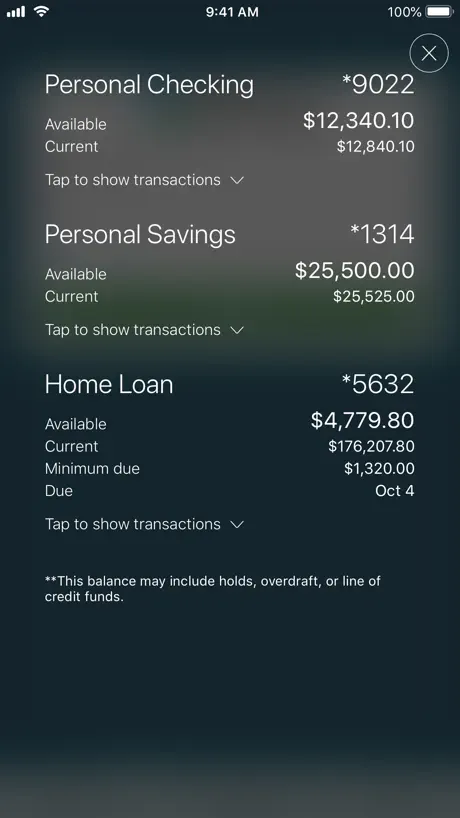  Rogue Credit Union Rogue Credit Union |   Columbia Commercial Mobile Columbia Commercial Mobile |   ComfirstCU ComfirstCU |   Tri Counties Mobile Banking Tri Counties Mobile Banking |   Compass Community CU Mobile Compass Community CU Mobile |   Northern Redwood FCU Northern Redwood FCU |   CIG Mobile CIG Mobile |   Redwood Capital Bank Mobile Redwood Capital Bank Mobile | |
|---|---|---|---|---|---|---|---|---|---|---|---|
| Rating / 5 | 4.8 | 4.8 | 4.5 | 4.8 | 4.6 | 4.8 | 4.6 | 4.8 | 4.6 | 1.5 | 2.8 |
| Reviews | 1.8K | 29K | 22K | 13K | 5.9K | 5.6K | 3.7K | 271 | 64 | 52 | 11 |
| Released | 2024 | 2012 | 2015 | 2019 | 2013 | 2011 | 2023 | 2015 | 2019 | 2013 | 2024 |
Coast Central Mobile Banking reviews
4.8 out of 5, based on 1,779 reviews.
What people like
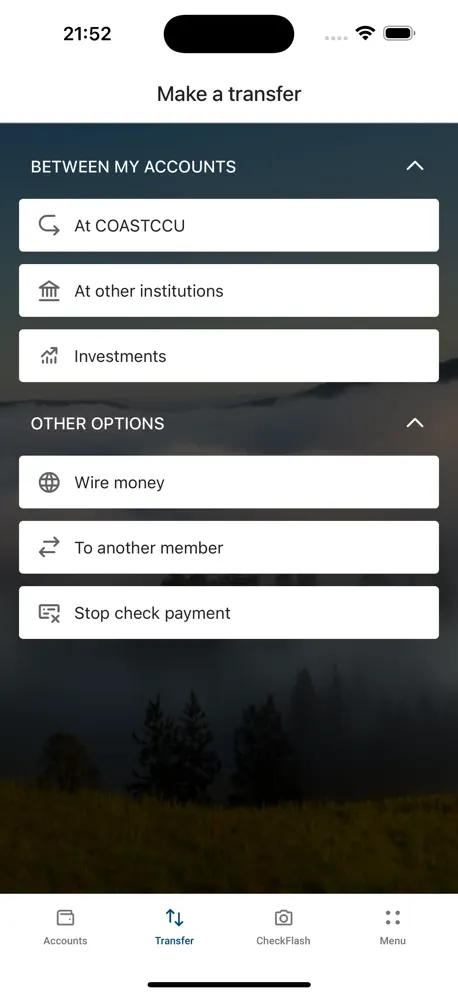
- Easy to navigate and use
- Transfer money to other banks now
- Chat support staff are very nice
What they complain about
- iPad doesn't rotate to landscape
- Face ID keeps failing after updates
- Log out button is too hidden
Always there for you
Coast Central has never let me down for my banking/savings needs. I appreciate the friendliness and helpfulness of the tellers.
Company treated me poorly
Numerous times, I was treated unprofessionally by this company. Not cool! They left me hanging, ignored me, and lied to me, wrote incorrect information on my application and made me wait a month before telling me.
Slimy
Don’t make me give u 5 stars
NOT iPAD Optimized + Password manager hostile
In their haste to push out a new app they seem to have forgotten about iPad in landscape mode. Most iPad users use in landscape mode yet they are just forcing the phone version in portrait mode. In 2024 this is a severe negligent oversight and entirely unacceptable. They also seem to be blocking the use of password managers to autofill. Which utterly is user hostile if deliberate and negligent if by mistake. Not everyone can use FaceID. And their app redesign just shows they really didn’t think of many use cases. The changes seem to be just aesthetic which honestly just look like change for changes sake and I’m not seeing much improvement in functionality over the last app. Sure it looks better but honestly its kinda bland now. The previous app had a sense of uniqueness that gave it an identity. This just feels like it was pushed out by committee and as generic as possible. Dark mode is cool I guess. I hope they make some changes because this redesign is more annoying than practical. And I don’t really care about the looks when I’m annoyed by trying to access on my iPad and have to deal with rotating it every time because the dev couldn’t be bothered to add these few line of code to UIKit: override var supportedInterfaceOrientations: UIInterfaceOrientationMask { return .landscape } override var shouldAutorotate: Bool { return true } Here’s hoping they fix these issues because i really didn’t need my bank account app to change for changes sake. I need it to be pragmatic and useful. Form over feature is never the way.
Sign on broken
So tiered of constantly having to manually sign back in on IPhone every time I have facial recognition for a reason. Please let me use it with out typing it all in every day I log in.
Best financial app!
This app is easy to use and I love the new updates!
downgrade
it looks better but the ui took a nose dive, half of everything that’s titled is cut off and i just don’t like it, last app was way better.
CCC Review
Over all its ok. However having my savings account listed before my checking account throw me off all the time. I want the ability to change that. In the old app my checking was listed first and there was a pie diagram that showed me where my finances were. I like that feature a lot. The app on the phone is ok. The app on the iPad needs to have the ability to flip to landscape mode.
Easy to use
I love the ease of moving between accounts. The new pay-to-pay option is great!
Glitchy
This new app let me set up my account but ever since will not let me log in. No matter what I try wether it’s deleting the app and redownloading it changing my password, none of it works because as soon as I go to log back in it just continuously loads. No error message pops up, the only error message I can get is if I purposely use the wrong username or password otherwise the only view I get is the loading screen.
Seems fine but …
App seems fine - I just installed it and poked around though haven’t tried it out yet - but why is the username automatically displayed on the login screen? It seems like a security issue to have that visible to anyone who opens the app. There must be a way to not have it visible that I haven’t discovered yet, but it doesn’t seem like that should be the default behavior. Also, I agree with others that the log off button should be much more obvious. I like the new feature to make transfers to accounts that other institutions or individuals.
Great App
Nice features, user friendly, great graphics A+
Not ready for prime time by a long shot
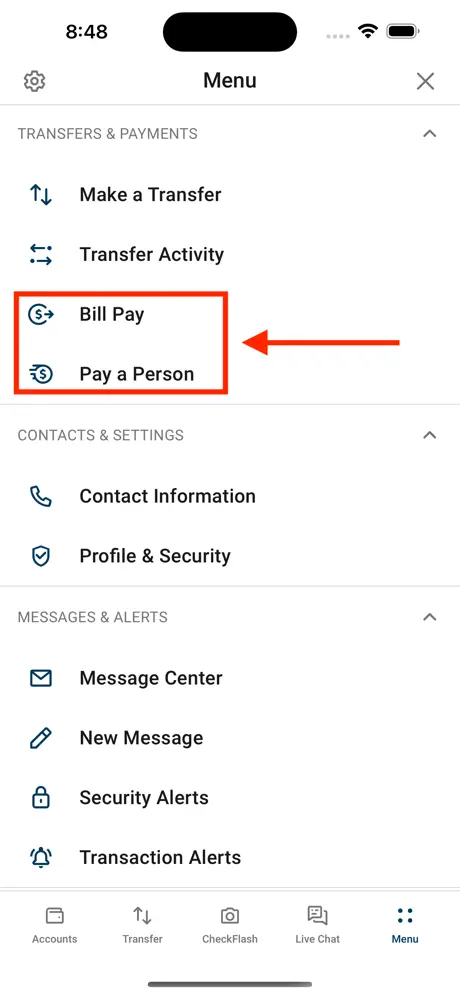
In addition to not working with my iPad, which is attached to a keyboard and charger, this app is very buggy in the ways mentioned by other reviewers and more. Also according to “member support” I would need to disable security settings in iOS and Firefox for this app and/or bill pay website to work at all. They advised me that Chrome would work best. Since I consider Chrome to be the least secure of browsers, I find this worrisome. “Member support “ for this software goes directly to “I pay” which is the vendor’s call center. It completely bypasses CCCU and is why the cut off time is 1pm CA time and 4pm eastern. In my opinion, this bill pay software is a backward step, and the hype about its being “more secure “ is questionable.
New & shiny
Is there an iPad version of the app? I find the mobile app doesn’t rotate horizontally to work on the iPad. If there is a fix, please let me know.
Pretty Neat
Let's me transfer to external banks now, works well.
Not compatible with iPad
Others have said it here, but I’ll say it some more - this app isn’t working well on an iPad. The biggest complaint is that the app doesn’t rotate, so to use the app while using the keyboard, the entire screen is rotated sideways. Super annoying. Also, the ability group accounts by dragging and dropping doesn’t work on an iPad; there is no ability to drag the accounts. And, as mentioned by another reviewer, the ability to sign out is buried & requires several steps to find. A banking app should automatically sign out when closed, & this doesn’t seem to. Please make the sign out easy to find, and also happen automatically.
Great design with room for improvement
I love the new app and design. A huge improvement on the old app. However, logging in is a pain because it doesn’t recognize autofill and resets Face ID every time it updates. Please fix the autofill function. Then it will be a 5 star app.
LOVE
I love the new Coast Central App! It makes everything so easy! I love being able to transfer to other financial institutions. Having all my automatic transfers, and how easy they are to set up! Super easy to navigate as well!
I don’t like it
I would like to get into my account but it’s not letting me in why is the old one not working anymore
CCCU review
i like the new design, modern look and the response. i would like to add that i liked the old pop up accounts before logging in because it made me feel safer not having to always log in to check my accounts in public, i’d like to see that make another appearance but other then that the app is great!
Great App!
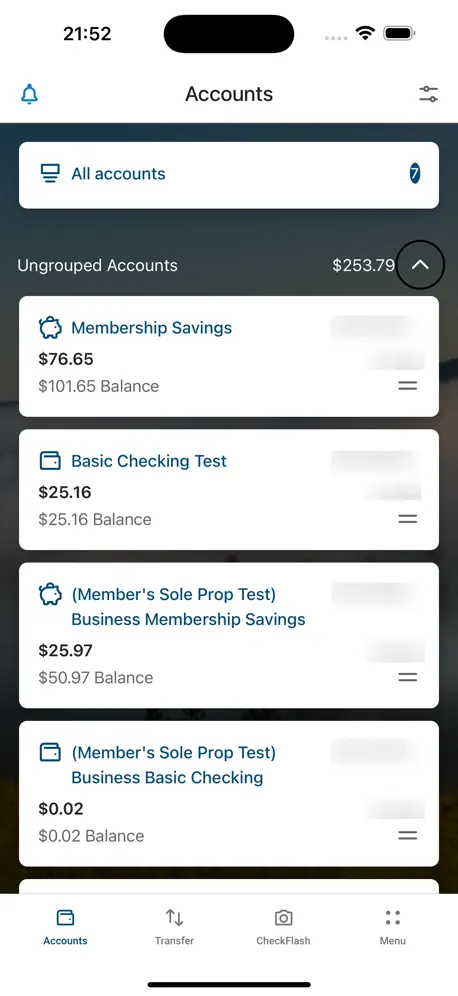
Very user friendly. Love the grouping feature and being able to nickname any account.
More convenient? Not so much
When I log into an app, I want the app to conform to my style of use, not the other way around. UI or user interface should be better, especially for iPad users. After 5 minutes I was able figure out how to log out, why is the log out so well hidden? I needed to change the amount of a reoccurring payment and after that experience, my confidence in this new platform is very low.
Features
The live chat is wonderful and the staff are so nice! So many great new features like saving ppl to transfer to, grouping or hiding accts, and investing!
20 year customer
Happy
Long time CCCU member
This app is easy to navigate, which makes it user friendly, and thus saves time and stress.
Coast Central Mobile Banking FAQ
- Is Coast Central Mobile Banking free?
- Yes. The app is free, in all 10 countries it sells in, and it sells nothing inside it.
- Does Coast Central Mobile Banking have a free trial?
- No. None of its offers (US) come with a free trial.
- What are the best alternatives to Coast Central Mobile Banking?
- Coastal Credit Union (4.8 from 28,998 reviews), Columbia Mobile Banking (4.5 from 21,535 reviews) and Rogue Credit Union (4.8 from 13,064 reviews).
Coast Central Mobile Banking download
Last updated 1 month ago.
Coast Central Mobile Banking sells in 10 countries. It was released 2 years and 7 months ago, on 5 Mar 2024. It holds a 4.8 rating from 1,779 reviews.
Supports 1 language: English.
How much does Coast Central Mobile Banking make?
Third-party estimates for the last 30 days, worldwide — not the store's own figures, which Apple publishes for nobody.