FieldMove Clino
How much does FieldMove Clino cost?
Prices are current as of 31 Aug 2026.
FieldMove Clino has no in-app products on record in the United States.
10+ alternatives to FieldMove Clino
| FieldMove Clino |   QField for QGIS QField for QGIS | 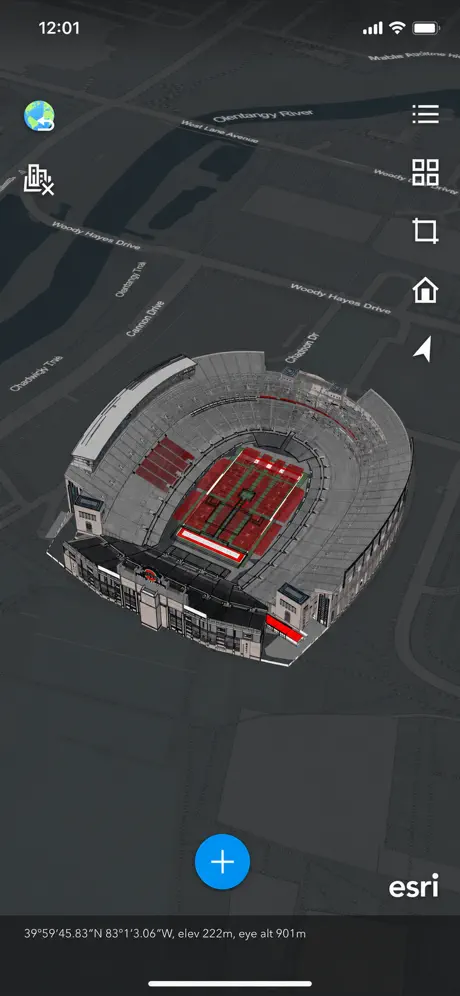  ArcGIS Earth ArcGIS Earth | 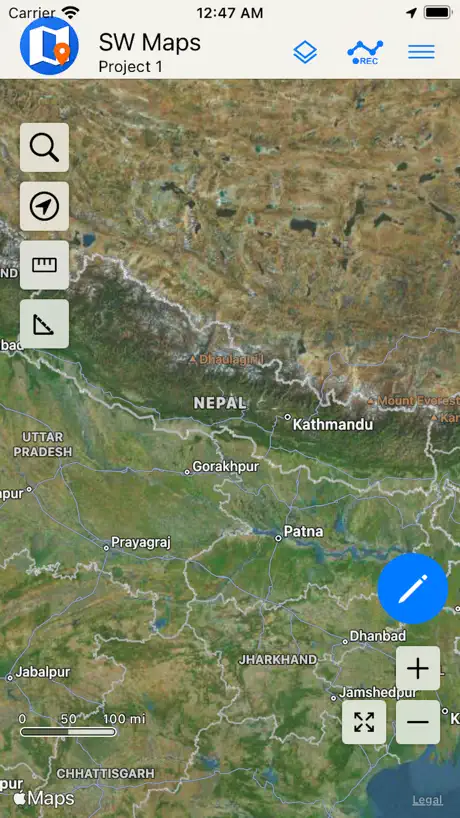  SW Maps SW Maps |   Touch GIS Touch GIS |   ArcGIS Field Maps ArcGIS Field Maps |   Labscope Labscope |   Geology Clinometer: GeoCompass Geology Clinometer: GeoCompass | 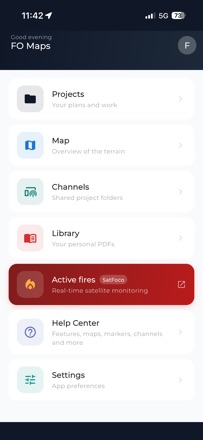  FO Maps: GeoPDF GPS Offline FO Maps: GeoPDF GPS Offline |   GEO5 Data Collector GEO5 Data Collector |   LetsGeo LetsGeo | |
|---|---|---|---|---|---|---|---|---|---|---|---|
| Rating / 5 | 4.4 | 4.1 | 4.0 | 4.1 | 3.9 | 2.5 | 4.0 | 4.2 | 4.8 | 4.8 | — |
| Reviews | 160 | 368 | 249 | 127 | 71 | 69 | 48 | 32 | 31 | 9 | — |
| Released | 2013 | 2022 | 2019 | 2022 | 2019 | 2020 | 2019 | 2023 | 2026 | 2023 | 2025 |
FieldMove Clino reviews
4.4 out of 5, based on 160 reviews.
Good soft!
Nice for Cugser!
So much potential but too many bugs
I've been using this app lately to help with my work as a geological surveyor. The app has a lot of potential but, in my opinion, it’s too unreliable to be used as a professional tool in the field. That’s due to continuous bugs that make the app more of a problem than a help most of the time. That being said, I’d love to be able to list the bugs and problems I’ve encountered if someone from the developer team is interested.
It does the job fairly well but it has problems
It does not work with dark mode which hurts in the field because you drain your phone battery faster when using light mode, and it occasionally has a bad reading and gets stuck that way when doing S/D measurements. This can result in a wacky misunderstanding of the structural features in an area so it is best to keep a brunton compass on you and double check periodically. Otherwise, it’s a solid app!
Fieldmove & Clino Photo crash
I know very well the App (Clino & fieldmove) and the software MOVE (from version 2009), but in the last release of the both App there is a problem: when take a photo the App crash! I hope that the bug will be resolve as soon as possibile! Thank you for your attention! Sorry but for now I choose for the feedback only two star....
Pick list invisible- dark mode issue
Unable to see the pick list with iphone being in dark mode. All text appears black, same as menu background
Continuing support
A big thanks to petrel first continuing to update this excellent tool!
What I want.
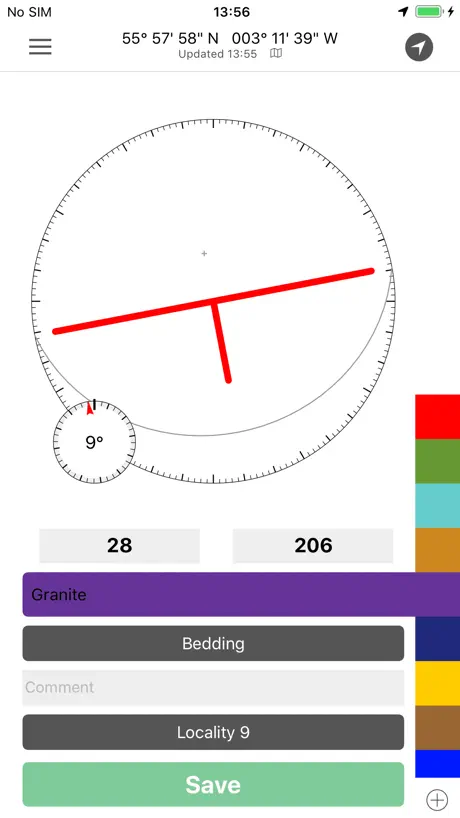
All I want is an app that takes strike and dips and saves them with the location info. Why do I need to add a comment to every SND to save it? Why? Why do YOU require this. Just let me Not do that. Also why does it stop the strike and dip measurement when you comment???? This app is so deeply useless I hate it to my core. Seriously, have you attempted to use this?
Dark Mode!
Dark Mode!
Problemas con la app
Por algún motivo la app trabaja unos días y luego no indentifica las lecturas de los sensores. Las demás aplicaciones que usan sensores de gravedad y magnético si funcionan normalmente. Cual podría ser el problema?
Dark model makes strike/dips invisible
Please fix the live strike/dip dark mode problem of showing the data as white text on a white background. Also can you make sure the app fills the screen on a iPhone X and iPhone 11 plus? It makes you look a little amateurish when the app doesn’t fill the whole screen and there’s black bars on the top and bottom.
Quando provi a fare una fotografia l’app va in crash
Clino va in crash con le foto
Excellent tool for being geology into the 21st century
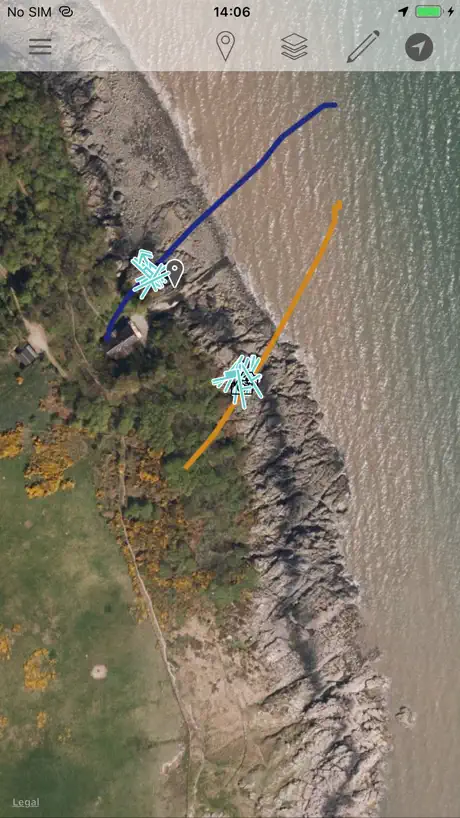
I have used this tool for two years now doing geologic mapping for my master’s thesis and it has been an invaluable tool. The only issue I have is that the image function in the notes section causes the app to crash every time. It would be fantastic to see this fixed, as that would enable me to use this app as my primary tool. Additionally, if there could be a tracking section added to the maps portion, it would be quite easy to map large swaths of rock simply by walking the contacts!
Can see words in dark mode
best geo app by far. will give 5 stars will they fix the dark mode issue
Great concept
I love it but it needs to request permissions to use the camera. Without requesting it just causes the app to crash. Is there a pro version?
Keeps crashing...
It's a great program that deserves more stars, but since the latest upgrade it keeps crashing every time I attempt to export the data. Meaning that all the work I did with this app is essentially lost! Please fix this so I can use this app and write a review that reflexes its merits.
Using it for masters project, but crashing sometimes
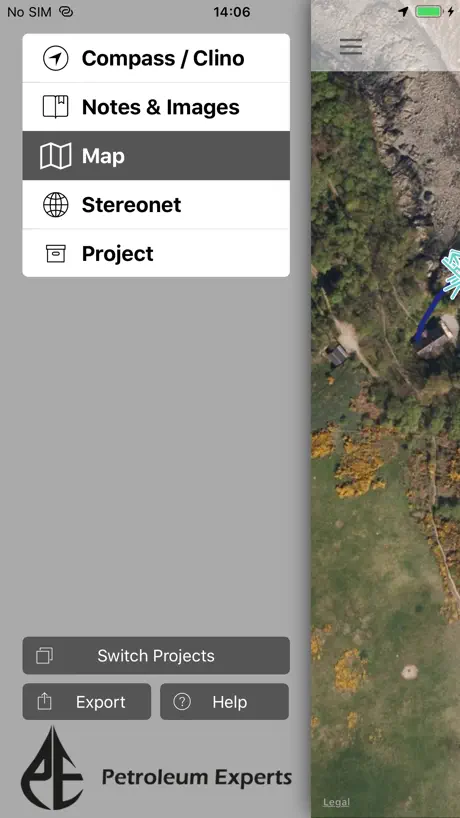
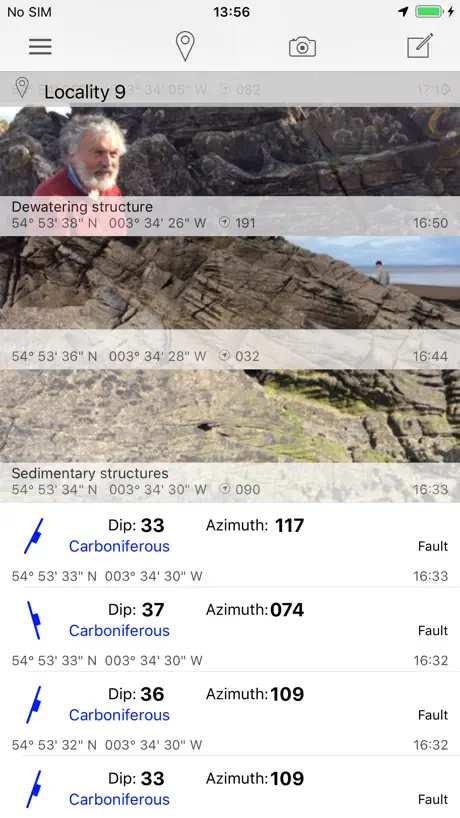
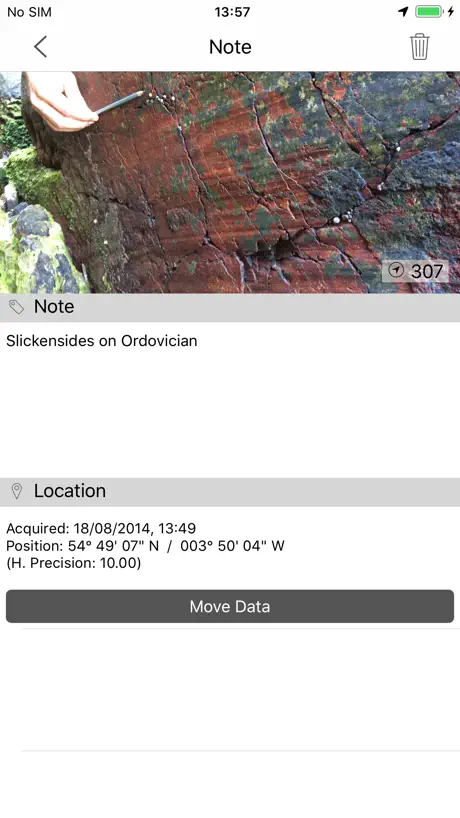
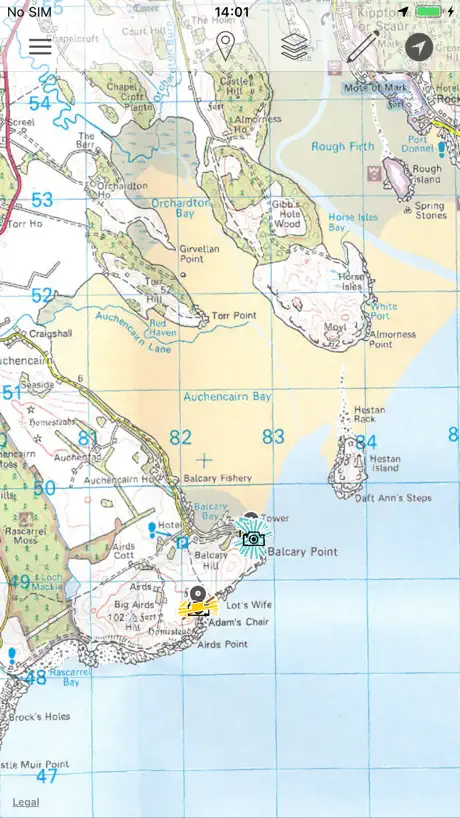
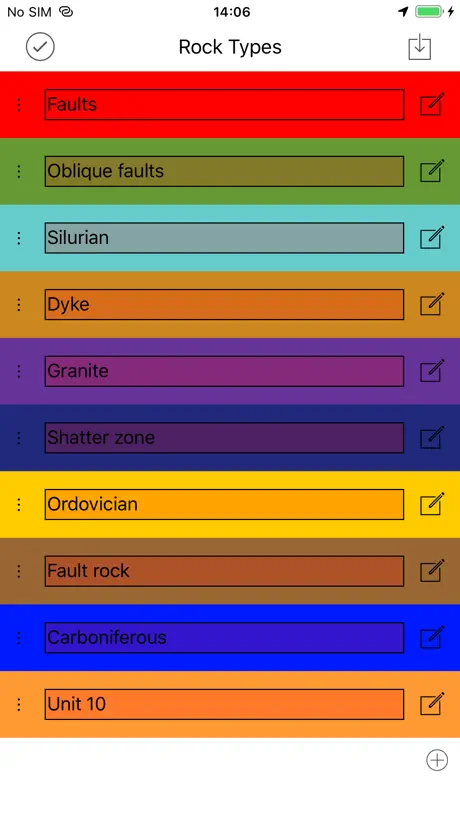
There are so many things I love about this app. It’s now my primary mapping tool for everything: strikes and dips, faults, slickensides, notes, geotagged images, annotating the map. Last field season it worked a little smoother, so I’m wondering if there’s some bugs with new iPhone update... Some actions that cause Clino to crash: - trying to take a picture from within the app using the “camera” icon. - I can make a note and upload “existing picture” (it’s an extra step) but “new picture” crashes again. - clicking on a line in map view It would be great to upload a better base map. I’ve been switching between Gaia and Google Earth to see if the location is correct. It’s sometimes 10-20 feet off, which is an issue. Even if the imagery isn’t great, it’s be nice to be able to zoom in closer for fat-fingered drawing. Other than that, this app is great. I’m grateful that the S/D symbols show up in google earth along with meta data and stratigraphic units. Makes my data management so much easier.
Photos problem
From a few months ago, when I’m in a project and I’m trying to take a picture for the record, the app crashes and close immediately, I can’t take any picture from the app and this is one of the main uses I gave to it. The other features are working correctly so far.
Saved so much time!!
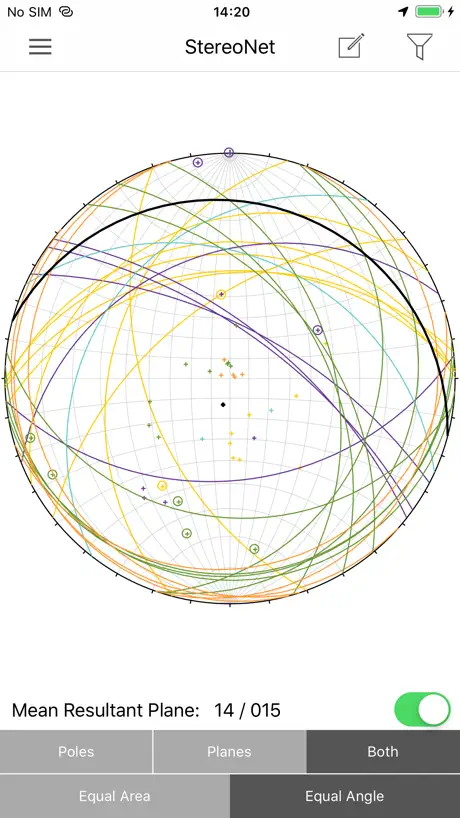
Downloaded this before my geology capstone - revolutionized my field notes. It's so nice to have pictures and measurements all placed on the map. And very convenient to have a real time stereo net! Way worth the upgrade!
Camera error
the camera turns off when taking pictures
Crashes when trying to take picture
Great app minus the crash bug when trying to take a photo running the app on iOS 12.3.1
Excellent geological compass app
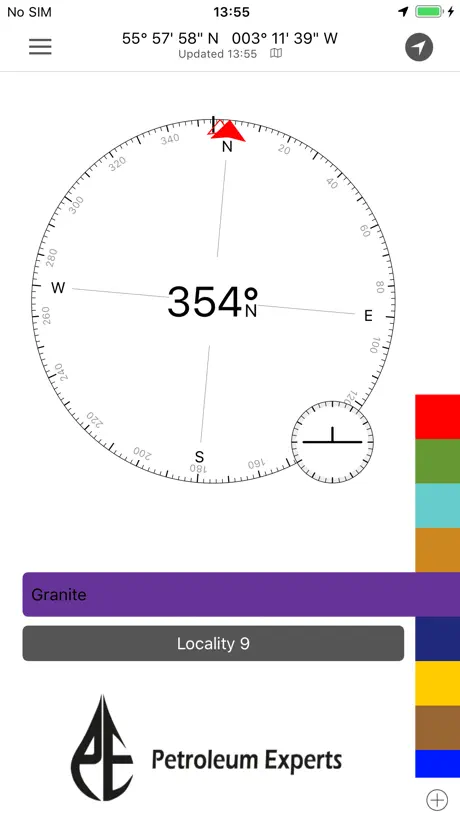
We recently used the pro version of this app to measure more than 3,500 orientations in less than two weeks, all tagged with latitude, longitude, time, and date. It was indispensable for our purposes. We periodically checked it against our Brunton compasses and found that it was virtually always within 5° and commonly within 2° with calibration as needed (this on an iPhone 5S). Bruntons are undoubtedly more accurate for single observations but this is balanced out by the fact that you can make so many more observations with FieldMove Clino and average them, providing a better handle on uncertainties. The interface of the app works well with our workflow and the ability to back up your data, either by emailing yourself a copy or uploading to DropBox whenever you have cellular data or wireless connection to the Internet, brought considerable peace of mind. The data, when output as .csv files can be read by modern desktop stereonet programs and the .kmz output will plot your oriented strike and dips symbols right in Google Earth. If you're going to use this as much as we did, I'd recommend investing in a 15000mAh Li external battery (about $50 online) as our phones would not quite make it through the entire day (making ~300 measurements/day). A battery that size is about the size and shape of a small paperback and will recharge the phone 4-5 times and so is essential if you are camping.
Best geology mapping app yet
Very useful on my mapping projects, localities can be applied and dip and dip direction are put where you are standing so you know where you measured the data. Room for improvement would be to update the map like google map/earth so we can zoom in more when mapping small scale projects. Could also be improved by being more accurate on the location. Also I know that you can draw the different rock types and their boundaries in the map which is very helpful but could also be useful if a doodle tool was created so we can doodle on the map.
CAMERA DOESNT WORK IPHONE 7 plus
Hello, my name is Martín, when i try to add a photo and coments the App close automaticaly , my camera is ok, do you know hoy to fix that error? I will apreciate your help , greetings from Mexico!
Wow
Thank you for making this! I've been complaining that there's no organized go-to app for all my mapping needs. I'm taking summer field camp in a few weeks and this is going to make all the difference.
Must have app in the field
This app is far superior to GeoID. The capabilities of it are incredible and very useful for field work on a mobile device. The ability to adjust declination, symbols on the maps automatically placed based on GPS, a strat. Column... I can't go on enough how awesome this app is. Fairly easy to use, a bit of a learning curve but manageable. I think the organization of it is a bit wacky (changing projects, adding notes) but bearable once you get the hang of it. A few complaints....the accuracy of the measurements (strike/dip) when compared to GeoID and a Brunton are a bit off. GeoID was consistently closer to the bruntons readings but the difference was nominal. Also when will this be available for ipad!? The larger screen would make it so much easier to use for the FieldMove pro features. I would literally replace my clipboard, pencils, mylar and maps in a heartbeat if this was on ipad. For now I'll hold off on the upgrade. Great app though. Thanks for the care and effort in it.
Camera link bug
Good app. Bug shuts down app when trying to take a picture
Best geology app
Of all the geological compass apps this must be rated as one of the best if not the best. With the extra options of a stratigraphic column, notes and creating a map. This is a very well thought out product and a must for any geological student and professional.
Wish I had this years ago
There appears to be an error with the calibration of the compass. My strikes are consistently 10 to 15 degrees off from a brunton measurement. I have tried numerous calibrations of both the app and the compass on the iphone. I'm using an iPhone 5s and I know there are some hardware issues, but the compass is ~10 degrees off from the midland valley fieldmove clino compass when held in the same orientation.
Amazing app!
Would be quite useful in mapping. Finally someone in the geology business is doing something serious with phones! The app is well functioned and user friendly. Love it!
A great companion to your field notebook
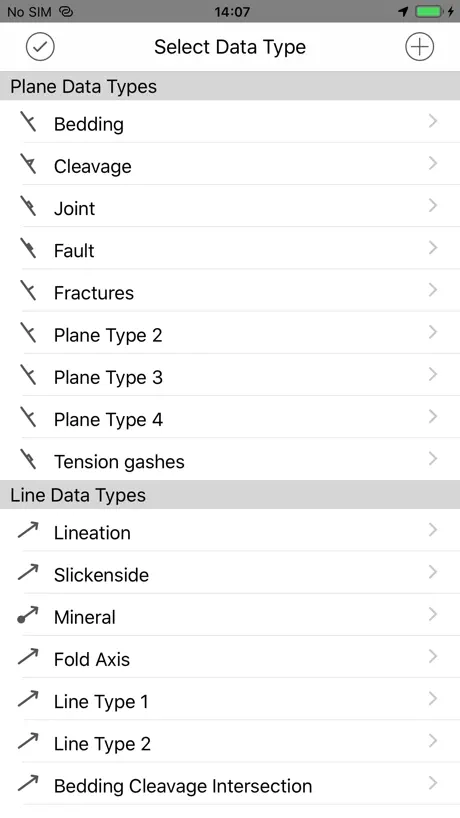
Just back from a third year undergrad trip on the Ardnamurchan peninsula, used field move as a back up to my field notebook and in conjunction with a gps and by the end of the trip the note book was left in the bag. As somebody who struggles to keep a neat and tidy notebook this app is perfect it takes practically any measurement you can think of and you can link your measurements to photos taken in-app with picture orientation done automatically for you. Obviously don't sack in the notebook but do use this in conjunction with it. Maybe get a waterproof case for your phone too. But long gone are the days of staring at my notebook wondering what the hell I sketched in the freezing rain three weeks ago. Nice one MV
FieldMove Clino FAQ
- Is FieldMove Clino free?
- Yes. The app is free, in all 175 countries it sells in, and it sells nothing inside it.
- Does FieldMove Clino have a free trial?
- No. None of its offers (US) come with a free trial.
- What are the best alternatives to FieldMove Clino?
- QField for QGIS (4.1 from 368 reviews), ArcGIS Earth (4.0 from 249 reviews) and SW Maps (4.1 from 127 reviews).
FieldMove Clino download
Last updated 1 year ago.
FieldMove Clino sells in 175 countries. It was released 13 years ago, on 18 Sept 2013. It holds a 4.4 rating from 160 reviews.
Supports 1 language: English.
How much does FieldMove Clino make?
Third-party estimates for the last 30 days, worldwide — not the store's own figures, which Apple publishes for nobody.