
Govee Lite
How much does Govee Lite cost?
Prices are current as of 18 Nov 2026.
Govee Lite has no in-app products on record in the United States.
10+ alternatives to Govee Lite
| Govee Lite |  HDMI Monitor - Orion |   Plex Dash |   Noir - Dark Mode for Safari | 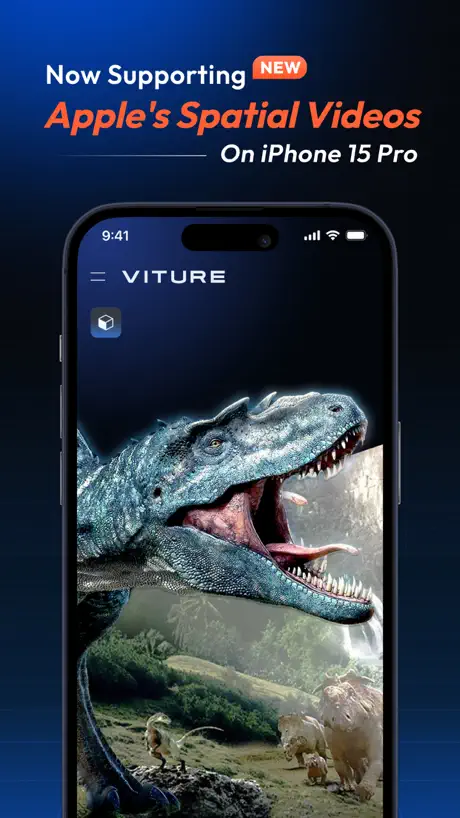  SpaceWalker by VITURE | 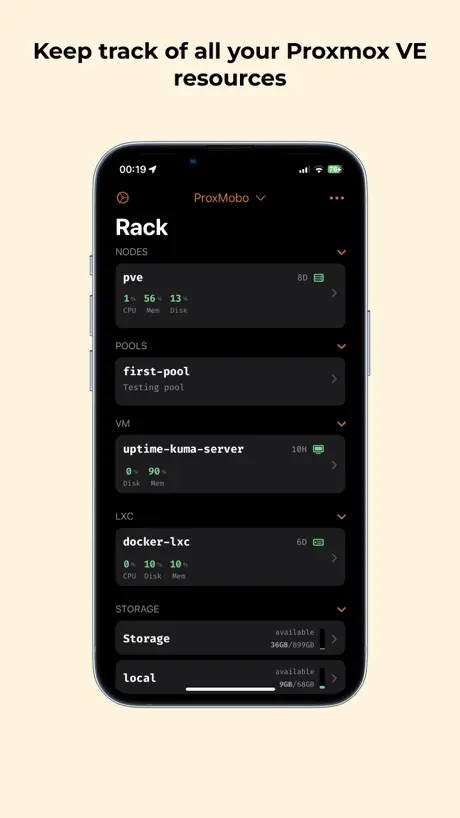  ProxMobo – Proxmox VE & PBS | 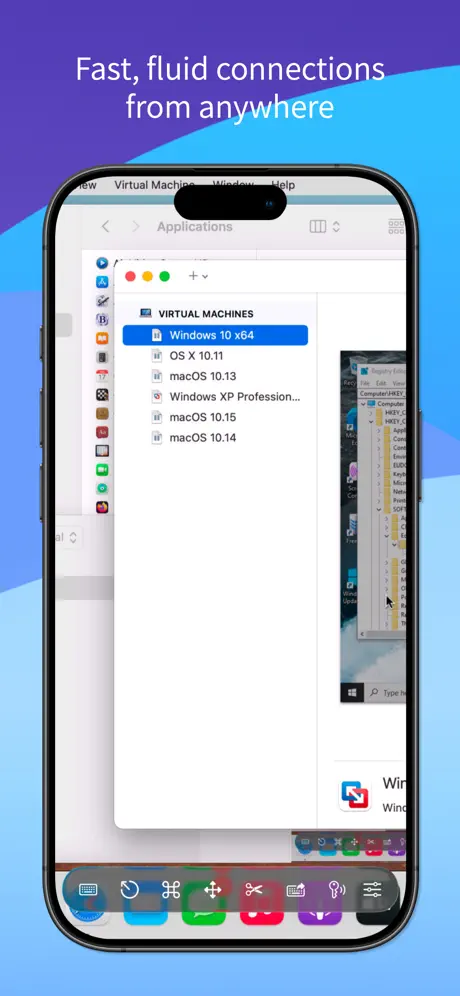  Screens 5: VNC Remote Desktop |   Home Widget for HomeKit · HW |   ProPresenter Remote |   WLED+ |   glinet | |
|---|---|---|---|---|---|---|---|---|---|---|---|
| Rating / 5 | 2.2 | 4.1 | 4.6 | 4.6 | 4.1 | 4.8 | 4.3 | 4.1 | 2.7 | 4.7 | 4.0 |
| Reviews | 114 | 7.4K | 4.9K | 4.3K | 3.7K | 1.6K | 1.2K | 587 | 96 | 64 | 62 |
| Released | 2023 | 2023 | 2020 | 2021 | 2023 | 2023 | 2023 | 2021 | 2025 | 2024 | 2020 |
| Monthly price | — | — | — | — | — | — | $4.99 | $0.99 | — | — | — |
| Annual price | — | — | — | — | — | — | $29.49 | $6.99 | — | — | — |
| One-time price | — | $9.99 | — | — | $3.99 | $6.99 | $249.99 | $14.99 | — | — | — |
The going rate for each plan in United States, in its own currency, shaded from the cheapest price on the row to the dearest.
Govee Lite reviews
2.2 out of 5, based on 114 reviews.
What people like
- The interface is simple and easy to use.
- Recent updates made it run much smoother.
- No annoying social forums clutter the experience.
What they complain about
- Many devices won't show up or connect.
- It lacks basic features like timers and color pickers.
- Login screens are broken and codes don't work.
Adorable merci
C’est plaisir le fun lumière très intéressant de la vie
Never works
Does not work
Huguet
Bihuviyu
Add more devices
Please add support for H617F
Presets nicht sichtbar
Die Presets wie Farbtemperaturszenen und Snapshots der Govee Home iPhone App sind nicht vorhanden und man kann diese deshalb auch nicht einstellen.
Govee
Just scan the QR code from the main app and works perfectsly
Does not work at all!
Like the title says, does’t work at all, not on Mac, not on iPad, works fine on Android and PC though, this is an abandoned app that needs taken down.
It’s gotten a lot better
When I first downloaded this app a few months ago it was okay, but full of glitches and bugs that made it unusable as more than just a switch. But since the last update it’s worked a lot smoother. I can now use this as an alternative to the Govee app on my iPad for setting the scenes and brightness and such. Very happy to see that there are continued improvements being made
This App is irrelevant
Why can’t Govee Home simply support iPads instead. No one wants this app.
PLEASE ADD SMART SWITH COMPATIBILITY
Even my Basic Control Groups won’t operate properly because the app can’t talk to Govee Smart switches. as a software developer, I have to ask, do you just hate us? I’ll buy you a cookie.
Ok
If the reg Govee home app is to confusing this app is just to control device it’s very easy and basic
Terrible app
Try to login and then it says it sends codes to email but you can’t do anything with the code. There’s no place to enter it. Complete screwup Why did the update caused the program to lose its brains or forget everything that was set up?
Bon potentiel
L’application pourrait être très utile mais il n’y a pas (encore ?) la possibilité de créer des raccourcis Apple à partir de l’application… l’app gagnerait facilement les 5 étoiles si cela était possible et si la création et la modification de raccourcis.
无法控制插座
只能控制灯泡和彩灯,希望可以尽快添加单、双插座的控制功能。平板电脑专用的app👍必须赞一个!
Nice app!
I really wish there was a way to resize widgets, change their color/ background to make it more catered to how a person might want it to look, it would also be kinda cool if there was a clock widget just to have on the home screen of the app. But it was easy to log in and use, I love the simplicity of there being a Lite dashboard for my govee lights just because it gives a simple view and works like a hub.
It barely works
I started using this because the govee app screen was too small, so I downloaded this app and the screen area is good but the app barely works, it won’t let me turn on my lights even though my connection is good and Bluetooth is on, even if I am able to access the lights I have to reset the app to actually edit it (like making the lights brighter or lower) Overall just bad, the only up side is that the screen area is big, just patch the bugs and I will download it again
Only a select few accessories work in this app…
Straight up Bluetooth lights I think from 2021 and under do not work with this app. It either has to be a Google Assistant/Alexa light or a newer model.
The tgftt
You are the best and you deserve the world to be better for your
Trash
can't do anything thing can't even see my strip light it's the H6125 and says it's compatible but won't show up at all
What’s the point?
I don’t understand the purpose of this app. Its functionality is so basic, it stretches the idea of what a ‘lite’ app could be. You can’t interact with or view your Govee sensors in anything other than a base ‘here’s your value’. All the reporting and functional use of the sensor is not here. I have temperature/ humidity sensors and in the Govee home app I can see full statistics on temp, humidity, and dew point. I can see historical stats and trends over an hour or a month charted with multiple devices, something that would be nice on a larger iPad sized screen. But what can this app do, show me the temperature and nothing else. Boo.
Thank you
I can finally use the ultimate experience currently one of my lights is not showing up and I know this is just the beginning thank you Govee love you guys happy new year 2024 written at 9:59am 12/28/2023 p.s TURN THIS INTO THE HOME APP PLEASE LOL
Does not appear to work with H5107 sensors
It would be nice to try using this app, but it doesn’t appear to work with all GoveeLife devices. I have an H5043 gateway with 3 @ H5107 temperature sensors, but none of the sensors show up in this app or the Studio app. They only appear on the Home app.
A bit pointless if you use the mobile app
Not really sure of the usefulness of this tablet version. I was expecting to be able to access my customer colour presets created in the standard app on my iPad with this. Instead I get just solid colours or access to the built-in preset colour animations. The DIY option does not appear to do anything, there’s no way of creating or importing settings. Gave up for now and returning to the standard app.
Not ready yet
I only have 2 smart heaters only one showed up in this app also the temperature offset doesn’t show
Same as iPad versions ??????
I wish you could make it the same as the iPad version Thanks to read me
Just doesn’t work
This app just doesn’t work at all
why cant we get the same features as the phone app ?!?
quite useless, cant do much with it besides selecting scenes and turning devices on and off…still need to pull the phone out to build scenes and effects on a small screen…why ???
Not ready for prime time.
Says all of my devices are unavailable.
Not ready for normal use yet
The app still seems a far way away from being ready for users. Only 2 devices pulled in and trying to control them would just spin the app. I will use the govee home app still till maybe this get all the issue worked out.
iPad app is not ready yet.
Logged in but unable to locate devices which show up fine on the Govee Home app. Followed instructions per the Govee home app but no help. Take this back to the drawing board. Not even remotely intuitive nor user friendly.
Crazy limited
I should have expected this much with the Lite naming, but considering it’s for tablets and when the beta was announced they asked for testers who like to make their own DIY schemes; I just expected more. This lets you change the colour - but the ‘fave colour list’ isn’t present nor are RGB colour pickers. You can’t make your own DIY schemes and it hasn’t synchronised all my DIY projects I developed on the iOS version. I can’t find a timer function, and currently Scenic and Music sync modes aren’t working (error message). No doubt it’ll be improved a lot but it’s a sloppy first showing, definitely needed more time in development. HOWEVER what is nice is that it doesn’t have the weird social features of the iOS version, where rabid forum members are rabid.
Govee Lite FAQ
- Is Govee Lite free?
- Yes. The app is free, in all 174 countries it sells in, and it sells nothing inside it.
- Does Govee Lite have a free trial?
- No. None of its offers (US) come with a free trial.
- What are the best alternatives to Govee Lite?
- HDMI Monitor - Orion (4.1 from 7,440 reviews, premium from $9.99), Plex Dash (4.6 from 4,910 reviews) and Noir - Dark Mode for Safari (4.6 from 4,290 reviews).
Govee Lite download
Last updated 1 month ago.
Govee Lite sells in 174 countries. It was released 2 years and 11 months ago, on 20 Dec 2023. It holds a 2.2 rating from 114 reviews.
Supports 12 languages: English, Arabic, French, German, Italian, Japanese, Polish, Portuguese, Russian, Chinese, Spanish, Turkish.
How much does Govee Lite make?
Third-party estimates for the last 30 days, worldwide — not the store's own figures, which Apple publishes for nobody.