
Blip: Send Files in a Click
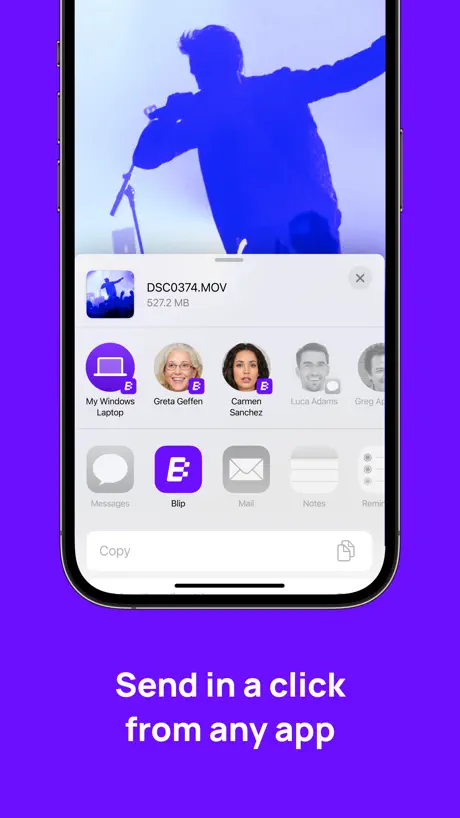
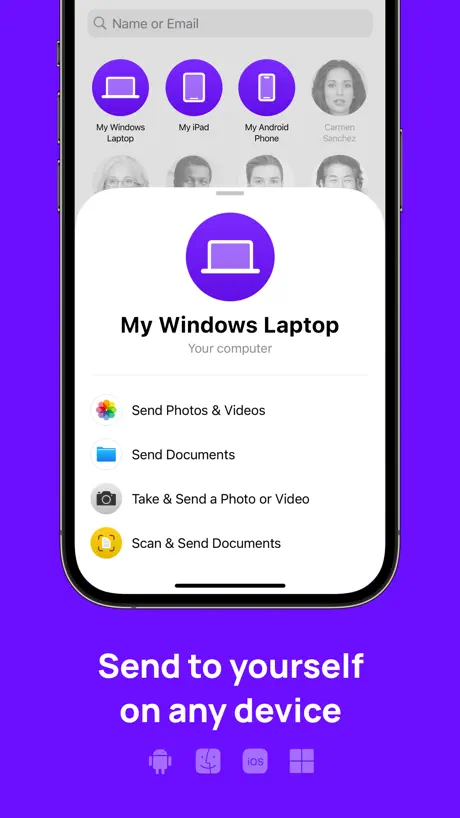
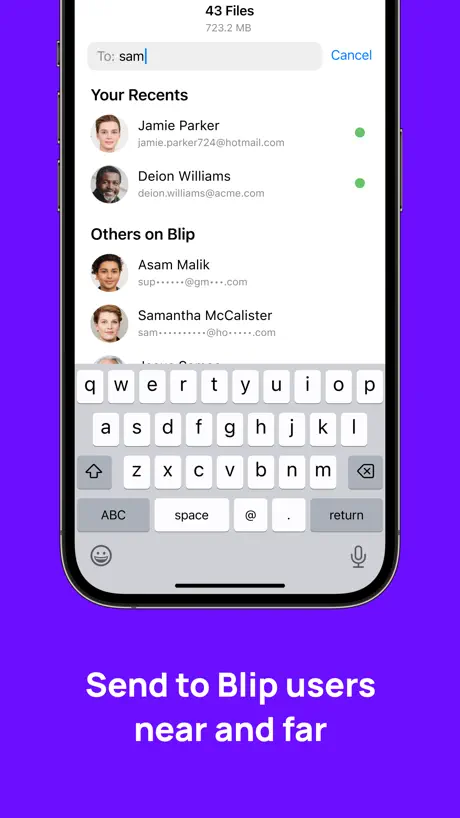
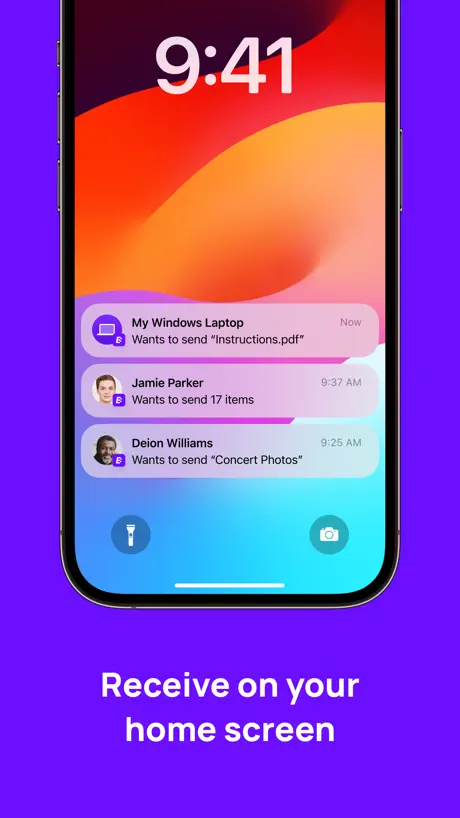
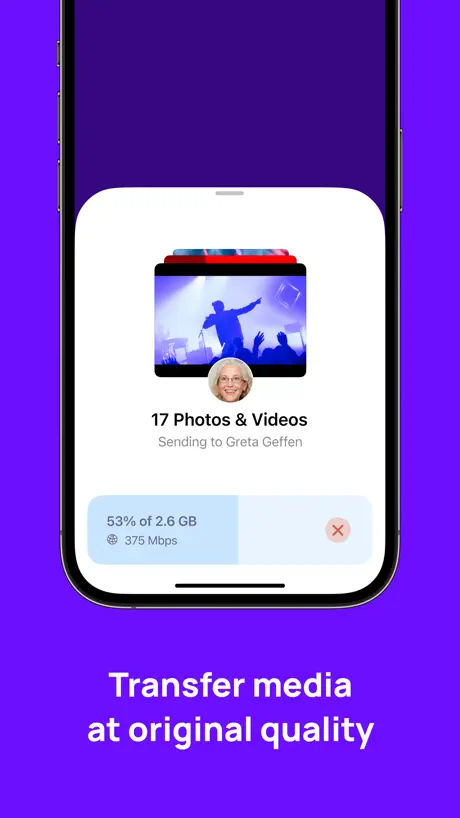
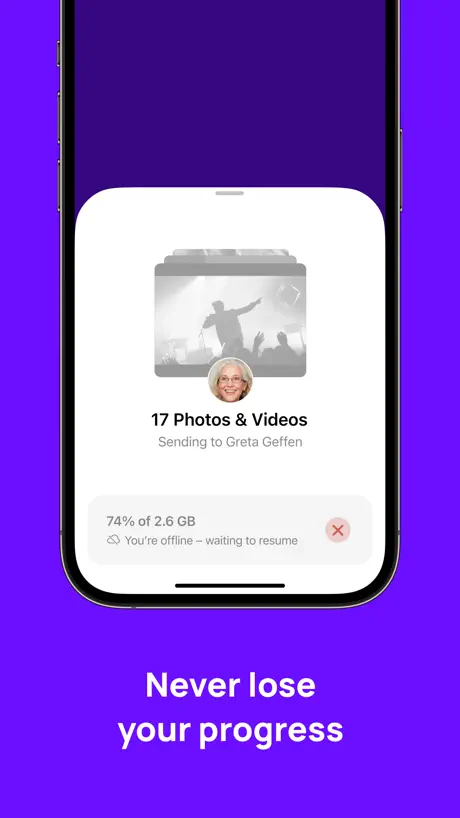
How much does Blip: Send Files in a Click cost?
Prices are current as of 11 Sept 2026.
Blip: Send Files in a Click has no in-app products on record in the United States.
10+ alternatives to Blip: Send Files in a Click
| Blip: Send Files in a Click | 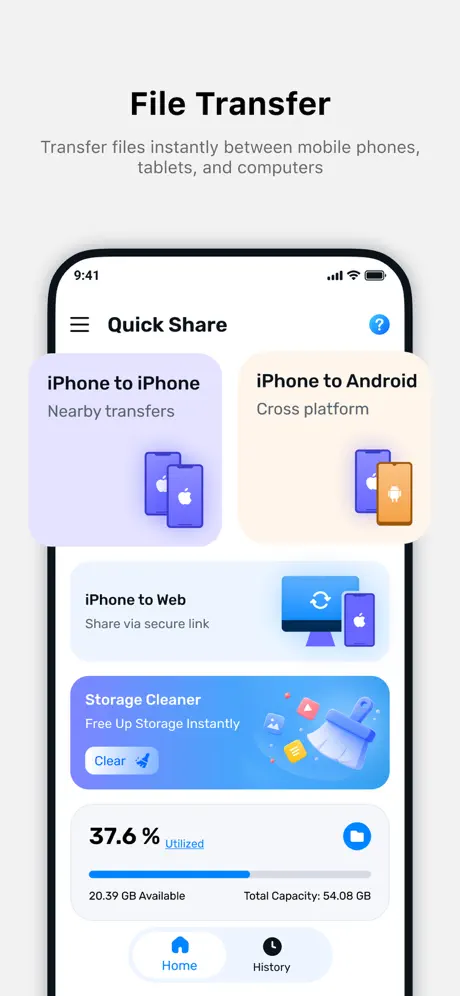  Quick Share : File Sharing Quick Share : File Sharing | 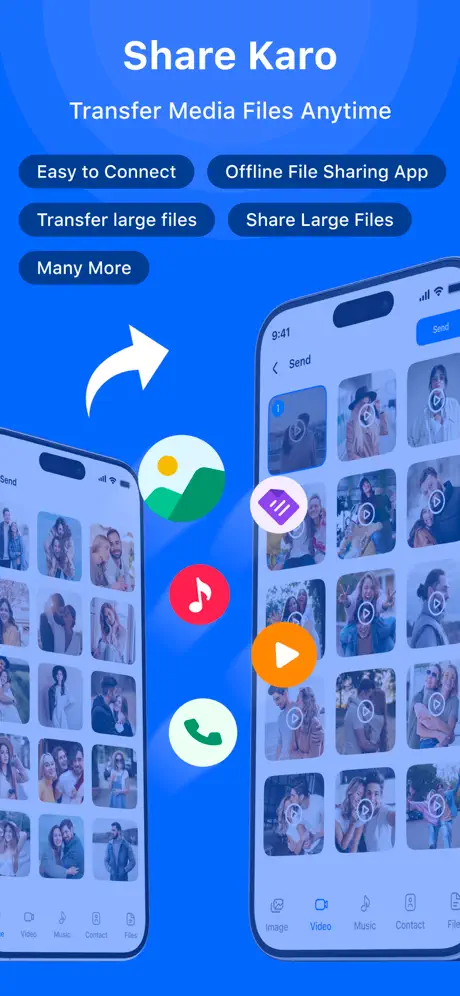  ShareKaro - Fast File Sharing ShareKaro - Fast File Sharing |   (Not Boring) Calculator (Not Boring) Calculator |   Toolbox by Paperclip Toolbox by Paperclip |   Arc - Seamless File Transfer Arc - Seamless File Transfer |   LocalSend LocalSend |   IDM: Internet Download Manager IDM: Internet Download Manager |   NumberBox:CallerID NumberBox:CallerID |   Feem - Share Files Offline Feem - Share Files Offline |   O+ Connect O+ Connect | |
|---|---|---|---|---|---|---|---|---|---|---|---|
| Rating / 5 | 4.8 | 4.4 | 4.4 | 4.7 | 4.7 | 4.2 | 4.4 | 4.2 | 4.5 | 3.5 | 3.3 |
| Reviews | 23K | 43K | 14K | 11K | 9.5K | 5.6K | 4.4K | 1.8K | 631 | 420 | 327 |
| Released | 2024 | 2024 | 2024 | 2021 | 2021 | 2022 | 2022 | 2023 | 2024 | 2016 | 2024 |
| Monthly price | — | — | — | $7.99 | — | $1.99 | — | $3.99 | — | — | — |
| Annual price | — | $29.99 | — | $29.99 | — | — | — | $14.99 | — | — | — |
| One-time price | — | $39.99 | $4.99 | $9.99 | $3.99 | $2.99 | $10.00 | — | — | — | — |
The going rate for each plan in United States, in its own currency, shaded from the cheapest price on the row to the dearest. Plans fewer than four in ten of the priced apps sell are left out.
Blip: Send Files in a Click reviews
4.8 out of 5, based on 22,626 reviews.
What people like
- Works great across different devices
- Very easy and simple to use
- Fast transfer speed on mobile data
What they complain about
- Crashes or stops on large files
- Support is hard to reach
- Slow speeds on Wi-Fi connections
- Screen must stay unlocked during transfer
Best app
Very nice app
Time waste
Very slow app
Good but needs simple feature
Blip is good at what it does, but it needs one more feature. The app should allow you to send text from your clipboard, like urls and plain text. When will this feature be added?
Bug report
I've been reporting the same bag over and over on discord server, but no response. The bug is basically when you launch the application once you click on specific file then go back to choose another file. The second file won't open unless you relaunch the application.
Buena idea pero no tan útil
Seguido mandó archivos que no llegan al otro dispositivo
👌🏼✌🏼
Excellent app, did the work perfectly
Very slow speed
Very slow speed
Transfer Speed
My experience is good but one problem is that when i transfer my data with my wifi connection then transfer speed is to low and slow but when i use my personal mobile data then transfer speed is very fast… Please fix this issue otherwise great app for data transfer till now…
Paste please!
This app is so good. Would be 5 starts but every time I want to send something to my computer it’s in my clipboard. There’s an option to paste on the computer to send it to phone. Why not opposite
Leeeeento
Demora mais que copiar pelo USB.
Great App for cross platform transfer
It’s like quick share or airdrop for cross platform transfer….works flawlessly…. I hate to be in any ecosystem… I have a windows pc , a Samsung tab and an iPhone… It works great for me..
Always Need Internet To Share Files
Need Internet big issue
Very good app for transfer of files
Very good
No clipboard share
Pretty useless without clipboard sharing
Privacy concern
- File sent Via app's server
😍
Loved the app, the UI, the concept, the ease of use, and amazing transfer speed
Average
Needs improvement
Have only English
My Brazilian cousins won’t use this app, can you put Portuguese and other languages?
Not reliable for big files
I was transferring 13GB sized videos from my iPhone to PC. I waited almost 30 mins (93% sent) only to see suddenly a message popping up: “Unknown error occurred.” No explanation, nothing. My transfer has just stopped. Thus I wasted 30 mins of my life, just like that. Yeah, it might send small files in a snap like AirDrop, but not gonna rely for big files on this.
Resolving issue
The app is great, but it was really nice if you could send files while your phone screen is off
Simple and fast
.
Not good as expected
Not working properly.. i got frustrated using this app..
Date problem
In bulk photos it sometimes mix up the dates which is something to be noted
Crashing IOS26
Was working great, but now crashes on IOS26 when transferring from Windows PC to iPad. When working great app with excellent transfer speeds and ecosystem. App needs more work for stability.
Not bad, not great
It works as intended, but you need to constantly stay in the app and with the screen unlocked, which, depending on the number of files and size can take quite some time. I'll stick to uploading the files in iCloud and then download them.
Very nice
Ok
The app is buggy and I can’t even get started on it
Downloaded Blip filled out my user information I was supposed to get a code sent to me, which didn’t happen. Instead of giving me an option to have the code resent I’m given the option to use a different email address. I’ve never run into this issue before where I would have to use a different email address. I’m not a fan of Dropbox. I was hoping this would be an alternative that I would like. But at least Dropbox has logical solutions for dealing with problems that might occur with the login. The Blip support link directs the user to their website where they don’t have a direct way to contact their support, you have use their community forums. So I haven’t been able to open the app and use it and now I’m told I have to go to the community Forums to find out how? I’ve never experienced anything so lame when I downloaded a new app to use. They lost my business
ความเสถียรภาพ
มีความเสถียรใช้ได้
Fallo en la app
Se cierra de manera inesperada cuando trato de enviar algún documento o incluso cuando trato de poner una simple foto de perfil.
Helpful
Helpful app
Transfer of photos
Difficult to use , no tech support!
I love this app
To simpl
Blip does nothing
Blip does absolutely nothing
Nice
Super work
Call get past log in
After putting in the code, it only says "checking code" and hasn't moved in two days. I'm yet to use the app. Terrible experience.
Good
Nice for sharing cross platform having just single email
Doesn’t work
Tried numerous times to send and receive files (test images so <15mb) with a friend. Always stuck at sending at 0kbps. Literally doesn’t work.
Blip: Send Files in a Click FAQ
- Is Blip: Send Files in a Click free?
- Yes. The app is free, in all 175 countries it sells in, and it sells nothing inside it.
- Does Blip: Send Files in a Click have a free trial?
- No. None of its offers (US) come with a free trial.
- What are the best alternatives to Blip: Send Files in a Click?
- Quick Share : File Sharing (4.4 from 42,939 reviews, premium from $29.99), ShareKaro - Fast File Sharing (4.4 from 13,512 reviews, premium from $4.99) and (Not Boring) Calculator (4.7 from 10,917 reviews, premium from $4.99).
Blip: Send Files in a Click download
Last updated 8 months ago.
Blip: Send Files in a Click sells in 175 countries. It was released 2 years and 8 months ago, on 10 Jan 2024. It holds a 4.8 rating from 22,626 reviews.
Supports 1 language: English.
How much does Blip: Send Files in a Click make?
Third-party estimates for the last 30 days, worldwide — not the store's own figures, which Apple publishes for nobody.