
Landbook
How much does Landbook cost?
Prices are current as of 16 Nov 2026.
Landbook has no in-app products on record in the United States.
10+ alternatives to Landbook
| Landbook | 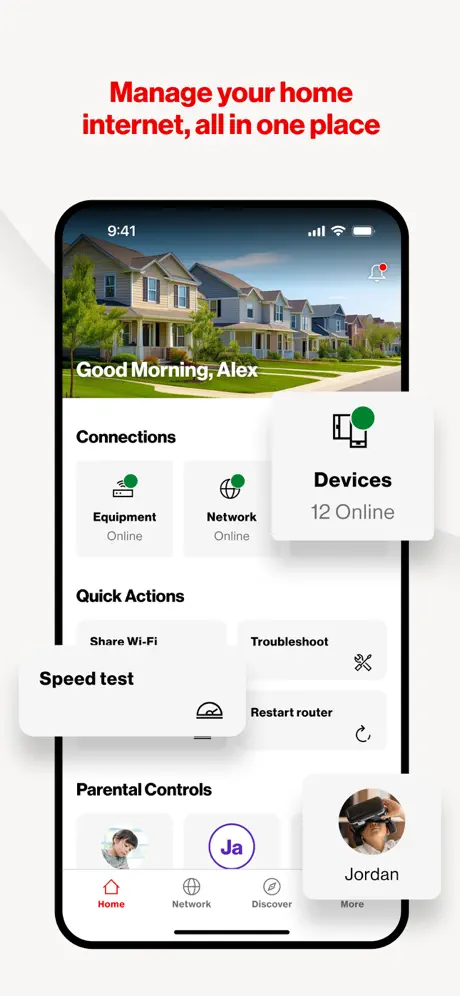  Verizon Home | 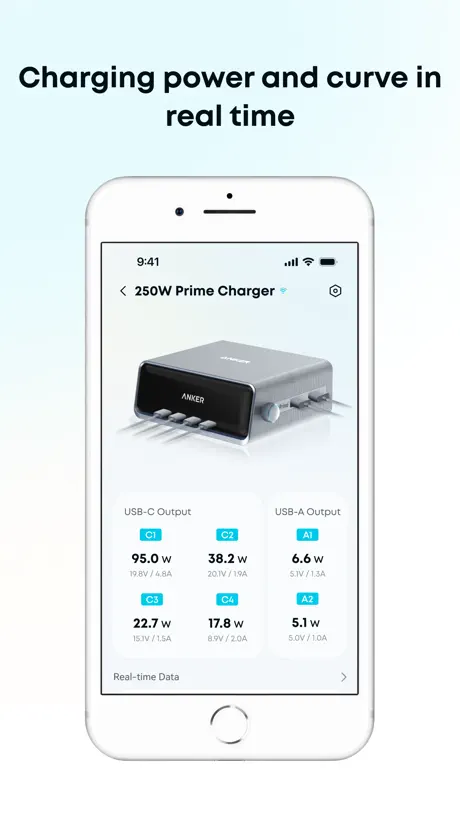  Anker Power | 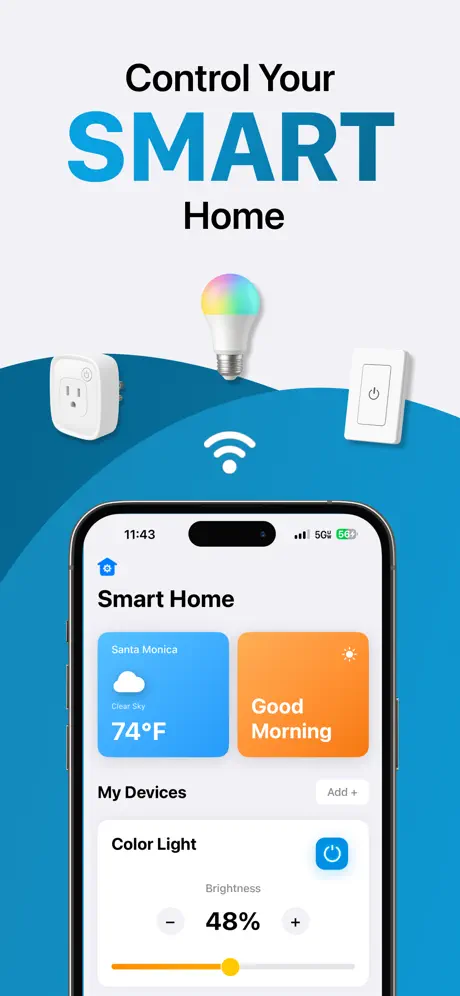  Smart Home Controller App | 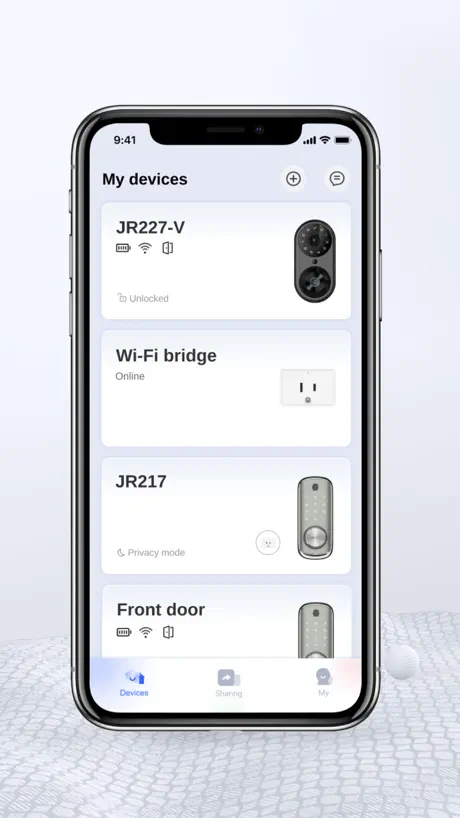  KK Home | 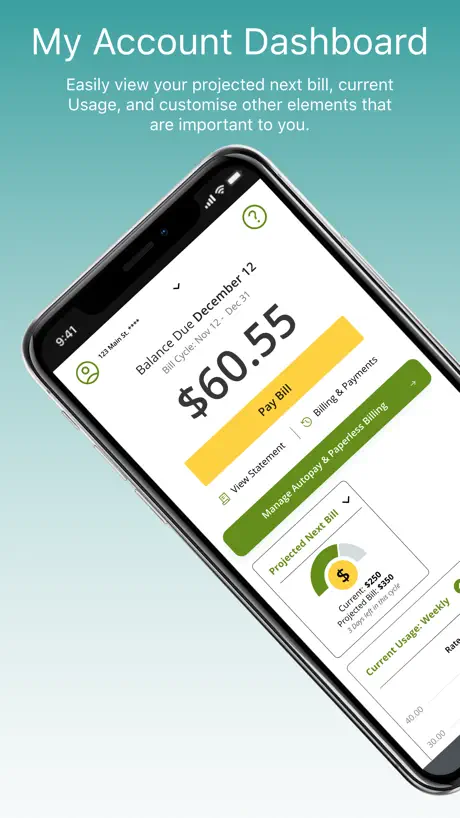  MySCE | 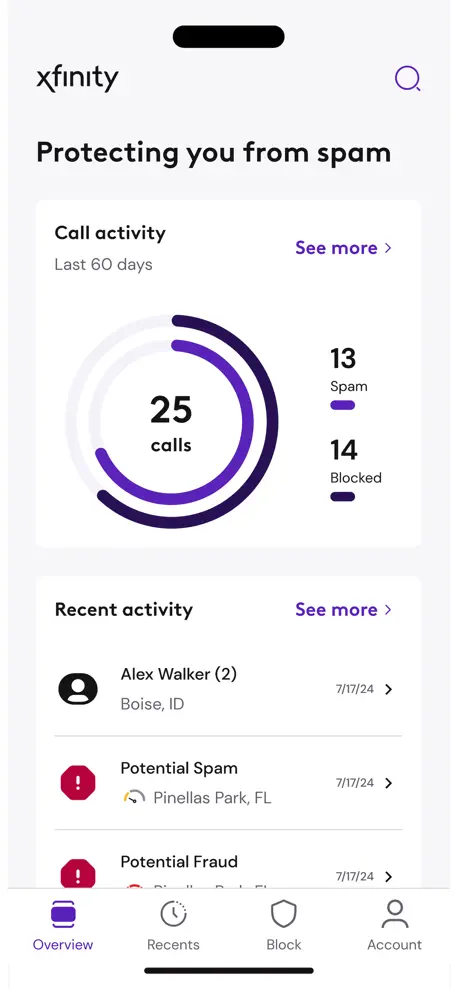  Xfinity Call Guard | 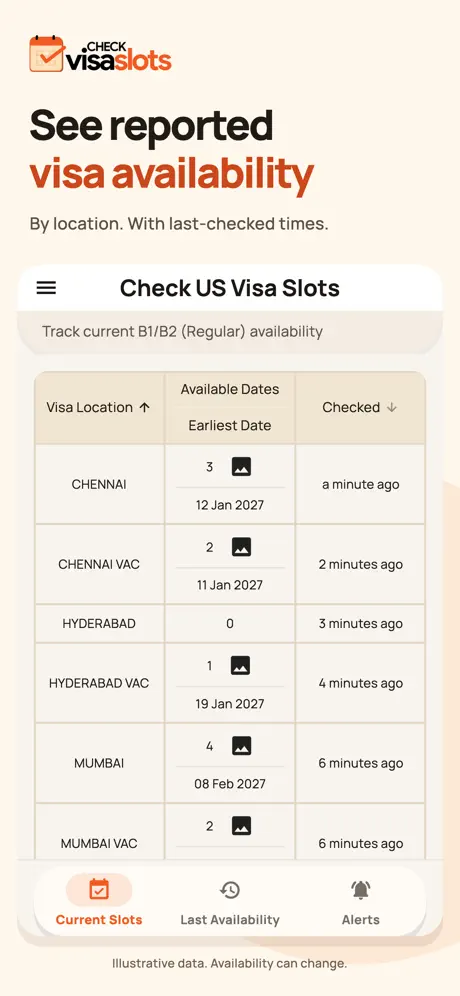  Check US Visa Slots |   Jackery |   Holmes Fans |   KARR Security | |
|---|---|---|---|---|---|---|---|---|---|---|---|
| Rating / 5 | 1.9 | 4.4 | 4.5 | 4.6 | 4.9 | 1.9 | 4.5 | 4.6 | 2.2 | 4.6 | 2.9 |
| Reviews | 111 | 22K | 9.2K | 5.3K | 5K | 1.5K | 793 | 595 | 562 | 298 | 194 |
| Released | 2023 | 2024 | 2022 | 2025 | 2022 | 2012 | 2025 | 2022 | 2023 | 2021 | 2022 |
| Monthly price | — | — | — | $9.99 | — | — | — | — | — | — | — |
| Annual price | — | — | — | $39.99 | — | — | — | — | — | — | — |
| One-time price | — | — | — | $69.99 | — | — | — | — | — | — | — |
The going rate for each plan in United States, in its own currency, shaded from the cheapest price on the row to the dearest.
Landbook reviews
1.9 out of 5, based on 111 reviews.
What people like
- Easy to set up if it works
- Controls the fan smoothly and reliably
- Clean and simple interface design
What they complain about
- QR codes often fail to scan
- Sound settings reset every time you close it
- Setup process is confusing and frustrating
Fixed the issues
I saw some reviews regarding issues like no dark mode, and sounds reset upon reopening app, both fixed. Dark mode is in settings, sound stays off. I personally don’t have issues and it works just fine for me. Thank you for the update!
Don’t buy the Costco fan
App doesn’t work. Won’t connect to the device no matter what. QR code on the back is so small it won’t register on a phone camera. Waste of time and money save yourself.
Pretty good
Only thing I have to say is, I wish there was a widget for this app so I can turn on my fan without searching up the app But the design is pretty good
Connection
QR code on back doesn’t work
Nice but make it make sense
App seems fine. Just getting started. Whether this is an app issue or device issue I don’t know. This is for the Costco OmniFan. 1. Sound - like another review says - WHY have to reset sound/no sound after every time it shuts off? It even Beeps to let me know I successfully put it into NO SOUND mode. How annoying. Similarly… 2. If I put it into NO DISPLAY MODE, which I did to get the wifi to stop flashing at me, all displays go off. Fine. But if I turn the fan off, the wifi icon alone lights back up and stays on. If I want the display off, it means ALL off, all the time.
Easy to use
Unsure of the bad reviews. But it works fine for me. Maybe I came late before it bad. Either way the app works and I can control the fans no problem either way.
New update sucks
It won’t find my fan after the new update.
Couple things
App is nice and easy to use. Couple things that would make it even better. 1. The app does not have a dark mode, that would be nice. 2. Keep the sound setting the same every time. I will turn off the sound. Then the next time I turn the fan on the sound is back on. I turned it off for a reason. Keep it off until I turn it back on. Other than that it works good. Would recommend.
Needs work
The layout is good but the execution is terrible. Also it asks for waaay too much personal information, and account, location data and Bluetooth access and WiFi passwords just to get started, I’d rather be walked through setup at the time I try to add my first device, add an account when I’m ready. We bought a wireless fan (not that we need an Internet fan, OMG, it just came with WiFi). The app failed to handle the QR code. The fan wouldn’t connect and the app really didn’t make it any easier to troubleshoot with a nebulous error message and no easy way to restart the setup at the same stage, I had to start all over from the beginning. The ui buttons are lame in that it shows a big “Add Device” button that isn’t clickable, instead you have to click the tiny + sign shoved off to the edge of the “button” in order to add (that might seem petty but big fingers on small screens have a hard time with things like that). It was a frustrating experience mostly because it took an hour to set up a fan.
App
Smooth control
P5000 pro not connecting
Am getting a hard time connecting p5000 pro battery
Smooth app but hoping for more!
I’ve had no issues with the setup or functionality of the app. I enjoyed the easy install and setup, which was quick and straightforward. The app works well and I haven’t had any major problems. My only request is to have Apple Home integration.
Great app
Functionality is crispy, highly recommended. These ppl in the comments are haters fr
PRIVACY BREACH
do not agree to the terms and conditions! This is more a data farming than anything else. The fan control works just fine.
No Issues
I’ve been using it for a couple of days or a week now. Setting it up was a breeze, I just followed the instructions and made sure my Wi-Fi was on the 2.4Ghz band for the first time (it’s also compatible with the 5Ghz band after the initial setup). I hope this helps those who had trouble getting it to work!
Doesn’t work with Costco can
Junk app, bought Costco fan not realizing they switched to this garbage from the SmartLife/Tuya chip. fan is simply not recognized by this app
What the what?
Confusing, not explanatory. I’m sorry I downloaded this app.
Horrible
Doesn’t even work
Can’t even register
Trying to sign up and the app can’t even send a verification code via email. About 10+ try’s in the span of 20 minutes. Don’t waste your time this a zero star app I just had to rate it
Wi fi
I could hook up the Costco fan to the app when I first got both. Xfinity is provider. One day the Fan was no longer in the app. Cannot reconnect. I gave correct login info. App says need 2G to connect??? Please fix this.
Doesn’t pair
The app doesn’t recognize the QR code when you try to scan the device. The app doesn’t recognize the WiFi password. I’ve tried to pair the fan I bought from Costco and thought it was awesome it had an app feature. Virtually useless though since the app doesn’t allow you to pair the device.
Landbook FAQ
- Is Landbook free?
- Yes. The app is free, in all 2 countries it sells in, and it sells nothing inside it.
- Does Landbook have a free trial?
- No. None of its offers (US) come with a free trial.
- What are the best alternatives to Landbook?
- Verizon Home (4.4 from 22,482 reviews), Anker Power (4.5 from 9,182 reviews) and Smart Home Controller App (4.6 from 5,255 reviews, premium from $9.99).
Landbook download
Last updated 1 month ago.
Landbook sells in 2 countries. It was released 3 years and 4 months ago, on 29 Jun 2023. It holds a 1.9 rating from 111 reviews.
Supports 64 languages: English, Afrikaans, Arabic, Armenian, Azerbaijani, Belarusian, Bangla, Bosnian, Bulgarian, Burmese, Croatian, Czech, Danish, Dutch, Estonian, Finnish, French, German, Greek, Gujarati, Hausa, Hebrew, Hindi, Hungarian, Indonesian, Italian, Japanese, Javanese, ks, Kazakh, Kinyarwanda, Korean, Lao, Latin, Latvian, Lithuanian, Macedonian, Malay, Marathi, Mongolian, Nepali, Norwegian Bokmål, Persian, Polish, Portuguese, Romanian, Russian, Serbian, Chinese, Slovak, Slovenian, Spanish, Swahili, Swedish, Tamil, Telugu, Thai, Turkish, Uyghur, Ukrainian, Urdu, Uzbek, Vietnamese, Xhosa.
How much does Landbook make?
Third-party estimates for the last 30 days, worldwide — not the store's own figures, which Apple publishes for nobody.