
Brick - Ditch Distractions
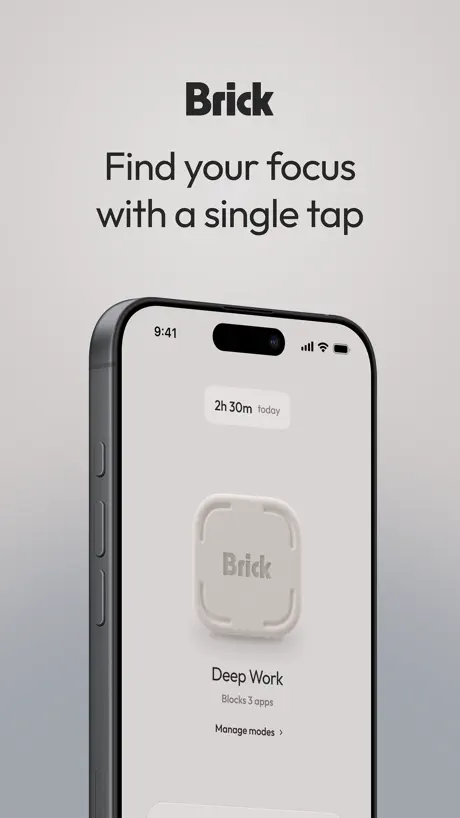
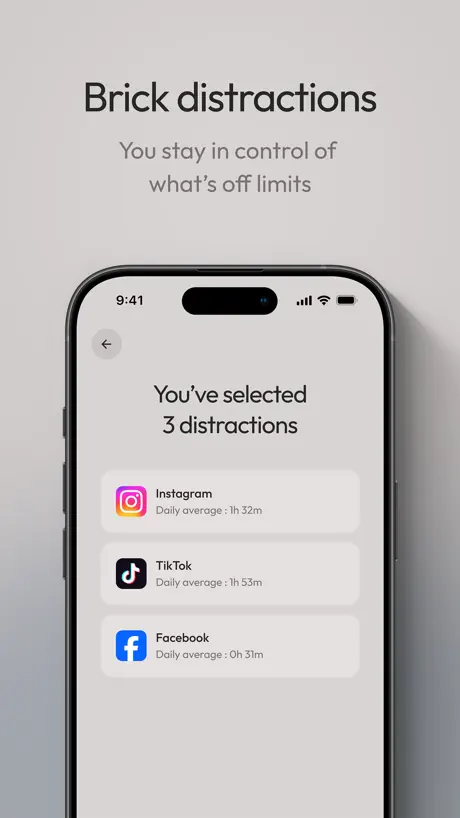
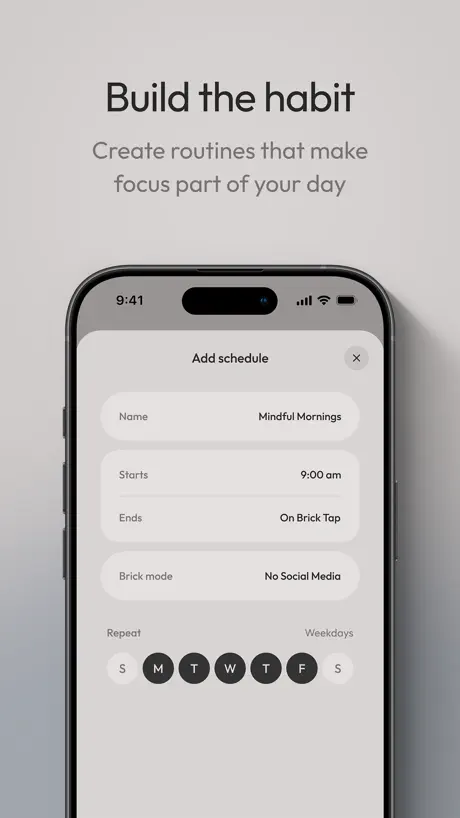
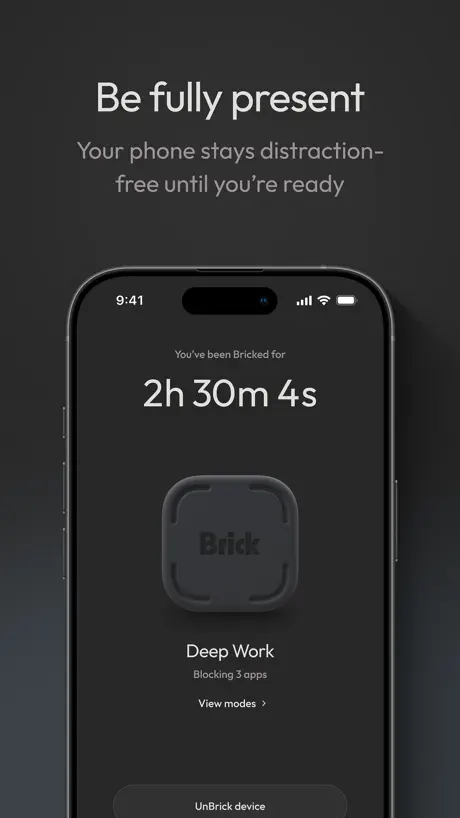
Make your phone a tool again
How much does Brick - Ditch Distractions cost?
Prices are current as of 8 Sept 2026.
Brick - Ditch Distractions has no in-app products on record in the United States.
10+ alternatives to Brick - Ditch Distractions
| Brick - Ditch Distractions | 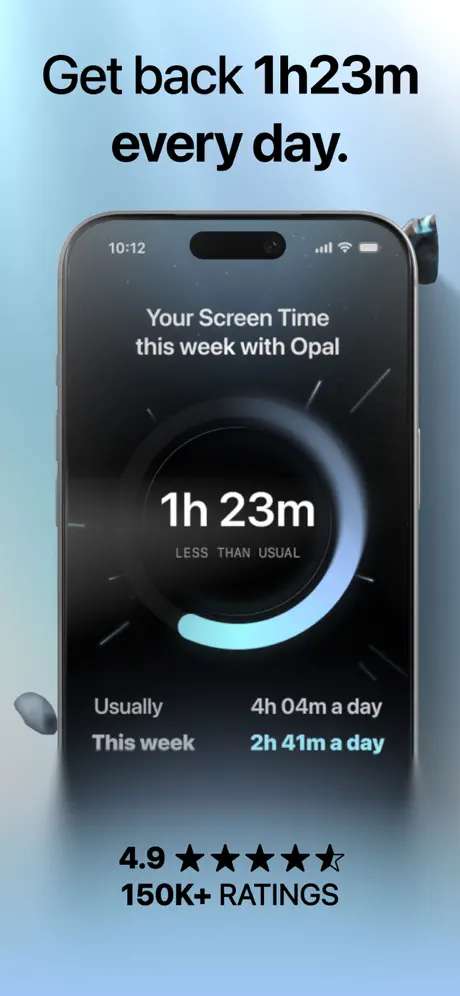  Opal: Screen Time Control Opal: Screen Time Control | 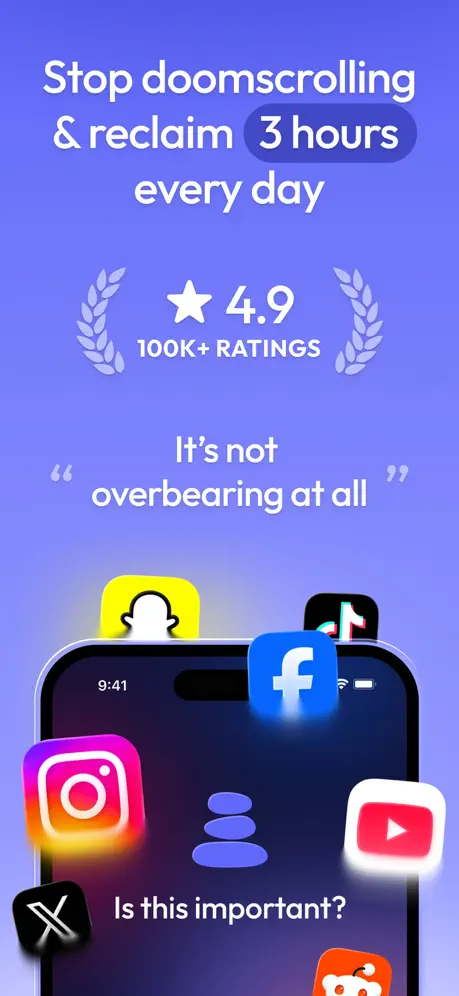  ScreenZen- Screen Time Control ScreenZen- Screen Time Control | 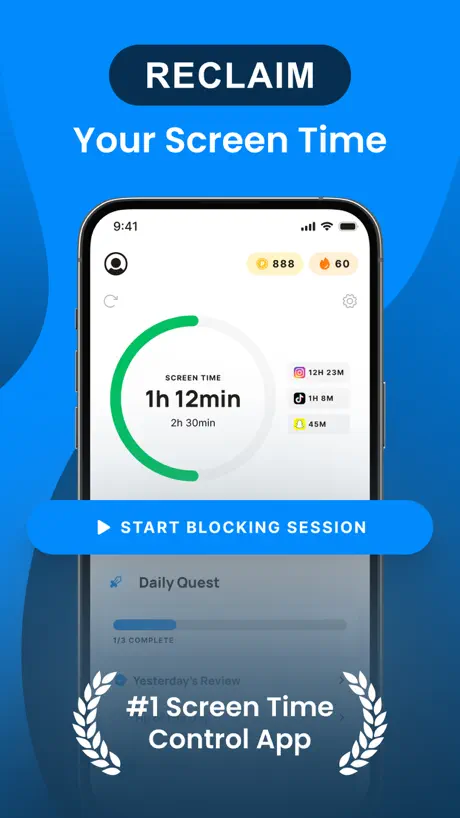  BePresent: Screen Time Control BePresent: Screen Time Control |   Refocus: App Blocker & Lock Refocus: App Blocker & Lock |   Atoms - from Atomic Habits Atoms - from Atomic Habits |   Blank Spaces Launcher Blank Spaces Launcher | 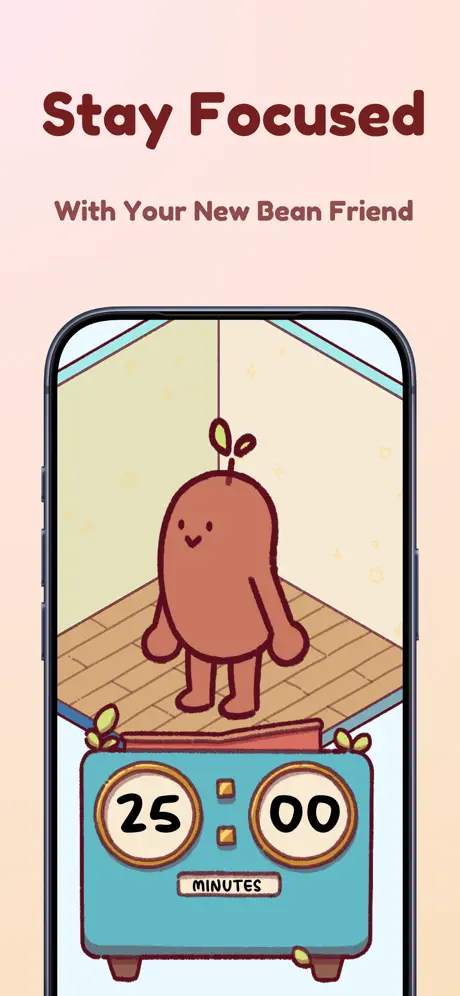  Focus Friend, by Hank Green Focus Friend, by Hank Green | 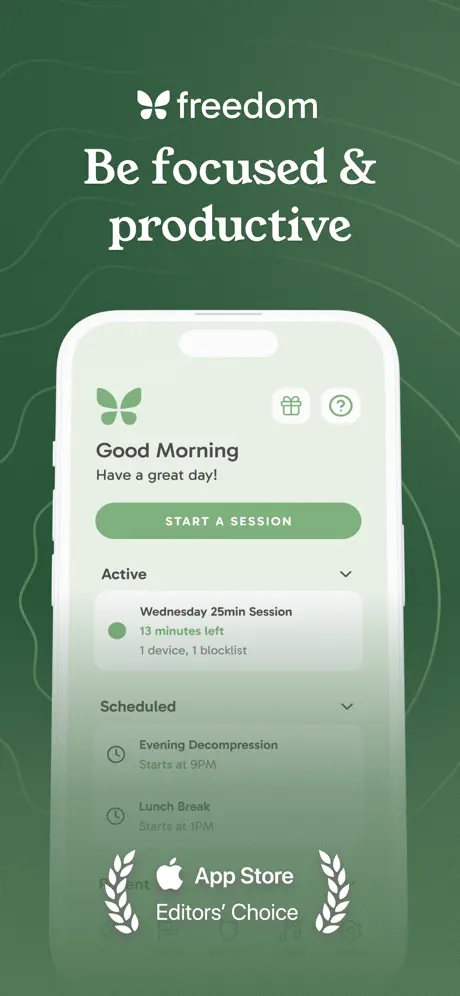  Freedom: Screen Time Control Freedom: Screen Time Control | 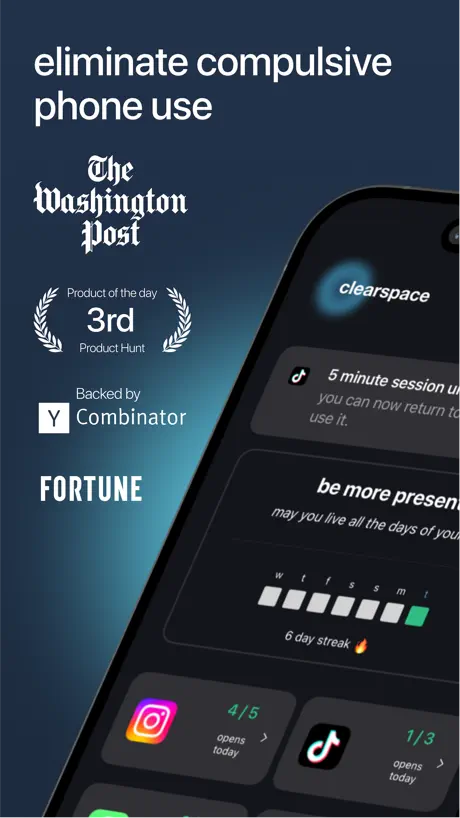  ClearSpace: Reduce Screen Time ClearSpace: Reduce Screen Time | 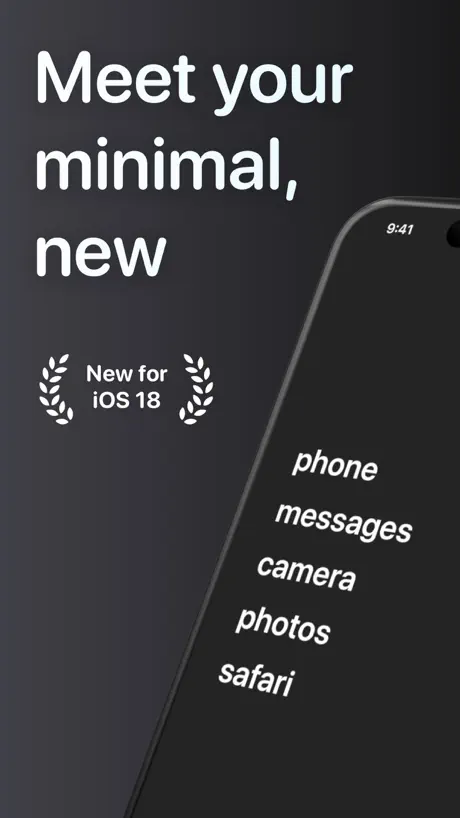  Dumb Phone (dp) Dumb Phone (dp) | |
|---|---|---|---|---|---|---|---|---|---|---|---|
| Rating / 5 | 4.9 | 4.7 | 4.8 | 4.8 | 4.7 | 4.8 | 4.6 | 4.8 | 4.4 | 4.7 | 4.6 |
| Reviews | 65K | 230K | 116K | 98K | 30K | 21K | 17K | 15K | 13K | 13K | 8.4K |
| Released | 2023 | 2020 | 2021 | 2022 | 2022 | 2024 | 2021 | 2025 | 2018 | 2021 | 2024 |
| Monthly price | — | $19.99 | — | $3.99 | $7.99 | $4.99 | $3.99 | $3.99 | $8.99 | $6.99 | $2.99 |
| Annual price | — | $99.99 | — | $59.99 | $49.99 | $39.99 | $18.99 | $19.99 | $39.99 | $49.99 | $14.99 |
| One-time price | — | — | $10.00 | — | — | — | $24.99 | $4.99 | $199.00 | — | $29.99 |
The going rate for each plan in United States, in its own currency, shaded from the cheapest price on the row to the dearest. Plans fewer than four in ten of the priced apps sell are left out.
Brick - Ditch Distractions reviews
4.9 out of 5, based on 64,602 reviews.
What people like
- Physical barrier stops mindless scrolling
- Helps you stay present and focused
- Significantly lowers daily screen time
What they complain about
- Easy to bypass restrictions on phone
- Support never replies or helps
- App has many bugs and glitches
- Removed useful timer feature without replacement
Physical barrier to stop scrolling
Brick was what I needed to break the cycle of constant scrolling. I have strong willpower generally, but I knew I was getting addicted to social media and was having a hard time kicking the habit. Brick was the physical barrier I needed to stop. Thank you Brick!
Don’t buy if you lose things
This thing is tiny and easy to misplace. No possible way of tracking it. I lose my phone all the time but can just ping it. Not the brick. I was using the app without my brick for 6ish months and suddenly it won’t let me use it anymore. Customer support was useless and offered a 20% off code which is nothing since I’m already a student and can get 20% off. Would not recommend!
Overall helpful
Had it for about a week so take with a grain of salt, so far I feel it’s been a great way to spend less time on my phone, only complaint so far is if I use a schedule I wish if I unblocked it for a minute and then re-bricked it within the scheduled time it would continue to follow the schedule but small ask that honestly is maybe for the better it doesnt 🤷♀️
Disappointing — doesn’t actually prevent phone use
I bought both the Brick device and the app, and unfortunately, it’s far too easy to bypass the restrictions. Even in unbricked mode, I can turn off Strict Mode, disable scheduled downtime, and remove app restrictions. Even if a parent keeps the Brick device, I can still change these settings on my phone. At the end of the day, everything still depends on my own willpower. Brick doesn’t actually force me to stay off my phone. Honestly, I would have been better off buying a lockbox that physically cannot be opened until the scheduled time. For something marketed as a solution to phone addiction, I expected much more.
Would be a 5 but….
Simply restarting your phone turns off Brick. Major, major, flaw/downside. Update: latest restart didn’t kill my Brick session. Moved to a 3 star.
Best decision
Wish I would’ve went with my gut feeling to get this sooner!
Timer got removed, Lots of bugs, doesn’t work well
Removed the best feature which was the timer, Schedules don’t work all the time like if you unbrick for some reason it does not go back to the schedule, lots of bugs in the app, very frustrating
Amazing*
Would love if you could use it on multiple phones,otherwise incredible tool!
Facetime blocked
Ive used this for a a few months now. its ok. for the device being $50 it is insane that theres a limit on how many apps you can lock. also facetime does not work at all despite me not having it included in my blocked apps. anytime someone facetimes me my entire phone glitches out and stops working. Maybe lower the price of the device and figure out the actual logistics first. It has potential.
Great app but has issues
Great screen blocker app, it does it better than any other app I’ve found. Though the reason why I must give it 3 stars is because of how glitchy setting modes is. Whenever you want to select an app it constantly lags out, making it take much longer than needed to select a few apps to block. I love this app, there's just issues that need fixing.
Best Investment
I feel so much for present and less anxious. 100% the investment!
Useless customer support
I have emailed them 3 times over last two months. Not a single response. I have bought a Samsung Xcover7 as I break phones easily. Not only does the Brick not block certain websites for no reason on Chrome, but I cannot tap my phone to unbrick. So frustrating and zero response from their customer service. Would not bother again.
100 options not 50
I have 5 authenticator apps alone. 4 bank apps. Apps that order coffee, food and on an on- and then there are useful and distracting websites. Please Brick designers get us up to 100 turned on or 100 turned off because every little function in my day has a separate app so 50 options allowed or 50 options blocked isn’t enough.
Sunset Cornerstone Feature for Sloppy Alternative
Back when I first got this they had a feature that would let you set a timer for how long you wanted to brick your phone for. Fantastic feature, cut my gym scrolling in half five stars (back then). I was getting back sleep and time in the day to do things. Truly livin like Larry because of this little chunk of plastic with an RFID chip in it. Then they removed the timer feature. They didn’t replace it with something else. They removed it entirely. When I went to their help chat I was advised to “simulate” the timer feature by creating a schedule set to be a few hours a day. Despite refuting this alternative as a viable replacement, I did try it. And it worked about as well as you’d imagine. Works for a one off, but if you forget to turn that schedule off then you’re stuck on a random Tuesday with the handful of apps you tell yourself are just “the essentials” (they’re not). All in all, it’s now a decent bedtime enforcer. But reaaallllyyyyy took a lot of steps backwards by removing the timer feature without a viable replacement ready to go.
Love the idea
I really wanted this to be the answer to my phone addiction, but it’s actually made my screen time increase after switching from Opal. I think the concept is great, but the execution needs a little work. My problem is that when I unbrick my phone, there’s no time limit, and ideally it would automatically become bricked again after 15 minutes or something. I don’t have the will power to brick my phone after a short time. I tried the schedule and I think it made things even worse. Being able to set strict app time limits would be amazing. The physical aspect of this is really helpful, but it would be more impactful if I had to go unbrick my phone every 15 minutes.
Best Tool
This is truly one of the best tools I have. Time is given back to me and I am more productive when I need to be and more present when I want to be.
Major Missing Feature: Timed Unbrick
The lack of a timed unbrick feature is a major flaw. You should be able to unbrick for 5–15 minutes and have it automatically rebrick. Without this, a quick check can easily become hours of scrolling the exact problem Brick is supposed to solve. It is however a great concept. Hopefully the team sees this
I left my browser available! Let me use it!
I included my phone’s web browser in the “apps to allow” and while I can still open it, every website comes up as blocked! Is there a way to only block url’s tied to other apps on the phone like social media sites and YouTube? I might need to look something up while bricked and away from home!!! Please do let me know if I’m missing something
Help - my iPad has been bricked but can’t unbrick
The app works great on my iPhone so I downloaded it for my iPad. I was able set up a mode and brick the mode correctly but now it won’t unbrick because it doesn’t support NFC (don’t know what that is). If the app doesn’t work on iPads, it should be clearly stated before bricking! Do I have to use one of my emergency unbricks?
I Really Wish I Hadn’t Discovered A Workaround
This is an incredible idea manifested in an incredible product. For months, I felt like I was getting my life back. And then one day, I accidentally discovered how to bypass the shortcut and get access to settings via the control panel. I could now turn off Brick, and it became just like Apple’s screen time feature - if I wanted access, I could have it. I reported the bug several months ago, but unfortunately there hasn’t been a fix yet, and as such, Brick has become irrelevant in my life because of the workaround. And this is my fault. If I had control, the workaround wouldn’t be an issue. But if I had control, I wouldn’t need Brick.
Best Way to Reconnect With the World
I am a college student who’s currently enrolled in nursing school. If you’re like me and have ADHD, you know how hard it can be to put the phone down and just do your work. With the brick, I leave it at my dorm room in a very inconvenient spot. This makes it so I literally cannot access any distracting apps and I couldn’t have been more pleased.
Too easy to un-brick
Easy to get out of even when away from the brick
Amazing! Small issue with schedule tho :/
I love this app, it has significantly lowered my screen time and it’s very easy to use. However I keep running into an issue regarding the schedules; it had been working before but recently whenever I have my schedule set and it ends (so it’s supposed to unbrick) it unbricks all the apps but then in the app it shows it’s still bricked, which means I cannot then brick it again, because it’s “already bricked”. I need to go up to the physical block and tap it to “unbrick” it and then brick it again. This happened last week especially when I went on vacation and accidentally left the physical brick behind, so I turned off the schedule so it wouldn’t brick, but in the app it still showed it was bricked the WHOOLE week. So in my activity for that week it shows my phone was bricked 24/7 when it was in-fact, not. All in all it’s a semi small issue, I’d still recommend the app highly, but hopefully they can fix it.
Why have you removed the timer function? Please put it back.
This app was really helping me to cut down my doom scrolling until you moved a function. I used to be able to Brick my phone for a specific length of time so I could block it for a say a couple of hours when I was out of the house. I now don't Brick my phone when I am out and my screen time has gone up significantly which is defeated the object of having one. Please, please can this feature be put back in in to the app.
Never Works
This was great until the device just stopped working, leaving me to count on emergency unbricks instead and having to email customer service over and over to refill them. It just means when I get the app back, I’m much less inclined to block it knowing that to get on I’ll have to actually email someone. It’s super annoying and I’m frustrated with how customer service keeps telling me the same thing—restart your phone, take off your phone case, etc. if I tell you it’s broken it’s broken!
Not a scam
This is the first thing that actually does something I really like it
No more timer feature
They got rid of the timer feature because it “gets in the way of other features we are eager to build” (according to their customer service). I don’t know how this would possibly get in the way of other features Very disappointing because this simple feature was so convenient. Was so nice to be able to set it for 2 hours and not have to go touch the actual brick to get it back on. Actually made me brick my phone more often. I’m concerned they’re going to move to a subscription model eventually, because once the market is saturated with bricks, there will be no other way to increase revenues. Wouldn’t surprise me if the timer option was part of this subscription offering…
Focus
It helps you to keep control of mindless scrolling.
Time zone is a mess.
Get the time zones sorted please otherwise it’s actually a brick. Just flown to Spain and neither the schedules work or one can set new.
Crashes all the time.
I love brick I’ve been using it for a long time now. But my main complaint is that it keeps crashing when I try to add apps to the brick setting while creating a mode. This happens every single time to the point that I can’t even search for anything on the customise settings. Please fix this. I’m sure you know this problem exists.
Best Choice to Limit Screen Time
I was coincidentally in line at a retail store with someone who worked at Brick and they provided me a free device to test. WOW. Life changing moment, i’m so glad i spoke to them about my concerns on screen time. Ever since using the app, it’s forced me to literally put my phone down. It’s great when I’m at work I need to focus since I could just tap my device back at home!
Unbricking does not work
you will need to delete app to unbrick
So far so good
Feel like it’s too early to give 5 stars, but even after a few days use I feel less likely to habitually pick up my phone and scroll. The investment seems good so far
Can bypass brick easily
Great clean app. But easy to bypass by simply uninstalling it from device. Switching the fam back to other apps. Great idea but a fatal flaw
Great idea but buggy
The recurring bug with scheduled mode not ending is annoying, and getting worse
Pathetic
I’m so addicted to my phone that the only way to keep me off it is to use this product. It works. Exceptionally well.
Requires login constantly
Why do I even need to log in at all? Ruins the experience for me.
app works again!
app works again! The previous update has bricked the app and all the characters everywhere are square boxes with question marks inside them. Bizarrely the only english word appearing is “Account”. putting 2 stars because otherwise the app has been good.
Super glitchy
It’s a really cool concept but the software is too glitchy to be useful or reliable and the work arounds are super easy. My pet peeve about this app is that scheduled blocks don’t end when you’ve set them sometimes which means I’ve go through my emergency bricks in six months. The integration with Shortcuts to block website usage on Safari doesn’t really work. You can either use all of safari or you none. I compromised and chose to use none of safari but it’s really awkward if I’m out and about and the schedule hasn’t come out as planned and I can’t use my default browsers. Also randomly it logs you out meaning no blocks are activated. And sometimes re-downloading or updating the app, the schedules got deleted so you have to put them in all over again Maybe it’s not meant for someone whose phone use is really problematic. If they could fix the glitchiness I think this could be really on to something
Loved it when the timer was an option
Where has the setting for putting in a number of hours gone? This I found much more useful than setting a schedule and I liked having this set to strict mode + not having the physical brick as there was no way around it
Automatic Brick!
I downloaded Brick a while ago, but found it difficult to utilize, though the concept was great. My issue was that I would not think about doing it and I never worn the habit and so I would only use it intermittently. However, I recently started trying again and found the setting that allows Brick to turn on during specific periods of time. So now when I come home from work and no longer need my phone for work purposes, Brick just goes into effect and I appreciate it so much. Very convenient.
Better hope you never run out of emergency unbricks
Unsurprising it takes a one star review to get a response. I reached out at least twice to the email and filled the form at least once. It shouldn’t have taken this long or been this much hassle.
Has helped with screen time
It has helped with my screen time however it took me a while to use it without issues, I have tried contacting by email and social media many times with no reply so I’m afraid the customer service is very disappointing. Would be good if I could be reminded to Brick my phone as some times I forget.
Has potential
Daily averages are always wrong. How they haven’t fixed this by now is beyond me.. also the % from previous week is always wrong. I’d maybe try something that’s at least accurate.
Will not unbrick when the app needs to be updated.
I can’t unbrick my phone if the app needs to be updated. They effectively force you to update it in order to unbrick your phone.
Mental Health Saver
I had tried everything to have a better relationship with social media. I deleted the apps, then just accessed them via the internet. I had my partner change my password so I had to ask to get on. I would always find myself in a rut of mindlessly scrolling, Now I just hide the Brick in the basement and I always have that option, but can usually justify doing something other than going and unlocking the apps because of the effort it takes to walk down there. Very happy with this purchase.
Totally useless since update
I now have to download the app brick my phone and to unbrick it I have to delete the app! The unbrick button doesn’t work! Emailed support five days ago and nothing yet!! Not a reply
Great but…
Excellent device and app experience but the packaging it came in felt cheap at least in comparison to the price of the device
Doesn’t work well
More than once, my Brick has been somewhere else (another room 30 feet away!!!) and my phone just went into Brick mode. I’d have to go track down my Brick to get my phone back. Very disappointed with this product.
Can’t set schedule
The app is broadly fine, however I can’t set times in a schedule as the “done” button doesn’t appear at all. I really need a schedule to make the device usable so unable to recommend at this time.
Brick - Ditch Distractions FAQ
- Is Brick - Ditch Distractions free?
- Yes. The app is free, in all 175 countries it sells in, and it sells nothing inside it.
- Does Brick - Ditch Distractions have a free trial?
- No. None of its offers (US) come with a free trial.
- What are the best alternatives to Brick - Ditch Distractions?
- Opal: Screen Time Control (4.7 from 229,678 reviews, premium from $4.99), ScreenZen- Screen Time Control (4.8 from 116,068 reviews, premium from $5.00) and BePresent: Screen Time Control (4.8 from 98,174 reviews, premium from $3.99).
Brick - Ditch Distractions download
Last updated 1 month ago.
Brick - Ditch Distractions sells in 175 countries. It was released 3 years ago, on 15 Sept 2023. It holds a 4.9 rating from 64,602 reviews.
Supports 1 language: English.
How much does Brick - Ditch Distractions make?
Third-party estimates for the last 30 days, worldwide — not the store's own figures, which Apple publishes for nobody.