
Coverage Map
Check Your Cell Coverage
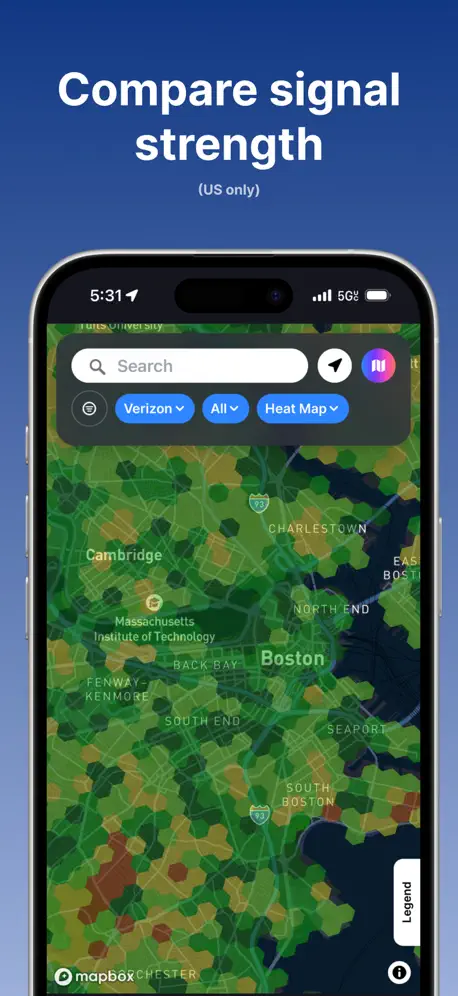
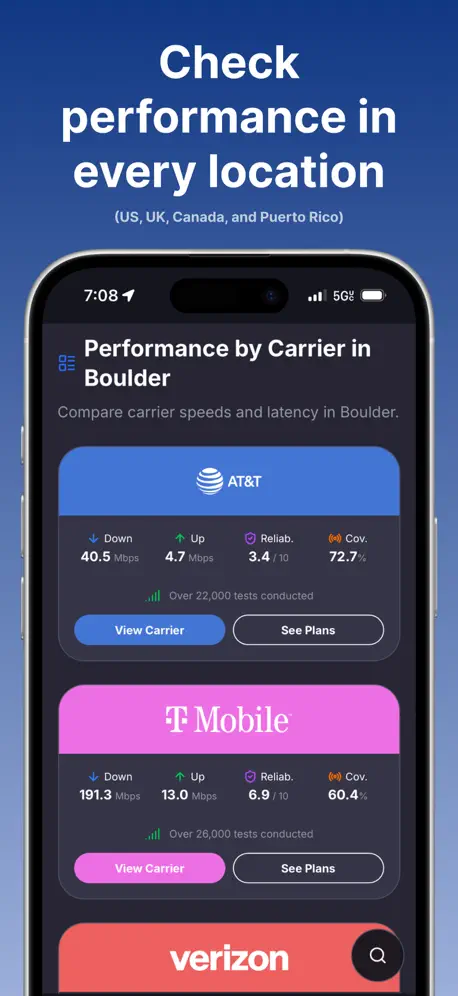
How much does Coverage Map cost?
Prices are current as of 14 Nov 2026.
Coverage Map has no in-app products on record in the United States.
10+ alternatives to Coverage Map
| Coverage Map | 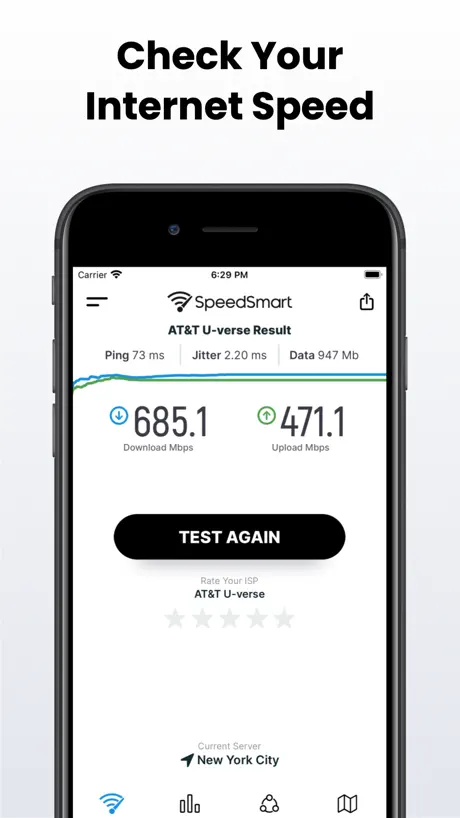  Speed Test SpeedSmart Internet |   Arc Search — Find it, Faster | 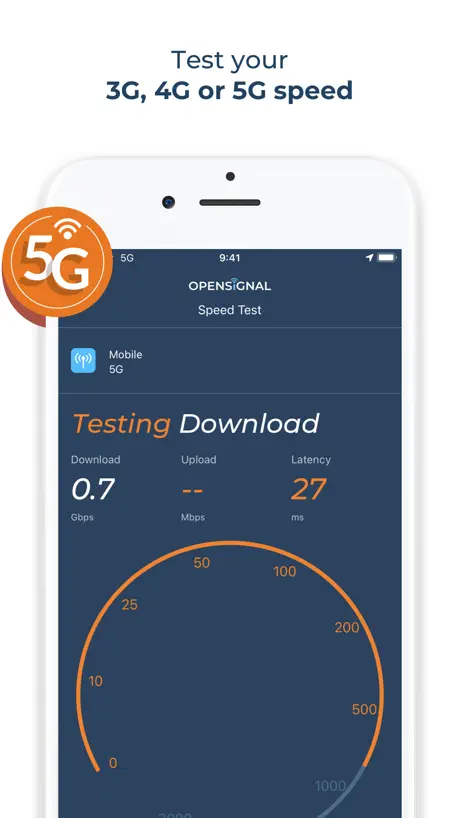  Opensignal Speed Test Ad Free |   Anker Power |   US Mobile |   MobileX Phone Service |   FCC Mobile Speed Test |   HINT Control |   weBoost |   glinet | |
|---|---|---|---|---|---|---|---|---|---|---|---|
| Rating / 5 | 4.7 | 4.7 | 4.9 | 4.5 | 4.5 | 4.1 | 4.4 | 4.1 | 4.3 | 3.1 | 4.0 |
| Reviews | 872 | 178K | 89K | 50K | 9.2K | 2.1K | 368 | 277 | 115 | 70 | 62 |
| Released | 2023 | 2010 | 2024 | 2013 | 2022 | 2020 | 2023 | 2023 | 2023 | 2022 | 2020 |
| Monthly price | — | $1.99 | — | — | — | — | — | — | — | — | — |
| Annual price | — | $11.99 | — | — | — | — | — | — | — | — | — |
| One-time price | — | $1.99 | — | — | — | — | — | — | — | — | — |
The going rate for each plan in United States, in its own currency, shaded from the cheapest price on the row to the dearest.
Coverage Map reviews
4.7 out of 5, based on 872 reviews.
What people like
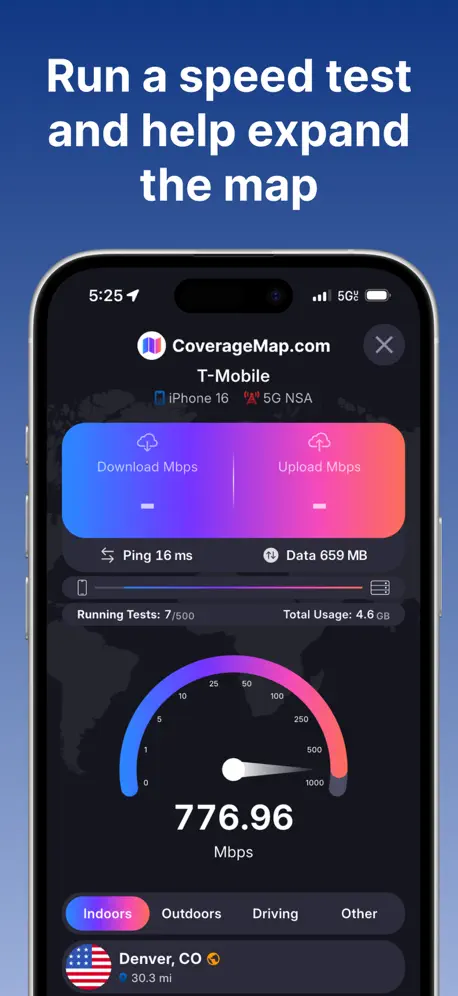
- Great for testing speeds while driving
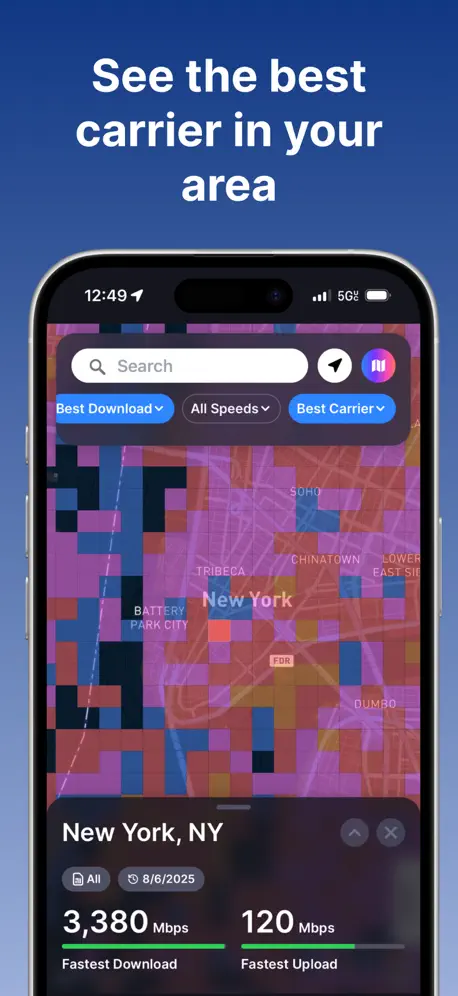
- Shows real user speed tests on the map
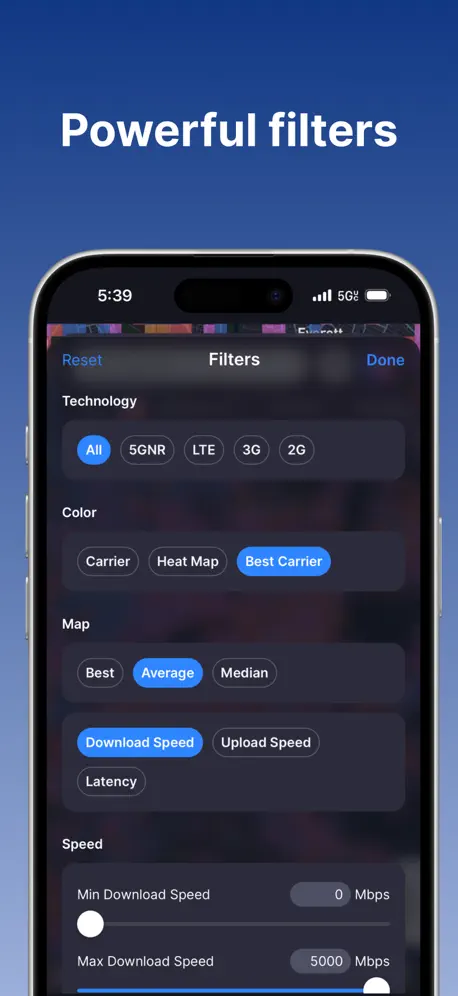
- Lets you compare many carriers easily
- Very easy to learn and use
What they complain about
- App crashes constantly when you use it
- Ads block your screen and annoy you
- Coverage data is often inaccurate for your spot
- Background testing stops working when you switch apps
Amazing
I love how it tells speeds and best coverage for each type of phone in each area.
Not great
Number of functions don’t seem to work well on the latest iOS & iPhone.
doesn't work in background
doesn't work in background
Please fix bugs
Love the app but have to force close it constantly to view data from different squares. Can vote 1 or 2 then it won’t pop up the info card after that and only way to fix it is to sip the app all the way closed and re launch app. Super annoying when yo used running speed tests and have to quit it out and restart them to view data
Love app but needs bug fixes
Love using this app to Speedtest and see how fast carriers are when I travel…but the app glitches often and I have to close the app swipe it out of task manager as new open it to get it to show data when I click on a square. This happens often having to close the app completely out swipe it closed then re open to view sad. Happening on all the iPhones I use for testing so isn’t limited to just one device. If this was fixed would be 5 stars for me
Great accurate tower locator
Awesome coverage indicator on finding out coverage and where the towers are. The most accurate app and website on the internet in my opinion
Now it has ADS
Used to like this app and now it has UNBLOCKABLE ADS right next to where you can tap accidentally. I am not working for free to provide map data AND putting up with ads. Deleting.
Good but add this
This is a good app. It would be great if we could see: - what the past test on a map device was. This will also tell us which phone gets the best speeds on the specific cell provider. - If you wanted to you could also add a best phone (per speed test) (not for the most test run but per that test. This will tell someone if a test was run with a 7 year old phone or one from 0-2 years. Again good idea/app overall
Omission
Spectrum Mobile is the main carrier for my zip code but is not on the list.
Feature
The app is amazing and everything works as intended. If possible can you make an update to the app so that it can work in the background. Currently if you start a speed test and open another app “coverage map” will pause until you reopen the app which defeats the purpose of features such as “smart” due to the fact that the app has to be open for all 500 tests.
Nice app
I like to have dataset. Nice
Garbage
The UI fails constantly and requires forcing the app to close and reopening to fix. They really should use native Apple apis rather than multi platform dev tools. The difference is quite noticeable.
Great app, uses a lot of data though
Does a good job. Would like to see an option for a low data mode. Google and Netflix manage to get tests run without hitting GB of usage. The maps seem to have a “pink” bias. I have mapped one neighborhood with Boost only but when I check it using All networks, those squares are pink not orange. When I filter for just Boost they are orange.
No Australia coverage
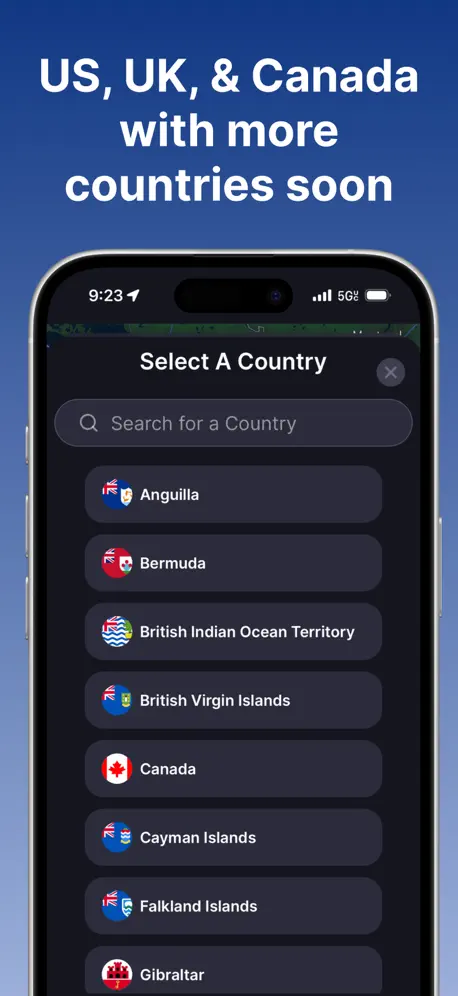
Only works in the US…
Change the New Jersey city
I would like to change the New York anthena to Newark!
Not accurate
I do not have a strong enough cellular signal outside my home or inside on Verizon cellular. The app shows me solidly inside a Verizon area. It also shows no signal area for T-Mobile. However my neighbor has 5G T-Mobile signal and I can physically see the T-Mobile tower in a hill across from my house. The app is not helpful if it is not able to give correct information.
review
app and everything is so cool and great but please add Estonia otherwise the app is useless for me
Some stuff missing
Great app except for two things: When importing from Ookla, 1000MBit/s are being imported as 1,0Mbit/s although it should be 1GBit/s. - It only really supports the US, but the world is quite a bit bigger
Nice app
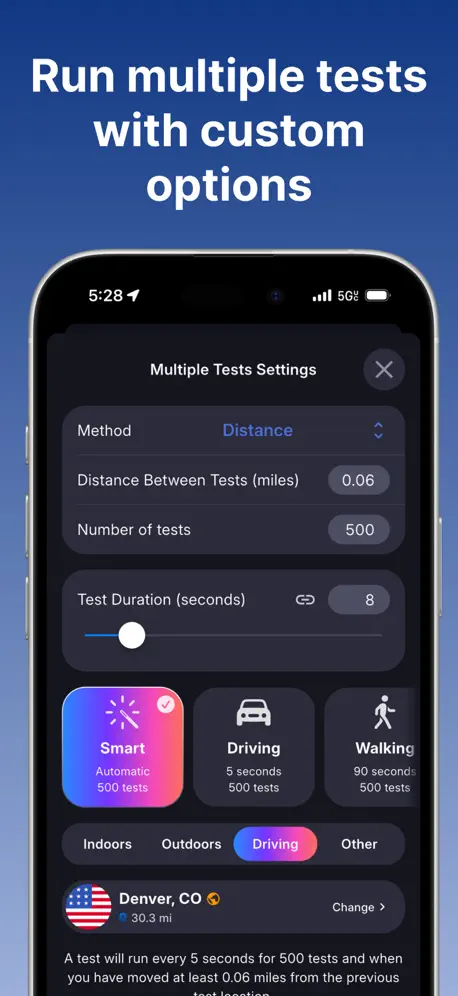
I love this app it’s great for checking coverage across carriers without having to use the carrier provided ones which suck. I also like you can run speed tests while driving and log datapoints in the crowdsourced map as well.
So so
So So
4/5
Carrier signal strengths need to be updated more often
Random crashing
I really like the app, especially now with the speed test feature! However, sometimes after running a Speedtest, my entire phone crashes.
Love this app
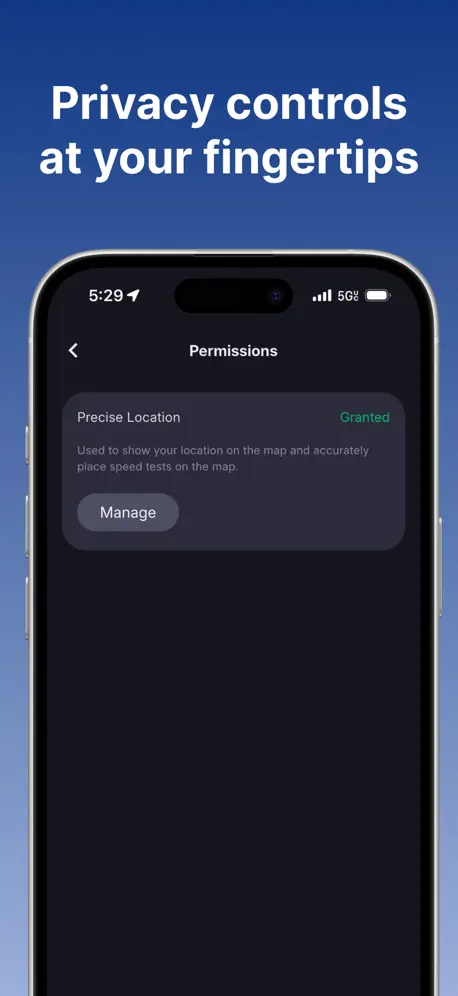
I wanted to provide some feedback and suggestions: When using the map feature, could you make my selection permanent? Every time I access the maps section, it prompts me to grant motion and location access. Once I grant this access, it should remain active and not require me to grant access repeatedly. I think a better approach would be to ask for this configuration when someone first uses the feature and then store it.
Pure AD No Use
Can’t even load up map tiles
It’s good but it’s need a fix
Good app, but there’s a bug: check the speed test gauge in stealth mode theme and you’ll see.
Nothing else like this app
Improvements to this app are constantly being added.
Limited Options
There are only 4 options and there are more in my area to choose from (specifically Consumer Cellular is not listed).
Need a way to limit data usage
I would like to limit the data to 100MB per test. No need for bigger downloads.
The Best Speedtest App ever
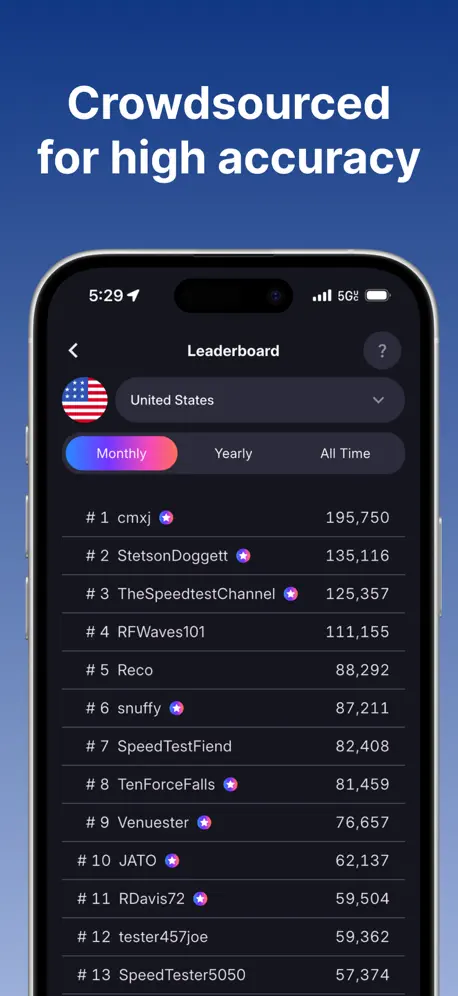
This is by far the best Speedtest app ever and I love the community nature of the app (I have been using it I would probably say when Stetson first made it public on iOS)
Disappointed
While the app has carrier information, it is VERY general by zip code. Far too macro. My address has very minimal coverage that is in and out. This app indicates 100% coverage for all major carriers, which sounds like carrier marketing points rather than an accurate tool to find the best coverage by carrier. 👎
Minor Bugs (overall amazing)
I love this app for running tests while driving, running multiple tests is incredible. - When running 1 test and then hitting the "x" in the top right corner. The app crashes my springboard and does a soft reboot and have to unlock phone and reload app. - When trying to select a preferred server, it does the exact same thing as hitting "x" when cancelling or exiting a test when it's finished. - Would also love the ability to see Canadian leaderboards on the mobile app.
Best cellphone coverage app out there
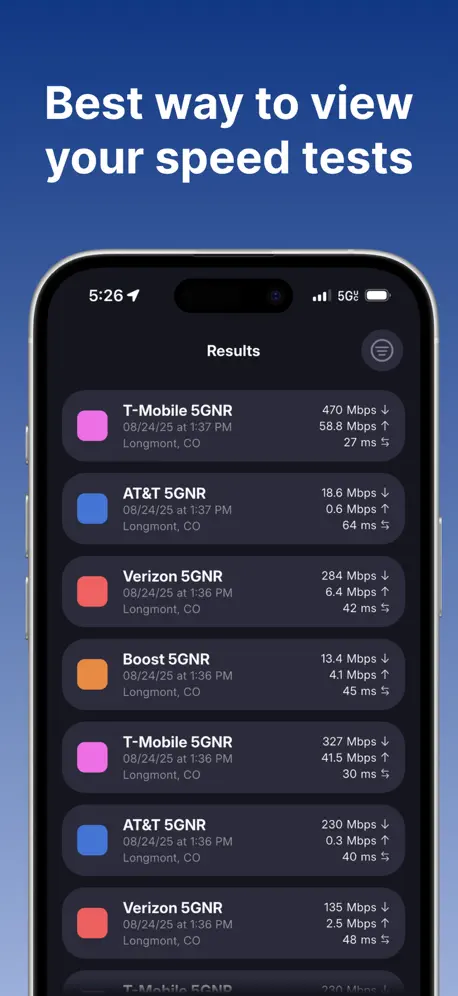
Coverage Map offers the most value in the cellphone space. Speed test results, plus signal coverage maps from Verizon, T-Mobile, and AT&T.
Doesn’t work
Try another app
Lots of info
Even tho it still need some improvement like they way we open the maps, not accepting the other apps record files (it didn’t accept my speedtest records) etc. i love that i can make multiple tests automatically, i’d like to set the duration of the test but other than that i really like the app. I hope the user base grows over time.
Review
It is very good, and user friendly. It is easy to learn. Has a very large data collection.
New update is bad
The new update no longer lets you set a duration between tests of less than 5 seconds which is extremely problematic. I used to do 2 seconds in between which makes sense when you’re driving and moving fast. Fix this!!!
Coverage Map FAQ
- Is Coverage Map free?
- Yes. The app is free, in all 175 countries it sells in, and it sells nothing inside it.
- Does Coverage Map have a free trial?
- No. None of its offers (US) come with a free trial.
- What are the best alternatives to Coverage Map?
- Speed Test SpeedSmart Internet (4.7 from 177,753 reviews, premium from $1.99), Arc Search — Find it, Faster (4.9 from 89,137 reviews) and Opensignal Speed Test Ad Free (4.5 from 50,215 reviews).
Coverage Map download
Last updated 1 month ago.
Coverage Map sells in 175 countries. It was released 3 years and 5 months ago, on 22 Jun 2023. It holds a 4.7 rating from 872 reviews.
Supports 1 language: English.
How much does Coverage Map make?
Third-party estimates for the last 30 days, worldwide — not the store's own figures, which Apple publishes for nobody.