
MBTA mTicket
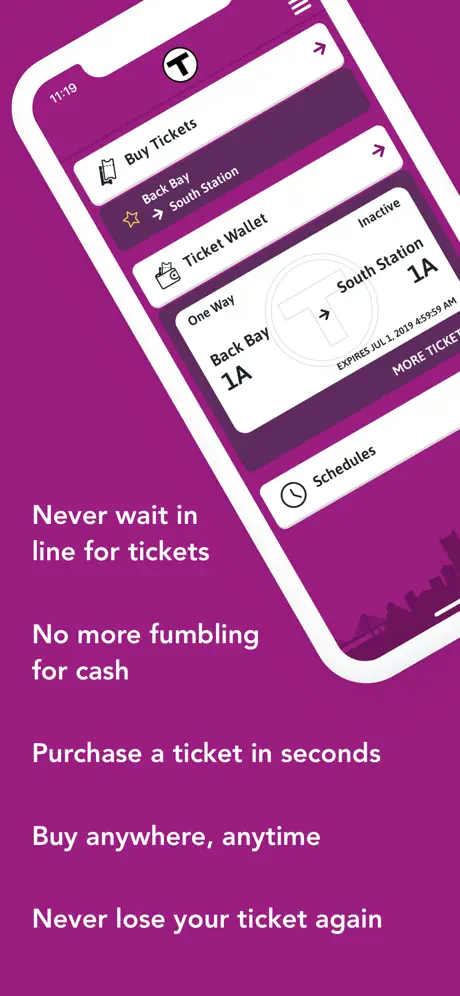
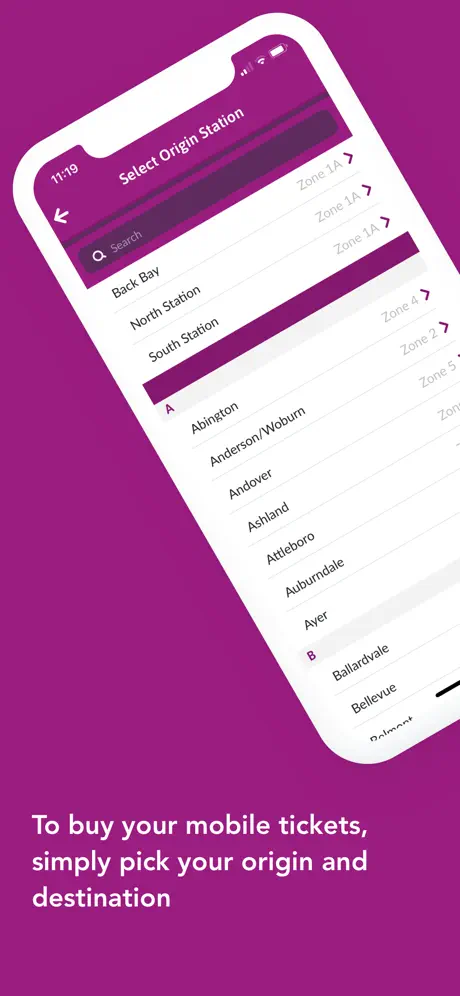
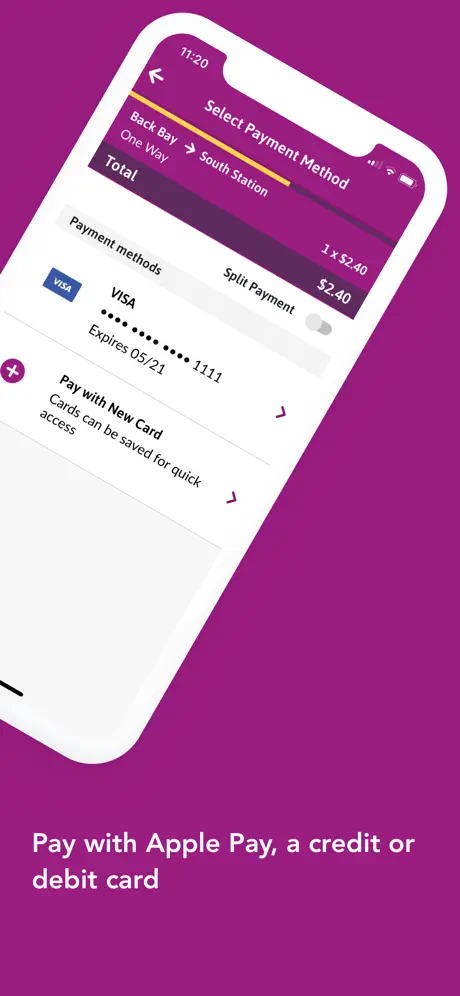
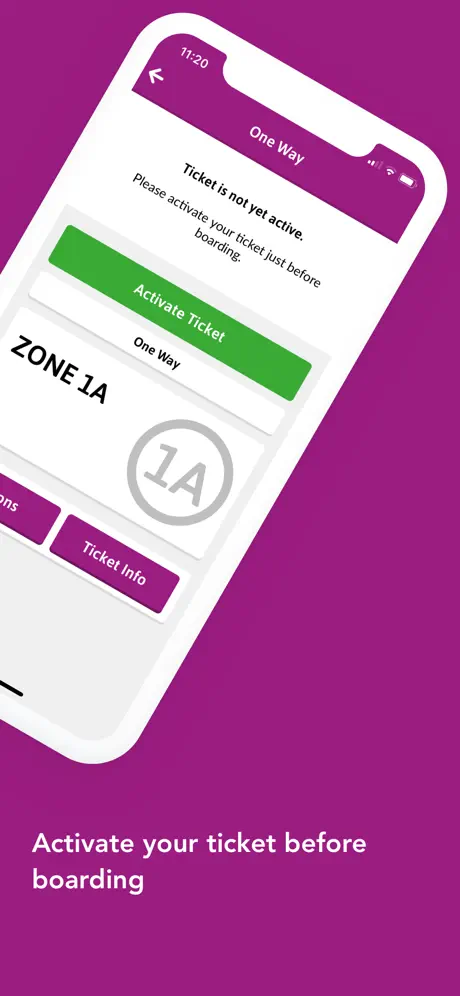
How much does MBTA mTicket cost?
Prices are current as of 10 Sept 2026.
MBTA mTicket has no in-app products on record in the United States.
10+ alternatives to MBTA mTicket
| MBTA mTicket |   ProximiT: MBTA Boston Transit ProximiT: MBTA Boston Transit |   Ride with OurBus App Ride with OurBus App |   Wanderu: Bus & Train Tickets Wanderu: Bus & Train Tickets |   Boston T Subway Map & Routing Boston T Subway Map & Routing |   Bluebikes Bluebikes |   TransLoc TransLoc |   ParkBoston – Boston Parking ParkBoston – Boston Parking |   FlyLogan FlyLogan |   MBTA Rail • Commuter Rail MBTA Rail • Commuter Rail |   Peter Pan Bus Lines Peter Pan Bus Lines | |
|---|---|---|---|---|---|---|---|---|---|---|---|
| Rating / 5 | 2.6 | 4.6 | 4.7 | 4.7 | 4.6 | 4.3 | 2.5 | 4.5 | 1.8 | 5.0 | 1.7 |
| Reviews | 669 | 25K | 6.5K | 6.1K | 5.3K | 2.1K | 1.6K | 881 | 78 | 19 | 12 |
| Released | 2012 | 2013 | 2016 | 2015 | 2017 | 2017 | 2017 | 2015 | 2021 | 2015 | 2019 |
| Weekly price | — | — | — | — | $4.99 | — | — | — | — | — | — |
| Monthly price | — | — | — | — | $1.99 | — | — | — | — | — | — |
| One-time price | — | $4.99 | — | — | — | — | — | — | — | — | — |
The going rate for each plan in United States, in its own currency, shaded from the cheapest price on the row to the dearest.
MBTA mTicket reviews
2.6 out of 5, based on 669 reviews.
What people like
- Works well for buying commuter rail tickets
- Allows easy schedule checks for train lines
- Includes a feature to report station issues
What they complain about
- Often freezes or crashes while using
- Back button disappears and forces restart
- Payment errors force re-entering card info
- UI is confusing and not user friendly
Easy ticket purchase
Most of these reviews are ancient and a lot complain about the train being on time. But this app does what it’s supposed to do. You can find any train line and its schedule easily and buy your tickets.
Poor app
App is about as good as the train service
Overall rating of this app
4/5. Good because there’s a report section where people can report stuff happening at stations and they could even call transit police. What I don’t like is how it only works for the commuter rail.
Convoluted
Why is this app so bad, while MBTA Go is so user-friendly and useful? Why can't they fold in the purchasing capability to the go app?
Okay, needs work
Okay, needs work
Great app
Great app helps me get a ticket when I need one
no return policy
have fun with my 80 bucks mticket, why don’t you eat my hog while you’re at it
great but…
its a great app and pretty reliable but i wish i wasnt always dependent on it. like the only way to get home in norfolk is to use the commuter, but this app is the only way to get there inbound. sure once im in south station i can get a physical ticket (sometimes) but you cant do that in norfolk. this is not an app issue at all this is really just a letter to the mbta please make norfolk station more than a slab of concrete🙏😭 also $20 for a roundtrip is insane lower these prices inflation wild enough
Does the job
… but there’s no way to navigate between tickets, schedules and ticket history without restarting the whole app. The UX leaves much to be desired.
Need to add South Coast Rail
It is fine for ferries and in the core, but by now they should have added South Shore stations like Fall River.
Great
app always works except in deep back bay tunnel, it's legit
FIFA Train Fail
I can’t purchase tickets using this app. Getting an error code SDJ_105 Please FIX
Love it - but would suggest one change
Sometimes, after leaving your phone on the ticket wallet for a period of time, there is no back button and you have to close the app and reopen it to get back to the main screen.
Activated ticket does not show activated on Home Screen
Although I understand the recent app update was designed to improve screen reader capabilities, an activated ticket now no longer appears activated on the Home Screen, even though it is active when you go into your ticket wallet. The only feature that distinguishes an activated ticket is the green text “ACTIVE” which isn’t showing on the Home Screen. The new app update removed the green bar at the top of an activated ticket, which was a beneficial feature. I use Daily Flex Pass tickets for 4 different train trips each day so the active ticket should be more obvious on the Home Screen and more universally accessible to all types of users, in my opinion. TY
Does it work? Yes Do I like it? No
It is functional. Hooray. Now how about making this into an easy to use app? It’s (almost) 2025. After this many years, where is the support for Apple wallet, passkeys, etc.? How about actually usable schedules? Not just a browser window to MBTA.com. Or how about just fixing the long standing bug which makes navigation arrows disappear after the app sleeps requiring you to manually kill and restart the app?
So far, the app is working great
It is good enough as an app for travelers. Not sure why so many bad reviews
trash
mbta blows!
Works as expected
I don’t understand why people are giving low scores but the app is working just fine. I was able to buy two tickets with Apple Pay without reentering card info etc as mentioned in one of the reviews. 4 star because remember my password is not working.
UI issue
There’s no way to go back to the ticket purchasing menu if you open the schedules, making you fully close the app. A back button would be helpful
Needs Apple wallet support
Needs Apple wallet support so that it is more convenient. App does not have Apple Watch support either.
Works as needed
I’m not sure what the complaining is about, this app allows me to buy my tickets when I need them so it’s fine by me. The UI isn’t great but you get used to it. It even allows you to pay with Apple Pay so that you can avoid adding your credit card info, which is a huge plus in my book. If you want to feel better about the mTicket app you need only check out some competitors, such as the one for bus/train tickets in Miami. Good lord.
Glitchy at best
App is glitchy at best frequently does not load buttons so if you are looking at the schedule you can go back to your ticket when the conductor comes by without crashing the app and reloading it.
Good app
It is useful app. But it is lack of support of Wallet and Apple Pay and please move Scheduler on front screen. Thank you.
Card on mobile wallet
We would like to put our card on our phones. Work on that please
Unusable
The providence line is becoming unusable. Full of delays or the train not eve running, and I still need to pay full price for a ticket? Ridiculous
Hardly Works
The apple pay feature is basically useless and unless you’re re-entering your debit card information every single time you need a ticket, you can expect an error screen to appear. just a really bad ui. you’re better off paying in person.
Buyer beware - this is not for the subway system
Although this is called ‘MBTA’, this is only for Boston’s commuter rail system - not the subway system. No refunds, sadly.
Cannot Install
For whatever reason, installing the app seems to be impossible.
Bug
The “back” feature often disappears requiring you to close out of the app and reopen. Really annoying.
Great, except...
Won't accept VISA cards from Canada! Really???
“Unable to Connect to Internet”
No matter what I do (delete and redownload the app, turn my phone on and off, connect to WiFi, disconnect from WiFi, update my phone, etc.) I am still unable to buy tickets. It always says “unable to connect to internet”. This has been going on for weeks. Very inconvenient.
Piece of shart
Half of the time it doesn’t work and freezes when the train is coming. Always have to input CC info 2-5 times for a transaction to process.
MBTA mTicket FAQ
- Is MBTA mTicket free?
- Yes. The app is free, in all 175 countries it sells in, and it sells nothing inside it.
- Does MBTA mTicket have a free trial?
- No. None of its offers (US) come with a free trial.
- What are the best alternatives to MBTA mTicket?
- ProximiT: MBTA Boston Transit (4.6 from 25,092 reviews, premium from $4.99), Ride with OurBus App (4.7 from 6,506 reviews) and Wanderu: Bus & Train Tickets (4.7 from 6,092 reviews).
MBTA mTicket download
Last updated 2 months ago.
MBTA mTicket sells in 175 countries. It was released 13 years and 10 months ago, on 9 Nov 2012. It holds a 2.6 rating from 669 reviews.
Supports 14 languages: English, Catalan, Dutch, French, German, Greek, Haitian Creole, Italian, Japanese, Portuguese, Romanian, Chinese, Spanish, Vietnamese.
How much does MBTA mTicket make?
Third-party estimates for the last 30 days, worldwide — not the store's own figures, which Apple publishes for nobody.