mconnect Player Lite
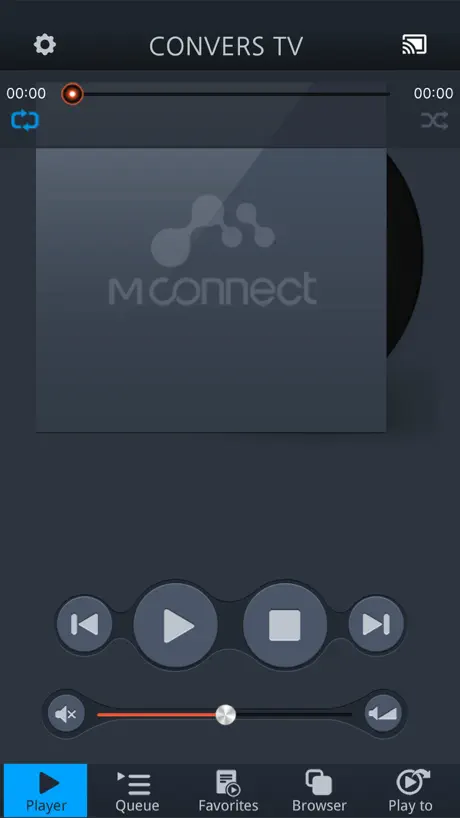
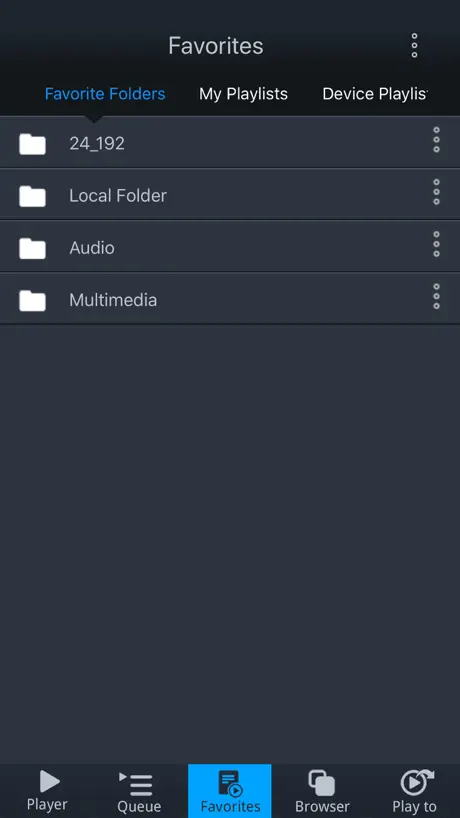
How much does mconnect Player Lite cost?
Prices are current as of 8 Nov 2026.
mconnect Player Lite has no in-app products on record in the United States.
10+ alternatives to mconnect Player Lite
| mconnect Player Lite | 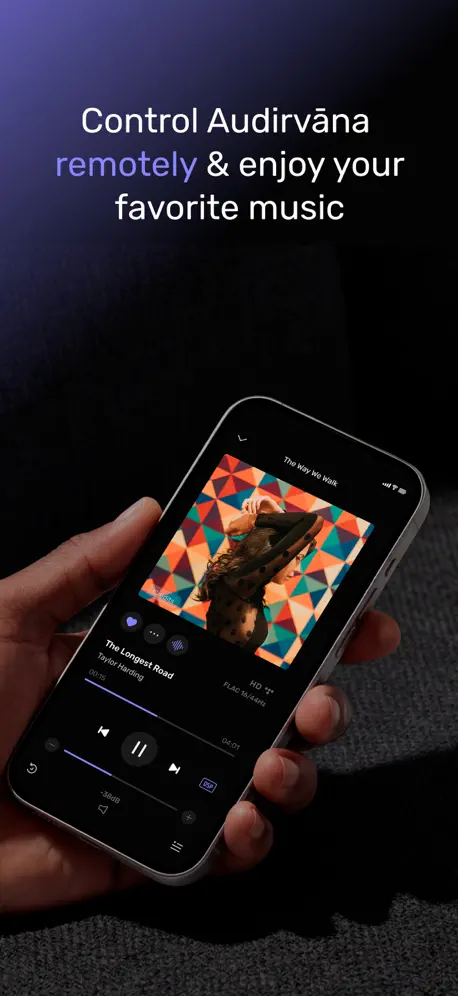  Audirvāna Remote |   Focal & Naim | 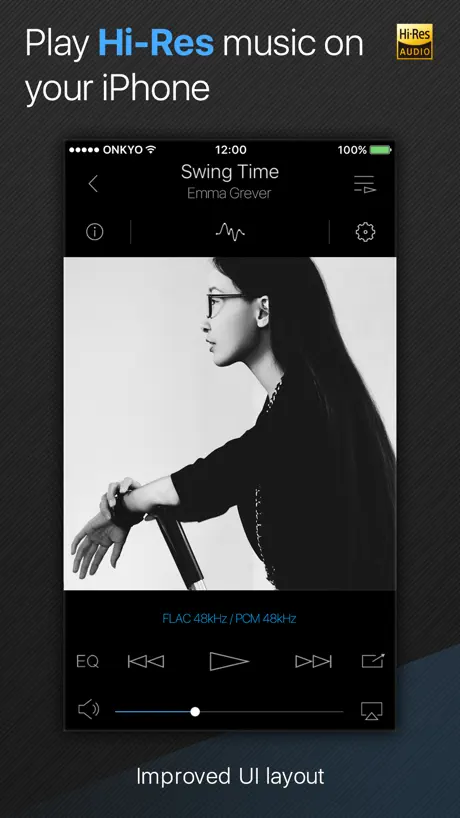  Onkyo HF Player - Hi-Res Music | 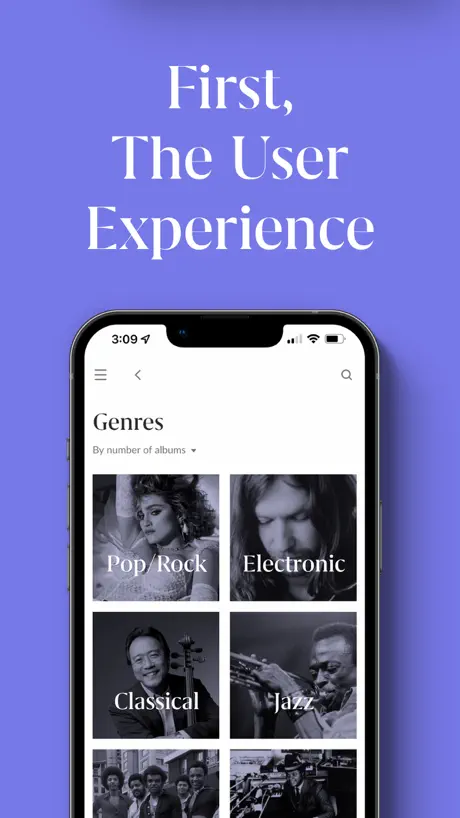  Roon | 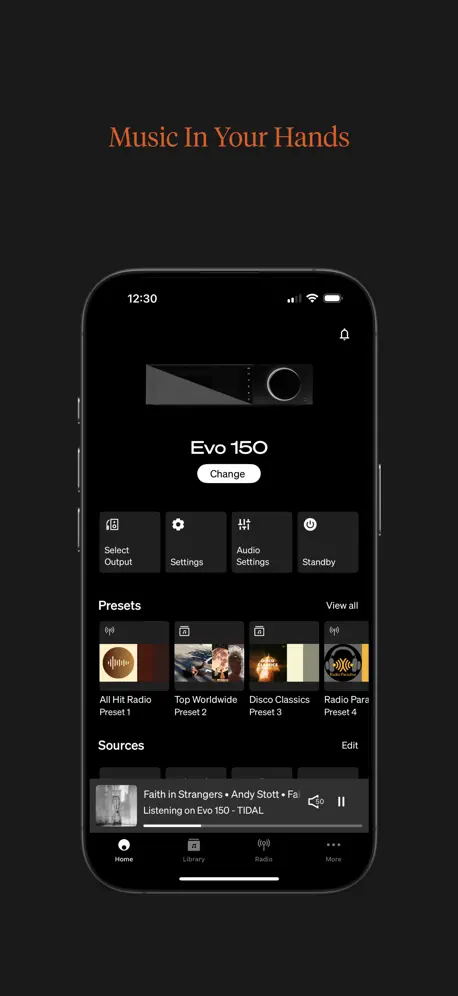  StreamMagic by Cambridge Audio |   Volumio |   Roon ARC |   JPLAY |   Qobuz Club | 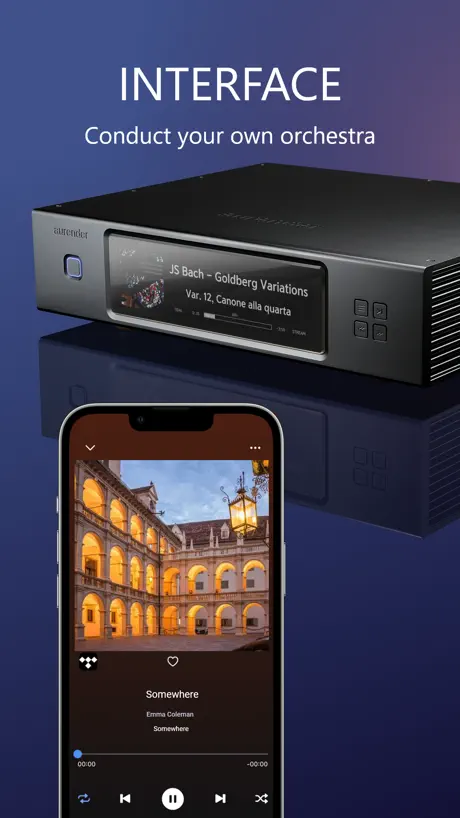  Aurender Conductor for iPhone | |
|---|---|---|---|---|---|---|---|---|---|---|---|
| Rating / 5 | 3.7 | 4.6 | 2.4 | 3.5 | 3.8 | 4.0 | 4.7 | 3.6 | 4.0 | 3.9 | 3.8 |
| Reviews | 508 | 6.1K | 2.6K | 2.5K | 2.3K | 1.8K | 1K | 715 | 477 | 401 | 162 |
| Released | 2012 | 2015 | 2010 | 2013 | 2015 | 2019 | 2017 | 2022 | 2022 | 2024 | 2020 |
| One-time price | — | — | — | $2.99 | — | — | — | — | $149.00 | — | $49.99 |
The going rate for each plan in United States, in its own currency, shaded from the cheapest price on the row to the dearest. Plans fewer than four in ten of the priced apps sell are left out.
mconnect Player Lite reviews
3.7 out of 5, based on 508 reviews.
What people like
- Works great with Tidal and high-res audio
- Easy to use interface for browsing music
- Connects reliably to various DLNA servers
What they complain about
- Does not support landscape mode on iPad
- Playback skips or pauses randomly during streaming
- Latest updates broke compatibility with some devices
Problem after update
I have problem with app after update to latest version on all my devices 2 iPhones and iPad Pro on all devices playback is impossible 3 sec then pause and again 3sen and again pause. Before upgrade everything was perfect I use this app already for several years no problem at all. I try to play on my Hegel amplifiers 390 and 400 same effect on UPnP playback no matter from local library or from Tidal with AirPlay everything is ok all Hehel amplifiers are on latest firmware. Higher file resolution bigger pauses shorter time to play. Please help how to install older version. I find solution just delete app with all cache and install again everything now work perfect.
Ad caner
Advrertising cancer
Almost perfect
I own a Naim SuperUniti. Although Tidal is supported, you cannot play HiRes content due to a Tidal Connect limitation. Mconnect solves all that plus I can also use Qobuz. Just browse and play. Brilliant! Downside it cannot be viewed on an ipad in landscape. PLEASE update the app to allow this!!!
Unable to stream UPnP
Today when I select a UPnP device I have a error message: « Please select "iPhone/iPad" at the AirPlay device list to connect to a Renderer device. » Only AirPlay now on iOS?
The author probably doesn’t use their own player
This is a great player for DLNA (uPnP) sources. I use it all the time. There are obvious glaring problems with the app that leads me to believe the author must not use their own app regularly. 1. No “add to queue on the playing screen (so you can’t audition a track, decide it’s good, and add to an existing queue). 2. No playlist/queue management other than remove 3. there needs to be a randomize in the playlist/queue (destructive edit) and a randomize on playing a playlist/queue (non destructive) 4. Needs to be a manual (hold-drag) move of a track’s ordering in the playlist/queue (destructive edit of queue). 5. Optimize adding tracks to the playlist/queue. It is a ton of taps right now and feels like a lot of friction!!! Especially when I want to throw a lot of tracks into a playlist/queue from many different folders. 6. Bug in DLNA where after playing a long time, finishing its queue, then it is silent for over night, then I can’t tap on my “favorite” which points to a DLNA endpoint nor can I tap on the DLNA endpoint, does nothing, refreshing the browser doesn’t fix it, I have to kill the app and then they all work again. 7. The play screen is functional, but it could better highlight the album art larger, move the progress to bottom instead of covering the art… 8. The queue section could allow you to browse all playlists and the current temporary queue in a unified way, then I wouldn’t have to screw up my browsing that I began from Favorites. Fix these and the app will be killer.
播放不流畅
tidal播放卡顿不流畅
Keeps crashing
Does not work on iPadOS 16.4.1. Pretty much any action (browsing music, selecting “Play-to” device)… invariably ends in a complete crash of the app.
Complicated in the beginning, but works
Thou it does connect to Lenovo EMC2s and plays to Devialets, it's hard to understand how to get it to work.
Problèmes de coupure du son.
Systématiquement des coupures en écoutant Qobuz. Cela revient rapidement ou pas. Des problèmes aussi avec le réglage du son sur l’appli. Il faut pousser d’abord à fond pour l’ouvrir.
Chromecast Video Issue
Please fix! I am unable to cast videos from iPhone to Chromecast, only audio comes through. Video seems to play fine on IPhone if I disconnect from Chromecast. Otherwise this seems to be a great app so far. Thanks.
Perfect!
Have been struggling with BubbleUPnP and found this app by chance. does everything i was looking for and more!
DMR hang
The latest version causes DMR to hang once you select a new track to play.
Good but portrait only on iPad
My title says it all. This a competent dlna player, but it only works in portrait mode on the ipad, even when I have my iPad in landscape mode, which I do all he time, so I have to turn it to use this app. Sounds like a stupid gripe, but I find it really annoying.
Plays DSD files as PCM
Gustard X26pro unfortunately shows PCM mode when I play my dsf files. USB connection with DAC. I’m still looking for player which will play native DSD or DoP to my DACs.
Not bad but....
UPnP connection (ipad) to my streamer if far the best quality but it has a few issues. If a track is unavailable in your track list rather than skip over it it just stops completely. Also randomly it stops after a song and when I open the app im met with the app restarting. I feel these are basic faults that shouldn’t be happening for a paid app or even a free one. In short I’m looking for a better UPnP app.
Easy to use program, plays FLAC to my Pi4
I was looking for a controller on iOS that allows me to stream FLAC files to my Pi 4 renderer, and I’m delighted that this software works and is pretty simple to use and understand, recommended to use for this purpose, please try it.
Broken
The latest update broke both the use of streaming and the use of local files on my phone. In one stroke this app has become utterly worthless
Good
App is great but Tidal is not working with my music renderer. With NAS working fine. Please fix this.
Cannot stream WMA any more
Later versions can no longer stream WMA files from media sever. Requires transcoding. Older versions worked fine. Disappointed developers would make this change without reason.
Pas vraiment au top....
Bonne application dans l’ensemble. Je l’utilise surtout avec Qobuz et j’avoue que ça fonctionne très bien. Cependant lorsque je passe en UpnP devices et bien seule la sonnerie du téléphone fonctionne. Toutes les alertes, notifications des autres applications restent muettes. C’est franchement gênant de ne pas savoir que l’on vous appelle sur whatsapp ou autre...Possibilité de corriger le problème mesdames et messieurs les développeurs ? Merci d’avance.
Perfect-ReadyShare from Netgear >> Sonos
I had the free version of this from years ago when I was streaming music from my Raspberry Pi to Chomecast pucks. I picked up a Sonos Era 100 the other day and wanted to stream music that’s shared from my router to the Sonos. This app works perfectly. I’ll buy the paid version as this developer has been keeping the app updated for years.
Doesn’t find my UPnP server reliably
My UPnP server doesn’t show up under “Browser->Local Server” in a reliable fashion. Just randomly shows up every so often. So app is basically worthless to me as that is where my music files are stored that I want to play. Moving on...
Nearly there
Plays from nearly everything to nearly everything else, which is great. Would be 5 stars if - playback was gapless - Spotify was integrated like Tidal and Qobuz are
No longer - Excellent😕
Update November 16 Won't work with jRiver media 22 for OS X, skips over tracks, no sound. Old version still working fine. Worked first time recognising minim server running on my iMac and Oppo 105 as renderer. Easy, intuitive interface. Not sure what the difference is between the free and payed for versions though.
Skipping happen
Thank you. I've used well your app for long time without any problems. However, songs of queue are skipped after recent updating. Please fix this bug as soon as possible.
Oh my gosh! OPPO 105D streamer works again!!!
I am so happy right now. This program was free and it works in tandem with the OPPO 105D NET streamer. It would no longer work with Tidal because of their new verification for sign in. OPPO suggested this program and it works 100%. I am using it with both my iPad and my iPhone. I open the OPPO app first and then go to the point where I select Tidal and then exit then open this program and it accepts my credentials for Tidal then I select 24 bit 192 kHz and Walla I have amazing music once again. Don’t forget to update your OPPO in the set up menu to the current bios. It is so easy and only takes one minute. Then Tidal will show up as an option. I was so happy with this program I decided to support the company by buying the paid version though ultimately, you don’t need to do this. I hope you do too because this breathed new life into my device when I thought I was going to have to buy a new dedicated streamer. The OPPO’s McIntosh DAC is still state of the art at 24 bit 192 kHz as far as I am concerned. I just finished listening for three hours directly hooked up to two Golden Tube SE 40 tube amplifiers in mono directly to my Martin Logan Requests. This is the most simple and direct route for the music with no preamp and I am so pleased with the sound. Anyone who says you can’t hear the difference between 16 bit 44 kHz FLC and 24 bit 192 kHz simply doesn’t have a system that can utilize all of that information. The one above does and there is such a difference between tracks. Being able to look down and see the bit rate only confirms what my ears are telling me most of the time. If you have equipment capable of replicating all of the data and transparent speakers, then you will notice the difference immediately. Good luck on your audiophile journey and you don’t have to spend a lot to find nirvana. The newest isn’t always better and I am going to keep my OPPO around for as long as I can. Cheers!
Stops play on DSF and 24-bit files between tracks
Too bad because this app has lots of potential, but I won’t spend a cent on it until they fix this issue.
Good Enough
Requires a little bit of work to get used to but it works for me just fine. If you know how to work with networks, files, servers, etc. then you'll enjoy this great app!! Does what it says it does! No more cords!!!
Cannot play music from Time Capsule
It can only play music from a NAS drive on your network if it's running DLNA server software (eg a PC switched on and running iTunes or windows media sharing). I want to play music from my Apple Time Capsule so I don't need to switch on a PC, but this app cannot detect the Time Capsule. Other apps like Net Portal can detect it, but it's terrible as a music player as it will only play one track at a time. The search continues..
Cannot open mconnect after 1.2.7 upgrade on my ipad 1
After v1.2.7 upgrade of mconnect on my ipad 1 running ios 5.1.1, i cannot open the mconnect app now. Please fix. Thanks.
Good for music
I’ve tried about 30 different casting apps for music and this is by far the best.
No FLAC support
If I can’t play my hi-res music its of very little value
Impressive
I've just found this wee app and was looking for something to play all my music files from my WD MyCloud wifi drive. The original WD software doesn't play .wma files and as I've got a mix of the and .mp3 files it's been s pain in the bum trying to get the best out of my music. This app not only found my home network immediately but also plays both file types no problem using a very nice player experience. I don't do reviews but thought I'd do one for this as its solved an issue for me. Now that I've got full access to my personal music collection, I'll be closing my Spotify account. Thanks Mr / Ms developer. :) Paj X
Does not play FLAC from Dropbox
I got this app to listen to FLAC files that had been shared via Dropbox. FLAC would not play. Everything else seems to work, but so does iTunes if I want to play mp3s.
At last I've found an app which 'queues' tracks/albums.
Why do I have to tap 'top row icons' multiple times in order to get them to respond?
Better than others
I have tried a number of players and this interface is much better than most. Also the playlist editing is more straightforward and easy to use. The editor on others was horrible. Found my NAS with my music quickly and works well.
Removed so many features
These stupid removed m4a playback and other complaining about removing other features. DO NOT UPDATE!! Thank god I downgraded it.
Awesome player for mini - with one minor nag
This is really nice player for my iPad mini. Streams videos from my media server perfectly. Also handles music quite nicely. The one problem that I have with the app is the player does not support landscape mode, which makes it annoying when I have the tablet plugged in and on the stand.
Crash out
Played one track then just crashed out every time. Can't be controlled through my samsung smart tv and doesn't support all the formats required to just play your iTunes.
Ok I guess
The app works ok if u wonna walk about holdin your fone to change a song or it will just keep playin the same song over an over even if u've got it on repeat all from ur playlist
Streaming 96/24 hi-res flac from NAS Tto KEF LSX
This is the best DLNA player on the App Store so far, unless you want to spend $$$$ in Roon subscription. (Much better than the default KEF streamer app) I also bought the HD version for iPad, and will be getting the paid iPhone version if nothing major goes wrong, I wish I could pay once and get both iPhone and iPad app. Airplay2 support and gapless play are bonus too.
Error invalid file location
I play my video files in camera folder notice invalid file location
Works well
Best way to play music from a DLNA server. Does the paid version rotate into landscape? I'll buy it yesterday if it does.
Fix Track Sorting
When browsing a DLNA server for music, mconnect displays album tracks in alphabetical order by name instead of by track number. Please correct this oversight.
Nearly there
Works well; but can't handle gapless playback. No search or index facility.
Stable!!!
Works well with minimserver on a synology NAS. Control from IOS, output to Yamaha Aventage 2040.
Latest version cannot stream TIDAL to PS Audio DirectStream
With the latest version of the MConnect Control, I can no longer play TIDAL to PS Audio DirectStream Network Bridge 2 (all latest firmware). Mcontrol simply says “device not supported”. I am using iPAD/iPhone with iOS 11. What is going on? The older MConnect version was working fine. Can someone please fix this? Thanks, Sam
All share
Easy download solved my problem sending photos to my smart tv and streaming. Great thanks
Good first try, but needs improvement
The lite/free version plays my music well, but lists the songs in alphabetical order of song title instead of listing them by track number or the order provided by my Tversity server.
It's pretty good - could become the best
Have installed this to try and use DLNA media server TVmobili and also windows media server. REALLY like the feature that allows you to direct media to nearest compatible Device if it can't play it on iPhone (eg TV). Doesn't always work tho.... Doesn't play stuff that TVmobili should be able to transcode - hmm. Turned on windows Media server in meantime to see what happens... Stuff that shows up on Bravia TV hasn't shown up on app. Double checked TVMobili browse to see content, then switched back to windows media server browse to see the TVMobili top level folders.... Hmmm - like I said, needs work, but so far it's promising. Wouldn't have paid for it yet though... Would do some testing for them if they care to get in touch...
mconnect Player Lite FAQ
- Is mconnect Player Lite free?
- Yes. The app is free, in all 175 countries it sells in, and it sells nothing inside it.
- Does mconnect Player Lite have a free trial?
- No. None of its offers (US) come with a free trial.
- What are the best alternatives to mconnect Player Lite?
- Audirvāna Remote (4.6 from 6,068 reviews), Focal & Naim (2.4 from 2,637 reviews) and Onkyo HF Player - Hi-Res Music (3.5 from 2,517 reviews, premium from $1.99).
mconnect Player Lite download
Last updated 1 month ago.
mconnect Player Lite sells in 175 countries. It was released 14 years and 8 months ago, on 8 Mar 2012. It holds a 3.7 rating from 508 reviews.
Supports 7 languages: English, French, German, Japanese, Korean, Russian, Chinese.