Weather Hi-Def Radar Forecast
Live NOAA Channel Storm Alerts
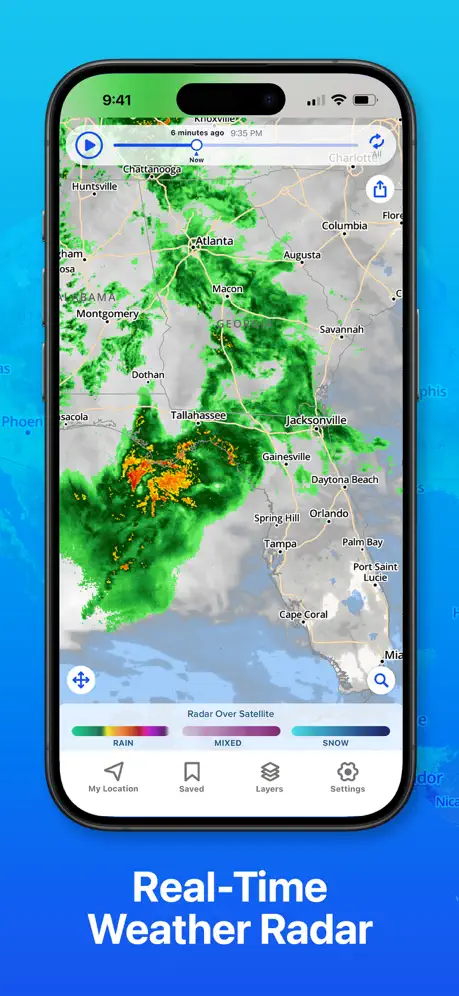
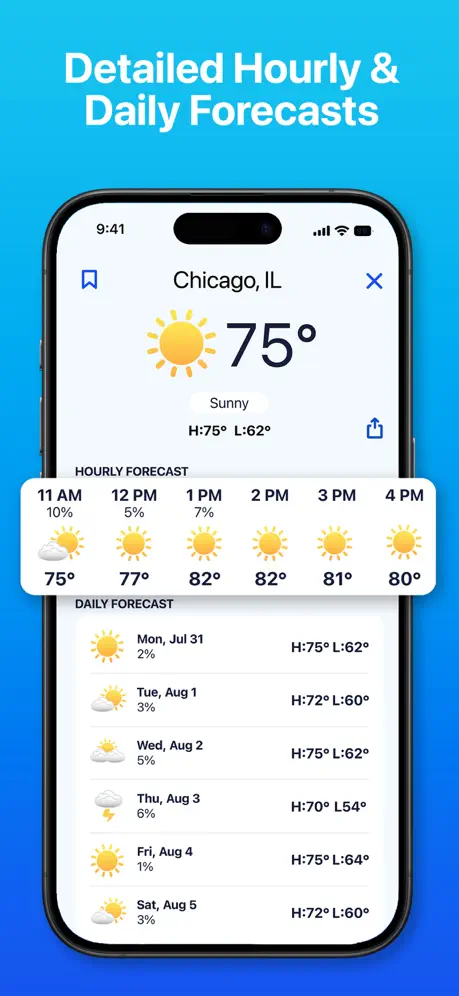
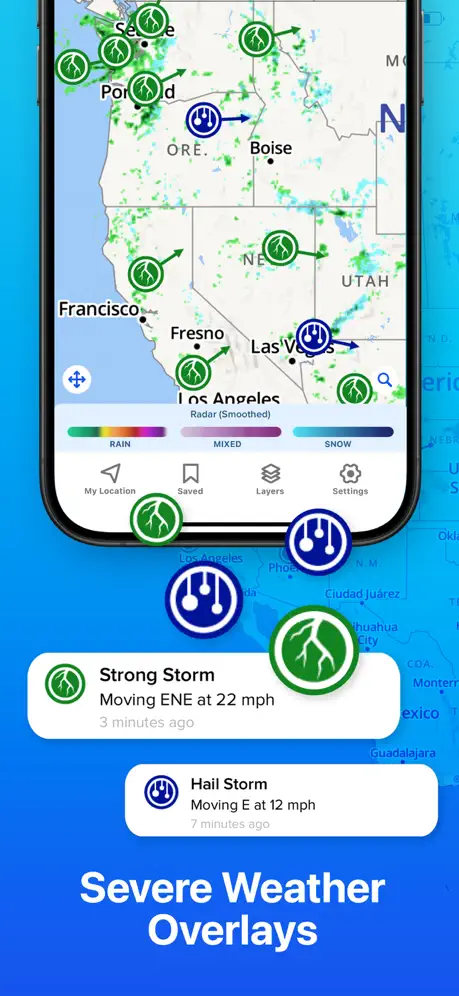
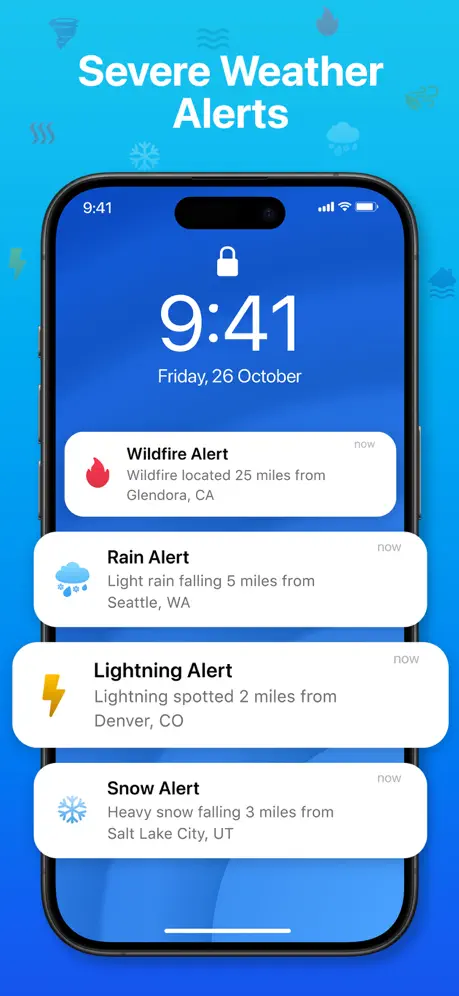
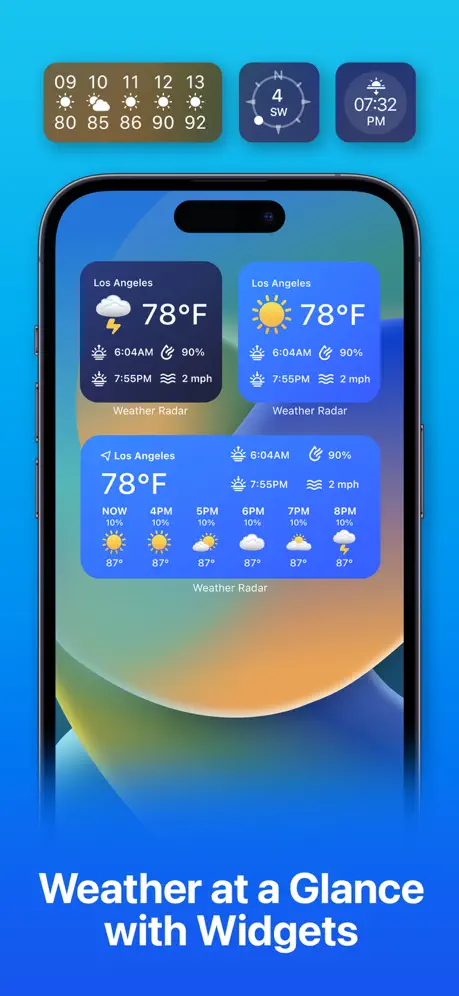
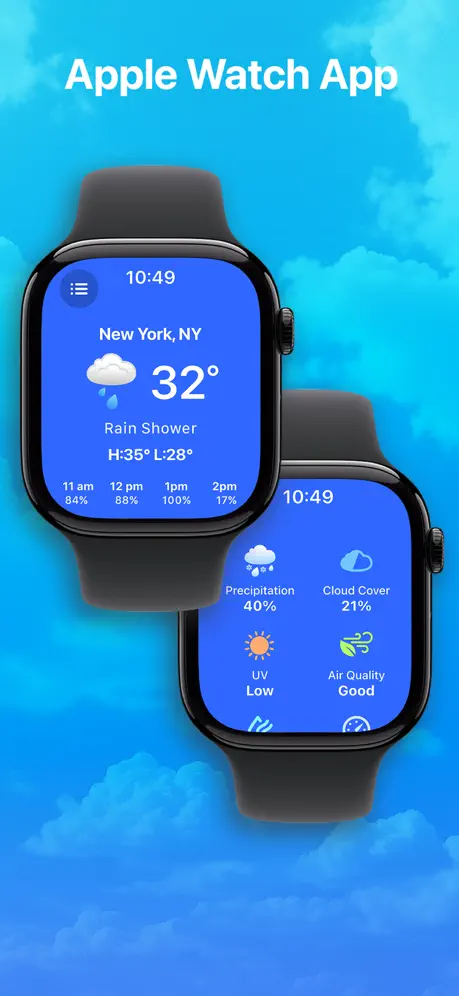
How much does Weather Hi-Def Radar Forecast cost?
Prices are current as of 29 Sept 2026.
8 subscriptions from $1.99
In the United States, Weather Hi-Def Radar Forecast has 8 subscriptions priced $1.99 – 49.99. It comes with a 3 days free trial.
| Subscription | Period | Price |
|---|---|---|
| Future Weather | Monthly | $1.99 |
| Storm Watch Plus Weekly | Weekly | $3.99 |
| Lightning Alerts | Monthly | $4.99 |
| Lightning Notification Monthly | Monthly | $6.99 |
| Storm Watch Monthly | MonthlyTrial: 3 days | $5.49 – 6.99 |
| Storm Watch Plus Monthly | Monthly | $6.99 |
| Storm Watch Annual | Annual | $39.99 |
| Storm Watch Plus Annual | Annual | $49.99 |
See what Weather Hi-Def Radar Forecast costs in all 175 countries →
10+ alternatives to Weather Hi-Def Radar Forecast
| Weather Hi-Def Radar Forecast |   Weather⁺ Weather⁺ | 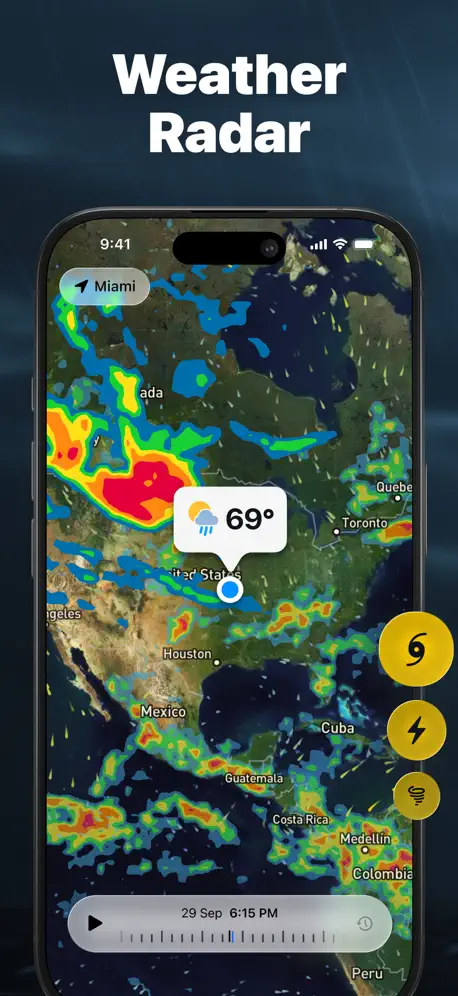  Weather Radar - NOAA Channel Weather Radar - NOAA Channel | 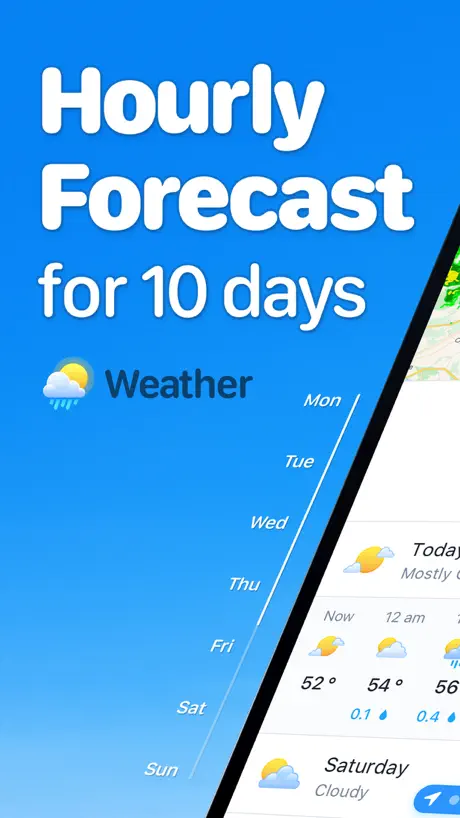  Weather ۬ Weather ۬ | 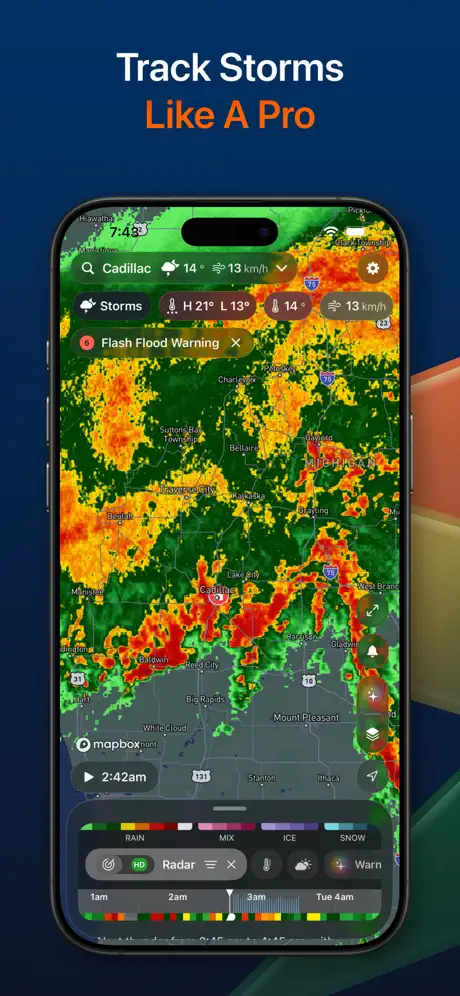  Storm Radar: Weather Tracker Storm Radar: Weather Tracker | 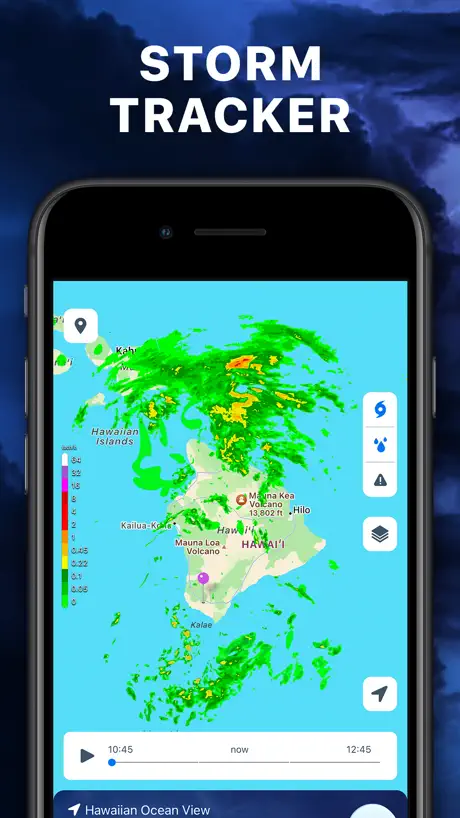  Storm Tracker° Storm Tracker° |   My Hurricane Tracker & Alerts My Hurricane Tracker & Alerts | 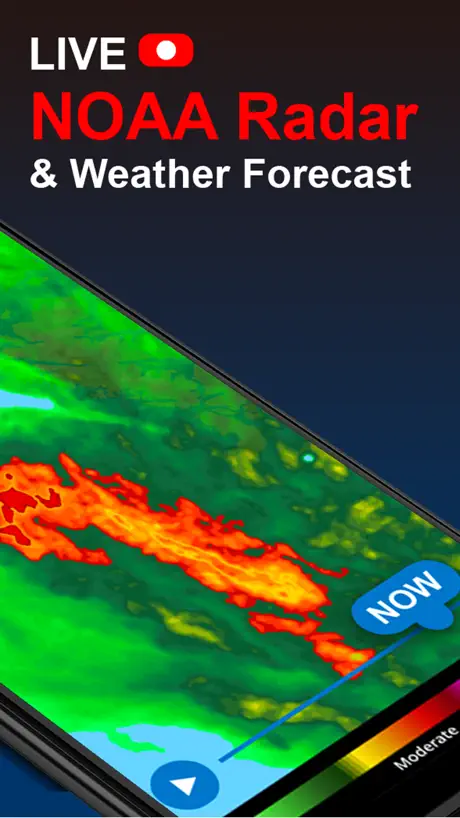  NOAA Radar & Weather Forecast NOAA Radar & Weather Forecast |   National Hurricane Center Data National Hurricane Center Data |   Doppler Radar: Live Rain Map Doppler Radar: Live Rain Map |   The Weather Forecast App The Weather Forecast App | |
|---|---|---|---|---|---|---|---|---|---|---|---|
| Rating / 5 | 4.6 | 4.5 | 4.5 | 4.5 | 4.5 | 4.6 | 4.8 | 4.4 | 4.8 | 4.6 | 4.5 |
| Reviews | 84K | 414K | 371K | 342K | 153K | 103K | 84K | 84K | 83K | 59K | 55K |
| Released | 2011 | 2010 | 2013 | 2018 | 2017 | 2014 | 2015 | 2020 | 2017 | 2015 | 2019 |
| Weekly price | $3.99 | $1.99 | $5.99 | $2.99 | $1.99 | $3.99 | — | $5.49 | — | — | $6.99 |
| Monthly price | $5.99 | $0.99 | $1.39 | $1.99 | $3.99 | — | — | — | $3.99 | — | $11.99 |
| Annual price | $39.99 | $9.99 | $11.99 | $12.99 | $19.99 | $19.99 | — | — | $9.99 | $6.99 | $39.99 |
The going rate for each plan in United States, in its own currency, shaded from the cheapest price on the row to the dearest. Plans fewer than four in ten of the priced apps sell are left out.
Weather Hi-Def Radar Forecast reviews
4.6 out of 5, based on 83,686 reviews.
What people like
- Very accurate weather forecasts
- Great detailed radar maps
- Support fixes issues quickly
- Convenient all-in-one weather tool
What they complain about
- Radar updates are too slow
- Forced subscription blocks most features
- No option to change to Celsius
- Recent updates made the app buggy
Accurate and good view options
I’ve been using this for years now free version I don’t subscribe, but I think that this is consistently accurate helpful and it gives you different view options, depending on the time of year so that you can adjust to what works best for that season.
Constantly 20 Minutes Behind
App used to be great, now the most recent map update is always at least 15-20 minutes old. Running latest version of app 4.6.71
Good
Good - but should include ALL warnings
Late to refresh
When I open the app, it often won’t refresh for a few minutes and I’ll be stuck only being able to see up to roughly 20 minutes ago. I would like this app much more if it would refresh more often.
Pricey but nice
Good app .. wait for a sale
Can no longer use even though I have a subscription
Cannot use anymore - getting prompted to pay even though I have 2 months left on my subscription. Loved the app but deleting and looking for an alternative.
What happened to storm tracker?
Update made it a paid option now. Sadly goodbye
Future radar
Its a great radar. Just would like to have more projected radar in advance. Perhaps a 2 hour window Thanks. .
Irritating
Less than the best now that all the options are paid only!!! Wasn’t that they 6 months ago. Update the app and boom, functionality gone.
Future Furious.
The projections go to fast. This should be a setting that can be changed.
Best weather Radar!
Best radar because it is not ten-20 minutes late !
App keeps getting worse
It used to be that the radar would update every 7 - 8 minutes. Now it updates every 20. That makes the app virtually worthless, especially in severe weather situations. My app is up to date.
Very Useful App
I love this app for quick and comprehensive forecasting. While much of this information can be freely obtained, that requires you to visit multiple sites, often with limited scope of information. This app ties all the useful information into a one place and provides data from around the globe. I particularly like that it displays the vis sat imagery overlay on the precipitation radar even at nighttime. Being on the west coast, I also appreciate the zoomed out more global perspective which allows one to see storms brewing on the other side of the ocean days in advance. Well done app developers!
Refresh rate
Why does it take 25min to refresh?? I get warnings and there is nothing to see. Or the rain might be gone and the radar shows that it should have been raining. This could put me in harm’s way.
Ok
Overall I like the app and it works great. However I have been getting alerts telling me I am in a tsunami watch. I live about 300 miles from a shore
MD
Exelente
Just plain doesn't work
Have you paid any attention to your latest rev.. we now have hail storms standing still.. dumping 20 to 30 inches or more.. and hailstones the size of bowling balls..
Great, but I can’t change to Celsius 🤷♂️
Awesome app, really informative, but I can’t find anywhere in the in depth menus to change from Fahrenheit temperatures to Celsius, and I am just not willing to do the maths. I hope I’m just being daft and haven’t found it yet, but where is it ? And if it’s not there, it totally should be I reckon.
Wrong more than right
Not the best.
Weather Alerts
The weather alert boxes are very annoying when trying to view the map as they block the map when trying to view that area. There should be away to turn this feature off
Shows good data, forecasts
Aside from hourly temps and wind conditions, this shows detaile d radar-based maps, so you're not left guessing what may happen. Good graphics too!
Greedy
Bought this app many years ago and it has been slowly losing features to now require subscription on top of ads on startup to encourage buying their subscription. Shameless greed and reneging on previous purchase agreement.
Updated
Previous version was much better. Current version has large time delays. And is clunky.
Not the best
For use in USA that’s ok but if you living in EU or UK is limited
Awesome
Great for keeping up with the weather!
Dangerous delays
It’s important to be able to see current weather conditions especially when dangerous conditions exist. This app shows “now” which is actually 20 minutes ago lag time. The developer has the ability to show current conditions but chooses not to, which becomes a danger to the users instead of a reliable source of information about current weather conditions. I updated the app, and now there is a 16 minute delay instead of a 20 minute delay. So folks can get the important severe weather AFTER it’s already happened. Do better. This should not be allowed on the App Store marketplace.
Used to be good
Not a fan of the new look. I honestly liked what I just had before. Was automatically updated. I personally like the timeline on the top and it for tonight goes so fast when I’m loading it perhaps I can somehow get back the way used to have it. Thank you.
Weather
Good except for that it’s only available in Fahrenheit and not Celsius
Dependable Forecasts
I’ve tried other weather apps but have found them not to be dependable for accuracy on the weather. I appreciate the accuracy of your information.
Used To Be Great
For years, this was my favorite weather app. Once they added the paywall, the normal features stopped working on my iPhone. I can see the map, but no matter what layers I choose, the app will no longer show me the data. I am assuming that I’m still supposed to be able to see some layers with the recent weather up to now displayed. This app no longer does that, so I must assume it is also gotten very buggy. I don’t mind paying for absence services that I use, but I refuse to pay top dollar for an weather subscription that doesn’t work.
Best radar app
Has been the best radar app for years but the last update made the radar 20mins behind real time. I hope a new update fixes the problem soon!!!
Radar
Good
Enjoy the weather app
Really enjoy this app!
Was a good app
Been using this app for years. With event update it gets worse and worse. Scrub bar is in an inconvenient place. 6 hour look forward is up ridiculously fast. I am going to unsubscribe, much better apps are now available.
My weather radar is not working. I’m not getting the colors on the screen that I used to to have.
Not happy with the service not happy with the screen, not showing colors canceling on June 9. If you can fix these issues, I will not cancel.
Good
I rate this 3 vikkstars out of ten
Update fixed
Been a great app, then had a terrible update. They responded to my review and fixed the update - so give them credit. Back to a good app.
Another subscription?
Who needs another wallet-sucking parasitic subscription? If the lifetime price was less, I’d consider it.
Get other free apps
I just don’t see how the subscription is better than any other apps you can find for free. Also no pressure map
Have to buy
Have to buy subscription to get any real use out of app
Outstanding
I love this app
Blank Screen!
What is wrong with the app? It used to work well. Now, when I open it all I get at the bottom of the screen and a completely black screen. What’s the deal? I’ve deleted and reinstalled the app twice.
Most of Asia not covered
I’m in Vietnam and know there is a typhoon bearing down on the central region, but nothing showing here
Basic App
Not able to change Temp from F to C. Otherwise, looks great!
Weather Hi-Def Radar Forecast price by country
A monthly subscription costs $2.74 in Qatar and $9.91 in Denmark — 4× more for the same thing. Below is the going rate for each plan in every country that sells it — the middle price of what the app charges there, in the country's own currency with the dollar equivalent beneath it.
| Country | Weekly | Monthly | Annual |
|---|---|---|---|
| Afghanistan | — | $2.99 | $19.99 |
| Albania | — | $3.99 | $22.99 |
| Algeria | — | $2.99 | $19.99 |
| Angola | — | $2.99 | $19.99 |
| Anguilla | — | $2.99 | $19.99 |
| Antigua And Barbuda | — | $2.99 | $19.99 |
| Argentina | — | $2.99 | $24.99 |
| Armenia | — | $3.99 | $22.99 |
| Australia | A$5.99$4.28 | A$9.99$7.14 | A$78.99$56.42 |
| Austria | — | €8.49$9.67 | €59.99$68.33 |
| Azerbaijan | — | $2.99 | $24.99 |
| Bahamas | — | $7.49 | $19.99 |
| Bahrain | — | $2.99 | $29.99 |
| Barbados | — | $3.99 | $22.99 |
| Belarus | — | $3.99 | $29.99 |
| Belgium | — | €7.99$9.10 | €59.99$68.33 |
| Belize | — | $2.99 | $19.99 |
| Benin | — | $3.99 | $22.99 |
| Bermuda | — | $3.99 | $19.99 |
| Bhutan | — | $2.99 | $19.99 |
| Bolivia | — | $3.99 | $24.99 |
| Bosnia & Herzegovina | — | €2.99$3.41 | €22.99$26.18 |
| Botswana | — | $2.99 | $19.99 |
| Brazil | — | R$31.90$6.15 | R$129.90$25.03 |
| British Virgin Islands | — | $2.99 | $19.99 |
| Brunei Darussalam | — | $2.99 | $19.99 |
| Bulgaria | — | €4.49$5.11 | €29.99$34.16 |
| Burkina Faso | — | $2.99 | $19.99 |
| Cambodia | — | $6.49 | $19.99 |
| Cameroon | — | $3.99 | $22.99 |
| Canada | CA$4.99$3.54 | CA$8.99$6.38 | CA$63.99$45.38 |
| Cape Verde | — | $2.99 | $19.99 |
| Cayman Islands | — | $3.99 | $27.49 |
| Chad | — | $2.99 | $19.99 |
| Chile | — | CLP 2,990$3.11 | CLP 22,990$23.89 |
| China | — | CN¥22.00$3.27 | CN¥148.00$22.02 |
| Colombia | — | COP 31,900$9.57 | COP 177,900$53.35 |
| Congo | — | $2.99 | $19.99 |
| Congo, Democratic Republic | — | $3.99 | $24.99 |
| Costa Rica | — | $2.99 | $19.99 |
| Cote Divoire | — | $3.99 | $22.99 |
| Croatia | — | €8.63$9.83 | €29.99$34.16 |
| Cyprus | — | €3.99$4.54 | €29.99$34.16 |
| Czech Republic | — | CZK 79.00$3.69 | CZK 999.00$46.68 |
| Denmark | DKK 39.00$5.95 | DKK 65.00$9.91 | DKK 399.00$60.82 |
| Dominica | — | $2.99 | $19.99 |
| Dominican Republic | — | $2.99 | $27.49 |
| Ecuador | — | $2.99 | $24.99 |
| Egypt | — | EGP 149.99$2.90 | EGP 1,299.99$25.13 |
| El Salvador | — | $2.99 | $19.99 |
| Estonia | — | €2.99$3.41 | €39.99$45.55 |
| Fiji | — | $2.99 | $19.99 |
| Finland | €3.99$4.63 | €8.49$9.86 | €59.99$69.67 |
| France | €3.99$4.54 | €7.99$9.10 | €59.99$68.33 |
| Gabon | — | $2.99 | $19.99 |
| Gambia | — | $2.99 | $19.99 |
| Georgia | — | $3.99 | $29.99 |
| Germany | €3.99$4.54 | €7.99$9.10 | €43.99$50.10 |
| Ghana | — | $4.99 | $29.99 |
| Greece | — | €8.49$9.67 | €39.99$45.55 |
| Grenada | — | $2.99 | $19.99 |
| Guatemala | — | $2.99 | $19.99 |
| Guinea-bissau | — | $2.99 | $19.99 |
| Guyana | — | $2.99 | $19.99 |
| Honduras | — | $2.99 | $19.99 |
| Hong Kong | — | HK$22.00$2.81 | HK$228.00$29.08 |
| Hungary | — | HUF 1,490$4.64 | HUF 8,990$28.01 |
| Iceland | — | $4.95 | $29.99 |
| India | ₹399.00$4.16 | ₹299.00$3.12 | ₹1,999.00$20.84 |
| Indonesia | — | IDR 99,000$5.52 | IDR 349,000$19.47 |
| Iraq | — | $2.99 | $19.99 |
| Ireland | €3.99$4.54 | €8.49$9.67 | €59.99$68.33 |
| Israel | — | ₪23.90$7.84 | ₪69.90$22.92 |
| Italy | €3.99$4.54 | €7.99$9.10 | €59.99$68.33 |
| Jamaica | — | $2.99 | $24.99 |
| Japan | ¥600$3.81 | ¥840$5.33 | ¥3,000$19.05 |
| Jordan | — | $2.99 | $24.99 |
| Kazakhstan | — | KZT 1,490.00$3.37 | KZT 11,990.00$27.09 |
| Kenya | — | $3.99 | $29.99 |
| Kosovo | — | €2.99$3.41 | €22.99$26.18 |
| Kuwait | $3.99 | $6.99 | $19.99 |
| Kyrgyzstan | — | $2.99 | $19.99 |
| Lao Peoples Democratic Republic | — | $2.99 | $19.99 |
| Latvia | — | €3.99$4.54 | €29.99$34.16 |
| Lebanon | — | $2.99 | $27.49 |
| Liberia | — | $2.99 | $19.99 |
| Libya | — | $2.99 | $19.99 |
| Lithuania | — | €2.99$3.41 | €29.99$34.16 |
| Luxembourg | — | €3.99$4.54 | €39.99$45.55 |
| Macao | — | $2.99 | $19.99 |
| Macedonia | — | $3.99 | $24.99 |
| Madagascar | — | $2.99 | $24.99 |
| Malawi | — | $2.99 | $19.99 |
| Malaysia | — | MYR 14.90$3.66 | MYR 129.90$31.92 |
| Maldives | — | $2.99 | $19.99 |
| Mali | — | $2.99 | $19.99 |
| Malta | — | €3.99$4.54 | €29.99$34.16 |
| Mauritania | — | $3.99 | $24.99 |
| Mauritius | — | $2.99 | $19.99 |
| Mexico | — | MX$145.00$8.17 | MX$399.00$22.49 |
| Micronesia | — | $2.99 | $19.99 |
| Moldova | — | $3.99 | $22.99 |
| Mongolia | — | $2.99 | $19.99 |
| Montenegro | — | €2.99$3.41 | €19.99$22.77 |
| Montserrat | — | $2.99 | $19.99 |
| Morocco | — | $2.99 | $19.99 |
| Mozambique | — | $2.99 | $19.99 |
| Myanmar | — | $2.99 | $19.99 |
| Namibia | — | $3.99 | $24.99 |
| Nauru | — | $2.99 | $19.99 |
| Nepal | — | $3.99 | $22.99 |
| Netherlands | €3.99$4.54 | €8.49$9.67 | €43.99$50.10 |
| New Zealand | NZ$6.99$3.95 | NZ$12.99$7.34 | NZ$92.99$52.54 |
| Nicaragua | — | $2.99 | $24.99 |
| Niger | — | $2.99 | $19.99 |
| Nigeria | — | NGN 4,900.00$3.69 | NGN 29,900.00$22.53 |
| Norway | NOK 49.00$5.15 | NOK 85.00$8.94 | NOK 599.00$62.99 |
| Oman | $3.99 | $6.99 | $19.99 |
| Pakistan | — | PKR 1,550$5.60 | PKR 4,900$17.70 |
| Palau | — | $2.99 | $19.99 |
| Panama | — | $5.99 | $27.49 |
| Papua New Guinea | — | $2.99 | $19.99 |
| Paraguay | — | $2.99 | $24.99 |
| Peru | — | PEN 12.90$3.81 | PEN 89.90$26.52 |
| Philippines | — | ₱339.00$5.43 | ₱999.00$16.00 |
| Poland | PLN 19.99$5.21 | PLN 14.99$3.90 | PLN 289.99$75.52 |
| Portugal | — | €2.99$3.41 | €29.99$34.16 |
| Qatar | QAR 14.99$4.12 | QAR 9.99$2.74 | QAR 69.99$19.23 |
| Romania | — | RON 14.99$3.24 | RON 99.99$21.60 |
| Russia | — | RUB 499.00$5.93 | RUB 2,490.00$29.58 |
| Rwanda | — | $2.99 | $19.99 |
| Sao Tome & Principe | — | $2.99 | $19.99 |
| Saudi Arabia | SAR 17.99$4.80 | SAR 29.99$8.00 | SAR 89.99$24.00 |
| Senegal | — | $3.99 | $29.99 |
| Serbia | — | €2.99$3.41 | €22.99$26.18 |
| Seychelles | — | $2.99 | $19.99 |
| Sierra Leone | — | $2.99 | $19.99 |
| Singapore | — | SGD 3.98$3.11 | SGD 39.98$31.23 |
| Slovakia | — | €2.99$3.41 | €22.99$26.18 |
| Slovenia | — | €2.99$3.41 | €29.99$34.16 |
| Solomon Islands | — | $2.99 | $24.99 |
| South Africa | ZAR 79.99$4.90 | ZAR 59.99$3.68 | ZAR 599.99$36.76 |
| South Korea | ₩5,500$4.06 | ₩4,400$3.24 | ₩55,000$40.56 |
| Spain | — | €8.49$9.67 | €59.99$68.33 |
| Sri Lanka | — | $2.99 | $19.99 |
| St. Kitts and Nevis | — | $3.99 | $24.99 |
| St. Lucia | — | $2.99 | $19.99 |
| St. Vincent & The Grenadines | — | $2.99 | $19.99 |
| Suriname | — | $2.99 | $19.99 |
| Swaziland | — | $2.99 | $19.99 |
| Sweden | SEK 49.00$4.94 | SEK 95.00$9.58 | SEK 599.00$60.38 |
| Switzerland | CHF 4.00$4.83 | CHF 7.00$8.44 | CHF 52.00$62.73 |
| Taiwan | — | NT$90.00$2.83 | NT$790.00$24.87 |
| Tajikistan | — | $2.99 | $19.99 |
| Tanzania | — | TZS 9,900.00$3.73 | TZS 59,900.00$22.54 |
| Thailand | THB 149.00$4.46 | THB 239.00$7.15 | THB 699.00$20.92 |
| Tonga | — | $2.99 | $19.99 |
| Trinidad and Tobago | — | $2.99 | $24.99 |
| Tunisia | — | $2.99 | $19.99 |
| Turkey | — | TRY 159.99$3.27 | TRY 599.99$12.26 |
| Turkmenistan | — | $2.99 | $19.99 |
| Turks and Caicos | — | $2.99 | $34.99 |
| Uganda | — | $3.99 | $22.99 |
| Ukraine | — | $7.99 | $22.99 |
| United Arab Emirates | AED 14.99$4.08 | AED 24.99$6.81 | AED 79.99$21.80 |
| United Kingdom | £3.99$5.41 | £6.99$9.47 | £38.99$52.83 |
| United States | $3.99 | $5.99 | $39.99 |
| Uruguay | — | $3.99 | $24.99 |
| Uzbekistan | $3.99 | $2.99 | $29.99 |
| Vanuatu | — | $2.99 | $19.99 |
| Venezuela | — | $2.99 | $19.99 |
| Vietnam | — | ₫139,000$5.36 | ₫599,000$23.09 |
| Yemen | — | $2.99 | $19.99 |
| Zambia | — | $3.99 | $22.99 |
| Zimbabwe | — | $3.99 | $22.99 |
Weather Hi-Def Radar Forecast FAQ
- Is Weather Hi-Def Radar Forecast free?
- Yes. The app and its basic features are free, in all 175 countries it sells in. Premium features are paid: they start from $1.99 (US), across 8 subscriptions.
- How much does Weather Hi-Def Radar Forecast cost per month?
- Future Weather is $1.99 – 6.99 (US). The annual plan works out cheaper per month: $39.99 – 49.99 a year.
- Does Weather Hi-Def Radar Forecast have a free trial?
- Yes — a 3 days free trial (US).
- Where is Weather Hi-Def Radar Forecast cheapest?
- A monthly subscription costs QAR 9.99 (≈$2.74) in Qatar and DKK 65.00 (≈$9.91) in Denmark, its cheapest and dearest countries.
- What are the best alternatives to Weather Hi-Def Radar Forecast?
- Weather⁺ (4.5 from 414,055 reviews, premium from $0.99), Weather Radar - NOAA Channel (4.5 from 371,424 reviews, premium from $1.39) and Weather ۬ (4.5 from 341,714 reviews, premium from $1.99).
Weather Hi-Def Radar Forecast download
Last updated 1 month ago.
Weather Hi-Def Radar Forecast sells in 175 countries. It was released 15 years and 1 month ago, on 1 Sept 2011. It holds a 4.6 rating from 83,686 reviews.
Supports 20 languages: English, Arabic, Danish, Dutch, French, German, Greek, Hindi, Indonesian, Italian, Korean, Norwegian Bokmål, Portuguese, Russian, Chinese, Spanish, Swedish, Thai, Ukrainian, Vietnamese.
How much does Weather Hi-Def Radar Forecast make?
Third-party estimates for the last 30 days, worldwide — not the store's own figures, which Apple publishes for nobody.
Revenue by plan
- Monthly 84%
- Annual 15%
- Weekly 1%
Revenue by country
- United States 95%
- Canada 2%
- United Kingdom 1%
- Australia 1%