
Snapseed: Photo Editor
30+ pro tools, film filters



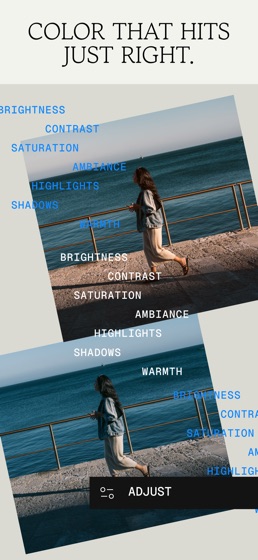
How much does Snapseed: Photo Editor cost?
Prices are current as of 17 Aug 2026.
Snapseed: Photo Editor has no in-app products on record in the United States.
10+ alternatives to Snapseed: Photo Editor
 Snapseed: Photo Editor Snapseed: Photo Editor |   Lightroom: AI Photo Editor Lightroom: AI Photo Editor |   Photoshop Express Photo Editor Photoshop Express Photo Editor | 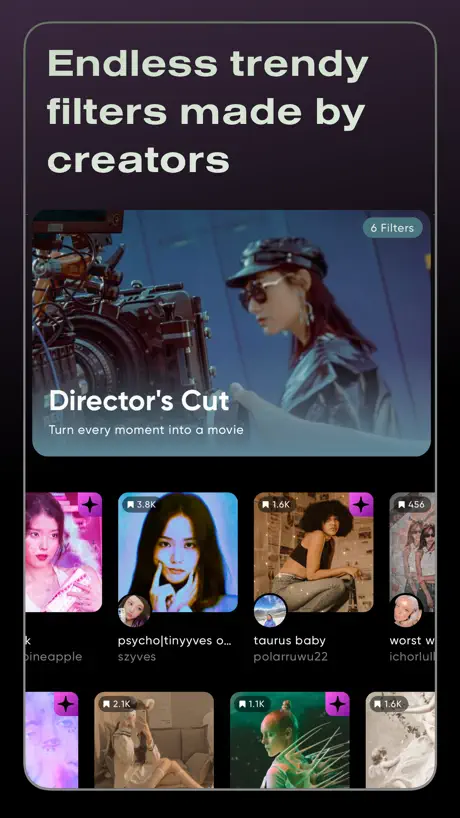  Polarr: Photo Filters & Editor Polarr: Photo Filters & Editor | 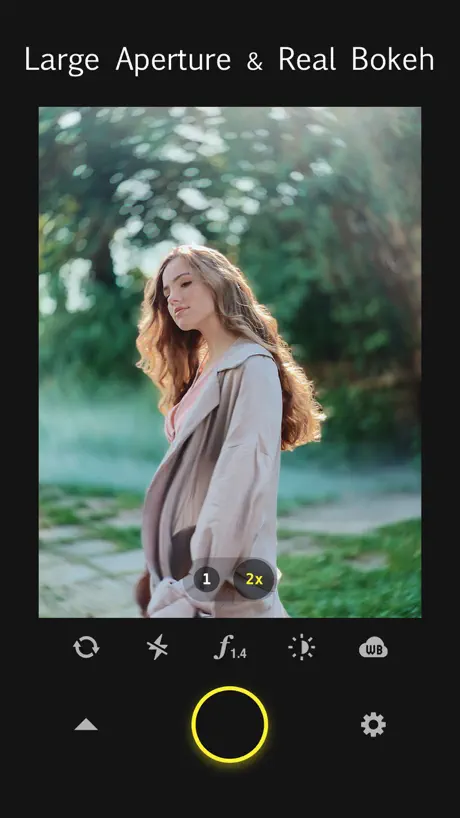  Focos Focos | 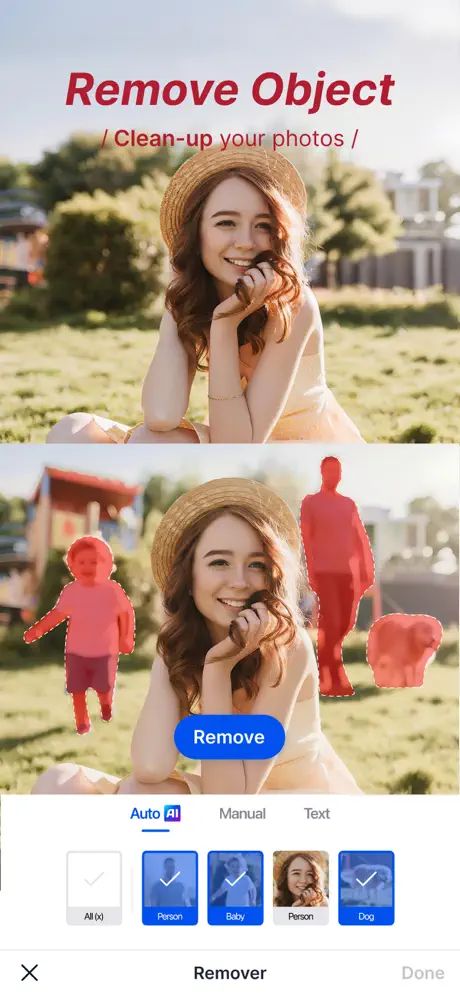  SnapEdit: Photo Editor AI SnapEdit: Photo Editor AI | 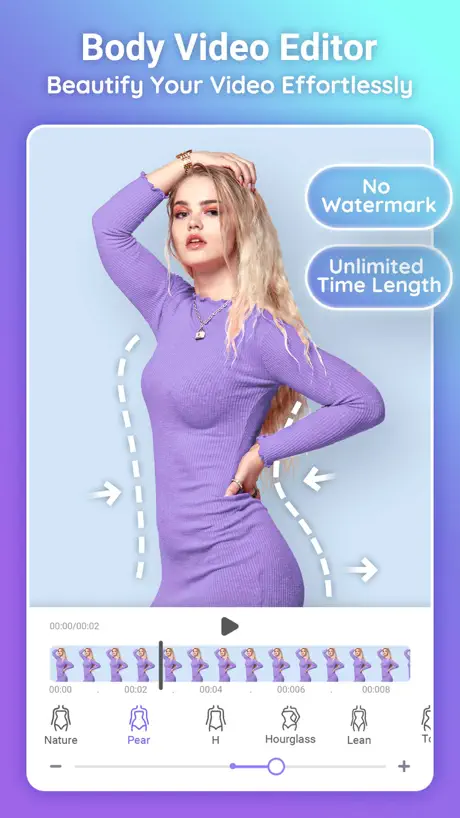  PrettyUp - Body Editor Video PrettyUp - Body Editor Video | 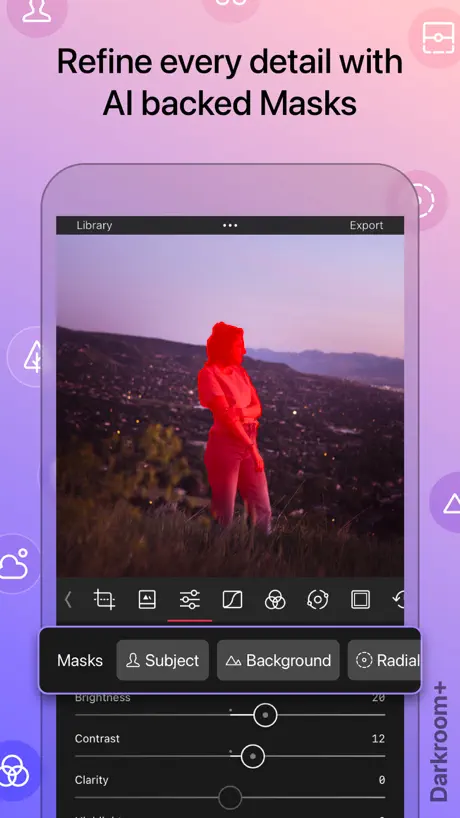  Darkroom: Photo & Video Editor Darkroom: Photo & Video Editor | 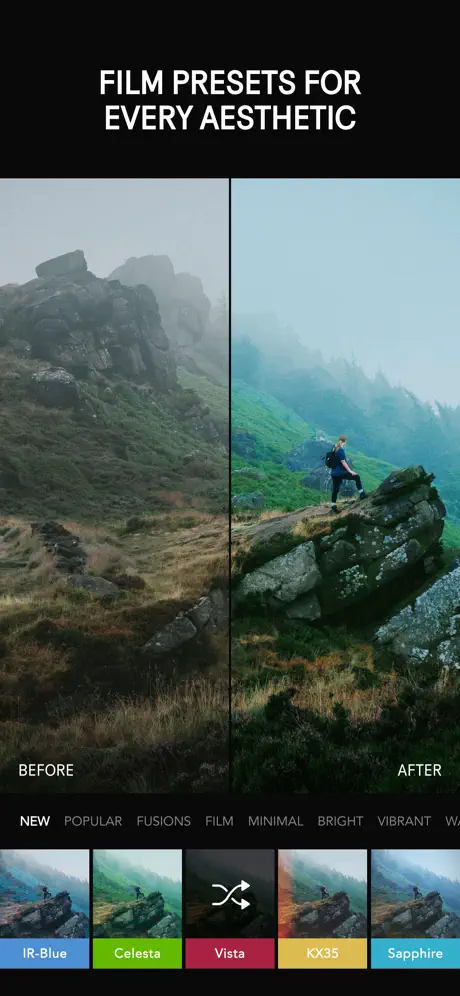  Afterlight: Film Photo Editor Afterlight: Film Photo Editor | 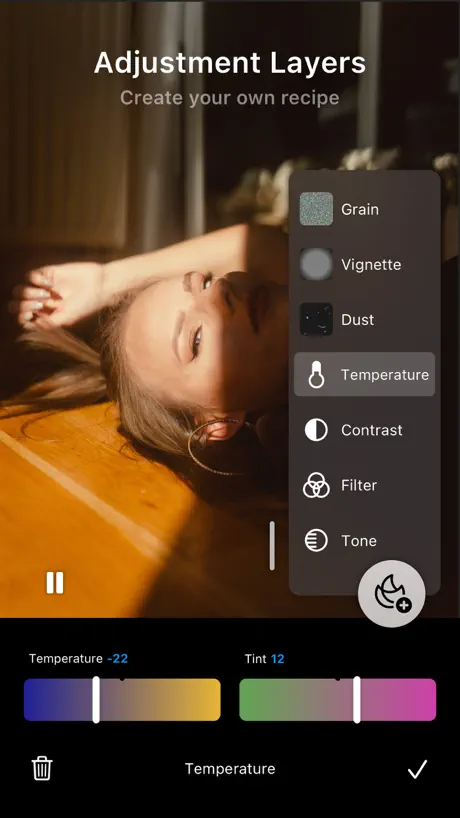  Liit - Photo & Video Editor Liit - Photo & Video Editor |   ReLens-DSLR Beauty Focus Cam ReLens-DSLR Beauty Focus Cam | |
|---|---|---|---|---|---|---|---|---|---|---|---|
| Rating / 5 | 4.8 | 4.8 | 4.7 | 4.7 | 4.7 | 4.8 | 4.6 | 4.7 | 4.7 | 4.9 | 4.7 |
| Reviews | 152K | 2.5M | 2.4M | 993K | 483K | 375K | 134K | 99K | 67K | 48K | 43K |
| Released | 2011 | 2014 | 2009 | 2015 | 2017 | 2022 | 2020 | 2015 | 2017 | 2021 | 2022 |
| Weekly price | — | $3.99 | — | — | $3.99 | $4.99 | $7.99 | — | $1.99 | — | — |
| Monthly price | — | $6.99 | $4.99 | $7.99 | — | $4.99 | $7.99 | $9.99 | $2.99 | — | $3.99 |
| Annual price | — | $49.99 | $34.99 | $24.99 | — | $24.99 | $34.99 | $32.99 | $17.99 | $5.99 | $15.99 |
| One-time price | — | — | — | — | $1.99 | — | $1.99 | $7.99 | $19.99 | $14.99 | $19.99 |
The going rate for each plan in United States, in its own currency, shaded from the cheapest price on the row to the dearest.
Snapseed: Photo Editor reviews
4.8 out of 5, based on 151,999 reviews.
Snapseed: Photo Editor FAQ
- Is Snapseed: Photo Editor free?
- Yes. The app is free, in all 175 countries it sells in, and it sells nothing inside it.
- Does Snapseed: Photo Editor have a free trial?
- No. None of its offers (US) come with a free trial.
- What are the best alternatives to Snapseed: Photo Editor?
- Lightroom: AI Photo Editor (4.8 from 2,504,847 reviews, premium from $1.99), Photoshop Express Photo Editor (4.7 from 2,396,881 reviews, premium from $2.99) and Polarr: Photo Filters & Editor (4.7 from 992,823 reviews, premium from $3.99).
Snapseed: Photo Editor download
Last updated 1 month ago.
Snapseed: Photo Editor sells in 175 countries. It was released 15 years and 4 months ago, on 7 Jun 2011. It holds a 4.8 rating from 151,999 reviews.
Supports 37 languages: English, Arabic, Bangla, Bulgarian, Catalan, Croatian, Czech, Danish, Dutch, Finnish, French, German, Greek, Hebrew, Hindi, Hungarian, Indonesian, Italian, Japanese, Kazakh, Korean, Lithuanian, Malay, Norwegian Bokmål, Polish, Portuguese, Romanian, Russian, Chinese, Slovak, Slovenian, Spanish, Swedish, Thai, Turkish, Ukrainian, Vietnamese.
How much does Snapseed: Photo Editor make?
Third-party estimates for the last 30 days, worldwide — not the store's own figures, which Apple publishes for nobody.