
DS finder
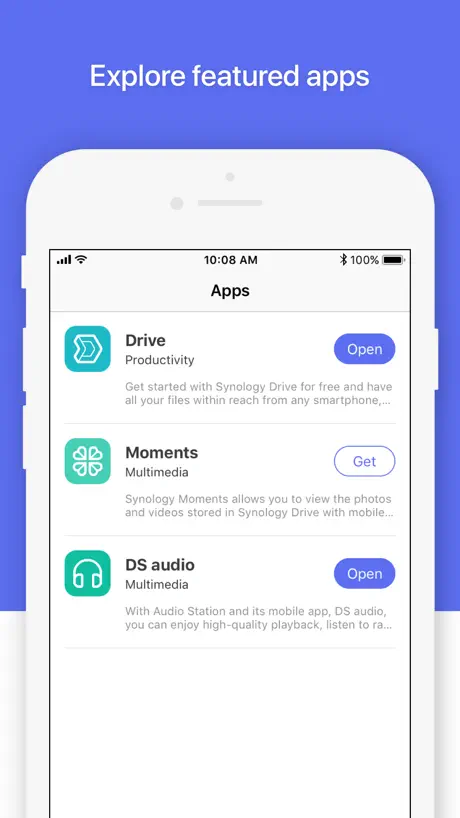
How much does DS finder cost?
Prices are current as of 12 Nov 2026.
DS finder has no in-app products on record in the United States.
10+ alternatives to DS finder
| DS finder |   iNetTools - Ping,DNS,Port Scan |   Wolow - Wake on LAN |   DSLoad Station | 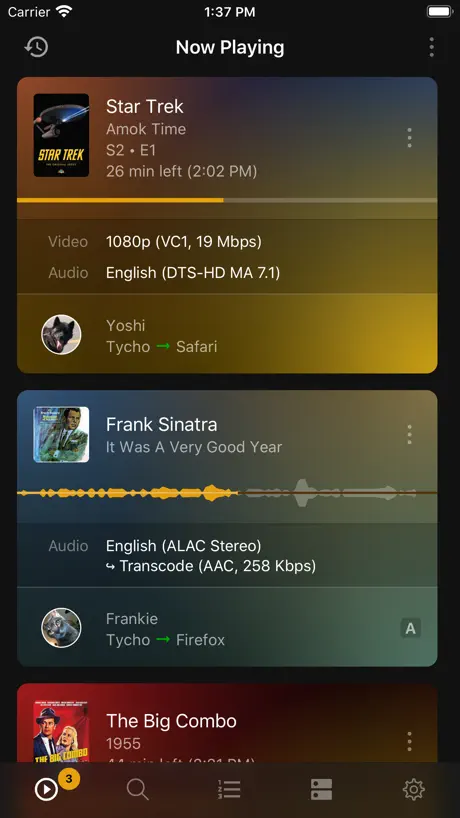  Plex Dash | 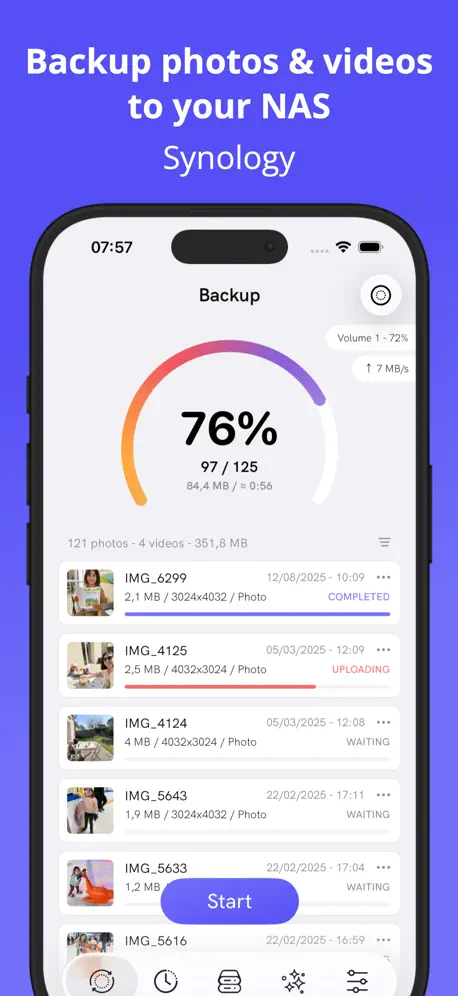  DSPhoto Backup | 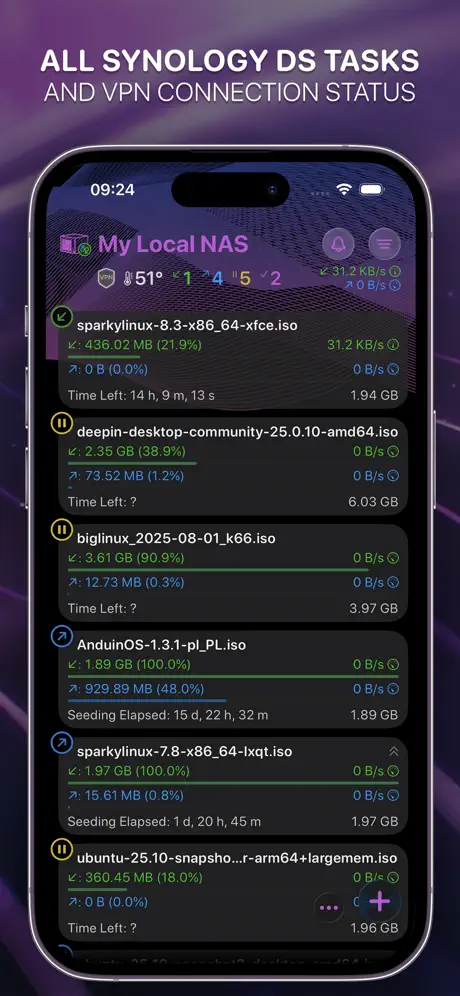  NASDL Manager | 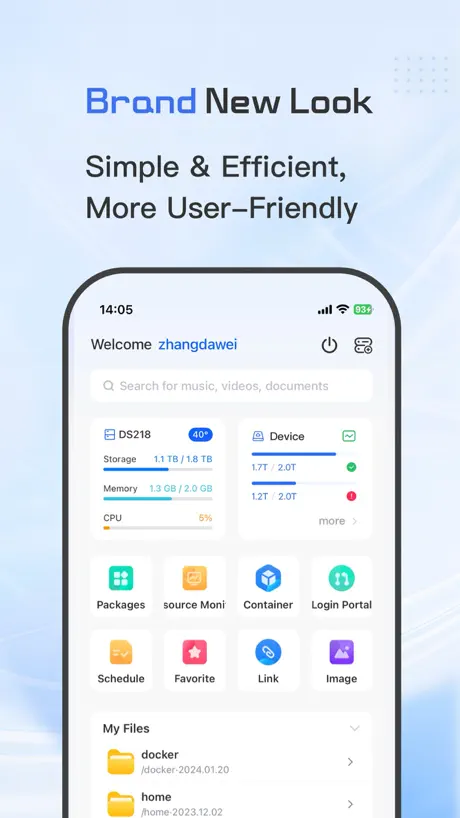  DS One-Video Library&Player | 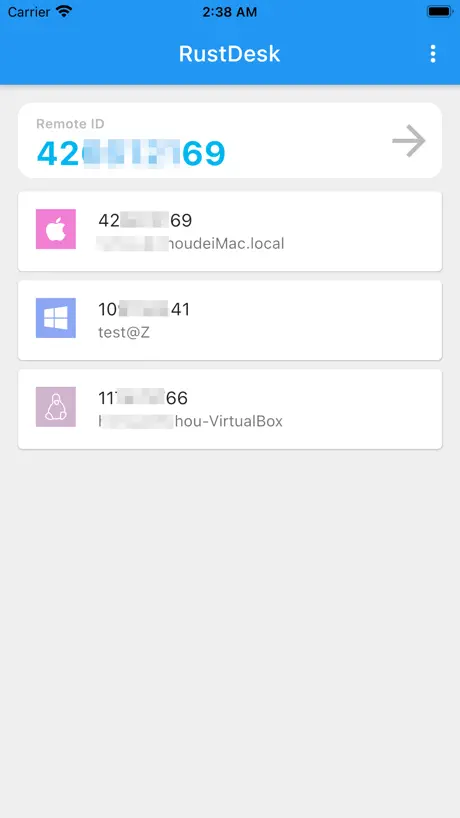  RustDesk Remote Desktop | 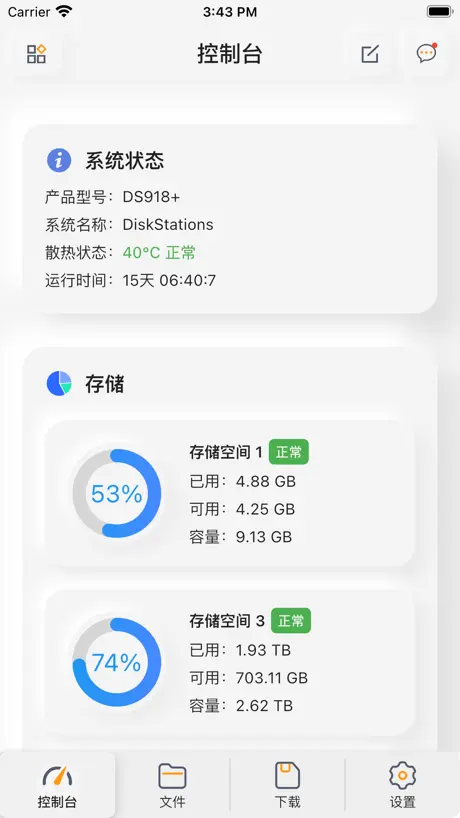  派派助手-掌上云盘 | |
|---|---|---|---|---|---|---|---|---|---|---|
| Rating / 5 | 2.9 | 4.6 | 4.4 | 4.5 | 4.6 | 4.6 | 4.9 | 4.7 | 4.3 | 4.2 |
| Reviews | 1.2K | 29K | 9.3K | 6.9K | 4.9K | 2.9K | 2K | 677 | 515 | 365 |
| Released | 2011 | 2012 | 2020 | 2021 | 2020 | 2023 | 2022 | 2024 | 2021 | 2021 |
| Monthly price | — | — | — | $2.99 | — | $2.99 | — | $0.99 | — | — |
| Annual price | — | — | — | $5.99 | — | $12.99 | $3.49 | $7.99 | — | — |
| One-time price | — | $4.99 | $4.99 | $17.99 | — | $34.99 | $8.49 | $9.99 | — | — |
The going rate for each plan in United States, in its own currency, shaded from the cheapest price on the row to the dearest.
DS finder reviews
2.9 out of 5, based on 1,176 reviews.
What people like
- Wake-on-LAN feature works really well
- Setup process is simple and fast
- Great for quick status checks
- Connects quickly to your NAS
What they complain about
- iPad landscape mode is missing
- Notifications are annoying and hard to clear
- App crashes frequently on launch
- Login issues break remote access
Works Great With My DS220+
Haven’t run into any problems connecting to or loading aspects of my DS220+ since installing the app. A nice feature is loading the DSM Mobile tab quickly and getting basically full access to the disk station.
Unusable
Login authentication is broken
通知又看不到了
有时候显示服务器错误,有时候什么也没有
Please Add More Stats
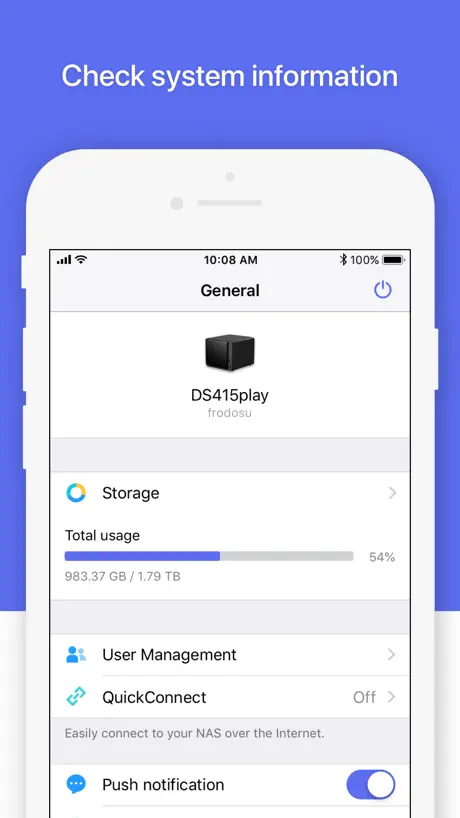
Good that it shows storage and allows you to power and reboot the NAS. However please add things like cpu, ram, nic, temp to the main app screen.
Forgets devices
Every time I need to use this, it’s been upgraded and forgotten all configured devices, which then have to be set up all over again.
Worked perfectly for me.
Set up was simple and easy to follow. Everything seems to work as it should.
Server unreachable using ddns
Although clearly connected to the nas, the nagging on screen message “server unreachable. WOL” remains on screen. Does this not work with ddns?
Fast perfekt, eine Sache fehlt
Sehr gutes Update behebt dieses zwar schöne, aber relativ nutzlose Layout vom Update davor. Es geht in die richtige Richtung ein. Einwas würde mir persönlich noch fehlen dann wäre es im Prinzip perfekt und zwar, wenn man auf dem Startbildschirm da wo man direkt das NAS wählt, direkt ohne ein unter Menü aufrufen zu müssen, einen Button für und WOL und Herunterfahren hätte damit man quasi nicht erst noch auf diese drei Punkte drücken musst, sondern direkt Shutdown oder WOL drücken kann.
Doesn’t always work
When I try to connect it says”400 Bad Request The plain HTTP request was sent to HTTPS port nginx”
不支持IPv6
不支持IPv6加端口的方式连接,自家的Drive却可以连接
More integration would be nice
I would like to see siri shortcuts support to WOL, shut down and restart and maybe others, but these for sure.
Not worth using
This app does not stay connected and reports false positives all the time
提交一个小bug
app首页“储存空间”点进去,显示硬盘使用量的百分比,为0。进度条也是全灰色。这应该是一个小bug,很好修正的。希望软件工程师尽快修复:) 还有一个问题,就是推送通知的开关一直是关闭的,即使打开,重新启动app,又是关闭状态了。
This connection is not private error in DSM mobile
Can’t use the app because of this error which is due to logging in with LAN ip as opposed to certificate domain. With the same configuration the DS Finder DSM mobile mode works fine on my Pixel 7 phone but not on iPhone 13 here.
Works but doesn’t do much
App is fine just not that much function. For example, I can see a pool is repairing but can’t see the progress.
A great app!
Absolutely no complaints. Everything works great, and the connection was quick. Well done Synology!
Whyyyy
THREE DAYS to set up a back up system. The synology wizards don’t work with Safari. Even ChatGPT was stumped. All of the registration “upselling” is infuriating and confuses the password manager. The set up windows don’t scale themselves. You have to maximize and/or search for essential check boxes, if they exist. It’s ridiculous. Now that it’s finally working — time will tell — I’m just frustrated and angry for giving synology my business. We had a trouble-free Apple Time Capsule for 15+ years. This is idiotic.
请尽快支持ipv6的域名AAAA解析
现在还无法正常解析ipv6的域名 请尽快支持适配🙏
Very unreliable
The apps rarely work! This is literally a huge drawback to the entire Synology experience. I rarely write reviews but after sitting in my own house and unable to connect to the server through the app - I just had to! Ideally this would be the best option to those who want to eliminate paid cloud services. As long as these app are terrible - there is NO way!
Navigation Difficult But Better Than Nothing
Suddenly the app has really bad navigation problems recently. For example, I can’t get Package Center to display properly and so I can’t download apps to the server using my phone. The Package Center window is either too tiny where you can’t see the text or it blows up super huge but then won’t let you scroll up and down or sideways when you go to search use the search bar. The window just gets stuck. What a drag because the app would be so great if it fully worked. There also is not an option to use the app in Landscape mode like in other desktop remote systems (portait mode is so difficult to use). It would be a big game changer if they updated the app to include optional landscape.
Setup Synology Server
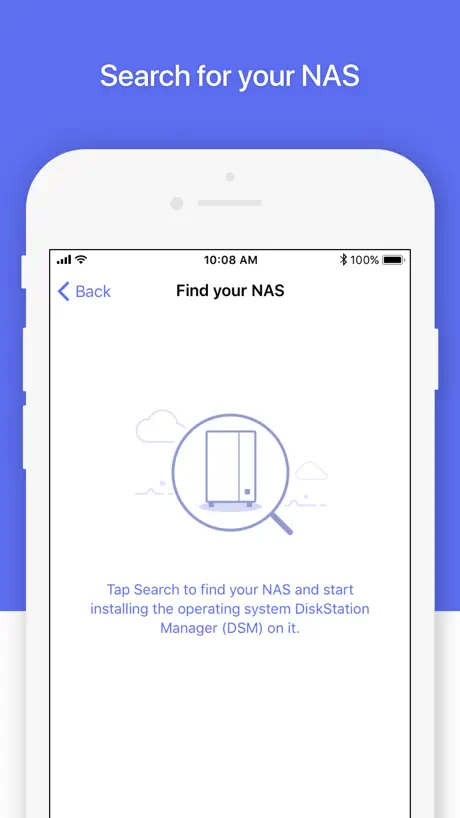
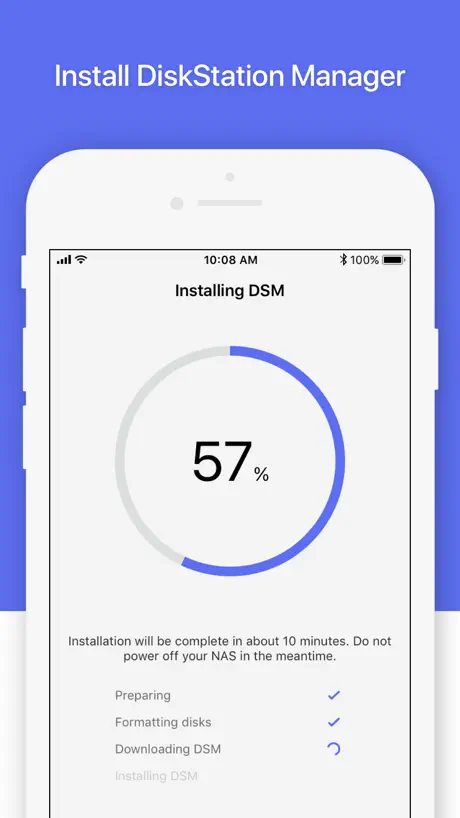
This app quickly formatted my drives and setup a new Synology NAS. Thanks!
1 star until bring back DS video
1 star until bring back DS video
There’s a workaround for using the desktop
The new iPad version of DSM Mobile is a bit strange. The DSM desktop is larger than the iPad screen. Top-level DSM windows can’t be moved or resized on the DSM Mobile desktop, so parts of a window may be off-screen, making vital parts of a DSM app’s GUI inaccessible. My previous review concluded that the iPadOS app was therefore useless, but I have found a workaround. If you tap on the DSM window’s full screen decoration, the program (File Manager, Package Manager, and so on) will completely fill the DSM desktop space as bounded by the iPad’s screen, and will recompute its geometry correctly for that space. Therefore, all of the program’s controls will be laid out within the space, and will be accessible. I don’t find that to be as intuitive as being able to resize and move desktop windows, and to scroll those windows’ contents horizontally and vertically, but the one-window-at-a-time full screen model is completely usable; I just need to get used to it. The GUI of the iPhone iOS app is significantly different, and its lack of support for landscape mode encourages the use of the built-in tools rather than an attempt to do any work in desktop mode.
Login needs debugging
Takes minutes to fail login. No indications why, my NAS is local. So slow to log in it’s almost useless.
Needs Work
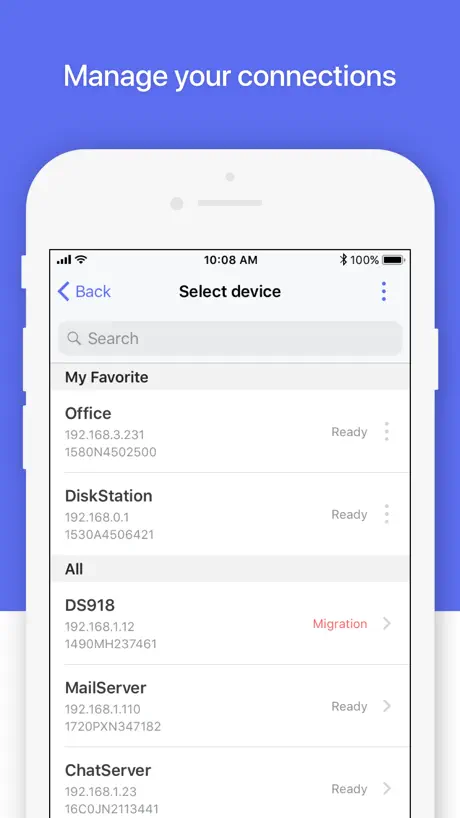
Useful for checking status quick or some basic functions. I for the life of me though cannot find a way to remove a device though and some UI elements are slow and unintuitive. Needs some serious rethinking in usability.
Bugs fixed. Good job!
This update finally fixed the column can’t display and crash issue. I’m very happy that I can use this app to monitoring my NAS. Good job!
Can't Connect
The DS finder app does not find DS224+ on the network. It found the device once. Trusted certificates are listed in the app. Unfortunately, the app no longer detects the device amd I am taken to an error page. The app is useless.
Version 3.1.0 restored landscape mode on iPad
EDIT: app update version 3.1.0 released on 1/15/2019 has finally restored landscape mode on my iPad Pro 9.7". Although I've yet to test all features, for this alone I've increased my rating. Thanks. EDIT: app update version 3.0.2 released on 8/23/2018 and still no support for landscape mode? I have a disability that makes using the app in portrait mode on my iPad extremely difficult. I'll ask again ... please restore landscape. EDIT: app update version 3.0.1 released on 7/19/2018 still doesn't support landscape mode on my iPad. Why in the world would you remove it? PLEASE restore! Thanks. Title says it all. The app (3.0.0-191) is now exceedingly difficult to use on an iPad, esp. if enclosed in a case, lightening cable (or keyboard) connected, etc. Same thing happened recently to the SiriusXM app and there was outrage in the App Store comments. They've since released an update to restore landscape mode. PLEASE do likewise ASAP. Thanks.
Can’t update packages using app
DS Mobile won’t allow you to scroll down to disable packages so that you can update when said packages require you to disable others first, making it far less useful. For instance if I need to disable three packages to update nodejs, I can’t scroll down far enough to turn them all off. Either make it automatically disable said packages for the user and then re-enable them upon update, or let the user scroll down, or both. It’s like the devs have never had to use this app...
Crashing when trying to read in-app notifications
When trying to read the in-app notifications the app consistently crashes. On iPhone 11 Pro Max running iOS 14.2 beta
Very good app!
Very good, I use it with my IPhone 4S!
Broken - Doesnt support 2FA
Synology is encouraging users to enable two factor authentication however, this app does not support it so once two factor authentication is enabled and the user tries to sign into their Synology account, it will throw a cryptic error. This renders the app fundamentally broken unless you are on the same network as the device you are trying to manage.
Ganz gut!
Toll wäre es, die verschlüsselten Ordner nach einem Neustart über die App einbinden zu können.
Pool interface design, and incomplete
1. Notifications 2. Desktop Mode Notification - There is no simple way to clear notifications. - You have to take 3 step to clear mortification - 1 open the app, 2 click on “More” tab and then “Notifications”. Desktop Mode - There is no way to zoom in or zoom out. - When click on input “form” you can’t zoom out. Message for developers: These behaviors apply only to the DS Finder App. Not confuse with DSM Web. Another user has mentioned one of these behaviors but you point them to DSM web notifications. This is about DS Finder App only fix it. Advice: Open beta testing, we will be happy to test your App and report any bugs and give feedbacks with screenshots or screen recording. Last: Please combine your apps to one solid and nice one. We have more that 12 Apps Just for One DS. Too much zombies!!!
Desktop mode needs to be fixed
Since you can’t do things like fully operate packages from the mobile version you need to open desktop mode. Unfortunately I can’t get it to work in landscape mode and I also can’t zoom in and out so it’s difficult to use. The biggest thing that needs to be fixed is that it zooms in when you touch a text field (and brings up the keyboard) but there’s seemingly no way to zoom back out after.
Great app
A great little app for synology users. Easy to use to monitor the status of your synology nas.
2FA doesn’t work. Just spins
I used to use this to access my parents Synology box via quickconnect. Now half the time DS Finder fails to get the request for verification or just spins when you grant it.
Good but could be better
Really useful app for checking on your server but would be good if it showed a little more information such as CPU usage and throughput through the Ethernet ports
Most important feature (WOL) is now non-intuitive
95% of the time I use this app for the WOL, which is now super crappy. The other features are great and look good, but after using this app for so long and reading all the reviews, I can’t seem to figure out why synology hasn’t pushed an update with the feature updated for over 2 months.
Please add screen rotation Synology
Ok but fairly basic, some more functionality could useful. The fact that the app cannot rotate to landscape on the iPad is disappointing.
I love this app!!
Been waiting for something like this for my 409! :) Keep up the great work guys!
Instacrashes on my iPhone, works on iPad
I can’t run the app on my phone, the app splash screen opens and then the app crashes to iOS main screen. The app seems to run ok on my iPad.
Good
This is a good app but using DSM Mobile by pointing safari on your iphone at your NAS mangement page is fantastic and does the same thing
What happened to WOL support???
With the latest release, WOL support is hard to access — why degrade such a valuable feature? ======= previous review ===== This is a great little app for quickly accessing a Synology NAS device on your network. It's also great for waking up a sleeping server by sending a WOL "magic packet" when on the same network. Just tap on the sleeping server and a menu will pop up asking whether to wake the server. Thank you, Synology!
How do you clear the notifications?!?!
Very unintuitive interface. There's no way to clear the notifications you get so you end up with an app icon with an ever increasing number of notifications. Horrible. Please fix this.
Excellent app!
Just what I was waiting for! Would be nice if you could also view logs from here, and even perform other admin tasks from the control panel but for now this is GREAT! Any chance of a PIN login for the app so it could then retain DiskStation logins along with their addresses?
Lacks a dark mode
No dark mode in 2023, despite iOS 13 supporting it since 2019.
Doesn't do lots, but great free addition by Synology
Really, it doesn't do that much! It gives you some useful info, but the other (free) Synology apps are better as they do awesome stuff you need. Nicely done tho, a good little suite of apps available now which are a great value add to any DS user who owns an iPhone!
Very Limited
Would be nice to expand the app to manage and show more resources on the NAS: Users Processes Network Activity CPU/RAM consumption Right now this only shows the NAS is on, connected, and some disk stats.
Needs an update
Can we get an update? iPhone X would be nice.
DS finder FAQ
- Is DS finder free?
- Yes. The app is free, in all 175 countries it sells in, and it sells nothing inside it.
- Does DS finder have a free trial?
- No. None of its offers (US) come with a free trial.
- What are the best alternatives to DS finder?
- iNetTools - Ping,DNS,Port Scan (4.6 from 28,654 reviews, premium from $4.99), Wolow - Wake on LAN (4.4 from 9,291 reviews, premium from $4.99) and DSLoad Station (4.5 from 6,927 reviews, premium from $2.99).
DS finder download
Last updated 6 months ago.
DS finder sells in 175 countries. It was released 15 years and 7 months ago, on 9 Apr 2011. It holds a 2.9 rating from 1,176 reviews.
Supports 20 languages: English, Czech, Danish, Dutch, French, German, Hungarian, Italian, Japanese, Korean, Norwegian Bokmål, Norwegian Nynorsk, Polish, Portuguese, Russian, Chinese, Spanish, Swedish, Thai, Turkish.
How much does DS finder make?
Third-party estimates for the last 30 days, worldwide — not the store's own figures, which Apple publishes for nobody.