
WiFi Photo Transfer
How much does WiFi Photo Transfer cost?
Prices are current as of 14 Nov 2026.
WiFi Photo Transfer has no in-app products on record in the United States.
10+ alternatives to WiFi Photo Transfer
| WiFi Photo Transfer | 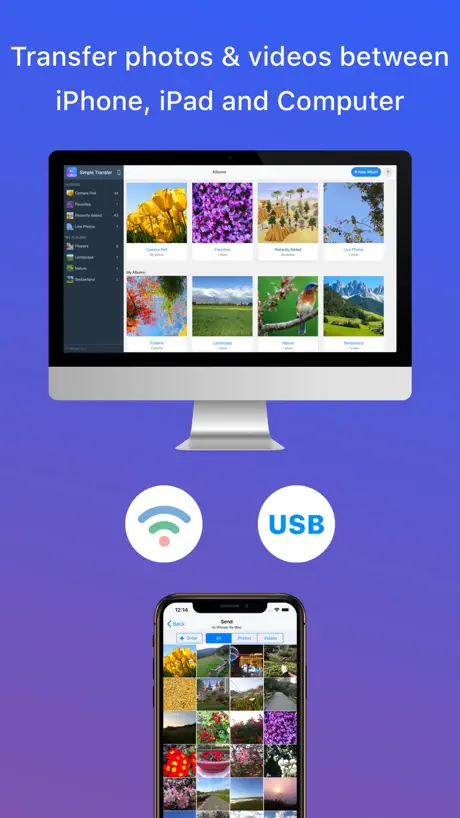  Simple Transfer - Photo+Video | 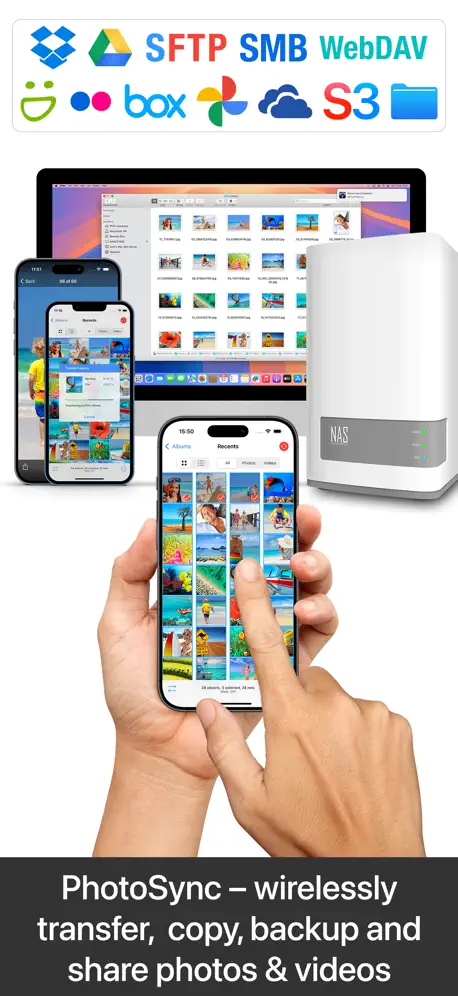  PhotoSync – transfer photos |   Photo Transfer: Send via WiFi | 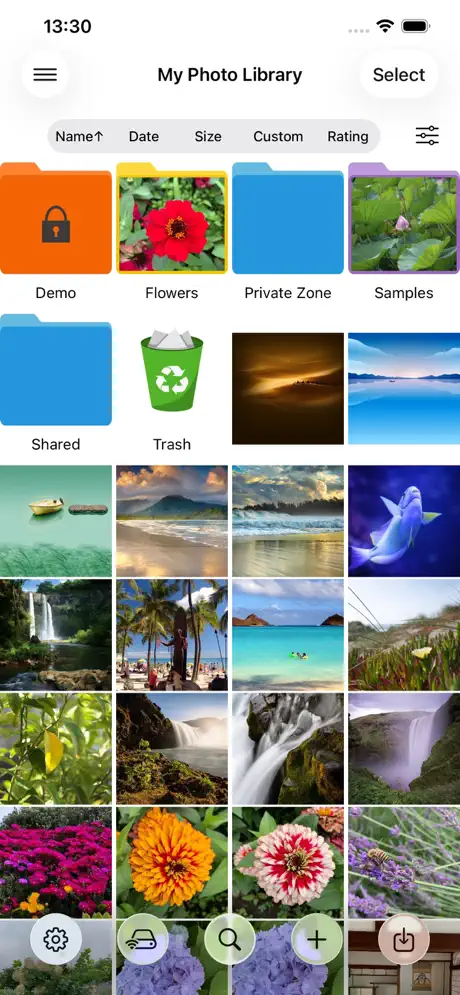  Photo Manager Pro | 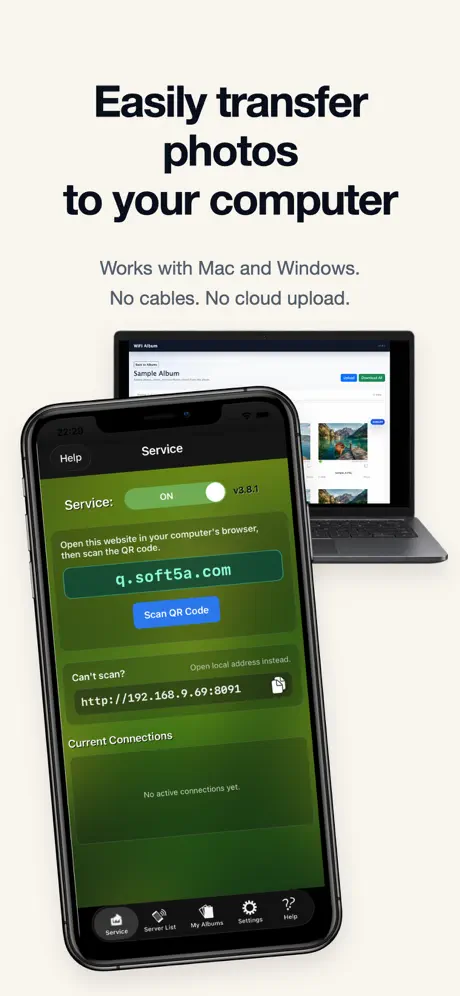  WiFi Album Photo Transfer App |   Photo Album Private Manager | 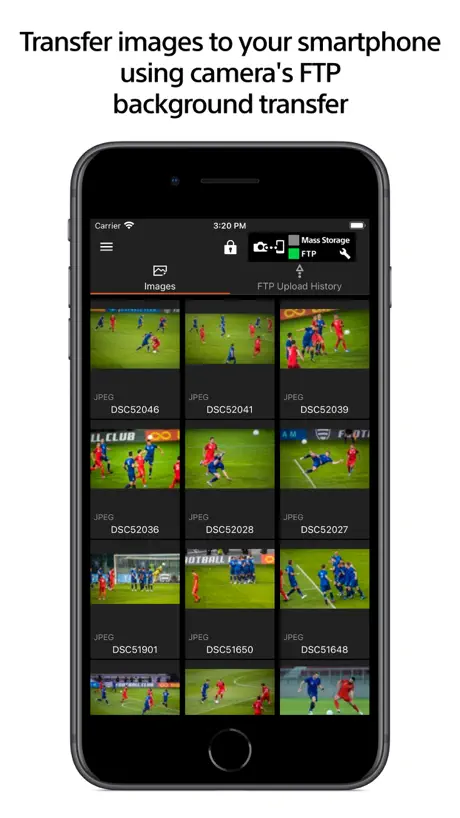  Sony | Transfer & Tagging |   Photos Backup for NAS |   File Sync: Easy Photo Transfer |   Photo Sharing -transfer photos | |
|---|---|---|---|---|---|---|---|---|---|---|---|
| Rating / 5 | 4.6 | 4.6 | 4.7 | 4.6 | 4.5 | 4.2 | 4.5 | 2.7 | 4.5 | 3.8 | 4.1 |
| Reviews | 9.2K | 44K | 41K | 26K | 6.3K | 4K | 3.6K | 293 | 227 | 65 | 42 |
| Released | 2010 | 2011 | 2011 | 2010 | 2016 | 2011 | 2012 | 2019 | 2020 | 2021 | 2013 |
| Monthly price | — | — | $0.99 | $4.99 | — | — | — | — | $2.99 | — | — |
| Annual price | — | $19.99 | $6.49 | $34.99 | — | — | — | — | $19.99 | — | — |
| One-time price | — | $19.99 | $14.99 | $89.99 | — | $0.99 | $0.99 | — | $39.99 | — | — |
The going rate for each plan in United States, in its own currency, shaded from the cheapest price on the row to the dearest.
WiFi Photo Transfer reviews
4.6 out of 5, based on 9,213 reviews.
What people like
- It works even with broken charging ports.
- You do not need to plug in a cable.
- The app is completely free to use.
- It keeps your photo date metadata intact.
What they complain about
- It crashes while transferring files.
- You can only pick two hundred photos at once.
- It renames your original photo filenames.
- The app shuts down randomly during use.
Easy use!
I regularly transfer up to 200 photos/videos at a time using this app, straight to my hard drive. Works great!
Stopped working
Used to work really well years ago.
Be careful - no metadata on videos
I was happy to find this app because I’m trying to clean photos and videos off my phone but didn’t want to lose the original date and time or location on those photos and videos. Unfortunately, I had already moved and permanently deleted quite a few videos before I discovered that I was not getting date and time information on the videos. I don’t know, now, when my videos were actually recorded. Works great on photos, but I don’t think you get location. You get no metadata, on videos.
Funktioniert nichtmehr
Habe die App schon mehrfach verwendet und das auf meinem 6S ohne Probleme. Auf meinem 8er bricht der Download immer wieder ohne Grund ab. Egal wie oft man es versucht er bricht immer wieder ab bzw bleibt einfach stehen. Ansonsten ist die App wirklich Perfekt und sehr gut gemacht, nur das Download Problem ist sehr freutrierend..
Works but slow
Like stupidly slow to load
Love it
This thing works great I love not having to plug a wire in in
Zip file: an attempt was made to move the file pointer before the beginning of the file
This app used to work great, now it has turned to garbage. Not even worth downloading now. The zip file starts as a negative count and counts to -105%, then the zip file will not open. Completely useless app now. Don’t waste your time.
works with low mem well
strips file name but keeps date could be useful for the right person, if the file name was opional, the app would be useful to a much wider range of people
Heic?
Purtroppo quando effettuo il download l’80% delle foto è rinominato come “.heic” e spesso non visualizzabile come file. Perché mi succede questo?!? Sarebbe un’ottima app per trasferire gli interi album da iPhone verso Mac, cosa che Foto non fa.
Could be better
This app keeps shutting down in the middle of a transfer. 200 pictures limit could be better.
Great way to copy pictures from your phone
I’ve used this for years, finally got around to write a much deserved review. Easy and fast way to view and/or download pictures from your phone to your computer, either one at a time or in batches you select.
Worked once!
Avoid! Waste of time! Worked once!
Awesome App
Great simple to use and does exactly what you expect it to
Bugs in the app
App automatically closes when download starts....also range download is not working at all... i have 1000 images in my phone should I click 1000 times to select all those images???? Please solve these bugs..,
Used to work, but iOS 14 broke it
Can no longer connect after iOS 14 came out.
Best photo transfer app
My phone’s lighting port broke, and I tried many apps that transfer my photos and videos I the phone over internet or wifi to my PC. This one works great and it’s free!
not worth it
cant transfer folders or more than 200 photos at a time
Fantastic App
I never usually review apps, if they’re good enough someone else will write it. But this is absolutely brilliant. It simply sets your phone as a server for you to download. If only there was an option to donate to remove the ads then it’d be perfect!
Took up too much space
Okay for transferring photos to a computer, but takes up way too much space when transferring photos to another iPhone. It took up over 5gb of space on my iPhone...
Used to work great
I got this to transfer photos from my iPhone to computer, I used to be able to do 500 - 1000 at a time but now it only does 200.
LOVE this app!
LOVE this app! Works reliably, and is super convenient for archiving photos from my phone to my computer. It’s even worked well on larger video files (takes much more time depending on your wife speed, and both phone and computer have to be on the same Wi-Fi network for it to work). This app’s been around for a number of years now and is a KEEPER. Highly recommended. Absolutely perfect for its intended application.
Connect
Hard to connect to computer
Works great.
Works great. Easy to use. Nice to be able to transfer multiple photos too. And keeps date metadata when transferring multiples.
Uploads
No upload possible
Bom
3 estrelas pois não consigo realizar transferência de mais de 400 fotos por dia
It still works!
iOS 16 on iPhone 13 Mini here, and this app still works great! I wouldn’t use it to try and batch download a TON of photos - but it certain does a great job within reasonable expectations. Can’t believe I’ve had this app on my iPhone since the 4S and iOS 6, and it’s still around and working fine. THATS quality-written software that’s hard to find today!
Bad
It just won’t work, it transferred 2 videos and won’t transfer anymore! Terrible app!
Pretty good
It’s easier than emailing photos to yourself - unless you only have one or two.., in which case emailing might be easier. It’s definitely better than connecting with a cable.
Works ok. But ...
The app renames the pictures. I need the original filenames
Does a great job at what it does!
Ok
Iris
Jeheuw
Not worth it even at Free
Was able to download a small number of photos but most files were an “hetc” file type so was worthless. Deleted the app and will continue to search for a good app.
Very Handy App
Works pretty good. Sometime not all my pics come up. But does ok.
Bedingt brauchbar.
Wenn es ein paar wenige Fotos sind funktioniert die App. tadellos, bei über 100 geht sie in die Knie. Im Zipfile finden sich nur einige Bilder wieder. Insofern unbrauchbar, da man nie ausschließen kann, das Bilder verloren gehen. Fazit: schleunigst Update sonst fliegt die App. wieder vom Smartphone.
HEIC issue
This app seems to have trouble with heic files, after unzipping a batch of heic photos I was not able to convert them to jpg with an app, the files were damaged by the zipping
Finally the perfect app!
This app should be the top 10 chart list in IOS!
It wont work
My browser will not connect to the servers with the supplied IP address.
Excellent. Always works.
Great simple quick. I use the the zip file option. 12 pix transferred in a couple of seconds.
Es könnte so schön sein
Die App ist wirklich hilfreich, wenn sie funktioniert. Das ist bei Fotos noch öfter der Fall als bei Videos. Ein Video von 50s ließ sich nicht vom iPhone auf's iPad streamen.
Acceptable.
Does what it says it does, but cannot download photos off a PC onto an iPad. Good for taking photos off an iPad easily, but not much more unless your PC has iTunes, which negates the idea.
This was the first app I ever got from the App Store
This app has been around a long time. It is one of the first apps I downloaded from the App Store and it has given me consistent and reliable service. I can sit down at my computer and pull out an image, or a series of images from my phone, directly to my computer, no need to plug it in. That is all I need it to do and it does that quickly, easily and reliably. I have been able to rescue images from phones with dead USB ports, overcome sync problems with iTunes and download all my photos directly, no worries. A fantastic little tool. Definitely a keeper.
It makes computers bug out
DO NOT USE. Will crash computer after using it.
it's very good
using this app so far easy and helpfull but the most important thing it's FREE
So lala
Nach 2-3 Bildern funktioniert die App nicht mehr und man muss alles neustarten. Sehr nervig.
Decent but limited
Does what it's supposed to, but be aware that it only transfers from, not to, the iPad. So if you wanted to transfer from your PC to your device, this is not the App for you.
Very convenient and fast
Nice idea and thanks for the rapid connection sharing. Simple way.
junk heic format pics
Few are Jpg but Many pics are downloaded in some junk .heic format
Good
Good easy to get my photos !
Crashes
Good concept, but the app keeps closing on its own while I am compressing photos in the browser on my computer. I have to then restart the process. I got one album to transfer, but gave up after it closed on itself 3 times in a row. Would happily pay for a more stable app that does this.
great but then...
it started out great at first, for the first 3 days I could transfer 500 photos. Since then, when I use the browser to transfer, it doesn't allow me to select photos via range #. Would give it 5 stars if it still works
WiFi Photo Transfer FAQ
- Is WiFi Photo Transfer free?
- Yes. The app is free, in all 174 countries it sells in, and it sells nothing inside it.
- Does WiFi Photo Transfer have a free trial?
- No. None of its offers (US) come with a free trial.
- What are the best alternatives to WiFi Photo Transfer?
- Simple Transfer - Photo+Video (4.6 from 43,893 reviews, premium from $9.99), PhotoSync – transfer photos (4.7 from 41,361 reviews, premium from $0.99) and Photo Transfer: Send via WiFi (4.6 from 25,884 reviews, premium from $4.99).
WiFi Photo Transfer download
Last updated 5 months ago.
WiFi Photo Transfer sells in 174 countries. It was released 16 years and 3 months ago, on 24 Jul 2010. It holds a 4.6 rating from 9,213 reviews.
Supports 1 language: English.
How much does WiFi Photo Transfer make?
Third-party estimates for the last 30 days, worldwide — not the store's own figures, which Apple publishes for nobody.