
UGScan - 3D Scanner
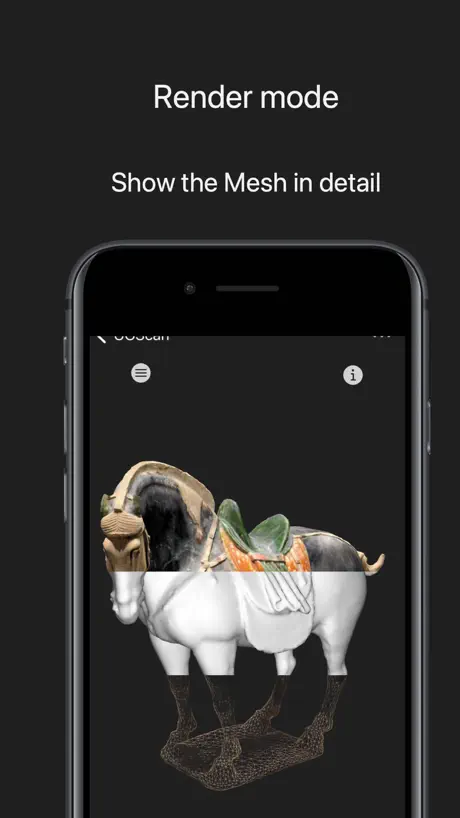
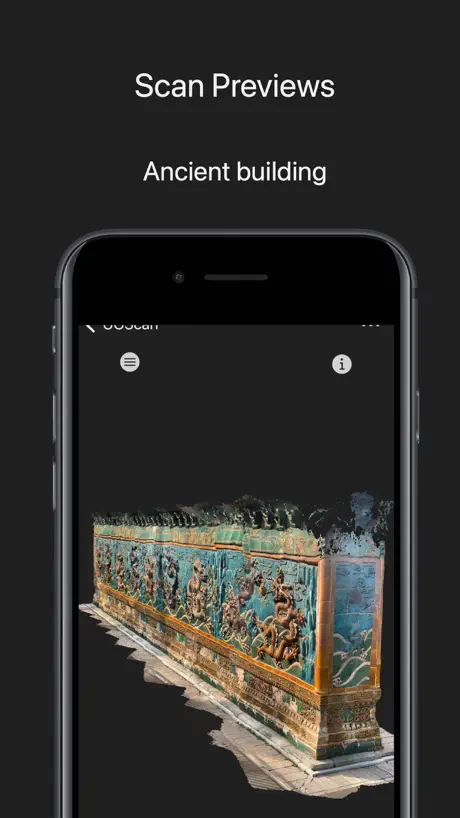
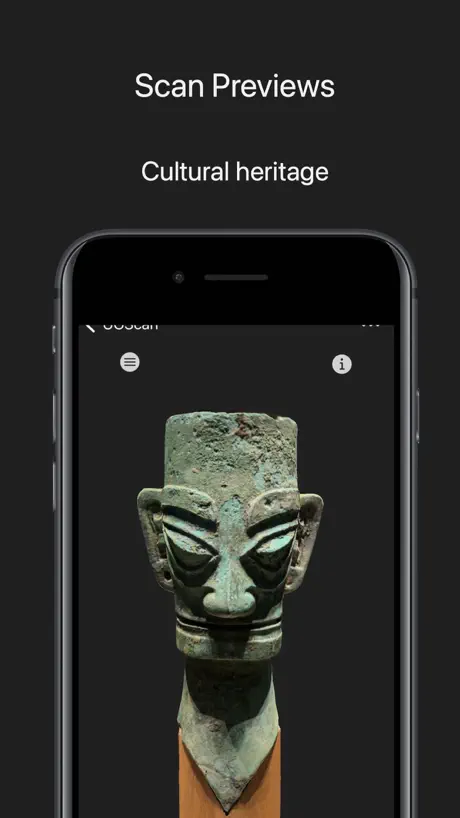
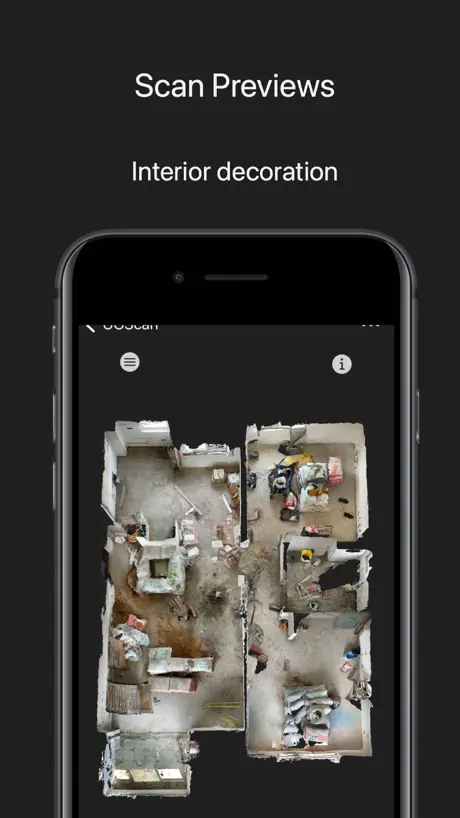
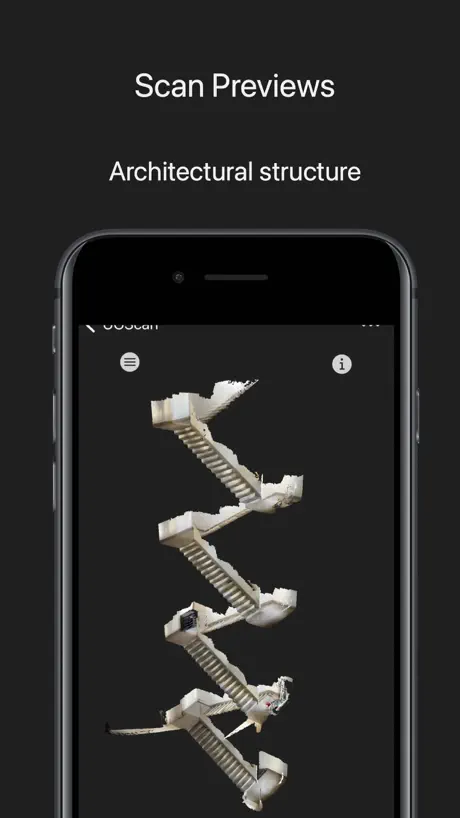
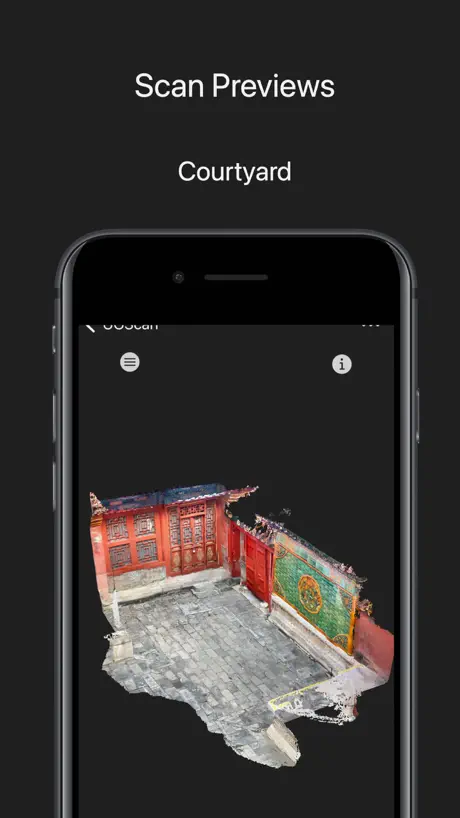
How much does UGScan - 3D Scanner cost?
Prices are current as of 12 Sept 2026.
UGScan - 3D Scanner has no in-app products on record in the United States.
10+ alternatives to UGScan - 3D Scanner
| UGScan - 3D Scanner |   JigSpace JigSpace |   Qlone 3D Scanner Qlone 3D Scanner |   MagiScan - AI 3D Scanner app MagiScan - AI 3D Scanner app | 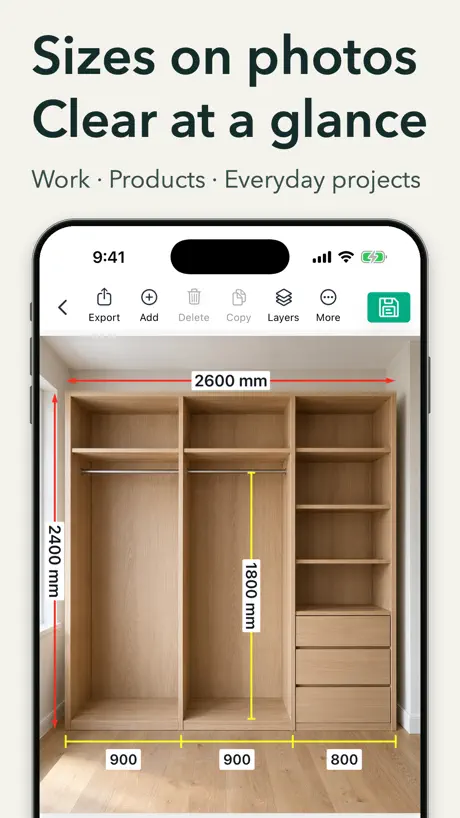  SizeSnap: Dimensions on Photos SizeSnap: Dimensions on Photos | 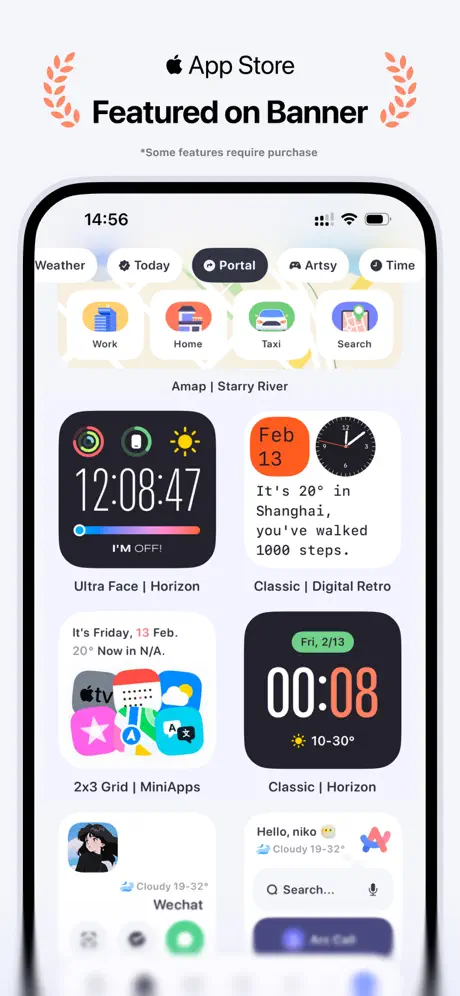  Koco Widgets: App Launcher Koco Widgets: App Launcher | 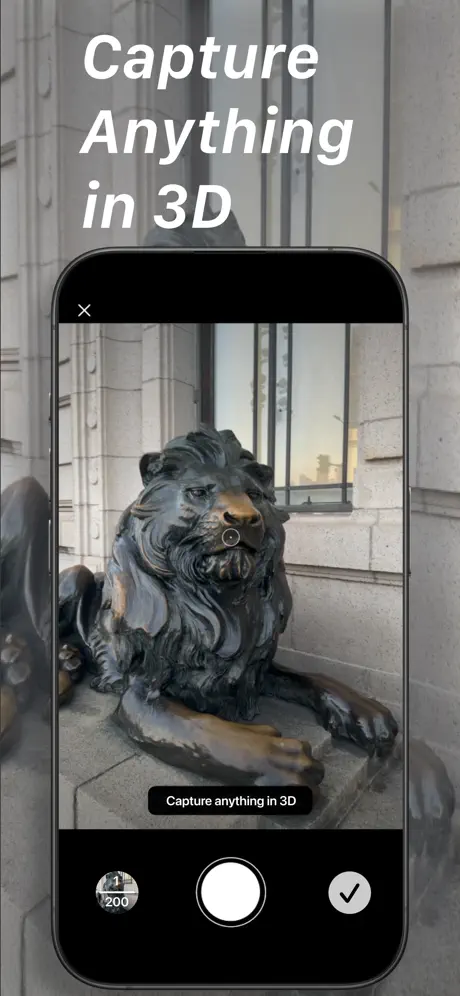  CapCam: 3D Scan, Splat, LiDAR CapCam: 3D Scan, Splat, LiDAR |  ZBrush - Made for 3D Creators ZBrush - Made for 3D Creators |  Octane X Octane X |   3Draw Modeling 3Draw Modeling | |
|---|---|---|---|---|---|---|---|---|---|---|
| Rating / 5 | 4.8 | 4.8 | 4.0 | 4.5 | 4.9 | 4.6 | 4.9 | 3.6 | 4.0 | 2.6 |
| Reviews | 895 | 32K | 7.3K | 6.3K | 4.7K | 4.6K | 1.2K | 766 | 170 | 50 |
| Released | 2022 | 2016 | 2017 | 2022 | 2023 | 2024 | 2024 | 2024 | 2022 | 2022 |
| Monthly price | — | — | — | $13.49 | $2.99 | — | $9.99 | — | — | — |
| Annual price | — | — | — | $78.90 | $24.99 | $9.99 | $59.99 | — | — | — |
| One-time price | — | — | $15.99 | $7.19 | — | $9.99 | $19.99 | — | — | — |
The going rate for each plan in United States, in its own currency, shaded from the cheapest price on the row to the dearest. Plans fewer than four in ten of the priced apps sell are left out.
UGScan - 3D Scanner reviews
4.8 out of 5, based on 895 reviews.
What people like
- Works great for casual scanning
- Free and easy to use
- Good quality 3D models
What they complain about
- App crashes constantly during use
- Free version won't let you export
- Charges money after you already scanned
闪退
软件做的不错,但用iPhone12pro扫描房间,处理精细模型会闪退,无法生成,希望优化
闪退
一直闪退,最后连缩略图都加载不出来了
问题
软件很好 但有一个问题 我之前扫描的模型已经全删掉了 但为什么设置里软件文稿与数据仍占用一点多个G
收费的
扫描免费,分享要收费的
还是会闪退…
一次建模都完成不了
wow
works great, nice meshes
不好
垃圾。
扫描
很好
闪退
现在是2023年8月19我看了以往几个月的的评论很多关于闪退的,且都有回复说修复了,但是目前只要扫描的时间过长都会闪退,即使扫描完渲染直接出不来了,要么就是前后一段扫描的场景丢失。(手持14 pro max)
sensor failed
苹果17pro还报这个错,啥原因?
优秀的开发者
免费、稳定、可靠
Bad
At first it was free, now you’re asking me to buy a plan just to export the objects. I scanned my kids and relatives when we were together, and now you’re demanding money. That’s really unfair on your part.
能用
免费的无法导出文件
找了半天也没找到订阅后能解锁哪些功能?
找了半天也没找到订阅后能解锁哪些功能? 目前看不支持转台扫描,对光滑表面支持的不太好
评价
非常不错👍
3D model viewer no scanning function
this is an companion app to the iphone app - you can not scan with it.
😃
我想要兑换码 能不能给我免费😵💫
期待继续优化
一直在闪退,所有教程都lost
很好用
感谢
没有想象中的好用
作为用户,我不是很懂技术上的事,感觉这个和其它免费的用起来并没有什么区别,或者出来的模型更惊艳,我看到高斯泼贱的一些展示,效果很好,不知道这个软件能做到不,这个拍出来的室内模型,基本上很粗糙,而且破面也多,个人觉得没有太多观赏价值,哪怕我重复慢慢扫描,效果也不理想,和在网上看到的那些高斯泼贱 3D 模型的效果相差甚远,不知道,是手机性能限制,还是手机上做不出,如果在加上 AI 技术,能不能做出更好效果
牛逼
特别好用
和建筑和空间相关的物体,比如房屋等能一比一放大就好了
rt
好!好!好!
功能丰富!和收费软件有的一拼!好用!简单!但是 ui 方面还略微有点粗糙。
可以扫描人吗?
是利用激光雷达扫描的吗?
👍
必须好评,免费且好用,功能齐全。不知道这些差评哪里来的,黑子咋这么多的
Well
Well,3D model looks good,and you can also watch the 3D mode on you own phone
Nice tool for casual scan
Nice tool for casual scan
UGScan - 3D Scanner FAQ
- Is UGScan - 3D Scanner free?
- Yes. The app is free, in all 175 countries it sells in, and it sells nothing inside it.
- Does UGScan - 3D Scanner have a free trial?
- No. None of its offers (US) come with a free trial.
- What are the best alternatives to UGScan - 3D Scanner?
- JigSpace (4.8 from 31,661 reviews), Qlone 3D Scanner (4.0 from 7,277 reviews, premium from $9.99) and MagiScan - AI 3D Scanner app (4.5 from 6,255 reviews, premium from $1.00).
UGScan - 3D Scanner download
Last updated 3 months ago.
UGScan - 3D Scanner sells in 175 countries. It was released 4 years ago, on 19 Sept 2022. It holds a 4.8 rating from 895 reviews.
Supports 6 languages: English, French, German, Japanese, Korean, Chinese.