
EASYFLASHPRO
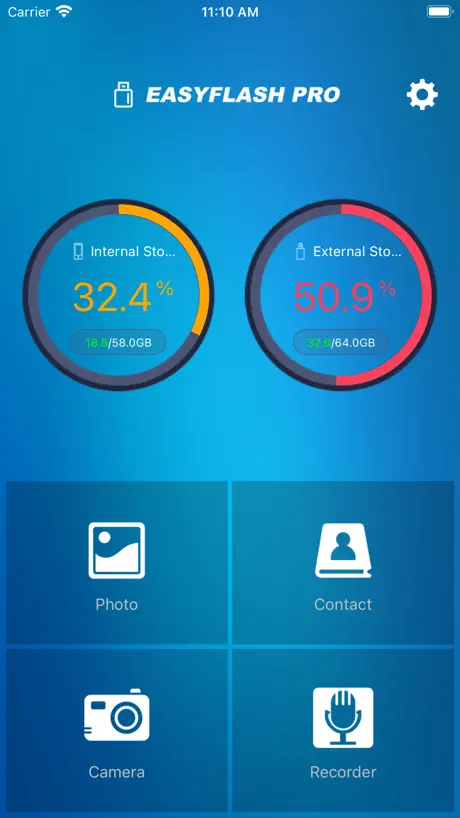
How much does EASYFLASHPRO cost?
Prices are current as of 13 Nov 2026.
EASYFLASHPRO has no in-app products on record in the United States.
10+ alternatives to EASYFLASHPRO
| EASYFLASHPRO | 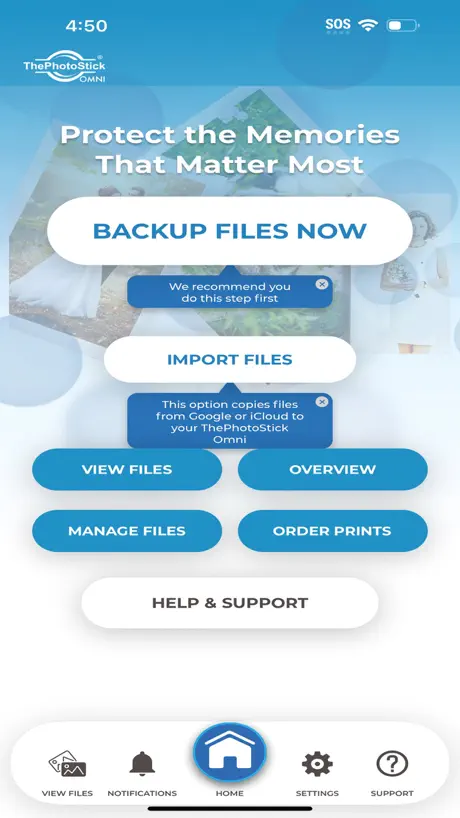  ThePhotoStick Omni | 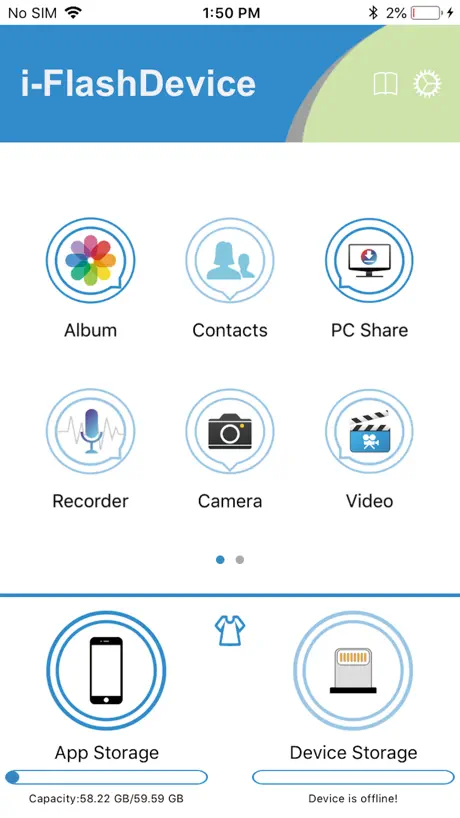  i-FlashDevice | 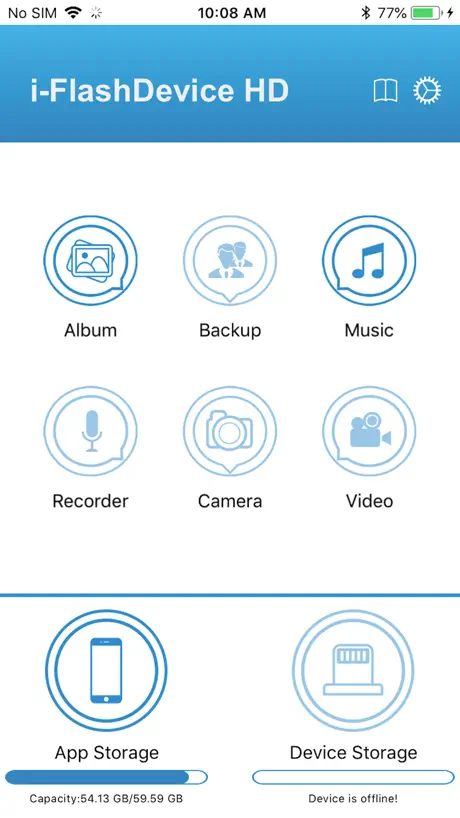  i-FlashDevice HD |   uDisk |   iExtend+ |   BLANBOK+ | 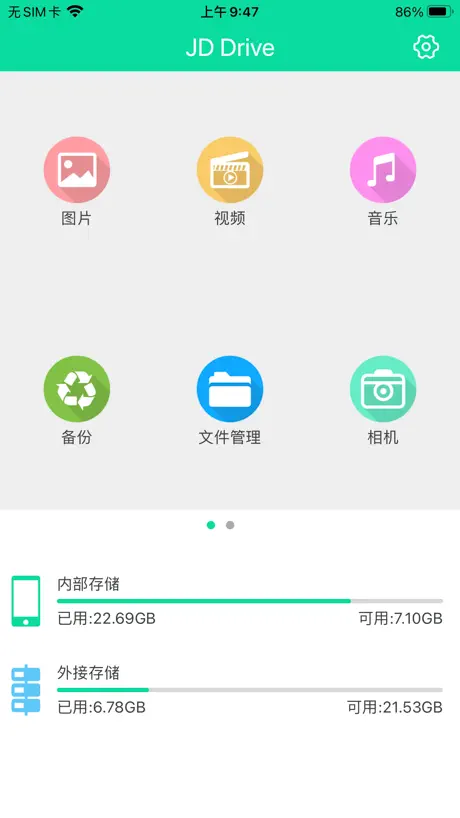  JD Drive | 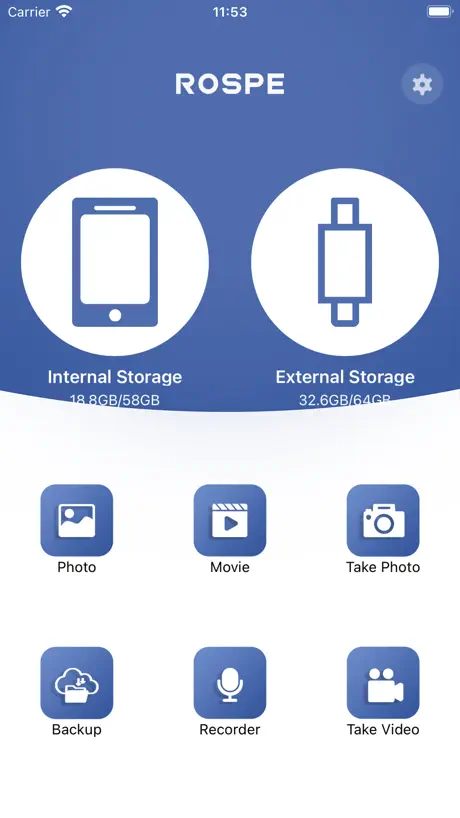  ROSPE | 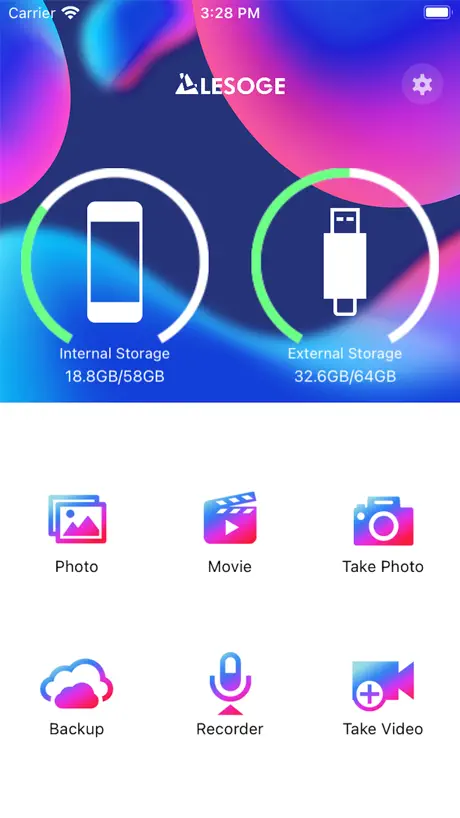  LESOGE | 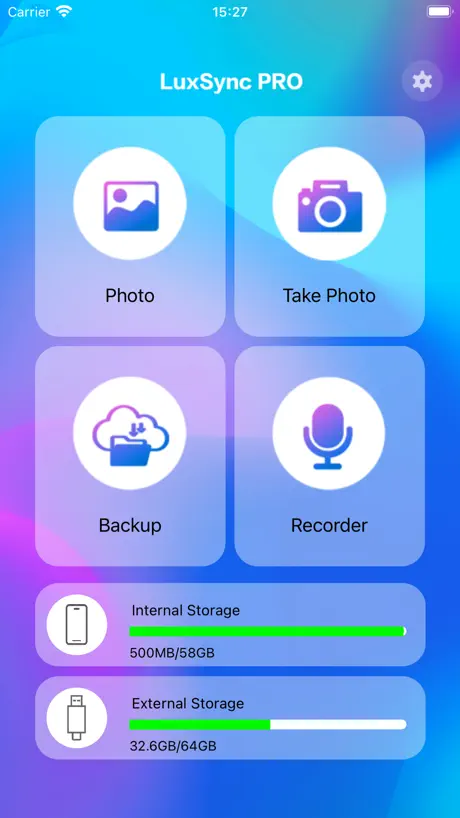  LuxSync PRO | |
|---|---|---|---|---|---|---|---|---|---|---|---|
| Rating / 5 | 1.7 | 4.4 | 2.2 | 2.2 | 4.4 | 1.5 | 2.0 | 2.3 | 2.2 | 2.1 | 2.0 |
| Reviews | 265 | 5.1K | 3.4K | 3K | 1.5K | 546 | 298 | 255 | 135 | 115 | 102 |
| Released | 2022 | 2021 | 2016 | 2016 | 2012 | 2016 | 2022 | 2019 | 2024 | 2023 | 2024 |
| One-time price | — | — | — | — | $3.99 | — | — | — | — | — | — |
The going rate for each plan in United States, in its own currency, shaded from the cheapest price on the row to the dearest.
EASYFLASHPRO reviews
1.7 out of 5, based on 265 reviews.
What people like
- Transfers photos much faster than copying files
- Easy to create folders during transfer
- Helps free up phone storage space
- Works well for bulk photo transfers
What they complain about
- Files disappear or won't load later
- App crashes and loses data access
- Drive often fails to connect properly
- Video player lacks basic controls like skip
Works as advertised
Works totally fine for me, haven’t had any issues
Doesn’t work like the examples.
I read the manual and watched 6 different YouTube videos. Mine is not working like any examples and my videos and photos won’t save into files created.
Works well
For transferring photos and videos from my iPhone to my PC this worked well for me.
Worked for two weeks
Initially good and impressed but then issues. The flash drive is no longe recognized by my phone or my PC or a TV with a USB…nothing. Poor quality and can’t trust it to store anything important
アップデートして欲しい
便利でずっと使っていたが、最新iosに更新してから使えなくなってしまったので、アップデートして欲しい
希望手机还可以识别
还是有一批老客户的
Does not work
No good for the iPhone 13 Locks up and doesn’t backup photos
Necessita aggiornamento
L’app di default permette di copiare direttamente da foto o da rubrica. Per copiare dalla cartella file è un po’ macchinoso. Bisogna selezionare il file, scegliere di condividere e salvare nella cartella desiderata. Purtroppo la selezione multipla non funziona
App scarsa
Impossibile copiare files e filmati che non siano copiati sull’applicazione photo.
No problem
Just downloaded 600 photos to my computer. Had no problem. Takes a little time but one hell of lot better than using the program on windows 11. As far as instructions the program comes with a PDF that allows you to print out the manual. Like any program, have patience.
Both happy
My wife and I both love it so far. The EASYFLASH PRO enabled her to make enough space on her iPhone to update her iOS version to the most current one so she could get the latest security updates. I just got it today and it was an easy transfer so far.
If I could give zero stars I would
This app is absolute trash. It does not work at all. Every time you plug it in the app crashes and does not show stored data.
It’s good if you need to free space
I started using this app as I got a drive for my iPhone and I transported most of my files to it. I did leave a one star review back in January for it getting rid of my files but eventually I managed to recover them, which is a good thing. I started using this as my storage was bust and actually it’s turning out pretty well. The only other thing I want to mention here is that sometimes the drive fails to connect to my iPhone which can get pretty annoying. Otherwise I would recommend if you want to free storage because it really helps👍
ファイル名の変更不可
ファイル名の変更が出来て欲しい 文章ファイルの保存ができなかったことも残念 思ったよりは写真のコピーに時間がかかるが許せる範囲内 微妙
It’s ok
It’s slightly complicating to use but once you get it it does its job. The only thing I don’t like about it, as far as I know, you can’t transfer folders you can only transfer individual photos or movies. Please fix that
Works great!
I’m reading all the bad reviews and I don’t know if I have a new improved version or what. It was incredibly easy to download the app. I was able to transfer over 300 pictures and about 40 videos with ease from my iPad and about 4x as much from my iPhone 14 to my pc then on my pc I was able to merge files and delete duplicate pictures and videos with maybe one or two hiccups where my screen changed to previous page which I took as user error since I was doing this at end of day. This worked much better than expected. I am impressed.
Doesn’t Work
Worked for a couple months and no longer connects on my phone. Thankfully I saved my photos on a couple other devices or I would have lost lots of memories.
必要最小限
単純に読み書きするだけの必要最小限のものだけ備わっています。アップル系のメディアファイルをバックアップするためだと考えると充分でしょう。左のアイコンがスマホになり、その中のアルバムからバックアップしたい写真を選んで、コピーするという操作になります。 下の操作メニューに連絡先のバックアップというのがあるので、ついつい写真などもバックアップかと思い操作メニューを探してしまいますが、その操作はありません、あくまでもUSBにコピーという操作になります。 当たり前かもしれませんが、設定から写真へのアクセス権を設定しないと写真が表示されませんのでお忘れなく。 使っていて良い点は、コピーの操作で写真を選択した後に、コピー先のフォルダを作れるところです。一括したフォルダにバックアップしようと思ったものの、選択するうちにフォルダを分けたいと思った時にフォルダを作成し、貼り付けができます。意外と便利です。
iPhoneのデータ移行に便利
容量の大きい動画をメモリースティックに移せて良いのですが、再生ソフトがちょっとしょぼいです。続きから再生できる機能はありがたいですが 再生、一時停止、最初(前の動画)に戻る、次の動画に進む 機能は有るのに 10秒や1分戻る進む、早送り早戻し、全画面にする 等の機能が無くて使いづらいです。ぜひアップデートして欲しいです。
よかった
使いやすくて、保存時間も予想以上に早く済んだので嬉しかったです!
Horrible
I could have just deleted all the pictures myself and saved money
無理かなぁ
動画のサムネが出たら完璧(;ᴗ;)
nicht entmutigen lassen
ist halt kein high end produkt. manchmal taucht der stick im iphone nicht auf. bei mir hat es erneut versuchen bisher immer geklappt. außerdem empfehle ich, neim daten übertragen das iphone auf flugmodus zu stellen, also jegliche internetverbindung zu entfernen. meiner erfahrung nach beugt man so den einen oder anderen app-absturz vor. ebenfalls sollte man nicht im datenübertragungsprozess die app minimieren, schließen oder nebenbei etwas anderes am handy machen, das kann den prozess ebenfalls stören. letzter punkt: das übertragen zieht ordentlich akku. ach ja, und vom iphone lassen sich nur bilder und videos (nicht mal audios) auf den stick ziehen, vom PC aus auch andere Dateien. wenn man diese punkte beachtet, macht das ding alles was es soll.
99点と言ったところ。ほとんど完璧。
書き込み速度はパソコンと繋いでファイルをコピーするよりも早いし、UIも非常にわかりやすい。 ただ惜しいところは、「繋いだら自動でバックアップ」ができないところ。新しく追加した写真ファイルだけをコピーする機能はないので、自分で選択する必要がある。 これが出来たら完璧だと思う。
Bad quality
After downloading all my photos and deleting them from my phone, it now says there is a hard drive error and won't let me view the photos; they look blurry or distorted.
Can’t see my videos
It was working fine until I couldn’t see the videos I uploaded the screen goes black and exits from the video
The Worst Purchase ever
It won't open; I’ve lost important documents and priceless family moments. I kept this Flash Pro stored in a safe place the entire time. I followed the steps in the user guide: I cleaned it with alcohol a fresh, clean cloth, uninstalled and reinstalled the EasyFlash Pro app, and turned my phone off and on. I tried using not just one, but three different iPhones and a laptop to see if I could open it, but—nothing. I really need the documents stored on it, as well as photos of my mother, who passed away a few years ago.
Cannot load photos
After uploading photos onto this flash drive from my phone, now several months later I plug it back in to access my photos it will not load. So I have pictures on here I can’t even see.
This is poo
Do not buy
EASYFLASHPRO FAQ
- Is EASYFLASHPRO free?
- Yes. The app is free, in all 175 countries it sells in, and it sells nothing inside it.
- Does EASYFLASHPRO have a free trial?
- No. None of its offers (US) come with a free trial.
- What are the best alternatives to EASYFLASHPRO?
- ThePhotoStick Omni (4.4 from 5,095 reviews), i-FlashDevice (2.2 from 3,371 reviews) and i-FlashDevice HD (2.2 from 3,032 reviews).
EASYFLASHPRO download
Last updated 2 years ago.
EASYFLASHPRO sells in 175 countries. It was released 4 years and 2 months ago, on 8 Sept 2022. It holds a 1.7 rating from 265 reviews.
Supports 12 languages: English, French, German, Italian, Japanese, Korean, Portuguese, Russian, Chinese, Spanish, Swedish, Turkish.