
i-FlashDevice
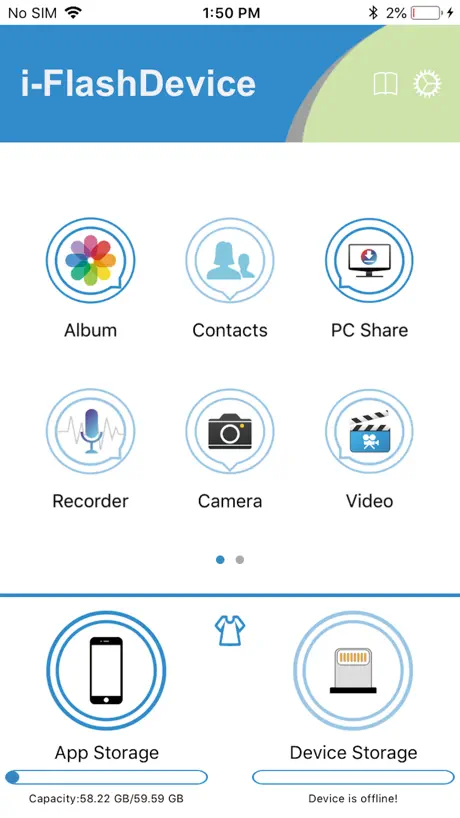
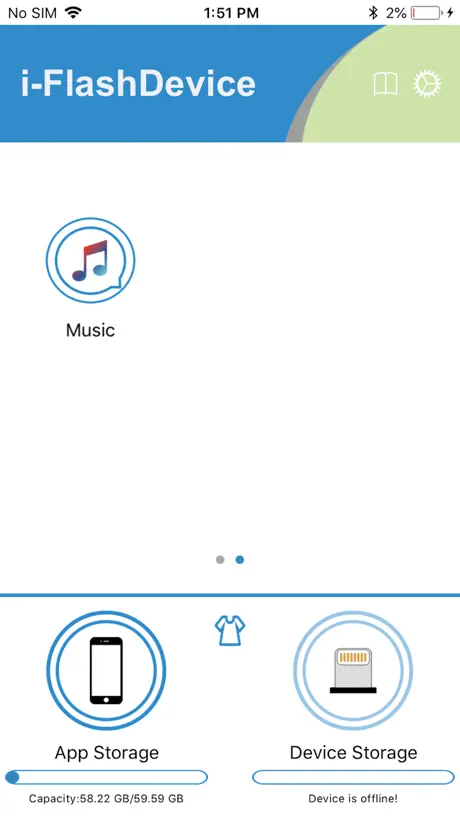
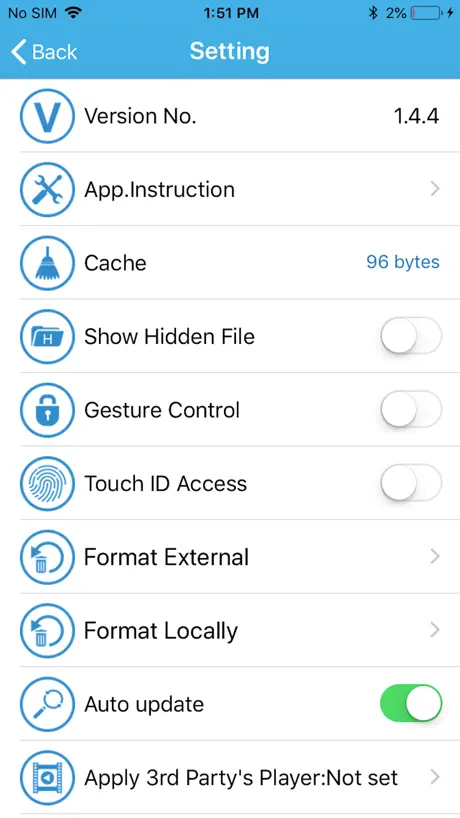
How much does i-FlashDevice cost?
Prices are current as of 13 Nov 2026.
i-FlashDevice has no in-app products on record in the United States.
10+ alternatives to i-FlashDevice
| i-FlashDevice |   iKlips |   iUSB Pro |   iDiskk Pro | 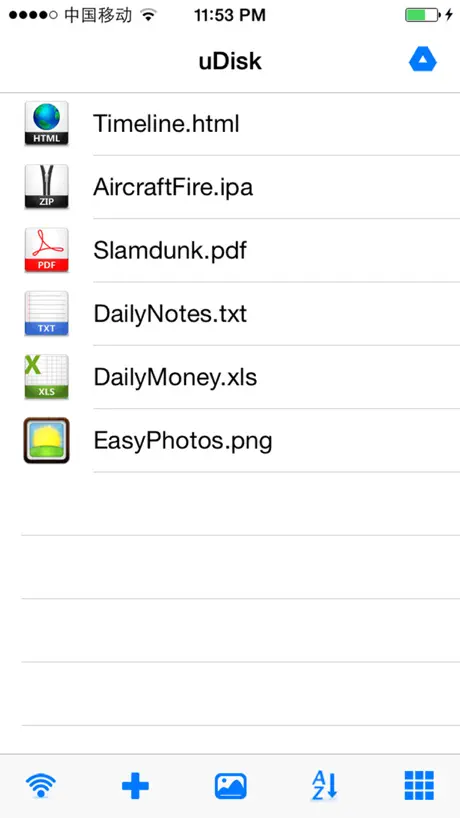  uDisk |   Portable USB · Cloud Ready |   i-USB-Storer |   Y Disk Pro |   USB Sharp |   Keepsake AI |   i-FlashDevice Pro | |
|---|---|---|---|---|---|---|---|---|---|---|---|
| Rating / 5 | 2.2 | 4.6 | 2.3 | 2.2 | 4.4 | 4.2 | 2.0 | 1.8 | 3.3 | 2.5 | 3.1 |
| Reviews | 3.4K | 47K | 7.3K | 2.6K | 1.5K | 1K | 872 | 334 | 242 | 62 | 39 |
| Released | 2016 | 2015 | 2016 | 2015 | 2012 | 2013 | 2016 | 2016 | 2011 | 2023 | 2024 |
| One-time price | — | $2.99 | — | — | $3.99 | $0.99 | — | — | $0.99 | — | — |
The going rate for each plan in United States, in its own currency, shaded from the cheapest price on the row to the dearest.
i-FlashDevice reviews
2.2 out of 5, based on 3,371 reviews.
What people like
- Saves photos directly to SD card
- Fast backup of photos and videos
- Simple and handy for file transfer
What they complain about
- App crashes constantly on startup
- Device often disconnects or goes offline
- Hard to find files or features
Cool
iOS 17.2.1 no crashes upon startup Date: July 29th, 2024 As long as my physical device is plugged in correctly, and SD cards are properly formatted. Everything works fine I appreciate the ability to take a photo and video in the app, without the video/photo saving into my phone first. I’m able to just save it directly into the SD card. I’ve used the app only for transferring files, and it does exactly what I need it to do, so 5/5 rating.
Would not connect to my phone.
Not recommended. A waste of time.
画像一覧を改良してほしい
1年ほど使っています。端子が複数あるのでiPhoneとパソコンのデータ移動がしやすく重宝しています。使用量が多くなると落ちる時もありますがまだ許せます。ただ画像を見る際にサムネイルとファイル名の横並びだと見づらいです。iPhoneのように画像のみ表示に切り替えられるようにしてほしいです。その点が他の月額制写真保存サービスに劣ります。
It doesn’t charge
I think is a problem in the model but in my iphone this thing doesn’t work, it looks that doesn’t work on a 12 pro model.
Different on usb-c iPhones
If you have a flash drive that used to work on older (lightening) iPhones, this app will NOT work with your flash drive. But there is a work around. Get a usb-A (female)to usb-C (male)adapter or if your flash device already has a usb-C , insert it into the phone and open up the “Files” app (should be already installed on the phone). Look for a storage area called “NG name”. Should be under “On My IPhone”. If it’s not the same name then check to see what it’s called after you insert it. All your files are there though. Hope this helps!
Rating
I love it. I use it every time for my YouTube videos. Now one thing that’s bothersome is the upload time to your phone, but luckily I’ve an iPhone and use the screen record app to take little clips out of the videos. The app is very in depth. There’s so much you can do and I feel bad, because it’s actually a great app. A lot of these comments are nuts.
Not great
Won’t let me move pics to it waste of $
Great once you work it out
Like others I found it hard to use this. However once I realised I could copy a file onto a micro usb and use that with the I-flash drive by sharing it with one drive it did what I was looking for, ie take a file from a dictaphone and upload it to OneDrive without having to attach it to myc
Awkward
It does the basics but is not intuitive.
I flash Device Not Working
I downloaded the i-FlashDevice software app. It was working great. All of a sudden it’s not working anymore. I have tried different card readers. None of them work with it. I don’t know how to contact support for this. Please advise what you think may be the problem. Thank you.
Years of reliability
I bought the i-flashdevice several years ago. The reader and this software still work for me today. I have iPhone 5plus (iOS 12.5.3) and iPhone XS max (iOS 14.6). All works well. This is a review long overdue.
Fails to be managed
This app used to be very good but has utterly failed to keep up with iPhone OS. It no longer allows deletion of files and no longer allows importing PDF from email. Thus it’s functionally is poor and needs improvement!
It can be buggy, but when it works it’s great!
Yep. As the title suggests, it’s buggy. However it saves a hell of a lot of hassle when managing files/media on iPhone and iPad. As long as they keep it updated! Keep it up.
Great Design, App has Major Issues
I purchased the reader and downloaded the app. First time it read the SD card, video playback was sluggish. Second time, it took two minutes just for the video to play. Third time, I get an error message - and I’ve been getting the same ever since. Would’ve been nice to just preview the video(s) out in-the-field, but this is not the device/app to do it. FAIL.
DO THIS!
If you’re having trouble playing the videos within this app you can click the triangle on the right which gives you the option to select a third party app. I chose the first suggestion which is VLC. It’s free and plays the videos with no problem.
Great !
Use it all the time to transfer downloaded files from iPad Mini to read them from there without using storage space. The SD card needs to be formatted exFat and up to 128GB. Wish it could read epub files directly, but you can transfer them back to read and erase again.
Stopped working
Software is current, however, the device will not allow me to open “external” files. It only opens photo files that are on my iPad. These were not stored on the device. It looks as if it is using the i-flash software to open files stored on the iPad.
Love it but need some changes plzz
The app is good nd easy to use but plzz add feature of audio play in background..
Problem
Can’t load contacts or recorder, nor the camera
Good app but doesn’t copy file from another app to card reader mp3 from oplayer to flash drive
Good app but doesn’t copy file from another app to card for example mp3 from jet audio oplayer media converter to flash drive inbox
Works brilliantly
Needed this to download my dash cam videos from memory card to phone. Easy to use and downloads instantly to camera roll. Great app.
It doesn’t work
It doesn’t work
Current version the app is not working !!!
This version of the app is not working on my iphone. The app is not opening in the phone. Plzz resolve the issue as soon as possible. Otherwise it's an good app.
Videos no longer play properly on iOS 13
Hi, app used to work great playing videos, but no longer fills the screen on iOS 13. Even after this latest update to fix movie playback!
Fiddly
It took ages to work my way around the app to get to where I wanted to be. And that was pretty much by accident. So I’ve now written detailed instructions for myself as it’s a bit tortuous. I finally managed to get a file from my micro SD onto the app and then used VLC for iOS to play it. I would say it’s a bit glitchy, lots of fiddling about, but if you keep at it you’ll get there!
It works on my iPhone X on ios14.1
I’m not quite sure why there’s so many negative reviews, it works both for transferring and importing JPEG’s on my iPhone X with iOS 14.1. Maybe they’ve updated it to work.
Keeps crashing!
App opens but then immediately crashes. Can’t read my sd card footage!
File name too long
I recently bought the I-FlashDevice and installed the app. Everything went good except the files name on my iphone that imported from the PlayMemories Sony App did not keep the same file name as the orignal name, For ex: 3AB7E9BB-EF10-4B17-9A5F-EF677E351A36. Please fix this prolem. Thank you
Does not work.
This did kind of work on my iPhone 6s. I never did figure it all out properly. Now I have an iPhone X & it just chucks me off the app straight away. And yes I have updated the app. Still no joy! 👎🏼
About audio
The app is nice but please add a button to change audio type
Works for me...
It’s a simple handy solution that works. Let’s manage expectations though, it’s a cheap device and if you want to back-up your contacts, save and transfer videos from your iPhone to an SD Card then for less than £15, I can’t ask for more. Like anything, it’s not perfect and for those who have had app issues, I can only say I haven’t so far. Happy with it 👍😁
App is junque
I keep getting an error message: DEVICE IS OFFLINE! I’m unable to use my sd card reader to check security cam footage. I’ll update this review if I don’t find aworking app first. Crappapp
ePub files ?
I am not able to open ePub files or get option to open it in iBooks or other ePub app. Would u rectify or upgrade your existing app
Landscape mode on iPad 4 doesn’t work
In portrait view, the app works ok but as soon as it goes into landscape, the screen gets confused! A simple fix for the next update please!
something is problem
the app is work but not proper and easy its shortly options
Brilliant, works quick with my Iflash
Works well with my Iflash drive. Backed up all my photos, videos etc in under a minute.
I don’t recommend this app
This app doesn’t work properly at all. You can’t view the photos on your sd card at all.
one issue
connect app with others apps like vlc, shareit,idownloader etc.create option in app like " open in".
Keeps cutting out.
Had mine about 9 months and up to now has been brilliant, BUT........now it keeps cutting out after 2 mins use and warm to touch. Will try to get a replacement under warranty but don’t expect any chance as developer is in China. Perhaps they’ll read this and respond??.
Face ID support?
App is usually great, some bugs and missing features for 5 stars and there’s no Face ID lock like there was with my other iphone with Touch ID
Plz fix video playback issue
Please fix: Sometimes videos cant opened. Ver. 1.1.8
Doesn’t work after update (iOS and app) intrusive
Pretty sure this is spyware. It asks for access to basically everything and it doesn’t even let you access the thumb drive. Useless
Awesome
But it should be also connect with app like xender, idownloader, playerxtream and also music/video/Photos should be movable or transferable from app storage to xender/idownloader/playerxtream...😬😬
Device offline
Worked July till November after which the app now says device offline for my SD card. Very frustrating. Tried all online tutorials to resolve this but still no luck. (iPhone 7 plus with latest iOS)
App crashes at enabling faceID iphone X
App crashes all thw time on iphone X when Face ID lock is enabled
Great app
Thanks very much for hearing us. This is the best version of this app i have ever seen so no needs of any improvement and plz don't give any update. Now it works perfect.
Crash
I love the device BUT the latest update keeps crashing while I’m looking at the memory card for iPad 4…multiple times while trying to view the field camera files
Issue
Sir im a user of 5s.This app is very useful. But it has started lagging. Only 2gb is filled of my 32gb drive. Just shows me loading whenever i open any folder. Please fix.
Help
You know it’s all great and that. But your missing a huge thing. Not everyone is a computer genius and can tell what to do. This app is great but complicated and the instructions don’t really help. At all. Like it won’t let me send the pictures from my phone to the flash drive.
No support for RAW files from cameras
The hardware and provided application works quite okay. sometimes device says disconnected on its own so it is a bit irritating. Raw files are visible on the device file system and can be viewed but cannot be copied and this is the biggest drawback of this solution.
i-FlashDevice FAQ
- Is i-FlashDevice free?
- Yes. The app is free, in all 175 countries it sells in, and it sells nothing inside it.
- Does i-FlashDevice have a free trial?
- No. None of its offers (US) come with a free trial.
- What are the best alternatives to i-FlashDevice?
- iKlips (4.6 from 47,013 reviews, premium from $0.99), iUSB Pro (2.3 from 7,286 reviews) and iDiskk Pro (2.2 from 2,616 reviews).
i-FlashDevice download
Last updated 10 months ago.
i-FlashDevice sells in 175 countries. It was released 10 years and 6 months ago, on 2 May 2016. It holds a 2.2 rating from 3,371 reviews.
Supports 21 languages: English, Arabic, Danish, Dutch, French, German, Greek, Hungarian, Indonesian, Italian, Japanese, Korean, Polish, Portuguese, Romanian, Russian, Chinese, Spanish, Swedish, Thai, Turkish.
How much does i-FlashDevice make?
Third-party estimates for the last 30 days, worldwide — not the store's own figures, which Apple publishes for nobody.