
iUSB Pro
How much does iUSB Pro cost?
Prices are current as of 10 Nov 2026.
iUSB Pro has no in-app products on record in the United States.
10+ alternatives to iUSB Pro
| iUSB Pro | 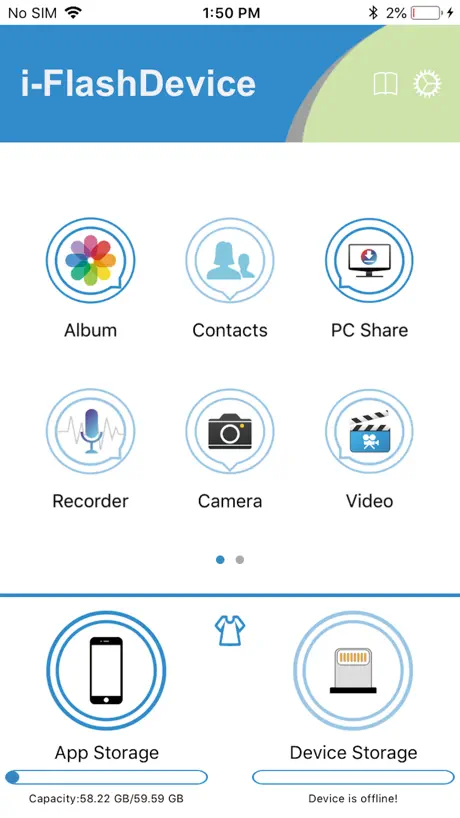  i-FlashDevice | 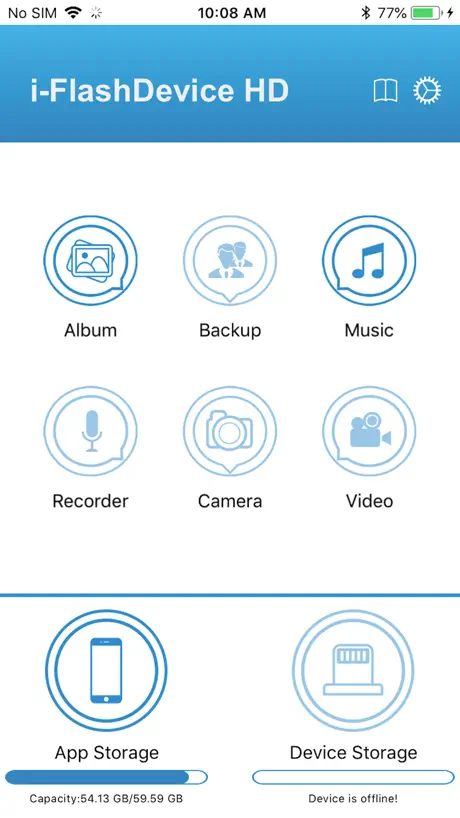  i-FlashDevice HD | 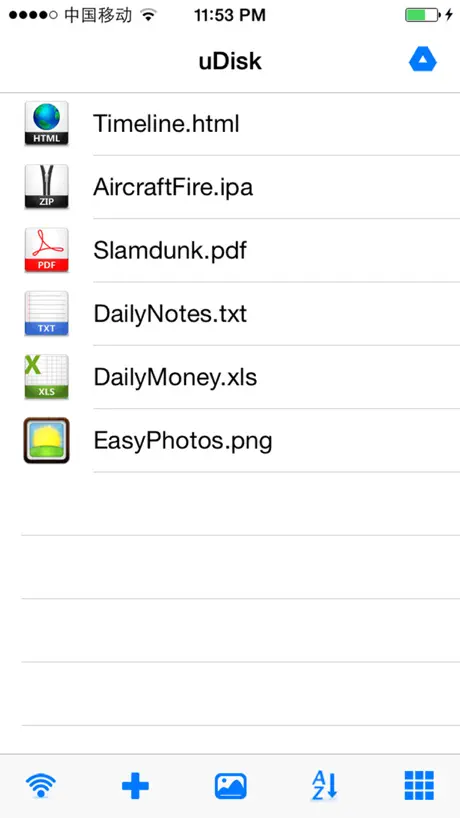  uDisk | 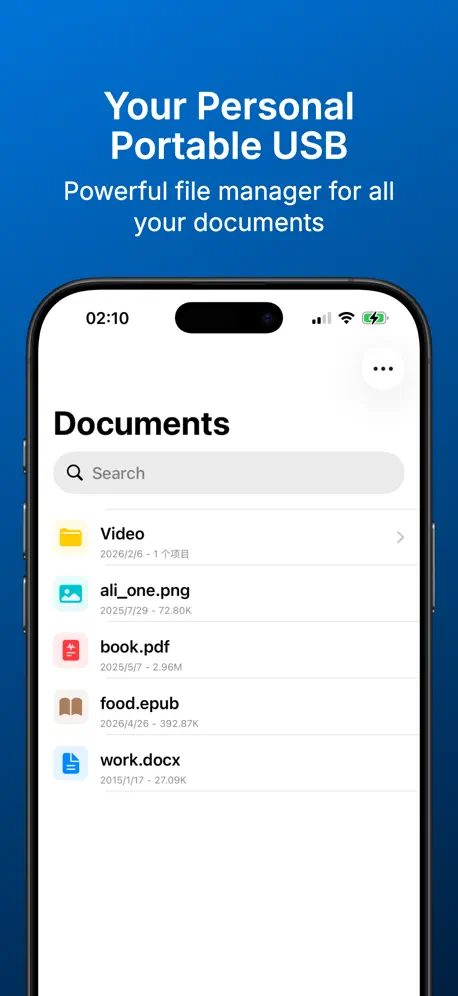  Portable USB · Cloud Ready | 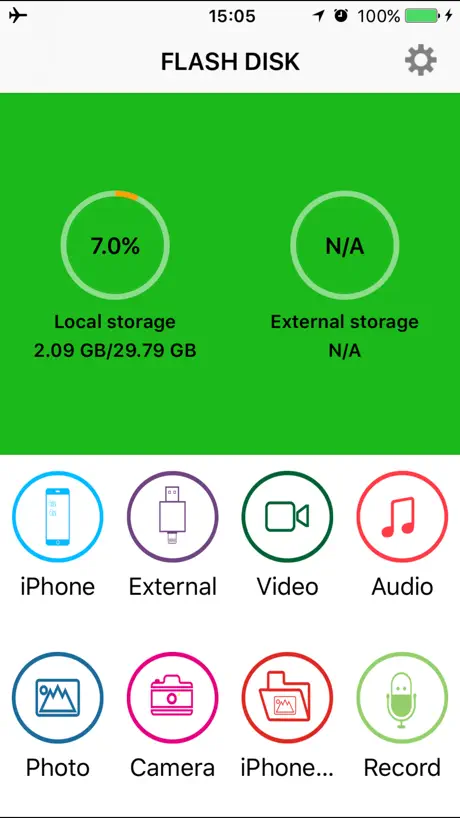  i-USB-Storer | 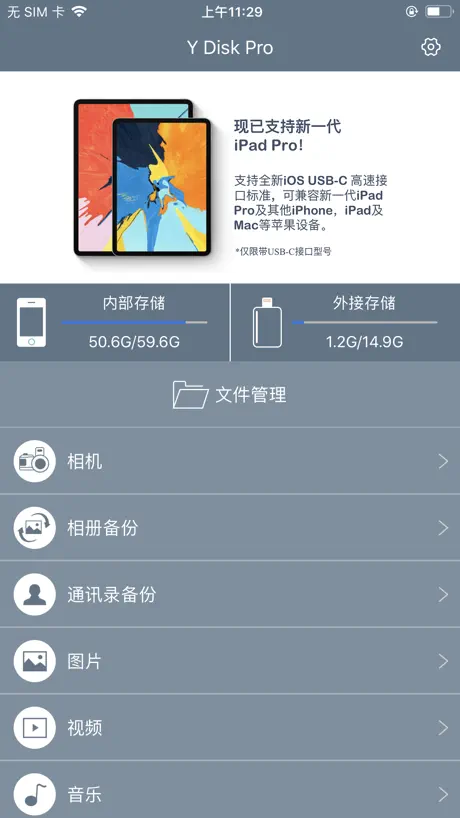  Y Disk Pro |   USB Sharp | 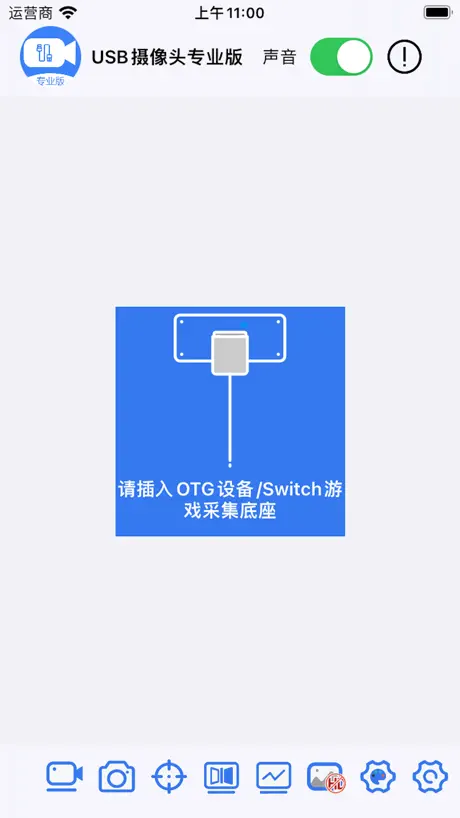  USB Camera pro-capture driver | 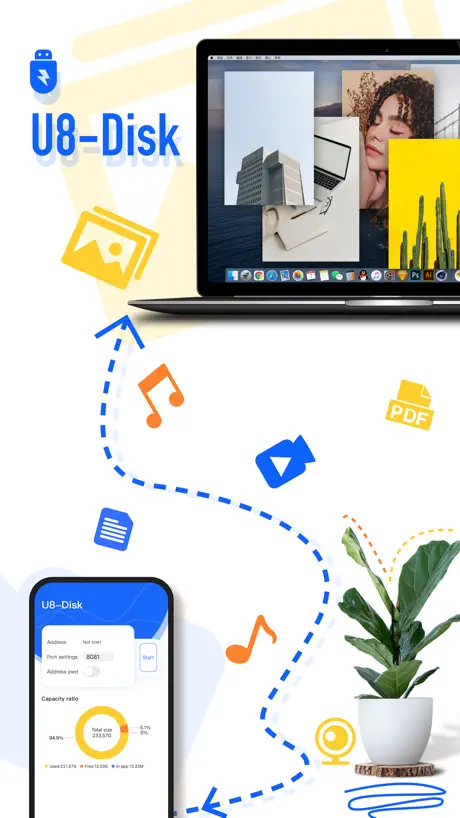  U8-Disk |   Keepsake AI | |
|---|---|---|---|---|---|---|---|---|---|---|---|
| Rating / 5 | 2.3 | 2.2 | 2.2 | 4.4 | 4.2 | 2.0 | 1.8 | 3.3 | 3.1 | 4.2 | 2.5 |
| Reviews | 7.3K | 3.4K | 3K | 1.5K | 1K | 872 | 334 | 242 | 172 | 154 | 62 |
| Released | 2016 | 2016 | 2016 | 2012 | 2013 | 2016 | 2016 | 2011 | 2023 | 2021 | 2023 |
| One-time price | — | — | — | $3.99 | $0.99 | — | — | $0.99 | — | $3.99 | — |
The going rate for each plan in United States, in its own currency, shaded from the cheapest price on the row to the dearest.
iUSB Pro reviews
2.3 out of 5, based on 7,286 reviews.
What people like
- Works perfectly for backing up photos and videos.
- Fast transfer speeds even with large video files.
- Easy to use and reliable on older devices.
What they complain about
- App crashes frequently when transferring files.
- Does not work with newer iPhones or iPads.
- Long file names get cut off and unreadable.
- Cannot transfer files to iPhone from the app.
I hope in an upgrade (Solved! Thank you❤️)
Congratulations for this little object and his app, that I used quite a lot, and I suggested to several friends, that were very happy as well about it. Unfortunately now, there is a problem: The usb key is still detected from my Iphone 8, ios 15, and I can visualize my usb key files. Unfortunately Iphone doesn’t see anymore in the « open in » section, the app IusbPro. The app doesn’t appear. So I cannot open and transfer anymore my Iphone files. On my older devices, works still fine! Really hope in an upgrade to solve this bug, on ios 15. Thank you for any suggestions, cheers!
Pessima
App fatta malissimo, poco intuitiva e lentissima. Una ciofeca!
Unico metodo funzionante per backup
Veloce e affidabile per fare backup di iPhone su memoria esterna
Perché non funziona?
Buonasera, sono in grado di trasferire video e foto dall’SD all’applicazione, ma poi non riesco a portarli su iPhone per “lavorarli” come voglio, perché? A volte vedo e posso selezionare l’opzione “iPhone” più frequentemente no, perché? Non la trovo un’applicazione affidabile. Se dovete contare su questa opzione, cercate altre soluzioni. Non consigliata.
Nur eingeschränkt nutzbar
Bei allen IPhones mit Lightning hat die APP mit dem Stick einwandfrei funktioniert, jetzt beim IPhone 15 Pro Max mit USB-C wird der Stick nicht mehr erkannt, generell würde ich nicht der APP die Schuld dafür geben, ich denke eher an Einschränkungen seitens Apple, aber die Funktion der APP mit dem Stick ist so natürlich nicht mehr gegeben
Ottima scelts
Ha funzionato perfettamente con il mio vecchio iPhone Xmax ed ora funziona bene co iPhone 13 pro max. 5 stelle
Non funziona
Con iPhone 14 non riconosce l’usb.
Informazioni
Ho scaricato l’APP anche su iPhone oltre che sul Tablet . Vorrei sapere come fare a inviarle dal Tablet al iPhone . Non c’è un account? Peppino serusi
Keine Updates, keine Fehlerkorrektur
Stürzt bei mir regelmäßig ab, insbesondere wenn ich Musik im FLAC Format hören möchte. Früher hat das funktioniert. Keine Updates seit IOS 13 sind vermutlich eine der Ursachen.
App crashes while playing .flac files - no access for external player
I have a collection of approx 12000 .flac audio files amounting to approx 300GB on a Samsung Pro MicroSD formatted in exFAT in one folder. The app freezes while attempting to play .flac files, it is also not possible to access the cards by using VLC as the most capable free media player what is disappointing. The internal music player obviously can‘t be disabled, despite the the checkbox there is in the settings menu. Besides that, display of long file names is not somehow supported, they are shortened in a way that makes the list of files unusuable, e. g. when you have long lists with music tracks starting with same (longer) artist names. That is highly annoying. I‘d wish so much that this might be fixed since it makes the entire hardware useless for the purpose to extend memory to an iPhone (except for some photo and video backup / viewing functions).
IDragon USB Stick
Ich nutze iUSB Pro auf iPad. Auf dem iPad läuft alles problemlos. Man kann auf dem iDragon gespeicherte mov und avi Dateien nicht in der App kopieren oder wiedergeben. Da wäre ein Fix doch angebracht, damit man den Videoplayer in der App mehr nutzen könnte.
si blocca
si blocca a meta
Nächster Titel im Player nicht möglich.
Vielleicht bekommt ihr es mit einem Update hin, dass beim Abspielen eines MP3-Titels oder Videos im gesperrten Zustand automatisch der nächste Titel abgespielt wird, wenn das Ende erreicht ist. Leider ist das bisher nur manuell möglich bzw.nur automatisch, wenn das iPhone nicht gesperrt ist.
Abbruch nach der zweiten Avi -Datei
Habe ca siebzig 30 sekundige Avi-Dateien problemlos vom Callistel Kartenleser auf dem iPad (6. Gen.) ansehen können, seit dem nur noch schwarzer Bildschirm beim Anklicken einer Filmdatei. Ein Übertragen der Filme auf das iPad war nicht möglich! JPG Bilder werden einwandfrei gelesen und übertragen.
bei Lithning ja, bei USB C nein?
HP und und das iPad von 2016 verstehen sich über den iUSB-Kreuz-Stick. Derselbe Stick hat auch einen USB-C-Stecker. Dieser passt in das iPad von 2020. Nur versteht sich derselbe Stick nicht mit dem iPad 2020. Was hat der Hersteller da zusammenkonstruiert?
Nn funziona
Dopo aver fatto l’ultimo aggiornamento, la chiavetta è vista dal MacBook Air ma iPhone 11 e iPad 6 nn riescono a caricare il device. Per favore intervenite a risolvere il problema, grazie Ps: i sistemi operativi sono aggiornati all’ultima versione
Einfach, aber funktioniert
Einfach, aber funktioniert; iphoneX
Funktion nicht bei allen Geräten gegeben
IUSB Pro hat bei meinem alten iPhone 6 und bei meinem iPad 3 Mini funktioniert, aber mit einem iPhone X ist keine Funktion mehr gegeben. Schade. Wenn man so ein Gerät kauft sollte die Software eigentlich auch bei den etwas neueren Geräten funktionieren. Ansonsten sollte der Entwickler dies vorab hier in der Beschreibung ergänzen und nicht einfach iOS 8 oder neuer hinschreiben.
Datum fehlt und nimmt viel Speicher ein
An sich ist die App top. Zwei Sachen stören mich: -wenn ich Fotos von meiner SD Karte damit ziehe, würde ich unter dem Dateiname statt der Größe auch gern das Datum der Datei sehen -die App ist kaum ein paar mb groß, frisst aber bei mir bis zu 500mb Hintergrund Daten. (Cache leeren in der App hat nichts geholfen und es sind keine Daten in der App gespeichert). Lediglich die neu Installation hilft.
iDiskk Pro ???
Ciao sviluppatore, per quanto riguarda la tua app iDiskk Pro che ne pensi di fare un aggiornamento dato che ho una chiavetta da 64 gb e non posso utilizzarla sull’iphone 12 mini perché va in crash? Sono 2 anni che non viene aggiornata, dai impegnati. Grazie quando provvedi
Crasha
L’app crasha continuamente. Una volta legge il dispositivo, due volte dice che non è collegato (con iPhone). Copio i file, quando vado ad incollare l’app si chiude. Assolutamente da sistemare.
I can’t transfer videos
Always worked very well... it’s about a month that I cam’t trafer files... my card reader works fine... I tested it on my laptop and on a Samsung... I think it’s a problem with new iOs
Pessimo
Il primo mese mi ha funzionato bene, poi il degrado. La chiavetta non funziona e non legge i file sia da iPhone 6s, che da iPad ottava generazione che da po portatile asus. Investite su un’altra chiavetta
iPhone 11 pro max
Non funziona sull iphone 11 pro max ios 13
Useful with room for improvement
Useful, unfortunately the colors of the menus for copying are grey on grey and can only be seen with brightness beefed up to maximum Please correct the contrast
scadente
andrebbe migliorata perché così proprio non serve a niente. Fa perdere tempo e file
iPhone 11 pro
Su iPhone 6s i iPad mini 5 funziona benissimo. Su iPhone 11 pro non parte nemmeno. Tutti hanno IOS 13.
Non connette
Non riesce a leggere la microsd
Nn funziona
Nn funziona X iPhone 12 Pro Max come mai ?
Something’s good, but two big issues
Hello. I’ll write in English hoping the developer will read this. The app is good enough, event tough it crashes very often if I try to save my pictures from an microSD to my Camera Roll. However is really fast even with big video files or pictures. The problem is another. First of all the app don’t let you copy to the camera roll more than one RAW file for time. It wouldn’t be a problem if not for the second issue: it doesn’t work with the app Files from Apple (if not just for one to one saves). This thing would have resolved many problems, but for now with these it looks more like an incomplete app. I’m a photographer and Videomaker, and I was looking for speed. There is speed, but if I cannot transfer my files on a usable space for my iPad, it’s almost useless.
Beheben
Gute App eigentlich Zeit ein paar Tage kann man keine Filme Dateien mehr übertragen steht da in der App aber keine Übertragung möglich bitte beheben
Non funziona con ipad air4
Su ipad air 2020 non legge l chiavetta multistandard che ho sempre usato senza problemi con ipad pro 10.5
Ipad non lo riconosce
Su ipad air 2 non funziona su iphone SE si
Please add support for raw files
Applicazione molto completa, ma manca il supporto ai file raw, realmente necessario.
Aggiornamento?
Con iPhone 11 non funziona
Ottima App ma con l'ultimo aggiornamento crasha!!!
Ottima l'App! ma con l'ultimo aggiornamento software, quando si inserisce la chiavetta nella porta lightning, l'App si apre e poi crasha!!! Aggiornate urgente!!! Altrimenti dovrò cambiare anche la recensione della chiavetta su Amazon!!
Aggiornate per IPad Pro 2018
Applicazione buona e funzionale. Purtroppo non vede la chiavetta sui nuovi iPad Pro con presa usb c. Vi prego aggiornate.
iUSB Pro FAQ
- Is iUSB Pro free?
- Yes. The app is free, in all 175 countries it sells in, and it sells nothing inside it.
- Does iUSB Pro have a free trial?
- No. None of its offers (US) come with a free trial.
- What are the best alternatives to iUSB Pro?
- i-FlashDevice (2.2 from 3,371 reviews), i-FlashDevice HD (2.2 from 3,032 reviews) and uDisk (4.4 from 1,464 reviews, premium from $3.99).
iUSB Pro download
Last updated 6 months ago.
iUSB Pro sells in 175 countries. It was released 10 years and 7 months ago, on 6 Apr 2016. It holds a 2.3 rating from 7,286 reviews.
Supports 14 languages: English, Arabic, French, German, Hungarian, Italian, Japanese, Korean, Polish, Portuguese, Russian, Chinese, Spanish, Turkish.
How much does iUSB Pro make?
Third-party estimates for the last 30 days, worldwide — not the store's own figures, which Apple publishes for nobody.