
Lumina: Manual Camera
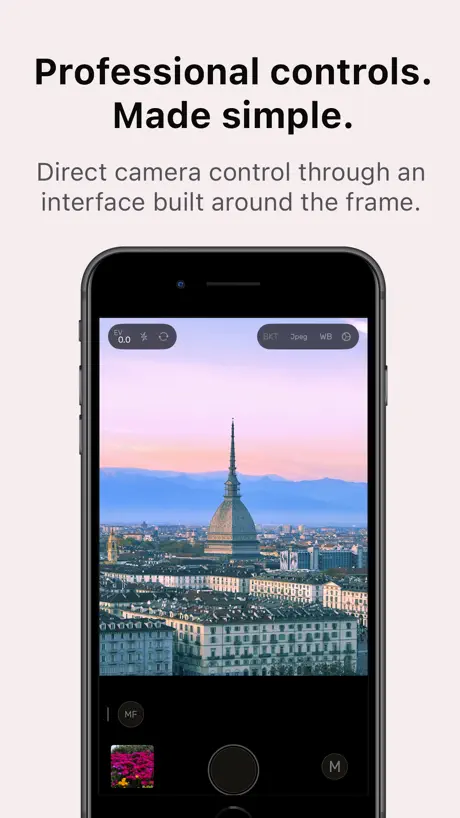
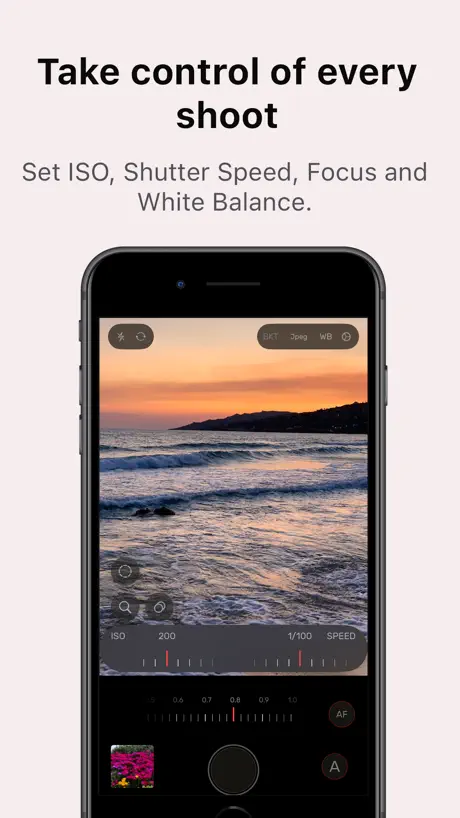
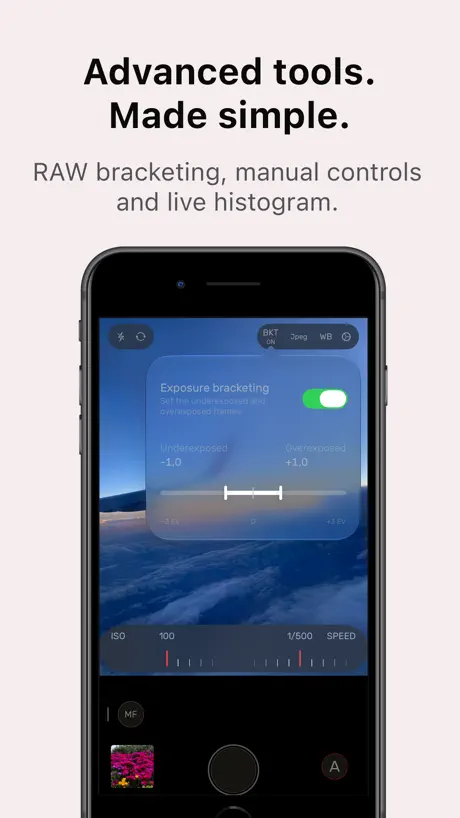
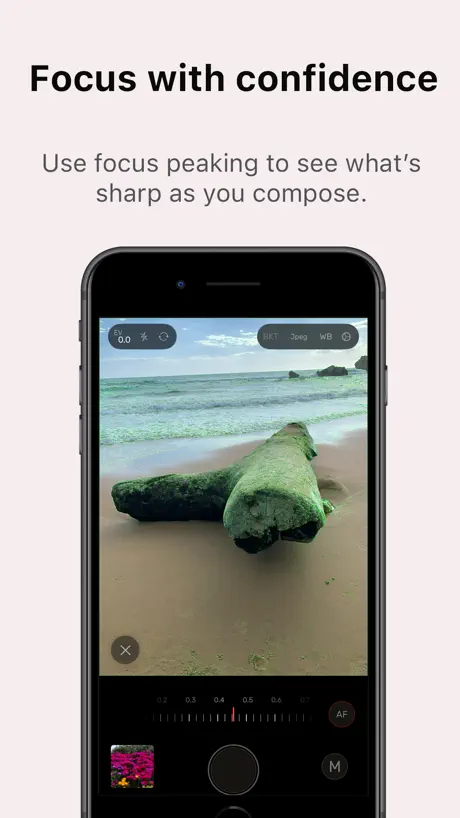
Pro controls. Made simple.
How much does Lumina: Manual Camera cost?
Prices are current as of 12 Nov 2026.
Lumina: Manual Camera has no in-app products on record in the United States.
10+ alternatives to Lumina: Manual Camera
| Lumina: Manual Camera |   ProCamera. Professional Camera |   Halide Mark III - Pro Camera | 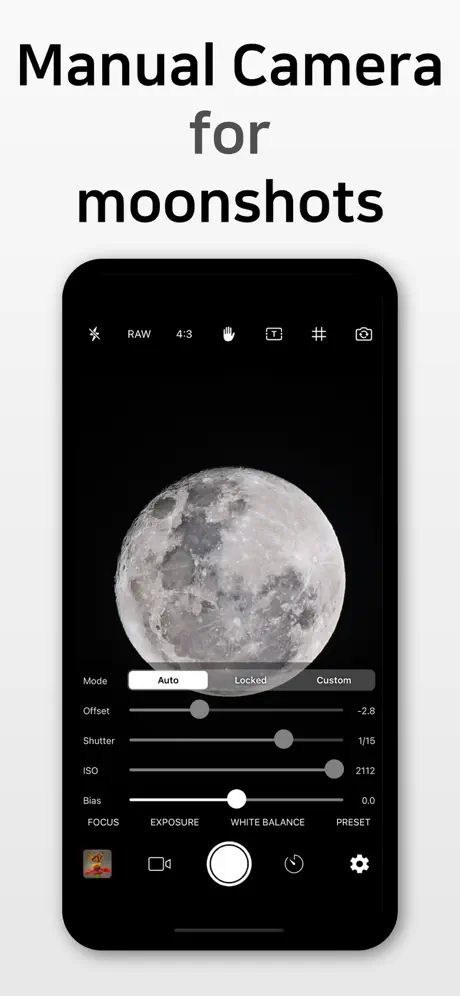  Yamera (Manual Camera) |   Manual Camera, Pro DSLR | RAW+ |   Pro Camera - Reeflex |   Fjorden Camera | 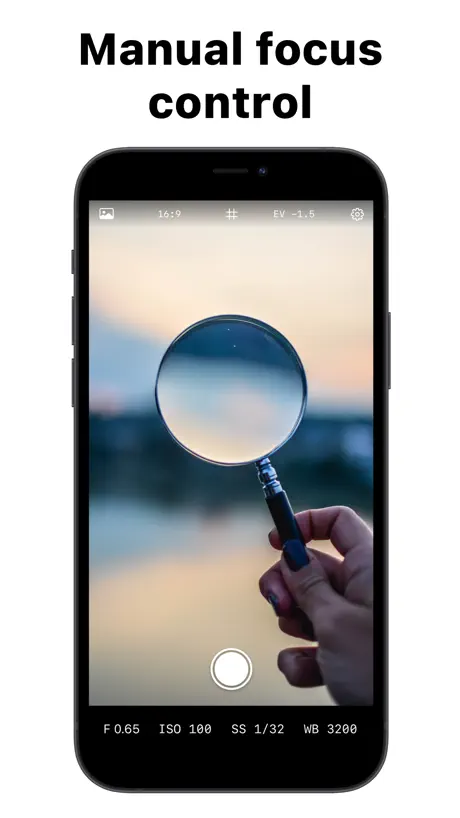  Manual Camera – Focus, ISO, WB | 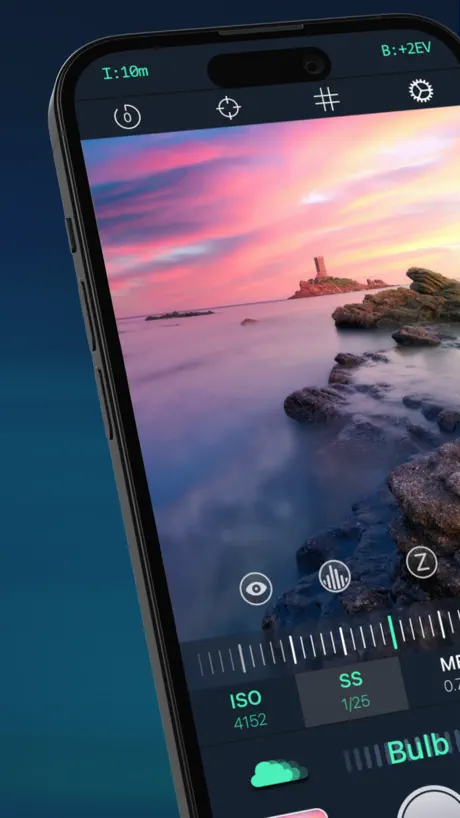  ReeXpose - RAW Long Exposure | 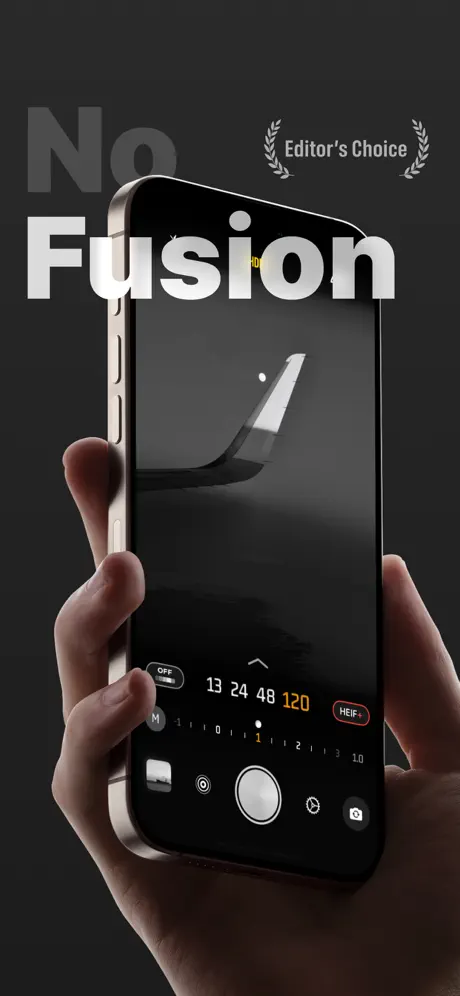  No Fusion-Powerful Pro Cam | 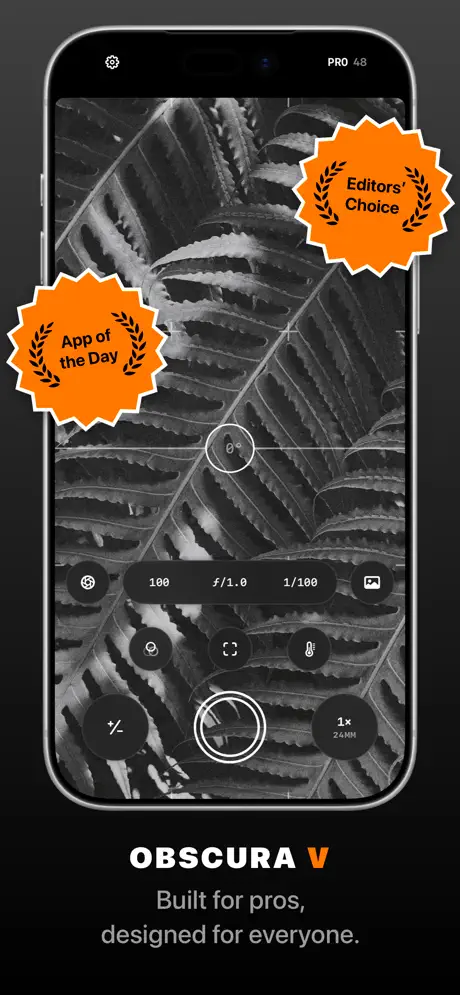  Obscura — Pro Camera | |
|---|---|---|---|---|---|---|---|---|---|---|---|
| Rating / 5 | 4.6 | 4.7 | 4.2 | 4.6 | 4.4 | 4.4 | 4.4 | 4.4 | 4.2 | 4.5 | 4.1 |
| Reviews | 337 | 58K | 37K | 9.6K | 8.3K | 4.2K | 3.6K | 2.4K | 2K | 1.6K | 820 |
| Released | 2023 | 2013 | 2017 | 2015 | 2016 | 2021 | 2022 | 2020 | 2022 | 2023 | 2022 |
| Monthly price | — | $1.99 | $9.99 | — | $4.99 | — | — | — | — | $1.99 | $3.99 |
| Annual price | — | $11.99 | $19.99 | — | $9.99 | $6.99 | — | $5.99 | $12.99 | $9.99 | $24.99 |
| One-time price | — | $19.99 | $69.99 | $1.99 | $19.99 | $24.99 | — | — | $29.99 | $29.99 | $74.99 |
The going rate for each plan in United States, in its own currency, shaded from the cheapest price on the row to the dearest. Plans fewer than four in ten of the priced apps sell are left out.
Lumina: Manual Camera reviews
4.6 out of 5, based on 337 reviews.
What people like
- Totally free with zero ads.
- Simple interface without bloatware.
- Gives you full manual control.
- Takes high quality photos.
What they complain about
- Manual settings sometimes get ignored.
- App crashes or freezes often.
- No video recording capability exists.
- You cannot zoom in normally.
I love 2.0, but it won't launch!
As soon as i started looking for a camera app, i wanted a few things. manual speed and ISO, and no trackers or in-app purchases. Lumina checked all these boxes. not only that, it went above and beyond what i was expecting. focus, white balance etc were all there. seeing the 2.0 update was exciting as launching from the lock screen is almost the only thing it was missing. when i opened my updated Lumina camera app today though, it crashed. it didn't even stay open for a second, and the only time it did the screen was just black. i have an iphone 13 on ios 17.1.2, which this app says it's supports, so i'm confused. i guess i'll have to find a different app for the time being, but i really would prefer to continue using this one. :/
Removed options for finer manual exposure
The options for finer manual increments/decrements have been removed without warning.
Great, except…
When I load a photo into Lightroom to edit it, it loses the location data (geotagging). This is a real shame, since I love to be able to search for photos by location at times.
Ios 27 non salva proraw 48
Non riesco a salvare in proraw 48 mp ma solo in 12. Ovvio tutto in auto Ho 17 pro max e iOS 27
2.0.2 build 2
After updating to version 2.0.2 build 2 on an iPhone 13 Pro Max, I encountered two Issues: Bluetooth remote shutter takes two photos in RAW mode. Each press of the shutter button on a Bluetooth remote triggers two shots instead of one. This results in unwanted duplicate photos, and I haven't found a way to prevent this behavior. NG files are slower to load on Windows. DNG thumbnails no longer appear in Windows Explorer, and the files themselves take noticeably longer than usual to load and open. This makes working with photos taken on my iPhone much more difficult. I don't remember the exact app version I was using before, but neither of these issues occurred before the app redesign.
great camera app
version 2.0.1 addressed some bugs i was having with 2.0 so i’m very pleased with the app
Won’t open since new update
Lumina used to be my go-to for a simple manual focus camera (crucial for photography of insects on an old phone) that didn’t track everything i did in the background and it was great! However, ever since the new update, the app immediately crashes when I try to open it (on iOS 17.6.1, iphone 12) I know old operating system versions can’t be supported indefinitely, but it’s disappointing that after one update, Lumina can go from working perfectly to completely broken for me. Will change my review if this ever gets fixed!
BKT touch problem
BTK button will flash when choos ing EV
Sometimes works
I don't want to just be mean with this review, I just want to give my feedback so the dev can do his best to improve the app. When it works, it's works well, when it doesn't, it's annoying. Basically, it's clunky and my experience using it is not like that of using a professional app. It seems to work on the iPhone 16e consistently (though not exactly how I'd like, for example I don't liks having to double tap or hold down on some buttons to use them) but in the iPhone 17 pro max the bracketing menu didn't work consistently and the bracketing looked wrong (instead of having an under exposed photo, a normal one, and an over exposed one, there is the normal one and two over exposed ones at different exposures (that might be my fault because Im new to trying to use the app but it's what I saw and I did the same thing on the 16e and it worked fine)). the photos didn't always show up after taking them. I'd recommend the dev finish testing the app and working out it's kinks.
Great app just one suggestion
Thank you for making such a great, free app! Could you please add a setting to keep the flash on continuously as a torch while taking photos?"
Disappointing Update
I’m only writing this review because when I attempted to email the developer, the email couldn't receive mail. I’m really frustrated with the new update in the way my images are being processed. I used this app primarily to avoid the over-processing feature on my basic iPhone 16 because I take product photos. I need colors & tones to be as accurate as possible. There used to be no difference between the live camera display and the photo taken. Now, even with "Photo Processing Level" turned completely off, I’m surprised going into my album and finding that none of the images look how they did when they were actively being taken. Really hoping to find a solution for this because I relied on this app heavily!
No slider for white balance (kelvin)?
Really good app just wish there was a slider for the kelvin white balance instead of a drop down menu.
UI issues
The UI doesn’t fit the screen on iPhone 13 Mini
A great, free manual camera app in a sea over overpriced ones
It’s insane what other apps are charging for a manual camera. I wouldn’t mind paying a small one time fee, but this one as actually free! It works great, and has all of the features you’d want and nothing extra. I was beginning to think that honest, good apps like this were extinct.
Rotellina non funziona
Una stella più che sufficiente
Nice App
Really nice app, I would be happy if there was an Option to Chose the Format of the Photo (16:9).
Сброс настроек
Приложение периодически сбрасывает настройки на стандартные значения. Зависимость найти не могу, это случается при разных ситуациях. В итоге большая часть фото оказывается смазанной или тёмной. Настройки уровня обработки кажется ни на что не влияют. В общем, было бы неплохо, если бы все работало, как надо.
User Friendly and Accessible
Great manual camera app with a simple enough UI for casual photographers to use without being overwhelmed by the amount of options. Easy to understand and use, takes great quality photos and has easy and convenient options to download and transfer photo files. Going in with a singular Google search of certain settings did, I was able to quickly figure out the interface and take photos exactly how I needed. No overbloated or annoying UI like other apps I’ve tried.
No Square Mode
Please add a square aspect ratio. All the great features and functionality of the app are worthless if I can’t set it to shoot in square format
Lumina
Diciamo che funziona fino a che non va in crash .. sicuramente necessita di patch . Molto buona devo dire però. bravo 👏👏 iPhone 13 pro Max iOS 18.5
Great app however…
Whenever I take pictures now via Lumina, they become much brighter in the camera roll app after a few seconds, so I have to take screenshots of the normal versions through the Lumina camera roll every time.
Great control
This app has a simple interface, yet it has so many features. I really like the lighting, even with the automatic capture, that it provides over the stock iPhone app. Setting up the right speed and exposure takes a bit of practice. Highly recommended!
No video?
Couldn’t figure out how to simply take a video. I tried for like 5 minutes and if it takes that long the app is bad.
A powerful tool
This app fills a niche that Apple has left out. This app provides advanced manual camera controls that I really need sometimes. This app never fails to provide me with the tools I need like manual focus, ISO and stutter speed. I do hope the gallery implementation gets a little more polish.
Amazing free app!
This app is truly amazing! Completely free and without any in app purchases or ads, it is the perfect companion for anyone seeking to elevate their iPhone photography game. The only feature that keeps me from using it 100% of the time is the lack of LUT capabilities. If there were options to import LUTs and burn them into images, I have no doubt I would use Lumina exclusively. Until then, however, I’ll be using Fotorgear. Mr. Salvatore, no hard feelings, and cheers to this amazing accomplishment!
no zoom?
no ability to zoom?
Apple literally couldn’t do this for over 20 years.
iOS 18 still has no manual focus. Instantly 5 stars for this app! Minus one - Zoom not working. Can’t zoom like normal camera. Can only change lens.
Simple and Free
I love you lumina app… no subscription needed quick, light, easy access with no ads
Not working on IOS 26.2
iPhone 16 Pro Max, IOS 26.2 - manual settings not working. You can adjust the ISO and shutter speed but the picture is taken on auto mode.
Beautiful app but
It doesn’t support OIS which is a common iOS issue. I found only 2 apps that use the stabilisation when shooting raw but would use and pay for this one if you solve the issue
Best Camera App Ever
This camera app is one of the best ever. Simple yet able to capture photos comparable and sometimes even better than project indigo. The iPhones 48MP image sensor is already great in daylight conditions, so any processing whether it be apple or Indigo isn’t always needed. Lumina offers control back to your phone for free and WITHOUT ADS!!!
Useless
Totally useless, all the params, you set in manual mode just ignored(set 1 sec exposure time and check exif of photo), sometimes not saving photo at all, timer buggy.
Videos
Can this app take videos? It would be a great feature
Good
Works exactly like you expect and no bloat. Use the 12MP mode. Wish you could set it as your default camera app!
Great app with a few serious bugs
Love the app and the control it gives, but there’s an issue when saving files in ProRaw (15 Pro), photos have no filename, they’re just “.dng”, this causes issues when backing up to a computer even though the camera roll seems to be fine with it.
Lumina: Manual Camera FAQ
- Is Lumina: Manual Camera free?
- Yes. The app is free, in all 175 countries it sells in, and it sells nothing inside it.
- Does Lumina: Manual Camera have a free trial?
- No. None of its offers (US) come with a free trial.
- What are the best alternatives to Lumina: Manual Camera?
- ProCamera. Professional Camera (4.7 from 58,285 reviews, premium from $1.99), Halide Mark III - Pro Camera (4.2 from 37,083 reviews, premium from $9.99) and Yamera (Manual Camera) (4.6 from 9,648 reviews, premium from $1.99).
Lumina: Manual Camera download
Last updated 1 month ago.
Lumina: Manual Camera sells in 175 countries. It was released 3 years and 9 months ago, on 24 Jan 2023. It holds a 4.6 rating from 337 reviews.
Supports 2 languages: English, Italian.