Subtext
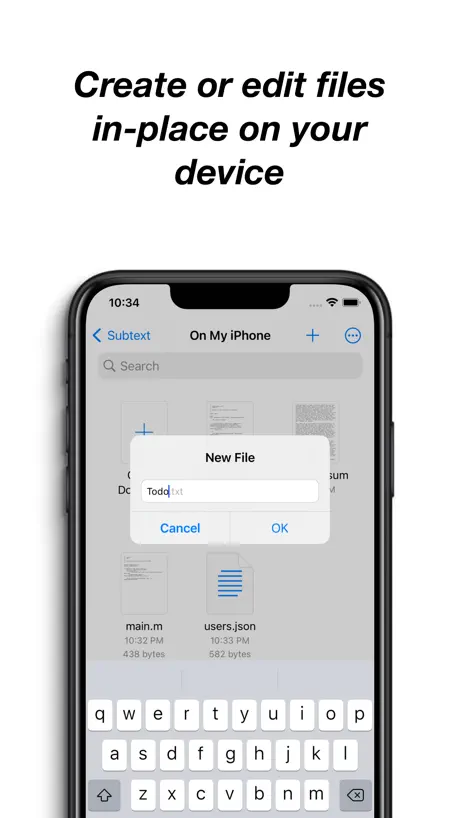
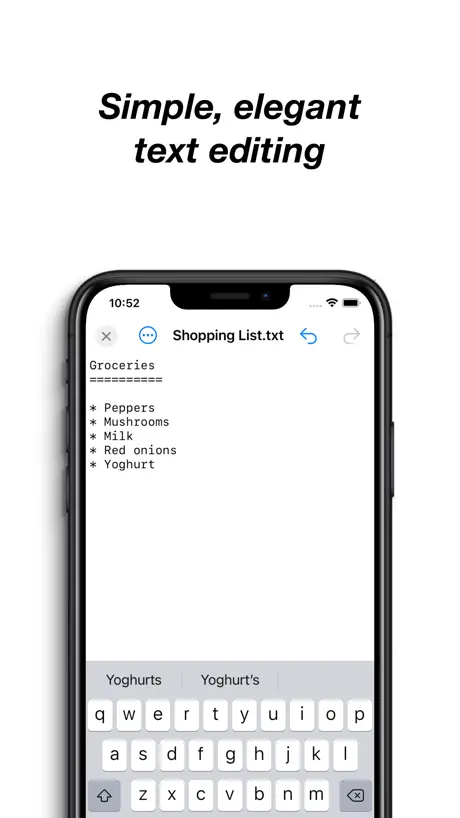
Simple, elegant text editor
How much does Subtext cost?
Prices are current as of 11 Sept 2026.
Subtext has no in-app products on record in the United States.
10+ alternatives to Subtext
| Subtext | 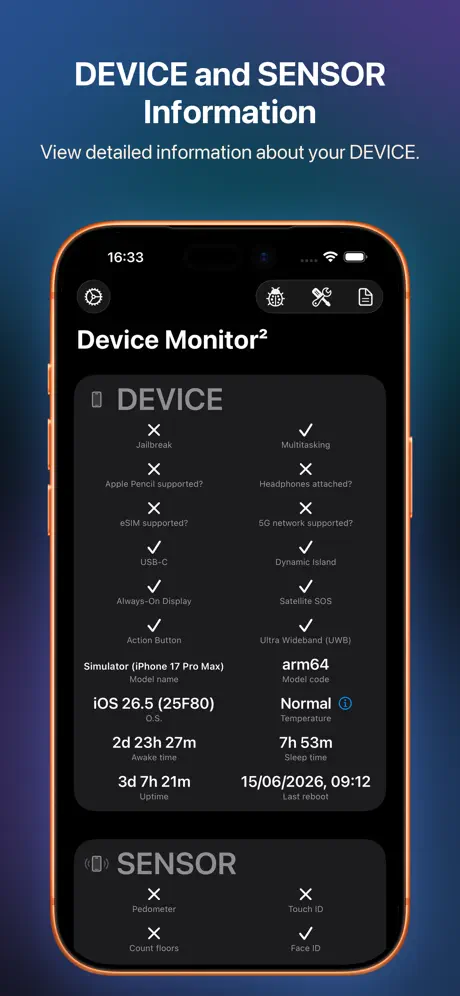  Device Monitor² Device Monitor² | 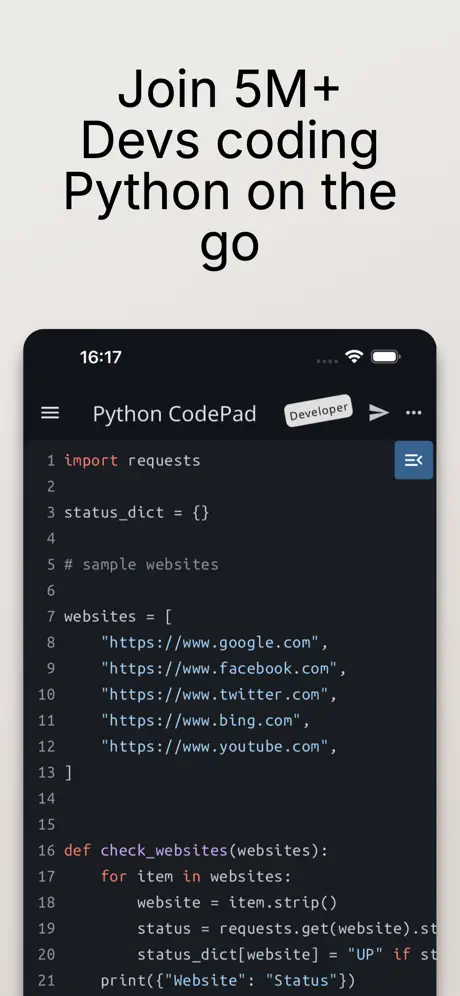  Python Coding Editor & IDE App Python Coding Editor & IDE App | 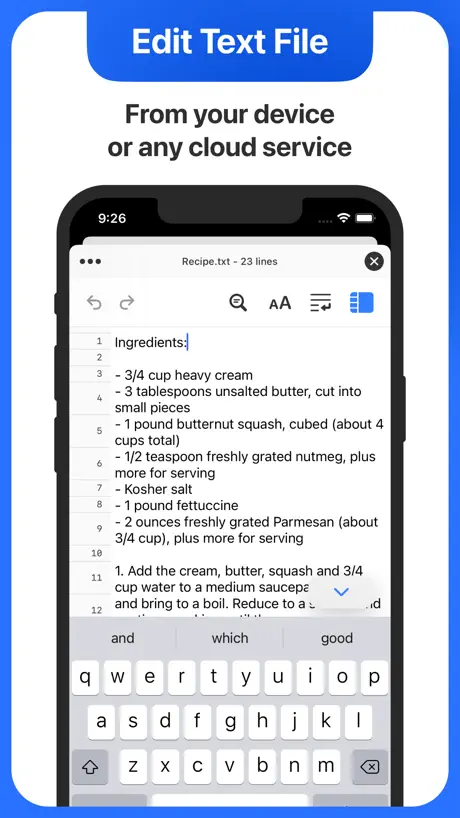  Text Editor. Text Editor. | 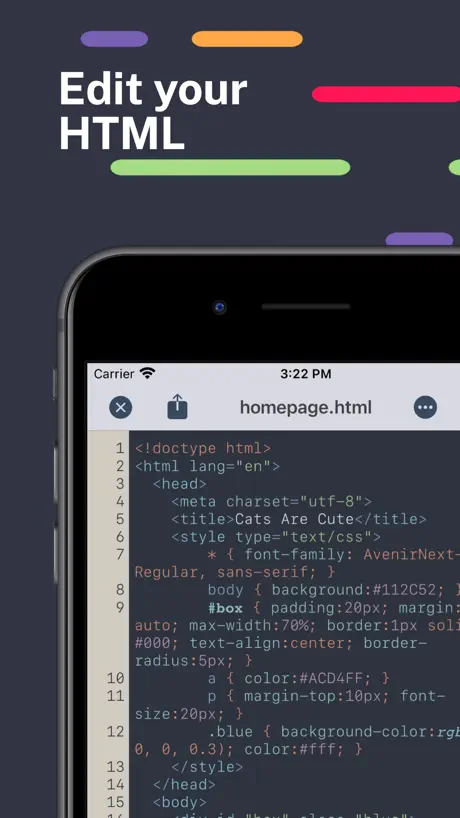  HTML Editor HTML Editor | 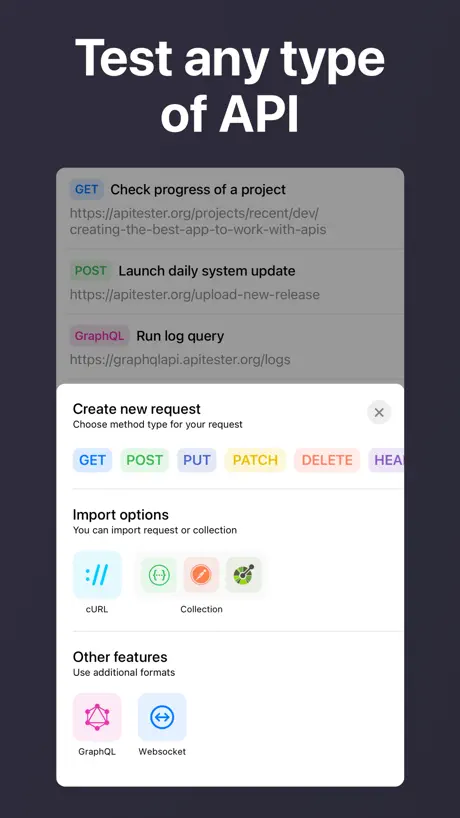  Tester - Super Intelligence Tester - Super Intelligence | 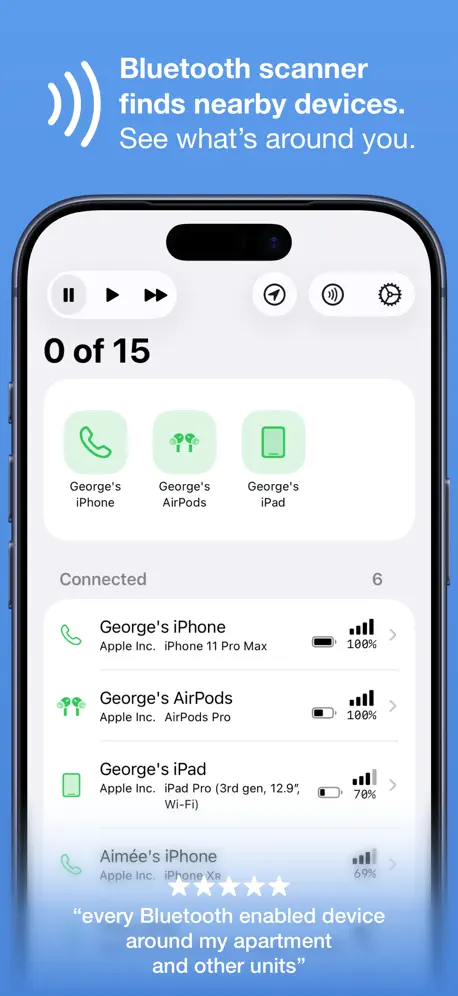  Bluetooth Inspector Bluetooth Inspector | 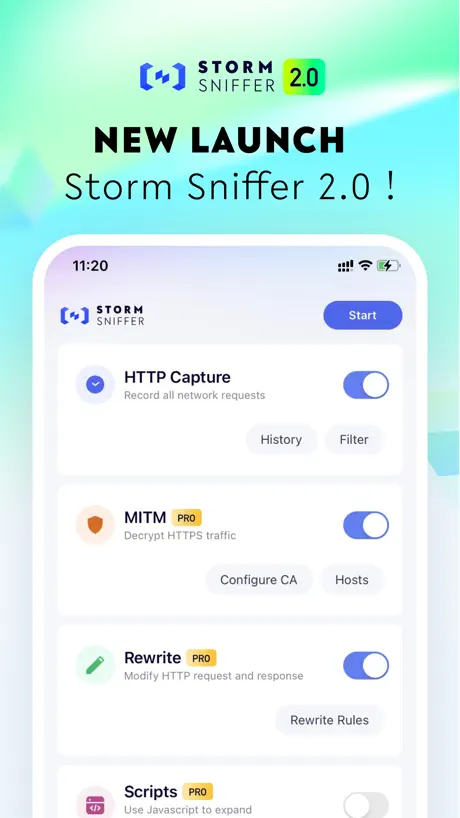  Storm Sniffer - Packet Capture Storm Sniffer - Packet Capture |   Rev for Vercel Rev for Vercel |   Thermals Thermals |   Supanator: Supabase Manager Supanator: Supabase Manager | |
|---|---|---|---|---|---|---|---|---|---|---|---|
| Rating / 5 | 4.7 | 4.7 | 4.4 | 4.4 | 4.2 | 4.7 | 4.6 | 3.3 | 4.4 | 4.5 | 4.3 |
| Reviews | 208 | 44K | 23K | 12K | 6.2K | 2.6K | 2.4K | 1.6K | 285 | 75 | 59 |
| Released | 2022 | 2021 | 2022 | 2019 | 2021 | 2021 | 2020 | 2022 | 2025 | 2022 | 2025 |
| Weekly price | — | — | — | $0.99 | $2.99 | $0.99 | — | — | — | — | — |
| Monthly price | — | — | $11.99 | — | — | $7.99 | — | $1.99 | — | — | — |
| Annual price | — | — | $39.99 | $9.99 | — | $79.99 | — | $12.49 | — | — | — |
| One-time price | — | $0.99 | $7.99 | — | — | $89.99 | $3.99 | $14.99 | — | — | — |
The going rate for each plan in United States, in its own currency, shaded from the cheapest price on the row to the dearest. Plans fewer than four in ten of the priced apps sell are left out.
Subtext reviews
4.7 out of 5, based on 208 reviews.
What people like
- It is completely free with no ads.
- The interface is simple and effective.
- It has no unnecessary bloat or features.
What they complain about
- You cannot change the font size.
- It refuses to open many file types.
- Work can disappear without saving.
Simple Text Editor
I wanted a simple text editor so I could edit text files in the Files app. It works as intended and meets my needs.
Too picky about extensions!!!
I have a renamed xml file with a different extension and it won't let me open it unless I rename it to txt first then rename it back after editing!!!!! Please fix!
Great, But Recent Updates Broke It
This is a great basic text editor. No fancy features, no unnecessary bloat, and no price tag. It's perfect for editing plain text! However, something changed after a recent update. For some unknown reason, the "Recent" tab now displays everything single file available in Apple Files. Text files, images, everything. Maybe it's always been this way and I never noticed. Regardless, I now have 260 files listed when there should only be maybe 10, and any files I add or modify in Apple Files becomes the latest one in Subtext, too. It kind of defeats the purpose of the Recents tab… Otherwise, it's been treating me very well!
.txt extension
Required to open a file? Kind of lame.
One flaw
Subtext is a perfect example of a developer successfully coding a slim, efficient, easy to use, and very popular text editor. UPDATE: minus two stars - no way to copy/paste without line numbers.
Perfect
This is exactly what I need and no more. What wonderful minimalism.
unbrauchbar
wenn ich versuche eine neue Text-Datei anzulegen rödelt die App eine Weile rum und sagt dann: unable to open file; dito wenn ich versuche eine vorhandene Text-Datei zu öffnen
bug jumps to top of doc
jump to top of page when trying set cursor on a blank line...
Not able to save edits
Nice, simple ASCII text editor, but it throws an error when trying to save files to a network drive.
You will lose your work
How am I supposed to review this? It is, in fact, the only .txt editor on the app store without an insane price tag, or clearly unneeded fluff added. But three times now, it has failed to save my work, and I’ve lost what I was working on. It’s not a crash, the app doesn’t close, it just randomly decides everything you typed in the last 20 minutes never happened. There’s no way to communicate with the developer, to try and figure out what’s happening, or how to fix it. So - my first review.
a must for ios
a must to compensate ios Files app deficiency. ty sir 👍👍👍🙏🏻🙏🏻🙏🏻🙏🏻🙏🏻 just a comment to improve it even better: i wish to edit nontext files without changing them to text file ———————————————- got your kind reply great thanx and looking forward the PERFECT 1.2.5 version 🤩🤩🤩🤩🤩
Not a text editor
I needed to edit some Markdown and Textile files, which are plain text, and it doesn’t work. I’m more sure what it’s doing, but it’s more a text editor.
Great, needs one feature
Love this app. But after using “Select all” it is difficult to unselect the selection. It would be great if the developer would add a “Unselect all” to the app. Otherwise it works great.
Great but….
Great little app, but I can’t add it as a widget to my today screen :(
Perfect for all text editing
I used this to quickly edit small CSS and JavaScript files too. Despite the small size this is the best simple text edit app by far. Tried 3 other apps today and deleted them all to return to Subtext. Don’t bother with others, this is what you want.
Nice! But missing text size
The only crucial thing that needs to be added is the text size settings (without limits, please). Otherwise — an ideal text editor. There's an optional idea: kind of a 'distraction free writer' mode with serif fonts and centering all text in a ~60% with column, without line numbers or anything, just text. Then it would be even better than ideal.
good
小型文本打開體驗感不錯,但打開大文本(133Mb)時,提示錯誤,打不開
Excellent text editor
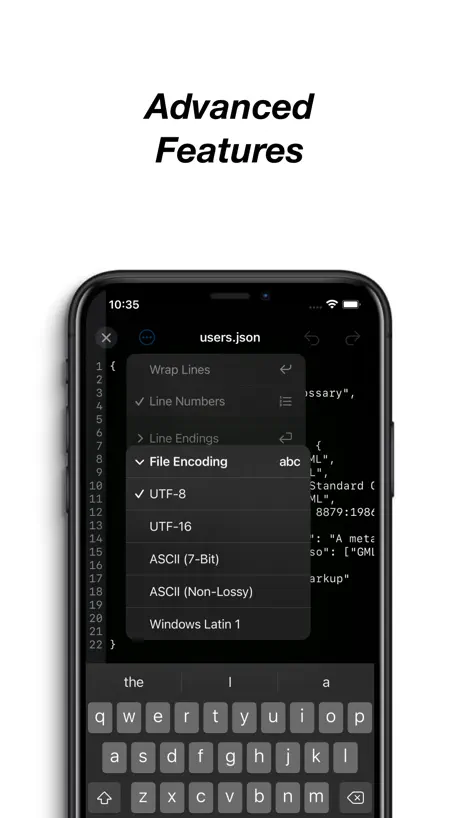
Subtext is ideal for me as a text editor. Simple interface, line numbers, line wrap or not, encoding choices. It shows in the share sheet. Subtext is a terrific editor, no ads, completely free.
Super, aber es geht noch besser
Super app fürs bearbeiten von texzen! Ich benitze die app hauptsächlich für html & css dateien und bin sehr zufrieden. Jedoch wäre eine Tab Taste cool, sowie dass man alle dateitypen als text öffnen könnte (also zb eine .exe datei als text anzeigen)
File saving is a problem
Although this is a nice text editing app, it does not edit existing documents. I spent a lot of time trying to figure out why my edits kept getting lost. After a long search, I discovered that the app is making an extra copy and saving edits into a different location - its own folder.
No bloat
So simple
Ok but wonky
Strange problems with capitalization, appearing randomly, particularly after paste.
the best by six trillion miles
wish i could at least adjust font size, but hey, i respect the vision for simplicity here tbh
Ohne Tab Key
Reiner Texteditor, aber leider ohne Tabulator-Taste
Amazing
Amazingly simple and great application. Works exactly like I need it to. I've never been more impressed with an app here before.
Picky about file names
Would be great, except it refuses to open or create many files based only on the file name. I don’t have the desire or time to constantly rename files before and after editing. A plain-text editor should open any file even if viewing it as character data results in a bunch of gobbledygook being displayed. File name extensions are a 40year old relic of DOS. In most other operating systems, before and since, the dot and extension are just arbitrary characters like the first part of the name and mainly used for filtering searches.
Works great!
Simple UI, very effective. Thanks Nick.
Just found!
Just found this app and been really enjoying, thank you! A couple of feature requests: mainly character count but JetBrains Mono would be a bonus.
Subtext FAQ
- Is Subtext free?
- Yes. The app is free, in all 175 countries it sells in, and it sells nothing inside it.
- Does Subtext have a free trial?
- No. None of its offers (US) come with a free trial.
- What are the best alternatives to Subtext?
- Device Monitor² (4.7 from 44,312 reviews, premium from $0.49), Python Coding Editor & IDE App (4.4 from 22,508 reviews, premium from $4.99) and Text Editor. (4.4 from 11,908 reviews, premium from $0.99).
Subtext download
Last updated 1 month ago.
Subtext sells in 175 countries. It was released 4 years and 8 months ago, on 1 Feb 2022. It holds a 4.7 rating from 208 reviews.
Supports 1 language: English.
How much does Subtext make?
Third-party estimates for the last 30 days, worldwide — not the store's own figures, which Apple publishes for nobody.