
Weave Chat AAC
Dynamic & Customizable AAC App
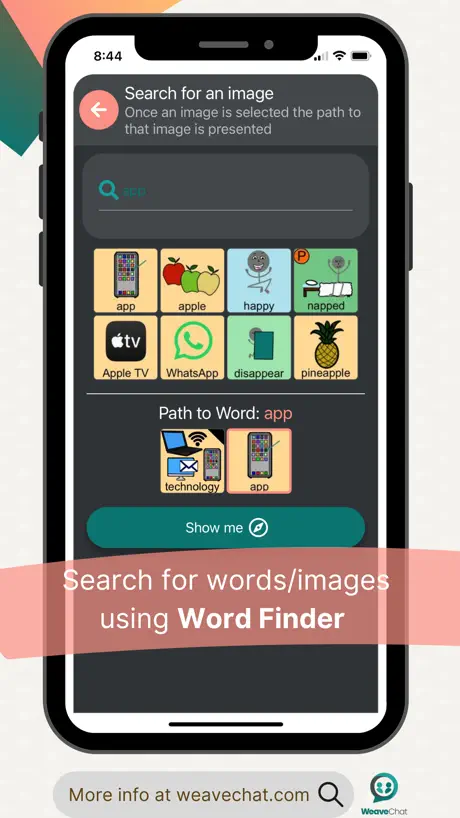
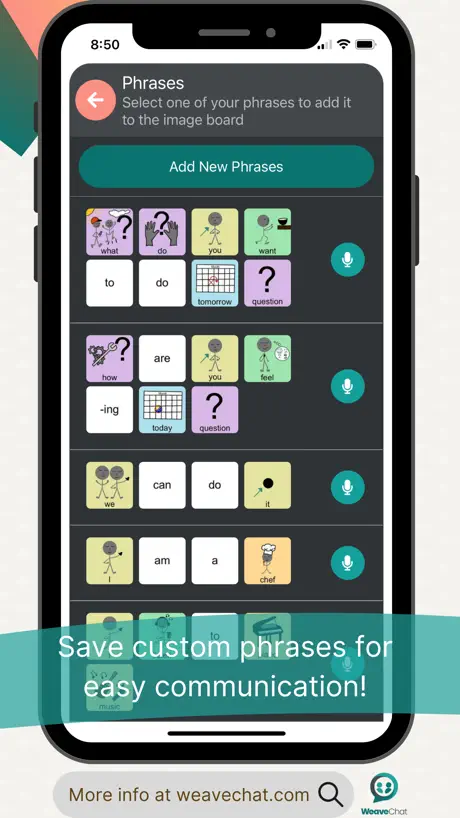
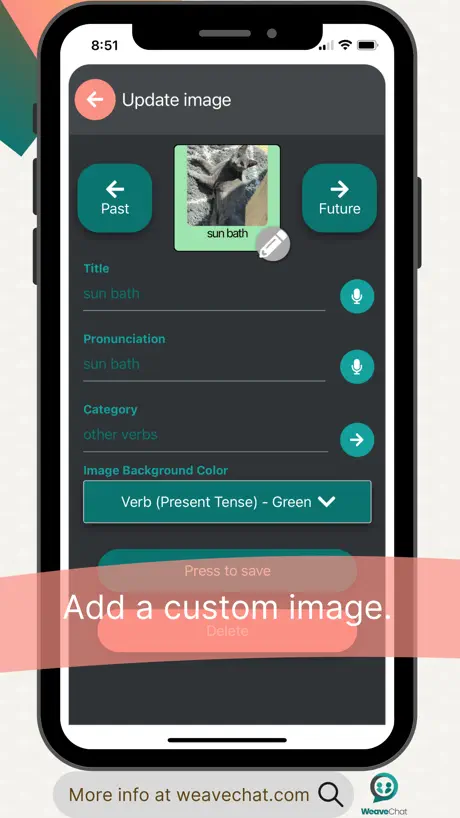
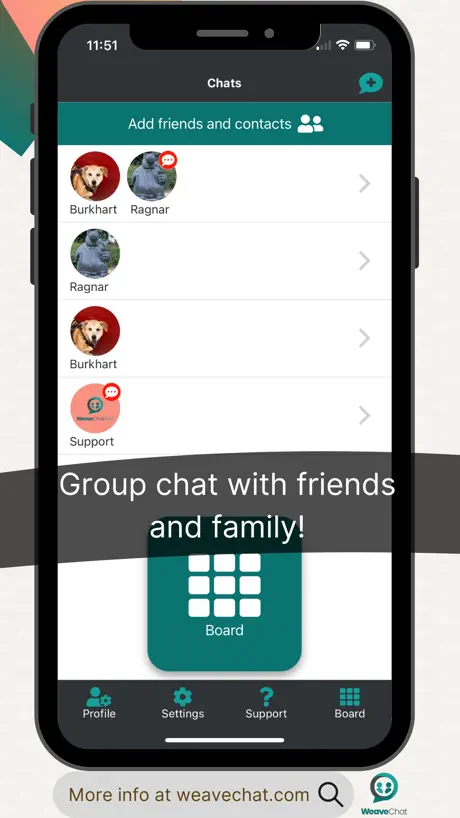
How much does Weave Chat AAC cost?
Prices are current as of 11 Sept 2026.
Weave Chat AAC has no in-app products on record in the United States.
10+ alternatives to Weave Chat AAC
| Weave Chat AAC |  TD Snap® TD Snap® |   Twinkl Symbols AAC System Twinkl Symbols AAC System |   Avaz AAC Avaz AAC |   Articulation Station Hive Articulation Station Hive |   Proloquo Proloquo |   Visual Choices AAC Visual Choices AAC |   TouchChat Discover TouchChat Discover |   CommBoards: AAC Speech Talker CommBoards: AAC Speech Talker |   CoughDrop CoughDrop |   Fast AAC Fast AAC | |
|---|---|---|---|---|---|---|---|---|---|---|---|
| Rating / 5 | 4.7 | 4.3 | 4.7 | 4.2 | 4.4 | 4.0 | 4.7 | 3.7 | 4.2 | 3.7 | 4.3 |
| Reviews | 734 | 2.4K | 1.3K | 594 | 562 | 275 | 206 | 149 | 126 | 93 | 13 |
| Released | 2021 | 2017 | 2020 | 2014 | 2022 | 2021 | 2023 | 2011 | 2020 | 2015 | 2025 |
| Monthly price | — | $4.99 | — | $9.99 | — | — | $6.99 | — | — | — | — |
| Annual price | — | — | — | $99.99 | — | — | $59.99 | — | — | — | — |
| One-time price | — | — | — | $199.99 | — | — | $60.99 | $74.99 | — | — | — |
The going rate for each plan in United States, in its own currency, shaded from the cheapest price on the row to the dearest.
Weave Chat AAC reviews
4.7 out of 5, based on 734 reviews.
What people like
- Completely free with no paywalls
- Works well on web too
- Great for saving your voice
What they complain about
- Syncing is slow and clunky
- Hard to customize buttons at first
- Setup causes errors and confusion
The only way I
The only way I
Buggy and Useless
I spent HOURS trying to configure this. It gave me constant errors at every turn. You cannot add or delete buttons at all without getting error 404s. I just wanted a blank slate and even that was impossible. I’m heartbroken. I even tried the web app and that doesn’t work either. Completely inaccessible even with the video tutorials bc the software is just cooked.
Great app but some missing features
Overall this is a great robust aac I love how it’s free and has a wide vocabulary. Howerver I would love to see better voices and easier to add buttons.
Vocabulary Limitations
I’m disappointed that for all the “this app allows for tons of customizations” that nowhere does it mention that there is a 2,000 custom button limit at or before sign-up. You basically only find out when you hit that limit. I understand the reasons why there’s a limit, but it feels disingenuous to not say anything about it until you hit it, and honestly most of the buttons I added are pretty basic words I was surprised the app didn’t already have (due to the hype about how robust the app is) like “which”, “how much”, “ours”, “its”, “ate”, “answer”, “male”, “female”, “choose”, “has”, “art”, “migraine”, “loose”, “young”, “afraid”, “mad”, “stressed”, etc. They don’t even have “cat” or “dog” listed under Pets. There isn’t even any pre-made vocabulary for things like abuse or trauma, which is extremely important for AAC users to be able to talk about. I’m not saying an app *has* to include this, but when you advertise yourself as being good for self-advocacy and have a limit as to how much users can add, it feels very strange to not include this vocabulary. Due to how many gaps I had to fill, the “my x” boards are basically useless. If I have to fill so many gaps that it takes up most of the 2,000 limit, maybe you need to either raise the limit or add more vocabulary so users can focus on adding personalized buttons, such as favorite shows or music, or add some of their own routines to self-care. As it stands now, probably half my custom buttons are under Verbs, Describe, and Feelings. It’s a good app, just not the one to use if you need lots of vocab.
Not working
It works really well but lately it just hasn’t been working none of the buttons show up I’ve tried to fix it but ai don’t know how
Ad
I use this for voacl tremor in school often im not understood so i use this it could be improved by allowing more boards for the user
Needed an email
Needed an email
amazing app, one critique?
So a friend of mine recommended this and its amazing but I have one problem. The board I want to use is the scrolling board and the positioning is odd. It only lets me position new words in the middle two columns, (and i cant move them to the outer columns?). id ideally want an entirely blank board, because the ‘hidden words’ still take up slots! How do i do this :(
Voices are horrible and Tagalog is useless
I love that they offer AAC for free but the voice options are not good. Also, I specifically downloaded this app because it is the only app that offers Tagalog - Filipino but it’s useless because there are no voices that pronounces any of the words as a native speaker. Disappointing.
Great looking app but…
I recently downloaded this app and thought it looked great, there were so many features that would have been placed behind paywalls on other apps. But when it came to selecting a voice, I find I can’t select the one I’m wanting {or any voice for that matter}, is it possible to get this fixed?
Good
Helpful
This is not good.
The app could be great but why on earth would I want this to constantly sync? This is a clunky app that forces a sync and makes loading times extremely long. Don't waste your time.
Very good, small issues but overall wonderful!
I've been using this for abouuut two weeks now and my only gripe is that it's pretty tedious to rearrange and change the images of a lot of words and folders at once. This is still absolutely amazing as a free resource, and I'm incredibly grateful that this exists bc most other aac apps are either 100+ dollars or don’t work for me. It works wonderfully, far better than the text to speech app I was using.
Volume too low
Unfortunately I can’t seem to get volume to be louder. I have it on highest setting on my phone and you can still barely hear it. Good concept tho.
i mean its okay..
I like this app. Ive seen a lot of it on tumblr so i got it for myself. and holy guac this was hard. I get easily angry when stuff doesnt work out easily, i tried making custom categories and it was too confusing for me to figure out, i dont know how to customize this to my liking because its too confusing..please make this easier to access im really confused it wont let me make custom categories without assigning it a category and its pissing me off rn and so now my aac doesnt look how i want it to. so much for being customizable,,,,
life changing !
this is my first time using an aac device as well as my first time reviewing something on the app store. this has been a genuinely life changing experience using this and being able to speak when i can’t otherwise communicate. the depth to edit buttons and especially the ability to directly record audio is really nice and makes it actually fun to use as well. i appreciate that there are many different options for voices and nationalities. it is nice to hear someone from my home country.
Do not use
Do not use
Good but
I use this app on my iPad my school gave me as my talker but it would really help if the little words had pictures and more choices for food and drink
?
It would be better if it had a tutorial on how to make your own phrases and save em for later and multiple use.
I really wish I could use this...
It doesn't send me a token thing after I sign up. I really want to use this app, but it just doesn't send me the thing.
Best free app
I love this app so much. This aac app is so robust, easy to customize, and the in-app text for support is amazing. I highly recommend this app to anyone who is looking for a free app.
Mobile number can’t be entered
Unable to sign up as mobile number doesn’t allow a 11 digit NZ mobile.
It’s great
It’s an amazing app, it does a great job, but it is a bit confusing to find things and create buttons at first
Lynette
Colhoff
Great app and website
I love that this comes with a website and not just an app because it allows you to be versatile when everyone might not have access to a tablet or iPad.
First time reviewing
I am a speech and language therapy assistant (in the uk we say therapist not pathologist) It’s been a breath of fresh air to find this app. Most AAC apps you have to pay to customise the vocabulary and you left with only generic on the free versions which serves a purpose but we really need to add vocabulary the users want to speak about, favourite bands, etc. Many disabled people can’t afford to pay for that. I also love the fact you can resize the cells as my current client struggles to isolate movements and click precisely. Also you can remove cells all together which is ideal to simplify it right down so it’s accessible or bring it all the way back up for more proficient users to have all the vocabulary to string full sentences together. I was pleased to see on Facebook and Instagram this project is still going strong so the app will continue to remain compatible, be updated and improved - keep adding more vocab. I love that you have swear words. I think it’s also good that it will either speak when you press the speech button or one selecting the vocab. It’s not perfect I found getting set up a bit clunky but other elements of the usability but so so good. Very very grateful for this.
what pp
I went to the body parts section and found a PP, can I remove that
Dinosaurs
Dinosaurs Animal
Amazing
This app is so accessible for families! It’s easy to use. Has so much to it. So customizable. Whoever developed this you are quite literally changing peoples lives. Thank you!!!!
I love weave chat !
I love weave chat so much and it is so helpful for me. Can you add an option to make changing colors of categories easier so I don’t have to do it manually? It takes really long because I have to change each button and I like my colors to be specific. thank you !
Perfect for me
It helps me talk to people like my family and friends without hurting my throat since it always hurts
Weave Chat AAC FAQ
- Is Weave Chat AAC free?
- Yes. The app is free, in all 175 countries it sells in, and it sells nothing inside it.
- Does Weave Chat AAC have a free trial?
- No. None of its offers (US) come with a free trial.
- What are the best alternatives to Weave Chat AAC?
- TD Snap® (4.3 from 2,439 reviews, premium from $4.99), Twinkl Symbols AAC System (4.7 from 1,279 reviews) and Avaz AAC (4.2 from 594 reviews, premium from $9.99).
Weave Chat AAC download
Last updated 28 days ago.
Weave Chat AAC sells in 175 countries. It was released 5 years ago, on 23 Sept 2021. It holds a 4.7 rating from 734 reviews.
Supports 1 language: English.
How much does Weave Chat AAC make?
Third-party estimates for the last 30 days, worldwide — not the store's own figures, which Apple publishes for nobody.