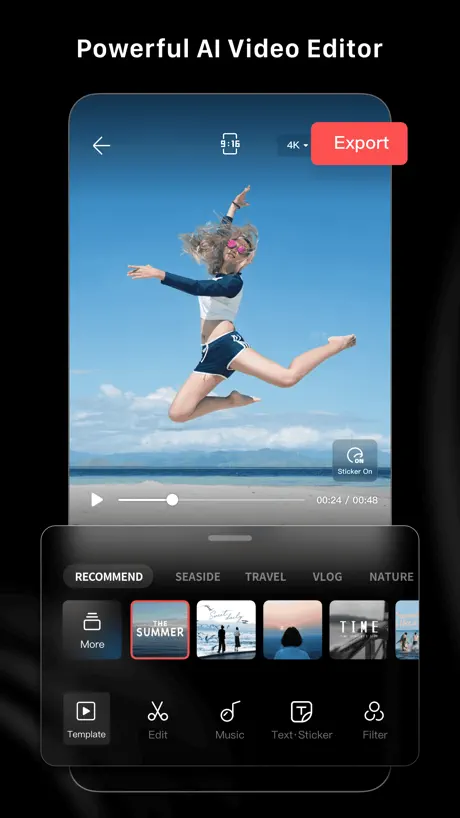
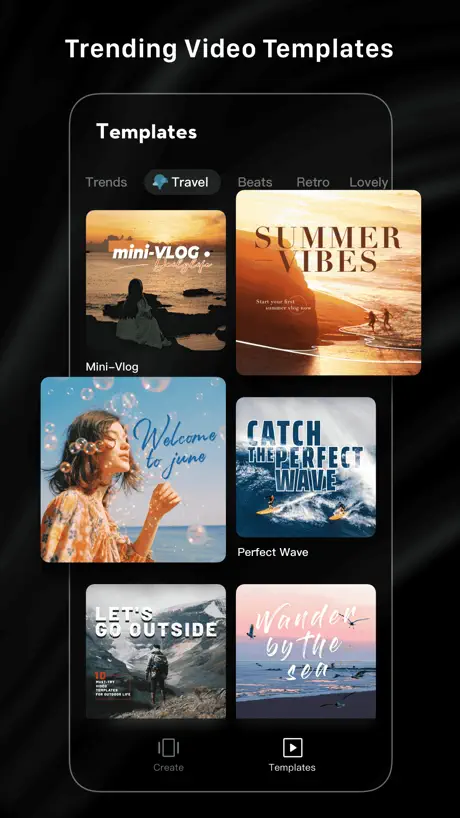
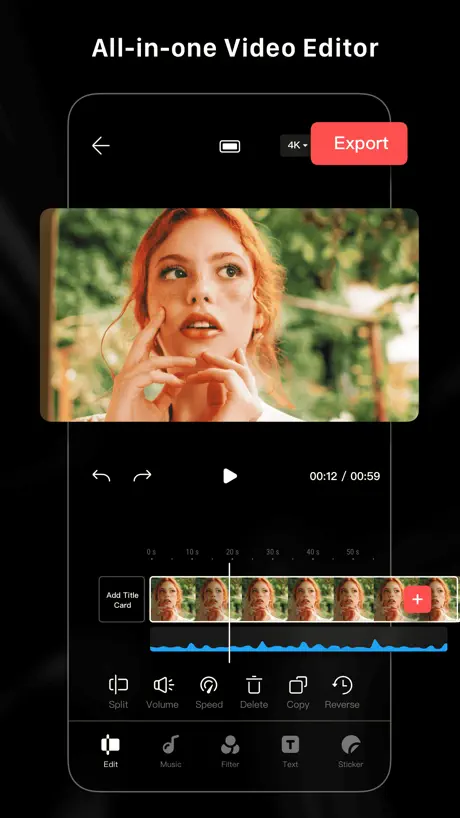
LightCut - AI Video Editor
Edit your videos automatically
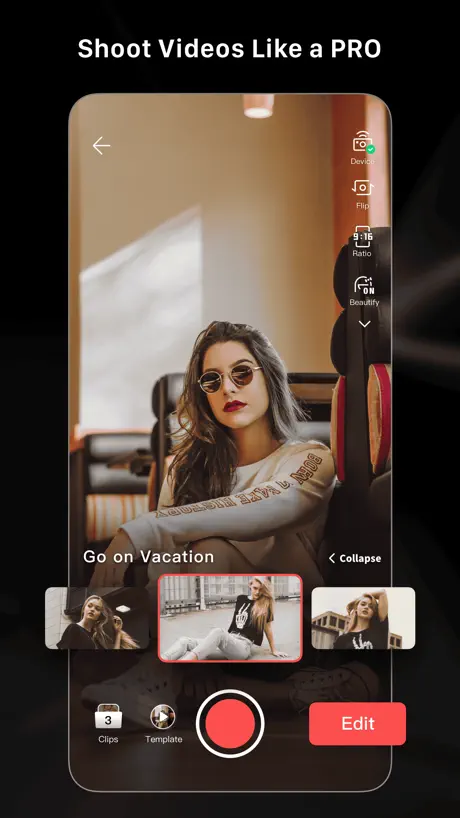
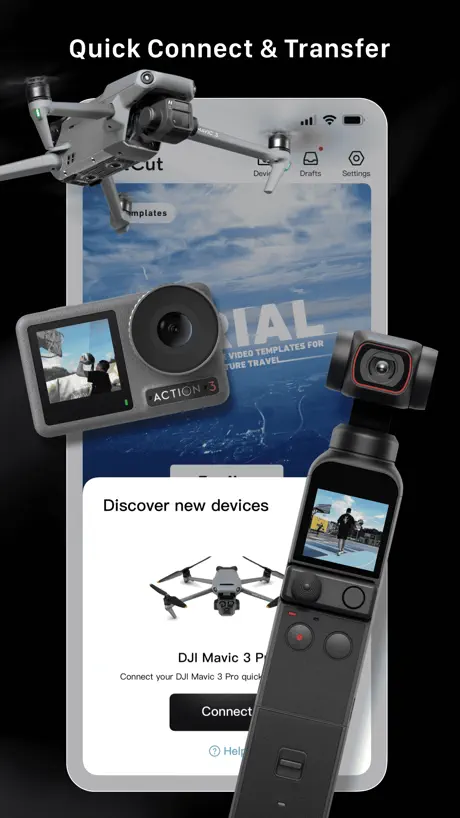
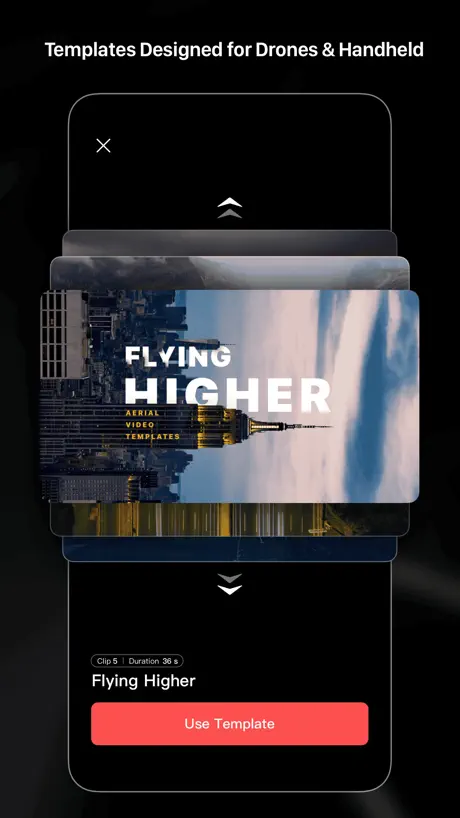
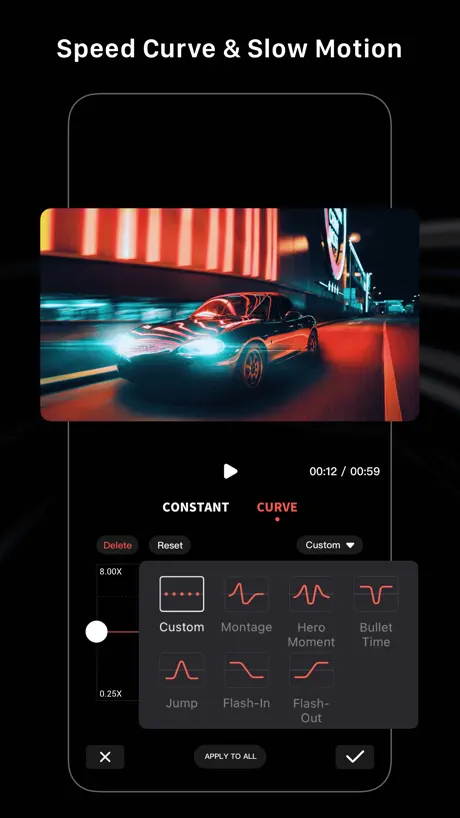
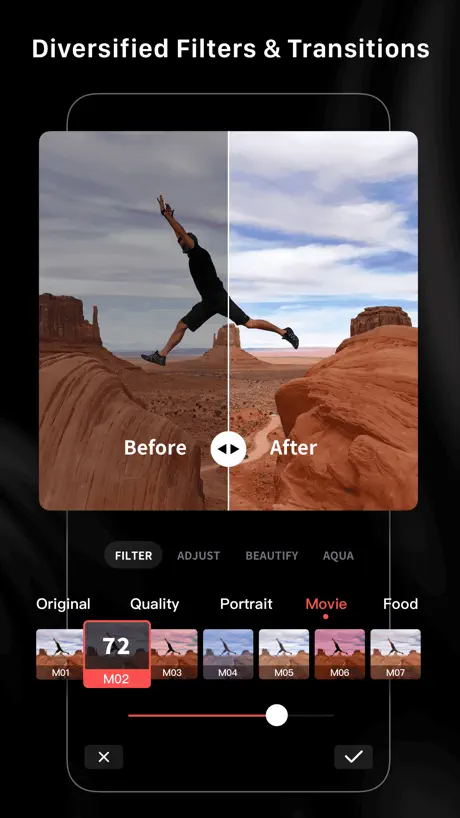
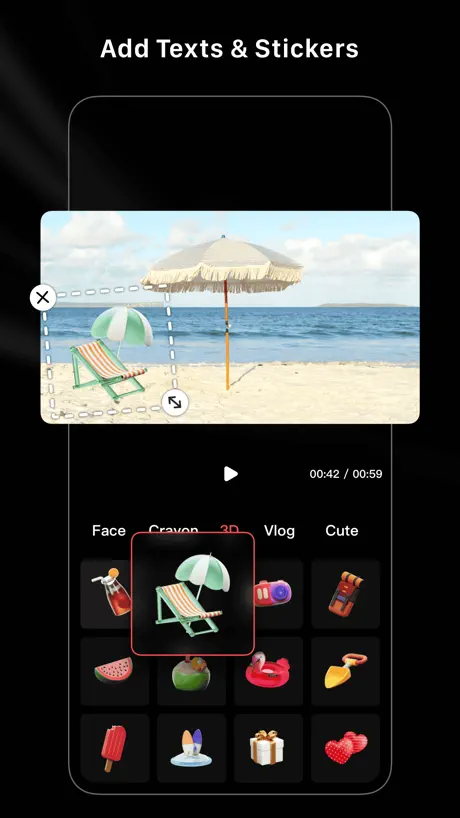
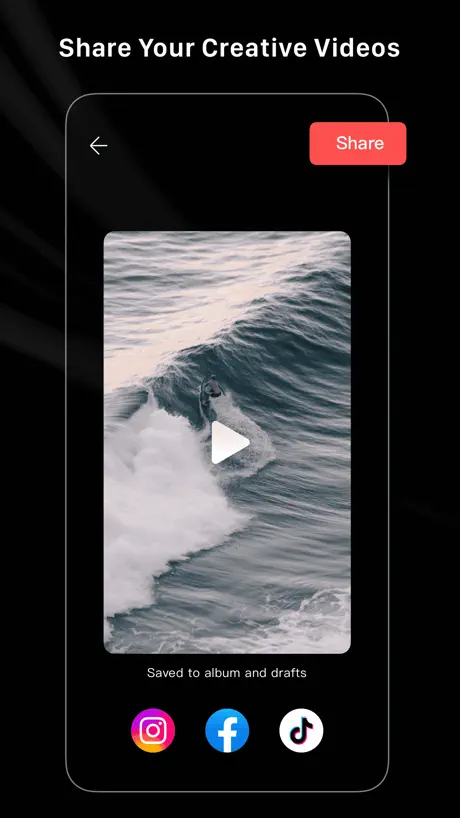
How much does LightCut - AI Video Editor cost?
Prices are current as of 8 Nov 2026.
LightCut - AI Video Editor has no in-app products on record in the United States.
10+ alternatives to LightCut - AI Video Editor
| LightCut - AI Video Editor |   DJI Mimo | 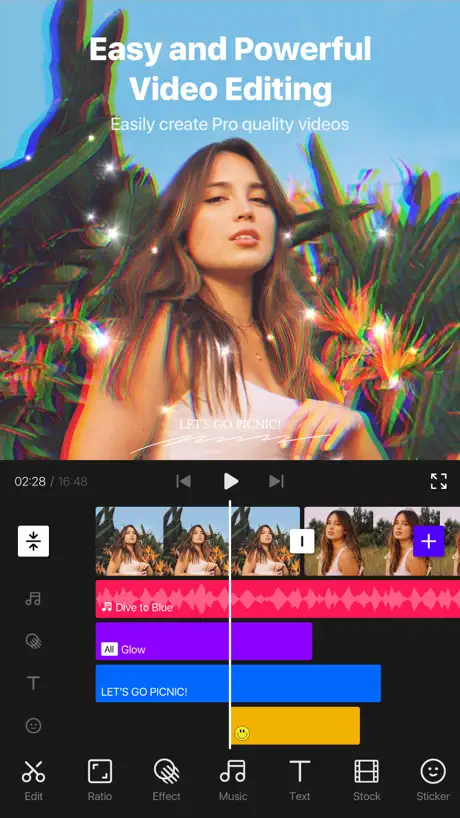  VITA - Video Editor & Maker | 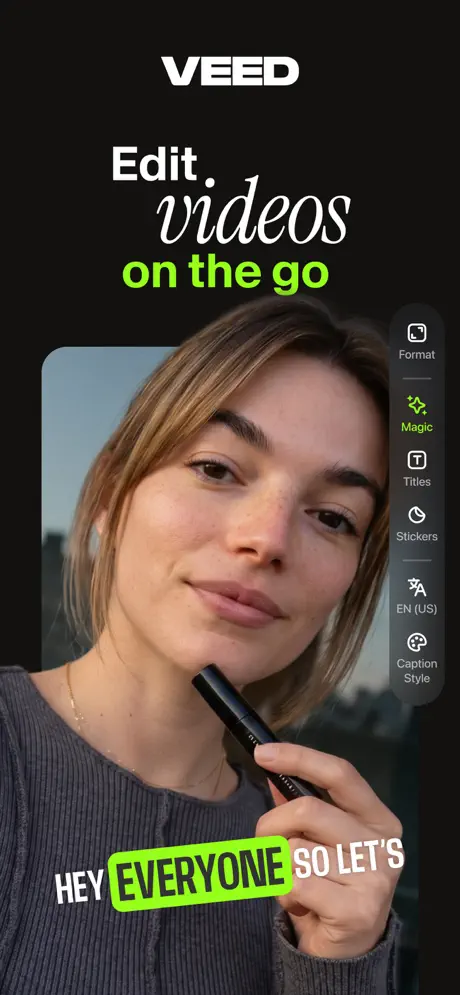  VEED Lite: Quick Video Edits |   DJI Ronin |   DJI Fly |   DJI Go4 |   Luminar: Photo Editor&Enhancer |  DaVinci Resolve for iPad |   Sony | Monitor & Control |   Go Fly for DJI Drones | |
|---|---|---|---|---|---|---|---|---|---|---|---|
| Rating / 5 | 4.9 | 4.8 | 4.7 | 4.8 | 4.7 | 3.9 | 3.1 | 4.7 | 4.5 | 4.4 | 3.9 |
| Reviews | 84K | 552K | 427K | 82K | 37K | 34K | 32K | 21K | 14K | 3K | 3K |
| Released | 2021 | 2018 | 2019 | 2022 | 2017 | 2019 | 2016 | 2024 | 2022 | 2023 | 2022 |
| Weekly price | — | — | — | $2.99 | — | — | — | $4.99 | — | — | $7.99 |
| Monthly price | — | — | — | $7.99 | — | — | — | $14.99 | — | — | $9.99 |
| Annual price | — | — | — | $35.99 | — | — | — | $69.99 | — | — | $69.99 |
| One-time price | — | — | — | — | — | — | — | $69.99 | $94.99 | — | $79.99 |
The going rate for each plan in United States, in its own currency, shaded from the cheapest price on the row to the dearest.
LightCut - AI Video Editor reviews
4.9 out of 5, based on 83,815 reviews.
What people like
- Very small app storage size
- Easy to use for beginners
- Exports high quality 4K video
- Few annoying advertisements
What they complain about
- Drafts disappear and force re-editing
- No landscape mode for iPad users
- Music often has copyright issues
- Requires full photo library access
Awesome
Very easy to use.
Video creating
Been a fan of this app for a while and loved it. As a 65 year old woman I have taught myself to edit and play along with video creation. This app was user friendly especially for a senior like me but last night my creation was crushed. I slept almost 3a completing my video and it said I had an insufficient storage. I saved and edit hoping I could clear some in my storage and continue finishing the video but I only returned less than 5 mins of the 31 minutes video. I don't know how to fix it. Never happened to me before. I am devastated .
I rate this app ⭐️⭐️⭐️⭐️ because :
I rate this app 4 stars because why do you have to pay for it but this app is still good and also we have a YouTube channel and it’s a perfect app for a kid to use for editing and also the kid is me and my sister and also i am the person typing and also my sister is using your app she loves it because she loves editing and she would rate this app 5 stars but that’s her opinion because she loves editing bye I am tired of typing but I had more to say but I will make the next continuing review later
No Dark Mode
Keine Unterstützung der Systemeinstellungen von Hell und Dunkel.
I have no problems with this app
It’s fine it works as a editing app! I wish there were better fonts and effects though
The best app ive used for the dji
If your looking for a fast a reliable way to edit through your phone for dji cameras i recommend lightcut
This is a disaster
All drafts disappeared. No answers no explanations
so good
比外面部分的app好用太多了
Нет русского языка
Братья добавьте Русский язык. Много русских пользуется вашей продукцией. Она действительно крутая
Need update
I love this app. Because I don’t have pc I use it to color my Djibouti avata2 vedio on iPad mini 5 Recently light cut became soo slow and hard to use. So much lagging. Help me solve this issue plz
Faster the best
Love this app
Crashes all the time
It’s cool how you can spend hours editing a video and then it just crashes and completely resets the draft back to zero edits
Need Adjustments
Please ad overlay & Voice over Option . Bye the way this app is too good.😍😍
Does not work with the Action 6!
This app is fantastic with my Action 4 but how do you not support the latest action camera? Please add the Action 6 ASAP!!
Drafts disappeared
Have been very happy with app for 3 years. Until I opened app to find all my final drafts have disappeared. App requests all photos from camera roll to edit rather than selected of limited photos I choose.
Better than most paid apps
Super fast and super easy editing that won’t frustrate you especially if you’re just starting your editing journey! Pay attention to the help tips and don’t be afraid of the tutorials! A lot of assets are already in there so you don’t have to do a lot of hunting around for them.
My Journey = Zero Stars
Picks videos for u then won’t let u access what u want… only what ai wants after accessing your entire library. Fix it. Way better apps out there. Zero Stars.
Thunderbirds Hoover Dam Flyover
Boulder City, Nevada
เด้ง หลุดบ่อย
ใช้งานลำบาก เด้งหลุดบ่อยมาก
J’avais donné 5 * mais voilà l’application ne fonctionne plus aussi bien
Avant le choix de modèle fonctionnait très bien avec beaucoup d’animation maintenant ils sont tous presque identiques même si je sélectionne le même modèle qu’avant il n’offre plus les même transitions ni effects ???
Great video editor for making quick videos
I really enjoy working with LightCut for all of my DJI films. The software is intuitive, easy to use, easy to export to various video outlets. While it does not have all the bells and whistles of a high end video editor, it perfectly serves the purpose for putting out high resolution, enjoyable to watch dramatic drone and action camera videos.
Beginner Tutorial Doesn’t Work
First feature I tried doesn’t work.
It’s great
They’re still improving. They really need this as a desktop app to work with my drowning.
草稿存假的?照片常會顯示黑畫面
明明照片跟影片素材都還在,點選草稿檔案時卻顯示部分素材已被刪除請重新編輯? 簡介影片+照片時,多次編輯到後來照片的預覽變成黑畫面顯示不出來,導致要把時間軸上的照片看出重新匯入,前面的剪輯設定幾乎都要重新調整,希望能改善以上問題🙏
Fix it
Its good , one of the best. But if you are trying to work on something over time it is useless because all the saved drafts do not work. Always some files have been deleted and you have to start from scratch again. Annoying
Great find, but please add more templates/songs!
I love it, and I will be using more of it in my blogs. It's clean and easy to work with, especially with my Gimbal DJI pocket 2 cams. I'm hoping to work with it more on other projects where hopefully, there will be added space for about a minute to 2 minutes of video footage of customizable templates making room for that space. I love everything about it! I recently got the DJI mini 3 pro drone to work with, which makes it more demanding for the need for different customizable modifiable templates. The songs/scenic sounds and tones should be free from copyright issues, as I've often been asked to take a video down or change the songs/sounds because of copyright laws on Facebook. It would help if the templates made room for lengthy videos.
Forces Full Access to Photos & Videos
I have always been able to use this app while only granting access to select photos and videos. Now the app forces users to grant full access to device media and locks you out of your drafted video projects if you do not grant it. The app is extorting me to provide all my data so I can access my video project drafts. No wonder DJI is being banned in the US with such practices.
Convenient if you’re on the go👌🏼
Really pretty dang good. I just put 5 long videos into it and it spit out a 1 min long highlight reel for me no problem 🙌🏼 only downside is it’s a little slow 👌🏼
Light cut
Beim Erstellen (Exportieren) bricht die Software jedesmal bei 51% ab. Erstwaren es 43%, dann nachdem ich viel aus dem Speicher gelöscht hab, dann die 54 dann 51 Grüße Hofstetter Josef
Great app but still no use on an iPad
App is great with some really easy to use features but the lack of iPad compatibility ( having to use it portrait and not landscape) has forced me to use other apps
All you need
If you use DJI products this app is all you need to successfully and professionally edit your material. With the free LUT recovery or color correction and video template for beginners you can’t go wrong sound effects are great. Helpful hint you can add your own music by simply extracting the audio file from anything in your photo library or files. They don’t actually tell you that but you can. My only recommendation is that they let you edit 6K footage now that the DJI Mavic four is here we need a 6K video timeline. Thanks.
No Action 6 Support
Does not currently work with the action 6 camera.
Keeps your videos in 4K!
You can edit your videos and save them in 4K
Sooo many glitches
Tried to connect it to my Osmo AC5 Pro. Couldn’t do it. All sorts of issues. Used another app. Please do better DJI.
Good editing apps
Music recommendation by the app have copyright rights and get muted when posted. Not good
Absolute best video editing software that is easy to use and doesn’t crash your hardWare.
The best part I can export in 4k. Easy to use and easy to learn. My new favorite app. Absolute best!!
Cannot edit existing titles
Cannot edit existing titles. Please fix.
Update the drone transfer support please.
I have just started using this app after realising it links with my other DJI products and cannot believe i didn’t use it sooner, fantastic app. I now have the Avata 2 and was looking to transfer the footage into “LightCut” but quickly discovered that it is not supported, this is unfortunate as it would certainly have helped establish it as a go to app for DJI drone owners quick editing suite. Hope this is rectified.
Unnötige Funktionen
Die App ist zu Beginn für jeden verständlich und übersichtlich. Man kann Filter nicht komplett entfernen - sprich ein Video von 3 min ist fertig, man geht auf bearbeiten und automatisch ist ein Effekt drauf den man nicht vollständig löschen kann. Richtig nervig
No 1:1 ratio, only 16:9 & 9:16
Excellent features for free, but with only a widescreen format (horizontal or vertical) available it’s ultimately very limited. Developers: please add the 1:1 format as an option.
Great video editor and saves SO much storage!
I love this video editor for two reasons. The first is that it takes up VERY little space in your storage when you edit with it and files sizes for projects are really small. It has a great handful of effects and transitions that are quite good. Another thing I like is the lack of adds annoying you. This is hard to find these days and I really like it. Two things I don’t like: 1, There is no landscape support so you have to edit in portrait. 2, You have to be online to add music from your iTunes. But other than that it’s a great app and I love it.
You cannot even have access to your pictures. They make so hard to connect your camera.
You cannot even have access to your pictures. They make so hard to connect your camera.
Nice, but no external drive possible on iOS
This is a nice and effective video clip editor and creator, especially for drone footage. I fly a Mavic two pro which unfortunately isn’t supported for the direct connection. Therefore, my method of editing is to remove the SD card and use the files from there. Unfortunately, light cat does not allow the use of an external drive, so this would mean copying all files to the internal storage of the iPad or phone, which causes difficulty through transfer and lack of internal storage, especially on my iPad. I think I’m gonna have to look for an alternative.
Too much automation.
This app seems to be hell bent on producing silly templates that aren’t user friendly.
Sort out storage issues
The app is great on the whole with loads of editing features and all for free. I find it really easy to use and navigate around. However, it has one big flaw, the app often fails to download my footage or export the final video as repeated not enough storage space messages crop up, despite the fact I have over 200gb of free space on my relatively new iPad. All this when trying to export a 3gb video!
Great in making videos fast
User friendly and makes awesome videos.
Not working
Can't download
Landscape mode
Great app. Would be perfect if you offered landscape mode for the iPad.
LightCut
The app claims to be easy to use but it’s far from easy, maybe because I’m 58 and I’m not that tech savvy but I will keep trying and maybe I’ll get it
Nice for a free app but improvements are sadly required
Needs to switch to landscape mode on iPad (nobody will create any video on an iPhone).
LightCut - AI Video Editor FAQ
- Is LightCut - AI Video Editor free?
- Yes. The app is free, in all 174 countries it sells in, and it sells nothing inside it.
- Does LightCut - AI Video Editor have a free trial?
- No. None of its offers (US) come with a free trial.
- What are the best alternatives to LightCut - AI Video Editor?
- DJI Mimo (4.8 from 552,337 reviews), VITA - Video Editor & Maker (4.7 from 427,265 reviews) and VEED Lite: Quick Video Edits (4.8 from 81,961 reviews, premium from $2.99).
LightCut - AI Video Editor download
Last updated 2 years ago.
LightCut - AI Video Editor sells in 174 countries. It was released 5 years and 3 months ago, on 30 Jul 2021. It holds a 4.9 rating from 83,815 reviews.
Supports 13 languages: English, French, German, Indonesian, Italian, Japanese, Korean, Polish, Portuguese, Chinese, Spanish, Thai, Turkish.
How much does LightCut - AI Video Editor make?
Third-party estimates for the last 30 days, worldwide — not the store's own figures, which Apple publishes for nobody.