XEasyLabel
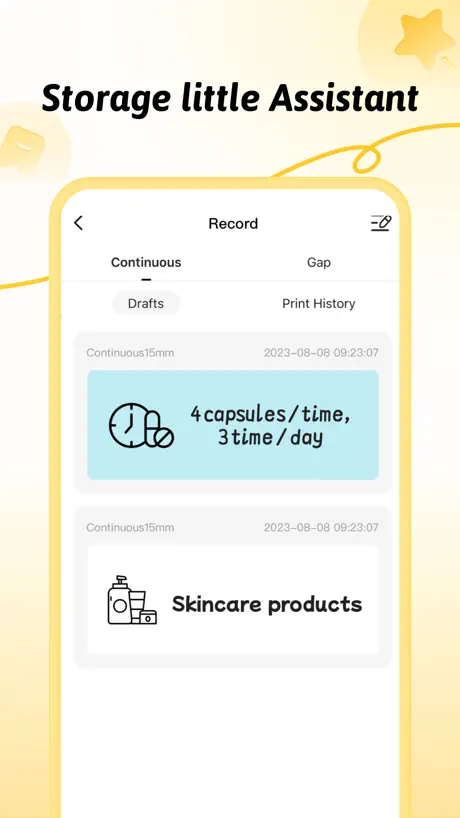
Your Home Storage Organizer
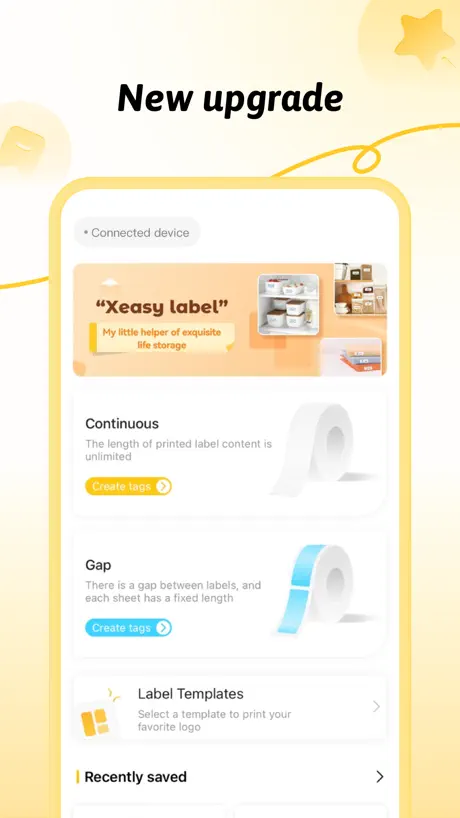
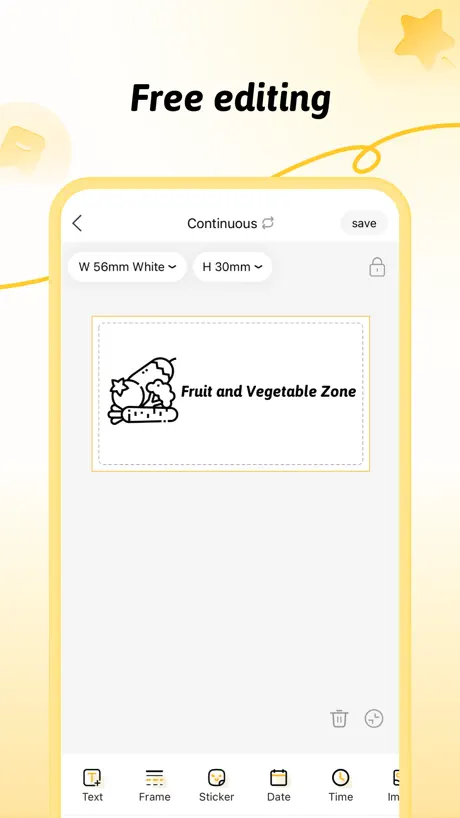
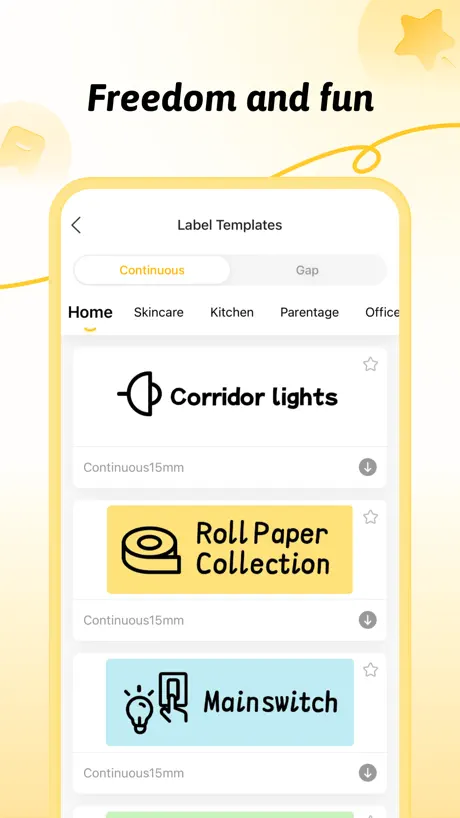
How much does XEasyLabel cost?
Prices are current as of 12 Nov 2026.
XEasyLabel has no in-app products on record in the United States.
10+ alternatives to XEasyLabel
| XEasyLabel | 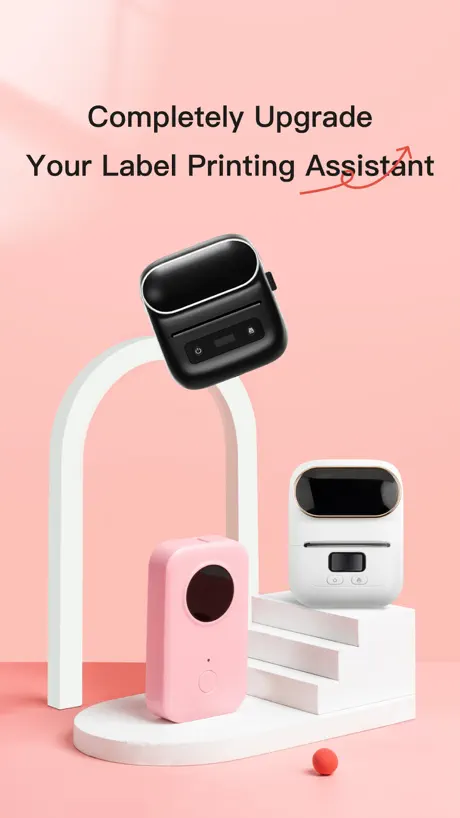  Print Master | 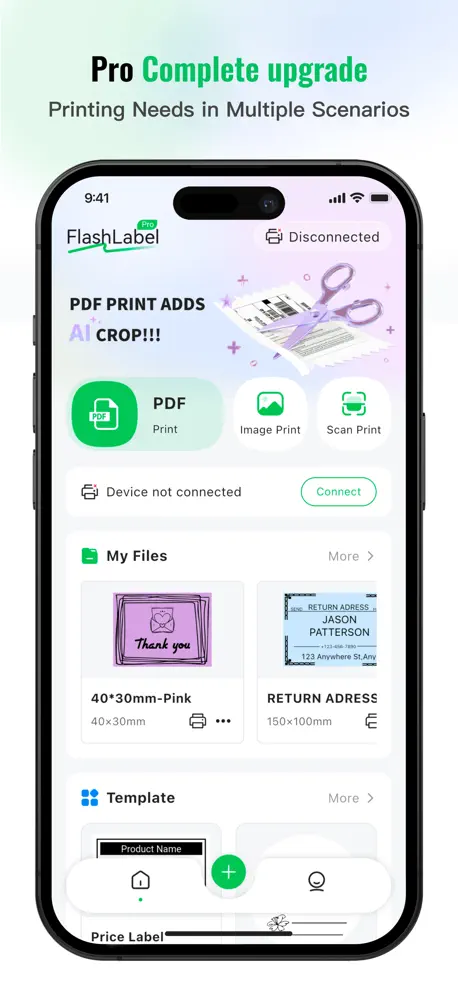  FlashLabel Pro | 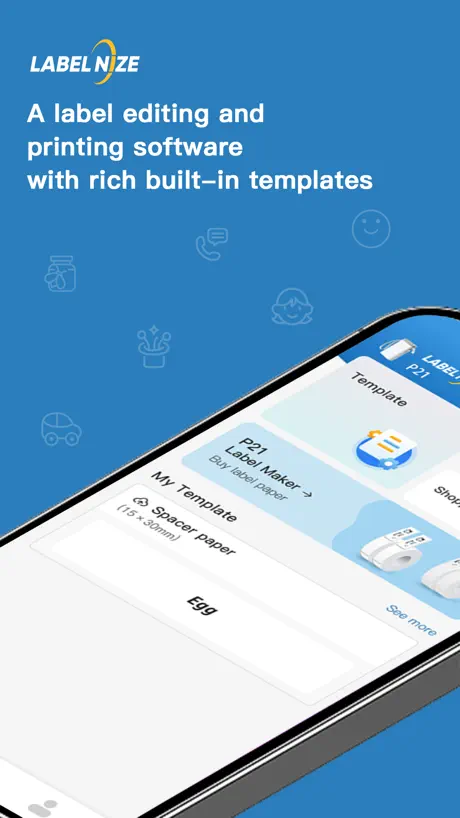  Labelnize | 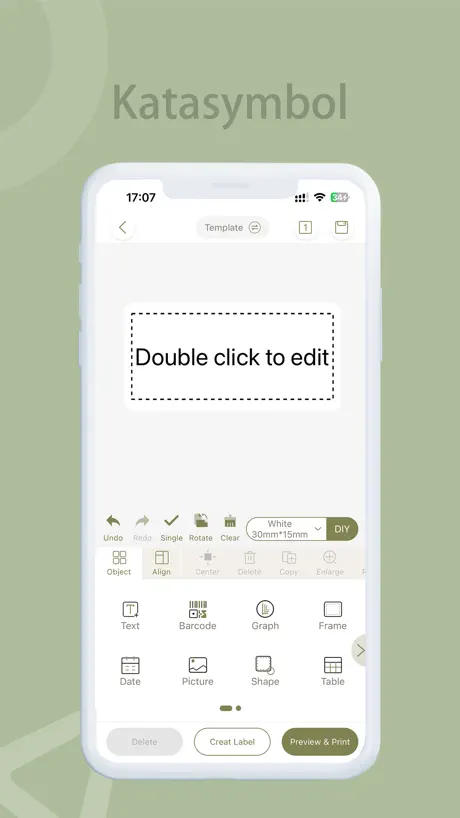  Katasymbol |   HerePrint |   Funny Print |   Labelife |   4Barcode |   Snap & Tag-efficient printing |   Nada Print | |
|---|---|---|---|---|---|---|---|---|---|---|---|
| Rating / 5 | 3.1 | 4.8 | 4.9 | 4.9 | 2.8 | 4.2 | 2.8 | 3.3 | 2.5 | 2.8 | 3.0 |
| Reviews | 136 | 41K | 29K | 14K | 750 | 540 | 530 | 271 | 158 | 131 | 94 |
| Released | 2021 | 2019 | 2024 | 2023 | 2023 | 2022 | 2023 | 2021 | 2022 | 2024 | 2025 |
| Monthly price | — | $7.99 | — | $3.99 | — | — | — | $14.99 | — | — | — |
| Annual price | — | $34.99 | — | $24.99 | — | — | — | $49.99 | — | — | — |
| One-time price | — | — | — | $3.99 | — | $10.00 | — | — | — | — | — |
The going rate for each plan in United States, in its own currency, shaded from the cheapest price on the row to the dearest. Plans fewer than four in ten of the priced apps sell are left out.
XEasyLabel reviews
3.1 out of 5, based on 136 reviews.
What people like
- Very easy to set up and use quickly.
- Prints custom text and images without issues.
- Great value for the low price paid.
What they complain about
- Bluetooth connection often fails or errors out.
- App crashes when you try to pick stickers.
- Fonts disappear or won’t download on some phones.
Love it
Absolutely love mine!
No longer functioning
The app no longer functions and I can no longer print. It used to work fine.
Works well, except…
I’ve had this app for an ORGBRO label maker, and it’s worked great thus far. But this evening when I tried to print a label, the app wouldn’t load ANY of my saved labels. After some research, I discovered it only worked properly once I disconnected my phone from WiFi. Printed my label, reconnected to my network, tried opening that same saved label… and not working again. Please, please fix!!
It’s okay
I bought the cabaro label maker and instructions said to use this app. Downloaded it but the quantities spot doesn’t work can only print one label at a time. Very frustrating when you can’t change it. Tried everything to change it can’t do it.
Cannot access fonts
Worked well initially, but after couple of uses I can no longer access different fonts.
Works just fine
This app works fine with my ORGBRO X1 label printer. It connected to my printer with one click and I was creating labels within minutes. I didn’t have to sign in or save my label before printing. Very easy to use.
NEEDS UPDATES!!
No longer easy to use, I have it both on my iPad and my iPhone but they are two different accounts instead of one app won’t allow it to sync. It cuts off frames and makes it hard to change fonts and use anything in general!!!
Request for More Precise Editing Features
While designing on a i Pad with a Apple Pencil is relatively easy, the editing experience on a smartphone is quite inconvenient. I believe a more refined and precise update for iOS is needed. Additionally, it would be great if templates created or recommended by other users could be displayed on the home screen, allowing users to download and share them for their own use. Lastly, I would appreciate it if more border designs and stickers could be added.
更新後字體下載都看不到字體樣子
如題更新後字體下載都看不到字體樣子
Quick and easy
Quick and easy connection. Super cute templates. Works perfectly.
No Bueno
App was great, but now it won’t establish Bluetooth with phone. It generates error message of “HP-6C is not supported” when trying to connect Bluetooth so I cannot use printer.
Cambio idioma
Como puedo cambiar el idioma de la app (esta creo en chino ) y no consigo saber donde se puede encontrar la opcion
App closes by itself
The printer is great but the app closes anytime you look for stickers. I was really looking forward to using them as I have a young child learning to read and having visuals would really help.
Works perfectly fine.
I don’t know what the others are complaining about but this works perfectly with my “ORGBRO” label printer.
It Doesn’t Print!
The app will connect to the printer, but won’t actually print anything. The app gives confirmation that the printer is connected and up to date, then tells me that the print was completed and a label was created. Except nothing prints…. Kind of defeats the purpose of buying a label printer…
Needs 1 update!
Was hoping this update would occur by now but may the product is near EOL and min support is available? The update needs to have the option where we are NOT forced to save every label and should let us type a label and hit print and not have to hit save prior to print. Very annoying and causes more work later to go back to Delete.
Es stürzt ab
Eigentlich funktioniert es sehr gut wenn du etwas schreiben willst, aber wenn du sticker auswählen willst stürzt die App ab.
Works as advertised!!
I honestly thought this wouldn’t work. Got the printer off amazon. Thought it would be too good to be true to be able to print labels with not just your customized text, but also your own images. Literally works perfectly, and the app interface is so nice and easy to follow. I’m so impressed!!! (Works using an iPhone pro 13)
Can’t edit
Why would you create an app that doesn’t allow you to edit the label or change the font smaller? Makes no sense. I have to return the label maker just because of the app lol.
Nice
It works but it’s a little hard to get on to the thing
Abstürze
Die App stürzt häufig ab. Ich vermisse viele sinnvolle Symbole. Insgesamt scheint die App nicht ausgereift.
Really good
Does what it’s supposed to do very cheap and works really well
DOES NOT WORK - Will not connect
I tried connecting to Bluetooth via IOS and android. No luck and troubleshooting did not help.
Does what it’s supposed to do for the price
It’s cute, compact and matches my office aesthetic (all things lilac). It prints small labels that are slightly pixelated but that’s expected for this value. It fits perfectly in one hand and can easily be kept in a purse, book bag or laptop bag. I love it and purchased it to label my outdoor totes and my niece’s toy shelves.
Fonts
Won’t download fonts on my iPhone. Does on my android tablet
Love it
Works great for what I needed….had it printing in less than 10 minutes and I am no techy
Major issues
The app cannot save label formats. That is to say you can save labels but you cannot edit saved labels, meaning that specific formatting cannot be saved
Seems to work fine
I played around with it, the label maker hooked up to the app and my iPhone without a problem, I printed a label, seems pretty straightforward to me so far. There is a lot of different options for stickers and an okay amount of fonts (hopefully will add more) plus you can add your own images from your camera roll which is a pretty sweet feature all by itself. I mean this is way cooler than the old school label maker I bought from Staples years ago so I really have no complaints. Plus, I got an amazing deal on Amazon and paid very little for it. The app comes with, I didn’t have to purchase anything additional, instructions were very clear, so why one reviewer called this another “Chinese scam” doesn’t really make sense to me. My only concern is that there are just four reviews on this app not including mine and the app is 3+ years old so that’s weird, but like I said, everything works, it’s a cool label maker, there’s nothing really to be unhappy about. Rating this negatively may be a case of user error and/or expecting more from it than what it’s made for than anything actually wrong with the app or product. Just sayin.
3.19版本太难用
之前的界面加减标签都方便,现在这个太难用了
Best thing ever❤️
So I got this for my birthday and I absolutely love it. This is a must need for me everywhere I go. I like how I can travel with it and on how small it is If you ever get this, you will love it
Does not work
I just downloaded the app to use on my label printer (that I cannot exchange because it was through my company- returns are not allowed), and the app don’t even work. I’ve done everything. The app tells me “No content” and “Network Error…” everyone I try to create a label. The printer is connected, I deleted the app and redownloaded it, and checked that my phone is on the vent update. Nothing. When I tried to get app support, it sent me to a site that is not in English so I couldn’t navigate. So now I have this label maker and no app to use.
A nice little app
It does what it says, simple to set up and use in basic mode is great. It takes time to get it to do the harder labels and they take for ever to load. But works well
No funciona bien la app
Desde hace una hora me ha dejado de funcionar bien , no me deja hacer las etiquetas
Really cool for the price
It really works I print labels with frames, nothing too complicated but I’m shocked it really works for the price I just paid for it on Amazon wow
Not working after first month
I keep getting a network error, content section states there is no content to create new labels. I have tried to contact the company that makes these yoyon.net and I keep getting an error that the site cannot be reached in order to get some assistance. I’ve powered it on and off, disconnected and reconnected, deleted the app and re-downloaded it, updated my phone, EVERYTHING, and I still can’t get it to work. I know the printer itself is working, I can double and triple click the power button and the machine prints a little network slip, but overall, not worth the money if it only works the first time you use it.
方便好用
可以
Doesn’t work!
The device doesn’t connect even though it shows connection. Keeps giving me error messages!!!!!!
XEasyLabel FAQ
- Is XEasyLabel free?
- Yes. The app is free, in all 175 countries it sells in, and it sells nothing inside it.
- Does XEasyLabel have a free trial?
- No. None of its offers (US) come with a free trial.
- What are the best alternatives to XEasyLabel?
- Print Master (4.8 from 41,461 reviews, premium from $2.99), FlashLabel Pro (4.9 from 28,842 reviews) and Labelnize (4.9 from 14,465 reviews, premium from $3.99).
XEasyLabel download
Last updated 26 days ago.
XEasyLabel sells in 175 countries. It was released 5 years and 7 months ago, on 14 Apr 2021. It holds a 3.1 rating from 136 reviews.
Supports 18 languages: English, Arabic, Bangla, Dutch, Finnish, French, German, Italian, Japanese, Korean, Polish, Portuguese, Russian, Chinese, Spanish, Thai, Turkish, Vietnamese.
How much does XEasyLabel make?
Third-party estimates for the last 30 days, worldwide — not the store's own figures, which Apple publishes for nobody.