
Xiao-E

How much does Xiao-E cost?
Prices are current as of 22 Nov 2026.
Xiao-E has no in-app products on record in the United States.
10+ alternatives to Xiao-E
| Xiao-E |   Whale - Naver Whale Browser |   Nature Home | 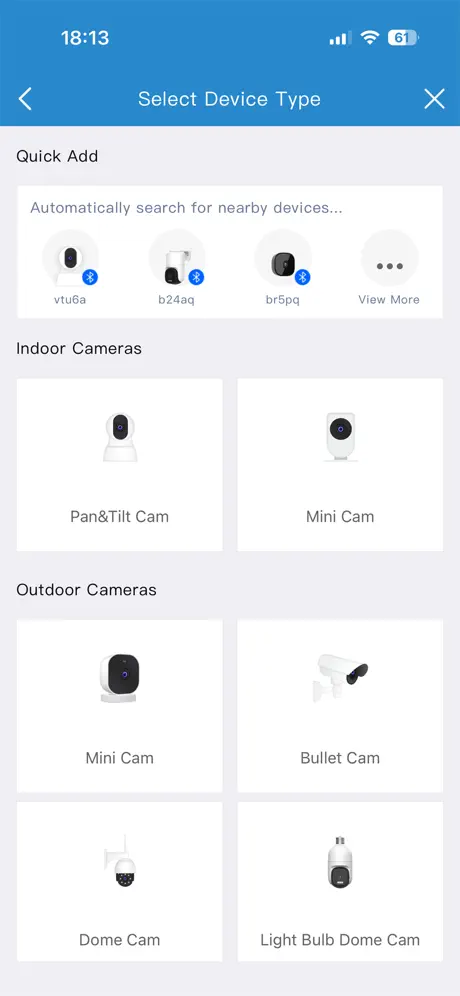  MIPC | 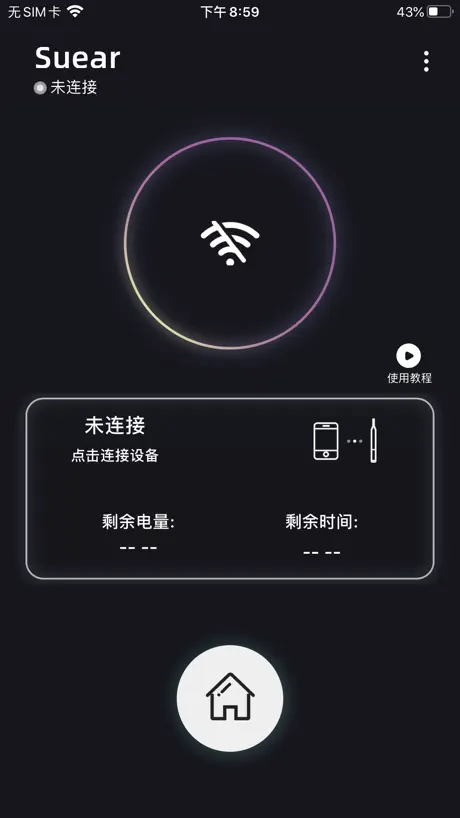  Suear | 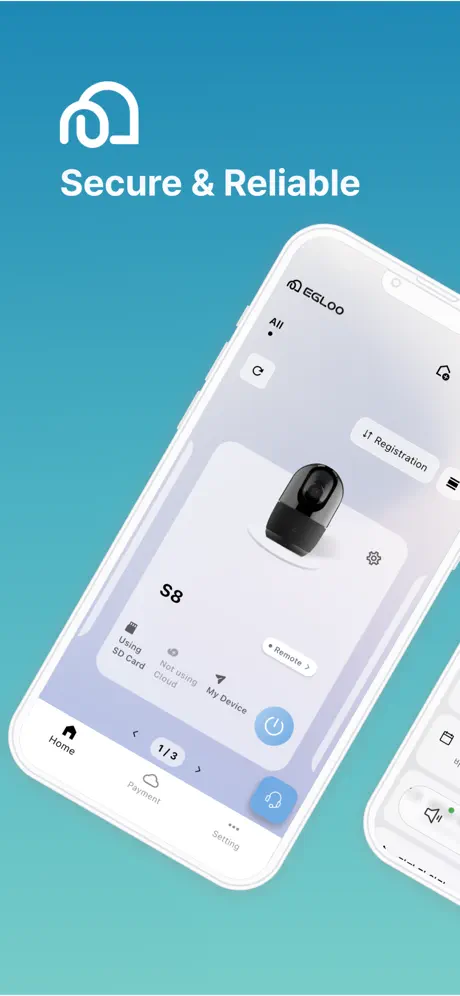  EGLOO |   SeekBird |   Smart Otoscope | |
|---|---|---|---|---|---|---|---|---|
| Rating / 5 | 2.1 | 4.6 | 4.2 | 2.1 | 2.4 | 3.1 | 2.0 | 1.0 |
| Reviews | 424 | 23K | 12K | 4.9K | 1.2K | 364 | 104 | 2 |
| Released | 2020 | 2018 | 2017 | 2012 | 2021 | 2017 | 2021 | 2024 |
| Monthly price | — | — | $0.99 | $8.99 | — | $9.99 | — | — |
The going rate for each plan in United States, in its own currency, shaded from the cheapest price on the row to the dearest. Plans fewer than four in ten of the priced apps sell are left out.
Xiao-E reviews
2.1 out of 5, based on 424 reviews.
What people like
- Camera picture quality is excellent.
- Simple to use once connected.
- Works well on iPads and iPhones.
What they complain about
- App crashes or disconnects randomly.
- Connection drops while using the device.
- Battery life is very short.
I works well!
App works well! The machine is good for adults, not for kids. (The tip of the machine is a bit big for kids.)
Useless
Always disconnected
Worked fine
App looked a bit sketchy when first opening, but worked exactly as it said. I haven’t had any issues connecting or staying connected.
切れる
途中でWi-Fi未接続になってカメラがオフになります。最初使った時はそんなことなかったのに、充電をしてから使おうとしたら10秒くらいで切れます。
my app
my app is no working at all
The app works fine
I feel compelled to leave a review simply to negate what many are saying. This app works perfectly fine. Connecting is a breeze.
Bad connectivity
I’m connected via WiFi and the app shows I’m disconnected
한번 지우고 다시 설치하면 됨
저도 처음에 한번 해보고 튕겨서, 고객센터 문의하니까 어플 충돌 땜에 그럴 수 있다고 재설치 후에도 그러면 교환해준댔는데요. 켜져있는 앱 정리 좀 하고 재설치하니까 그 다음부턴 연결 잘 됩니다. 참고하세요~
すぐに繋がらなくなる
数回使うと、すぐに繋がらなくなり再ダウンロードの必要がある。改善して欲しい
強制終了してしまう。
1週間前くらいから5分に1度強制終了してしまいます!なんとかしてください!
OMG all these people complaining are §t∪p|ᴰ
It will connect with any device that has an up to date operating system with wireless connectivity ability (Wi-Fi). They buy a device for under $10 that they KNOW is made in china and evidently expect it to be capable of performing orthopedic surgery. 1. Charge your device. The device is small so the battery won’t last long. 2. Download this application 3. Run through the VERY CLEAR AND SIMPLE SETUPS 4. Connect your device to this new WiFi network that just happened to magically appear 5. Go BACK to the app Presto. Now if you can do math without having to use your fingers and toes you will be able to grant the application permissions to do things such as create and add photos and videos that the device will allow you to record onto your phones photo library. I mean j€$ü§ people, I went to public school so it can’t be that hard. I’m amazed at your ability to go leave negative reviews about something you don’t understand how to use but at the same time you can’t figure out how to use something that literally gives you step by step instructions WITH PICTURES. JUST GO SIT IN THE CORNER AND BE QUIET BEFORE YOUR STUPID BECOMES CONTAGIOUS.
Worked a few times
A friend gave this to me so I could keep an eye on my son’s frequent ear infections. It worked well a few times although it was tricky. Sometimes the device had to be turned on before opening the app, sometimes it had to be turned on after. Connecting it to “WiFi” was no problem. So long as it’s charged my phone will connect to it and the device will stop blinking. But now it won’t show the live video when I go back to the app, no matter what sequence it’s connected, no matter what charge, no matter what is going on with my phone. The app is blank. So much for this product.
要望です
他のメーカーのものが壊れてしまったので買いました。基本的に満足しているのですが、左右反転モードがないと左耳がやりにくいのでつけて欲しいです!
Fine when it works
I don’t know why they decided to have it connect through WiFi areas of Bluetooth but I often run into the issue where I’m connected to the correct network but the app still shows the device as “disconnected”. I’ve tried turning the device off and on, and I’ve tried disconnecting from the network and reconnecting. Neither seems to consistently work. So really it’s a bit of a crapshoot to see if it will connect or not
연결안되는거 봤는데요
일단 저도 연결이 안되던데 데이터도 다 끄니깐 연결되네요
Works great
Clear picture and easy to use
won’t connect
i have done everything the instructions have told me to do i have tried everything i can think of but nothing will make my phone connect to this devices wifi.
Instructions unclear otherwise great
To all those having issues, you need to connect to the app using your normal Wi-Fi. For iPhone, that means going to your iPhone settings, Wi-Fi, the. Select the network that starts with enjoy. The instructions and the all are unclear, the all is just showing you what connecting would look like until you connect via Wi-Fi, the. The camer works. Once I got it to work, I immediately had a significant amount of cleaning to do, which was great. It takes some getting used to, but once you do the tool works very well.
It lags a lot!!
Every time when I try to move the camera it’s just keep lagging , it’s a bit dangerous to use this product and it’s very difficult to control.The camera could be easily blocked by your hair or the sides of your ear.
接続に時間がかかりました。
耳かき自体がWi-Fiという事なんですね。 自分の家のWi-Fiに繋ぐんだとばかり思っていたので訳が分からず苦闘していました。 マイネットワークの中から「enjoyxxxx」を選択すれば良いことに後から気がつきました。
You have to turn on the tool!
So I was reading lots of reviews, and I initially ran into the same problem—I wasn’t able to connect to the “wifi.” The info video was a little misleading. The key thing is once you download the app, you must turn on the device. So charge it or whatever when you first open the package, then download the app, then press and hold the button on the tool to turn it on, THEN you go to wifi in your settings and will find the wifi there. Once I figured that out, it worked perfectly!
Worthless
App only worked Once dont waste ur time
Great product. Thank you. Software can be improved
Hi, I really want to say thank you and this is the most useful product I bought this thanksgiving. It gives me the ability of professional ear cleaning like a doctor. There’s still a bit can be improved though. The connection of the camera and the phone seems not always stable. Sometimes the Lens light auto turns off when it is still connected and still in the ear, not sure what has triggered that, but very inconvenient. Think it might be the software issue, and hope it can be easily fixed.
接続にイライラ
カメラの画質は他社の高額製品よりも良いと感じます。ただ、WiFi接続が出来ず使う度に毎回アプリを削除して再DLをする必要があり本当にイライラします。メーカーも把握しているのに改善されない事に不満を覚えます。また、本体がものすごく熱くなり低温やけどになるのではないかと思う程です。
Qo10で買いました
けっこうすぐ届きました iPhone13miniを使ってます App Storeからアプリをインストールして、 耳かき本体電源オン iPhoneの設定のWi-Fi接続から 簡単な接続できました! カメラも思ったより見やすかったけど 耳かき部分のネジが弱く、カリカリとれにくい カメラで見えてるのと実際の手の動きに慣れるのに時間かかりそう
It worked like a charm
It’s cheap and it works. The battery don’t last long but I don’t think that’s weird considering the price and how mush power it uses. In lender to use it you must both have the app and do I direct connect (connect your device to the things wi-fi) then go back to the app. - it’s kinda hard to connect but once you do it’s easy to repeat - sticking things in your ear is at your own risk, you can hurt your ears and cause bleeding or possible deafness. - it’s 20-30 bucks, and if it does work it’s dope
Your app isn’t working
Bought this not too long ago good camera good connection till just today. I press to open the camera I see nothing then it goes back to the Home Screen
Works good on iPhone 7plus
Connects just fine to my phone, just have to make sure you go to Wi-Fi options and select the app to connect to the tool.
使えなくなったら
耳かきの時の使い勝手はとてもいいのですが、頻繁に繋がらなくなります。 Wi-Fi繋いでても繋いでない判定になります(怒) 使うたびにアンストと再インストを繰り返さないといけないのですごく手間です。 その部分のみ不満なので星は2です。
ラグくて強制終了させられる。
最初は使えたのですが、ちょっと使っただけで重くなり画面がラグくなります。 最終的に強制終了させられ最初の画面に戻ってしまいます。 アプリを消してみたり接続し直して見たりしましたが直りません。 カメラ自体はとてもいいのに残念です…。 1度完全にアプリのWiFiを削除しもう一度接続してみたらラグさは残りますが強制終了させられにくくなりました。
Works as described
Connected to my iPhone 11 easily when the directions in booklet were followed. Actually works better than I thought.
Cannot connect either the device or WiFi
It doesn’t work at all
こんなものでしょう…
スコープの画像を見る為のアプリなので、良くも悪くもこんなものでしょうね。 当たり前ですが、アプリ使用中はWi-Fiのデータ通信できません。 電池の残量が表示されるのは良い。
Cellular Data Usage??
I enjoy this app a lot. However I noticed I only use this rarely but it uses the most cellular data. Why would this need to use cellular data except for tracking maybe??? Please explain why you need cellular data and so much of it even when in not use. This uses WiFi and should not have data usage from other areas of my phone.
iPhoneで耳かきカメラと接続できない人へ
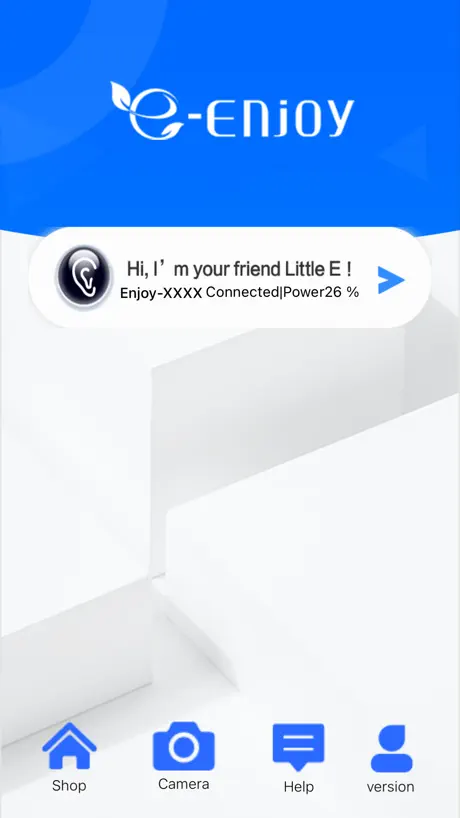
私も接続まで時間がかかったため、参考になればと思います。 カメラとの接続はアプリ側からではなく、携帯本体側からとなるようです。 説明書は当てにならないですね。 (接続方法) ・耳かきカメラ電源ON ・アプリ起動します。 (位置情報は関係あるかわからないです) ・iPhoneの設定-WiFi-他のネットワーク の一覧に「Enjoy-xxxx」が表示したら選択します。 → すると、アプリ側にカメラの映像が表示されます。
Works
Didn’t have any issues connecting. Also the App Store description says it doesn’t collect any data so I don’t think the other review is correct about the IG account being hacked. App did exactly what it was supposed to.
App needs an update
I got this app 2 years ago when I had an iPhone XR. I got a new iPhone (14 pro max) and it doesn’t work anymore. The “WiFi” has “no connection”. I’m set up on the WiFi it recommends, device is turned on etc and even deleted and redownloaded SO many times. Again I’ve had this tool for a while so it’s not user error. It simply isn’t made for any device it seems
2回目から使えなくなったひとへ
【対処法】アプリを削除、再ダウンロードして接続しなおす 他の方のレビューでも書いてあるように、一度目はすんなりとカメラとスマホの接続ができたのですが2回目からできなくなりました。上に書いた方法で対応できたのでこのまま使っています。 みなさんも同じ方法で使えるようになるかはわかりませんが、同じことで悩んでいる方に届けばと思います。
Wi-Fi繋がらない人へ
アプリ起動した時に、iPhone側から「Xiao-Eがローカルネットワーク上のデバイスの検索および接続を求めています」ってのが出てくるのでそれを許可しないと起動しません。耳かきが発するWi-Fi電波がローカルなんだと思います。いつもの癖でよく読まずに拒否してたら一向に接続できず、色々試したら原因がこれでした。一度拒否るとなかなか出てこないのでアプリを消去してもう一度インストールするといいです。位置情報の許可はしなくても大丈夫でした。
Works on IPhone 8
Works just fine on my iPhone8 just fine. I followed the directions and had it working in 2 minutes. Picture quality is great but using the ear camera takes practice.
What happened????
Used to work fine I had it for a few months now it will not connect to my iPhone..it’s just trash now
App doesn’t work anymore
When the app was working the camera worked great, but now it doesn’t support the camera
please update
please update iPhone11で使えないです
Works well and simple to use
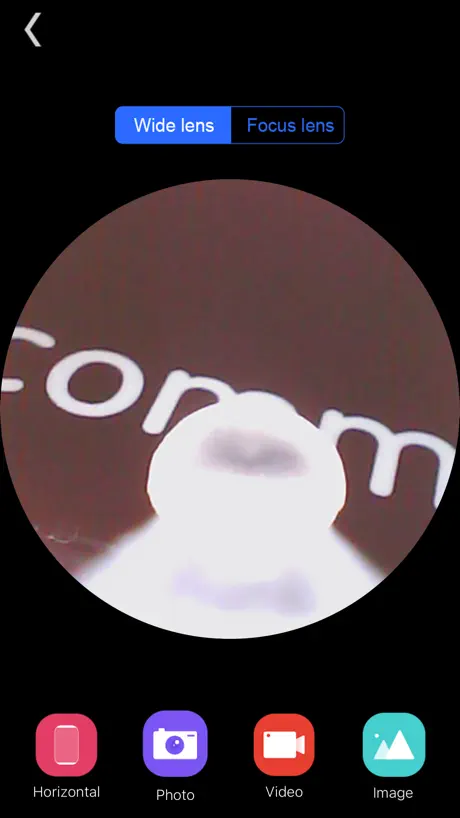
This app works really well with the "enjoy" Wireless otoscope. Sometimes it's called a endoscope and it's marked it on a different brands. It's basically the size of a pen with a camera at the tip and LEDs to light up the tip. You can attach a little "spoon" to probe around. They say it's for use in ears, But I've used it to look inside tight spaces with electronics and so forth. Basically, great for inspecting very small places. It has excellent resolution, so you get a real good idea of what you're looking at. Once people get past the initial hurdle of realizing that this device advertises itself as a Wi-Fi connection spot and that you simply connect to it via Wi-Fi, the rest is easy. The app is well thought out. I was super pleased to see that they included a iPad native version, so it works really great on an iPad Pro. They have multiple orientations Available, two different levels of zoom, and you can either take pictures or video. So it's simple app but has enough features to be quite useful. Nice to see a well engineered, reliable app that does what it needs to do and nothing else
链接不上 14 promax 用了一次坏了?
链接不上 14 promax 用了一次坏了?
Works great until it doesn’t
I bought the ear wax camera tool from Amazon and it worked well for a week until it started connecting turning on the light on the tool but no camera feed. Not it connects to the app then turns off.
Xiao-E FAQ
- Is Xiao-E free?
- Yes. The app is free, in all 175 countries it sells in, and it sells nothing inside it.
- Does Xiao-E have a free trial?
- No. None of its offers (US) come with a free trial.
- What are the best alternatives to Xiao-E?
- Whale - Naver Whale Browser (4.6 from 23,300 reviews), Nature Home (4.2 from 12,211 reviews, premium from $0.99) and MIPC (2.1 from 4,949 reviews, premium from $2.99).
Xiao-E download
Last updated 4 months ago.
Xiao-E sells in 175 countries. It was released 5 years and 11 months ago, on 28 Nov 2020. It holds a 2.1 rating from 424 reviews.
Supports 9 languages: English, French, German, Italian, Japanese, Korean, Russian, Chinese, Spanish.
How much does Xiao-E make?
Third-party estimates for the last 30 days, worldwide — not the store's own figures, which Apple publishes for nobody.