
Sangoma Talk
Business Mobility Solution
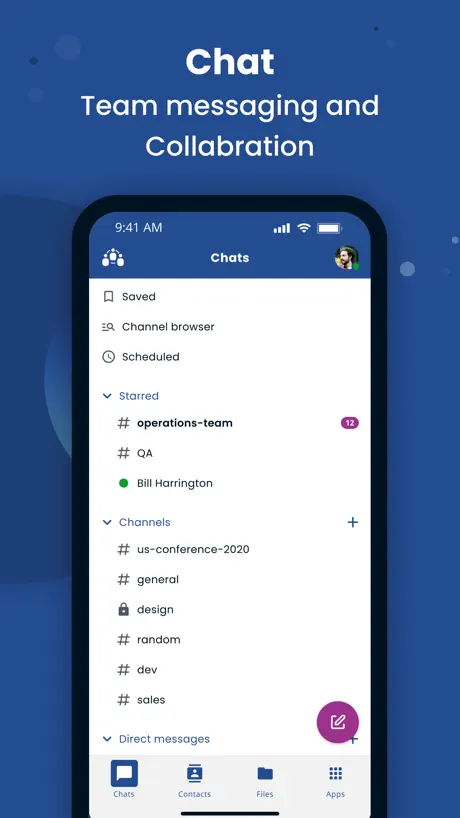
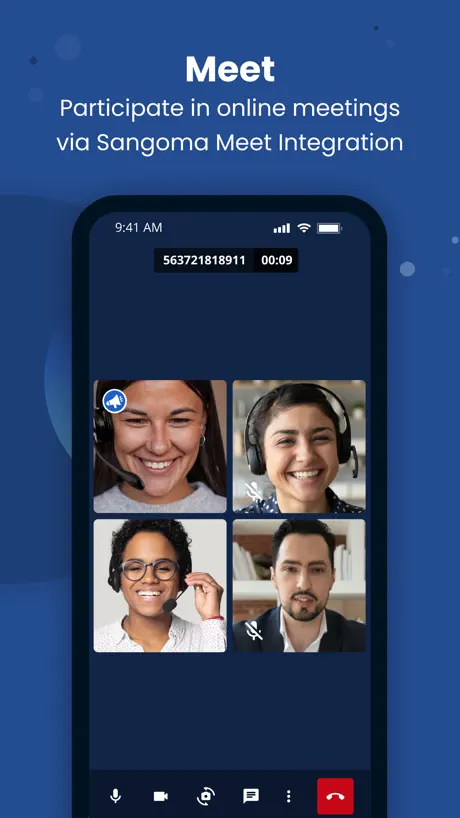
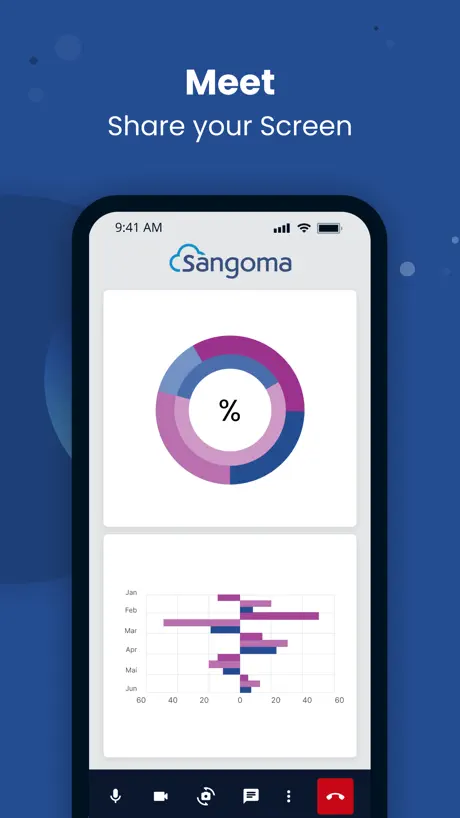
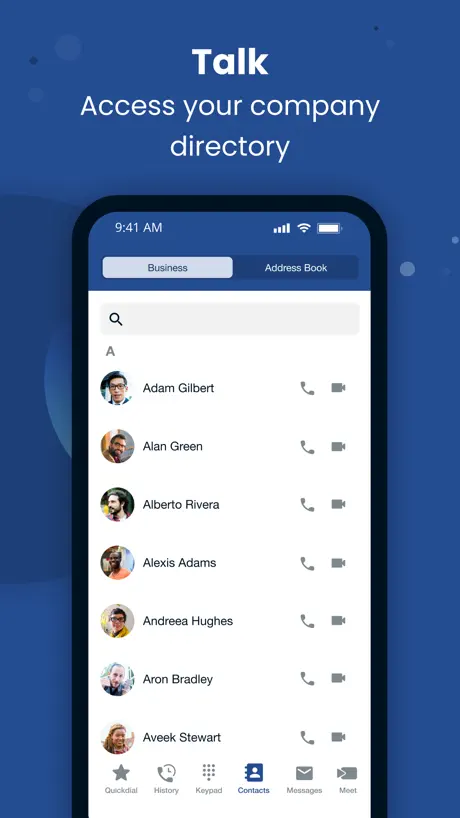
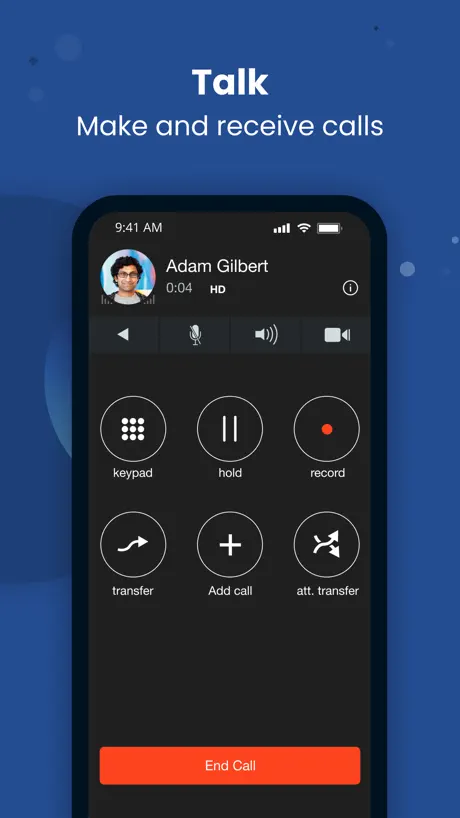
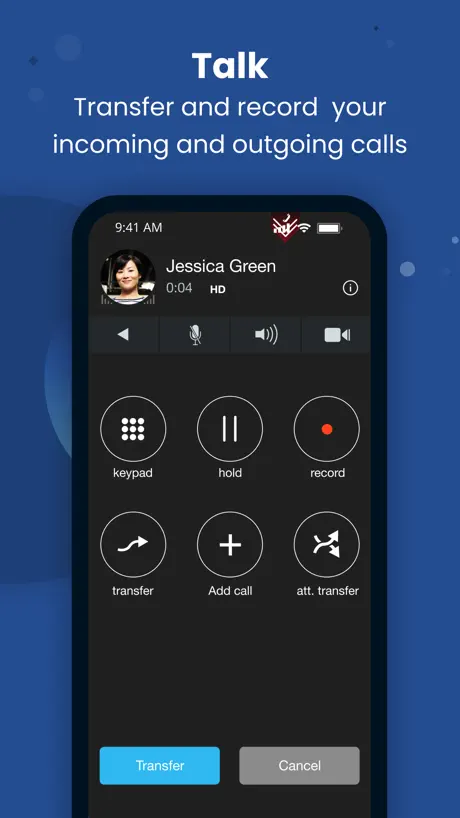
How much does Sangoma Talk cost?
Prices are current as of 12 Nov 2026.
Sangoma Talk has no in-app products on record in the United States.
10+ alternatives to Sangoma Talk
| Sangoma Talk |   Zoiper Lite voip soft phone |   UISP Mobile |   Bria - VoIP Softphone |   Groundwire: VoIP SIP Softphone |   NinjaOne Mobile |   NinjaRMM Screenshare Utility |   Meeting Owl |   Quickpass Self-Serve |   IT Glue |   UniFi Design | |
|---|---|---|---|---|---|---|---|---|---|---|---|
| Rating / 5 | 3.2 | 4.3 | 4.5 | 4.4 | 3.8 | 2.6 | 2.8 | 2.8 | 3.6 | 3.0 | 4.1 |
| Reviews | 138 | 11K | 4K | 2.8K | 771 | 139 | 34 | 32 | 25 | 19 | 17 |
| Released | 2020 | 2011 | 2016 | 2016 | 2010 | 2019 | 2021 | 2017 | 2019 | 2017 | 2024 |
| Monthly price | — | $0.99 | — | — | — | — | — | — | — | — | — |
| Annual price | — | $9.99 | — | — | — | — | — | — | — | — | — |
| One-time price | — | $4.99 | — | — | $24.99 | — | — | — | — | — | — |
The going rate for each plan in United States, in its own currency, shaded from the cheapest price on the row to the dearest.
Sangoma Talk reviews
3.2 out of 5, based on 138 reviews.
What people like
- Great audio quality for calls.
- Works well while traveling or remote.
- Easy to use with clean interface.
What they complain about
- Calls often fail to ring.
- Does not work when app is closed.
- Login issues and frequent bugs.
Dark mode icon
Would love to see an update to support dark mode icons. The app sticks out like a sore thumb on my Home Screen. Other than that great app.
horrible app, essentially never works.
This app is total bs. Over half of the time it does not ring and calls do not come through, which is the mainly problem being this is the apps main job. Absolutely DO NOT get this app if you need some thats worth it.
Quality is great. Please give us dark mode!
Please give us dark mode. It’s 2025. Other than that, everything is perfect.
Objectively terrible
This app never consistently lets me log in even with exactly the correct credentials. Please fix it.
Update please please please
My biggest complaint is that the calls i get for work show up in my regular phone I’ve mistakenly dialed patient’s phone numbers and had to hang up quickly before patients think their PHI has been given out to people. Please please please fix this. Other than that the app is really simple and easy to use
Smooth Operator
Works perfectly and consistently!
Go with Clearly Anywhere
Poor out of the box configuration for end users; Clearly’s implementation is much better
It’s better now but still needs Apple Watch!
This app is OK, it's been a challenge to use, but it is what my company said I need to use for when I'm working from home and is way better than trying to remember to forward/unforward my office to my cell directly, not able to see who is calling, and unable control remotely. So it gets five stars for being a very useful tool, but only three stars for ease of use so that's why I gave it four stars. I had to delete and reinstall several times over the last 10 months to fix various issues including it not ringing, I would have to be looking at the phone to see it, but the last install is working good so far (June 2025). So if you're having any issues at all, that is the very first thing I suggest. Plan ahead because your IT will have to send you a new invitation each time, it won't automatically sync up with your office phone. The default ring is very quiet, about 50% of my phone ringer volume. I found the place to change the ringtone to one that is more prominent and easier to notice but is still too quiet. I wish the developer would add adjustment of the volume of the ringtone. I also wish the developer would have this for the Apple Watch because as others have said, all I get is a missed call notification on my watch. Totally negates the point of me paying extra for a watch with independent cellular so I don't have to carry around my half pound phone to every room in the house or out to the yard. The DND works fine. It also turns my office phone on DND and vice versa. Otherwise, work calls will ring through even if I have the app off, which is OK because I don't always remember to turn the app on when I'm working from home. The app settings are not intuitive at all, but if you click around eventually you'll find stuff, like making favorites and giving them their own little pictures. Just FYI I did not allow it to see my contacts on my phone because I like to have work/home life separation. Same reason I use a dedicated app just for work email. I don't know if adding your contacts means they'll start ringing through this app, but I would not want that. Cheers to the developer of this app. It is obvious you are working hard on it and fixing the bugs and I thank you for a very useful tool that allows me to work from home while I take care of my elderly mother.
Please make Apple Watch app
I constantly get work calls that go unanswered because my watch only notifies me of a missed call. That is insane. Please make a companion Apple Watch app so I can see when I’m getting a work call.
1.0.14 issues
Before update you were able to call a number from an email by clicking on it and choosing Call from Sangoma. Now it loads the app but takes you to a blank dial pad.. Please fix!!
Works as intended
Great way to make calls from your mobile and still track work related calls on our business phone system
SMS not reliable at all
This product is not ready for the market. I feel like beta tester. You cannot use this in production systems.
Funzionale
Sicuramente funziona molto bene ed anche la qualità delle call è eccellente. Semplice e facile da usare ha solo un difetto: se in rubrica il numero da chiamare è salvato con il prefisso internazionale davanti la chiamata non parte. Questo è da risolvere assolutamente! Per il resto veramente ottima app!
Needs some TOC
This app really needs some TLC to make it better. Lots of bugs and glitches
A work in progress
Sangoma Connect is a big improvement in stability over the old Switchvox apps, but it is not feature complete. Still really needs visual voicemail and rapid dials that are synced with the main extension.
Office phone on mobile
Works great when I’m on the road and away from my desk when I want to make business related calls. Lets me use my desk number instead of my mobile.
Awful and buggy
Even when I have DND on, calls are still coming through to my personal cell phone outside of work hours. I’ve been deleting the app and redownloading every shift, it’s ridiculous. This thing is useless
It has finally improved…
This app was bad for a long time. So bad that I deleted the app and gave up on it. I had to recently reinstall it as I would be traveling without my laptop and I was pleasantly surprised. A lot of the issues it once had seem to be resolved. I gave a 4 star because It’s still early days in the evaluation, but so far so good.
Problemi rete
Se l’app è chiusa non permette di ricevere chiamate. Si disconnette
Updates needed
1- Please make it so calls from this app do not show up under my regular phone app. 2- When a call is rejected while the phone is unlocked, the call should be silenced instead of it continuing to say ‘incoming call’. 3- When a call is rejected from the Lock Screen, it shouldn’t pop up 20 secs later and ring again.
Great audio
Sangoma Talk app provides great call quality. Very easy to use with a nice, clean interface.
Not Working
The app will only alert me that a call is coming in while I have the app open on my screen, if I log in, but then scroll to another app, it will not alert me of a call coming in. This is a huge problem since we use this for our remote employees. PLEASE fix this.
Features
Is there anyway we could get an update where we could see if our connects are on their line? This would help ensure we are able to service every customer and increase customer service satisfaction.
Unreliable
Super buggy and unreliable when it’s about receiving sms’s. Ticket been open for more than 10 days and still nobody from Sangoma read it. Check the forums and will see how many ppl are having the same issues.
Not feature complete
The app isn’t feature complete. It still doesn’t have visual voicemails which is present on the Switchvox app and lacks integration with the chat features found on the desktop app. You have to get a whole different app for the chat features. You’ll still have to utilize multiple apps to get a complete experience.
Works Great, Amazing call quality
Been using the Sangoma Talk App since it came out. Call Quality and ease of use are awesome. Keep it up.
Terrible
I deleted the app and it won’t let me back in with the correct username and password. I have a link emailed to me and the link shows nothing, doesn’t open anything.
Almost there
Really needs apple watch integration to be 5 stars.
Frustrating
Theres a mute button now that keeps getting pressed when holding the phone to my face.
Adequate: forced to iPhone portrait mode
I’m using this on my iPad. It works but in iPhone emulation mode and it forces the iPad into portrait orientation. That is a pain as I am using the iPad with a keyboard as a mini-laptop. If they at least made it work in landscape I’d give it another star.
Great with Teamhub
Between this app and Teamhub you can work from anywhere, very handy.
Please update
No longer working with AirPod pros.
Took long enough
Many of us had to suffer through the indignity of using Switchvox mobile whilst knowing that generic SIP-capable apps (Acrobits, Bria, Wave) work much better. Finally, we have a good replacement, and it’s all because this app is based on Acrobits and even uses their SIPIS servers for SIP registration, finally providing reliable incoming calling. Feature parity with Switchvox mobile isn’t all there yet. Visual voicemail doesn’t work and call recordings currently save to your iPhone under the “Files” app. You must browse your local file system and open the “Sangoma Connect” folder. You cannot change your status (yet), but a future update is supposed to revive this feature. The important this is: calling actually works. When future releases bring back the lost features, this app will get 5 stars.
Issues after 1.0.14
App will no longer dial directly, have to either paste number (which prompts to allow everytime) or manual enter in number. Please fix
Amazing
I’m never away from my desk
Look at other options
The app is no good. It doesn’t work much of the time and i can’t afford to keep missing important calls. Star2Star and Sangoma are in my opinion the lowest of the low quality voip services. Wish we knew this before installing. Wasted a lot of time and money on this. Looking forward to getting off this train wreck. Hope others don’t get roped into this like I did.
Much better than Zulu, not quite there yet
To start, I agree with TheGiaKz: there are systemic issues that need to be resolved before Sangoma Connect can be considered enterprise-ready. However, if you are running a smaller FreePBX system and find that Zulu is inadequate for your users — whether it’s the lack of a device-specific mute or other UI/UX concerns, or a matter of on-boarding difficulty — then you will find some solace with Sangoma Connect. Once Acrobits and Sangoma bring security up to modern standards, I’m hoping it will pick up enough momentum to get resources for features like custom interactive BLFs.
Doesn’t live up to it’s full potential
For whatever reason I don’t receive incoming calls in the app unless it is open. I don’t receive a notification of a missed call. I can however make and receive calls when it is open on the screen. So it seems to be a background function that is not working properly. I’m on os 16.6.1
Great app
Works wonderfully. Great audio. Has transformed the way business is being done.
Absolutely worthless
This app is completely useless for me. It maybe works 10% of the time which has caused huge issues with my job. I would drop this service in a heartbeat if it were up to me. It’s infuriatingly unreliable.
It isn’t as good as it was
It works well enough, but lately it will only ring if the app is opened. It didn’t use to act this was. I removed and reinstalled the app. Reset the cloud connect agent and resent the invite. I also verified all notifications are enabled. Still works when app is opened and not if it is closed.
Great App!
This application has become, my day to day business phone system.
No visual voicemail
So, in 2021, this is offered as a softphone option for Switchvox users and it doesn’t even have visual voicemail access?!
No text option
I don’t see any test/sms option. I checked with my friends and colleagues and few of them have option to text. Same application, same version but 2 different option/features in different mobiles. Please fix it.
Sangoma Talk FAQ
- Is Sangoma Talk free?
- Yes. The app is free, in all 174 countries it sells in, and it sells nothing inside it.
- Does Sangoma Talk have a free trial?
- No. None of its offers (US) come with a free trial.
- What are the best alternatives to Sangoma Talk?
- Zoiper Lite voip soft phone (4.3 from 10,730 reviews, premium from $0.99), UISP Mobile (4.5 from 3,990 reviews) and Bria - VoIP Softphone (4.4 from 2,754 reviews).
Sangoma Talk download
Last updated 9 months ago.
Sangoma Talk sells in 174 countries. It was released 6 years and 2 months ago, on 8 Sept 2020. It holds a 3.2 rating from 138 reviews.
Supports 26 languages: English, Arabic, Bulgarian, Czech, Danish, Dutch, French, German, Hebrew, Hungarian, Indonesian, Italian, Japanese, Korean, Norwegian Bokmål, Persian, Polish, Portuguese, Russian, Chinese, Slovak, Spanish, Swedish, Thai, Turkish, Vietnamese.
How much does Sangoma Talk make?
Third-party estimates for the last 30 days, worldwide — not the store's own figures, which Apple publishes for nobody.