
Klipsch Connect
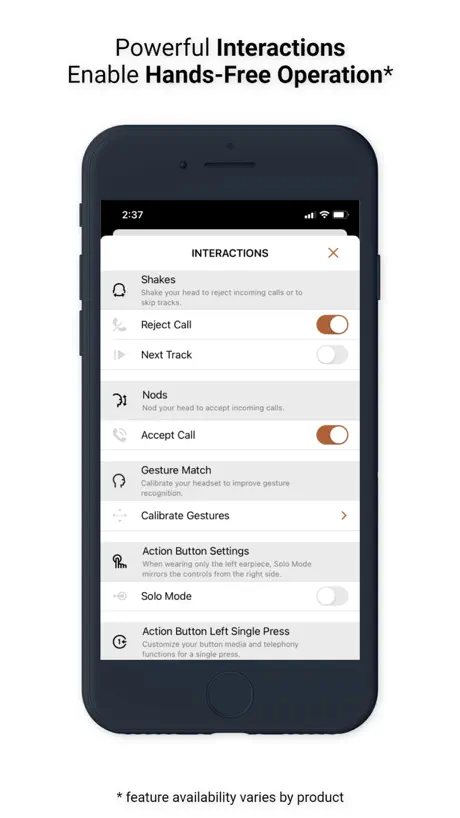
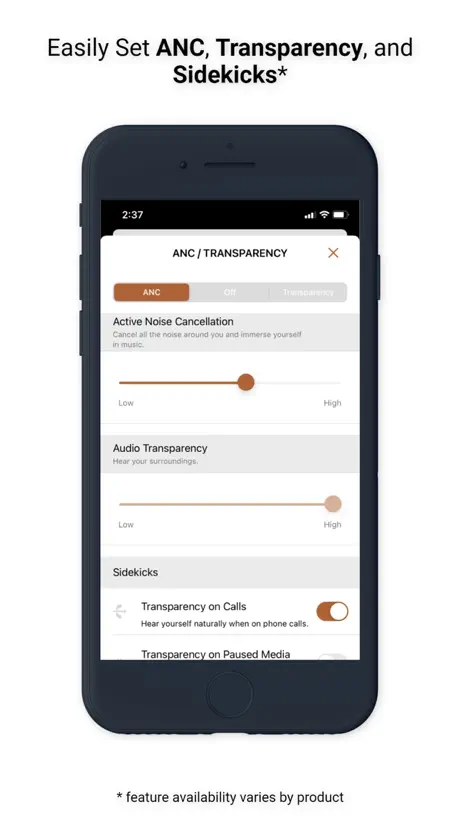
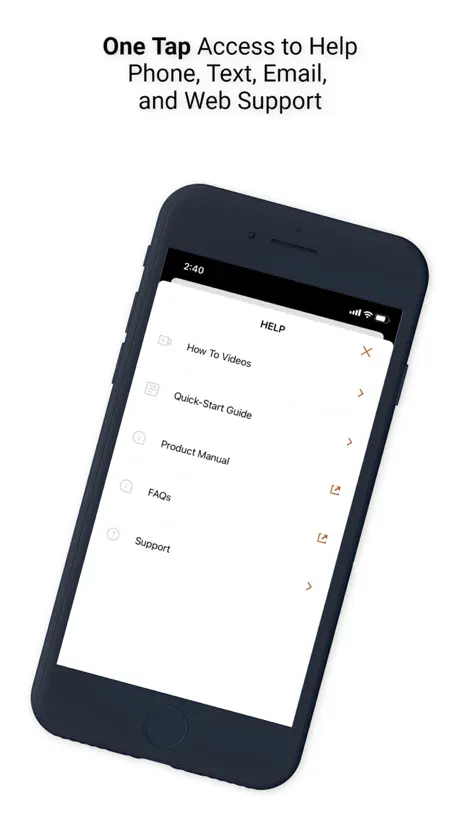
How much does Klipsch Connect cost?
Prices are current as of 8 Sept 2026.
Klipsch Connect has no in-app products on record in the United States.
10+ alternatives to Klipsch Connect
| Klipsch Connect |   HEOS HEOS |   MusicCast Controller - US MusicCast Controller - US |   BluOS Controller BluOS Controller | 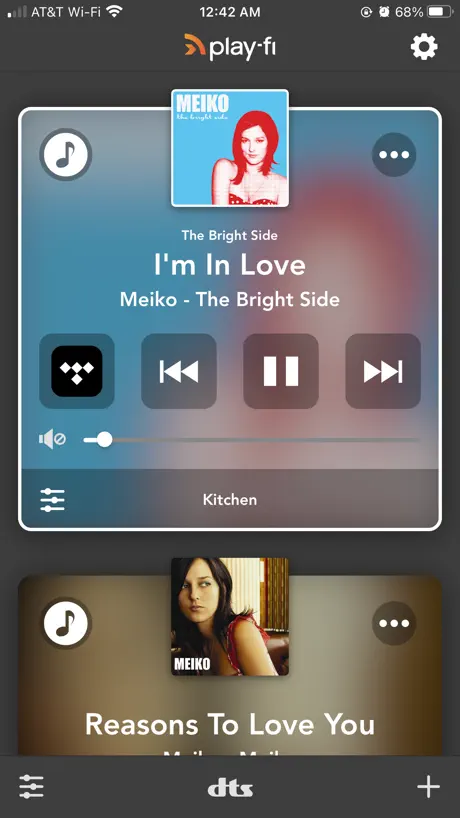  Play-Fi Play-Fi |   Status Hub Status Hub | 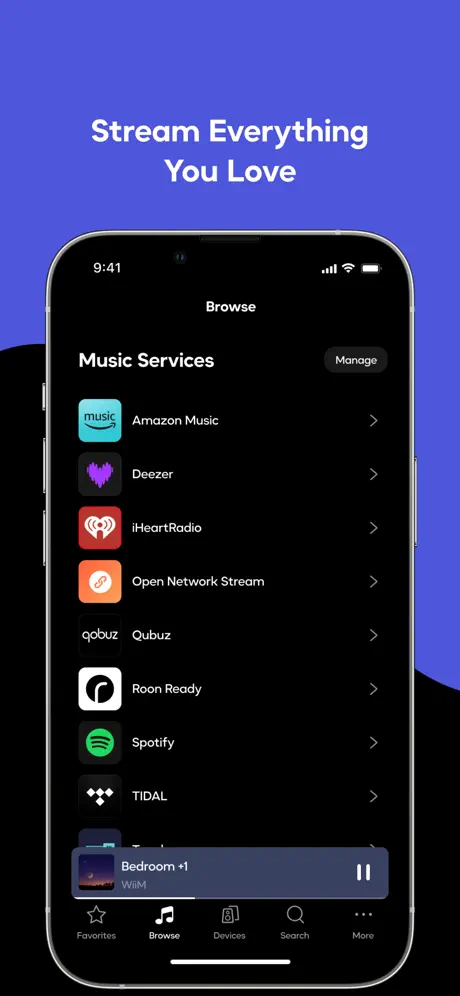  WiiM Home WiiM Home | 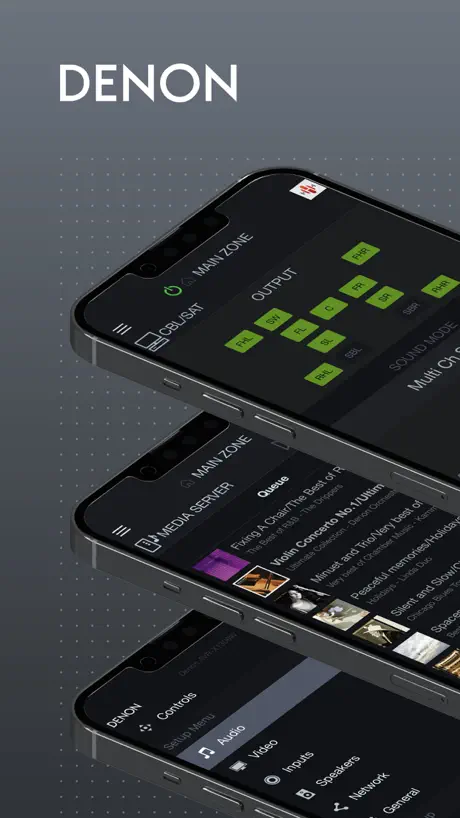  Denon AVR Remote Denon AVR Remote | 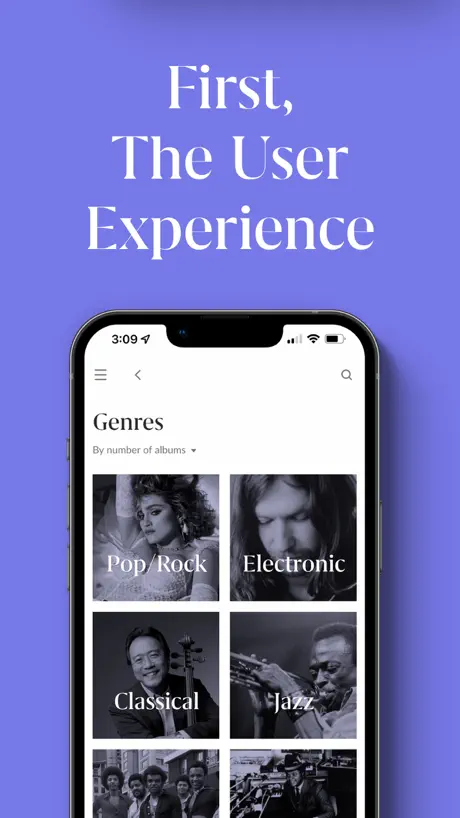  Roon Roon |   Marantz AVR Remote Marantz AVR Remote |   Phorus Phorus | |
|---|---|---|---|---|---|---|---|---|---|---|---|
| Rating / 5 | 3.8 | 4.2 | 4.7 | 4.3 | 4.4 | 4.9 | 4.2 | 2.1 | 3.8 | 2.2 | 4.5 |
| Reviews | 2.2K | 89K | 42K | 27K | 10K | 9.1K | 6.5K | 4.7K | 2.3K | 2.1K | 227 |
| Released | 2020 | 2014 | 2015 | 2012 | 2014 | 2023 | 2021 | 2016 | 2015 | 2016 | 2013 |
Klipsch Connect reviews
3.8 out of 5, based on 2,193 reviews.
What people like
- Sound quality is excellent and impressive
- Lets you adjust volume and settings easily
- Helpful for checking product info and registration
What they complain about
- Keeps losing connection when you switch apps
- Takes forever to load or update firmware
- Equalizer options are too limited and basic
The Nines
Great sound, functional app,
Worst Website
On startup the app tries to find my products but I haven’t installed them yet. I just want to register my products. It won’t go beyond the spinning symbol. (My products won’t be connected by Bluetooth or my network anyway)
Klipsch Fives
Updates initially 2 step process Had some issues requiring reinstalls Helpful to keep on usb just in case Working well now Need to turn off bass boost
ต่อเข้าแอพไม่ได้
ต่อเข้าแอปเพื่อตั้งค่าไม่ได้
Volume
More than 16 levels of volume degrees are needed. I take it to 3 desibel is low i take it to 4 and now is too loud. Adjusting to the desibel desired is too hard
Gran diferencia de sonido al usar la app!
Funciona muy bien y es un gran cambio en la ecualizacion que se le pueden dar a la barra Cinema 600
Incredibly unusable
This app blocks the user while it tries to connect, and then “fetch latest data”, whatever that means. I could see this maybe happening once per app start, but it happens every time the app loses focus. Sometimes the app just hangs during this process. It’s downright aggravating. I literally dread having to use it. Here’s hoping the app is still in development and Klipsch cares enough about UX to fix it.
Love you guys, but please update
I love my Klipsch The Nines—the speakers sound fantastic—but the Klipsch Connect app feels outdated and makes basic control frustrating on iOS. I’m using an iPhone 14 Pro Max (iOS 26), and the app loses the connection as soon as I go to the Home Screen or switch to another app. When I return, I often have to reconnect again just to adjust settings. That adds unnecessary friction to what should be a quick, seamless experience. Please consider updating the app to maintain the connection in the background (or at least handle background/foreground transitions properly) so it stays connected when multitasking. This is standard behavior for modern iOS apps and would significantly improve usability for daily owners. Also, I’d really appreciate better equalizer control—more precise tuning options and a smoother, more responsive EQ experience would help users get the most out of these speakers. I hope these improvements aren’t too difficult with modern development tools, and I believe they would go a long way for your loyal customers. Thanks for listening.
App does not work after update
I updated the app to 1.20.0(133) version. I used the Klipsch updater app, I was able successfully get the green tick telling me I am good to go and to delete the updated app. I deleted the updater app. Unpaired my speakers. Opened the Klipsch connect app. I keep getting getting latest data followed by you did not complete the update of your app and did not unpair. I then went to repeat the step s again without any luck. Now I cannot even use these speakers. I tried to text support and even the text is not going through. I never had issue in the past but this is pretty annoying.
Cinema 600 users
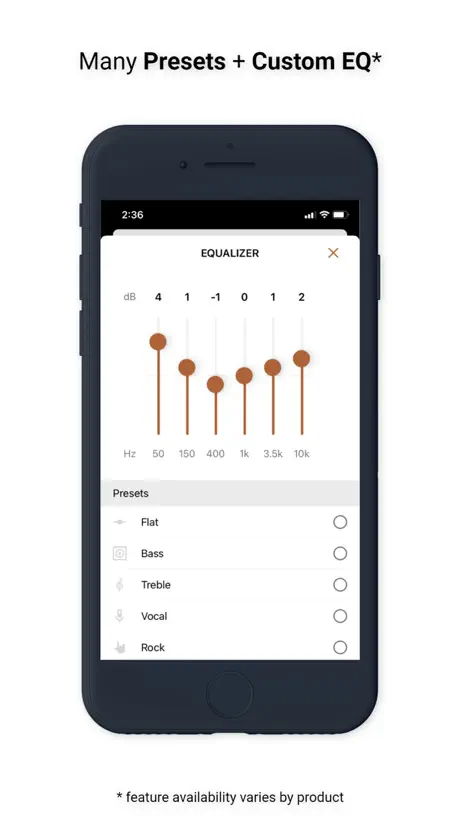
There is no custom equaliser setting for the cinema 600 system shame on Klipsch. You show us a screenshot of a custom setting but none exists. You would have got five stars if that were possible as your system is great but would be stunning if it had a seven band equaliser
It’s getting better.
They’re heading in right direction. I haven’t had an issue with it so far.
Worst app ever
There are so many connectivity issues with this app. I am totally frustrated with this app. One of the worst app ever built. I am trying to connect my Cinema 800 soundbar and it is showing me that the soundbar is connected but we are not able to communicate with the device Try again. I tried every possible way but ended up wasting more than 2 hours on that.
Just needs more equaliser options
Brilliant app, using with Nines. Wish there was more than 3 tabs in the equaliser though. I’d like to control parts of the treble, not lower then entire crossover. 👍🏻 Looks to be item specific for now with that, unfortunately. Please consider it, Klipsch!
Ok app, needs Bluetooth improvements
Ok app but incredibly frustrating every time you leave the app or your phone locks it has to reconnect every single time.
Не работает центральный канал.
Купил саундбар Klipsch CINEMA 600 SOUND BAR 5.1 SYSTEM. Поработал пару месяцев. И в один день стал пропадать центральный канал. В чем дело? В ремонт не берут. Может кто-то подскажет?
Cinema 600
Пользуюсь саундбаром и приложением несколько месяцев. Бывают глюки -что не включается вместе/одновременно с тв LG. В остальном все отлично
always have to pull data and reconnect
this app is worst than any $10 smart light all, it cant stay connect, almost every step you do it has to reconnect. i have a Kanto Yu and never ever have any problem with bluetooth. did Klipsch managed to dig out BT0.00001 hardware to out in their $1000 speakers? lol i hope i get the setting done soon then i can be done with the app
Muy buena aplicación
Funciona muy bien con la soundbar 600 + bocinas 3D sourround, la única observación sería que las opciones de equalizacion fueran de bandas independientes, y no preestablecidas
No support
I have a Bar 48 3.1 soundbar the app you have doesn’t support this unit is there a reason for this, I just thought that all units could be supported from your product app thank you ?
Not all devices are supported.
Dissatisfied My Heritage Groove isn’t supported.
Nice app!
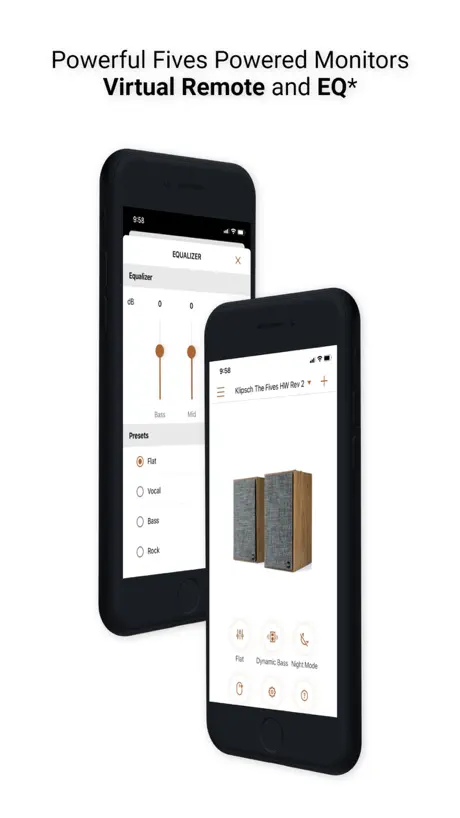
Works perfectly. I'd just like the EQ to be 5 bands or more if possible. Besides all the controls for the speakers (I have The Fives), the app keeps all kind of info as firmware version, product registration, etc. Nice job!
No sound options Cinema 800
Well, it was one of the selling points that left a lot more to be desired. :(
Good but can be great
Good functions to see battery, set up EQ. Sometimes open the app but it cannot connect the device and need the action to refresh or reconnect.
Not Custom EQ on CINEMA 600 SOUND BAR
Should make Cinema 600 adjust the EQ by yourself. There is a bass adjustment in the application. Seen in the example, it can be adjusted, but Cinema 600, why can't it be adjusted? update too
Dislike but need to
Dislike,custom eq didn’t save to device? I need to open app everyday for let device set eq to my custom, Did it can save settings on device?? Thank you The fives mcLaren
Klipsch T5 sport.
Increíble sonido. La app muy bien.
This app is almost as annoying as the remote that came with my speakers
I don’t understand why this app needs to take 30 seconds to download the latest software EVERY GOD DAMNED TIME I OPEN IT. My biggest complaint about the fives is how laggy they tend to be, when turning up or down volume and switching between modes. My remote is incredibly slow and annoying and this app is no exception. It takes so long just to open the app, and then once it’s opened and connected it still takes another half minute at least to get it going. I find this to be incredibly frustrating. I will be contacting Klipsch to at least try to get a replacement remote because mine barely works after 4-5 months of regular use, but this app is frankly a joke. Not worth the time and frustration.
Una aplicacion decente
No soy experto pero a pesar de los errores de Klipsch para desarrollar aplicaciones la verdad es que a mi no me ha fallado la app y me ha dejado satisfecho ya que me permite manipular a distancia las distintas configuraciones de audio desde mi computadora o smartphone.
Klipsch T5 ii ANC Mclaren firmware 4.4.4 make my microphone problem
The firmware 4,4,4 make my T5 ii anc Mclaren microphone not working many time. Always need factory reset
Soundbar
Bar 40 soundbar ile uyumlumu
Up to Date
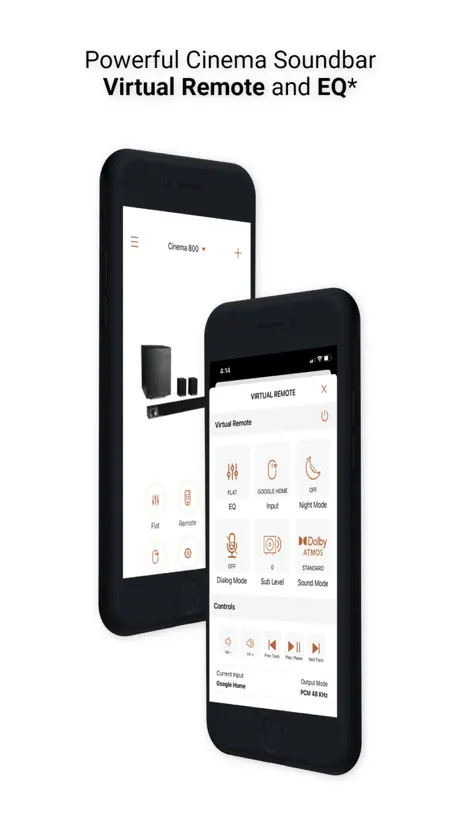
The app is updated and has tons of options for adjusting the sound from my Cinema 800! Very happy with this.
This app keeps crashing on my iPhone 12Pro Max?
The app keeps crashing at start up on my phone.Any help would be appreciated. Rhx
EQ adjustment
I hope EQ can have more adjustment . For example, Soundcore App is very well.
Worst app
Worst ever app. Never gets connected with the sound bar.
More functions needed
Please add surrounding and sub level adjustment for cinema 600
Useful App
It still needs some work but overall it’s great for my Klipsch products!!
Don’t see equalizer functions
I don’t see the equalizer functions. Please advise if I’m doing something wrong.
Klipsch the Fives
После выхода обновления 1.15.1 проблема с с сохранением настроек эквалайзера осталась частично. После выключения колонок с пульта, все настройки эквалайзера сбрасываются на базовые по умолчанию. Если выключить из сети, а потом включить, выставленные ранее настройки эквалайзера применяются.
ปรับแต่งเสียงไม่ได้ ERRORบ่อยมาก
เป็นบ่อยมาก
Review for The Fives, specifically
The new EQ options are a step in the right direction but we’re not there yet. Connectivity between the app and the speaker is slow and clunky but when connected, everything works well. If you leave the app, it needs to reconnect every time… even if music continues to play. Bass has become super bloated (via a subwoofer) since the new EQ settings. I’ve had to wind the gain right back.
App
hello, I can control the klipsch r51-pm model speaker, Is there an app for that?
Can’t update
Every time I try to update it saids “not ready” I follow the instructions and did everything but nothing.
Waiting for the five EQ
Please 🙏
Can’t Update Firmware, no EQ
Seriously Klipsch. A USB-A thumb drive is needed to update the Fives firmware?! What’s this, 2008? Super lame. Also no EQ. This is all basic stuff at this point especially for modern powered speakers for $900.
Cannot update T5
Still can’t update klipsh the fives
Works well with my T5
Yes, the complaints about the challenge to initially apply the firmware upgrade to the T5 headphones are true BUT once done, the app and headphones work well.
Frustrating
When these buds work they are great. But whoever thought that running the two as separate devices and then allowing what has to be the worst app in the history of apps to be published really should lose their job. I want to love these things but it’s like the app was designed to be impossible to use. I have tried way too many times to update firmware - I now hate this product.
waiting for the fives EQ
klipsch the fives speakers sound could be better if we can adjust manual equalizer or have presets on this app.
T5 ii TWS transparency mode
When i try the transparency function in the TWS, i found a some issue. 1. if i play music, the transparency mode can’t useful. I can’t hear from any environment. It’s only hear from music. This issue, i solve solution from reduce the music volume that to can hear environment sound but it’s very cumbersome. 2. The hearing of transparency mode is very low, although i select high transparency mode even though.
Dil
Türkçe dil desteği
Klipsch Connect FAQ
- Is Klipsch Connect free?
- Yes. The app is free, in all 175 countries it sells in, and it sells nothing inside it.
- Does Klipsch Connect have a free trial?
- No. None of its offers (US) come with a free trial.
- What are the best alternatives to Klipsch Connect?
- HEOS (4.2 from 89,432 reviews), MusicCast Controller - US (4.7 from 41,621 reviews) and BluOS Controller (4.3 from 26,646 reviews).
Klipsch Connect download
Last updated 2 years ago.
Klipsch Connect sells in 175 countries. It was released 6 years and 7 months ago, on 6 Mar 2020. It holds a 3.8 rating from 2,193 reviews.
Supports 11 languages: English, French, German, Indonesian, Italian, Japanese, Korean, Portuguese, Russian, Chinese, Spanish.
How much does Klipsch Connect make?
Third-party estimates for the last 30 days, worldwide — not the store's own figures, which Apple publishes for nobody.