
Level Home
Welcome Home
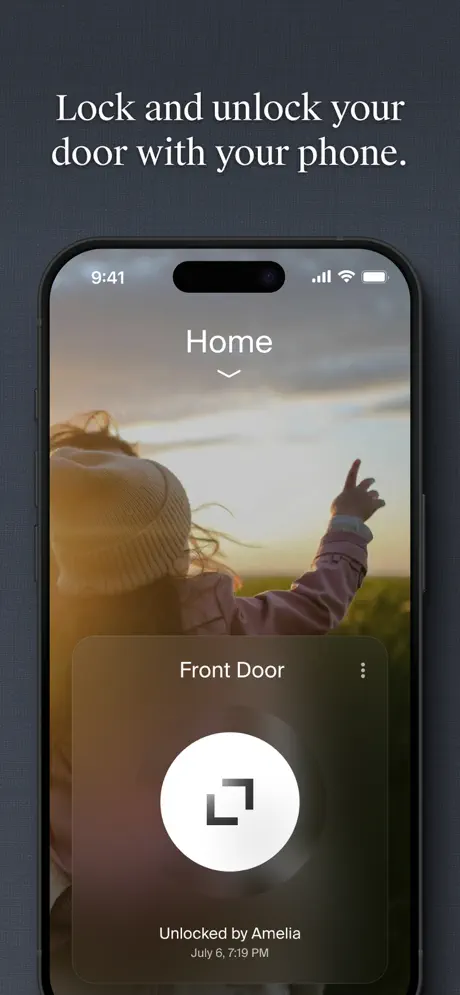
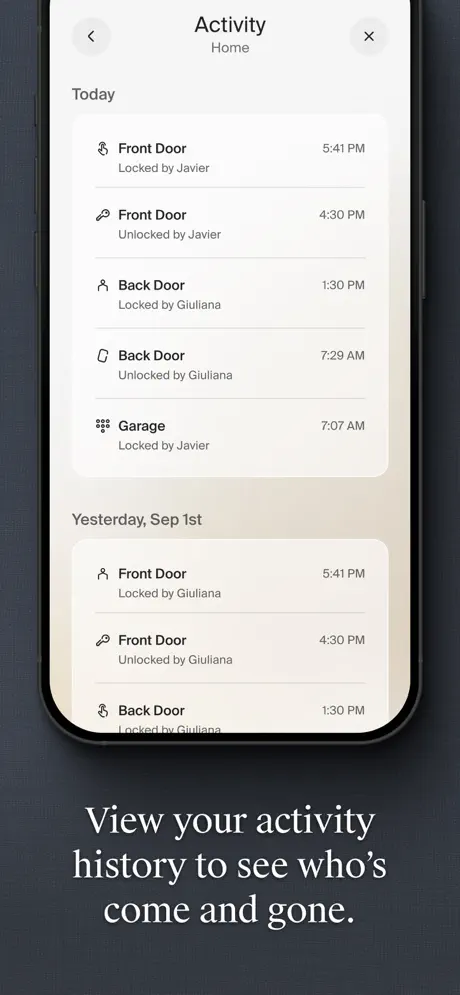
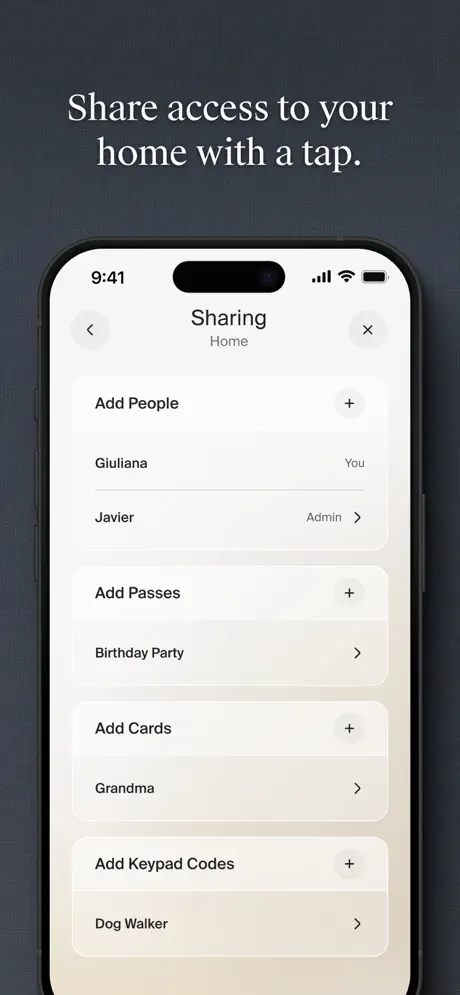
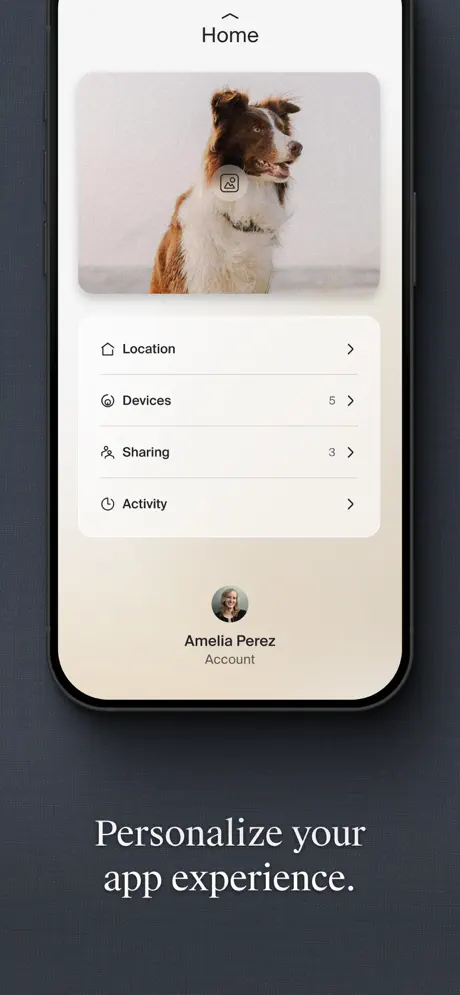
How much does Level Home cost?
Prices are current as of 12 Nov 2026.
Level Home has no in-app products on record in the United States.
10+ alternatives to Level Home
| Level Home |   Rachio |   Aqara Home |   Meross |   Home Assistant | 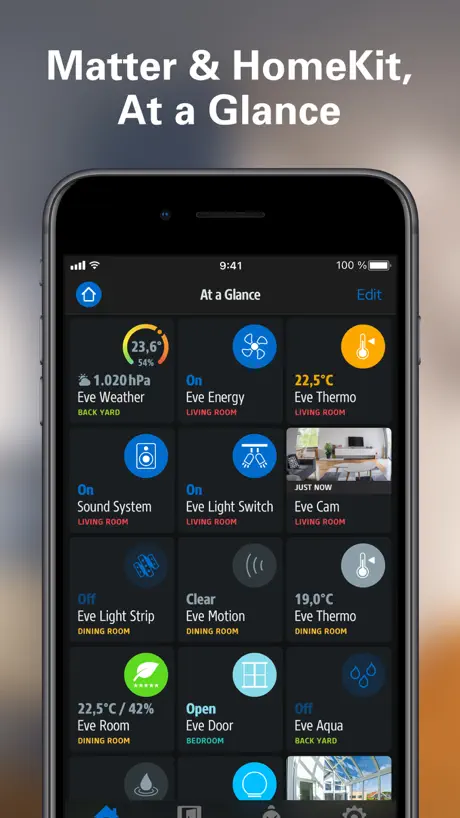  Eve for Matter & HomeKit |   Lutron App | 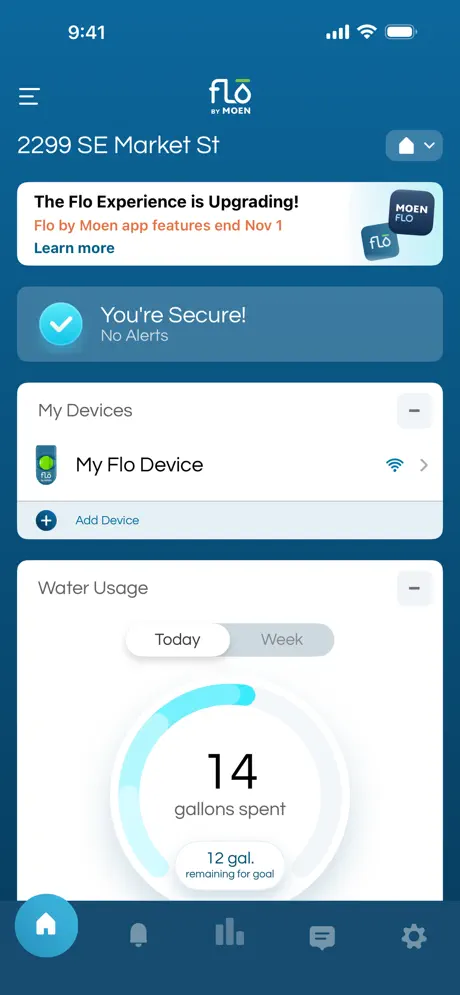  Flo by Moen™ | 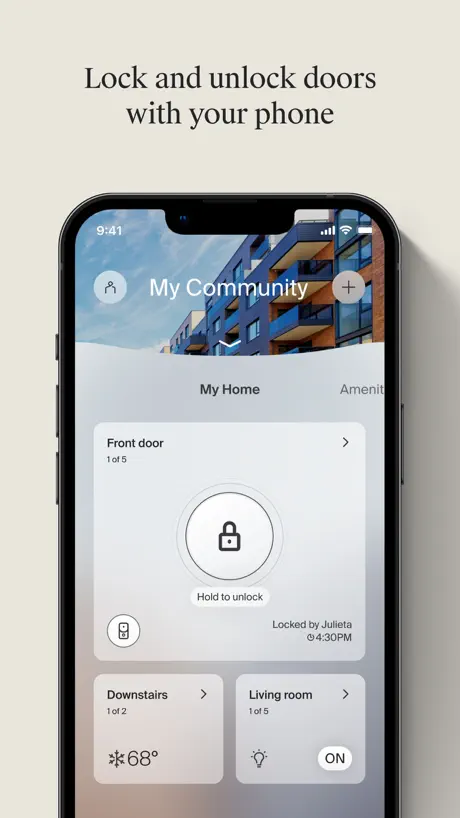  Ambient Home |   Dwelo |   Sub-Zero Group Owner’s App | |
|---|---|---|---|---|---|---|---|---|---|---|---|
| Rating / 5 | 4.6 | 4.9 | 4.6 | 4.5 | 4.7 | 4.1 | 4.8 | 4.0 | 3.9 | 3.7 | 4.4 |
| Reviews | 810 | 164K | 50K | 37K | 23K | 12K | 7.8K | 2.1K | 1K | 864 | 844 |
| Released | 2020 | 2014 | 2018 | 2017 | 2017 | 2015 | 2014 | 2016 | 2024 | 2015 | 2017 |
| Weekly price | — | — | — | $1.99 | — | — | — | — | — | — | — |
| Monthly price | — | — | — | $1.99 | — | — | — | — | — | — | — |
| Annual price | — | — | — | $1.99 | — | — | — | — | — | — | — |
| One-time price | — | $29.99 | — | $3.49 | — | — | — | — | — | — | — |
The going rate for each plan in United States, in its own currency, shaded from the cheapest price on the row to the dearest.
Level Home reviews
4.6 out of 5, based on 810 reviews.
What people like
- Hardware looks sleek and fits existing doors well.
- Works smoothly with Apple HomeKit and Matter now.
- Easy to create unique PIN codes for guests.
What they complain about
- App often fails to show actual battery percentage.
- Customer support ignores emails and gives bad advice.
- Remote access frequently disconnects or stops working.
Great system from a tech
I have been installing Electronics for over 35 years. I’ve used several different types of locking systems. This is by far the most user-friendly and reliable I have yet to use. I will be suggesting this upgrade to all my customers.
No critical alert when the battery is low
I don’t know why this app is not able to send a notification or an alert when the battery is low. It’s ridiculous.
Wish I could add to Apple Watch
Works great but I wish I could add it to my Apple Watch.
Started off great…
Was a great lock for years. What ever happened recently has made this lock become pointless and a pain in the butt. No response when away from home, have tried everything and did not change anything, just randomly changed. Only works locally on Bluetooth. Factory reset, moved my HomeKit closer and went through every checklist they had.
No recurring access code
Be aware, that there’s no way to set a code for the keypad to allow access for a vendor between a block of hours / day of week. For example, Monday to Friday 9 AM to 5 PM. You can allow them access Monday to Friday but it would be 24 seven. Who would want a vendor to have access to their home in the middle of the night? This is a large usability gap between this and other brands. Frankly I just assumed this capability as it is in most other keyless entry applications - so I guess I will just have them enter through the garage using the myQ keypad. Level will be quick to tell you they can download the app and then they can use their phone to unlock. My construction crew is large with multiple trades. Not feasible. You should have seen the eye roll I received when I suggested that to the contractor. My bad, I bought the wrong product for my needs but the software fix seems simple and obvious.
Best Smart Locks
I’ve tried them all. Hands down Level is the best.
Unreliable
Do not trust this lock with your pets or your children as it is completely unreliable! It will usually work when you’re using Bluetooth but if you try to do something remotely like let a pet sitter in it will fill you in the worst possible. And lover used to have an 800 number, but no more. Look elsewhere.
Good - Just one quibble
I’m a new user and, so far, the app has worked fine for installation and setup. Only issue I have is that you only have one lock at a time on the home page while a grid or list of tiles could show multiple (in my case, all) of one's doors.
Pass on this
A smart lock app that doesn't give you battery percentage. Just says "healthy" instead of giving you an actual percentage. When will you be locked out of your home? It's a surprise, have fun!
Notifications are non existent
I’ve used this app and the locks for 4 years now and I never seem to get notifications from it. At the bare minimum it should be telling me when the battery is low.
Great Lock
Great lock but I wish there was a way for app to show the battery percentage. I’m not sure if it’s possible but if it is it would be so helpful so you can keep an eye on it once it gets to a lower level.
Requires location to sell your data even when you don’t use any of the location functions
App is nearly unusable if you don’t allow them to sell your location data by turning off your location. Lock functions just fine using Bluetooth only but because they want your location data even if you have the approach unlock option off which I do because I live in a city and find it unsafe, I get repeated pop ups that nearly render the app non-functional to turn on my location so they can sell my data. Location data should not be required if you do not opt into any of the location-based functions. It’s a scam that I wish I knew about before investing in their lock products.
Battery
There needs to be some kind of notification for when your battery starts dying. I have notifications on for the app and looked through the settings but I can’t find any way to notify me when my locks battery is getting low. I only find out when I randomly get locked out of my house because the battery died with no warning. I typically don’t carry keys on me, I just use my phone for my car and house door, but because of the lack of warning for when the battery dies in this lock I’ve started keeping my house key in my car.
Way to painful to install and bring to Apple home
So first time I added to Apple home was ok, only took a couple of time for home to see it and configure it. However I somehow deleted from home and then trying to add it back has been a nightmare because it couldn’t find the lock even though it found the matter lock. Several times it said it couldn’t add it so I wound up deleting it from the level app and the app said it couldn’t delete the lock and told me that I had to take the lock apart and reset to factory. For some reason it wouldn’t reset even though I put in a new battery and did everything level said to do. Completely reset the app, rebooted my phone and after the fourth time something clicked and then I could pair it to the level app. Thought I was done but it still took like 5 time to get Apple home to pair it. Finally went out of the app and used the QR code and it paired. Seems that if anything goes wrong with the matter version of level lock it is going to be painful.
Has gotten slower with time
When new it worked great. Now I sit at my door waiting for the lock to connect to my phone for 10 -15 seconds. Sometimes longer. Closing the app then relaunching to get it to work
So pleased with this
Works great! Seamless integration! Just wish it linked with Apple Watch.
Very disappointing functions
Waste of money, 85% of the time app doesn’t work, have to use physical key. My $75 Wyze lock on the other door works amazing, not an issue since last 2 years. Level lock disconnected from app all the times, I tried to out level connect but no difference.
Free Matter upgrade!
Love that my lock is getting better even after a year of having it! App is nice, but UI is a bit weird looking.
Amazing ONCE you get to work
Adding new issues is horrendous. Like we all just got new phones and re-signing in when you’ve been added as a guest is nearly impossible. Admins send you new invites but the app doesn’t process - always pending. And you fans create account because it says number or email already in use. Basically every time your family members get new phones it’s days of frustration getting the app to work again.
Continually Losing Connection
The interface is good and the setup, while not seamless, is relatively stair forward overall. The bolt itself is relatively weak in terms of torque and we had to really work to get the action on our rejuvenation hardware deadbolt smooth. A little WD40 and some work on the throw and strike plate helped. The main issue we have now is the level connect losing connectivity to the WiFi network. Not sure why as we have solid coverage throughout the house. Not sure if it’s just timing out over time but I hav to constantly unplug and replug it in to get it to reconnect. Would love to see some improvements here.
Works every time
I had experience with other smart locks. Nothing compares to Level Lock. It’s always very responsive. Both Apple HomePod Mini and Apple TV 4K work good as a matter border router. The Level Home app is very intuitive and responsive.
Doesn’t notify low battery
It works fine but the user doesn’t need to use the app to open the door. The problem is it doesn’t send push notifications to yur phone. So the battery dies and you wouldn’t know it. Really ridiculous.
Much improved interface
I wrote a scathing review a year ago complaining about the cumbersome interface especially on small screens, and the unorthodox approach to interface design making it less intuitive. It was especially bad for homes with more than one or two locks (mine has three). This refresh has changed my views entirely. Not only that, but with Matter updates to my 3 Bolts, everything is so much easier to manage. Would be nice to have a “lock all” button front and centre, but HomeKit can manage this with scenes. Thanks for listening, and I welcome the redesign.
The app is… not good
The UI to unlock the door covers the recovery key making it impossible to retrieve. Sometimes the door is locked but the app says it’s unlocked. There is no possible phone number format that it will accept as a real phone number so sharing access is not easy. At least it looks nice?
The best, simplest smart lock.
After trying various other smart locks, the level is by far more elegant and simple. Wouldn’t go back for anything.
Unreliable
This lock worked great for a year then started breaking down. First the wallet key failed to read then the lock refused to even connect. New batteries or factory reset just no longer work. When you have to tear apart the whole lock every few months just for a chance for it to work is a sign this is trash and should stick with just a key.
BUG - Guest Passes Immediately Expire
I am on Level Home version 1.28.18 using a iPhone 13 Pro with IOS 17.4.1 — all current as of today. I have reported a bug by email several times but have not received a response nor seen a bug fix. The expiration date-time for a pass is defaulted to the creation date-time upon initial save and subsequent updates. This kindergarten code error not caught by the most minimal expectation of product testing over many production pushes results in the pass being immediately expired - at least for IOS devices. Unless I am really missing something here — there is no way this basic time constrained guest pass function could have ever tested successfully.
Great product
Great lock for automating An existing door.
Unreliable and difficult to use
This app is extremely unreliable, especially when it comes to discovering locks and keypads. I have had no end to troubles trying to get my locks to be recognized by the app. I just installed a new battery in one of my locks and now the app is in a weird state where my phone can unlock the lock, but it does not show up in the app and when I try to add it in the app it refuses to recognize. I do not recommend this app nor the lock system at all because Level can’t seem to get their act together when it comes to recognizing their own devices. In addition, the interface is just really weird. Nothing is standard about it. It’s hard to find the settings. It’s hard to find everything. I’m constantly hunting around. Functionality.
Okay, but flawed…
Hardware: generally well-built, but not perfect (I had a small plastic part loose in the box, which made assembly difficult). Also, a big warning: the reset button is a poor design, and susceptible to damage, which makes the device unusable if a reset is needed. Software: not well thought-out if you have multiple devices. I have 3 Bolts, and therefore 3 duplicated options for adding further devices in the Settings screen, taking up valuable screen space. Perhaps Levrl thinks users are unlikely to have more than one or two devices? Strange. Too much ambiguity in the use of the word “Lock” in the app (is it a verb, or noun?). Adds to a degree of confusion. App doesn’t show what kind of devices you have, only serial number and firmware version. Strange oversight. The button to lock/unlock each device is large, but requires an extended press to operate. Underneath the big button is an inaccurate display of the last operation on the lock, unless you happen to be near enough to the lock (when it should update, presumably). Activity log would be useful if it wasn’t so vague about which devices were out of range. It doesn’t say, and intermittently states that the activity log is not up to date, but doesn’t say for which lock. Haven’t tried adding new users etc because I rely on HomeKit to do this instead, so won’t comment on this function of the app. IMPORTANT: don’t pair the device in HomeKit first, even if tempted to ignore the Level app. You must add it to the Level app first to then be able to update firmware and calibrate the locking mechanism. To resolve this, your only option to reset the device, and if the reset button is missing or broken (as it was on one of my Bolts), you’ve got a dead piece of hardware. No other solution exists. If you bought Level hardware outside of the US, you’ll have difficulty getting a replacement from Level, since they will tell you that they can’t sell outside of USA due to “export controls”.
Easy, well-organized. The app works great!
The Level Home app is great for setting up the Level Locks. I use 4 Level Lock+ locks, keypads and one Pro model, all with Matter enabled in HomeKit and shared with Home Assistant. The app handled setup well and was instrumental in smooth firmware upgrades and setting up keypads etc.. Matter seems to have a much better range and battery life, and the app is streamlined to make configuration of all of it simple.
Phantom locking and unlocking
I’ve had weird issues with my lock unlocking and locking over and over like it was caught in a loop. Also have had issues with the app cooperating. Would not recommend
Have bugs when installed in another country (Canada)
I really like the hardware and installation was very smooth. The app however, seems to be broken when it comes to proximity location features in Canada. I guess they haven't added support for it just yet. This means auto-unlock with geofencing and even knowing whether it's locked or unlocked is buggy. The app just hangs, even in homekit. It does work with basic features like Siri commands, homekit and lock/unlock using the app ONLY if it's in wifi range, for now... I knew all of this going in and hope they add other country support soon.
Works fantastically well
Huge fan of th level lock, which works perfectly with HomeKit, especially once I updated it to Thread/Matter. I love creating PINs for others to use, or opening with voice or Apple Watch. I’m eager to add more to my house!
Horrible
Rarely works well. Touch feature is useless. Disconnects often, in other words, useless. We have to keep a key outside our home in case we get locked out. Very expensive for not working well.
Missing features
I'd just got the product and feel coming from a sesame lock system that I'm missing some key features. App looks slick enough but still can't figure out if these connect to wifi or not. - Watch interface - Widget interface - Possibility to change order of locks - Possibility to change lock location in app - Possibility to add Canadian adresses To name a few ;)
Fantastic Lock and App
The app and the hardware are amazing. Matter is working super fast. No complaints.
Terrible support
Heaven help you if you need any app support. They will give you the runaround and attempt to blame you/your set up when your issue is clearly and explicitly “the app will not remove the HomeKit connection”, even when you send them video and photo evidence, and have a level bolt further away from your thread border router than your level lock pro (the issue was with the pro, I can’t recommend that model at this time). Level is the absolute best smart lock solution if you don’t want big ugly replacement hardware like most smart locks, but my experience with this app and their support would unfortunately cause me to recommend that you consider an alternate system.
No available on Apple Watch
Hello, I got the level Bolt, not the touch version; the app works well on iPhone, fast response, but without a version of the app for Apple Watch is frankly a big miss regarding smart devices such as a door lock.
Level Home FAQ
- Is Level Home free?
- Yes. The app is free, in all 175 countries it sells in, and it sells nothing inside it.
- Does Level Home have a free trial?
- No. None of its offers (US) come with a free trial.
- What are the best alternatives to Level Home?
- Rachio (4.9 from 164,164 reviews, premium from $29.99), Aqara Home (4.6 from 49,754 reviews) and Meross (4.5 from 36,838 reviews, premium from $0.99).
Level Home download
Last updated 5 months ago.
Level Home sells in 175 countries. It was released 6 years and 9 months ago, on 1 Feb 2020. It holds a 4.6 rating from 810 reviews.
Supports 1 language: English.
How much does Level Home make?
Third-party estimates for the last 30 days, worldwide — not the store's own figures, which Apple publishes for nobody.