
Easy-PhotoPrint Editor
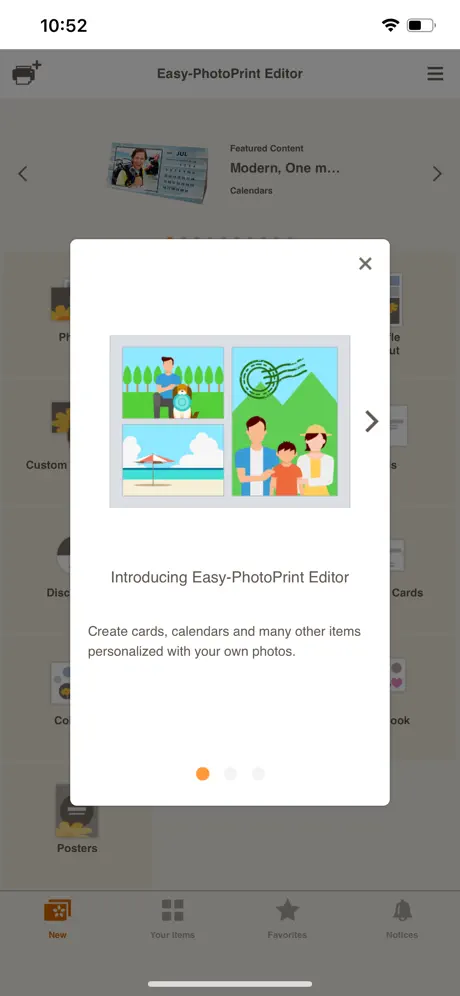
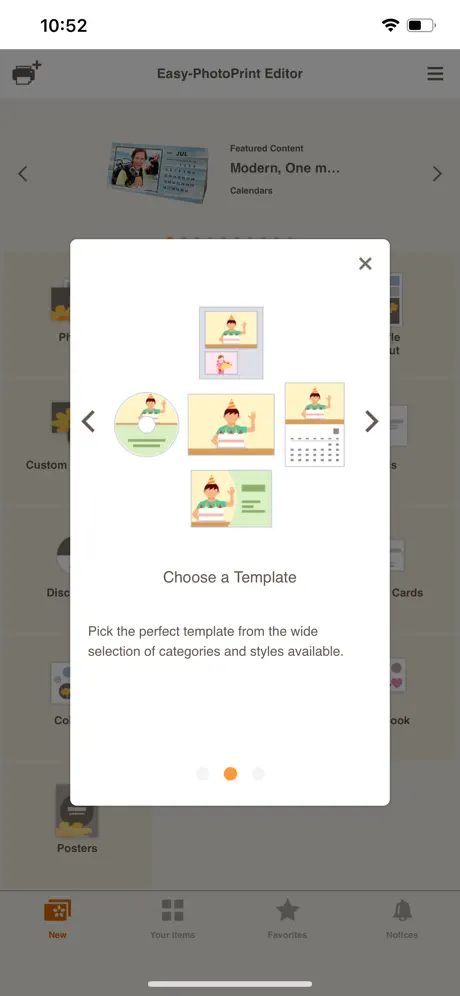
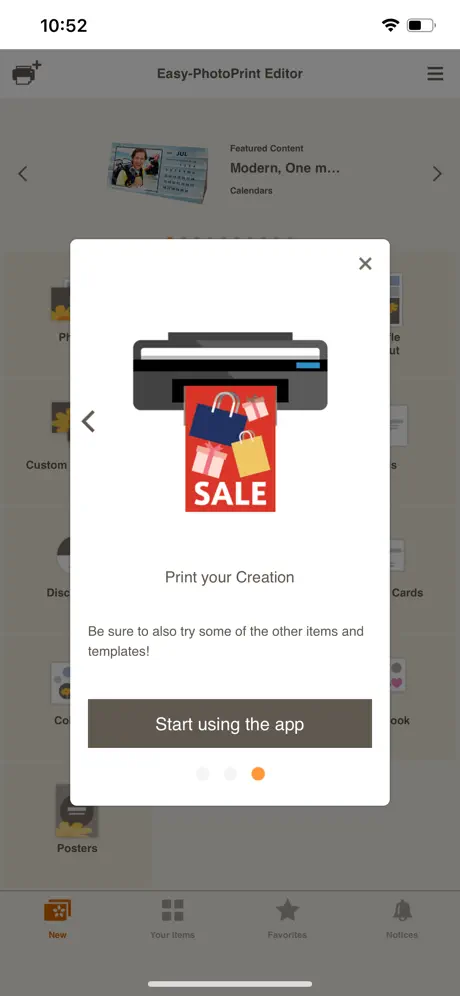
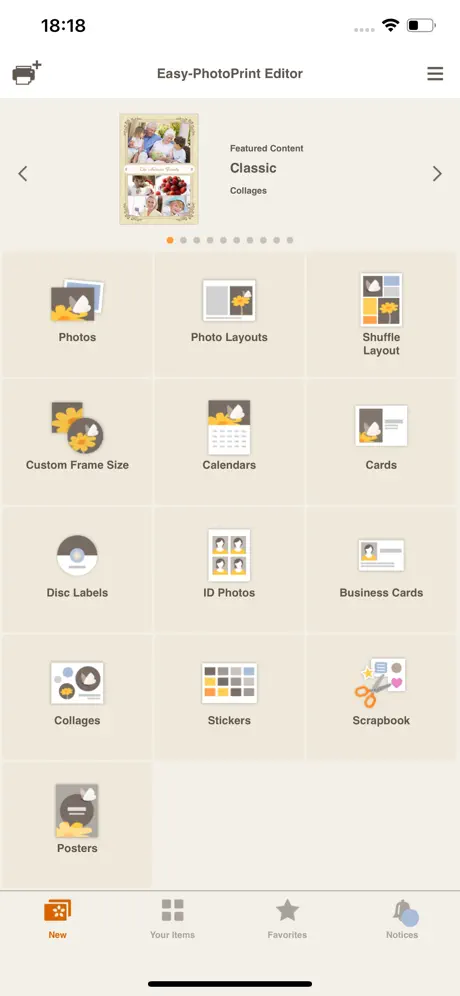
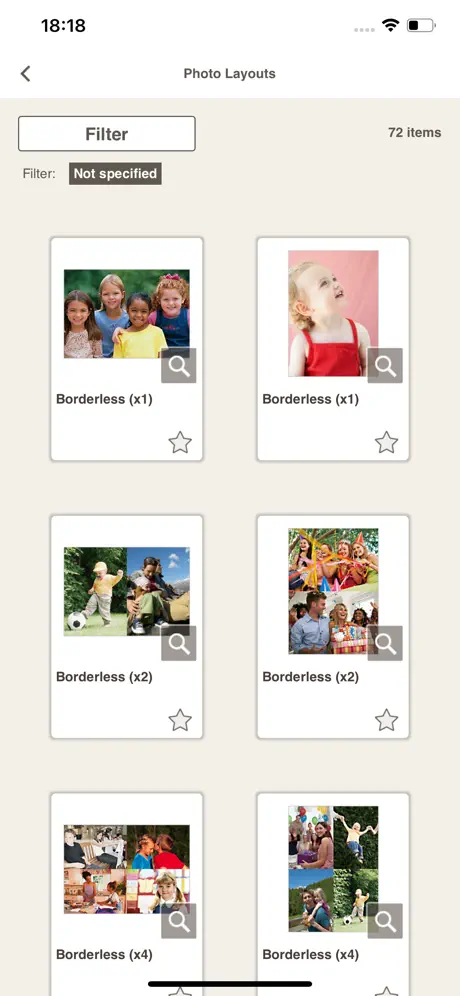
How much does Easy-PhotoPrint Editor cost?
Prices are current as of 8 Nov 2026.
Easy-PhotoPrint Editor has no in-app products on record in the United States.
10+ alternatives to Easy-PhotoPrint Editor
| Easy-PhotoPrint Editor | 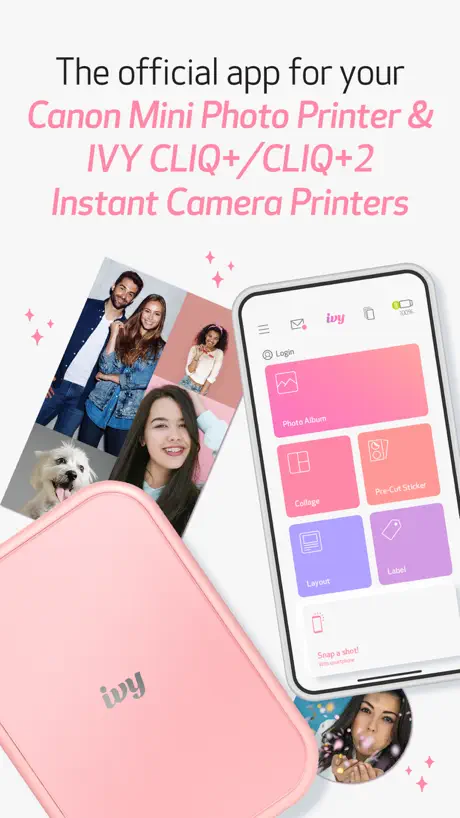  Canon Mini Print |   Beautiful ID Photo Creator | 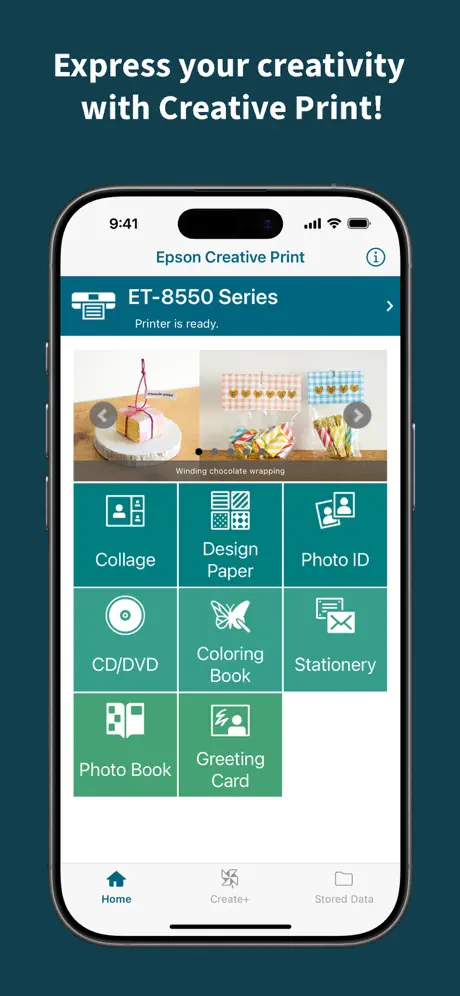  Epson Creative Print | 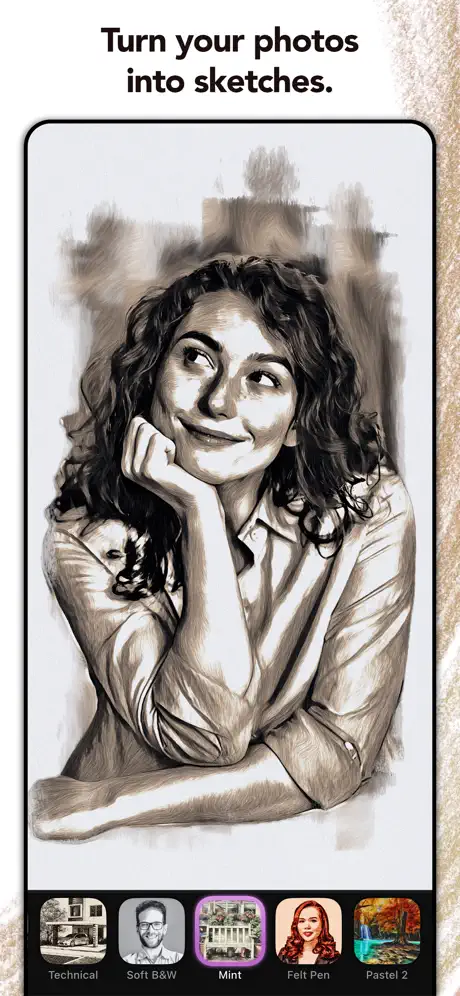  Turn Photo to Sketch: Graphite | 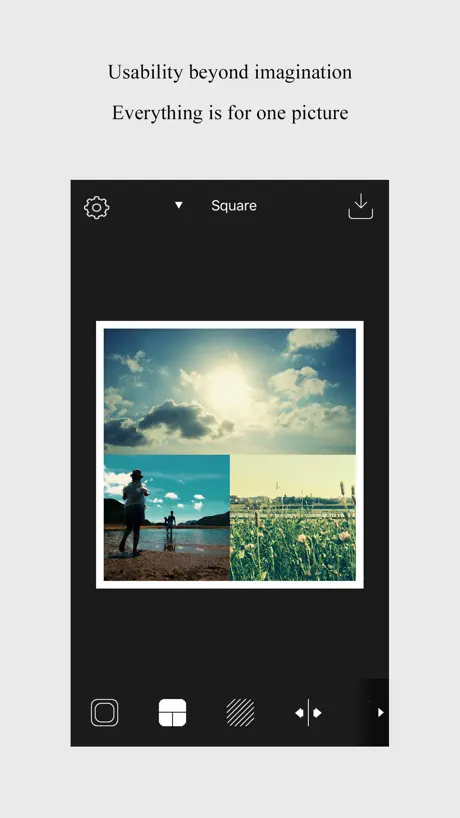  PhotoFrame Simple | 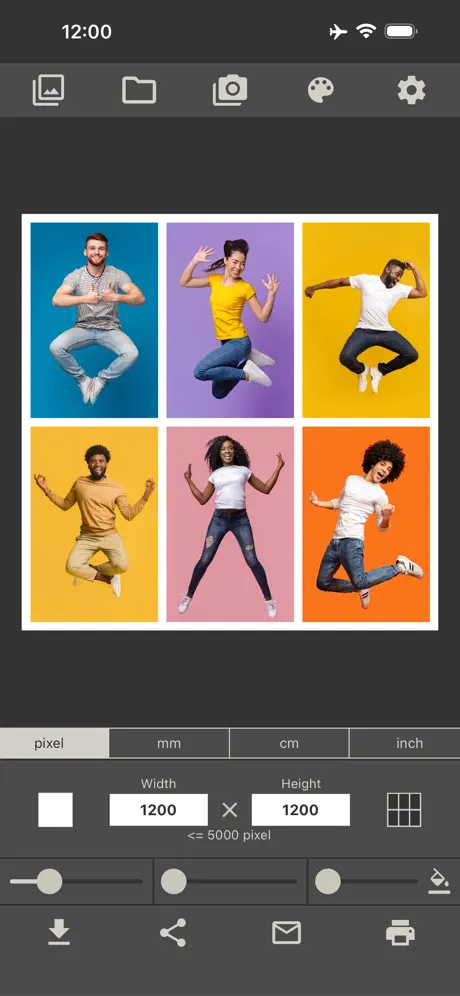  Photo Collage Maker & Printer | 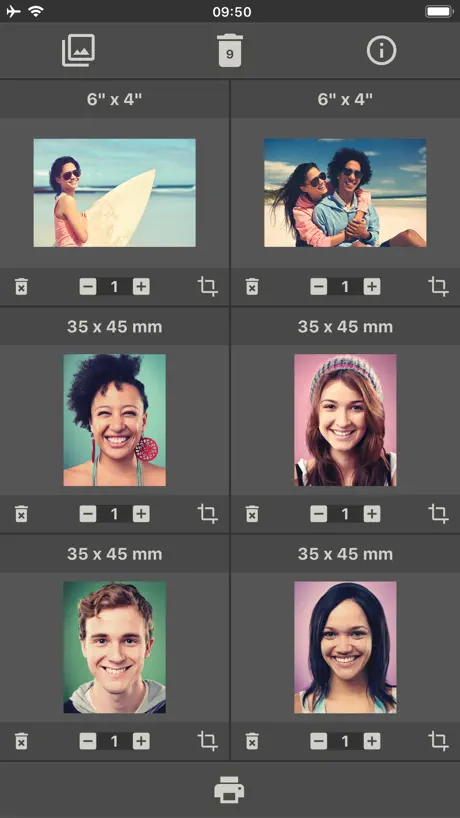  Photo Printing |   Perfect Print : Exact Photo | |
|---|---|---|---|---|---|---|---|---|---|
| Rating / 5 | 4.7 | 4.8 | 4.6 | 4.7 | 4.8 | 4.6 | 4.7 | 4.6 | 4.6 |
| Reviews | 182K | 176K | 104K | 71K | 39K | 27K | 21K | 5.3K | 2.7K |
| Released | 2018 | 2018 | 2016 | 2013 | 2019 | 2014 | 2017 | 2019 | 2024 |
| Monthly price | — | — | — | — | $3.99 | — | — | — | $5.99 |
| Annual price | — | — | — | — | $19.99 | — | — | — | $59.99 |
| One-time price | — | — | — | — | $74.99 | $3.99 | $6.99 | $7.99 | — |
The going rate for each plan in United States, in its own currency, shaded from the cheapest price on the row to the dearest. Plans fewer than four in ten of the priced apps sell are left out.
Easy-PhotoPrint Editor reviews
4.7 out of 5, based on 182,260 reviews.
What people like
- Easy to make nice photo grids
- Great for printing ID photos at home
- Works well with many different printers
What they complain about
- Hard to use on iPad in landscape
- Wastes ink and paper with bad layout
- Confusing interface for simple tasks like borders
Text
Make it easier quality is perfect though
miserable
just a miserable app to use. it never, ever prints anything close to what you want and you waste time, sanity and ink trying over and over.
問題なく
三台プリンターを代替えしましたが全て問題なく動いてます。 適当にレイアウトしてくれる機能やシャッフル機能も気に入っております。 普通に写真や文章を印刷する分には問題無いかと。
Not great.
Can’t really do a lot with this app, there’s not enough in the settings for accurate custom print sizes on bigger paper and no where near the printing options you have on a pc.
How do I know photo sizes
I’m trying to print 2 4x6 or 5x7 on a 8.5x11 there’s no way that I know of for me to know the size of the images when I’m laying 2 images out. Hopefully there’s a way.
New printer
Easy to make pictures!
Color?
Desde que la compre solo habia impreso el tinte negro, ahora que ocupo el color no imprime nada…
サイズ
証明写真を家で印刷してみました。 自宅のプリンタのせいか印刷すると選んだサイズよりも小さく印刷されてしまったので、編集で気持ち大きくしてから印刷して、切り取りました。 外に行かずに証明写真を撮れるので便利だと思います。
works but not easy
a lot of options but found it clunky
Ink replacement
Running low on ink so quality is not the best I’m afraid
Excelencia
Característica perfección de Canon…
Won't print on HP printers
After I spent 2 hours on a project HP is not listed under the compatible printers. DELETE
写真の大きさを変更できない
4枚ふちあり横印刷で、右上の写真が大きさを変えると縦横比率が維持できず画像が欠けてしまう。何度やっても欠ける。
Something’s are just confusing
I never know what to expect with the app. CANON installed two apps to print and they conflict with each other Trying to get settings to match printer OR be able to change, isn’t allowed in this. The other app, I can tell what tray to use and paper settings. And that is useless as it only wants to print to rear tray. Lot of good features here. Using a CANON 8600 series printer. Just don’t seem to have a good GUI here to print how you want it. 6-7 sheets later, and lost ink, and u finally get it almost right. ¯\(ツ)/¯. Just confused if better apps out there. Or what is that other app. It may be Apples version, just ¯\(ツ)/¯.
Custom Size Photos
Don’t know why Canon cannot make a template to have 1.75 x 1.75” photos, 6 each, fit on a 4x6 photo paper? There’s all these collages, templates with 6 photos on a 4x6” photo paper, so why can’t we get the 6 ea., 1.75” template on this app??? There are plenty of other apps that Will work sadly.
Genial 😀
Completo CANON 🥰
Not that “easy”
Just want to print two 5x7s and there no easy way to get it done
カレンダー
カレンダーは12月分まで印刷になってしまうため1つき分の印刷のみおこなうことができないので星四つにしました
App is decidedly un-user friendly
Over-engineered. From day one it was extremely simple and easy to print a photo with my previous Brother printer. In 5 years I never had to guess. This Canon G6040 is ridiculously annoying trying to figure out how to print a simple 3x5 picture. How many applications can we make the customer buy just to print a photo. Wow.
Very limited
Particularly interested in making own business cards but not much choice of template, doesn’t apply to all cards on one sheet so have to copy & paste each small text box to each individual card on the sheet & adjust the format accordingly, no option to design own layout from scratch and no option to design and print double sided.
Lo mejor de lo mejor
10 de 10
Ugh
App is difficult to use. Does not allow borders, does not print what I see. Custom print auto centers horz and vert and I don’t want to! Max size for custom print is 2.89, but actual print was 2-3/8”. Settings need to be done on BOTH the machine (terrible screen) AND the phone. Needs a USB port to just hook up directly. I had to take it home to work since the WiFi at office is sluggish. Also took 5 minutes to print 1- 4x6 on normal. Is this 1990?!
わかりづらい
わかりづらい 名刺作成でコピー機能もしくは一枚制作したら全コピーして欲しい できるのならばもっとわかりやすくして欲しい 名刺カットガイドが消えてしまう 初心者🔰でもわかる様にして頂けるとありがたいです
Missing major features
No shipping label settings or any 4x6 on full paper size settings. Why not? And also the monochrome print setting is removed for no reason
Change in color setting?
I am wondering it there is any change in the color correction as I feel like the color does not come out as good as before I get the update, sad
Canon print calendar
Wonderful program on my iPhone from canon, very nice.
Not what i hoped!!
I got this to put pictures on sugar paper and it doesn’t seem to give me any options to use precut sugar rounds…very irritating!!!
綺麗にできましたが
写真選択やフチなし設定が上手く出来なかった
Easy photo print editor by canon..
It's not super complicated,, but it lacks clearer instructions for should be simple tasks.. leaves me wandering thru the tabs and eventually just asking google.. I'm also 56 and havent worked outside the home for many years..
Photos
Easy to use but print quality wasn’t quite as good as printing directly
Canon Print
User friendly Lots of creative printing ideas! Love this app💕
update
No landscape mode? Completely messes me up. It was fine the way it was. 🙄
Great for some small jobs
:)
It worked well...eventually
The app could not find/display the ID photo in the library-only the images either side! I 'conned' the app by copying the image from Recents into a folder which it was displaying & it then appeared! Very time-consuming as the 'Recents' cannot be selected other than by scrolling through. My ID photo is a long way back!
Canon's publicity and compatibility should be improved.
For example, the manual does not tell users that the mf753cdw printer can actually use Canon printing without using Canon Print Business. The same is true for the remote connection mode on the cp1500. SELPHY remote printing cannot be used. Now my new printer cannot connect to this application. The compatibility of its own application software is a headache for users.
Hana Le
Wonderful I love it easy to use
Bad
It wouldn’t let me do a big size
Not working until…
With IOS 15 / iPhone when using the app you must allow access to photos in settings so that you can choose the photo you want to print. This is not done automatically.
Could be better
A bit of a pain to use, could be better
Easy Print Hard to Connect to WiFi
It’s an easy quick app when it’s able to connect with the printer. Loses connection to WiFi or changing WiFi is a difficult process.
写真編集機能が素晴らしい
推奨しますね
Bad app
The regular canon app allows me to edit the paper size but not on this app, when I use it for multiple images of the same image it will NOT let me edit the paper size. It WASTES expensive paper.. even when I try it on “custom frame” it still won’t let you select more than 1 “frame” so you can’t do multiple images in small on the same page.
Really great
Works great. A little clunky with the working dialog constantly popping up. However, I can print 2x4 photo grids that I’d have to pay for in other apps. Awesome!
Can not select multiple photos
The app is very limited. You have to select only 2 photos at a time. Bit useless and time consuming when you need to print 20. Very poorly designed app.
can not change the orientation from landscape to portrait on the home screen.
see above I use an ipad in landscape mode and the interface is in portrait mode so I have to read it sideways. If you correct this it will be 10 out of 10
Happy
Enjoying and printing one of the best products apps could have
NO color when color print selectos
I Am livid. Wasted ink and i did EVERYTHING CORRECTLY
Great layouts
App is awesome but it would be nice to be able to print from the Canon Selphy printer.
Not user friendly
Just been trying to find my way through the numerous options in the app, however to complete simple normal basic photo manipulation tasks seems to far too complicated and the app is not intuitive. Lots of functions/templates but the basics seem to have been forgotten.
Not all clouds and paper sizes supported
App seems fine but pity it will not directly access icloud photos, and - not unexpectedly the useless BT Cloud. Also, A5 paper not supported - major problem in Europe. Biggest problem for me is that it can only me used in portrait mode whereas on my iPad I generally use things in landscape. App is not automatic for both modes.
Easy-PhotoPrint Editor FAQ
- Is Easy-PhotoPrint Editor free?
- Yes. The app is free, in all 174 countries it sells in, and it sells nothing inside it.
- Does Easy-PhotoPrint Editor have a free trial?
- No. None of its offers (US) come with a free trial.
- What are the best alternatives to Easy-PhotoPrint Editor?
- Canon Mini Print (4.8 from 176,117 reviews), Beautiful ID Photo Creator (4.6 from 104,074 reviews) and Epson Creative Print (4.7 from 70,913 reviews).
Easy-PhotoPrint Editor download
Last updated 2 months ago.
Easy-PhotoPrint Editor sells in 174 countries. It was released 8 years and 2 months ago, on 3 Sept 2018. It holds a 4.7 rating from 182,260 reviews.
Supports 19 languages: English, Czech, Danish, Dutch, Finnish, French, German, Indonesian, Italian, Japanese, Korean, Norwegian Bokmål, Polish, Portuguese, Russian, Chinese, Spanish, Swedish, Thai.
How much does Easy-PhotoPrint Editor make?
Third-party estimates for the last 30 days, worldwide — not the store's own figures, which Apple publishes for nobody.