
SmartThings
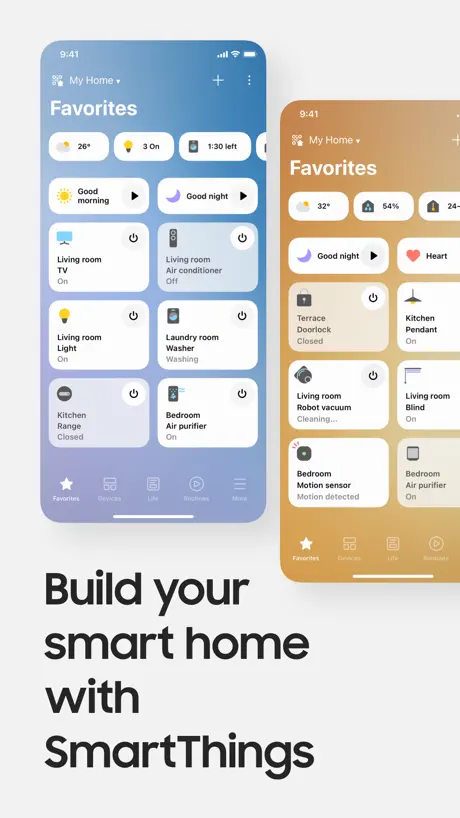
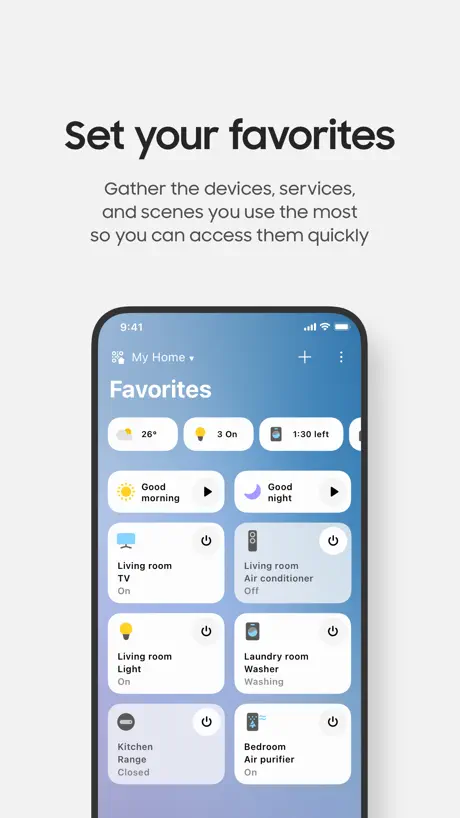
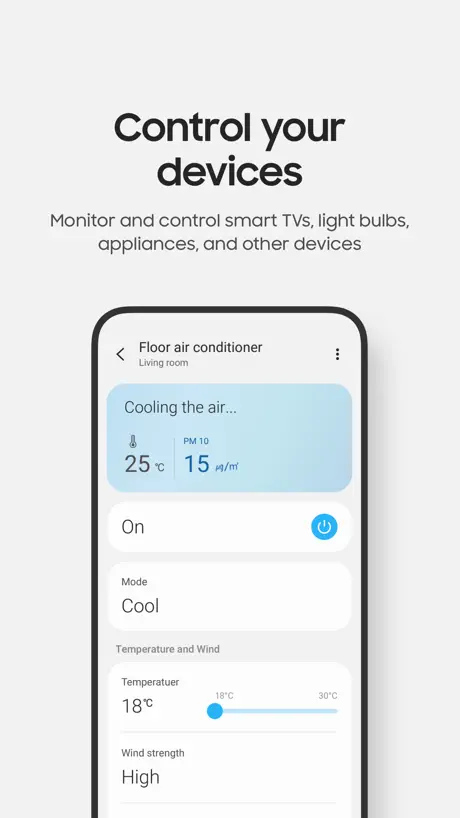
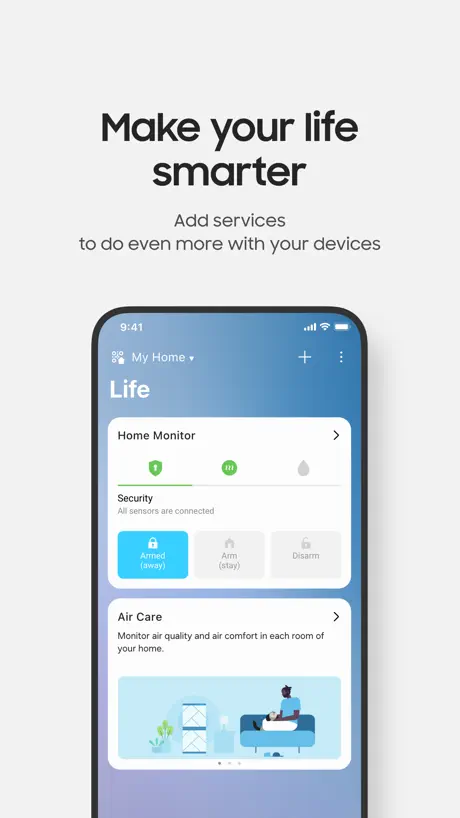
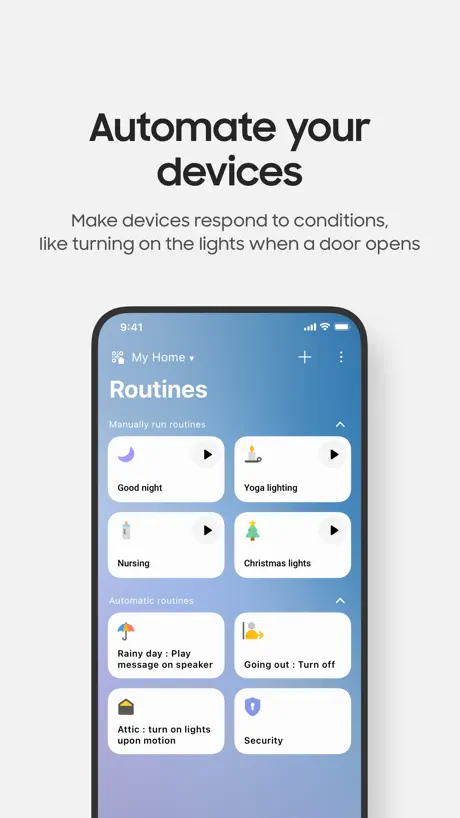
How much does SmartThings cost?
Prices are current as of 8 Sept 2026.
SmartThings has no in-app products on record in the United States.
10+ alternatives to SmartThings
| SmartThings | 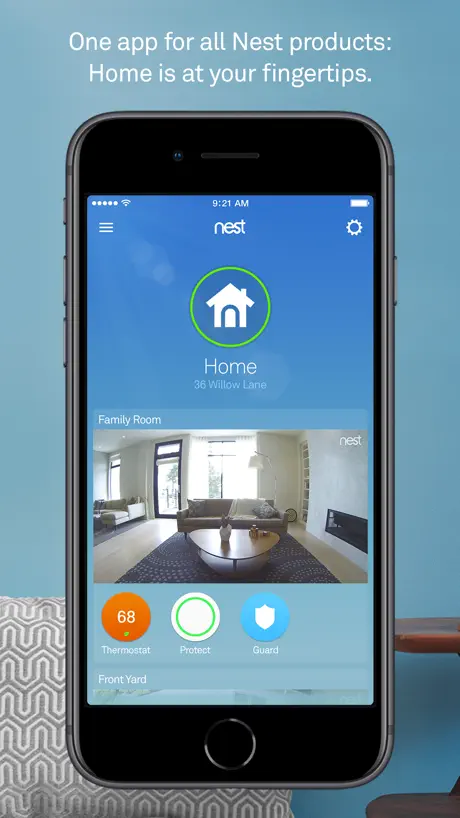  Nest Nest | 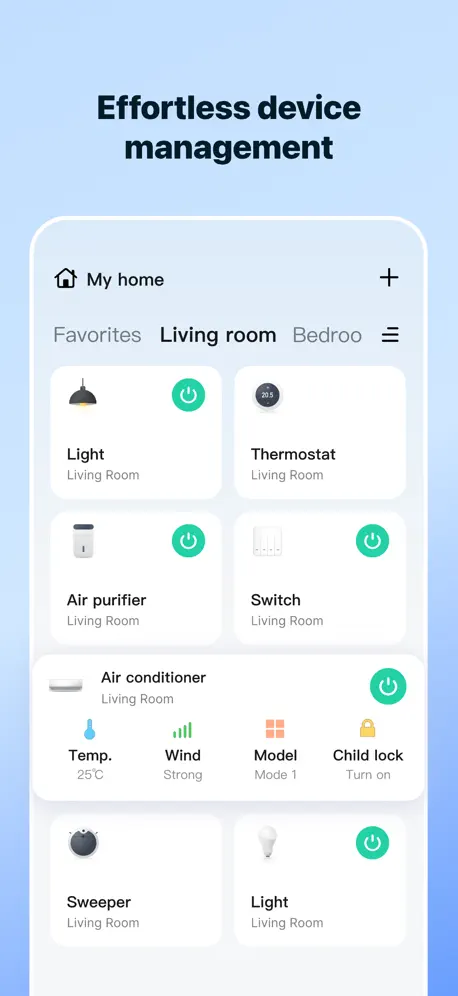  SmartLife: Smart Living SmartLife: Smart Living | 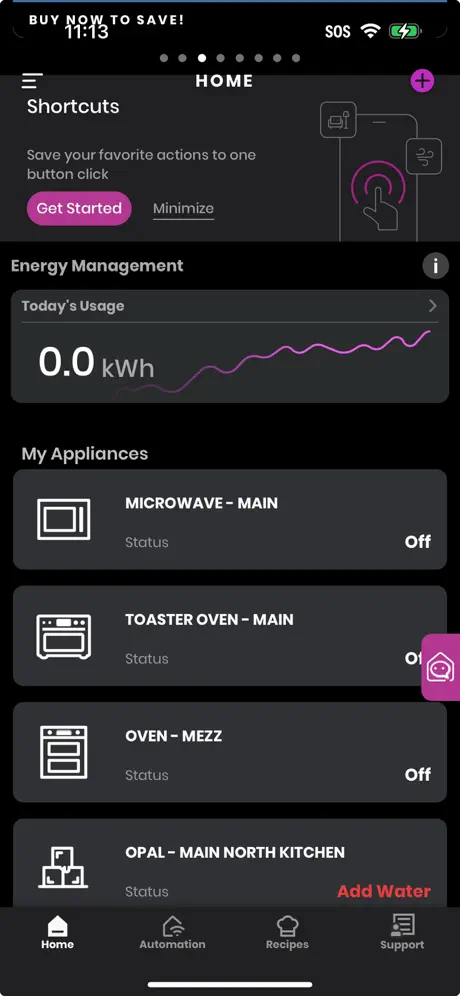  SmartHQ SmartHQ |   Total Connect Comfort Total Connect Comfort |   SmartHome (MSmartHome) SmartHome (MSmartHome) |   Kwikset Kwikset |   Meross Meross |   Home Assistant Home Assistant |   Lutron App Lutron App |   Magic Home Pro Magic Home Pro | |
|---|---|---|---|---|---|---|---|---|---|---|---|
| Rating / 5 | 4.6 | 4.6 | 4.7 | 4.6 | 4.3 | 4.7 | 4.8 | 4.5 | 4.7 | 4.8 | 3.0 |
| Reviews | 2.3M | 3.2M | 688K | 92K | 82K | 65K | 55K | 36K | 21K | 7.2K | 3K |
| Released | 2017 | 2011 | 2016 | 2015 | 2011 | 2017 | 2019 | 2017 | 2017 | 2014 | 2016 |
| Weekly price | — | — | $2.99 | — | — | — | — | $1.99 | — | — | — |
| Monthly price | — | — | $7.99 | — | — | — | — | $1.99 | — | — | — |
| Annual price | — | — | $79.00 | — | — | — | — | $1.99 | — | — | — |
| One-time price | — | — | — | — | — | — | — | $3.49 | — | — | — |
The going rate for each plan in United States, in its own currency, shaded from the cheapest price on the row to the dearest.
SmartThings reviews
4.6 out of 5, based on 2,310,103 reviews.
What people like
- App crashes constantly on startup.
- Too many annoying update pop-ups.
- Devices frequently disconnect from the app.
- Widgets do not show cycle progress.
What they complain about
- Remote control is very useful.
- Setup is simple and intuitive.
- Clean design and easy to use.
Top
Fantastica app
Applicazione si blocca
Io mi chiedo se sia possibile che è più di due anni che continua a bloccarsi su iPhone e non possiate sistemarla! Pessima
Lädt Nix
Wenn Mann länger nicht auf der App ist lädt es nur und macht nix mehr
potenziale sprecato
app interessante per l’unificazione dei prodotti domotici sopratutto considerando la varietà dei prodotti che samsung realizza, tuttavia nell’uso quotidiano l’app è piena di bug e cerca continuamente di rifilarti funzioni talvolta interessanti che però dopo la terza volta che selezioni “no grazie” o “non sono interessato” dovrebbero lasciarti stare. Inoltre almeno quattro volte a settimana l’app effettua autonomamente il logout dal mio account o mi chiede di “scaricare il telecomando per il dispositivo” nonostante lo abbia già fatto diverse volte rallentando notevolmente operazioni semplici come spegnere un climatizzatore
Nutze ich für die Waschmaschine
An sich bin ich zufrieden mit der App, es stört mich aber ziemlich, dass ich bei der Auswahl der Programme nicht sehen kann, wie lange diese brauchen laut Hersteller. Das müsste doch machbar sein, oder? Wenn ich die Programme an der Waschmaschine selbst anwähle, wird mir die Zeit ja auch angezeigt🤷🏼♀️ Nur sind halt leider nicht alle Programme über die Maschine anwählbar
Eccezionale
Utilizzata per il climatizzatore: semplicissima, intuitiva. In un lampo ho configurato il device in tutte le sue funzioni, comprese le utilissime impostazioni dell’AI. Ho verificato direttamente dall’APP del distributore di energia elettrica il sensibile risparmio, senza rinunciare al confort.
Inutile
Ho un condizionatore e Tv acquistati nel 2016 che non riesco più a controllare da diverso tempo. L’assistenza non sa il motivo. Io credo compatibilità … ma non mi sembra normale che nei nuovi aggiornamenti si perda la compatibilità con i dispositivi precedenti. Dovrei cambiare tv e clima secondo voi?
Manca qualcosa
Manca poter vedere il consumo istantaneo della pompa di calore
Decisamente da migliorare
Da migliorare. Si scollega frequentemente, non risponde ai comandi,si blocca…
Geht nicht mehr
Die App öffnet, aber es bleibt bei der Ladeanimation. Abmelden und App zurücksetzen hat nichts geändert. Schade Marmelade..
Excellent
Excellent Service
Disastro su iPhone
Su iPhone crasha sempre e va spenta e riaccesa. Una tortura
Ok
Ok
Nervt
Die App macht was sie soll. Soweit so gut. Ich soll aber ständig neue Features zulassen und ein NEIN wird nur bis zum nächsten Tag akzeptiert.
Blocco
È una buona app ma quando la riattivi ed era già aperta si blocca. Sarebbe anche gradita una programmazione giornaliera e settimanale ad orari un po più agevole
Top
Ottima app
Si impalla spesso, da sempre…praticamente
Sono anni che utilizzo quest’app e sono anni che si impalla, nonostante gli aggiornamenti. Mah
Bien, mais…
Après 11 ans de bons et loyaux services, ma machine à laver WW9000 est tombé en rade. Remplacé par les derniers modèles BeSpoke AI pour retrouver un écran tactile et les mêmes fonctions, je découvre cette app qui fonctionne conjointement avec la machine et le sèche linge assortie ! Bien mieux établie que la vielle app qui a marché 2 ans, et qui fonctionnait très mal sur l’ancienne. Configuration et détection des appareils sans soucis, très rapide, rien à dire. Les commandes, la gestion des programmes, etc… pareil, c’est bien pensé et design. Juste le fait que « soit la machine contrôle, soit le smartphone, mais pas les 2 » en 2014 je dis pas, en 2026… Mais ce qui me fait enlever une étoile, c’est les widgets, et la non utilisation de Live activities dans le dynamic island. Pourquoi ? Le widget ne sert que de raccourcis vers les appareils, donc inutile. Et on ne peux pas suivre les cylces en cours en un coup d’œil ! Ce serait sympathique de songer à ces 2 fonctions, pour éviter de devoir lancer l’app pour simplement voir où c’en est ! Le widget peut reprendre littéralement l’affichage de l’app, à savoir « nom du cycle en cours, temps restant, barre de progression, annuler et pause » Et le Dynamic Island, un symbole de programme, le temps restant, et basta ! Sans ça, l’utilité de l’app tombe un peu à l’eau juste pour des notifications, et finira vite dans l’oublie. Ce serait un réel confort, Et une étoile en plus sur mon avis ! 💁♂️
Peut mieux faire
Efficace mais m oblige a passer a chaque fois par un ecran d acceuil et de configuration de ma maison alors que je veux juste accéder a mon lave linge
Unzuverlässig
Tut manchmal was es soll und dann auch gut, manchmal aber auch nicht und damit eigentlich überflüssig.
Pratica e funzionale
Veramente utile la possibilità di gestire da remoto i dispositivi.
Per carità
Il 99% delle volte non mostra il reale programma che sta eseguendo la lavatrice, pertanto non sono aggiornate neanche le info sui tempi residui. Inoltre spesso il semplice accesso fa cadere la linea Wi-Fi a casa. Tutto questo da anni..
Bene ma qualche bug su iPhone
Per la gestione condizionatore c’è il fastidioso bug che si blocca l’app andando in caricamento continuo, costringendo a riavviare l’app
Spesso si blocca
Le funzioni sono buone però spessissimo la app si blocca
Painible
Est-ce qu'un jour on reviendra à des applications qu'on utilisait sans subir à chaque mise à jour des questions et des fenêtres qui s'ouvrent pour pourrir de questions inutiles et insupportables ?!?!?
Ottimo prodotto
Fantastica
Pessima
I condizionatori continuano a “sganciarsi” dall’APP e tentare il ripristino è impresa omerica. Non ho scelto io di compare condizionatori Samsung ma tornassi indietro non lo rifarei mai.
Réfrigérateur
Dommage que l’application n’indique pas la température réelle du réfrigérateur. Il faut se contenter de la programmation. Pourtant il y a de la place pour puisque on constate deux endroits où il y a les mêmes informations
Beug
Pour utiliser la télécommande pour la télé, il faut que je lance l’application que je la supprime au moins cinq fois avant de pouvoir utiliser la télécommande et ça tout le temps.
Comment déverrouiller le hublot de la machine
Souvent la porte de la machine reste verrouillé
Smart lThings
Ottima ma ultimamente tramite il mio frigorifero Family Hub riscontro dei rallentamenti nelle risposte, come se si bloccasse
Vergogna
Ma alla Samsung avete mai utilizzato un prodotto USA o Cinese? App macchinosa e sistema inutilizzabile. Che rabbia. Vendo tutto e cambio brand
Buona
Ottima app, ma da ottimizzare e semplificare la parte della programmazione personalizzata.
Funktionsumfang gering
Der Funktionsumfang der App ist sehr gering im Vergleich mit anderen Anbietern, um Geräte umfangreicher zu überwachen und Parameter zu ändern und nicht nur wie hier simpelste Zustände (ein,aus, Temperatur) anzuzeigen bzw. lediglich ein bzw. ausschalten zu können.
Zu überladen
Geht so
Ottima
Un’ottima lavatrice avevo già un modello precedente con oblò nell’oblo , ma questa è ancora più comoda. Si apre in un istante anche durante il lavaggio il livello dell’acqua non esce dal cesto ed è molto intuitiva e silenziosa. Consigliata
Benino…
Troppi aggiornamenti che risultano inutili, dato che non cambia praticamente mai nulla e troppi bug l’app spesso e volentieri si blocca e bisogna riavviarla…
Ottimo
Ottimo
J’ai juste besoin d’une télécommande
J’ai juste besoin de la télécommande de ma télé Samsung et non d’un hub pour les objets connectés…
Funktionalität
Über SmartThings kann man leider nicht alle Funktionen steuern. Insofern maximal drei Sterne.
Benissimo
Meraviglioso
Inusabile
Avrò ricollegato questa maledetta app decine di volte al mio televisore nel corso del tempo. Non ha mai funzionato bene per più di un giorno. Che sistema orribile.
Die App funktioniert recht gut
Auch wenn ich bisher nicht viel aussetzten kann, da ich damit nur meine Klimaanlage steuere, so hätte ich einen Verbesserungsvorschlag. Wenn man seine Ablage per Zeitplan steuert, da würde ich mir wünschen, dass man die Beleuchtung an der Klimaanlage dort über das Menu auch schon ausschalten kann. Ich brauche die Beleuchtung nicht, gerade wenn das Kind schlafen soll. Vielleicht kann man diese Funktion dem Zeitplan hinzufügen. Das wäre klasse beim nächsten Update
Application trop lourde
Une application qui pèse plus de 800 Mo juste pour contrôler son frigo, c’est déraisonnable
Zu viel Unnötiges !
Ich möchte einfach nur meine Klimaanlage steuern. Ein-Aus, Modus Kühlen, heizen, Lüften etc. Lüfterstärke, windfrei … Doch da sind dann noch 1000 unnötige Möglichkeiten die die Welt nicht braucht. 3D-Ansicht der Räume, Lade Deine Freunde ein, die App auch zu benutzen… und immer die Aufforderung, dies das und jenes einzurichten. Typisch IT. Nicht alles was man kann ist auch sinnvoll !
Top
Veramente fatta bene super soddisfatto
Non funziona
Non riesco ad utilizzarla, si impalla ogni due secondi e non riesco a vedere e controllare le funzionalità della mia lavatrice nonostante io abbia un potente iPhone Pro.
Widgets CarPlay
La fonction personnalisée ne fonctionne pas. L’app ne mémorise pas les choix.
Okay, könnte besser sein.
HomeKit Integration fehlt, Steuerung auch bei gesperrt zum iPhone funktioniert nicht richtig.
SmartThings FAQ
- Is SmartThings free?
- Yes. The app is free, in all 174 countries it sells in, and it sells nothing inside it.
- Does SmartThings have a free trial?
- No. None of its offers (US) come with a free trial.
- What are the best alternatives to SmartThings?
- Nest (4.6 from 3,193,613 reviews), SmartLife: Smart Living (4.7 from 687,876 reviews, premium from $2.99) and SmartHQ (4.6 from 91,937 reviews).
SmartThings download
Last updated 2 months ago.
SmartThings sells in 174 countries. It was released 9 years and 3 months ago, on 20 Jun 2017. It holds a 4.6 rating from 2,310,103 reviews.
Supports 71 languages: English, Albanian, Arabic, Armenian, Assamese, Azerbaijani, Basque, Belarusian, Bangla, Bulgarian, Burmese, Khmer, Catalan, Croatian, Czech, Danish, Dutch, Estonian, Finnish, French, Galician, Georgian, German, Greek, Gujarati, Hebrew, Hindi, Hungarian, Icelandic, Indonesian, Irish, Italian, Japanese, Kannada, Kazakh, Korean, Kyrgyz, Lao, Latvian, Lithuanian, Macedonian, Malay, Malayalam, Marathi, Mongolian, Nepali, Norwegian Bokmål, Odia, Persian, Polish, Portuguese, Punjabi, Romanian, Russian, Serbian, Chinese, Sinhala, Slovak, Slovenian, Spanish, Swedish, Tajik, Tamil, Telugu, Thai, Turkish, Turkmen, Ukrainian, Urdu, Uzbek, Vietnamese.
How much does SmartThings make?
Third-party estimates for the last 30 days, worldwide — not the store's own figures, which Apple publishes for nobody.