
flySEA
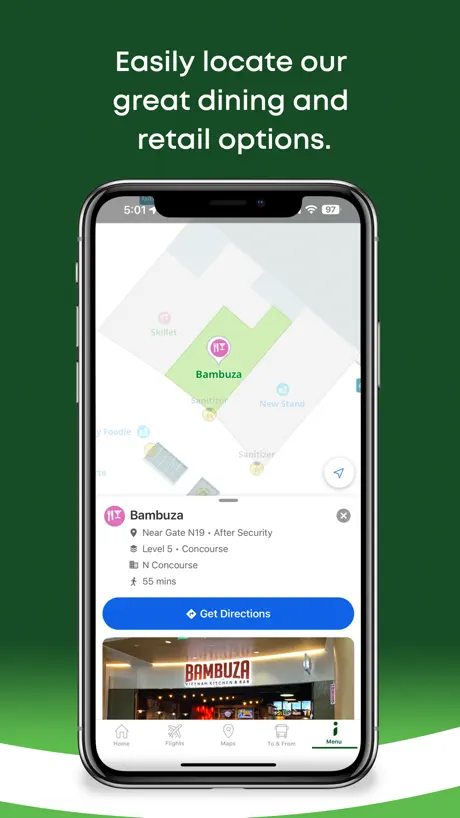
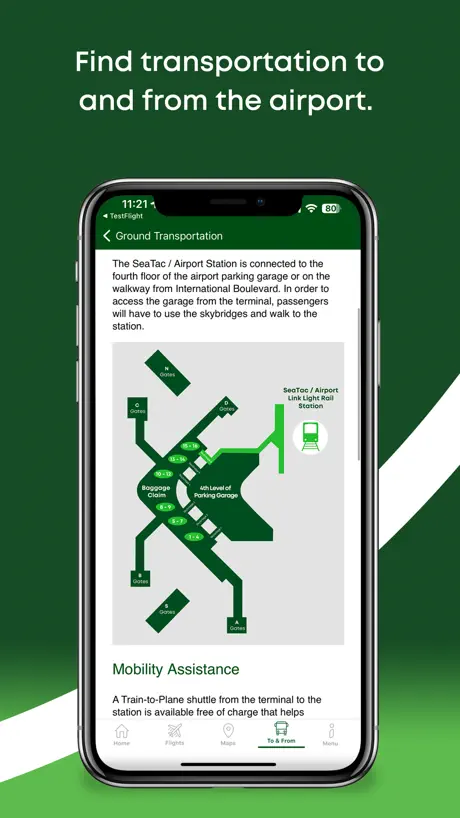
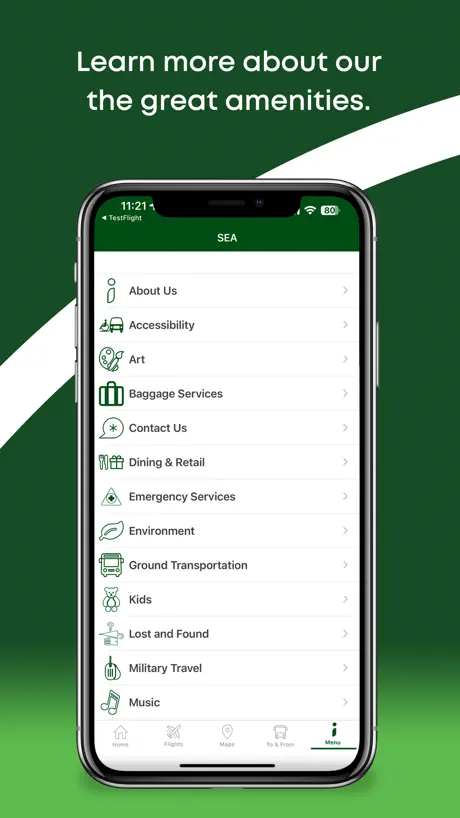
How much does flySEA cost?
Prices are current as of 14 Nov 2026.
flySEA has no in-app products on record in the United States.
10+ alternatives to flySEA
| flySEA | 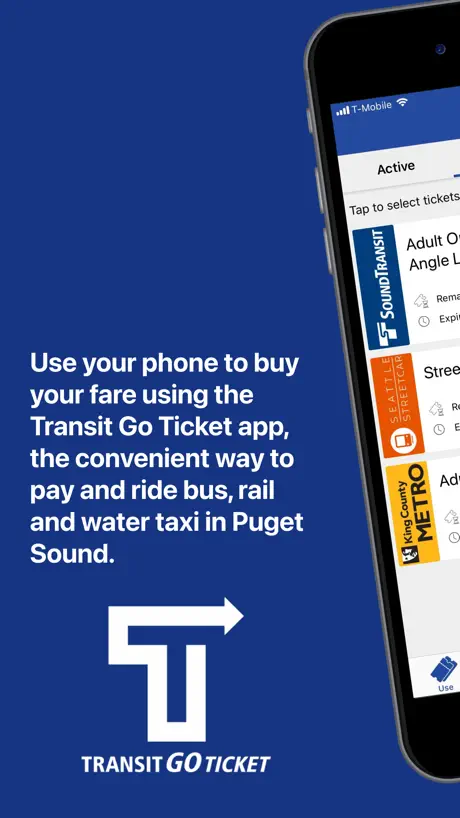  Transit GO Ticket | 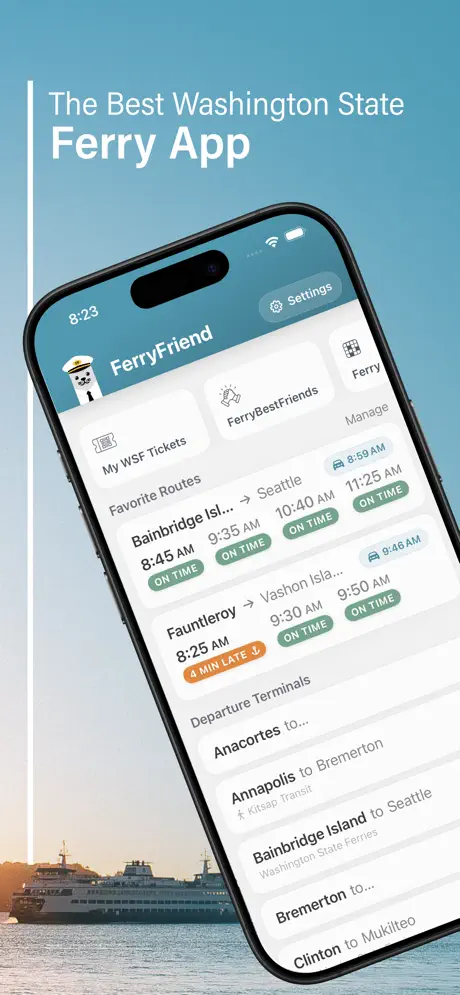  FerryFriend | 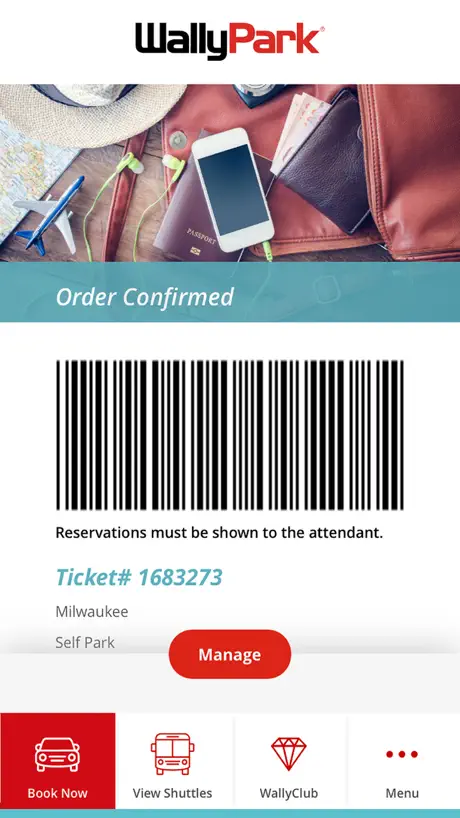  WallyPark Airport Parking | 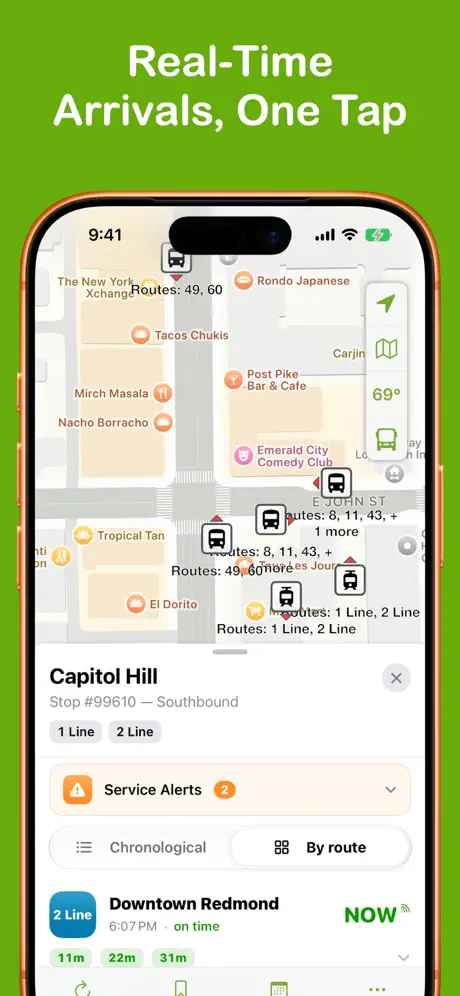  OneBusAway |   Seattle Yellow Cab. | 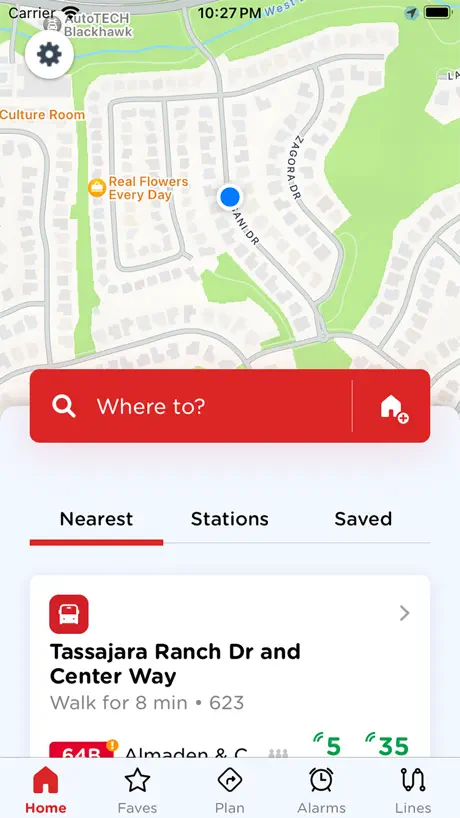  Seattle Transit: Bus Tracker |   myORCA |   WSDOT |   Atmos Rewards |   Seattle Tacoma Airport | |
|---|---|---|---|---|---|---|---|---|---|---|---|
| Rating / 5 | 2.6 | 4.5 | 4.9 | 4.1 | 4.8 | 4.8 | 4.7 | 2.5 | 2.9 | 1.4 | 4.3 |
| Reviews | 166 | 26K | 2.9K | 2.3K | 2.1K | 1.5K | 921 | 389 | 294 | 218 | 116 |
| Released | 2018 | 2016 | 2014 | 2018 | 2009 | 2023 | 2023 | 2022 | 2010 | 2025 | 2016 |
| Monthly price | — | — | $10.00 | — | — | — | $7.99 | — | — | — | $3.99 |
| Annual price | — | — | $60.00 | — | — | — | $29.00 | — | — | — | $29.99 |
The going rate for each plan in United States, in its own currency, shaded from the cheapest price on the row to the dearest. Plans fewer than four in ten of the priced apps sell are left out.
flySEA reviews
2.6 out of 5, based on 166 reviews.
What people like
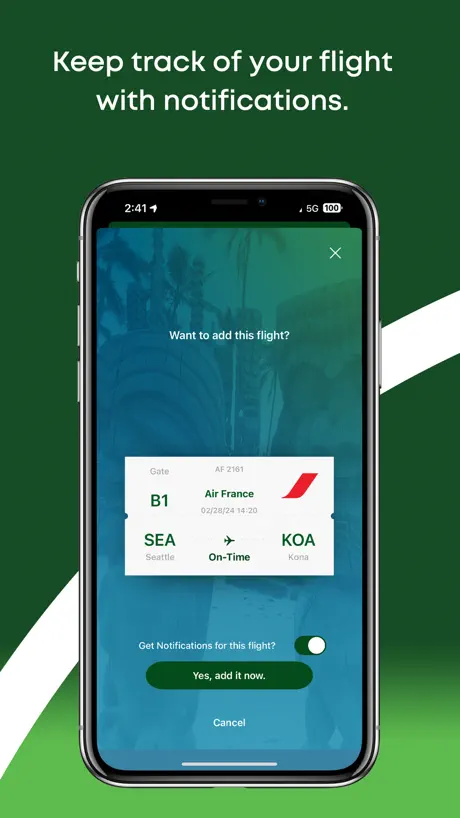
- Turn-by-turn gate navigation saves time.
- Flight delay alerts work well.
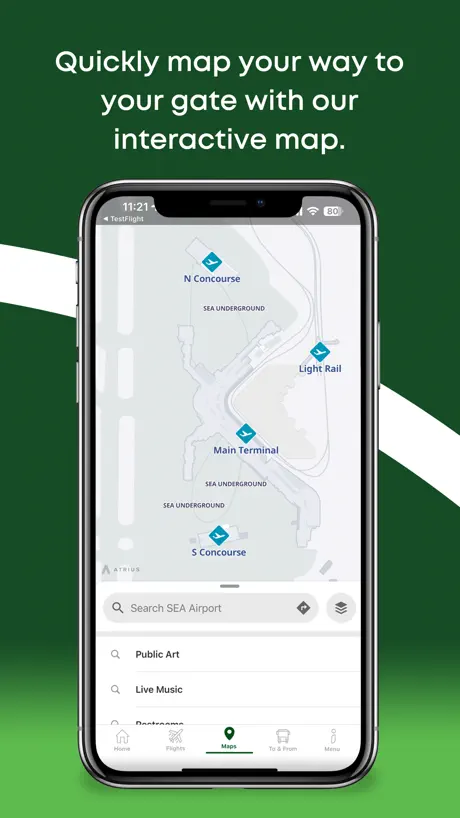
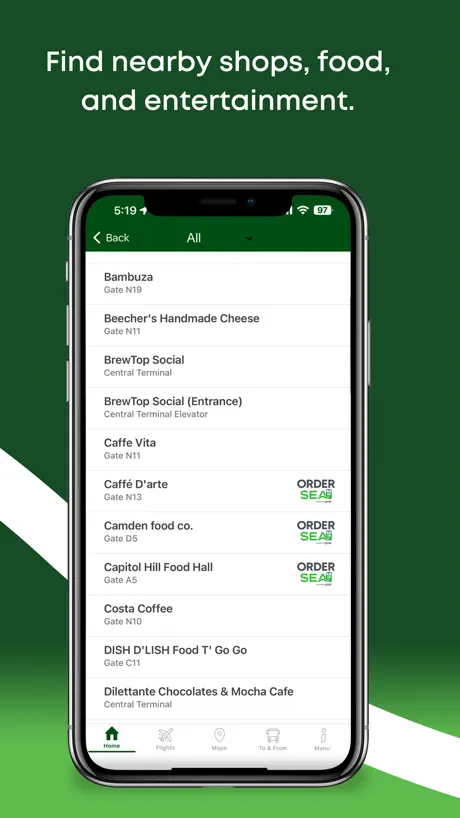
- Interactive map helps find shops.
- Easy to use and helpful.
What they complain about
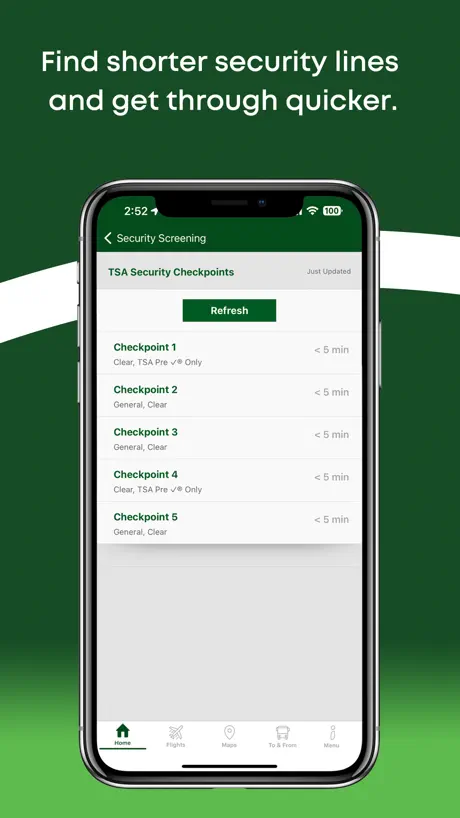
- TSA wait times are often wrong.
- Wait time feature frequently stops working.
- Map location accuracy is unreliable.
- App crashes or glitches often.
Saved me
My coworkers and I had a very tight connection in SeaTac and this app saved us!! Being able to input direct & exact navigation from X gate to Y gate saved us! Great feature, truly helpful. Saved us from having to stop and read signs, try to listen to tram announcements, etc.
Not usefull
Basic things like TSA precheck checkpoint info are buried in the wait time menu. I can’t simply click a checkpoint on the map to discover if precheck is available. The map search functionality leaves a lot to be desired in general.
Could be a great timesaver but….
I was hoping that I would be able to find a way to get from Concourse D to concourse N. The map on this is ridiculous. It would be nice to be able to punch in where I am and where I’m going and have it actually mapped it out for you. So many other things and the layers don’t work well with each other. The map makes it look like there are separate trains. I’m not really sure where to get on one and get off of the other to catch the other one. It’s just confusing.
Needs fixing still
Luckily the map, flight status, and spot saver widgets are helpful and work but the checkpoint wait time feed is still inaccurate and out of date
Great Service
I appreciate being able to avoid the long security line using this service at the SeaTac airport. We have been taking advantage of it for several years now.
Useless for security wait times
The only reason I used this app was to check security wait times. That stopped working many months ago. Maybe more than a year, it’s been so long that I can’t even remember.
Wait times not working
This app used to be great for tsa security lines wait times. It no longer works for the last 3-4 months. If they fix it I will change my review to more stars.
Great Concept - Poor Execution
This app is great when it works correctly, which lately has been “occasionally” or “not at all”. I use the TSA wait times tab the most, but it can be pretty inaccurate at times, so I can’t fully rely on it. Also, like recently, it doesn’t work at all. I’m sure they will blame airport construction for the app issue, but the boards at the airport are still working.
SEA
Theran Iran imamakhomia good airport Peacfull airport nice and silent.Linux ubuntu mr beygi Profinal.
Useless app
Terrible app. Poor coding. No wonder they got hit with a cyber attack. 🙄
Good when it works
It would be nice to have this app working consistently. Sometimes I’m able to see TSA wait times, sometimes they’re not listed at all. It would be nice to see flight times, but sometimes they can’t even find the flight. When it IS working, it works well, when it isn’t, it’s useless.
Ok but information is hidden. Take time to check it out
The interactive map doesn’t scale well so you don’t get a good understanding of where you are. Your location is often not accurate so pay attention to signs. The hint that some TSA check points do pre-check and some don’t saved me a lot of time and frustration. But like I said map location had me a checkpoint away from the one I wanted. Maybe some people will want to look for a type of food service anywhere in the terminal but I just want to be on the way to the gate. I found getting the right map up when I was at home looking at options to be very frustrating. Luckily the interactive map I used after getting off the Link worked to my gate so it was fairly easy to check out available food and beer. Chose an arbitrary place for food. The map directed me to exit the TSA cleared area! Some places of business didn’t have any information about them. Some had links to websites. Explorsea.org demanded I accept all cookies. I NEVER do that.
Love this for way finding!
This app is so easy to use and helpful! I can’t keep straight where gates and the shops and lounges are, it’s so awesome to have the map with directions!
Not reporting wait times
This app is no longer reporting security line wait times which is the primary reason for having it.
Map is infuriating
It keeps resetting the level I’m looking at.
Was able to find exactly what I needed
I am traveling with my pets today, so I wanted to make sure I knew exactly where the TSA pre-checkpoint was, where the pet relief area was, and where my gate was, and what food was available. Was also promptly alerted to a delay my flight. For the map, I think it would be useful to be able to see multiple locations on the map (eg the TSA pre-check checkpoint, pet relief area, and a restaurant at a gate). Worked great though! No crashing, no performance issues, no weird glitchiness.
It’s hard to imagine something less useful.
Downloaded so that I could get security wait times, an advertised feature. The app lists all checkpoints as “Checkpoint 00,” doesn’t list wait times, and when you click on any of them, you call up a map that just shows an arrow on top of the airport. It’s hard to imagine a less useful app.
Wrong security line information compared to monitors
If there’s one thing it needs to get right, it’s having correct information about the security wait lines. Not only does it does different wait times than the monitors in the airport, but when a checkpoint is closed it shows it as open with <5min wait.
Wait time are not working
Security wait time is not working and have not been working for months
Accurate?
The app has been reporting all checkpoints under 5 minutes wait, but when we got to the airport, most of the checkpoints were closed and the one open checkpoint was a 30 minute wait. Hopefully a one time glitch, but take reported times with a grain of salt.
TSA times don’t work
I used to use this a lot, for months now it never gives any TSA information and refreshing it still NOTHING
Works as well as TSA
Which is not at all and is completely useless and makes things more difficult than it needs to be. No wonder SesTac is the worst airport in the US. Total embarrassment.
Doesn’t work
Security wait time doesn’t work. This app is useless
Does not work anymore
Security wait times is disabled… and it’s been that way for a long time. What’s the ETA on the fix?
flySEA FAQ
- Is flySEA free?
- Yes. The app is free, in all 174 countries it sells in, and it sells nothing inside it.
- Does flySEA have a free trial?
- No. None of its offers (US) come with a free trial.
- What are the best alternatives to flySEA?
- Transit GO Ticket (4.5 from 26,228 reviews), FerryFriend (4.9 from 2,907 reviews, premium from $3.00) and WallyPark Airport Parking (4.1 from 2,266 reviews).
flySEA download
Last updated 1 year ago.
flySEA sells in 174 countries. It was released 8 years and 7 months ago, on 6 Apr 2018. It holds a 2.6 rating from 166 reviews.
Supports 1 language: English.
How much does flySEA make?
Third-party estimates for the last 30 days, worldwide — not the store's own figures, which Apple publishes for nobody.