
Form Filler: fill & sign forms
Create and Edit pdf documents
How much does Form Filler: fill & sign forms cost?
Prices are current as of 11 Nov 2026.
Form Filler: fill & sign forms has no in-app products on record in the United States.
10+ alternatives to Form Filler: fill & sign forms
| Form Filler: fill & sign forms |   Docusign - Upload & Sign Docs |   PDF Expert: Editor & Reader | 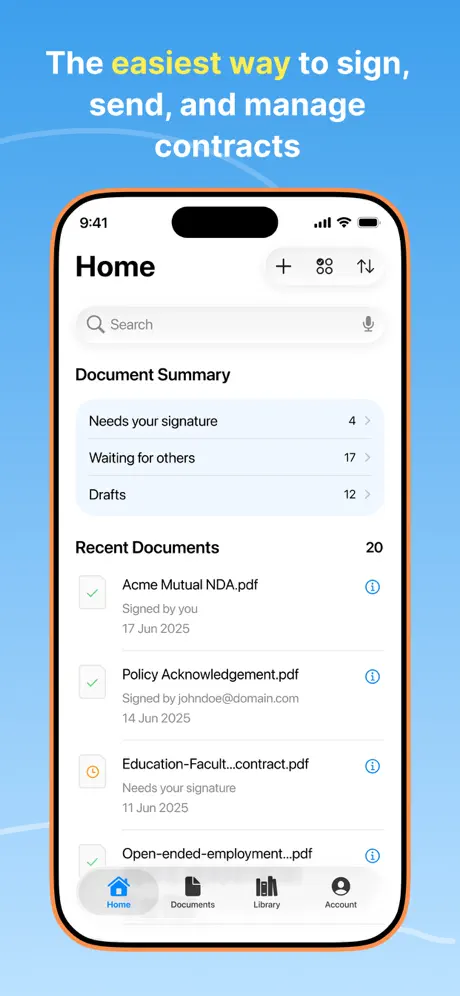  Signeasy: Sign PDF Documents | 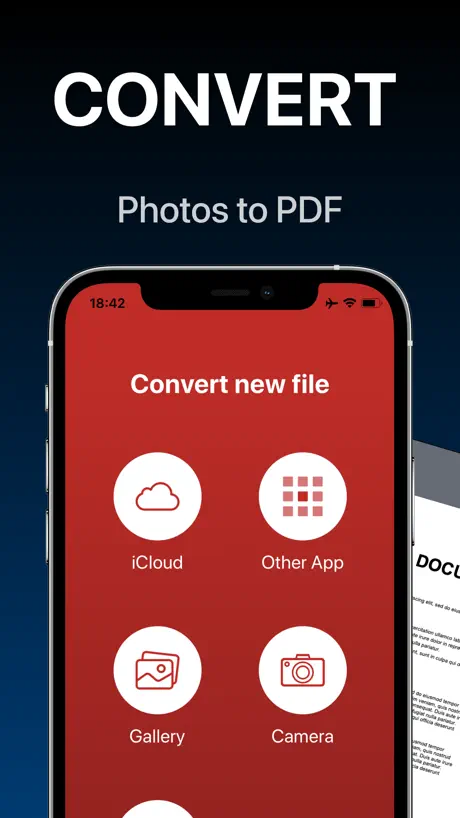  PDF Converter - Word to PDF | 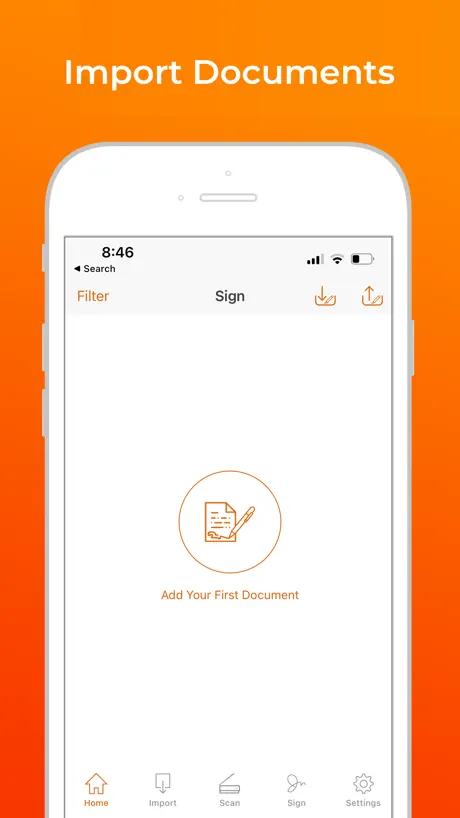  Signature Maker & Esign Now | 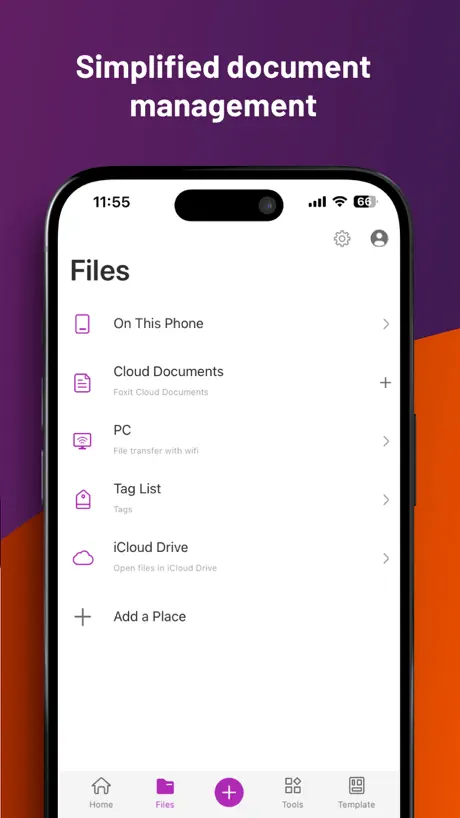  Foxit PDF Editor |   JetSign: Fill & Sign PDF Docs |   Fill and Sign Documents: eSign |   Teambridge |   Free PDF Editor, Converter App | |
|---|---|---|---|---|---|---|---|---|---|---|---|
| Rating / 5 | 4.6 | 4.9 | 4.6 | 4.8 | 4.7 | 4.6 | 4.5 | 4.9 | 4.3 | 4.9 | 4.2 |
| Reviews | 38K | 1.2M | 818K | 113K | 44K | 31K | 29K | 8.3K | 7.3K | 567 | 261 |
| Released | 2016 | 2011 | 2013 | 2010 | 2020 | 2018 | 2012 | 2019 | 2018 | 2021 | 2025 |
| Weekly price | — | — | — | — | $4.99 | $3.99 | — | — | $4.99 | — | $6.99 |
| Monthly price | — | $39.99 | $9.99 | $14.99 | $9.99 | $8.99 | $6.99 | $4.99 | $14.99 | — | $13.99 |
| Annual price | — | $119.99 | $49.99 | $139.99 | — | $49.99 | $49.99 | $39.99 | $79.99 | — | $99.99 |
| One-time price | — | — | $9.99 | $9.99 | — | $3.99 | — | — | $0.99 | — | — |
The going rate for each plan in United States, in its own currency, shaded from the cheapest price on the row to the dearest.
Form Filler: fill & sign forms reviews
4.6 out of 5, based on 38,117 reviews.
What people like
- Easy process to fill and sign.
- Lots of room for your signature.
- Complete application handles all forms well.
What they complain about
- Glitches make clicking and typing painful.
- Fields are too small for fingers.
- Data disappears when the app crashes.
- Hard to edit info once entered.
Cheers
Amazing app ❤️
You Can’t Edit Previous Information
You Can’t Edit Previous Information
Make APS available for laptops
The AP is good so far. Can you make it available for lap tops?
Glitchy
Great idea but difficult to populate with information using my iPhone
User
Don’t need a drop down for State. Putting two letters in the box is faster, better and easier than scrolling a list. Every other form I fill out has my information pop up. I just need to click on the information. Yours, needs a lot of typing. The same information is needed multiple times. Other forms have a box to check “Billing address is the same as mailing address” Try filling this form out for yourself. You can make it more user friendly.
Permit Renal
Paper Work to Do.Thank You
Was invited first time download
I was only able to fill out one page, it would not let me put my phone number in. No matter which way I entered it… NOPE! Followed the directions to a T & still NOPE! This is an important application. I’m very upset.
Signing simple
For once there is plenty of room for a signature by finger
Forms
2
Could use some improvements
New to this app...needs some improvement. Sone exsmples: * creating fields a little bigger to click to enter information * ability to enter more than 1 provider per form for records release * saving certain information (name, birthday, address, phone number) because they don't normally change ( but can edit and save if needed). * always sending copies of completed forms. It asked if i wanted one today but did not for the other 2
Love this app
This app makes it so easy to fill out forms and sign them
Needs automatic fill
Needs automatic fill
Tax dec form on app
The format is not user friendly for a phone app use.
Not user friendly
Not user friendly. Clumsy.
Too hard for older people to do this
Much to hard for older people lines small difficulties with each line
Teacher
Easy above all I have used
Garbage app
Poor size and workability. Must be a free app for the businesses to use
Using iPhone
The document was overlapping and hard to read cause of mixing words.
Form for Springfield Meadiws
There was no place for me to say we just filed with Rochester Housing Authority or explain my sister was filling form for me. You need places to make notes!
Hippie old man
A little difficult to do for older people .
Evaluation
It is a very complete application
App usage
One of worst apps EVER… is not mobile friendly , does not provide enough space, obviously written by an attorney rather than a customer service professional
Super imposed don’t on top of document
It was easy to use, however, there seem to have a glitch, where big font writing was on top of the other writings, so I could t really be able to read what I was asked to put.
Form
Cursior difficult to use
Direct Deposit
Ask unnecessary information and you cannot undo a wrong click
Job
Great
Horrible
Would not allow to fill in many areas. Most health information could not be checked. Very slow and tedious to fill out form.
Touch Sensitive
Touch a bit out of where one must it continuously asked if I wanted to close over and over. I almost did, but this is all new for everyone. I was using an iPad in case others share the same thing
So many glitches
This app has so many glitches that I just use the browser version. Sometimes I click buttons that do nothing, fields are misaligned or I can’t type properly, or it keeps saying I’m clicking outside a selectable area when I’m clearly checking a box — even zoomed in so there are no errors. Just a terrible app. Not sure why it’s used.
Close and deletes all info
The app closed and reopened itself and deleted all info that was input
Very easy!
👍🏾
Acknowledgement, lines out of alignment, can’t sign
Could not check off boxes on form. Trouble choosing line to give explanations (while filling out family history) Could not sign as requested.
Frustrating
Constant pop ups. Lack of spell check.
Fields
Couldn’t fill certain fields. Couldn’t check mark!
Jolley Fam
Easy process
Worst app
The user interface is garbage, barely works glitches to often doesn’t just let you click off the subject ur typing so your slowed down so badly its painful.
iPhone
It’s hard to fill out on an iPhone. My fingers are too big
Review
Spaces are too small to type.
Review about LifeSafer Form
I am so happily and truly surprised at that wonderful experience!! After ALL of the Years, Expense! and True Effort, that was sooo easy!! I was so nervous to open and then..voila! THANK YOU!!!!! Wendy My fingers are so crossed that after my cross country move pending divorce hospital stays 18 months of classes Sober and I love it I am really sober so thank you! After this is behind me -just had my 60 birthday a few weeks ago with my mom and children -all getting so old -but I need to work and put this all behind me in a good way for finding a job, driving to it!!! And beginning the next chapter of the rest of my life Thank you
Took forever
No, this form filler was horrible, I hope I never need to use it again.
Technical issues
Even though I filled out the whole application, it didn’t allow me to continue.
Review
Great application easy to use
Totally unusable form process!
Consider closing your business.
Form Filler: fill & sign forms FAQ
- Is Form Filler: fill & sign forms free?
- Yes. The app is free, in all 173 countries it sells in, and it sells nothing inside it.
- Does Form Filler: fill & sign forms have a free trial?
- No. None of its offers (US) come with a free trial.
- What are the best alternatives to Form Filler: fill & sign forms?
- Docusign - Upload & Sign Docs (4.9 from 1,243,083 reviews, premium from $14.99), PDF Expert: Editor & Reader (4.6 from 818,169 reviews, premium from $9.99) and Signeasy: Sign PDF Documents (4.8 from 112,781 reviews, premium from $6.99).
Form Filler: fill & sign forms download
Last updated 2 years ago.
Form Filler: fill & sign forms sells in 173 countries. It was released 10 years and 3 months ago, on 2 Aug 2016. It holds a 4.6 rating from 38,117 reviews.
Supports 1 language: English.
How much does Form Filler: fill & sign forms make?
Third-party estimates for the last 30 days, worldwide — not the store's own figures, which Apple publishes for nobody.