
Yuzu eReader
How much does Yuzu eReader cost?
Prices are current as of 11 Nov 2026.
Yuzu eReader has no in-app products on record in the United States.
10+ alternatives to Yuzu eReader
| Yuzu eReader |   Bookshelf |   Pearson+ | Study Prep & eTexts |   Top Hat - Better Learning |  LockDown Browser |   Cengage Read |   Sharpen - College Exam Prep | 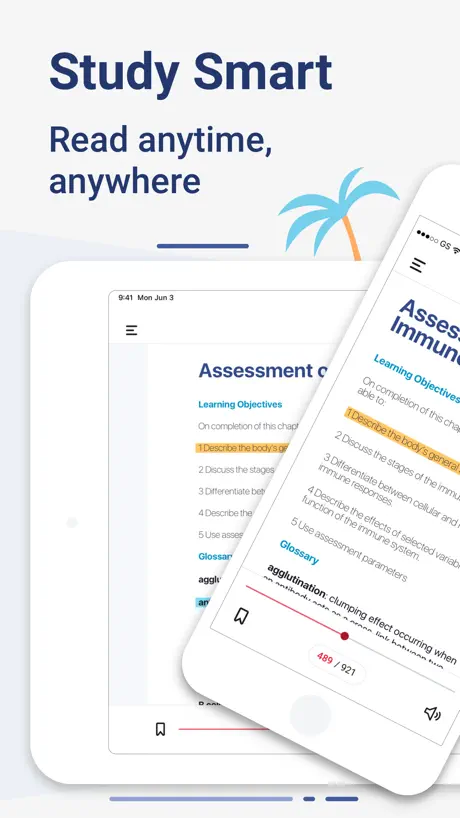  Macmillan Learning eBook | 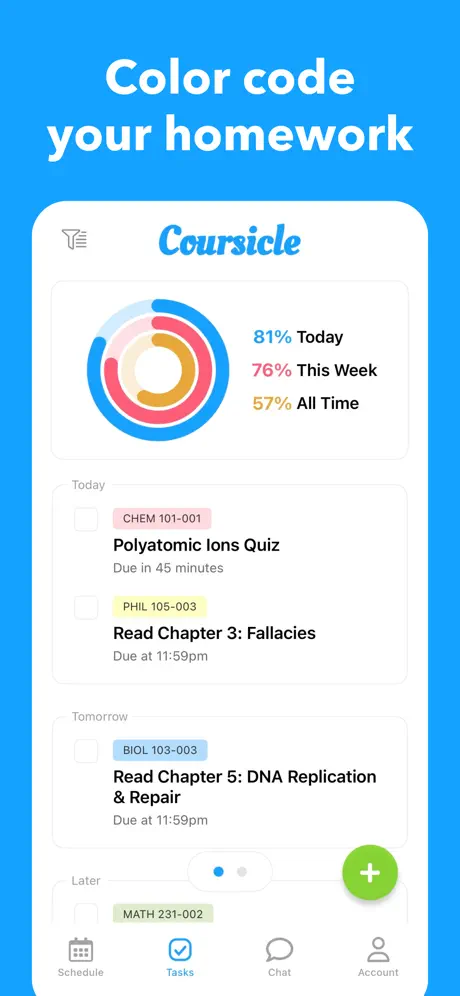  Coursicle | 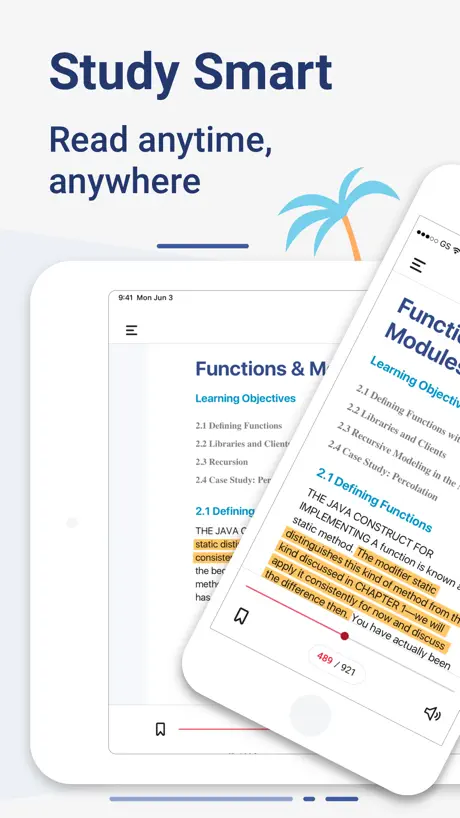  McGraw Hill Express Library | 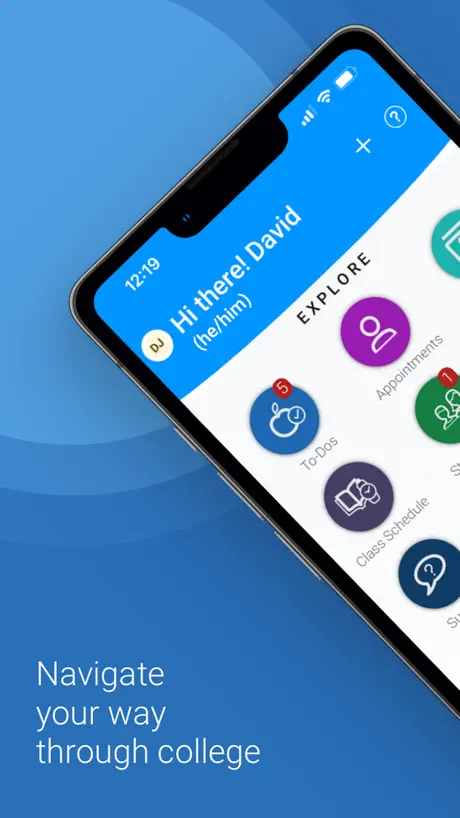  Navigate360 Student | |
|---|---|---|---|---|---|---|---|---|---|---|---|
| Rating / 5 | 4.5 | 4.6 | 4.8 | 4.6 | 1.2 | 4.2 | 4.7 | 4.2 | 4.7 | 2.7 | 2.1 |
| Reviews | 15K | 121K | 72K | 27K | 5.7K | 4.8K | 3.3K | 2.8K | 1K | 214 | 210 |
| Released | 2016 | 2010 | 2021 | 2013 | 2013 | 2023 | 2022 | 2017 | 2017 | 2022 | 2015 |
| Monthly price | — | — | — | — | — | — | $17.99 | — | $4.99 | — | — |
| 3-month price | — | — | — | — | — | — | $29.99 | — | — | — | — |
| Annual price | — | — | — | — | — | — | $89.99 | — | $29.99 | — | — |
| One-time price | — | — | — | — | — | — | — | — | $99.99 | — | — |
The going rate for each plan in United States, in its own currency, shaded from the cheapest price on the row to the dearest.
Yuzu eReader reviews
4.5 out of 5, based on 15,457 reviews.
What people like
- Easy access to all course textbooks
- Great for studying while on the go
- Convenient to carry everything in one place
What they complain about
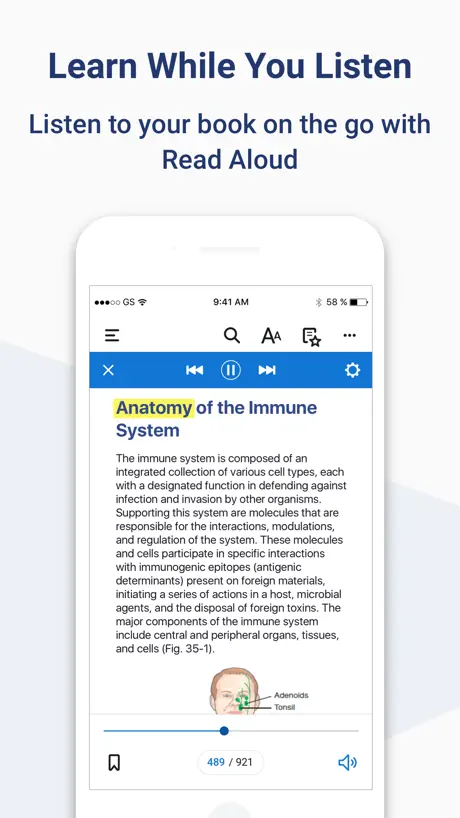
- Robotic voices are hard to understand
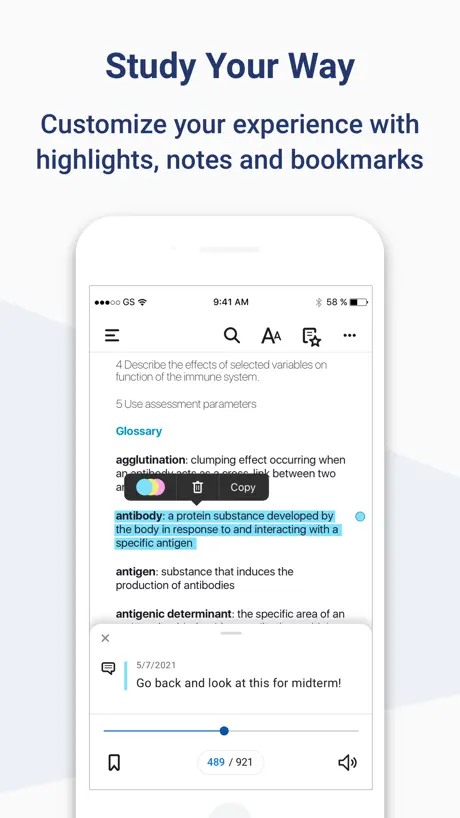
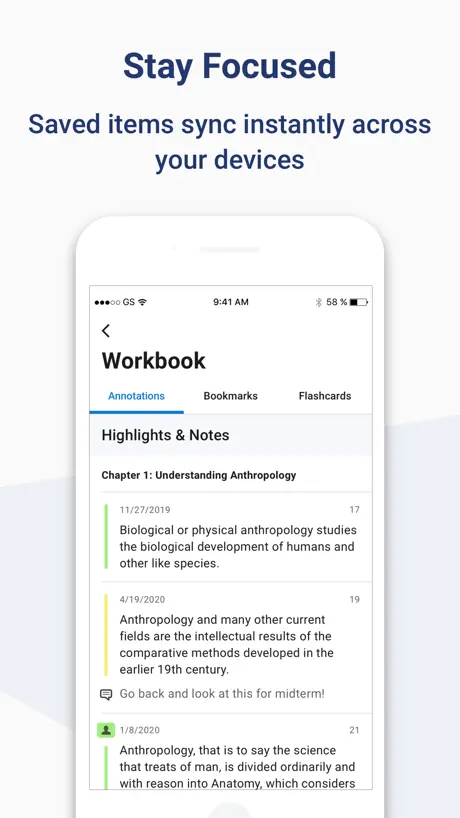
- Highlighting feature is buggy and frustrating
- You cannot write notes with a pencil
- Page breaks do not match physical books
Great app when you have to go somewhere and you don’t want to miss out
Great app, the AI voices are pretty cool but sometimes it reminds me of the 90s Mac voices that were a hidden secret you never told anyone about until you made it talk. It’s a great app for studying the textbooks for the go. I recommend it for anyone who wants to listen to the book and follow along with a physical copy or listen for sleep like Homer and his weight loss tapes that were actually linguistics because they ran out of the weight loss tapes. If you have Barnes and noble connected to your college bookstore it’s very useful for the book
Avoid at all costs
This app is a nightmare to use and it crashes about every 10 minutes. The voice reader is ancient and just about any other app to read books is better than this. Unfortunately, I have to use it for school. I never bother writing reviews, but this has been horrible. Avoid all costs.
Overall good, but UX needs work.
The app is very convenient, especially when I use my tablet on the go. My only complaint is that the highlight function could use some work. 1. Sometimes I have to drag the cursor over the text multiple times, or from right to left in order for the highlight options to appear. 2. In the app, once text is highlighted, the bottom portion of the text is cut off by the highlighted margins of the text from the line below. I have to take an educated guess as to what the text says. I have tried both enlarging and reducing the font size, but that overlap still occurs.
The TTS service is horrible
The great thing about yuzu is having the book on hand for a class. It’s great to aggregate all my reading material in one app. Now that the pros are out of the way let’s talk about the cons. The text to speech engine is an embarrassment. It is the reason I’m writing this review. It sounds like Steven hawking translator that he made in 1980. Trying to listen to it is like listening to glass on a chalkboard. The work around is opening it up on a browser to highlight and use Microsoft web TTS engine. Idk why yuzu hasn’t invested a dollar into making or licensing a better speech software. I even know students who copy and paste the book into a word document to have words TTS software to read it to them. Reading books on a screen is already difficult enough on the eyes. If you’re going to have a TTS function don’t make it sound like garbage. I don’t use this app anymore and have instead used yuzu through the browser for better functionality which is sad. I’m giving it 2 stars, bc it holds my library not bc I actually use the app
Read-Out Loud option is a joke and spooky
The read-out loud feature is a joke. Other than that, it works like any other ebook. It’s expensive, and I’d rather just use Cengage directly.
Barnes & Noble College
Great system to read textbooks
Horrible App
As an older student, the pages are extremely hard to see, and the read aloud feature is very robotic and not easy to listen to long term. I’m searching for options to allow me to complete coursework, but this reader and app is not the answer. Especially for a reading intense 8-week course.
Great Online Textbook
I love everything about this online textbook except for the fact it is annoying to do the practice problems in the book that require a visual because it is not easy to go back and forth between pages
Reader preference Custom settings
The app itself seems to work well, IF you leave the reader preferences on publisher formatting. The second you want to customize how the reading experience will be, is exactly when the app breaks down. Page scrolling locks up. App crashes, and content gets cut off. Clearly the development team isn’t unit testing on multiple platforms. If they were, they would see the UX degradation and note that an ok app turns into one of the worst on the app market.
Serviceable
I would probably rank this as a 2.5 if I could. It’s a perfectly serviceable app but not widely enough used to apply to more than a single class in my course schedule. That’s not entirely Yuzu’s fault, just an annoyance. It’s nice to make notes on my iPad and be able to find them from my computer as I work on papers. I would appreciate if I could access my materials more easily without being kicked out of my login. Credentials don’t work to log back in to the same window and I end up having to close mid-read and re-open the textbook through the LMS all over again. This is probably due to Okta integration, is my guess? This is difficult when I am in a particularly involved study session or I’m in the process of writing a paper. So just be warned that this may be an issue.
💡
⭐️⭐️⭐️⭐️⭐️⭐️⭐️⭐️⭐️⭐️
Annoying
If you're going to call your app an eReader, than it should be able to read to you in something other than a Steven Hawking voice. It's completely insufferable. Shouldn't be that complicated. Tons of apps have AI readers with more human sounding voices
Good Service Could add some stuff though
I like the Organization and how it feels. Sometimes when checking the solutions page it gets laggy. Other then that its a good place to share text books. Was wondering if y’all could add a system so I could write on some pages with my Apple Pencil. I would be able to do that on a hard copy and would be helpful when I am looking back and seeing what I wrote to remind myself what’s going on.
College Use
Terrible if you want to highlight anything, or make notes because it is not user friendly on a regular phone. I only use it to read my textbooks aloud but it tweaks the screen formatting out which makes it difficult to use any other feature while it reads aloud. Please fix the missing highlight feature, and lower the audio buttons because it is in the way of the text so we can actually read the bottom of the page.
Okay
It would be better if I don’t have to log in so much. I wish I could just open the app and ready my textbook.
History
Very easy to understand and love the format.
Absolute trash
Absolutely a trash product and should be removed front the store
Could Be Better
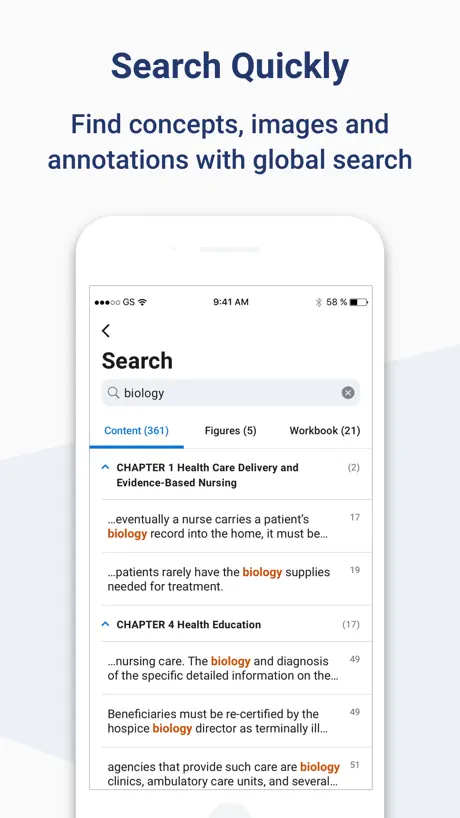
Highlighting is decent, though deleting highlights tend to be a pain. Support for free-writing would be nice too. Biggest issue for me is that page breaks are set around sections and not actually page numbers. Instructors assign reading and work based on numbers and there is no obvious spacing between pages as you scroll through. Even using search can be confusing since the page you type in may or may not start that page on the top of the screen.
Reader needs work
The reader on this app is very choppy. It is hard to understand and listen to. I downloaded the ebook because I thought I would be able to listen to the reading while completing other tasks
Bugs
A lot of bugs specifically highlighting ones. Please fix ASAP
Terrible UI and coding failures
Every chapter has a series of definitions that you need to click on in order to read the definitions. the pop ups work on the website(though the layout is terrible); but on the app, the definition pop-ups are translucent meaning both layers of text are visible, making them completely unreadable. For an app that is required for my textbook it is infuriating.
Has room for improvement but overall good
I really enjoy the easy accessibility to my course reading for college. Although, I do wish the audio voices were not so robotic and had a natural voice. When I (try to) listen to the required reading for my course because that is what works for me sometimes, I end up not being able to comprehend what I am hearing due to the non fluent robotic sounding voice reading to me. Would have given 5 stars if there was a natural voice narrating the read aloud option.
Voice Reader sucks
It’s 2026, get a decent AI to do the reading. Audio is stilted and sounds like an old Macintosh computer trying to do voice overs. All other functionality is great but this is just awful.
Better audio please!!
I got the app so I could listen to my books for class. I was really excited to use that feature but when it started and I was quickly disappointed. The audio reader is the bland robotic voice that you can barely understand. I know it wouldn’t be perfect because what are the odds of a real human reading about math modeling for hours, but with so many things like AI to help this you would think it would be a little better.
Worthless
Just a waste of time. Won't allow me to access what's in my library and sends me on corcles.
Great, but not perfect
I am a senior at UCF, and I have been using Yuzu for some time. I like the fact that I have instant access to (most) of my ebooks for my semesters. Granted, some professors don’t offer materials that are reached through Yuzu, so we have to either use another app, or the web, or just buy a physical copy altogether. With that said, the only real issue I have with Yuzu, is that when i use the split screen function on my iPad (I have the iPad Pro 13inch) the screen almost spams from white, to dark mode throughout the entire time i am using the app. On some occasions I have even had the screen on full screen on my iPad, and even opened on my phone, and one moment the screen will be entirely in dark mode, and a few moments later it will be in light mode. The issue with this is one, aside from it being really annoying to the eye, it also closes and loads up a random page I wasn’t even on when it changes color. And another issue, is if i ever wanted to copy and past a passage, or an image, the lettering, or the picture would be in either white or black ink. Aside form that, I can’t really complain since at the end of the day im still able to keep up with my schoolwork with a click of a button. If this little issue was to be resolved for me, it be a 5/5 easily. Thanks for reading.
UPDATE THE APP
last update was seven months ago, the voiceover sounds incredibly robotic, which makes people like me who read and listen at the same time have a harder time getting through the text. Please work on that so I can actually progress in my classes instead of struggling.
Just ok
For this being developed by B&N, I’m honestly disappointed. Currently, while in audio mode, it won’t keep moving the page as it reads, even if I select “recenter,” restart the app, restart the device, etc. App is current version, device is current, and it was working yesterday. That said, for the size of B&N as a whole, the resources they have, and the current capabilities of AI, the digital robot-reader is awful. The parsing is odd, and it doesn’t read normal. Example: DSM-5 is read “DSM minus 5” at every instance (fun when you’re in a masters program where that comes up in every book repeatedly). Another one: “microskills” is read like “Mike Rowe skills.” These are only two examples of MANY and I would avoid the audio if I could. Sadly, the other thing that is hard is the inability to properly gauge time budgeting for reading assignments. “Pages” are inconsistent where some might be 1/4-1/3 my screen, while others are multiple scrolls of my screen long. Thus, I use the torturous audio to get it all done. If one could select the book sections assigned and the app show percent completion, that would help. If in audio mode, if one could select assigned sections, it would be great to show how much time is needed at current speed to finish. Many people using this have other life obligations than just studying and a need to manage time. Our school doesn’t allow an opt-out and B&N doesn’t offer any discounts to get hardcopies, so it’s either endure this, or pay twice for textbooks. For the money we’re forced to pay, this should be better.
Terrible
The highlighting feature is absolutely terrible for an app designed for iPad. You cannot use your Apple Pencil to write notes in the margins. You can’t even highlight with native features, you have to use iOS’s highlight function, and then select the option to highlight from the menu that appears. This completely removes any advantage offered by hosting an app on iPad as opposed to desktop.
Voices
They have 20 different voice options and none are acceptable. I have to rewind constantly to understand what they're saying. Also, the voices on my computer are different from the ones on my phone. It's doesn't make sense.
Voice reader doesn’t even work
Voice reader doesn’t work, it just skips pages all fast and doesn’t read anything. I’m on iPad OS 26 and iPad 9th gen
Frustrating experience
I find this to be an app designed by someone who didn’t ever learn how study. I get so much value out of pdf textbooks because of how thoroughly I can mark them up. With yuzu all you can do is highlight. Yes you can “write a note” but it’s a typed note tied to a highlight, then the note is hidden away and you have to tap the highlight to read it. Hard to imagine anyone finds that useful. You can’t solve problems in the margins. You can’t markup, draw diagrams, label. You can’t tape the book to conceal vocab and quiz yourself. You can navigate the book, read, highlight, and type notes you’ll never look at again. This semester I have used a pdf textbook in a note taking app and I have used a textbook in yuzu and the difference in my experience between the two books cannot be overstated. I feel like I have engaged deeply with the content of the pdf book, while the yuzu book is held behind a glass wall. I’m sick of this app. I’ll take the hit to my injured shoulders and order a used physical copy of the book instead so I’ll actually read for class. 2 stars because what it does, it does fine, from a technical standpoint. All of yuzu’s problems are in its design.
E-reader is lacking
The e-reader read aloud feature is horrible for a time where AI is leading compared to other read aloud platforms.
Terrible for Note Taking
I purchased this book through my school’s bookstore and I wish I hadn’t. This is terrible for note taking. All you can do is highlights and attached notecards. No underlining. No freehand. No symbols. And the voice it reads to you with is robotic and not smooth. This is a terrible option for graduate schools to use. I wish I had purchased a hard copy or from another seller that didn’t use this app.
Yuzu eReader FAQ
- Is Yuzu eReader free?
- Yes. The app is free, in all 174 countries it sells in, and it sells nothing inside it.
- Does Yuzu eReader have a free trial?
- No. None of its offers (US) come with a free trial.
- What are the best alternatives to Yuzu eReader?
- Bookshelf (4.6 from 120,936 reviews), Pearson+ | Study Prep & eTexts (4.8 from 72,338 reviews) and Top Hat - Better Learning (4.6 from 26,773 reviews).
Yuzu eReader download
Last updated 3 months ago.
Yuzu eReader sells in 174 countries. It was released 10 years and 6 months ago, on 3 May 2016. It holds a 4.5 rating from 15,457 reviews.
Supports 31 languages: English, Arabic, Bulgarian, Catalan, Czech, Danish, Dutch, Finnish, French, German, Greek, Hebrew, Hindi, Hungarian, Icelandic, Irish, Italian, Japanese, Korean, Norwegian Bokmål, Polish, Portuguese, Romanian, Russian, Chinese, Spanish, Swedish, Thai, Turkish, Vietnamese, Welsh.
How much does Yuzu eReader make?
Third-party estimates for the last 30 days, worldwide — not the store's own figures, which Apple publishes for nobody.