
Continuous .NET C# and F# IDE
Coding for pros and students
How much does Continuous .NET C# and F# IDE cost?
Prices are current as of 10 Nov 2026.
Continuous .NET C# and F# IDE has no in-app products on record in the United States.
Continuous .NET C# and F# IDE download price by country
| Country | Price |
|---|---|
| United States | $12.99 |
| Germany | €14.99 |
| Japan | ¥2,000 |
| United Kingdom | £12.99 |
| Australia | A$19.99 |
| Russia | RUB 999.00 |
| Canada | CA$17.99 |
| France | €14.99 |
| Italy | €14.99 |
| Poland | PLN 59.99 |
| China | CN¥88.00 |
| Brazil | R$79.90 |
| South Korea | ₩22,000 |
| Czech Republic | CZK 349.00 |
| Spain | €14.99 |
| India | ₹1,299.00 |
| New Zealand | NZ$22.99 |
| Austria | €14.99 |
| Belgium | €14.99 |
| Denmark | DKK 99.00 |
| Hungary | HUF 5,990 |
| Ireland | €14.99 |
| Israel | ₪39.90 |
| Netherlands | €14.99 |
| Sweden | SEK 179.00 |
| Taiwan | NT$390.00 |
| Ukraine | $14.99 |
| Switzerland | CHF 10.00 |
| Greece | €14.99 |
| Hong Kong | HK$98.00 |
| Mexico | MX$299.00 |
| Philippines | ₱799.00 |
| Romania | RON 69.99 |
| Singapore | SGD 19.98 |
| Thailand | THB 499.00 |
| Turkey | TRY 699.99 |
| Azerbaijan | $14.99 |
| Belarus | $14.99 |
| Cote Divoire | $14.99 |
| Chile | CLP 14,990 |
| Colombia | COP 59,900 |
| Cyprus | €14.99 |
| Estonia | €14.99 |
| Egypt | EGP 699.99 |
| Finland | €14.99 |
| Croatia | €14.99 |
| Jordan | $12.99 |
| Macao | $12.99 |
| Malaysia | MYR 59.90 |
| Slovakia | €14.99 |
| Vietnam | ₫399,000 |
| South Africa | ZAR 249.99 |
| United Arab Emirates | AED 49.99 |
| Afghanistan | $12.99 |
| Antigua And Barbuda | $12.99 |
| Anguilla | $12.99 |
| Albania | $14.99 |
| Armenia | $14.99 |
| Angola | $12.99 |
| Argentina | $12.99 |
| Bosnia & Herzegovina | €14.99 |
| Barbados | $14.99 |
| Burkina Faso | $12.99 |
| Bulgaria | €14.99 |
| Bahrain | $14.99 |
| Benin | $14.99 |
| Bermuda | $12.99 |
| Brunei Darussalam | $12.99 |
| Bolivia | $12.99 |
| Bahamas | $14.99 |
| Bhutan | $12.99 |
| Botswana | $12.99 |
| Belize | $12.99 |
| Congo, Democratic Republic | $12.99 |
| Congo | $14.99 |
| Cameroon | $14.99 |
| Costa Rica | $12.99 |
| Cape Verde | $12.99 |
| Dominica | $12.99 |
| Dominican Republic | $12.99 |
| Algeria | $12.99 |
| Ecuador | $12.99 |
| Fiji | $12.99 |
| Micronesia | $12.99 |
| Gabon | $12.99 |
| Grenada | $12.99 |
| Georgia | $14.99 |
| Ghana | $14.99 |
| Gambia | $12.99 |
| Guatemala | $12.99 |
| Guinea-bissau | $12.99 |
| Guyana | $12.99 |
| Honduras | $12.99 |
| Indonesia | IDR 249,000 |
| Iraq | $12.99 |
| Iceland | $14.99 |
| Jamaica | $12.99 |
| Kenya | $14.99 |
| Kyrgyzstan | $14.99 |
| Cambodia | $14.99 |
| St. Kitts and Nevis | $12.99 |
| Kuwait | $12.99 |
| Cayman Islands | $12.99 |
| Kazakhstan | KZT 7,990.00 |
| Lao Peoples Democratic Republic | $14.99 |
| Lebanon | $12.99 |
| St. Lucia | $12.99 |
| Sri Lanka | $12.99 |
| Liberia | $12.99 |
| Lithuania | €14.99 |
| Luxembourg | €14.99 |
| Latvia | €14.99 |
| Libya | $12.99 |
| Morocco | $14.99 |
| Moldova | $14.99 |
| Montenegro | €11.99 |
| Madagascar | $12.99 |
| Macedonia | $12.99 |
| Mali | $12.99 |
| Myanmar | $12.99 |
| Mongolia | $12.99 |
| Mauritania | $12.99 |
| Montserrat | $12.99 |
| Malta | €14.99 |
| Mauritius | $14.99 |
| Maldives | $12.99 |
| Malawi | $12.99 |
| Mozambique | $12.99 |
| Namibia | $12.99 |
| Niger | $12.99 |
| Nigeria | NGN 19,900.00 |
| Nicaragua | $12.99 |
| Norway | NOK 179.00 |
| Nepal | $14.99 |
| Nauru | $12.99 |
| Oman | $12.99 |
| Panama | $12.99 |
| Peru | PEN 59.90 |
| Papua New Guinea | $12.99 |
| Pakistan | PKR 3,500 |
| Portugal | €14.99 |
| Palau | $12.99 |
| Paraguay | $12.99 |
| Qatar | QAR 49.99 |
| Serbia | €14.99 |
| Rwanda | $12.99 |
| Saudi Arabia | SAR 59.99 |
| Solomon Islands | $12.99 |
| Seychelles | $12.99 |
| Slovenia | €14.99 |
| Sierra Leone | $12.99 |
| Senegal | $14.99 |
| Suriname | $14.99 |
| Sao Tome & Principe | $12.99 |
| El Salvador | $12.99 |
| Swaziland | $12.99 |
| Turks and Caicos | $12.99 |
| Chad | $12.99 |
| Tajikistan | $14.99 |
| Turkmenistan | $12.99 |
| Tunisia | $12.99 |
| Tonga | $12.99 |
| Trinidad and Tobago | $12.99 |
| Tanzania | TZS 39,900.00 |
| Uganda | $14.99 |
| Uruguay | $12.99 |
| Uzbekistan | $14.99 |
| St. Vincent & The Grenadines | $12.99 |
| Venezuela | $12.99 |
| British Virgin Islands | $12.99 |
| Vanuatu | $12.99 |
| Kosovo | €14.99 |
| Yemen | $12.99 |
| Zambia | $14.99 |
| Zimbabwe | $14.99 |
10+ alternatives to Continuous .NET C# and F# IDE
| Continuous .NET C# and F# IDE | 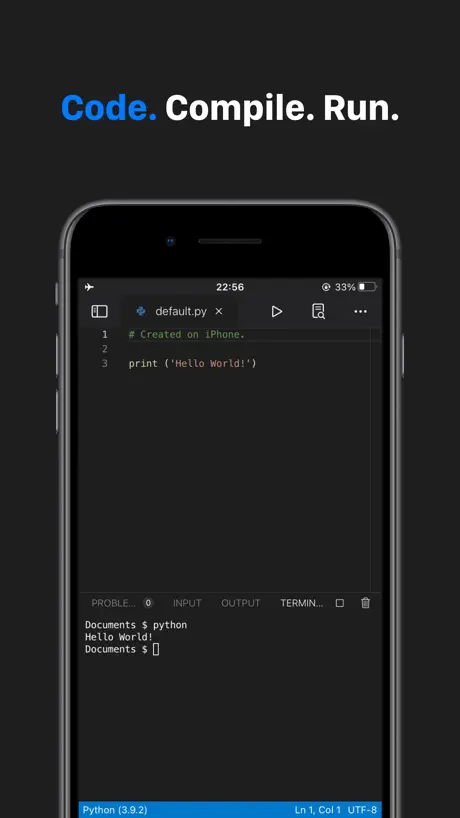  Code App |   CodeMaster - Mobile Coding IDE | 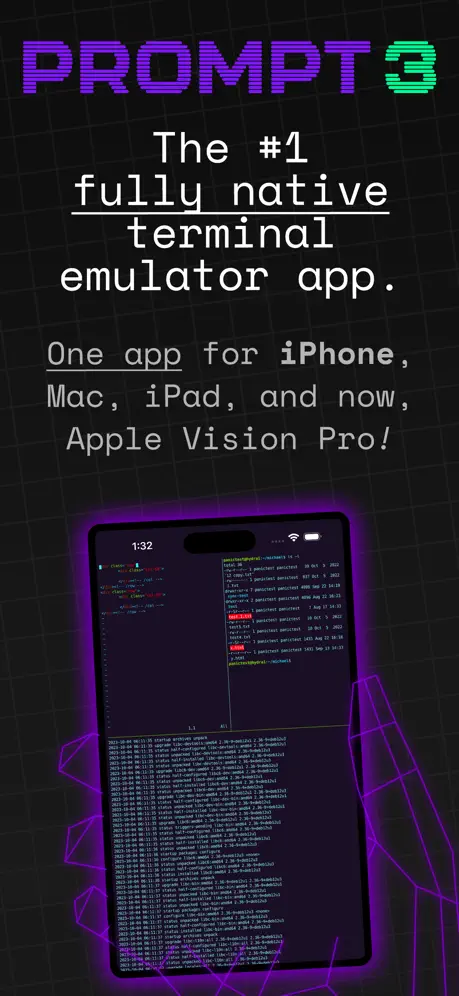  Prompt 3 | 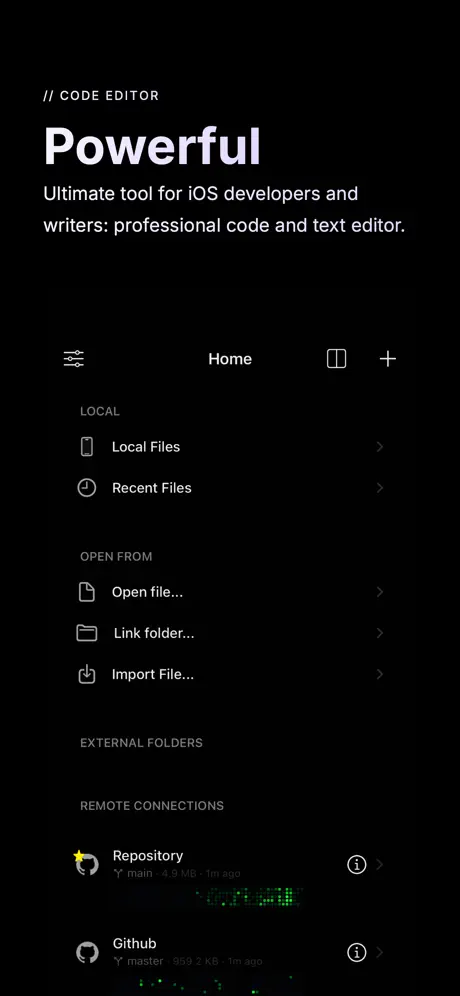  Buffer Editor - Code Editor | 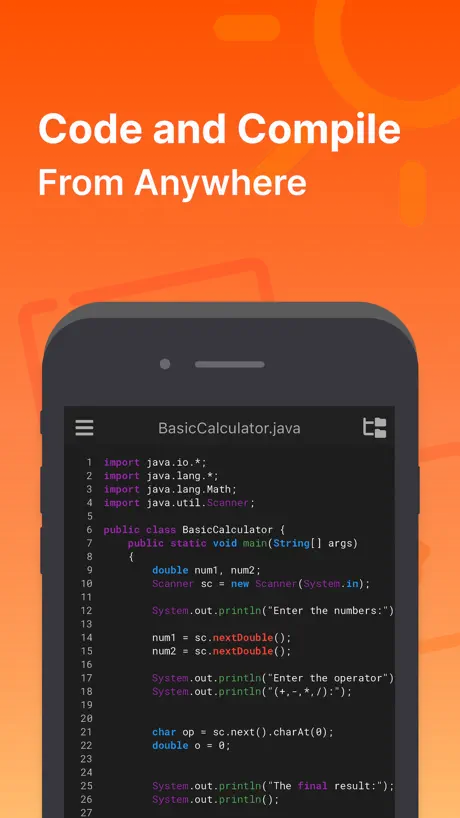  JDoodle: Code Compiler | 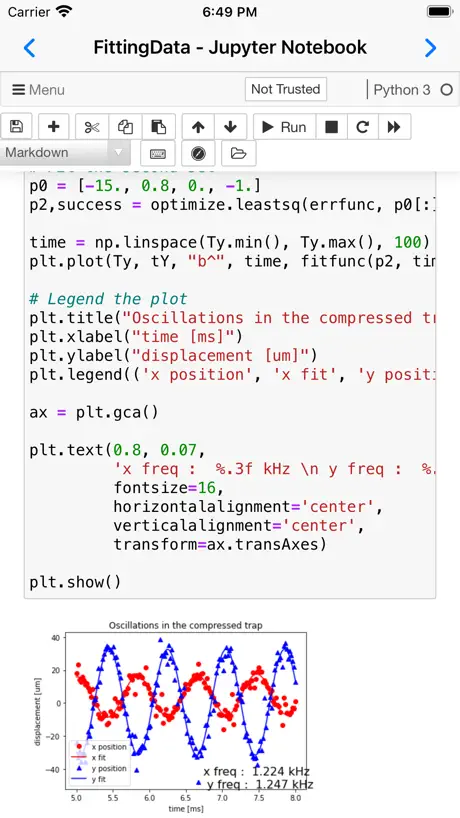  Carnets - Jupyter (with scipy) | 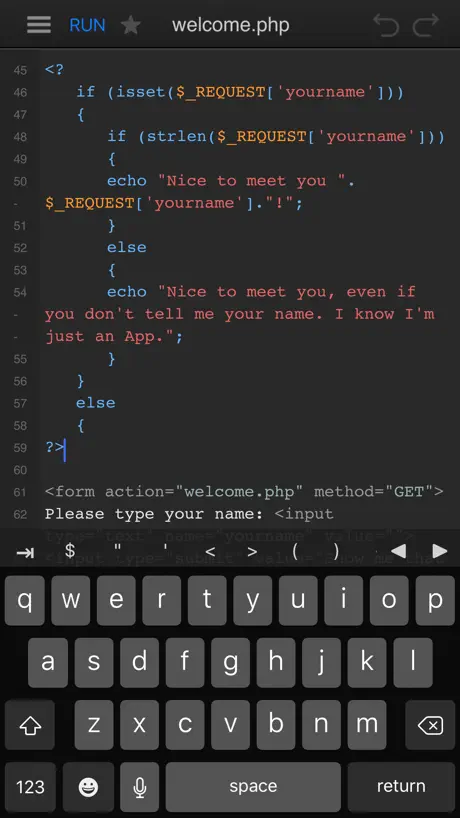  DraftCode for PHP IDE |   SQLiteFlow - SQLite Editor |   Love2D Studio |   C# Recipes | |
|---|---|---|---|---|---|---|---|---|---|---|---|
| Rating / 5 | 4.1 | 4.1 | 4.5 | 4.1 | 3.9 | 4.4 | 4.7 | 4.3 | 4.0 | 4.5 | 4.9 |
| Reviews | 319 | 2.3K | 1.3K | 727 | 724 | 581 | 539 | 414 | 183 | 59 | 30 |
| Released | 2016 | 2020 | 2020 | 2024 | 2012 | 2020 | 2021 | 2013 | 2018 | 2023 | 2018 |
| Monthly price | — | — | $3.99 | — | $4.99 | — | — | — | $1.99 | — | — |
| Annual price | — | — | $20.99 | $9.99 | $34.99 | — | — | — | $8.99 | — | — |
| One-time price | — | — | — | $49.99 | — | — | — | $4.99 | $39.99 | — | — |
The going rate for each plan in United States, in its own currency, shaded from the cheapest price on the row to the dearest. Plans fewer than four in ten of the priced apps sell are left out.
Continuous .NET C# and F# IDE reviews
4.1 out of 5, based on 319 reviews.
What people like
- Compiles code locally on your device very fast
- Great for learning C# or quick prototyping
- Excellent value for the low price asked
What they complain about
- Console input and readline simply do not work
- Developer ignores support requests and never replies
- App crashes often and corrupts your project files
Very Useful IDE
Working on the phone with any IDE can be difficult but this app does very well and it is at this writing close to the current C# version so it isn’t vaporware. Lagging one or two versions in my view is acceptable.
No custom delegates means useless.
I guess you have to waste your money to find out you can’t have custom delegates. Maybe I am missing something but the code from Visual Studio doesn’t work unless you use EventHandler. Useless. Money wasted.
C# version
Description confirms v11 support, however, when I try to use v10 features, IDE says C# is only v9, and those features are not available. Otherwise it is a great tool for education.
Bug
A nice app indeed, but due to the limited display space, it's only useful on the iPad. However, there's one problem: if you click the "I" button to save in the file manager, the program crashes, making the app unusable. You can copy the code and send it via email, but then you'll end up with a bunch of character formatting errors. Please fix this bug, please... :) iPadOS 18.6.2
Almost amazing, ultimately frustrating
A C# IDE on my iPad for under $15 that lets me quickly edit and test pixel perfect Xamarin Forms xaml prototypes with no deployment overhead? Heck yeah! The thing hard crashes every time I wrap MainPage in a NavigationPage or try to use a ViewCell written in code? Rough edges like an EntryPointNotFound exception that’ll never go away (but also doesn’t stop running my app)? Support that boils down to a self-help forum with no posts from the app author? Heck, yeah. It’s got those too. If it were billed as a xaml-only UI mocking tool and didn’t try to do anything else, concentrating on doing that well (or just console logs and reads. really any subset of a full IDE), I’d be game. As is, it’s got Icarus Syndrome. It flew too close to the sun and ended up in the drink. I am encouraged that it’s had a few recent-ish updates. I’m holding out some hope. It’s got so much potential, just waaaay too rough to say it’s followed through.
Great but not amazing
I love using this app whenever i feel like coding, but sometimes when i run the code (even without auto-run) it for some reason runs the same command multiple times. I can definitely see this app blowing up and becoming a great app for coding, it just needs some bug fixes. Things i could suggest are: fix the code running bug i previously mentioned, let the user delete text when typing into a readline console, make a debugger, and maybe some better explanations for how different functions work within the app. I still love using this, I just think it needs some work to be done.
Doesn’t work anymore at all. Waste of money
After exhaustive trying I can confirm this app doesn’t work anymore, at all, it crashes instantly on first load no matter how many times you reinstall it.
Great app, requires more flexibility
This app is fantastic, but I’m stuck trying to use NUnit. It's missing a method, maybe the dll/lib is broken, but I don’t quite know where to get or paste the latest NUnitLite library.
Net core
You can create a .net core project but get an “ASP.NET Core servers are not supported, yet.” Error When running it?
I absolutely love this IDE!!! But there are some issues...
I love the IDE and it’s making it extremely easy to learn C#. However, the lack of an offline Doc built into the app really kills it for me. Dash has saved me there but it’s still aggravating. Another thing is that it would definitely improve the experience if we were able to access our files from the “files” app, so that we would be easily able to move our projects/apps from our main computer/examples we download from the internet without having to copy them over file...by....file. Of which it doesn’t even allow you to add .csproj files or even other file types that are available in the IDE itself. Only .cs files. Aside from those this is very much a solid IDE for learning C# and F# as well as application development with the Xamarin codebase.
it keeps giving
now you add .netcore. yeah this is my fav ide on the go for c#. thank you! just tried it. very. very. good.
Gets the job done I guess.
Honestly the only reason I’m using this PAID app is because on the iPad c# IED’s are few and far between. This app really doesn’t take advantage of being on the iPad at all switching between your programs feels clunky, there’s no auto complete to any basic syntax, little to no customization to be found. If you have no other choice and are invested in c# then it’s useable, but if you can use visual studio or anything else I’d recommend that.
GOOD app but there’s two problems I have with
1. Compiler errors are off screen on iPhone 2. No template support (ie cw tab tab)
Great app but no support
This app is pretty good but the are some issues especially with reading from the console or asking for user input. My main issue is the developer seems to have abandon support for the app. Questions get asked in the forums with no answer.
Impressive app, but needs some polish
My full time job is iOS development using Xamarin, and when I first downloaded this app, I was impressed with how well it worked. However, after using it a bit more, there's definitely some room for improvement. The app works well enough that I still recommend it to friends and co-workers, but I have a pretty long list of things that bug me. Almost all of them are related to convenience when editing code, but they add up: Editing: • Highlighting code and pressing tab replaces all of the code with a tab character, rather than indenting it. Similarly, pressing shift+tab doesn't unindent code. • Pressing delete at the end of an empty line doesn't delete the line. It starts deleting the whitespace instead. • Cmd + / doesn't comment and uncomment code. • Undo almost always just destroys your code, turning it into an awful mess. You're better off just manually undoing a change in most cases. Code Completion: • Neither tab nor space accepts code completion. This is more of a personal preference, but something more customizable and similar to real IDEs would be nice. • Pressing the up and down arrow keys on a keyboard doesn't navigate through the list of code completions. • There's no way to dismiss the code completions (that I'm aware of). Project Management: • There's no easy way to share projects between devices. Something like Git would be amazing. I believe the developer said they couldn't add Git integration because it was against the App Store Guidelines, but I don't believe that case. Running user-provided code should be perfectly acceptable (similar to Swift Playgrounds). The only time that downloading code isn't okay is when it completely changes the app's behavior and intended purpose. • The organization of projects and files is still a little weird. Perhaps it's just because I'm not familiar with it yet, but it's quite different from any other app I've used on both macOS and iOS. • There's no easy way to reference existing projects that I've found. This limits the abilities of this app a bit, but I don't know that it's really essential. All in all, don't get me wrong. This app is great and it's quite easy to work with. I like using it when I want to test something quick, or when I want to teach friends about C#, Xamarin, UIKit, etc. There just happen to be quite a few areas where small changes could introduce substantial improvements in usability.
Amazing
Like seriously the ability to program on the go in c# with an application that feels as native and intuitive as the phone app is so awesome.
Console.Readline ?
Why console readline is not working?
Okay but buggy
Good so far but can't erase text when typing into readline console Input and when holding backspace to delete large sections app freezes up and crashes. Have to slowly delete char by char.
Terrible Support
Despite the App actually being very useful, I cannot justify a higher rating considering the nonexistent support and inactive forums. Feature requests and questions regarding the App are simply ignored.
Good tool, but doesn't support Console.ReadLine()
This is a great tool, but I can't use Console.ReadLine(). I can't input ANY letters! Please add INPUT FEATURE in Console!
Wow! I’ve been waiting for this a long time
I tried a few aspects and it allows you to create a solution with projects. It looks like it compiles locally and FAST and allows for gui projects as well as console apps. This is hands down the best coding app for C# on the iphone and I’ve tried a few. No more just snippets coding.
Abandoned by dev
Taking a course on variables, can’t even run a simple console window that functions. When I run the following code pasted below, on my pc... using VB, it allows me to type in my name in the console window to test it out. Can’t do that here with this worthless IDE. Lazy dev here was more interested in making look pretty with a cute UI. If there was passion behind this then why.. 1) Doesn’t allow me to do something as simple as typing into the console window when hitting play to test my course variables, very simplistic stuff. App totally disregards my inputs in console window. 2) I can’t even complete my course studies on here because of this trash dev abandonment. 3) Dear programming student, hobbyist.. go check online for a compiler on there. This dev, abandoned Continous. 4) No update in 7 months. These are old reviews, when this worthless IDE, was supposedly, the thing to use. (Probably this trash dev’s forum buddies) he’s supposed to be someone respected and important on there- suure. Anyways, that group looked out, bought his stuff and threw praise. Fake. Basically... If you cannot do something as simple as study on here to get better - I doubt the uses for this IDE in regards to real world uses/productivity. This dev is lazy and hides in silence, so it is, what it is. Hopefully someone comes along releases superior product and forces this trash along with its lazy creator - to permanently... disappear. Yup - I’m upset, this filth cut into my studying my time, I spent hours thinking it was me messing up, so I spent along time trying to figure out what I did wrong. Until I found out, it’s this trash dev app. Time I will never get back. Bottomline = trash dev, I look forward to him disappearing from the App Store. namespace Variables { public class App { public static void Main(string[] args) { /* int x; int y; x = 7; y = x + 3; Console.WriteLine(y); Console.ReadLine(); */ Console.WriteLine("What is your name?"); Console.Write("Type your first name: "); string myFirstName; myFirstName = Console.ReadLine(); string myLastName; Console.Write("Type your last name: "); myLastName = Console.ReadLine(); Console.WriteLine("Hello, " + myFirstName + " " + myLastName); Console.ReadLine(); } } }
app need support more launguage
in the code can not display chinese comments。pls upgrade support。。。the app is cool!
Good app to see if your build succeeds
Otherwise there is no interaction possibility (e.g. in a console app). I'm learning C# and wanted to have a portable IDE with me on my way to work or university. But with command lines such as: -------- Console.WriteLine("Hello, what is your name?"); var userName = Console.ReadLine(); Console.WriteLine("Hello " + userName + "!"); -------- You get the output as: -------- Hello ! it doesn't ask my name as intended. Ok to see if your code succeeds in building the app, otherwise, you really cannot build real apps with this app.
Good, but abandoned
Like other reviewers have mentioned, this has so much potential but seems to be abandoned by the developer. He basically pulled off a miracle by getting a real .Net / Xamarin IDE working on the iPad, and I was very excited about it. But an IDE is something that needs constant updating. Just thinking of the low-hanging fruit, it needs: additional libraries integrated, access to nuGet, connection with Github, Xamarin updated to the newest version, better integration with Visual Studio, and basic code editor improvements. More long term, it could use a visual editor for Xamarin forms. Best case scenario would be if MS bought this app and renamed it “Visual Studio Mobile.” Then some developers would actually be updating it.
Great App
Great app for C# development. It runs especially well on my iPad Pro (3rd Gen), despite not being optimized for the new iPad Pros yet. Feature Wishlist: - Git Support - .NET Core MVC/WebAPI Template - Azure integration tools
Console.Readline() doesn’t work
Console.ReadLine() doesn’t work...
Line numbers and Git
Please add line numbers and git integration. Also wen you move out of a field enable auto-formatting so that the formatting occurs when tabbing or moving away from the line. That’s all I think is needed for this app to be perfect.
In theory Great
From a technical perspective it‘s an impressive App. But it‘s a shame that it lacks decent iPad Pro Keyboard support (especially on Intellisense and Code completion). Also like mentioned before Console.Readline() does not work so Console Applications are kind of „limited“. And finally the author doesn‘t seem to be interested to answer question on his own support forum.
Was Amazing! Was Great tool to learn and dev!
I am using this on an iPhone 6 Plus and love being able to learn C# on the go. The interface is easy to use and makes it simple to get working concepts up in a flash. I can't wait to see what feature is added next! Update: No updates in over a year. I was excited with the idea of this app, but it’s out of date and no longer useful.
Great IDE for offline mobile dev
I love playing around with Continuous when I have some spare time on the bus or in the pub. Quite powerful considering it compiles on iOS offline. It has its bugs and some workflows that took getting used to, but that didn’t stop me from prototyping 3 different games completely on my iPhone 6. If you love developing no matter where you are or how big your keyboard is, this is a solid app and IDE. Only wish there was better documentation and support. Supposed to be able to import my own libraries, but I haven’t been able to in my 1.5f years using it. Also would love to see the ability to import files or view the file structure in the files on iOS (to import sprites) Thank you developers of this IDE. I’ve used it tons.
Good IDE provider, critical flaw
This app has really nice code completion and all that, the best of the best. It’s an almost perfect IDE, however it suffers from one critical flaw - it does not support the iOS Files app. This is unfortunate, since apps like “Working Copy” don’t see the modified files and therefore you can’t commit the modifications :( Would like to see this fixed in a future update, and will change my rating to 5*!
An update!
Great to see an update after so long. Please support better interop with Working Copy as you’ve clearly punted on inbuilt Git support.
Great potential...but...
This is a huge achievement in itself - creating an IDE that wraps up the Roslyn compilers into a useable set of tools. The really difficult stuff seems to be done and works well. But it's the little things that let this app down. My main gripe is the project explorer system. It's not the most intuitive to use and has bugs: newly added files are placed into folders many layers deeper than you asked. There's no way to remove a file from a project nor to add one. Most crucially, the app will sometimes crash when adding files to a solution and completely corrupt the solution/project architecture. I've lost several hours of work this way. It is possible to rebuild a lost structure of files but after the second time, I just gave up. Shame, because I would love to use this tool for creating frameworks, prototypes and other stuff that can usefully be done on my iPad. Not quite there yet. But keep going. With a bit more polish and bug removal this could be a really, really useful tool. It is impressive in what has been achieved. Just not quite ready for serious use yet. Also, the editor can get a bit cranky over tabs and sometimes the cursor won't behave with respect to end of lines. But you can live with that. Please implement intellisense comment additions. UPDATE: About a year after writing my first review I thought I would give the new version a go. The many bug fixes claimed by the author don’t appear to have resolved any of my original complaints. The app is still very buggy and consistently gets confused when adding new classes. The file management seems particularly poor, often showing up duplicates of projects and reporting spurious errors. Without warning the app will corrupt the file structure leaving you with garbage projects. The only resolution seems to be to Zip your solution and export it to your laptop where you can then recover your work. If I have to do that then I might as well just use my laptop. I’ve lowered my rating because I think the app should have been stabilised by now.
Abandoned
Not seen an update in over a year :(
Brilliant
This is a bargain at $10. Brilliant IDE, works really well with keyboard. Using this to quickly prototype game ideas without carrying around a brick with unity/ue4 in it. I feel like this may be a beginning of a new standard.
Abandoned?
Too bad, the idea was good. However, the developer seems to have lost interest. No response to support requests...no updates...
the app get an update finally
Cool, I was thinking it was dead already:)
Looks abandoned
Great idea, great start, bad finish. Looks like the developer took off, hasn't been updated in forever...
Want to give more stars, but silence for support...
I very much want this to be the best way of being able to play with .Net code while I am away from home or work. All the simple examples seem to work great. Finally got to loading some libraries I want to use on a regular basis, one being a geohash class. Continuous keeps throwing an exception at a line of code where none exists, the code run fine in Visual Studio and Xamarin Studio. I have posted a bug to their bug tracking software for 3 weeks and have not gotten a single response from the developer. While I understand they may be busy, at least some acknowledgement that they will be looking into it and I would actually be happy. But silence for this long is not giving me a warm and fuzzy feeling of how well this app will be supported going forward. Again, for many things it does work fine, hence the 3 stars, but for many things I need to do I need that class running (at least for the next 6 months to year) and lack of any response from support loses 2 stars.
Amazing
Best IDE on the AppStore! I hope the developer has new features in the works!
So much potential.
This app would be amazing if it wasn't abandoned. You'll spend more time trying to program around their bugs then actually being productive or learning. Right now I'm trying convert a character into a string, but because of an internal error on their end I'm going to have to figure out some convoluted way to do it rather than just typing c.ToString(). It also would be more productive if pressing tab auto filled the currently highlighted term instead of having to either tap on it or type it out. If the developer ever returns, this is easily a 5 star app. Such a shame.
Runs well, but there is room for improvement
Is this app still being supported? There seems to be a new bug since the iOS 11 release. (It was present under iOS 11 beta also) When pasting in code that is not at the end-of-file the app crashes. Some of the other iOS 11 features (Drag-n-Drop text) would be nice to have also.
Nice Start no Support or Progress...
One star for creating it, another for the potential. The problem is that there appears to be no support and no way to transfer your code off of the iPad or iPhone that you write the code on. The application desperately needs to support Dropbox or something similar for exchange of files, or support for Git. A nice start, but it desperately needs some fundamentals to make it worth while. I do not mind paying a premium for an application that is unique with limited audience, but there needs to be a support model that shows Continuous development.
A great start, needs Git
It's amazing to have an IDE like this running on iOS. But until it gets support for Git there's no good way to actually work on real projects. There is a "sources" list when you try to open a file, but it only ever has your local device and I can't figure out how to add things to it. I assume the developer is working on that for the next version. Until then, this app is a very impressive toy.
The most promising IDE on IOS
Well designed and stable thus far. I'm looking forward to the source control integration.
Potential to be good...
...but the developer seems to have abandoned this project with many basic things simply broken. Character arrays in C#. The Split method. Some linq constructs. As it stands now, both C# and F# are essentially unusable. All issues that have been reported, acknowledged, and then ignored. Steer clear until there are further updates. Until the issues are fixed then the price is just daylight robbery.
Great
At last I can use my iPad to code. This app just needs Git and iCloud support and it's a (rare) 5* product.
Good start,but may be abandoned
Very cool start of an app.. but I encourage anyone thinking about buying this to take a look at the developers web site under support. There appears to be NONE. Too bad this could have bee AWSOME.
Keyboard does not work well
Other than problems with the keyboard it has been lovely and productive to use
Continuous .NET C# and F# IDE FAQ
- Is Continuous .NET C# and F# IDE free?
- No. Continuous .NET C# and F# IDE costs $12.99 (US) to download.
- Does Continuous .NET C# and F# IDE have a free trial?
- No. None of its offers (US) come with a free trial.
- What are the best alternatives to Continuous .NET C# and F# IDE?
- Code App (4.1 from 2,327 reviews), CodeMaster - Mobile Coding IDE (4.5 from 1,286 reviews, premium from $1.99) and Prompt 3 (4.1 from 727 reviews, premium from $9.99).
Continuous .NET C# and F# IDE download
Last updated 1 year ago.
Continuous .NET C# and F# IDE sells in 175 countries. It was released 10 years and 4 months ago, on 6 Jul 2016. It holds a 4.1 rating from 319 reviews.