
Carnets - Jupyter (with scipy)
Jupyter notebooks, with scipy
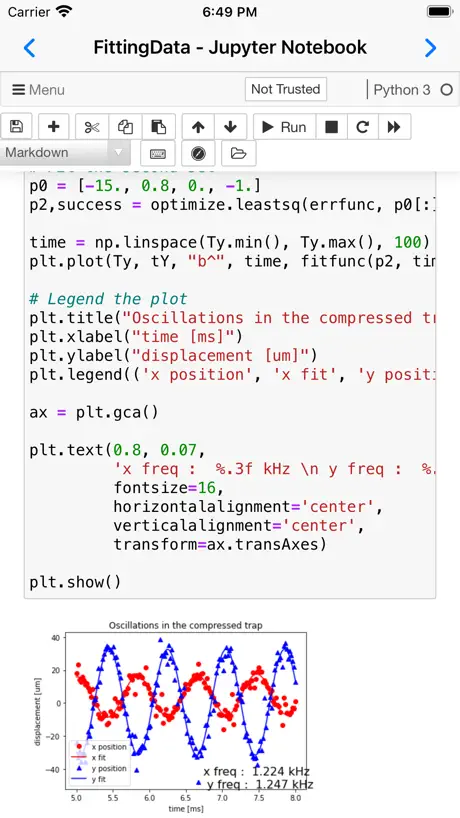
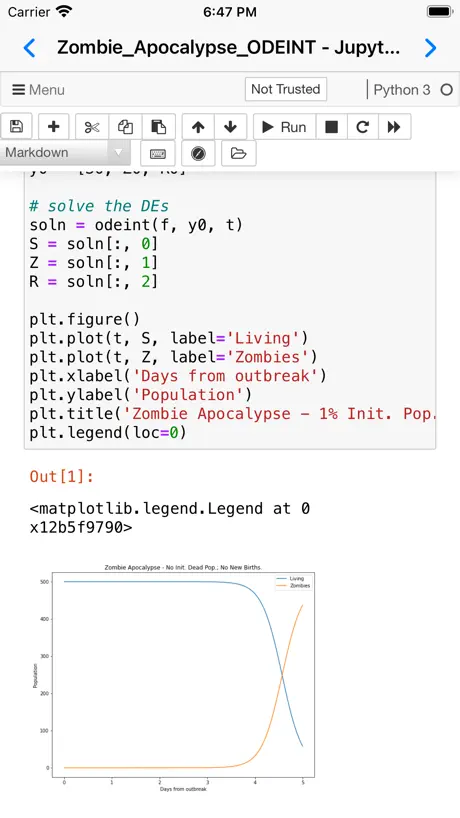
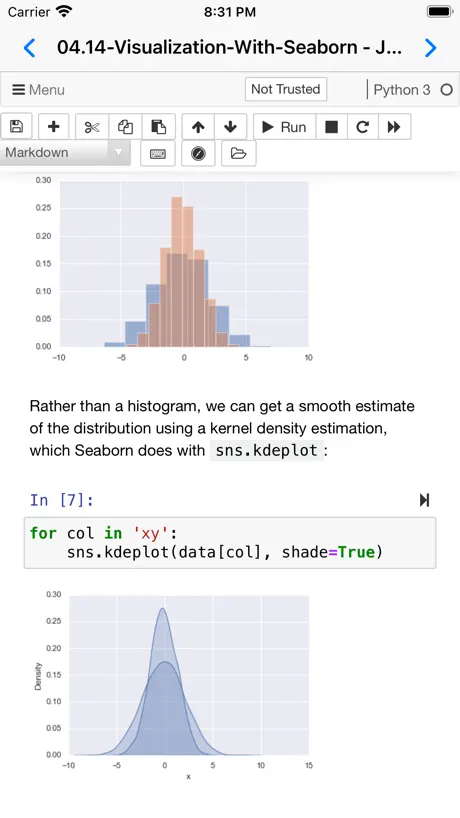
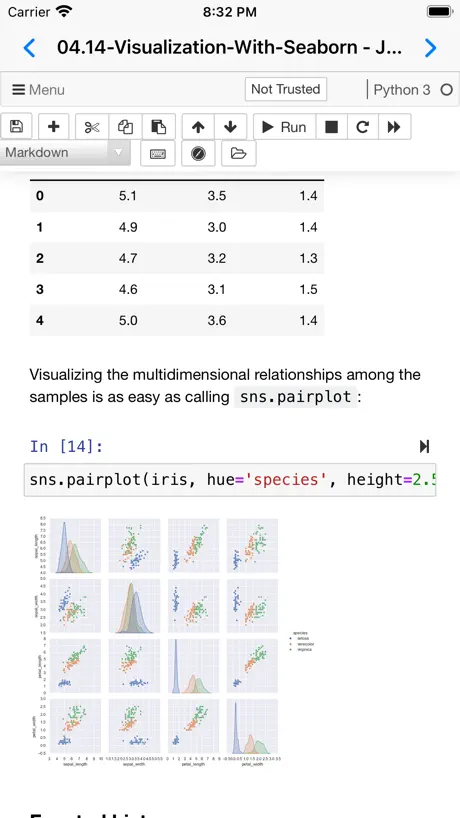
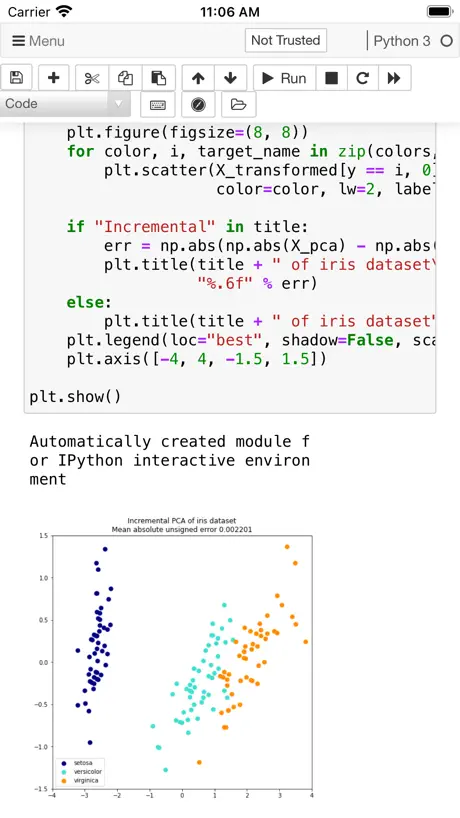
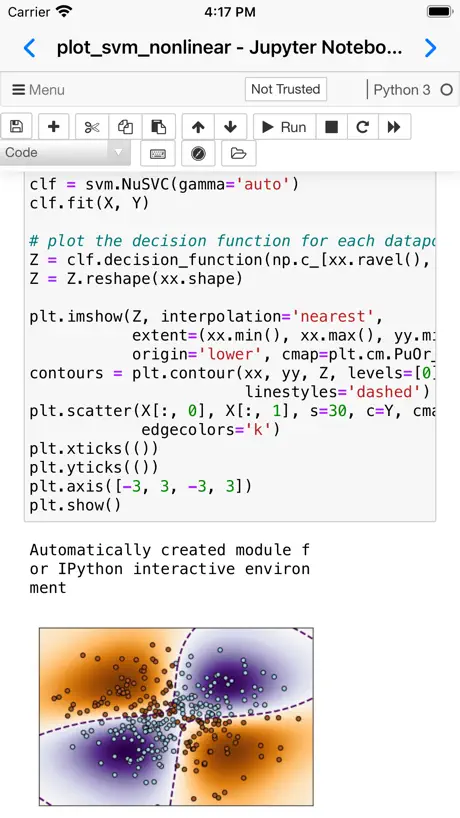
How much does Carnets - Jupyter (with scipy) cost?
Prices are current as of 6 Nov 2026.
Carnets - Jupyter (with scipy) has no in-app products on record in the United States.
10+ alternatives to Carnets - Jupyter (with scipy)
| Carnets - Jupyter (with scipy) |   Python IDE & Jupyter – Juno | 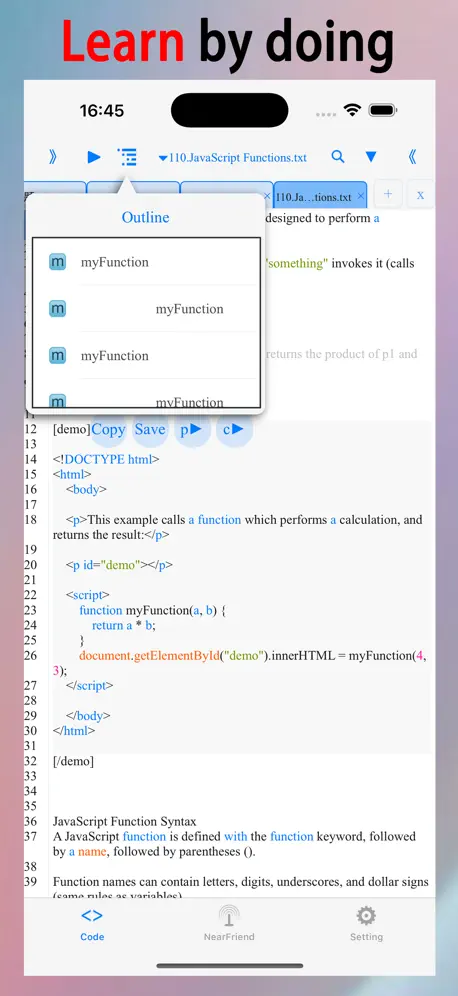  html+css+js-web designer,html5 |   Python3 IDE Fresh Edition |   AdMob Earnings & Revenue Stats |   Firelog for Firebase Console |   SQL Play — Learn SQL |   Lua IDE |   Termix - Remote Access |   Azure Vision Liveness Detect |   nRF Connect Device Manager | |
|---|---|---|---|---|---|---|---|---|---|---|---|
| Rating / 5 | 4.7 | 4.5 | 4.6 | 4.6 | 4.4 | 4.4 | 3.4 | 3.7 | 4.5 | 4.3 | 4.5 |
| Reviews | 539 | 3.7K | 3.6K | 3.5K | 236 | 128 | 94 | 63 | 53 | 15 | 8 |
| Released | 2021 | 2019 | 2014 | 2018 | 2024 | 2025 | 2021 | 2021 | 2025 | 2025 | 2020 |
| One-time price | — | $39.99 | $0.99 | $3.99 | — | $49.99 | — | — | — | — | — |
The going rate for each plan in United States, in its own currency, shaded from the cheapest price on the row to the dearest. Plans fewer than four in ten of the priced apps sell are left out.
Carnets - Jupyter (with scipy) reviews
4.7 out of 5, based on 539 reviews.
What people like
- Completely free powerful Jupyter tool
- Works well for on-the-go coding
- Easy file management makes it worth it
What they complain about
- Cells stop running after long use
- App reloads when switching away
- Cloud sync can delete your work
- Drains battery and heats up device
Mind-bogglingly Useful
👍
Broken
Just a blank screen. Dev needs to fix this doesnt work on sonoma or others
A surprise for how much I have enjoyed this
As a CS student who wants to focus in machine learning and does part-time research in the field. I have absolutely loved using this for on-the-go coding on my ipad. What has surprised me the most is the support for so many packages that I use on a daily basis. My only wish for the app that keeps it from being perfect is not being able to ssh into other machines to run my jupyter code. While I can run most basic ML projects on my iPad, there is some research code that would make it massively easier to run through a remote machine. Hopefully this could be a feature added in the feature or even a different app if that is easier for the developer.
Makes my iPhone 16 physically hot to the touch
Running this application actually makes my iPhone 16 Pro quite hot to the touch. Not sure why. Several apps do this but no crashes or suggestion of issues apart from the heat.
カメラなどアクセスできない
カメラ、位置情報、マイクなどがアクセス許可にならないです pythonでカメラを制御して撮影出来るプログラムを組むつもりでしたが、 iphoneの設定を見ても許可リストに表示されていません 日本、iOS16.3.1
Best python coding app in apple store
I LIKE IT Y(^_^)Y
Heating and battery Drain issue
On my iPhone 15 while using this app battery is drain so quickly
Excellent Tool: Help with IOS would be terrific.
I began using this tool recently, as I am taking an online data science course, and I have an iPad as my computer. So far the libraries I need are all present, and additional ones can be installed using the !pip install command. A challenge for me has been how to specific a path to find Excel data I need to access on iOS. I need to use the path command to specify the directory holding the Excel file. It would be helpful if the author produced a short paper showing how to specify the path for OneDrive (I have multiple accounts for OneDrive.), Dropbox, the On My , iPad Files App, Google Drive.
I can't create a new notebook.
I can't create a new notebook. File load error is displayed.
matplotlib导入失败
更新以后,就连导入matplotlib都失败了
Just Started Using but Amazing!
Works for everything I need.
heating problem
after opening the application, iPad Pro M4 starts heating too much as if I am playing some high graphics game. And it drains the battery too quickly. Battery backup is around 10 hours on this iPad. But if I use this application then battery backup reduces to 5 hours. Too much optimisation needed for this application.
Great App
Didn’t know how to use it at first, but now that i understand. It’s great.
Hanging for simple while loop for mergesort
Carnet automatically closes after running the pgm
Awesome app but doesn‘t work anymore
Since some time both carnets apps dont work anymore on my phone. Maybe its to old? its a first gen iPhone SE but still. Whenever i try to open a file i get a completely grey screen and nothing happens.
Heeey, monsterswithi…
It’s ok to be (even so completely) wrong about what you (obviously) do not understand, buUut: to not find the character to correct your own mistakes, or the courage to make things right? That’s not ok, at all. This is the second cleanly and crisply free app I’ve found from this developer of elegantly simple to use solutions to what are typically complex problems. Much appreciated ~;-)
Literally Files and Safari mashed on top of each other.
I dunno what to say. It’s got zero UX. It’s not an actual product. It’s two existing products that feel like an internship case study barfed into the App Store. It’s quite literally an embedded Jupyter notebook iframe, which pulls from — who knows, online? The web? It doesn’t ever say. The app opens in a file manager of iOS files with literally no explanation, No branding, no login, no logo (which indicates the lack of any real product)… No navigation into any actual notebook. Most of all, no way to create a notebook 🤣. It’s devoid of explanation or purpose or real intent. What did the devs expect the user to do once they got in? We may never n know. The iframe nav and menu inside an already compiled iOS app is — to be totally honest — mind boggling to see as something that has launched with approval on the App Store. I truly see no benefit to the abstract and ubiquitous mashed potato ux this thing throws you in once you find an existing notebook to use. How do you add files, where’s your dataframe, are there any possible working directories? I can’t see a plausible or ethical justification for charging for an upgrade on this either as you’d simply be buying two prebuilt apps that already exist in your phone: Files and your browser.
One feature I want
Love the app so useful being able to run python code on my iOS device. However I would love it if you could give us the capability of using your inbuilt python kernel in plain text files while the app is open currently if you open a file say “File.py” it opens it with correct syntax highlighting and so on but there is no way of running the code in that file Thanks
为啥装不上tensorflow
如题
Fantastic, and something of a miracle
Packing a build of python, Jupyter and all of the libraries to distribute this is something of a miracle. When people gripe about missing libraries they are unaware of the restrictions put on developers by Apple. This is an incredible thing for someone to put together and offering it for free is a great public service.
Can’t open any file
No matter imported or newly created file within the app it just show file not exist error
Hello holzschu
I really don’t think you should hard code your username into the app. It is not very professional, and might include some information you wouldn’t like to share.
Good app but please support torch
Please support Pytorch and related ML package
Great app
Been using. Works very well. Is there a way to include CoolProp? Unable to install here through pip.
👏👏👏
最高のアプリです
Markdown适配有问题,同样的内容,在其他软件正常,在这个软件显示就有bug。
适配问题
UPDATE
there is no torch , can’t use pip install torch hope update!
Tensorflow support is needed
App is overvall 5 stars but Will tensorflow support be added?
HORRIBLY BROKEN! DO NOT USE!
This app listed every PDF and Garage Band file on my iPad in the Recent documents view. I thought it was merely listing these and to clear up the clutter I deleted the list. THIS STUPID APP DELETED THE ACTUAL FILES AND I HAVE LOST YEARS OF WORK! DO NOT USE THIS APP!
Cannot install REBOUND
My recent work focuses on solar system integration so this is quite a con. Hope to see updates. Otherwise it’s very solid.
UGH I want to give you 5 stars...
This is a truly amazing project...but I just lost over 2 hours of work after trying desperately *not* to lose it. I worked on a notebook file from OneDrive, and completed the work. I tried to download the .ipynb file, but nothing happened. I tried to download it as a PDF, and it save the file couldn't be saved. I, hesitatingly, left that document, opened another one, and came back, and fortunately all my changes were there. So I worked on the second document, went back to the first one, and Carnets refreshed it from OneDrive, wiping out my entire two hours of work. There is no checkpoint to revert to, and opening 'recent notebooks' opens the refreshed one from OneDrive. Carnets never pushed the change to OneDrive, so it's just... gone forever. The worst thing, I think, is that when I went to post this as a bug, a comment on GitHub says ALL of DropBox, OneDrive, and Google Drive are "known to not work." But like... WHY do you have them enabled there if they don't work?!? You couldn't warn people or something??
Exactly as described - incredibly useful!
I would like to thank the developer for creating this, and moreover making it free. This is something I would buy once without hesitation.
I cannot get it to run on my iPad Air 2020
Can anyone give me any clues on how to get it to run? trying to make it run on iPad Air 2020 but it wouldn’t even open.
Unable to install paramiko
Would be 5 stars otherwise but I see a constant error while trying to “ !pip install paramiko”. But I am able to install other pip packages just fine. The error is “Too many Python scripts”. Could this be fixed or at least show some meaningful messages?
Same here -Will not download
😥.
Thank you
This is a incredible app
Best for Ipad Coding Needs but___
The only problem it has is with the background running whenever I try to switch to another app and come back again after some time it reloads the whole app again (even though I have 8GB Ram)…. This makes the app look sluggish or laggy…. Otherwise the app is just awesome…..
can work
装不上啊,下完之后,一直在安装,一段时间之后又变成没有下载了,一直循环。
Super Useful
This is a powerful tool with awesome quality, especially for a completely free jupyter notebook app for iPads, really it’s super awesome. I do have to close and open the app somewhat often if I sit down to develop for more than an hour or two as cells will stop running, but the easy file management of this app makes this well worth the download!
Light Mode
How to enable light mode and also change the font size of the code and output. Overall great app.
Can’t install
I’ve tried several times to install on iPhone XS on iOS 14.4 but it gets stuck about 80% then goes grey and won’t install. I have plenty of storage available (50+ GB) so not sure what the problem is.
Carnets - Jupyter (with scipy) FAQ
- Is Carnets - Jupyter (with scipy) free?
- Yes. The app is free, in all 174 countries it sells in, and it sells nothing inside it.
- Does Carnets - Jupyter (with scipy) have a free trial?
- No. None of its offers (US) come with a free trial.
- What are the best alternatives to Carnets - Jupyter (with scipy)?
- Python IDE & Jupyter – Juno (4.5 from 3,688 reviews, premium from $39.99), html+css+js-web designer,html5 (4.6 from 3,577 reviews, premium from $0.99) and Python3 IDE Fresh Edition (4.6 from 3,460 reviews, premium from $3.99).
Carnets - Jupyter (with scipy) download
Last updated 19 days ago.
Carnets - Jupyter (with scipy) sells in 174 countries. It was released 5 years and 6 months ago, on 3 May 2021. It holds a 4.7 rating from 539 reviews.
Supports 1 language: English.
How much does Carnets - Jupyter (with scipy) make?
Third-party estimates for the last 30 days, worldwide — not the store's own figures, which Apple publishes for nobody.