Symbol Keypad for Texting
Unicode Symbols and Characters
How much does Symbol Keypad for Texting cost?
Prices are current as of 17 Nov 2026.
Symbol Keypad for Texting has no in-app products on record in the United States.
10+ alternatives to Symbol Keypad for Texting
| Symbol Keypad for Texting |   Fonts AI |   Text Fonts, Emojis & Symbols | 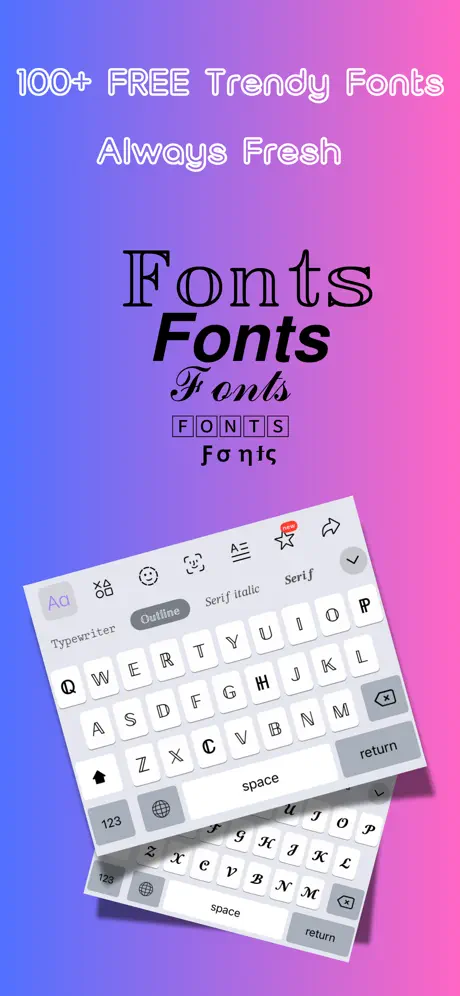  Fonts %: Keyboard & Emoji | 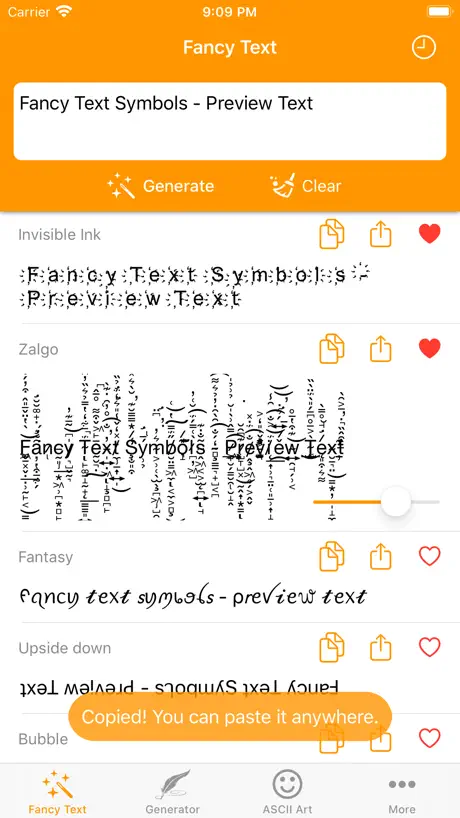  Fancy Text Symbols | 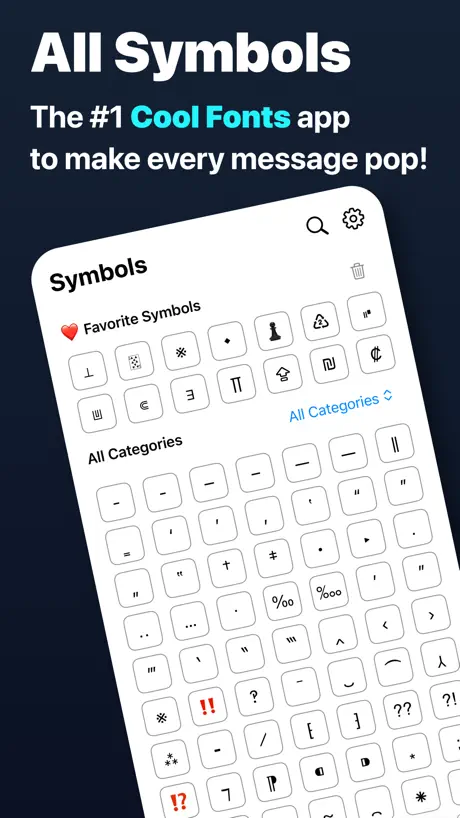  All Symbol Keyboard Text Fonts |   Symbol Keyboard for Texting |   Cool Symbols Keyboard & Fonts | 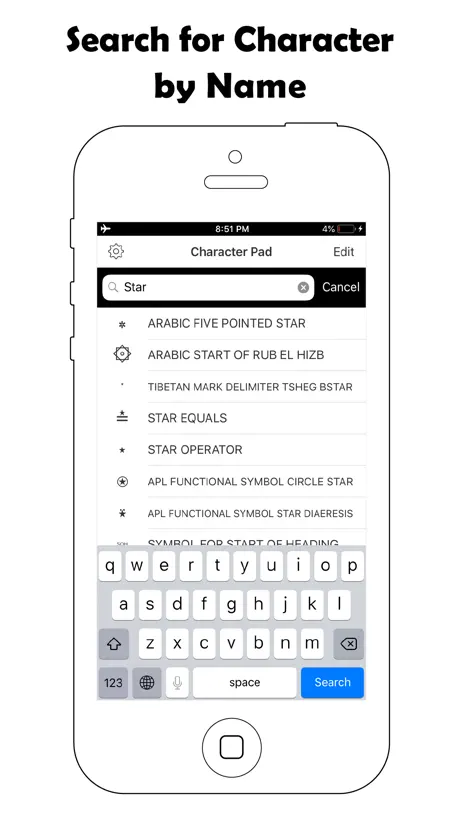  Symbol Keyboard-Character Pad | 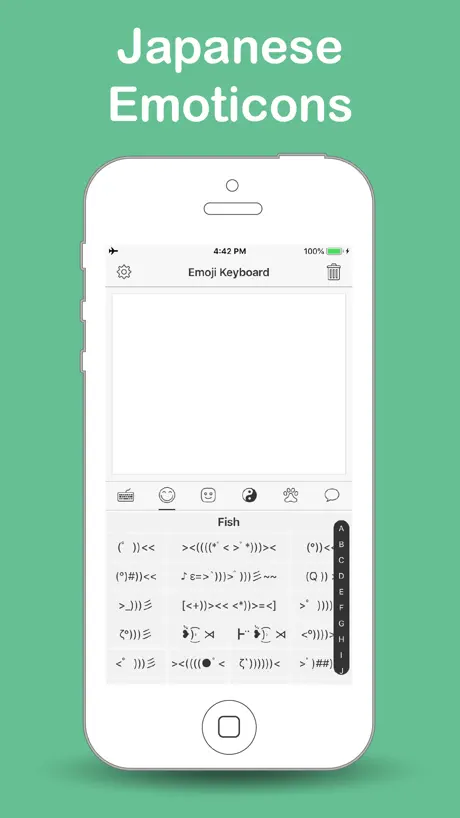  Emoji Keyboard for Texting | 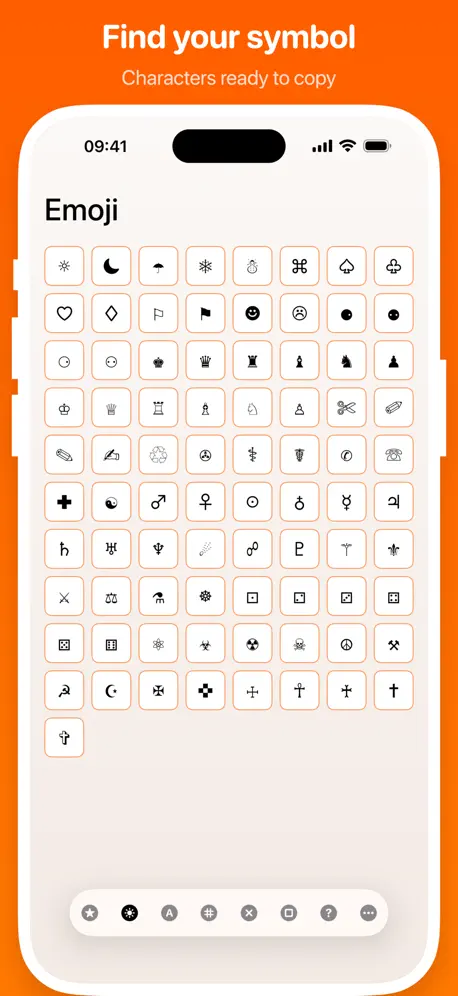  Character Pad | |
|---|---|---|---|---|---|---|---|---|---|---|---|
| Rating / 5 | 4.6 | 4.4 | 4.3 | 4.8 | 4.6 | 4.5 | 4.6 | 4.5 | 4.6 | 4.5 | 4.5 |
| Reviews | 3.3K | 65K | 38K | 25K | 14K | 9.8K | 9.6K | 7K | 6.6K | 3.6K | 2.7K |
| Released | 2015 | 2020 | 2019 | 2019 | 2020 | 2018 | 2014 | 2015 | 2015 | 2012 | 2011 |
| Weekly price | — | $4.99 | $4.99 | $2.99 | — | $2.99 | — | — | — | — | — |
| Monthly price | — | — | $14.99 | — | — | $2.99 | — | $4.99 | — | — | — |
| Annual price | — | $39.99 | $49.99 | $19.99 | — | $22.99 | — | $9.99 | — | — | — |
| One-time price | — | — | — | — | $0.99 | $14.99 | — | $2.99 | — | — | $2.99 |
The going rate for each plan in United States, in its own currency, shaded from the cheapest price on the row to the dearest. Plans fewer than four in ten of the priced apps sell are left out.
Symbol Keypad for Texting reviews
4.6 out of 5, based on 3,259 reviews.
What people like
- You can easily save symbols to your favorites.
- It offers a huge variety of unique characters.
- The app is free and very reliable overall.
What they complain about
- Pop-up ads are intrusive and hard to close.
- The interface is clunky and hard to navigate.
- It does not work properly on iPad devices.
Great for its niche
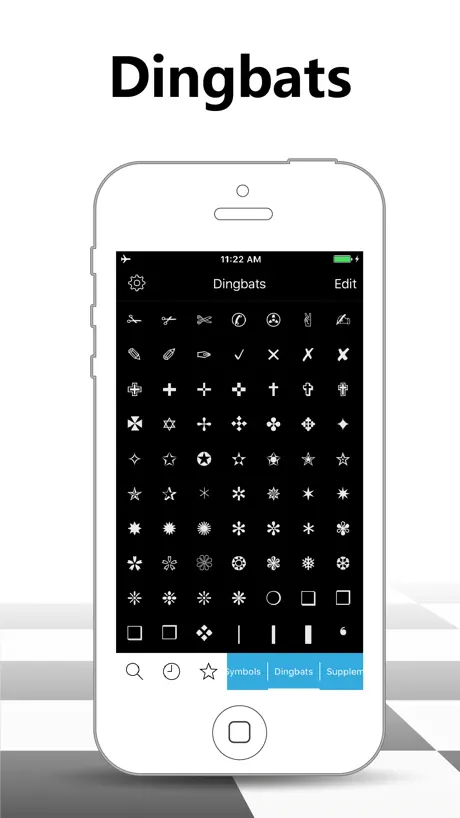
This app lets you add all kinds of symbols to your email etc. It's not a keyboard: you copy one symbol at a time. There's a ton of unexpected glyphs to play with - Bamum Supplement, anybody? On the other hand, the menu is not too helpful, and some common symbols are missing (or where I can't find them). But hey! It's free, fun and very useful.
It USED to be a great app
But the adds have ruined it completely. Don’t even bother downloading it if pop up adds that you have to wait on to use the app bother you. Especially ones where the “X” doesn’t close it but is actually a hidden hyperlink to the advertisers website….absolutely INFURIATING.
Works great on my iPhone but?
I’ve been using this little keyboard for years on my iPhone. It’s been great and never missed a beat. I just tried to install it on an iPad. And nothing happens. I get the icons at the bottom that indicate my favourites and the most recent, but obviously they are empty. Other than that, no symbols are showing on the screen. I understand that the AppStore page says that it’s for the iPhone, but why would it not work on the iPad?
Search is crippled
Sadly, search only returns character sets, not characters themselves. And choosing character sets (horizontal scrolling) is clunky.
No iPad UI
Please, add iPad support
Live the app but…
Could you please add More characters
Ad jammed bug
Unable to access the application.
Some Missing Symbols
I love this app, but I’ve noticed that it doesn’t contain very common fractions like 1/2, 1/4, or 3/4. However, it has ⅚, ⅓, ⅗, ⅛! Please add these fractions!!
not that goooood
it's ok. unintuitive. does not seem to have all of unicode. …? buggy. has loads of CJK stuff so that's cool. 〠 also my favorite characters 𓀡⌬❝𖠢𖡦❞☈☣︎♲♿︎⅊℄𓀬﹠〄𒃺𒐫
Needs a few things.
This app needs a search function and needs to tell you what the name of the selected glyph is. It would also be nice to get a code point so you can look up info on it.
It’s okay
Honestly I enjoy having the extra symbols to make my typing fun. But it’s hard to see what I’m selecting before adding and how to add favorites
Didn’t work
The app opens no problem. Even displays as an option under keyboard settings but even with it selected as a keyboard it doesn’t show up as a keyboard i still only have the two, the main keyboard and emoji. Despite having three keyboards selected in settings that includes the symbol keyboard. Why is it so hard to get a symbol keyboard for ios i mean Jesus the macOS has it by default :/
Great
I really like all the characters and symbols. It’s great if you want to spice up your messages. Although it takes a long time to look through every thing it still is very useful.✨
The best I’ve seen on iOS
From the comparable apps I’ve tried, this is the one you want.
can't read anymore
Had to delete this. It was a GREAT app but I can't read it now that it's black background with white text. Very sad. Please put option to have either and I'll come back.
the best symbol keyboard
(1) can easily find and place characters → favorites; (2) always include it in my list of available keyboards (3) the best symbol keyboard—by far
terrible
this app is a scam and instantly popped up scam risks saying i won something. do not download, should be taken off the app store.
It’s useful
It’s pretty good, but I wish there where animal symbols
無法切換
在某些要輸入數字的情形下,無法切換鍵盤造成根本無法輸入數字,最後只能複製貼上 囧
Pretty good
This app is surprisingly good! There are so many different symbols and categories that are offered, so it’s hard not to be satisfied. And, you can add this as a keyboard. When you open the app, it gives you the option to pick a category and a symbol. When you click on a symbol, you can copy it or add it to your favourites. It’s very handy for me, who always looks for ways to spice up my writing or messages. The only thing I would suggest needs improvement in this app is the interface. The categories at the bottom are not very efficient; it’s hard to scroll between them. It’s kind of frustrating to be honest. The app itself doesn’t look very attractive either. But other than that, it’s a great app, so I’m giving it four stars. EDIT: I have changed my rating from 4 stars to 3 stars. Not only were there ads added, but the new symbols and some of the old ones don’t show up. When you click on the folder, it’s blank. I’m disappointed.
Best app ever!
I love this app, and I can get pretty picky with things so this really shows how good it is! I love how you can add symbols to your favorites, and copy them! It’s so easy to use and requires no in-app purchases. Thank you so much for such an awesome app! I rate this an infinite out of five! ♾/5
stop that stupid reminder to write a review :-(
deleted it!
Very good but...
There’s ads. These aren’t very intrusive except for when you want to switch between/add new keyboards, then they’re abhorrent and sometimes won’t go away when you click the Ⓧ (I had to :P), that coupled with the kinda bad UI knocks it down a star IMO. Would still recommend because you don’t have to “unlock all characters” and there’s so many of them.
Cute❤️
Cute❤️
👌🏻
👌🏻 Pretty cool
احبه يجنن
.....
Doesn’t work with new iOS update
Some of the symbols aren’t compatible with the new iOS symbol. Only used this app for Pokémon Go. Now doesn’t show any of the symbols I used. Since I gotta start all over night as well find a new app.
都很好⋯
可惜上標數字很少⋯只有下標比較多⋯ 希望能增加上標數字
Still searching for a great Unicode keyboard
Does what it’s supposed to. My complaints / feedback are: - dark theme inverts the characters. Please make this optional - spent ages setting up my favourites in the app only to find that he keyboard does not open to favourites as default. Have to tap on the star at least 2-3 times to see favourites. The whole point of favourites is to quickly access exactly what you want! Not interested in some random subset. - would also be great to be able to drag favourites around to preferred locations The search continues!
Bella ma...
Molto pubblicità
AWESOME!!
Best ever!!
You’re kidding me
WHAT IS WRONG WITH THIS DEVELOPER??!!! I tried symbol pad and you couldn’t freaking access it. Tbh I had hope for this app. BUT THEN IT GIVES YOU LIKE 5 TO CHOOSE FROM.... ARE U SERIOUS. Like on my review for symbol pad I am truly disappointed...
Recommend
If you're wanting a comprehensive selection of symbols with easy use, then this is the perfect app. I've tried many other apps, none compare... especially with arrows which I'm obsessed with.
Have to write review to unlock most
You have to write a review to unlock most of the characters. I've only just purchased the app, so I don't even know if it works okay.
Poco pratica
Applicazione poco pratica e con fastidiosa pubblicità.
Saves time and space
I love this simple, useful app. I use it frequently, at least twice a week, and have never had a hiccup of any kind, no matter how unreasonable the burden of open apps with which I challenge my iPhone (iPhone 8, 64 GB w/36 GB available running iOS 11.4). I use it in notes I take to preserve various forms of technical info, of which I am the only reader. I like to fit all the data I can into a single page of the Notes app, without having to scroll or decipher abbreviations. I find that when I want to enter a temperature like 50°, enter a measurement like 24½", or use arrows to point at other parts of the current page, this app is quick and easy. I also use in with email, usually to write something more clearly than it would be using only words. Bravo!! Great tool!
horrível
horrível trava muito não consegue fazer nada
Great app
it's rlly good for me to write captions for my Instagram
Nice
Good
😟
Hää wie geht das?😕
love it
amazing!!!
Bad
It is just to complicated to find a symbol you want
Sweet app
Great app I use for gaming and creating fun styled chat awesome with the download
❤️❤️❤️
❤️❤️
Liberates me to create ART wherever I type
I am a mostly homebound, disabled veteran. I spent a previous life enjoying great expectations of things to come, only to find myself confined to my apartment + bed, barely able to free myself from a type of solitary confinement. This wondrous little App allows me to create a little masterpiece when I’m typing to a friend, or posting to a site… Though some folks literally stop to ask, “What are you doing ? / Why are you doing ‘that?’” I want to create: If I had not lost my health long ago, perhaps I’d be carving Martin Luther King Jr’s visage into the side of a mountain… But in this purgatory-like state, I must battle to find small joys, and embrace them. This App allows me to do just that. Baba Booey; Howard Stern’s… I just realized the App considers this penning of a review to be within the App, and so this is pretty much the *only* time I can’t hop in and out of its Alexandria-like library of symbols, to create the art I’ve been spinning wax poetically about… C’est la vie. L°õ°L At least my lil’ mustachioed Mr. LoL made it to the party. [I know the iOS software keyboard shortcuts by heart, for that friend til the end.] § fin §
Spyware App! Apple: Pay attention----
Spyware! This app uses location services, etc. without allowing you to control it in "Settings". Apple: Please ban this.
it's great
love it
Bewertung
Good
Symbol Keypad for Texting FAQ
- Is Symbol Keypad for Texting free?
- Yes. The app is free, in all 174 countries it sells in, and it sells nothing inside it.
- Does Symbol Keypad for Texting have a free trial?
- No. None of its offers (US) come with a free trial.
- What are the best alternatives to Symbol Keypad for Texting?
- Fonts AI (4.4 from 64,784 reviews, premium from $1.99), Text Fonts, Emojis & Symbols (4.3 from 37,948 reviews, premium from $4.99) and Fonts %: Keyboard & Emoji (4.8 from 25,439 reviews, premium from $2.99).
Symbol Keypad for Texting download
Last updated 1 year ago.
Symbol Keypad for Texting sells in 174 countries. It was released 11 years and 7 months ago, on 15 Apr 2015. It holds a 4.6 rating from 3,259 reviews.
Supports 3 languages: English, Japanese, Chinese.
How much does Symbol Keypad for Texting make?
Third-party estimates for the last 30 days, worldwide — not the store's own figures, which Apple publishes for nobody.