
Circuitry
How much does Circuitry cost?
Prices are current as of 25 Oct 2026.
Circuitry has no in-app products on record in the United States.
10+ alternatives to Circuitry
| Circuitry | 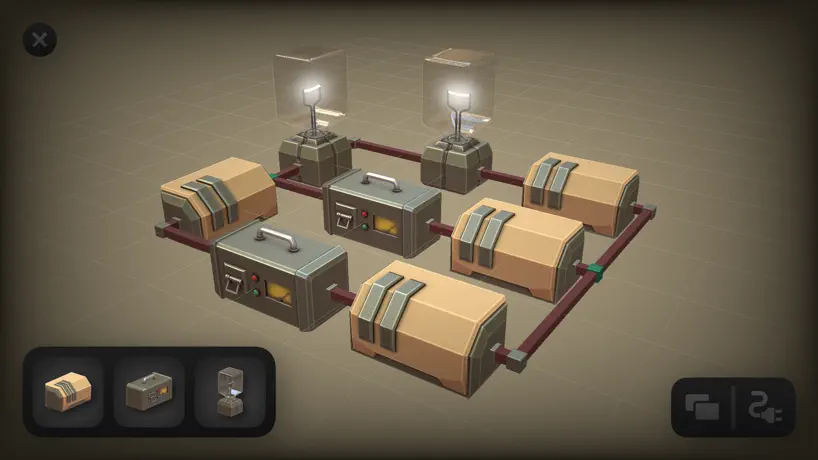  Circuitry - 3D Circuit Builder | 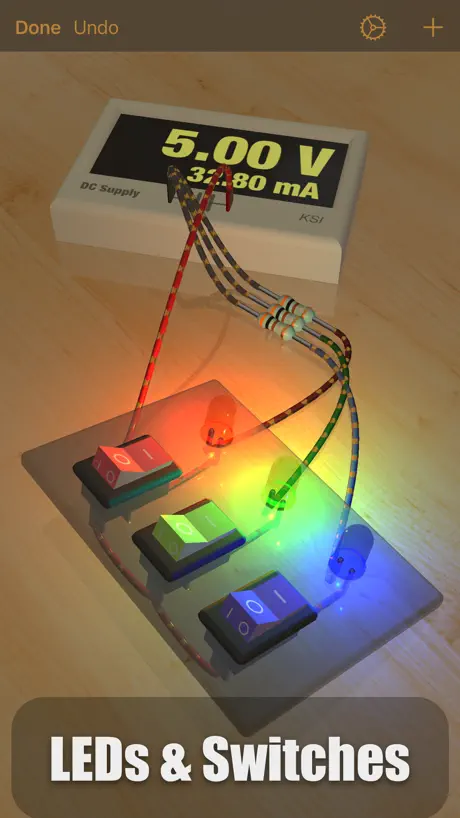  iCircuit 3D |   Logic-Gate-Design |   Smart Logic Simulator |   Singular: Circuit Simulator |  Circuit Snap |   Digital Electronics Guide |   Boolearn |   Gate Genius |   CloudLabs Mixed Circuit | |
|---|---|---|---|---|---|---|---|---|---|---|---|
| Rating / 5 | 4.8 | 3.8 | 4.0 | 3.1 | 4.0 | 4.1 | 4.2 | 5.0 | 3.7 | 4.0 | — |
| Reviews | 568 | 291 | 187 | 14 | 9 | 9 | 5 | 5 | 3 | 2 | — |
| Released | 2015 | 2019 | 2021 | 2022 | 2025 | 2026 | 2024 | 2024 | 2025 | 2025 | 2024 |
Circuitry reviews
4.8 out of 5, based on 568 reviews.
What people like
- Great free tool for learning logic gates
- Fun playground mode lets you tinker freely
- Visually checks your work against truth tables
What they complain about
- Touch controls for wires are frustrating
- Solutions disappear after you finish a level
- Hard to move components without dragging wires
The best
I can do whatever I want for free and there’s levels that teach you in a fun way
Problem #7 has no solution.
This program looked promising, but it failed when I got to problem #7 a valid solution that reflected the answer truth table would not proceed. Obviously there is some paywall or limitation, but no indication of how or what to do to proceed. Disappointing. Don’t bother. Will delete and look for something else. Had potential to be a really useful tool for designing address decoding schemes, but no good.
Really good overall
Very good but I wish it could help me and explain more so Im not stuck on one thing for like an hour
has potential but...
the interface is practically broken...very hard to drag and break connections....takes 20 tries to get it right, you have to bempixel perfect eith your button... very frustrating.. also, the solutions to the puzzles clear once you solve... it should save the solution..besides that, its a good learning/review app for boolean algebra, but giving 2 stars due to the broken interface which makes the game too frustrating to use.. im using an ipad.
Exactly what I was looking for.
I was looking for a logic simulator like logism evo, but for my IPad, and this fits that exactly!
great logic game
nice game to learn about logic gates and its free, whats not to like about it.
Excellent
This is a fabulous “game” but the playground is incredibly fun and helpful. The only TINY LITTLE gripe is that it can be a bit challenging to move components with your finger and not select a connector instead - but this is not a big issue - using the pencil helps a bit. Did I say this is FABULOUS?
Good to learn but not fun to use
It’s annoying connecting wires to each section. That’s it
Impossible a two xor gates
S
Only needs a little mod and I will love it
Great game but you should add a multiplexer and demultiplexer
Amazing tool!
There is actually a remove feature for components and if you take the later connection of each wire and touch and swipe it off of the component it gets rid of it too so not sure why it’s a problem with everyone else. I brought this to a fellow instructor in the avionics dept at the college where I teach, he has now downloaded the app and uses it in class. this thing even visually checks it against the truth table. Good job guys I wish there were more levels and some info on the internet to figure out the one I’m stuck on. One of three… been on it for a week now
Almost the best app of its kind for iOS
Great potential as a logic design / testing app. I’m currently taking a discrete math course and found the “playground mode” very helpful for visualizing combinational circuits. My two main complaints: 1) Controls are a little clunky when it comes to moving things around and attaching wires. Even with an Apple Pencil the precision is not predictable 2) Would be nice if it kept track of your previous solutions so you could see what you submitted for a problem Other stuff that would be nice to have: 1) Don’t gate playground mode components behind problem progress 2) Discrete math notation for created circuits 3) Simplification and maybe scoring in problem mode based on simplicity. (Found some problems where I didn’t need all the gates I was given)
Amazing
I absolutely love this app
Great but can’t remove wires?
I can’t figure out any way to remove a wire once it is connected, other than closing the problem and restarting from scratch. Am I missing something?
Awesome But Needs A Few Improvements
Love this app. Spend hours tinkering with it before wiring up a breadboard. You will learn a lot. But making/breaking connections between gate inputs and outputs, as well as moving gates around the screen is not done consistently in a straight forward manner which is why I deducted a star.
Almost
I love the game concept for working out solutions! Greta idea. Having that and the playground for tinkering is brilliant. I’ll update my review to 5 stars once the drag-n-drop is fixed. The drag-n-drop recognition/method is frustrating. The touch hit boxes are flaky. To touch the middle of the gate and not have it start to move is annoying. It’s only reliable when there are no wires connected to the two inputs. I often find myself accidentally dragging a wire from the output of a gate to one of its own inputs when I was trying to just move the gate somewhere else. Like I said, fix the moving of gates and this app is amazeballs!
Solid
I was skeptical at first but this is really amazing!
Great game but some annoyances
Love the game but the lack of undo drives me nuts. Sometimes when trying to move an object... you end up creating a link within the object... and I can’t seem to remove it. A simple undo button would make it a lot simpler to deal with this.
Really, really helpful.
Love this. Great app and an elegant way to play around and practice. This has been my doorway into understanding logic gates. I can’t think of a better, simpler way to do it. I see suggestions of more complex components in other reviews from people smarter than I (ie the first review that comes up). A very, very simple thing in playgrounds would be a label component - just a sign that would let me label a given circuit so I can remember it. I understand that the creator is just offering this up for free, which is 🤯. But I would be glad to pay money for a tool like this. The irony is that some people are probably undervaluing it because it’s free. Why not add in a few more of these advanced components that people are asking for and then monetize it? You’ve put work into this and it’s awesome. You deserve a little return on your time and brain cells!
Pretty good but needs more logic components
I really like it, it’s pretty user friendly and allows for the construction of some advanced stuff, but there’s a few more things it good use 1. Multiplexers/demultiplexers: many circuits use these and they and quite useful 2. Imply gates 3. Only gates: an only gate is an and gate with one input inverted, basically the opposite of an imply gate 4. Shift register 5. 2-Bit and 4-bit decoders 6. Binary division circuits 7. The ability to name buttons and outputs 8. Signs: an item that simply contains a title, used to label one circuit from another 9.the ability to adjust the speed of the clock, and a more defined off and on rather than that weird rapid strobing with the occasional off and on 10. ALU: this would be useful for many reasons, like many advanced circuits 11. The ability to increase the amount of inputs for certain gates, such as the AND/NAND and OR/NOR Suggestions: these are just suggestion of what might be interesting to add but isn’t need 1. Binary reversible logic gates: those would interesting to play with 2. Circuit switching elements 3. Relays
Challenging in a good way
I don’t know anything about circuitry and in the later problems it took me a long time trying to understand the question. I really enjoyed the challenge. Great app,
Found a bug
Problem 7 make or with three Nads don't work correctly :(
Circuitry FAQ
- Is Circuitry free?
- Yes. The app is free, in all 175 countries it sells in, and it sells nothing inside it.
- Does Circuitry have a free trial?
- No. None of its offers (US) come with a free trial.
- What are the best alternatives to Circuitry?
- Circuitry - 3D Circuit Builder (3.8 from 291 reviews), iCircuit 3D (4.0 from 187 reviews) and Logic-Gate-Design (3.1 from 14 reviews).
Circuitry download
Last updated 2 months ago.
Circuitry sells in 175 countries. It was released 11 years and 5 months ago, on 11 Jun 2015. It holds a 4.8 rating from 568 reviews.
Supports 1 language: English.
How much does Circuitry make?
Third-party estimates for the last 30 days, worldwide — not the store's own figures, which Apple publishes for nobody.